
Free Simple Roadmap Template for PowerPoint & Google Slides
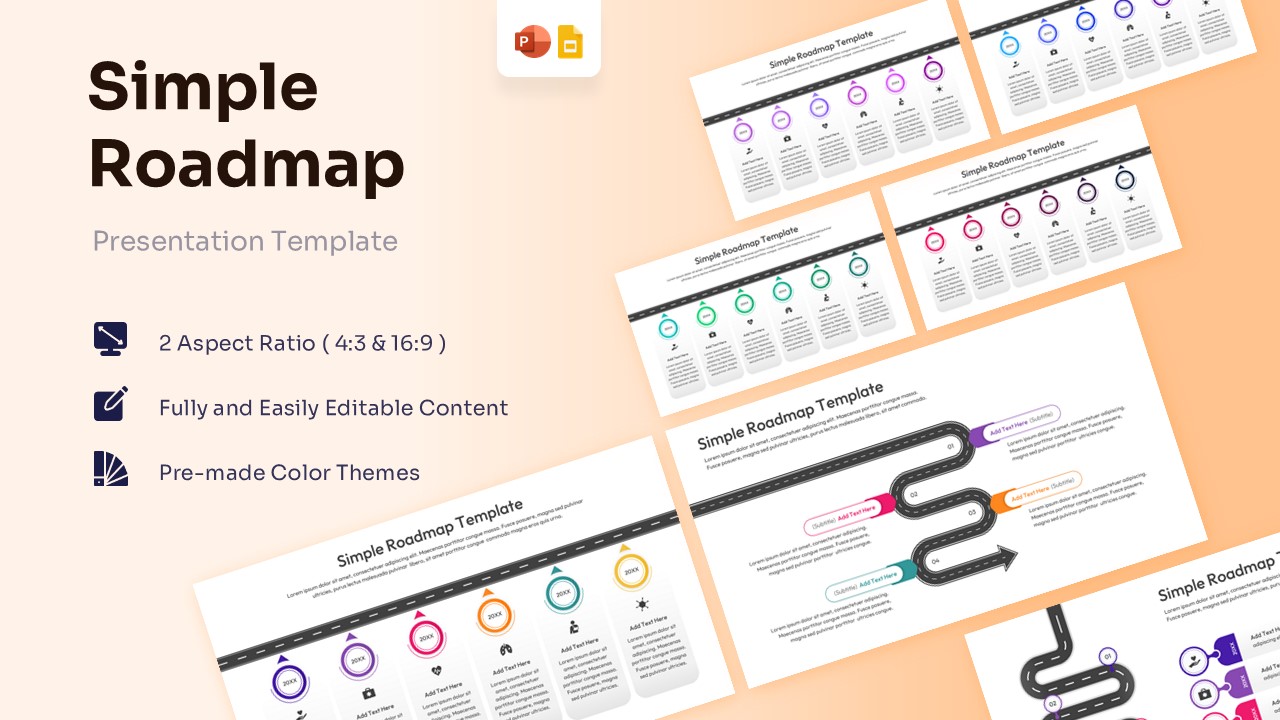
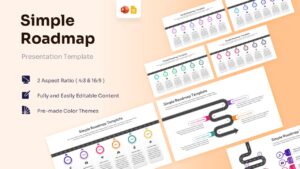
Simple Project Roadmap Presentation Template
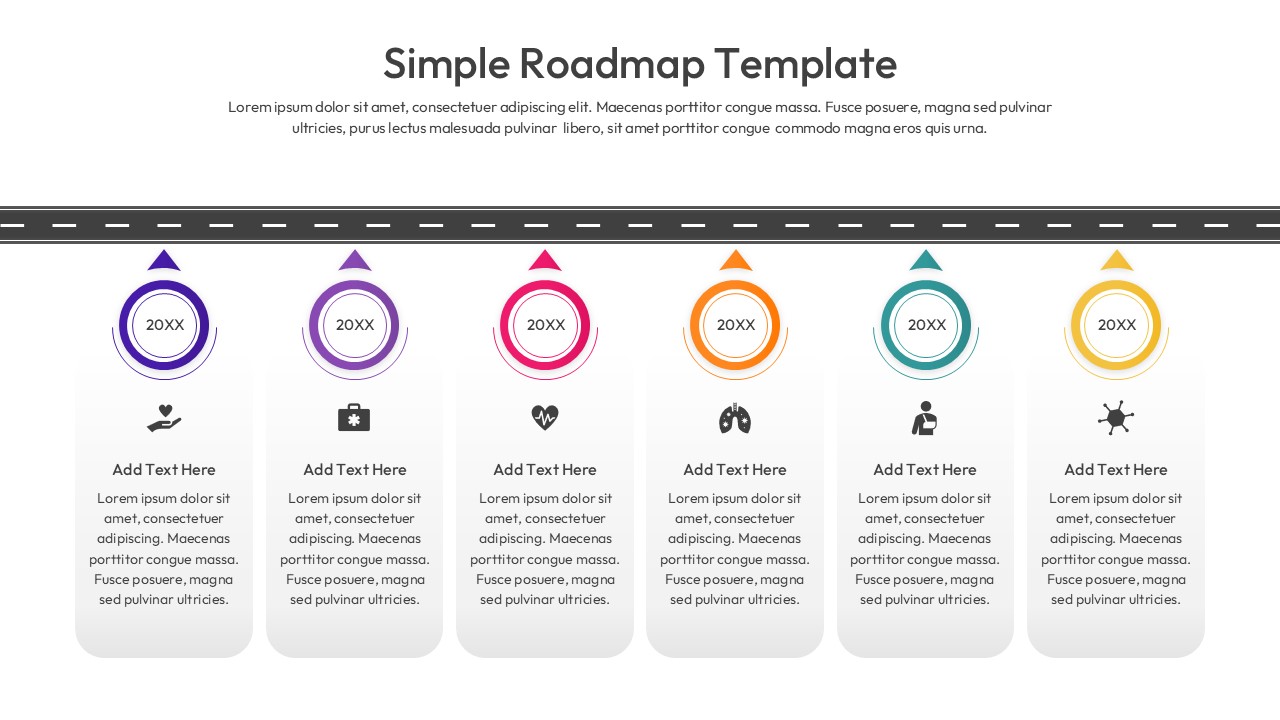
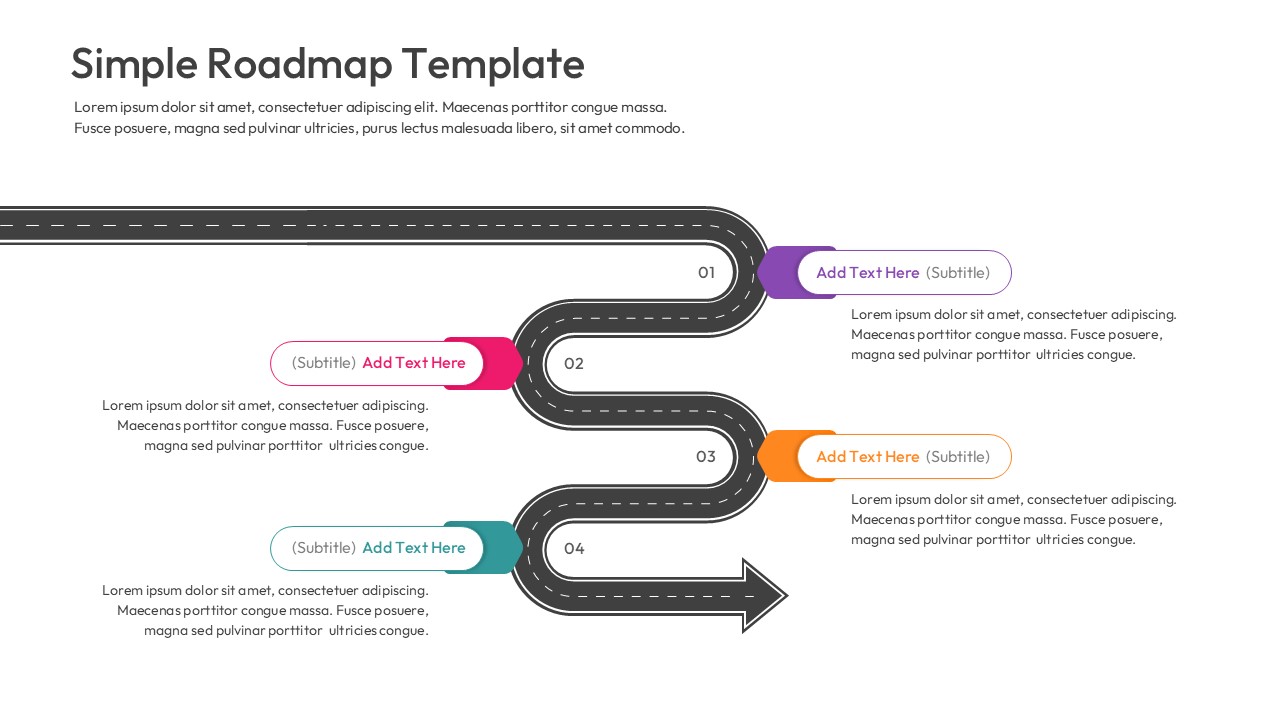
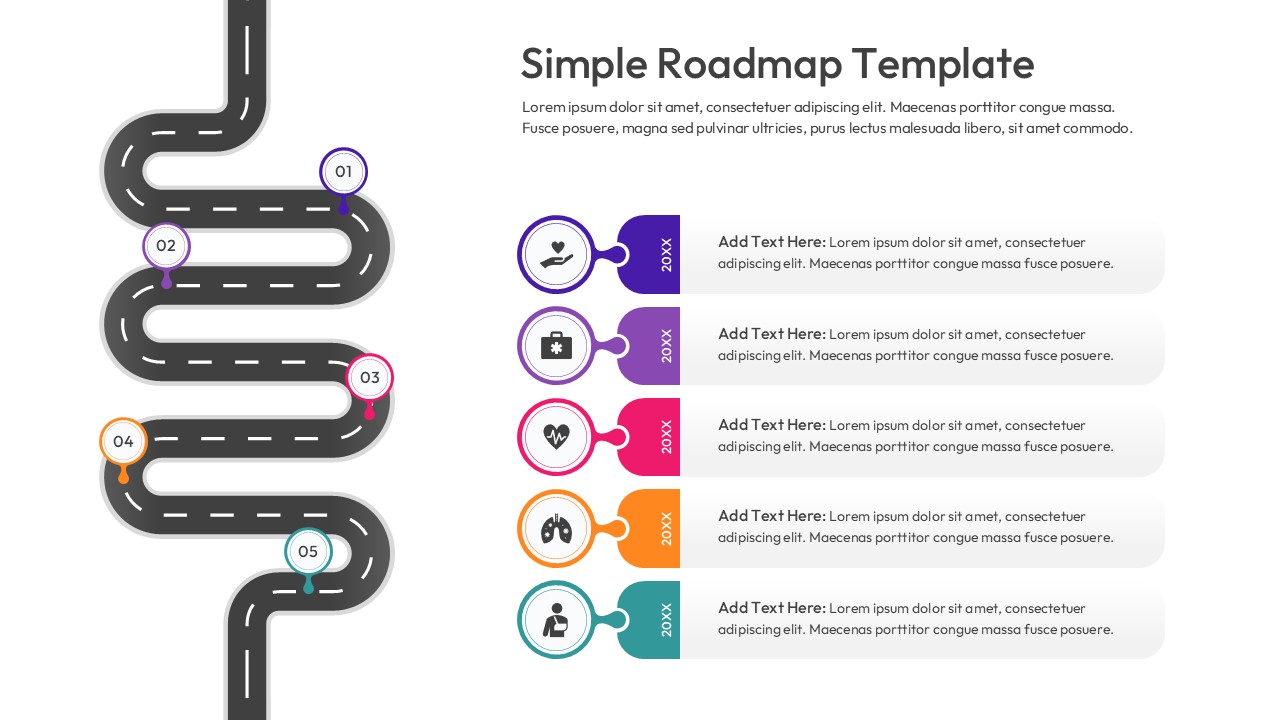
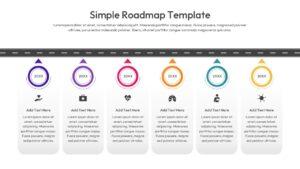
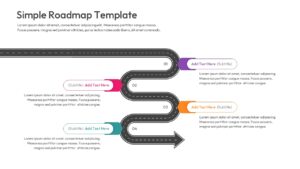
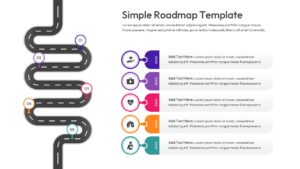
The Simple Roadmap Template, perfect illustrate project milestones and strategic timelines, product launch briefings, and stakeholder performance reviews. This process infographic template visually maps key phases, core tasks, and yearly goals in a connected format. It includes labeled sections for custom descriptions, specific dates, and representative icons. This roadmap infographic shows how these components move through a structured multi-step workflow to produce successful project delivery results. Winding road graphics and colorful vector markers help present system relationships in a clear sequence. The slide keeps technical information organized without overcrowding the layout.
When to Use This Roadmap Template
Use this template when presenting quarterly business reviews, product development lifecycles, or long-term company visions. It is suitable for executive board meetings, agile sprint retrospectives, and client pitch presentations. The layout supports clear explanation of infographics timeline category processes to both technical and business audiences.
Customization and Editing Options
Users can edit all labels, headings, and descriptions in PowerPoint or Google Slides. Colors can be updated to match corporate branding. Diagram shapes and elements can be resized or repositioned to fit additional details. The text placeholders, vector road paths, and year milestones can be adjusted to reflect organization-specific terminology. Additional slides can be duplicated to expand the explanation.
Key Features
- 100% Vector-Based Graphics
- Fully Layered & Organized
- Multi-Platform Support
- Theme Color & Theme Font
Frequently Asked Questions
- How do I change the colors of the roadmap?
- You can easily change the colors by using the \"Slide Master\" view or the \"Theme Colors\" setting in PowerPoint and Google Slides to match your corporate branding.
- Can I add more milestones to the road graphic?
- Yes, all elements are 100% vector-based. You can copy and paste existing icons or dots to add as many steps as your project requires.
- Is this template compatible with Keynote?
- While designed for PowerPoint and Google Slides, you can import the .pptx file into Keynote, and most elements will remain fully editable.
Related Templates
-
 Free
Free -
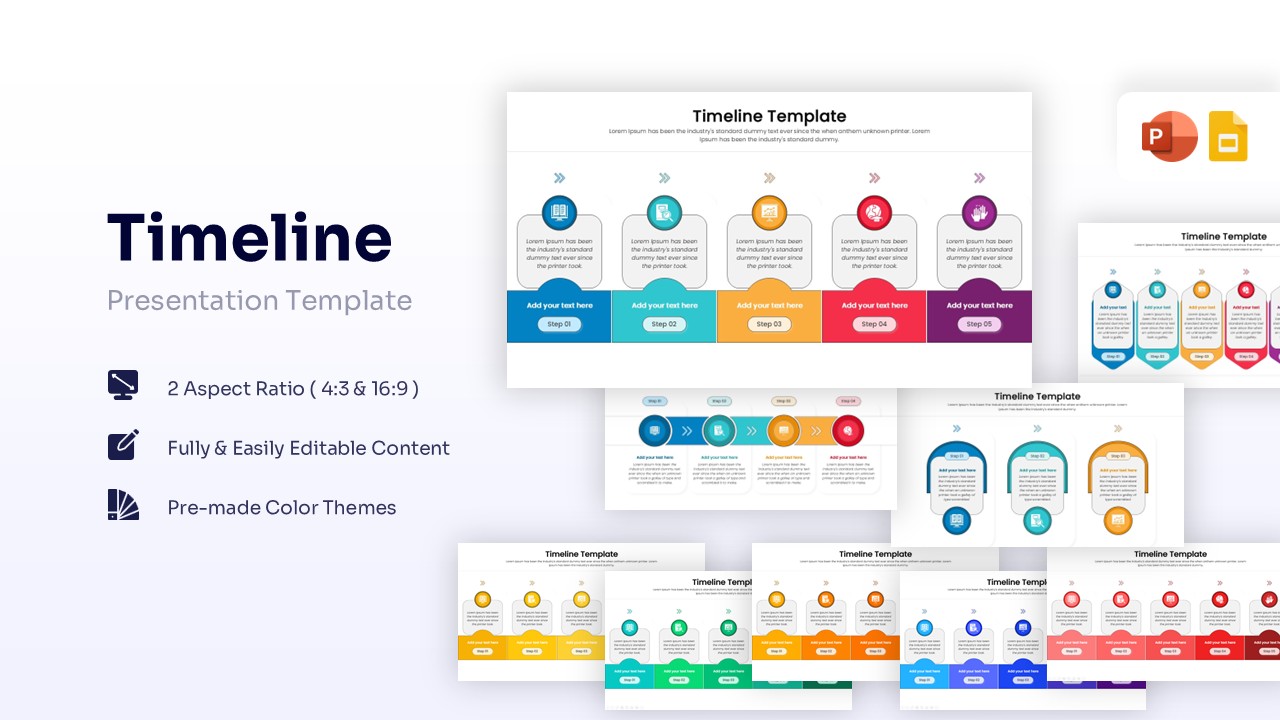
Timeline Infographic Template for PowerPoint & Google Slides
Free Templates
Free -
-
 Free
Free