
Professional Go To Market Strategy Template for PowerPoint & Google Slides
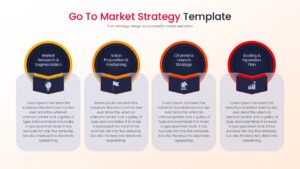
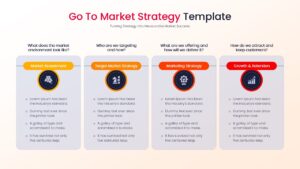
Market Entry Strategy Presentation Template
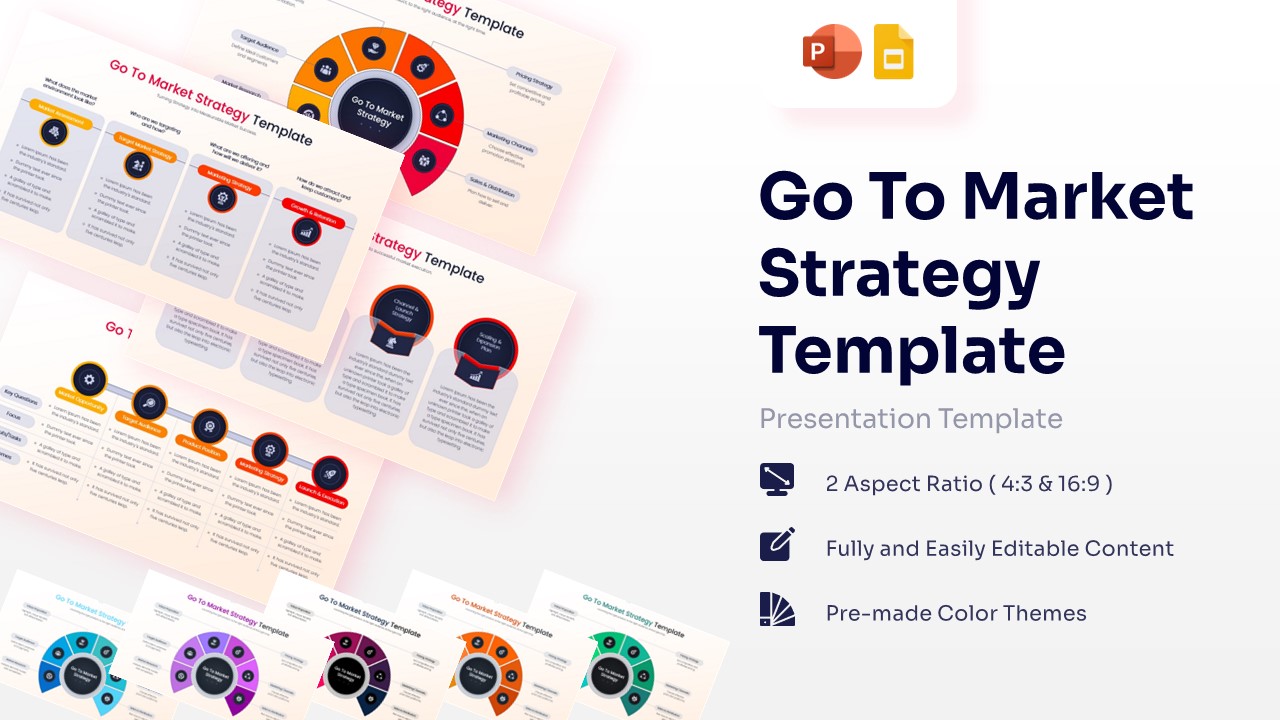
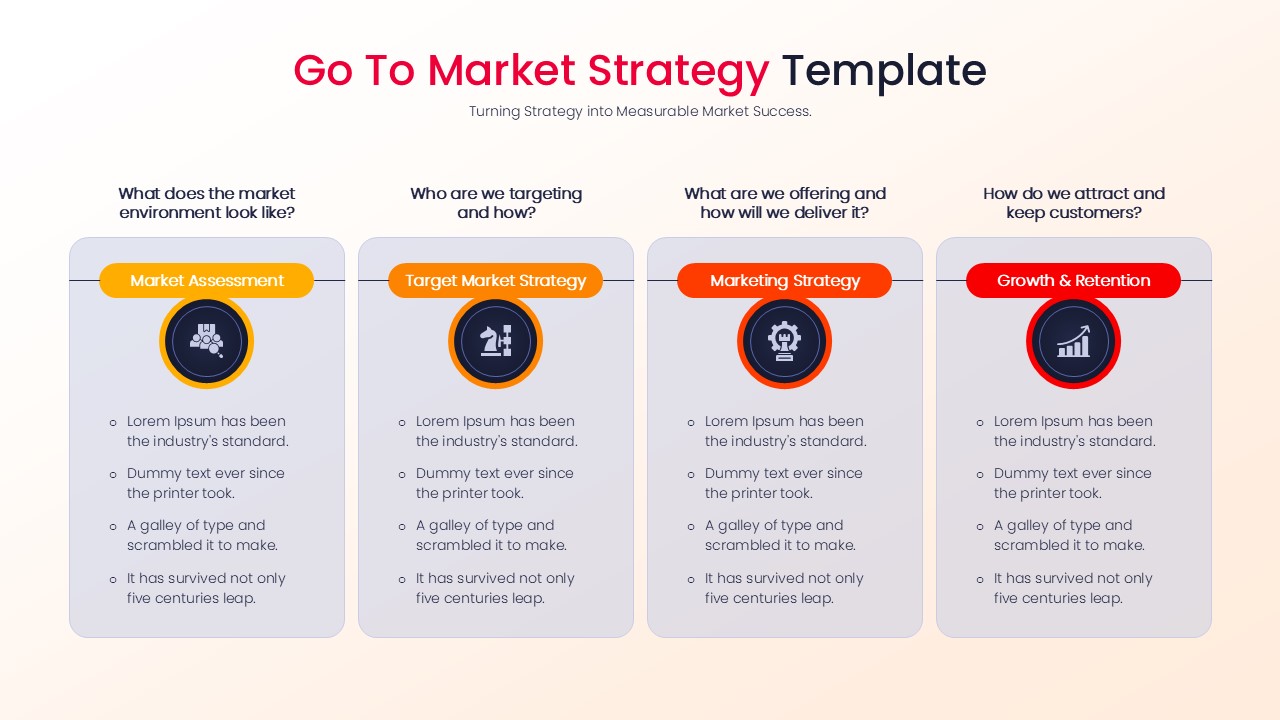
The Go To Market Strategy Template prioritizes clarity and a logical flow of information with a professional and structured design. This presentation includes a balanced mix of conceptual, strategic, and analytical slides that guide audiences from market research and audience segmentation through positioning, marketing execution, launch planning, and growth initiatives, ensuring a cohesive narrative from opportunity identification to market expansion.
The dominant navy blue color conveys trust, authority, and strategic confidence, while the vibrant orange-to-red gradient accents introduce energy, innovation, and forward momentum, making key insights immediately visible.
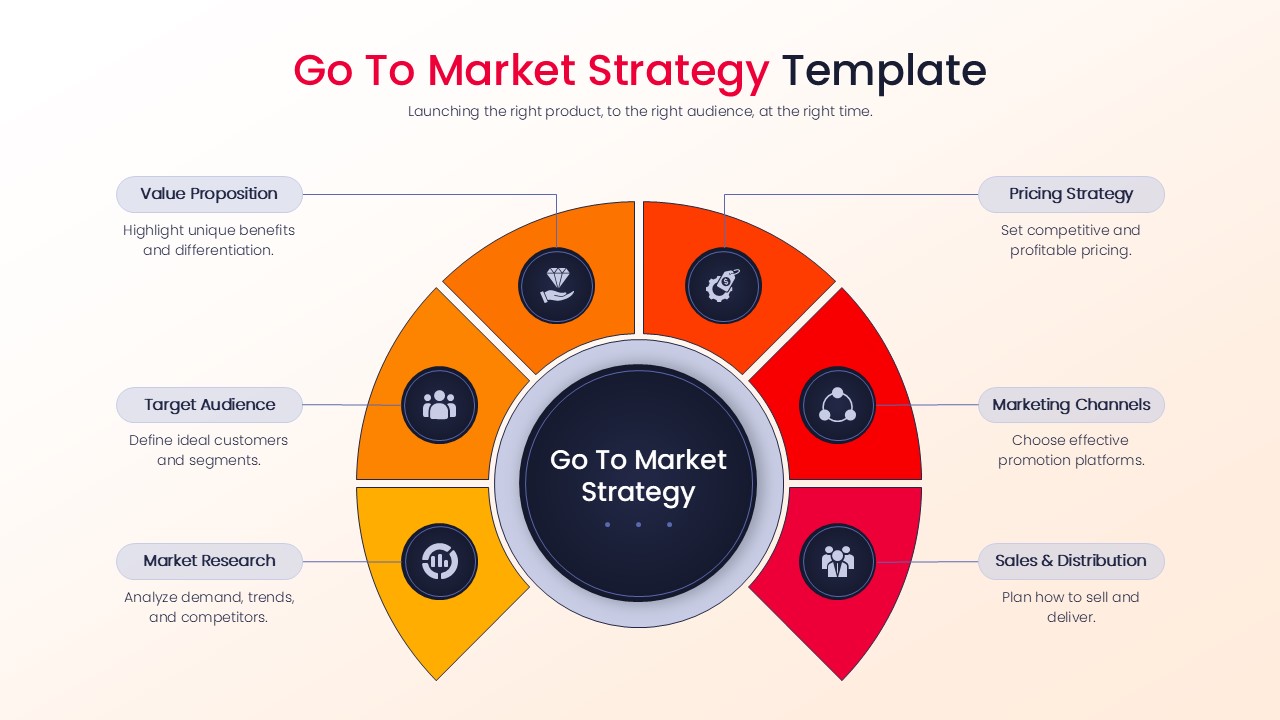
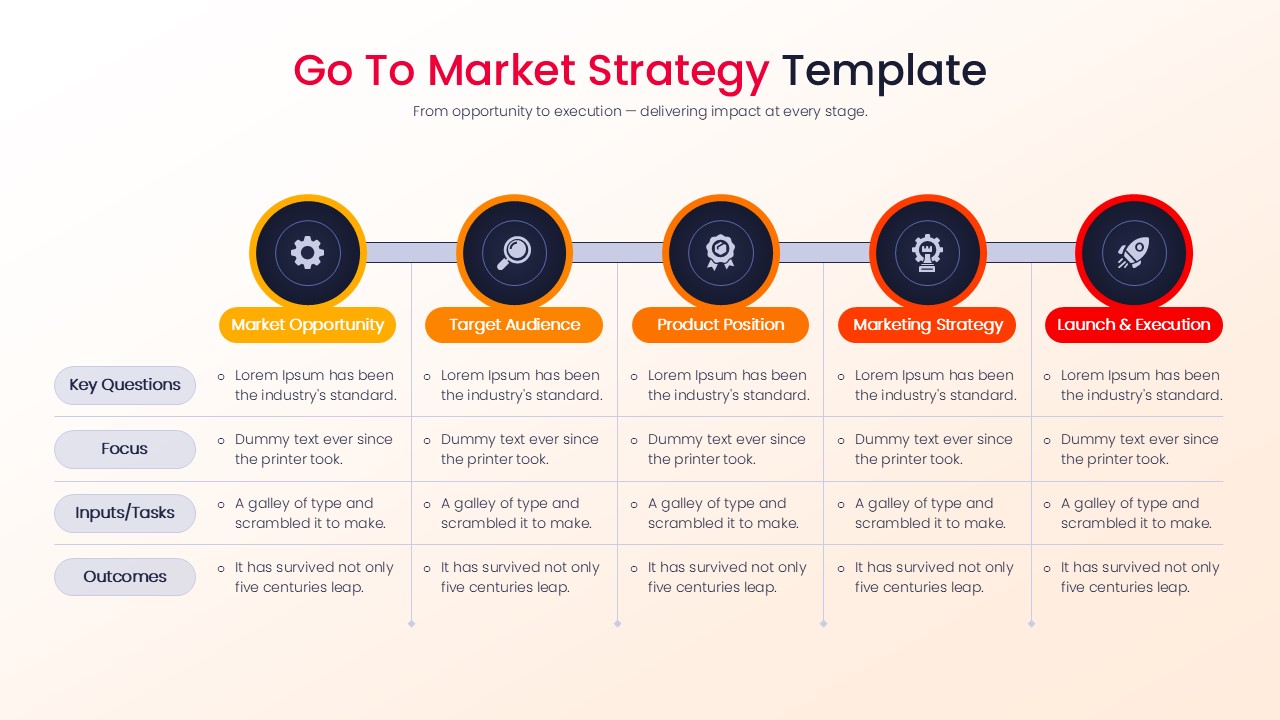
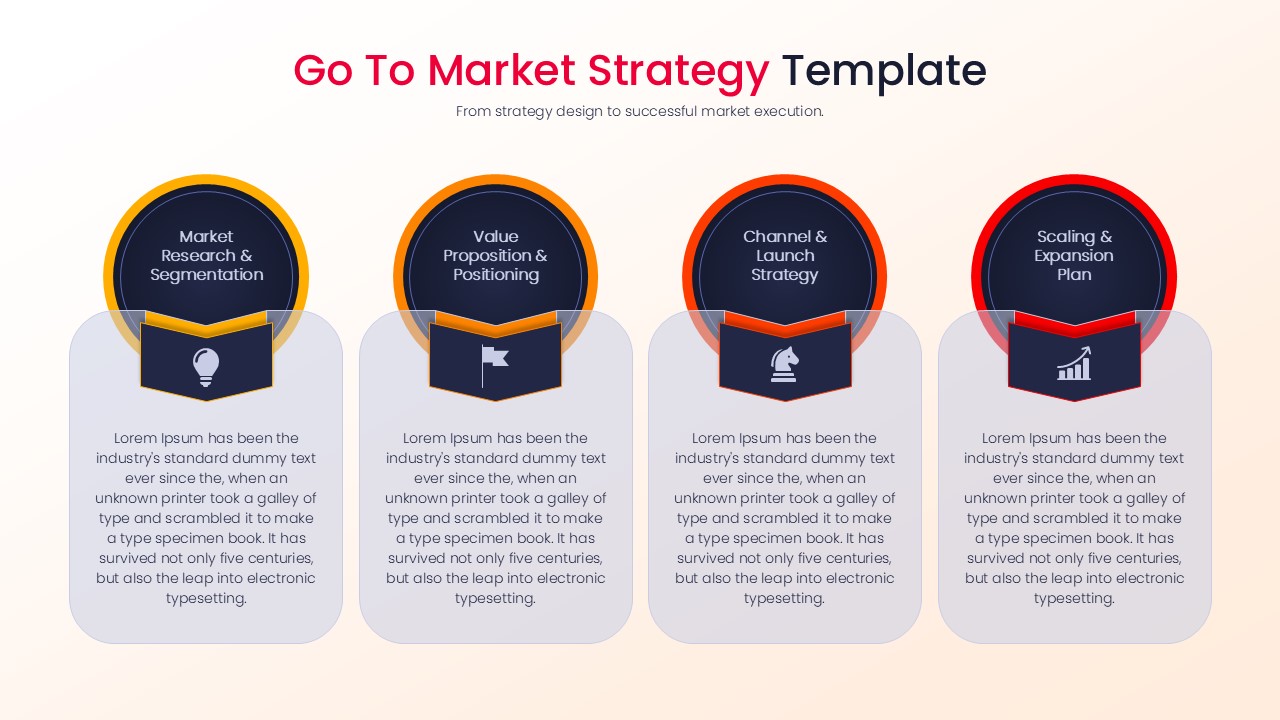
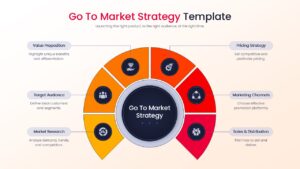
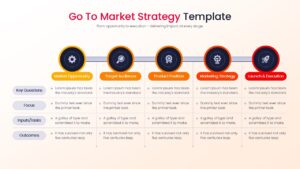
The deck features circular strategy frameworks, process timelines, segmented roadmap layouts, structured comparison matrices, hub-and-spoke diagrams, and half-circle infographic models that transform complex go-to-market planning into digestible visual summaries. It also integrates structured business planning elements commonly found in comprehensive business strategy presentation slides and professional marketing plan infographic templates, helping teams communicate priorities, execution phases, and measurable outcomes with precision. This PresentoVerse template is perfect for formal business environments, particularly for product launch planning, startup market entry presentations, and corporate growth strategy reviews.
Key Features
- 100% Vector-Based Graphics
- Fully Layered & Organized
- Multi-Platform Support
- Theme Color & Theme Font
- 2 Aspect Ratios (4:3 & 16:9)
Frequently Asked Questions
- Can I change the colors of the circular strategy diagrams?
- Yes, all elements are vector-based, allowing you to change colors to match your brand identity with just a few clicks.
- Does this template work on both Mac and Windows?
- Absolutely. The file is fully compatible with PowerPoint on both operating systems and works seamlessly in Google Slides.
- Are the icons included in the download?
- Yes, all professional icons shown in the preview are included and are fully editable within the presentation software.
Related Templates
-
-
-
-
 $3.99
$3.99