
Free Branch Timeline Chart Template
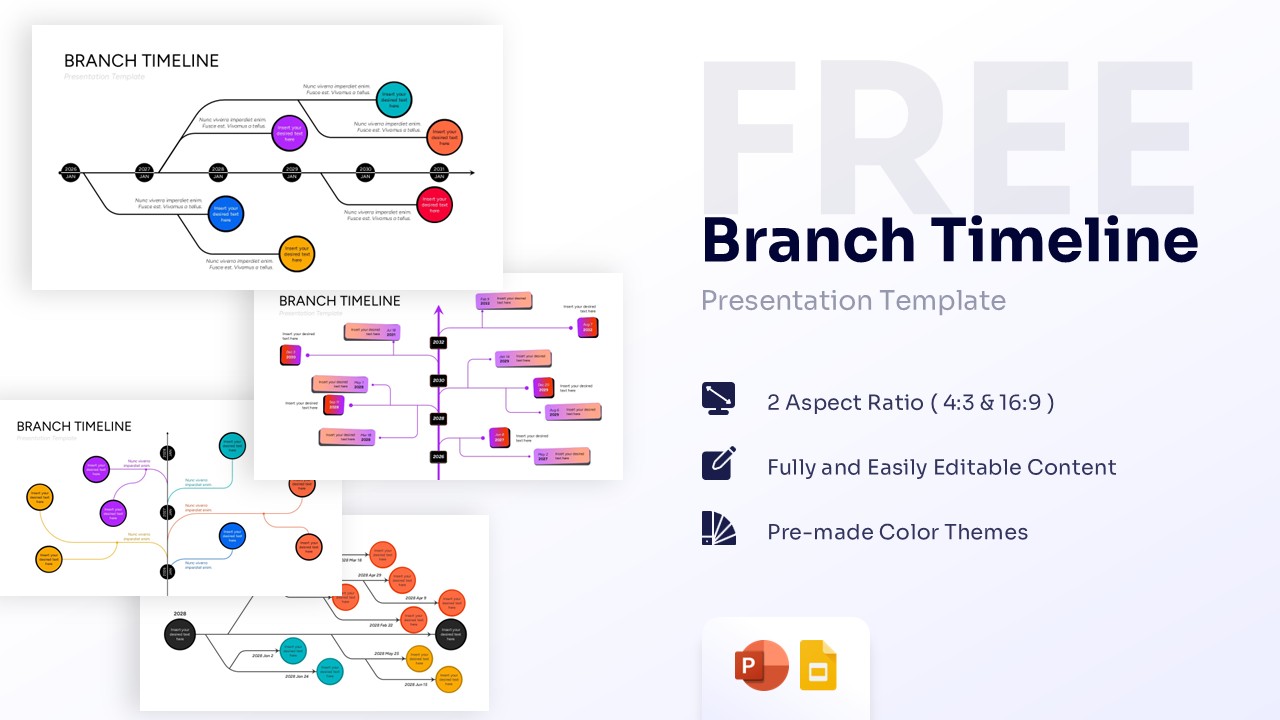
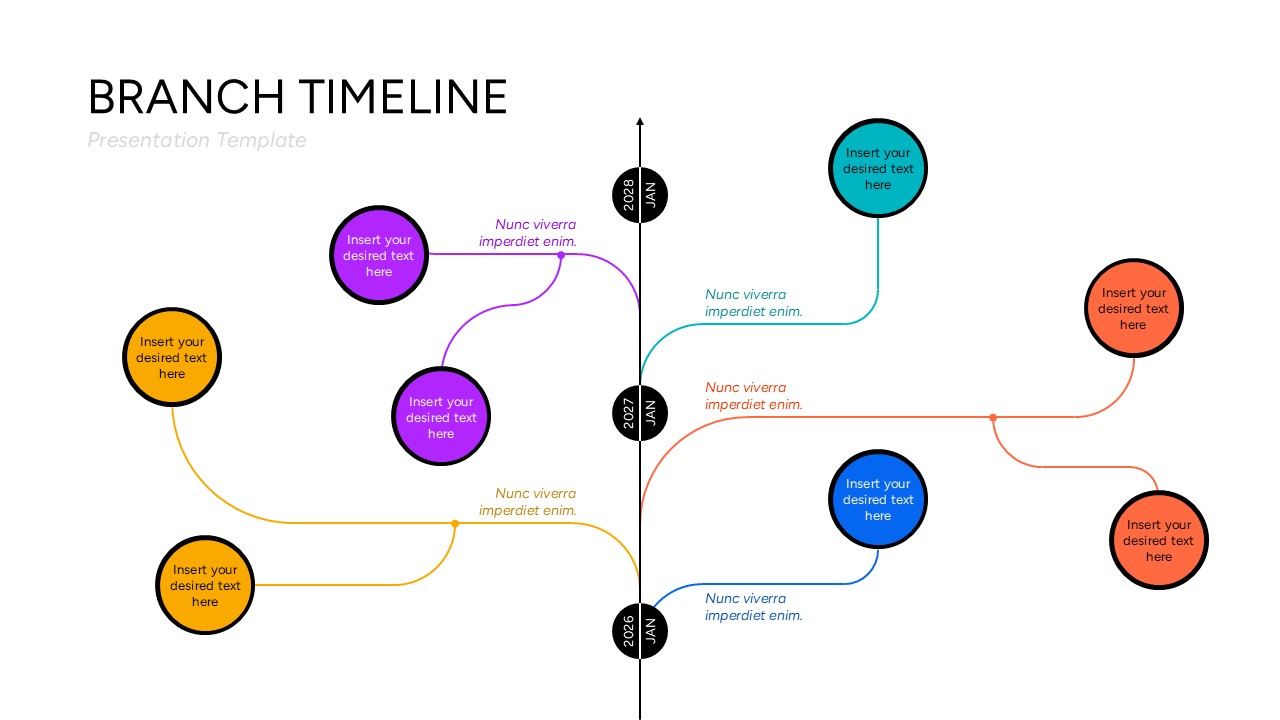
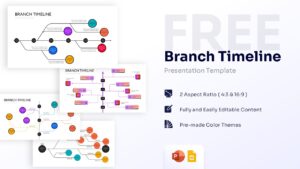
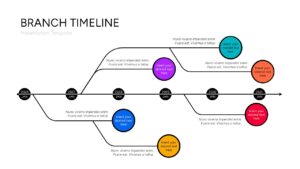
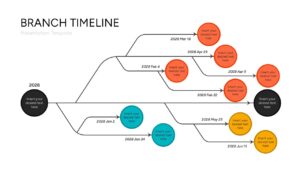
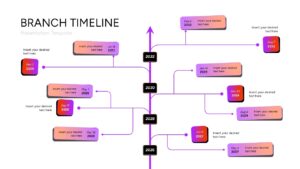
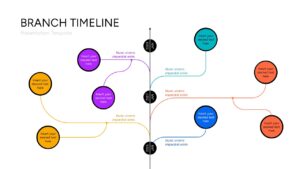
Divergent Timeline Diagram for PowerPoint and Google Slides
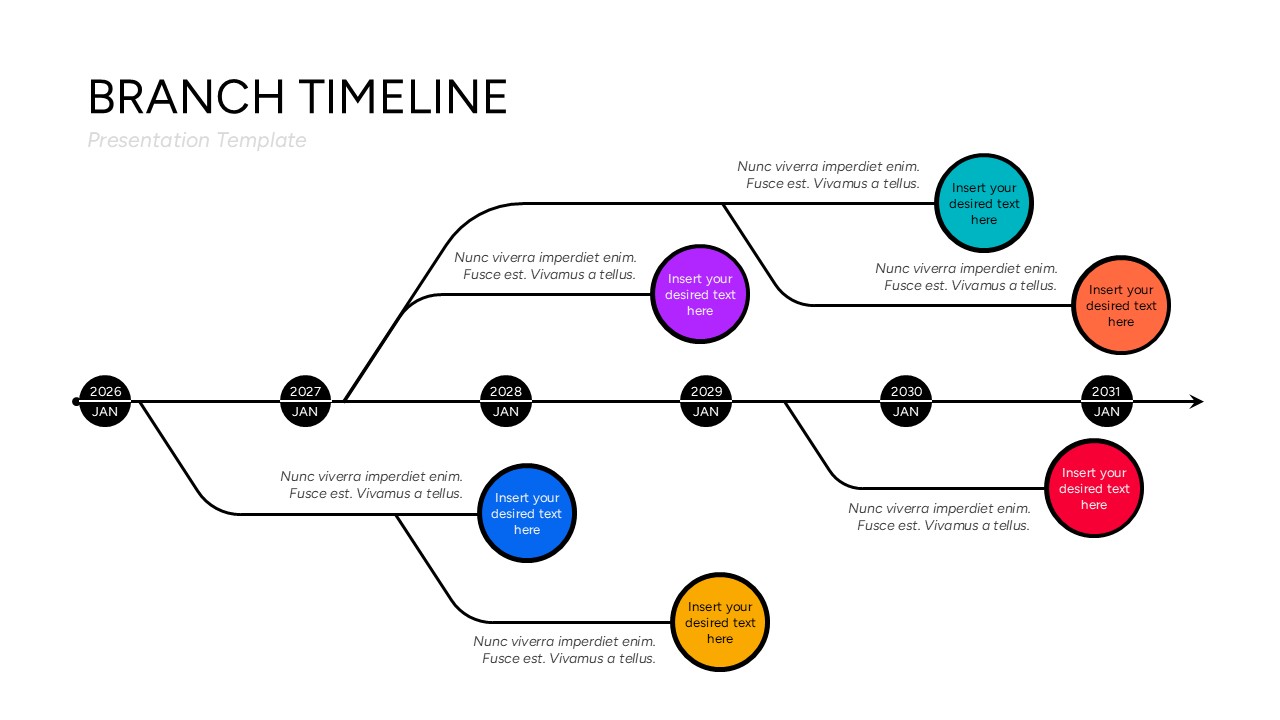
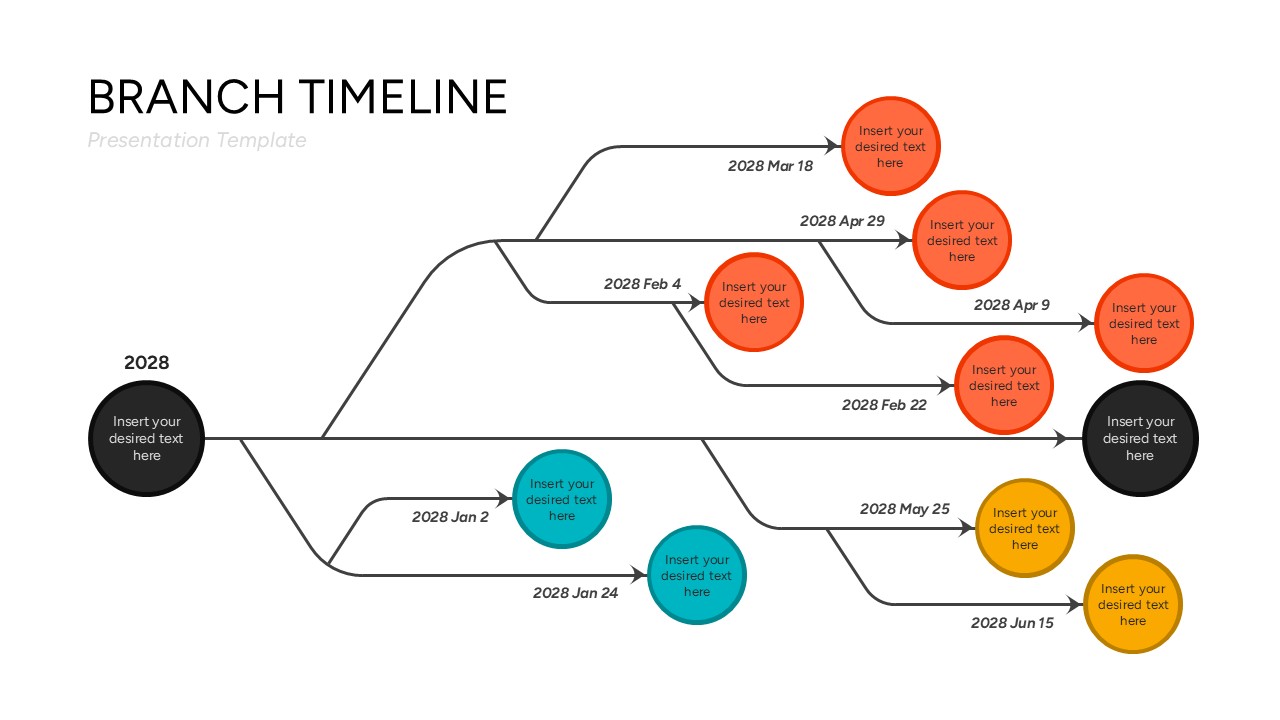
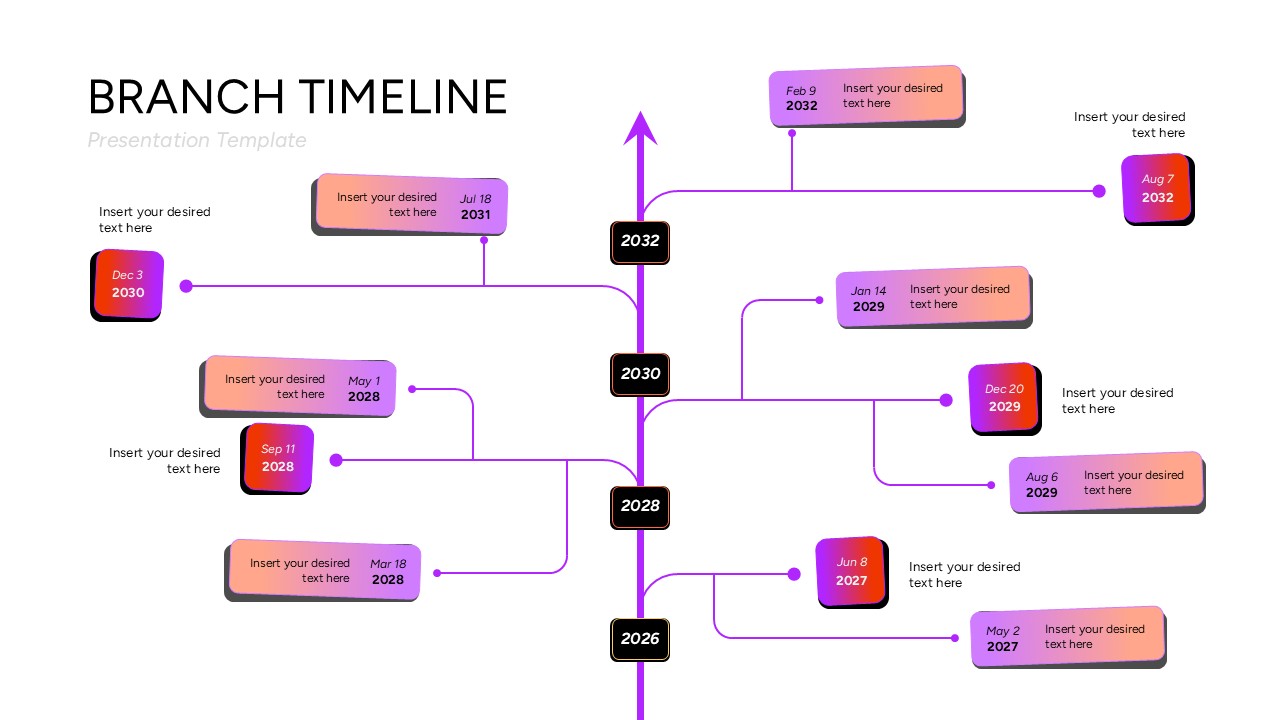
Fuel your next corporate briefing with this sophisticated branch timeline PowerPoint template and Google Slides. Set against a clean white backdrop accented by vivid nodes of electric purple, deep blue, clean cyan, and warm orange gradients, the design exudes a sleek, high-end professional atmosphere. This deck is perfect for data-heavy executive briefings, agile sprint planning sessions, or cross-functional team updates where deploying clear divergent timeline diagrams ensures everyone stays aligned. The layouts integrate clean horizontal paths, balanced vertical axes, fluidly curved branch connections, and crisp circular or rectangular info blocks that present complex tracking schedules with maximum readability.
If you’re sketching out an ambitious five-year corporate expansion plan, or delving into intricate quarterly software release schedules, or even sharing feedback on departmental restructuring initiatives, this infographic templates has you covered. This branch timeline template equips you with the essential presentation tools to articulate multifaceted concepts clearly and convey your core message to key stakeholders with absolute confidence.
Download it now to completely transform your content layout. Enhance your presentations with these crafted slides! Find more such branching roadmap slides for engaging presentations. These templates are compatible with both PowerPoint and Google Slides.
Key Features
- 100% Vector-Based Graphics
- Fully Layered & Organized
- Multi-Platform Support
- Theme Color & Theme Font
- Includes clean horizontal and vertical divergent layouts
- Vibrant gradient content blocks and easy-to-edit text placeholders
- Free to Use
Frequently Asked Questions
- Can I modify the color scheme of this branch timeline PowerPoint template to match my brand identity?
- Yes, every element is fully vector-based, which allows you to change line colors, adjust geometric shapes, and modify background fills effortlessly within your presentation software.
- Are the branching nodes and timelines easy to scale without losing quality?
- Absolutely, since all components are 100% vector-designed, you can resize any branch or circle as much as needed, and the graphics will stay perfectly sharp.
Related Templates
-
-
-
-
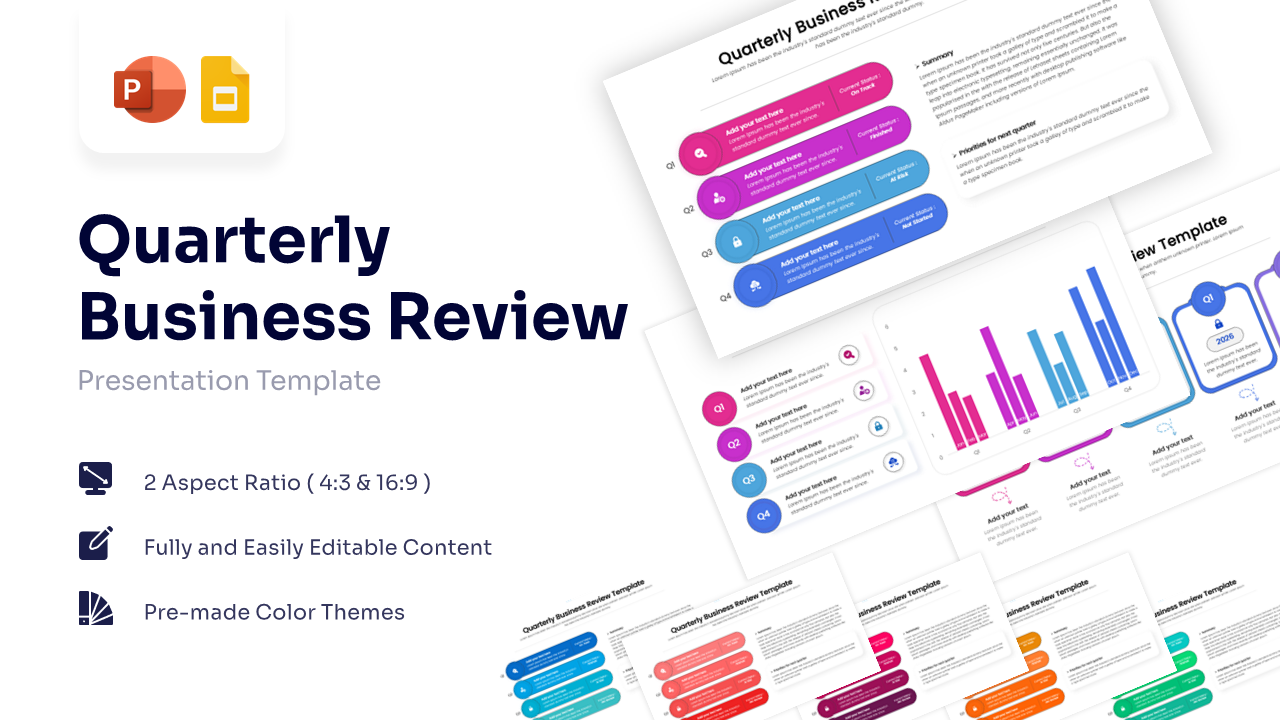
Free QBR Template for PowerPoint & Google Slides
Annual Report
Free