Classic 2×2 Grid SWOT Analysis Template for PowerPoint & Google Slides
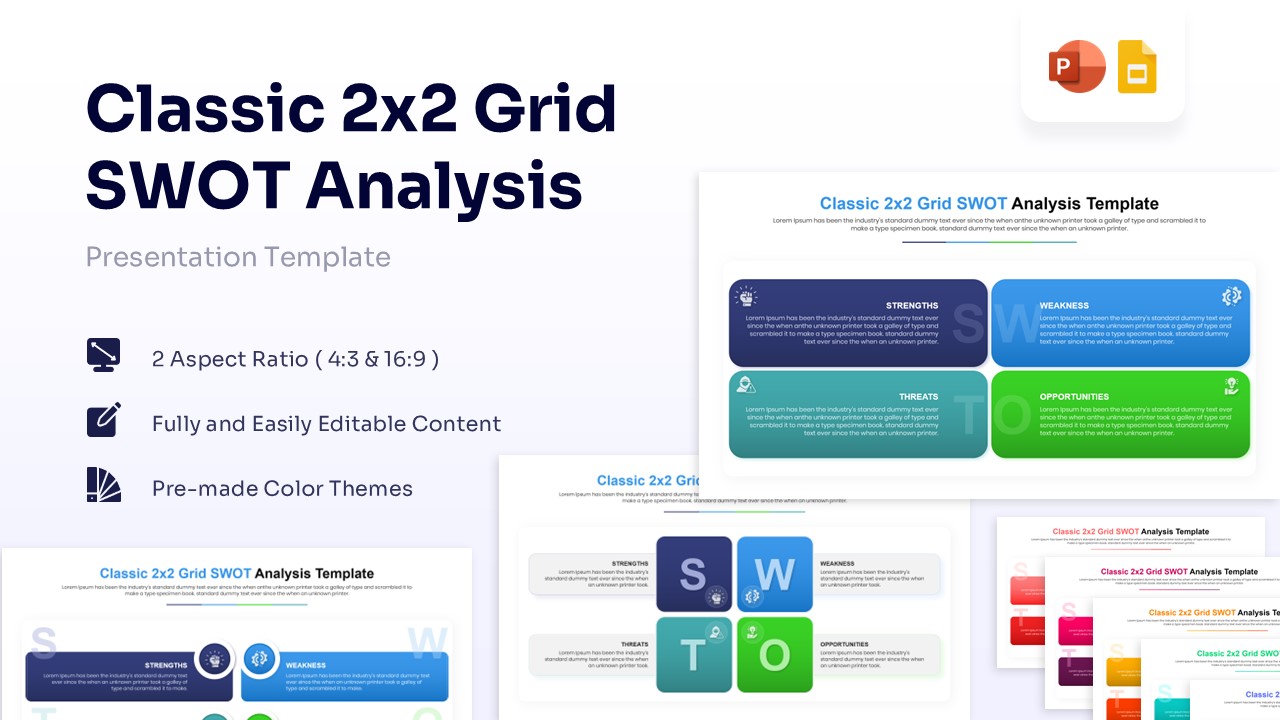
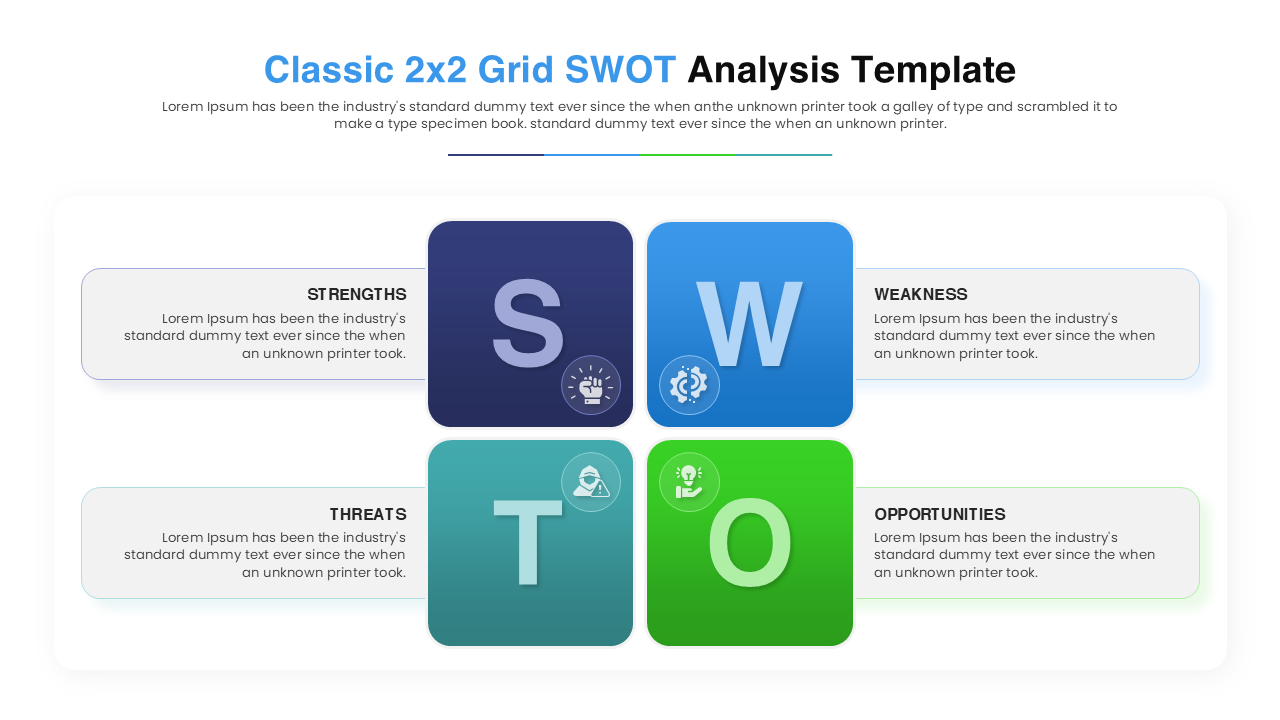
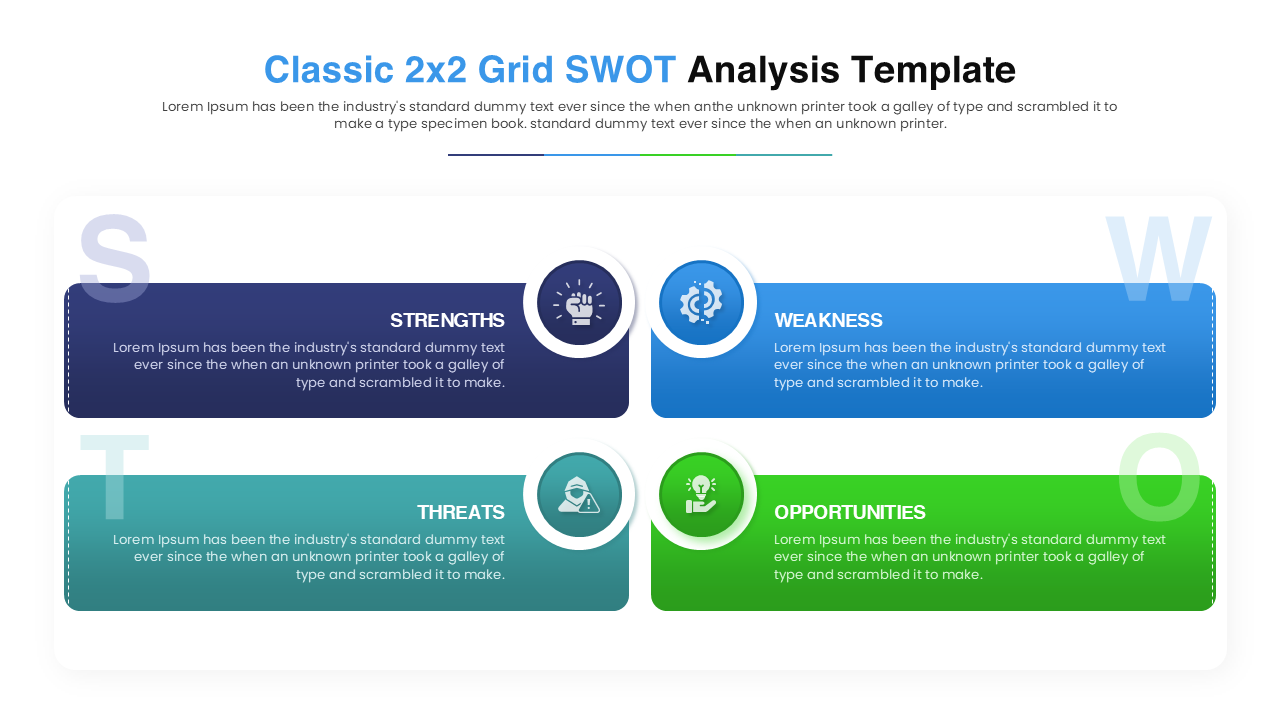
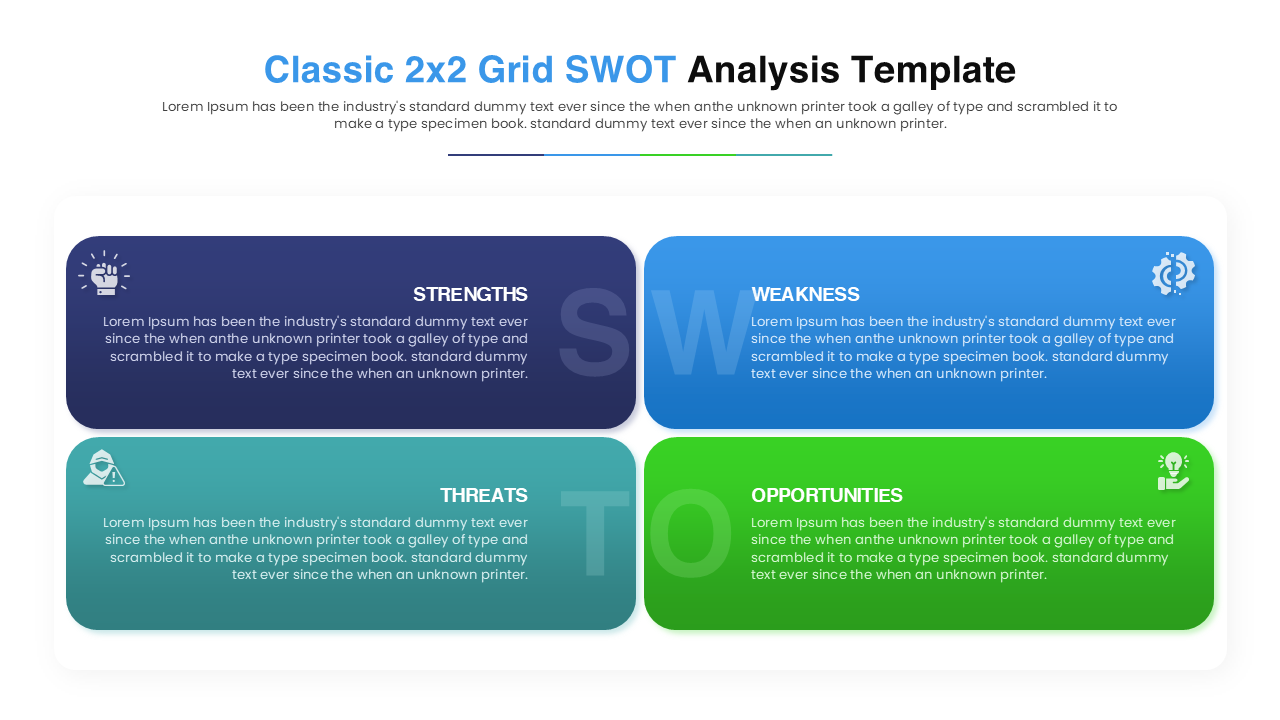
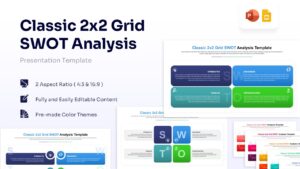
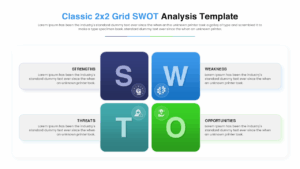
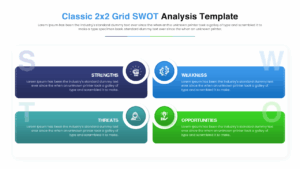
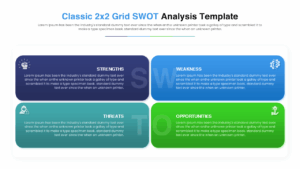
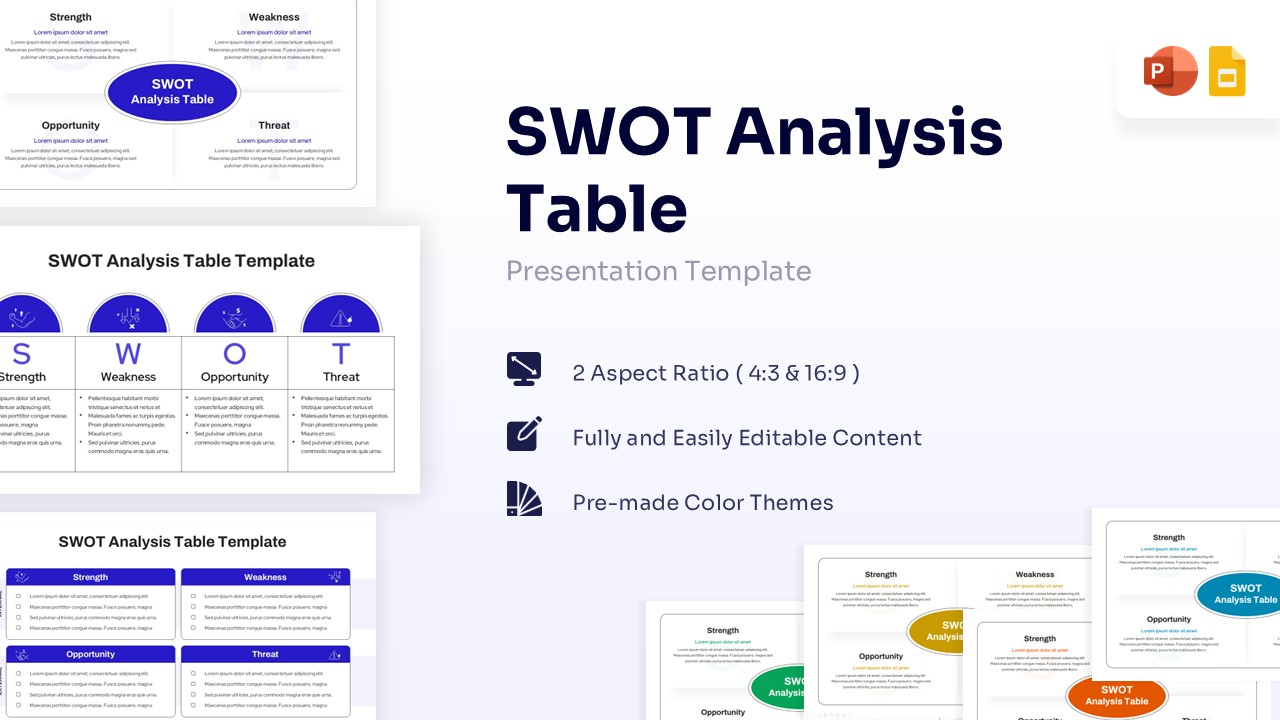
Get this PresentoVerse Classic 2×2 Grid SWOT Analysis Template that evaluates internal and external business factors. Users can clearly present core strengths, weaknesses, opportunities, and threats using this analytical layout. This SWOT diagram utilizes a cool-toned gradient color palette and clean sans-serif fonts. It features minimalist vector icons and distinct geometric shapes to separate data points.
Business executives and analysts can use this tool for strategic planning. Track market positioning effectively with these detailed business strategy infographics. This PresentoVerse Classic 2×2 Grid SWOT Analysis is available to download and use. Moreover, it can be seamlessly edited on Microsoft PowerPoint and Google Slides.
Key Features
- Two distinct layout options (Classic Grid and Linear Cards)
- 100% Vector-Based Graphics
- Fully Layered & Organized
- Theme Color & Theme Font
- 16:9 and 4:3 Aspect Ratios
Frequently Asked Questions
- Can I change the icons in the SWOT grid?
- Yes, all icons are fully editable. You can replace them with any vector icon that better suits your specific topic.
- Is this compatible with Keynote?
- While designed for PowerPoint and Google Slides, the elements are generally compatible with Keynote, though some minor adjustments may be needed.
- Can I change the colors to match my brand?
- Absolutely. The template uses theme colors, so you can easily switch the palette to match your corporate branding in just a few clicks.