5 Step Business Success Process Free Template for PowerPoint & Google Slides
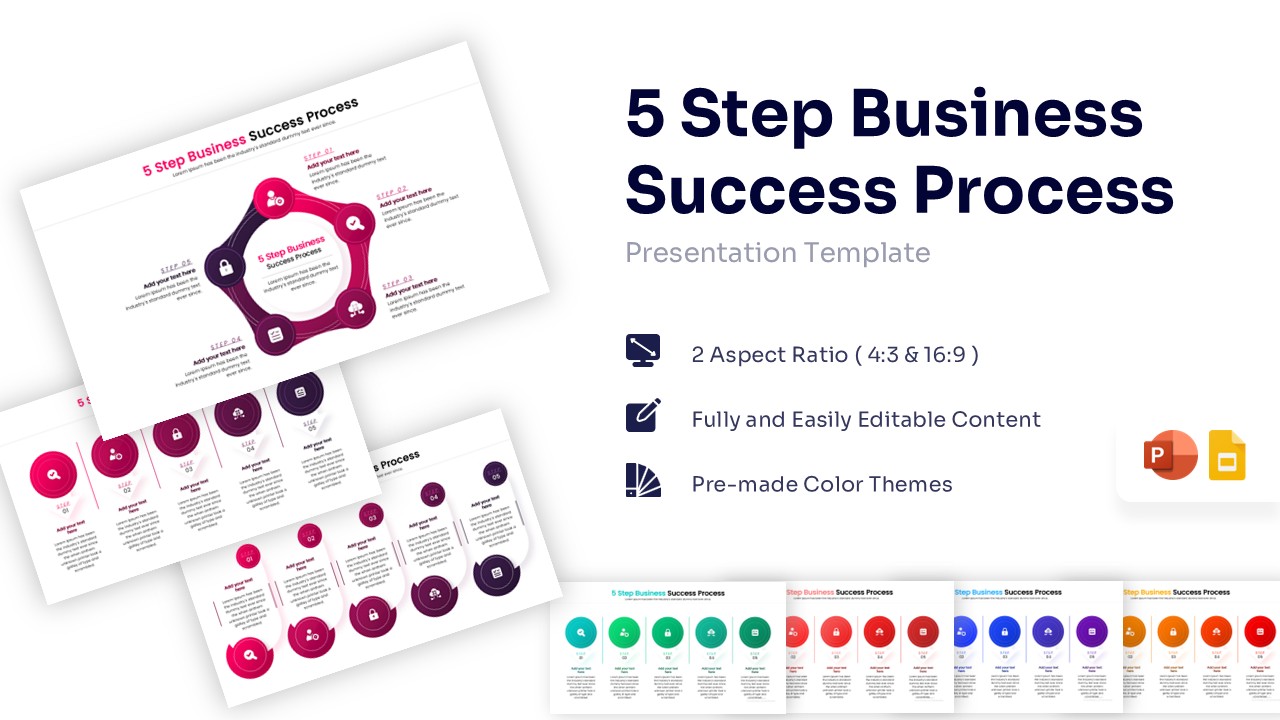
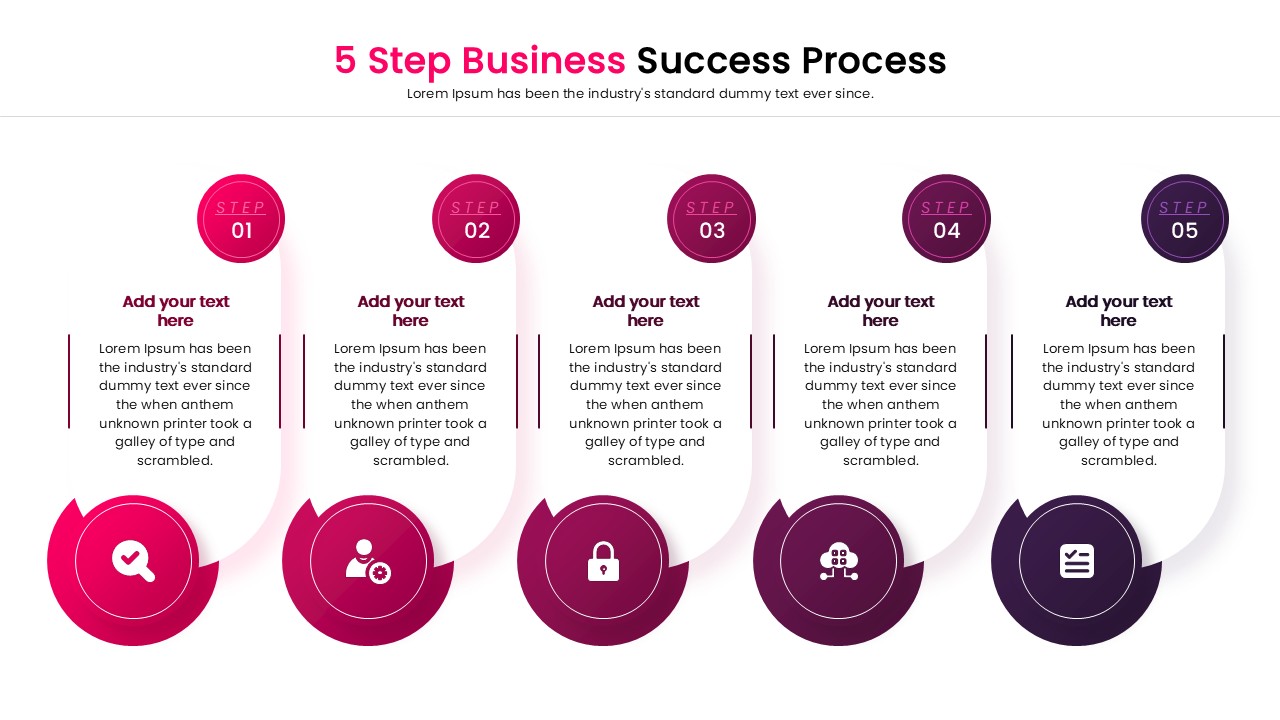
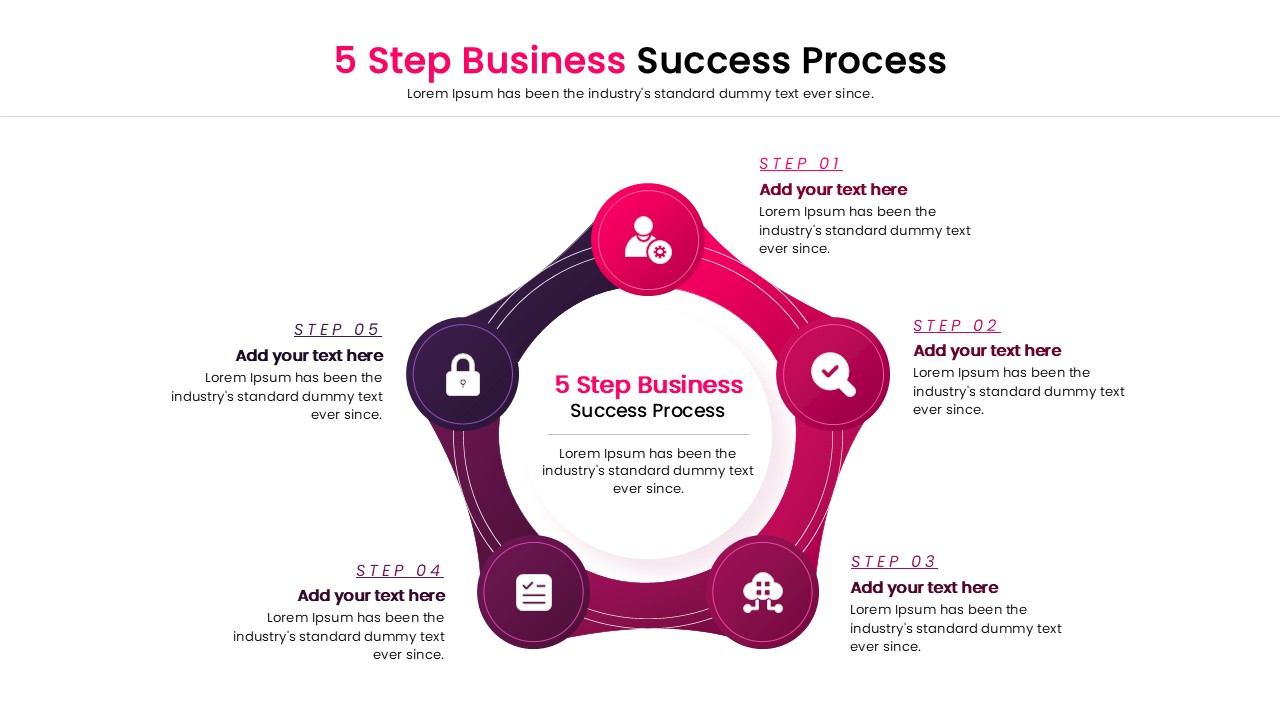
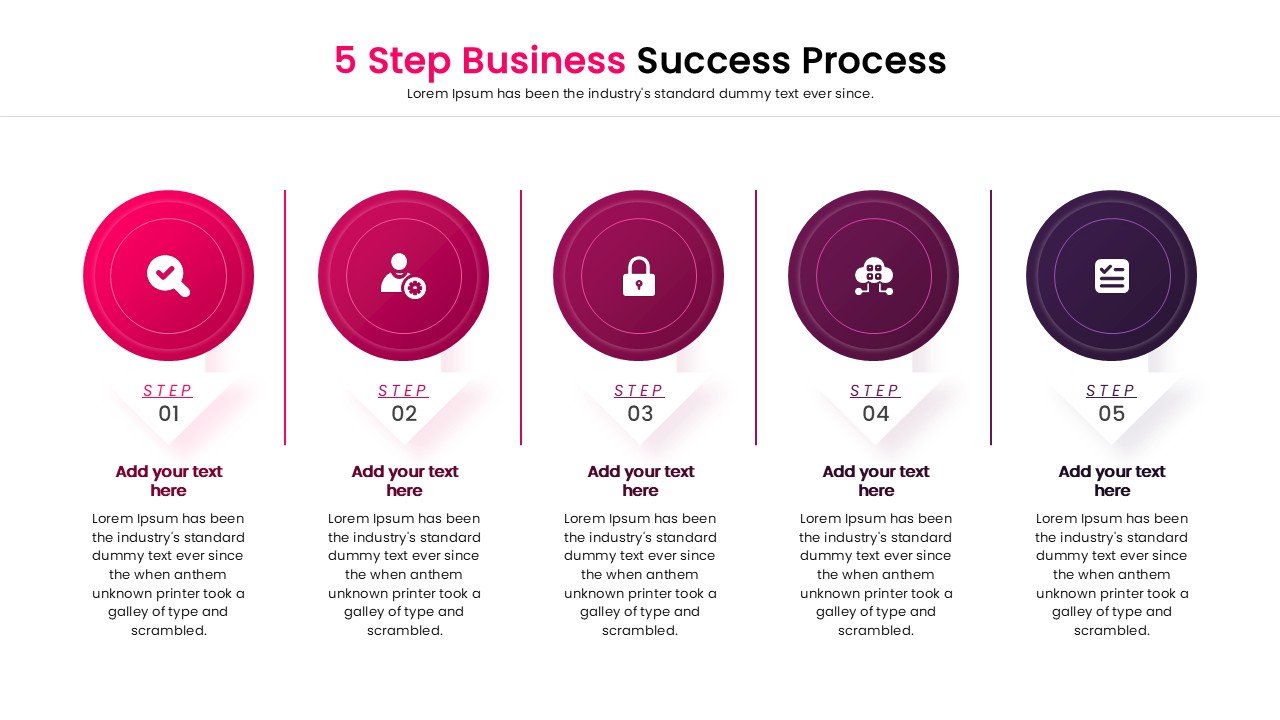
Business Success Infographic Presentation Template
Technical Details: This PresentoVerse Free 5 Step Business Success Process is available to download and use. Moreover, it can be seamlessly edited on Microsoft PowerPoint and Google Slides. Access our business plan presentation slidess to elevate your corporate meetings effortlessly.
Content Strategy: This presentation layout allows professionals to map out continuous growth frameworks and operational workflows. Users can effectively present chronological phases, milestone achievements, and core operational tactics using these structured milestones.
Visual Elements: The 5 step business success process design features a vibrant pink-to-purple gradient color palette and clean, sans-serif typography. It utilizes flat business icons, geometric circles, and fully editable vector graphics to maintain a modern aesthetic.
Recommended Usage: Corporate managers and startup founders can track project life cycles and marketing goals. Explore more process flow diagrams to display your operational sequences perfectly.
Key Features
- 100% Vector-Based Graphics
- Fully Layered & Organized
- Multi-Platform Support
- Theme Color & Theme Font
- 2 Aspect Ratios (4:3 & 16:9)
Frequently Asked Questions
- Can I change the icons in the diagram?
- Yes, all icons are fully editable vectors. You can replace them with any icon that suits your specific topic without losing quality.
- Does this template work on Mac?
- Absolutely. It is fully compatible with PowerPoint for Mac, Keynote, and Google Slides.
- Are the fonts included in the download?
- Yes, the template uses standard theme fonts that are easy to read, but you can easily switch them to your corporate typography if needed.
- How do I change the color theme?
- The template comes with pre-made color themes. You can switch between them using the Design tab in PowerPoint or manually recolor individual shapes.