Free Crawl Walk Run Fly Template for PowerPoint & Google Slides



Crawl Walk Run Fly Process Diagram for PowerPoint & Google Slides
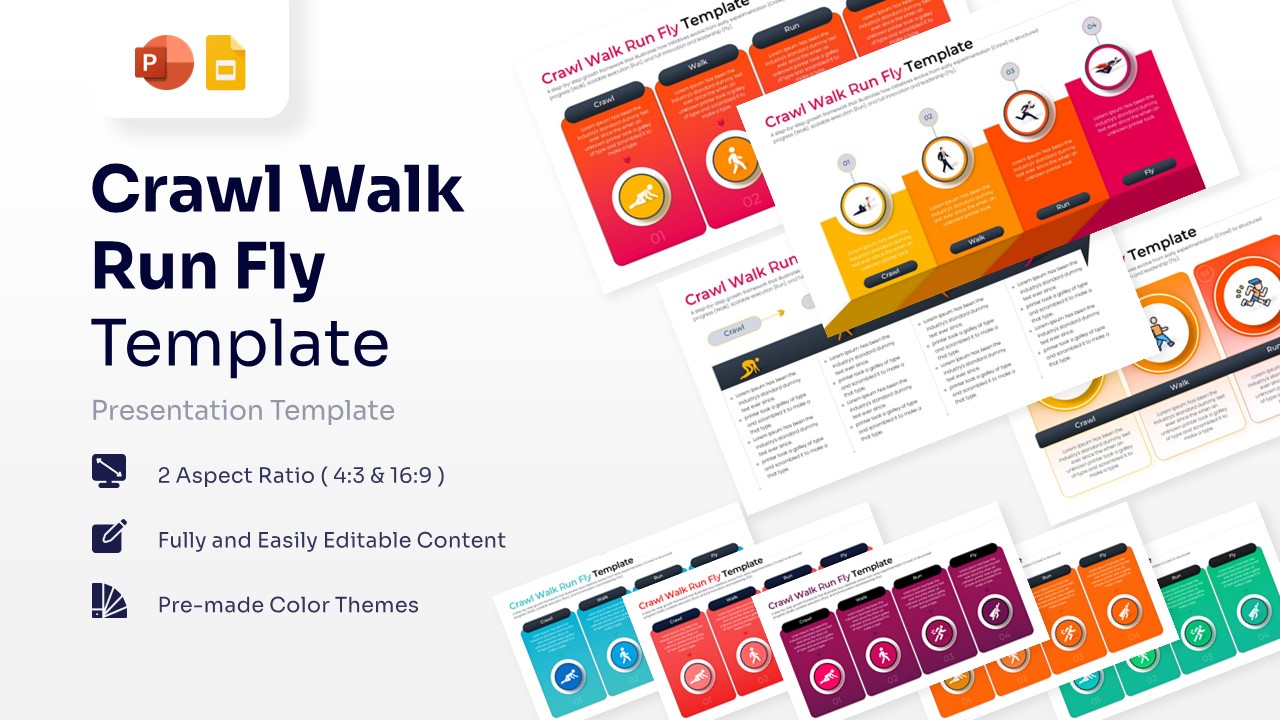
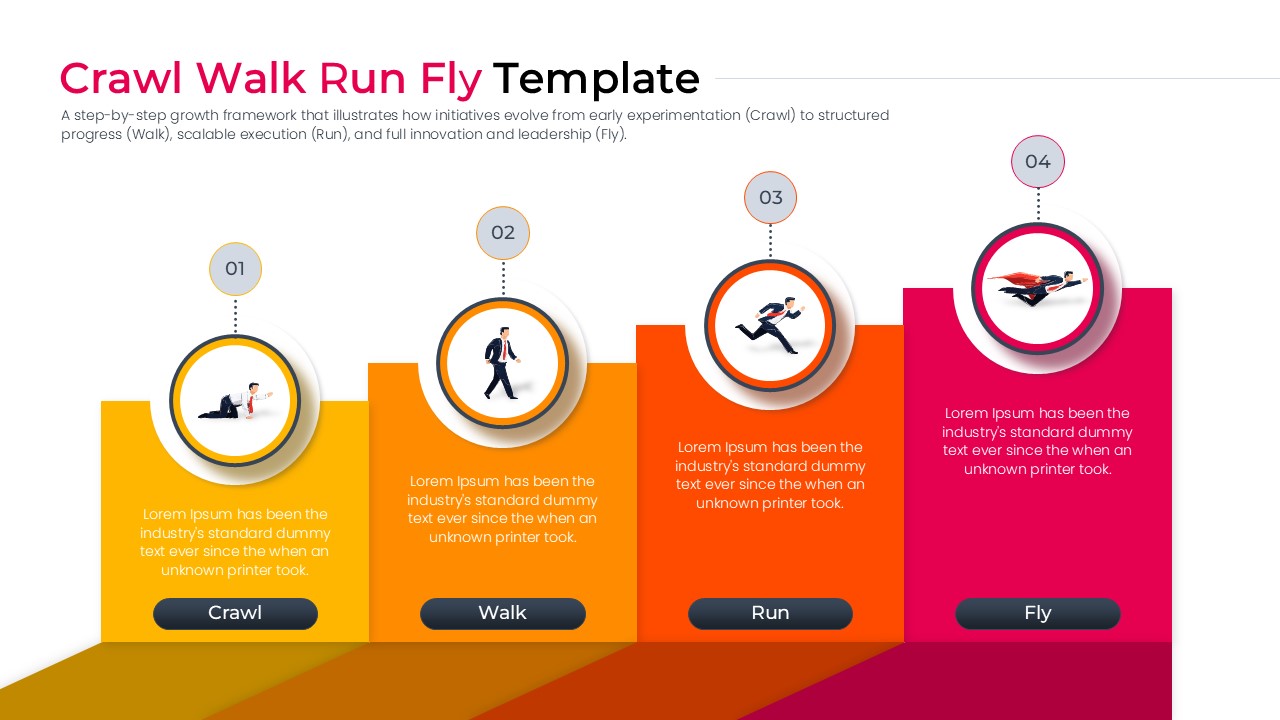
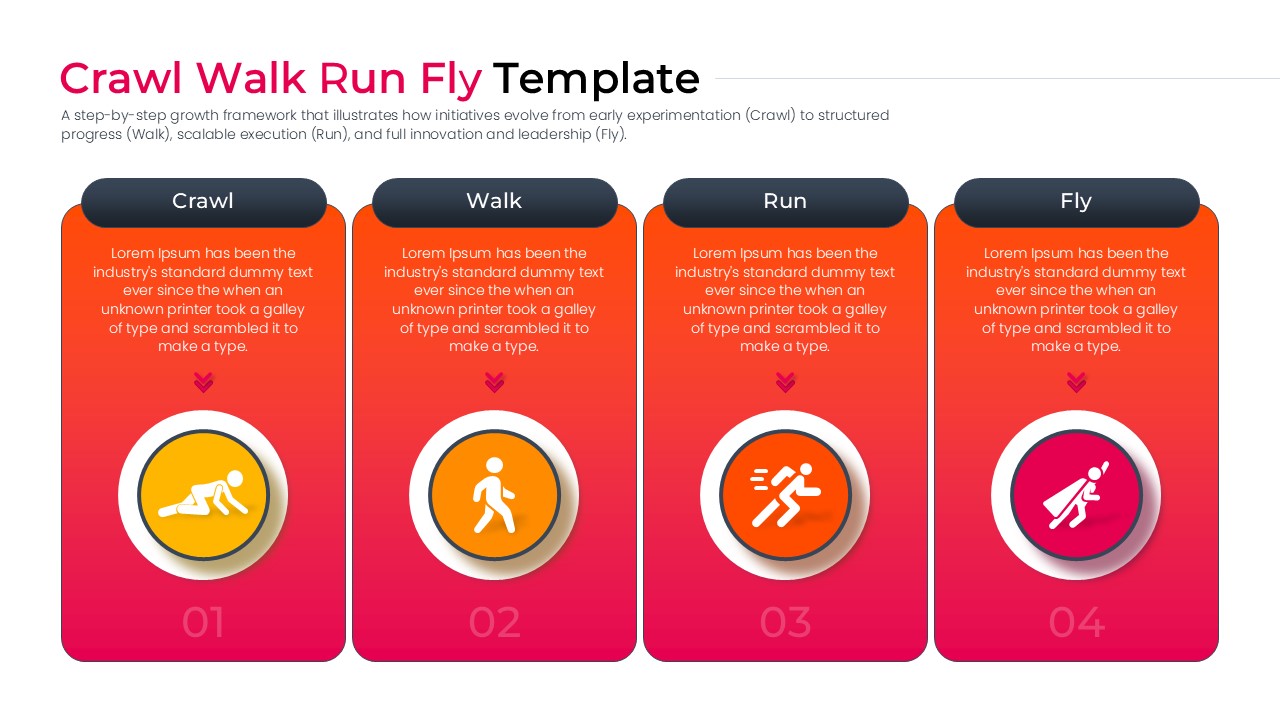
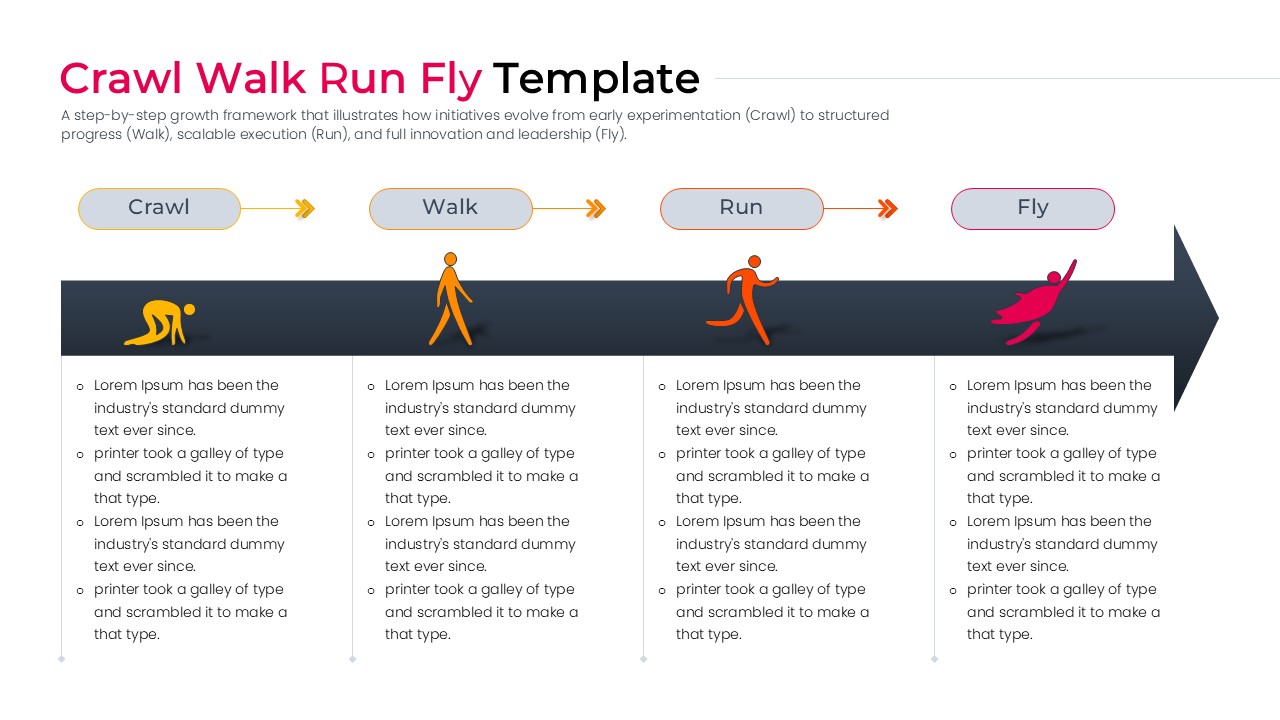
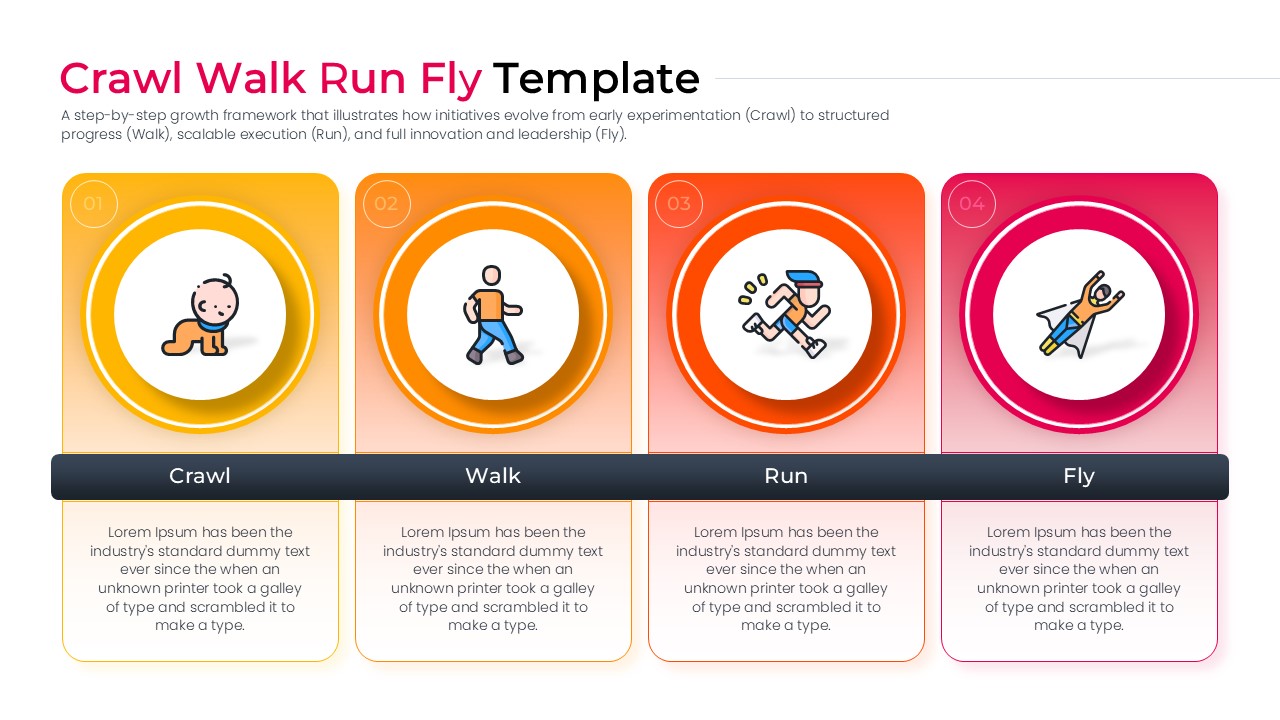
The Free Crawl Walk Run Fly Template prioritizes clarity and a logical flow of information with a professional and structured design. This presentation deck features a comprehensive collection of conceptual and analytical layouts that illustrate progressive growth, capability development, organizational maturity, and transformation planning through clearly defined stages, ensuring a cohesive narrative from initial experimentation to advanced execution.
The dominant gradient palette of yellow, orange, and vibrant pink conveys energy, innovation, momentum, and continuous improvement, while the dark navy accents reinforce structure and executive-level professionalism.
The template incorporates step-by-step progression diagrams, maturity model frameworks, growth roadmaps, milestone-based process visuals, stage comparison layouts, and sequential workflow infographics that transform complex development journeys into digestible visual summaries. Its structured storytelling approach aligns naturally with business maturity model presentation slides and strategic roadmap infographic templates, enabling teams to communicate capability advancement, operational scaling, and transformation initiatives with exceptional clarity. This PresentoVerse template is perfect for formal business environments, particularly for digital transformation planning, organizational capability development, and project implementation roadmaps.
Key Features
- 100% Vector-Based Graphics
- Fully Layered & Organized
- Multi-Platform Support
- Theme Color & Theme Font
- High-Definition 16:9 and 4:3 Aspect Ratios
- Easily Editable Text and Icon Placeholders
Frequently Asked Questions
- Can I change the icons to match my specific industry?
- Yes, all icons are 100% vector-based. You can easily swap them out for industry-specific graphics without losing any image quality or formatting.
- Is this template compatible with Keynote?
- While specifically optimized for PowerPoint and Google Slides, the PPTX file can be imported into Keynote, though some minor font adjustments may be required.