Free Zig Zag Process Flow Infographic Template for PowerPoint & Google Slides
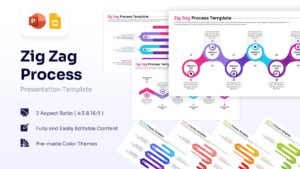
Customizable Zigzag Timeline Slides
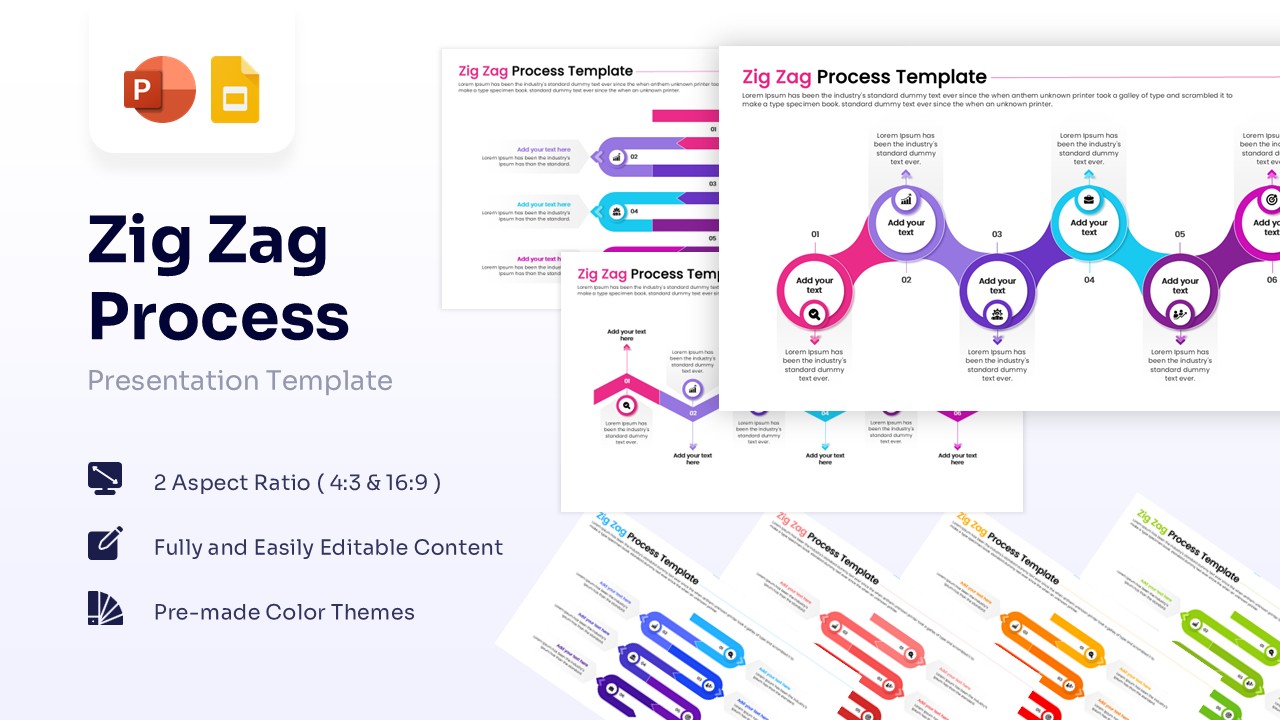
This free Zig Zag Process Flow Infographic is an editable slide deck for professionals needing to illustrate complex, sequential workflows in an engaging, easy-to-follow visual format. Whether you are mapping out a product roadmap, business strategy, or historical milestones, using a process flow diagram helps keep your audience focused on the progression of ideas. Project managers, educators, and marketers rely on this dynamic layout to break down intricate phases into digestible steps for clients and internal stakeholders. For that, we have crafted this 100% editable presentation template with unique slides to present different aspects, i.e.,
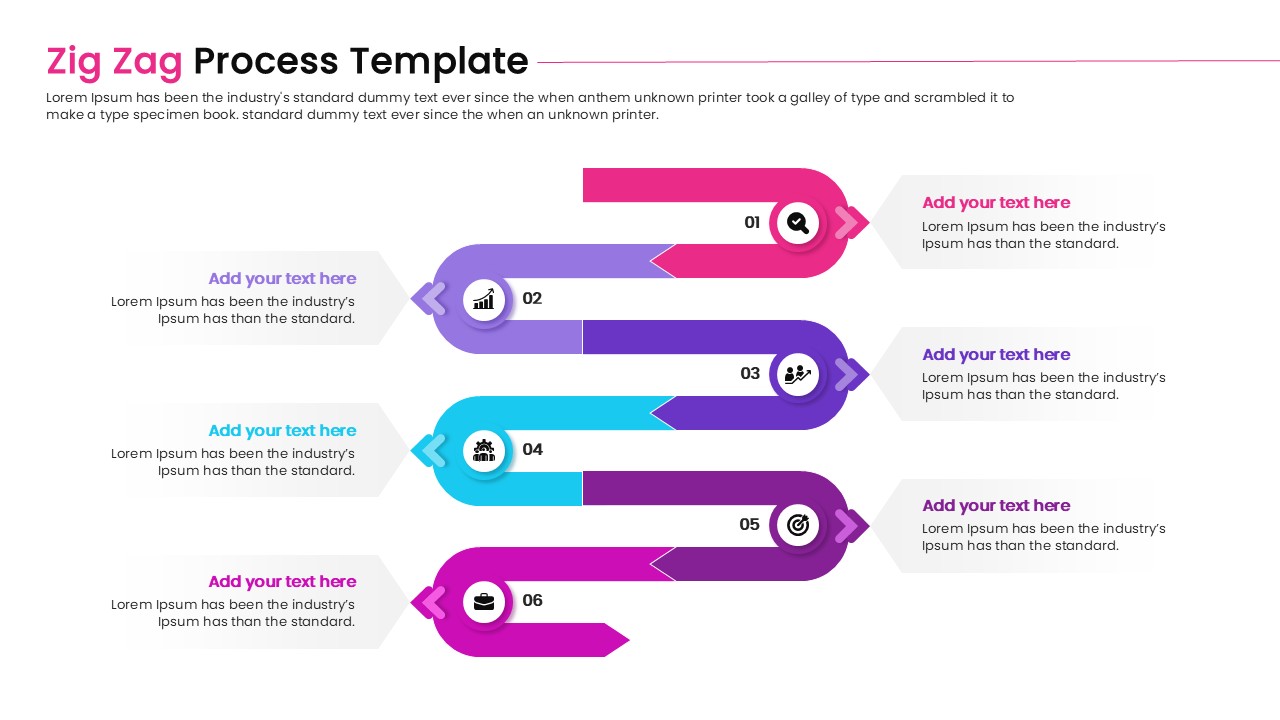
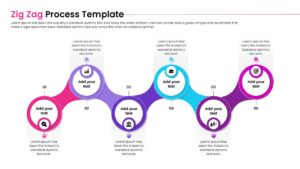
- Six-step curved ribbon zigzag flow diagram
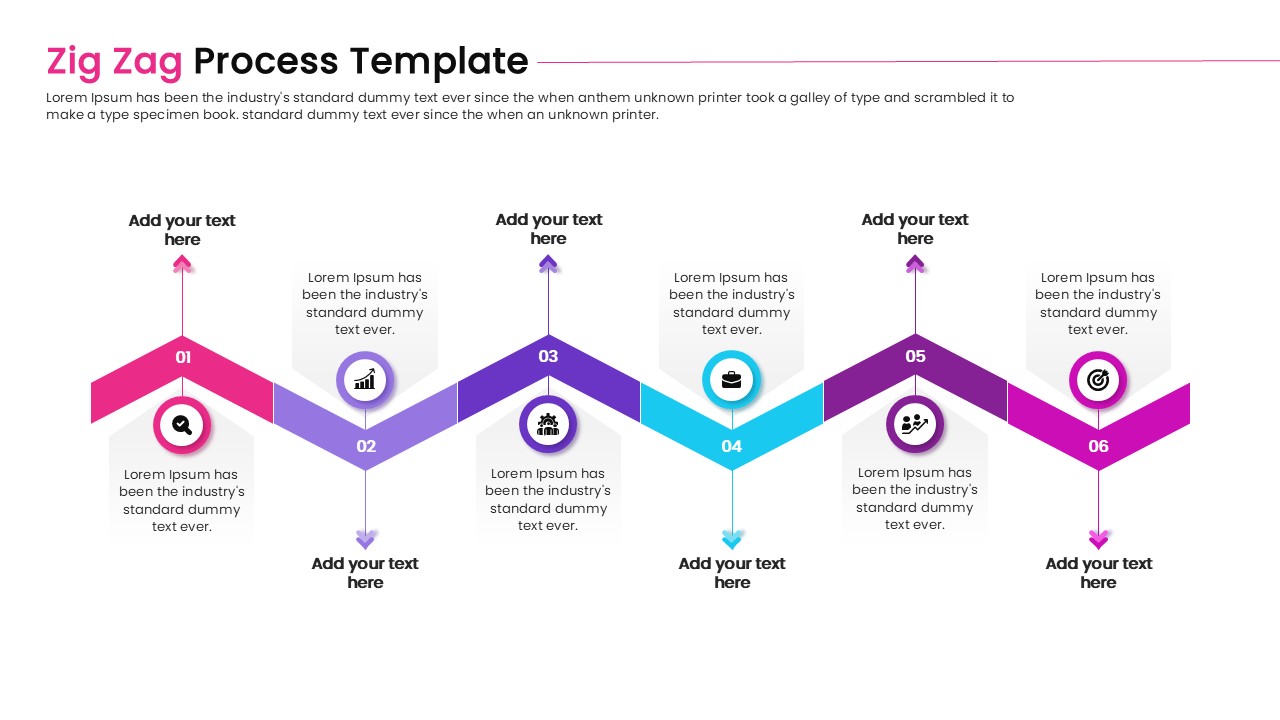
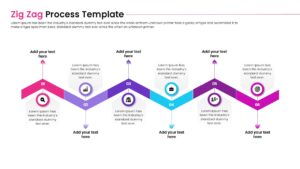
- Sharp chevron zigzag timeline with peak and trough milestones
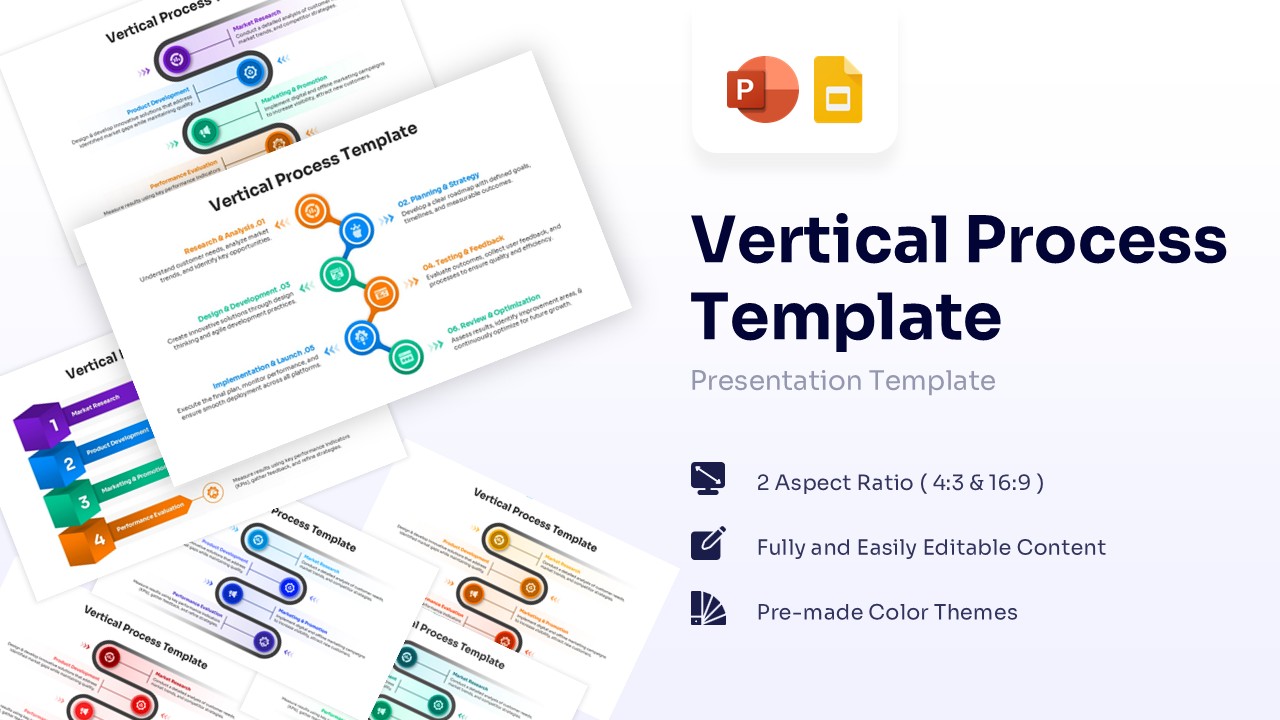
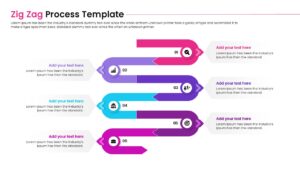
- Vertical serpentine process flowchart for six sequential stages
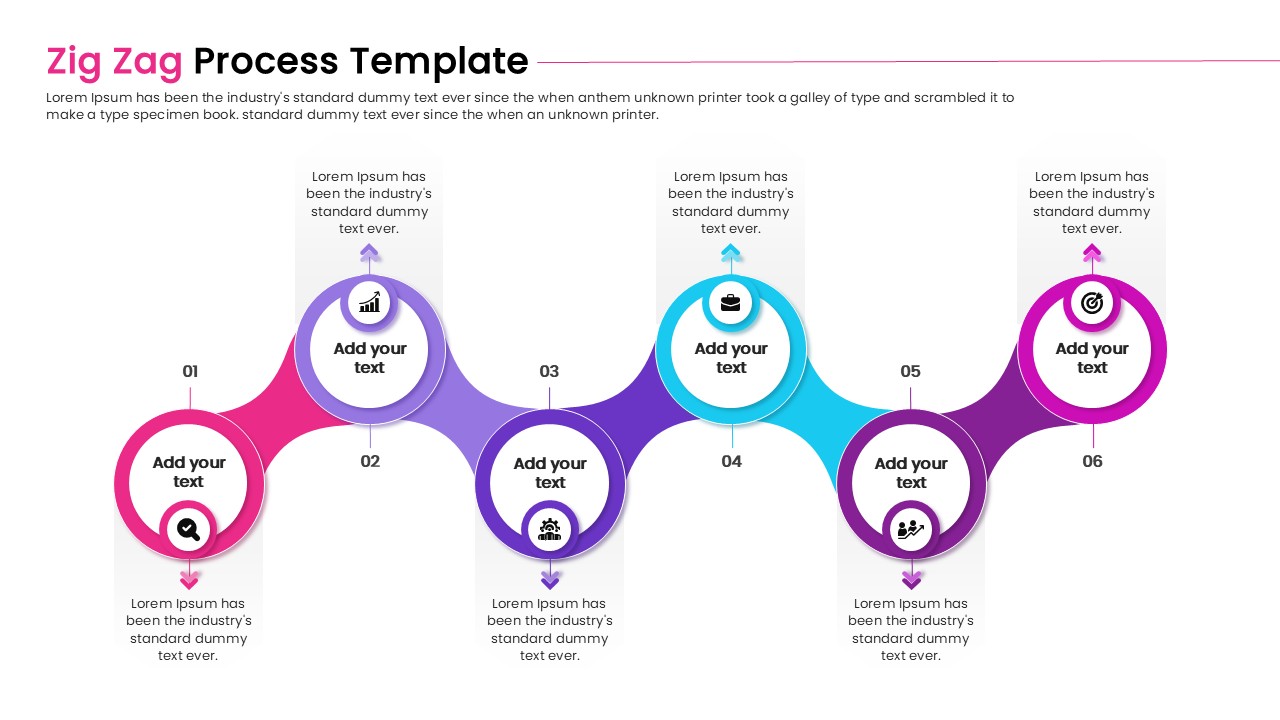
- Alternating node connection diagram with text placeholders
- Multi-colored workflow slides with customizable vector icons
This zig zag flow diagram template features a clean, minimal design aesthetic paired with vibrant, pre-made color themes to make your project milestones pop on screen. Every element is fully customizable, allowing you to easily adjust the text placeholders, swap out the default icons for your own data-driven context, and change the node colors to perfectly match your brand guidelines. It is seamlessly compatible with both PowerPoint and Google Slides, and comes ready in standard 4:3 and widescreen 16:9 aspect ratios. Alternatively, you can download other creative free timeline infographic designs for presentations, or try one of our free PPT templates.
Key Features
- 100% Vector-Based Graphics
- Fully Layered & Organized
- Multi-Platform Support
- Theme Color & Theme Font
- 2 Aspect Ratios (4:3 & 16:9)
Frequently Asked Questions
- Can I change the colors of the zig-zag path?
- Yes, all shapes and gradients are fully editable in both PowerPoint and Google Slides.
- How do I add more steps to the process?
- Simply duplicate existing nodes and connectors to extend the path as needed.
- Does this template support widescreen displays?
- Yes, it includes layouts for both standard (4:3) and widescreen (16:9) aspect ratios.