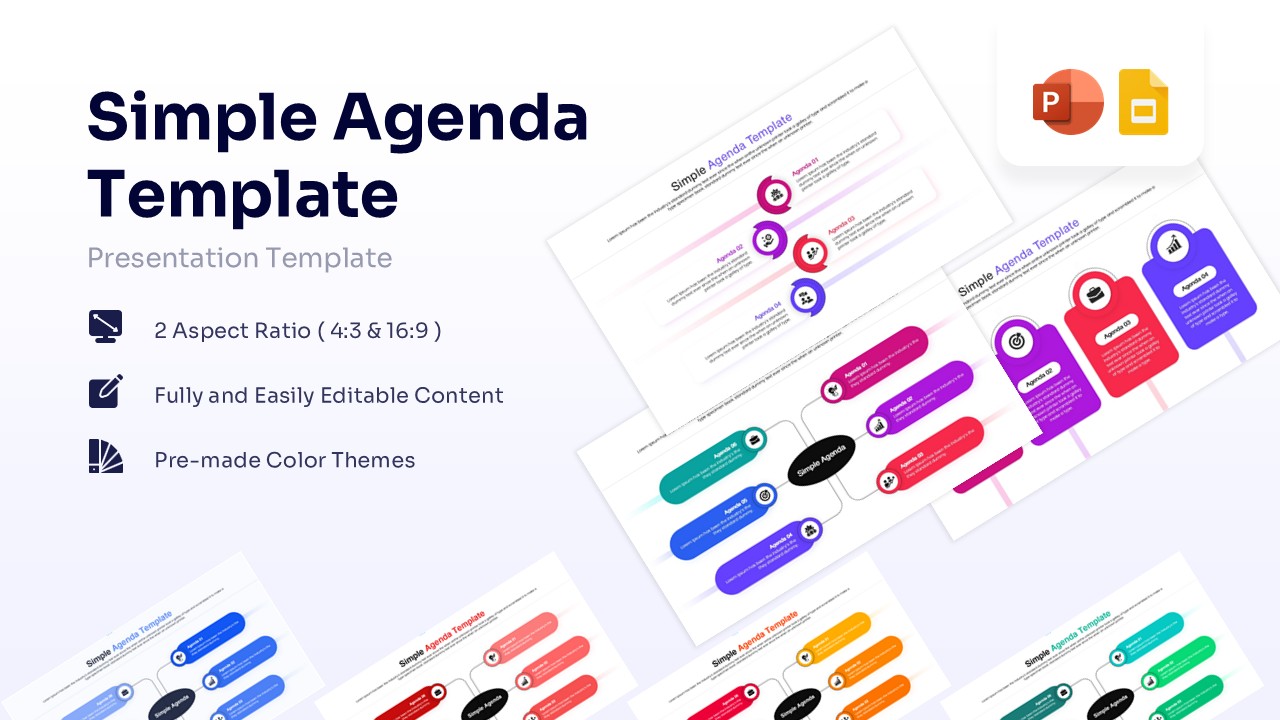
Curved Arrows Free Infographic PowerPoint & Google Slides
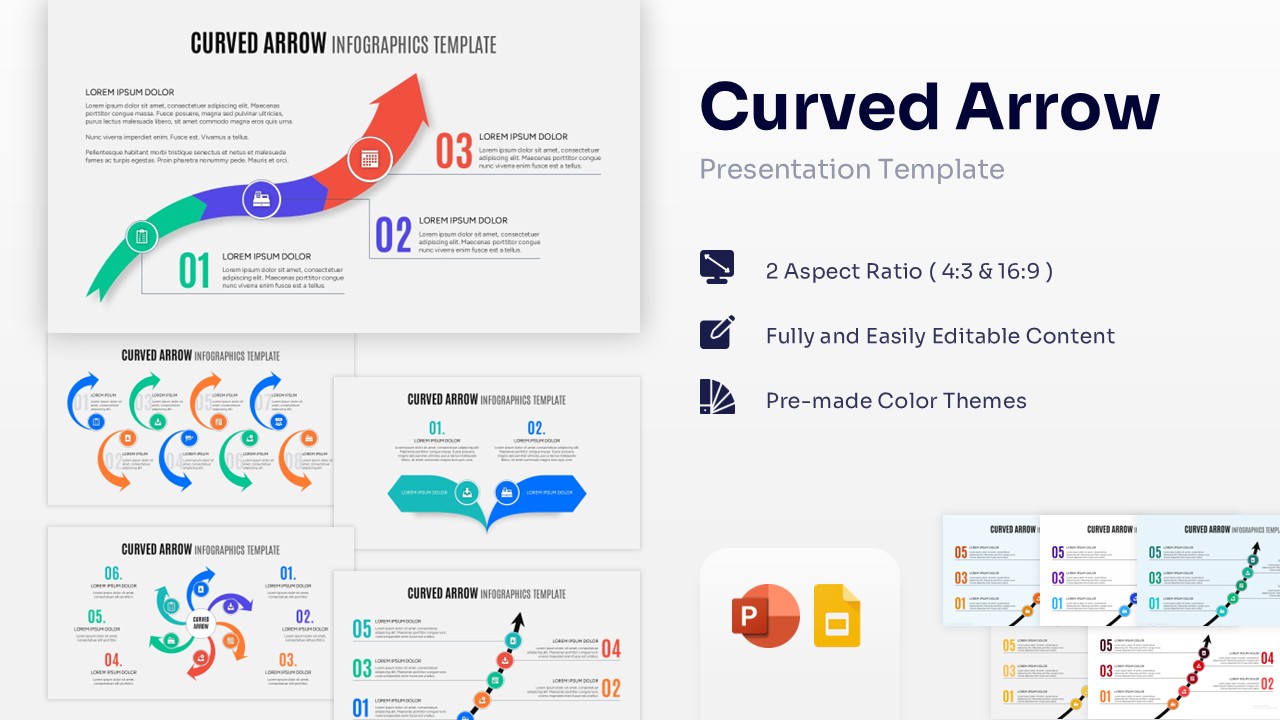
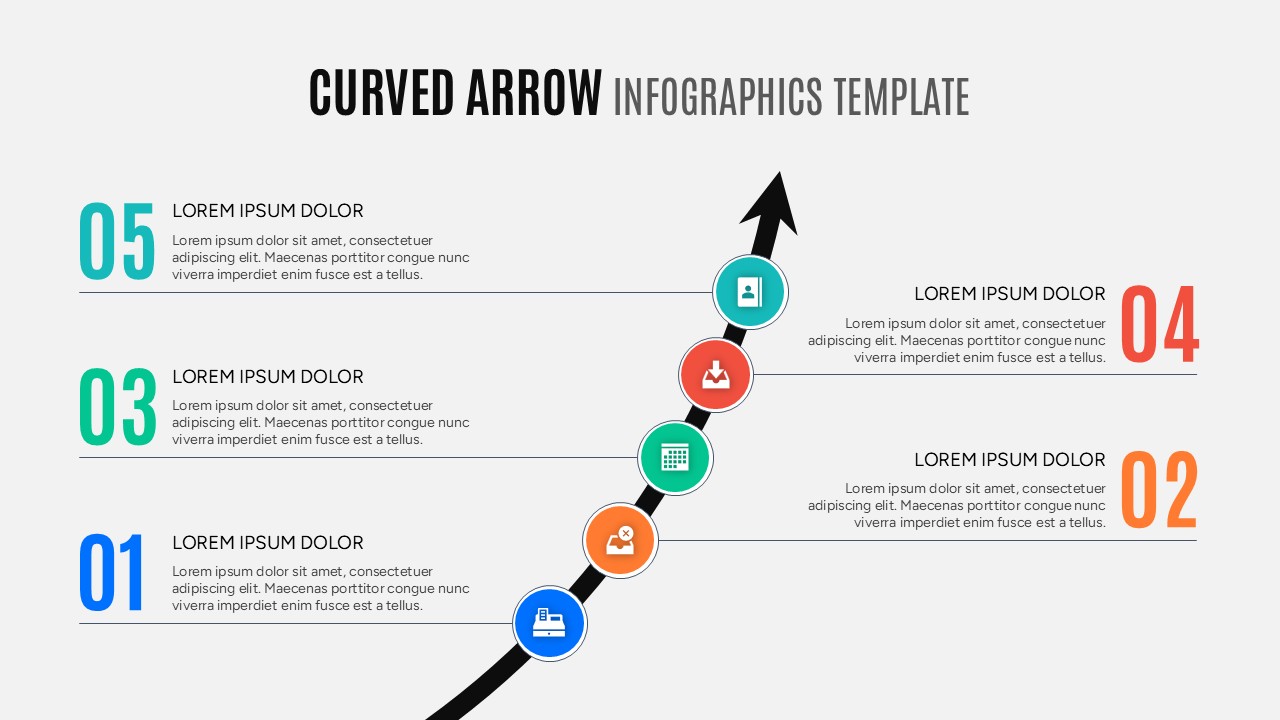
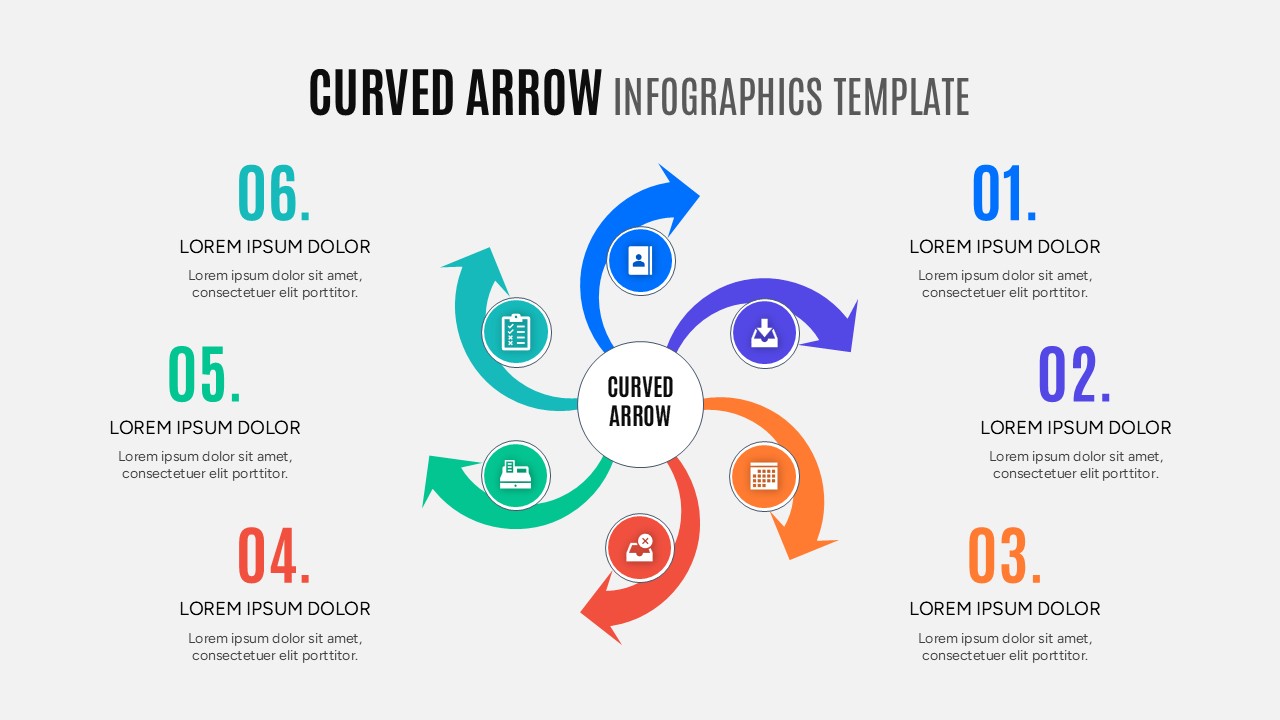

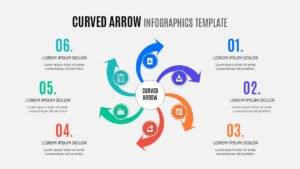
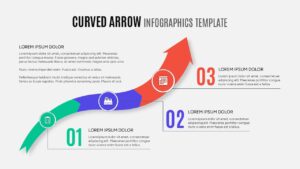
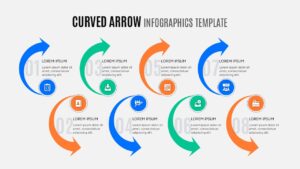
Professional Curved Arrow Diagram
Clearly communicating step-by-step processes is the key to business success and team alignment. Breaking down complex workflows into visual segments ensures your audience stays engaged, which is why using PresentoVerse free curved arrows infographic can significantly enhance your presentations.
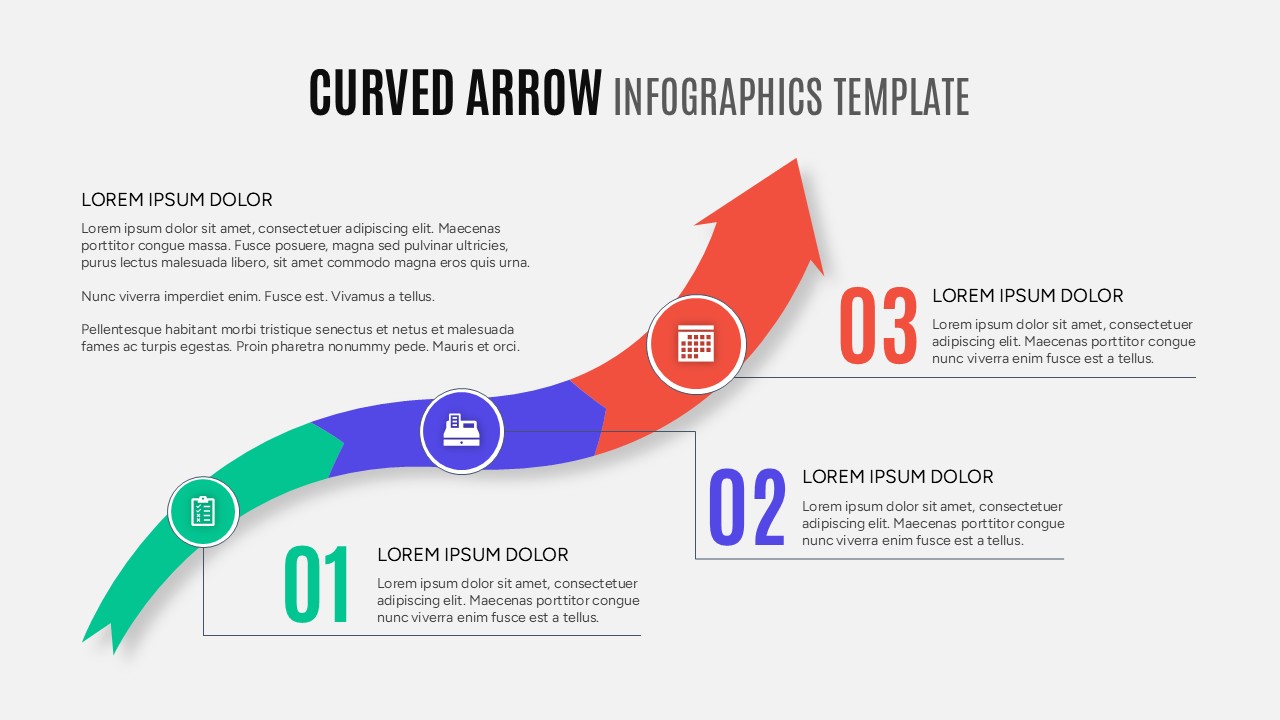
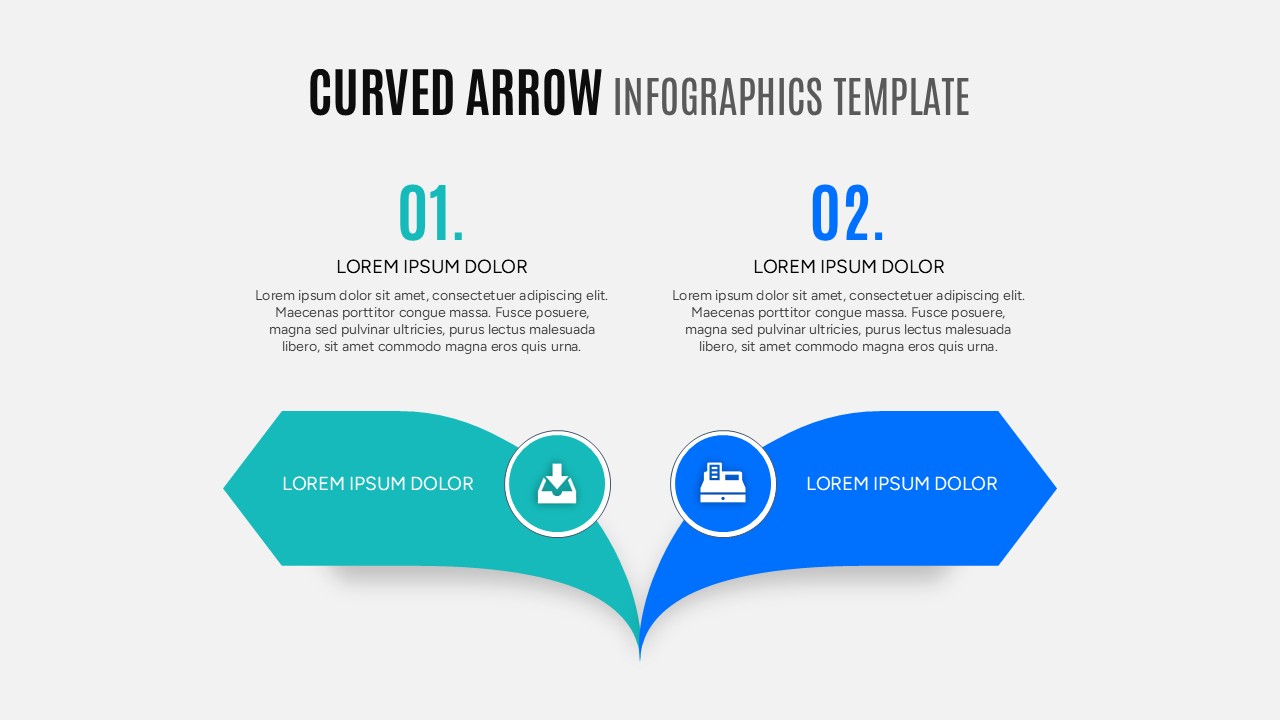
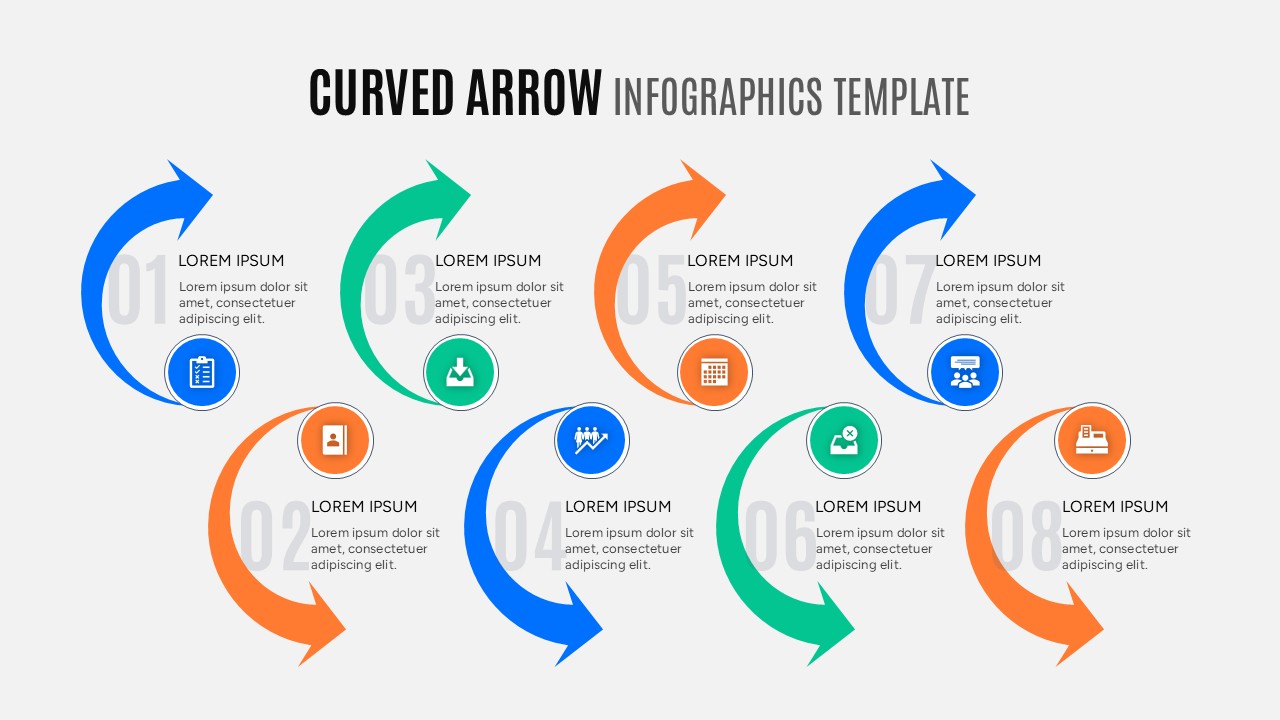
Now mapping out your business strategies is easier than ever to create with this aesthetically pleasing Curved Arrow diagrams. This Curved Arrow Process Diagram helps individuals to visualize complex project stages using easy-to-edit colorful arrow sequences, text placeholders, customizable icons, and numbered step layouts.
So, whether you are planning to present a new marketing timeline or just want to make a simple workflow summary, this Sequential Curved Arrows Infographic will be perfect for you. So, release your inner designer and let your creativity soar with this amazing Arrow Flow Infographic.
Don’t forget to checkout out our premium cycle and loop diagrams for some amazing designs.
Key Features
- 100% Vector-Based Graphics
- Fully Layered & Organized
- Multi-Platform Support
- Theme Color & Theme Font
Frequently Asked Questions
- Can I change the colors of the arrows to match my brand?
- Yes, all arrows are fully editable shapes. You can easily change the fill and outline colors using the standard theme tools in PowerPoint or Google Slides.
- Is it possible to add more steps to a specific arrow diagram?
- Absolutely. You can duplicate the arrow segments or text boxes to accommodate as many steps as your process requires without breaking the layout.
- Do these slides work on both Mac and Windows?
- Yes, this Curved Arrow PowerPoint is compatible with all versions of Microsoft PowerPoint and Google Slides across different operating systems.
Related Templates
-
 Free
Free -
-
Career Journey Template for PowerPoint & Google Slides
Free Templates
Free -