Free DACI Model Template for PowerPoint & Google Slides
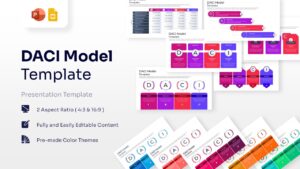
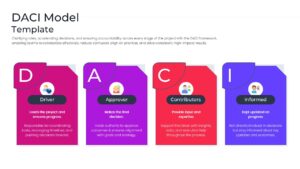
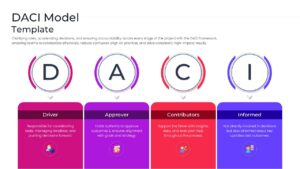
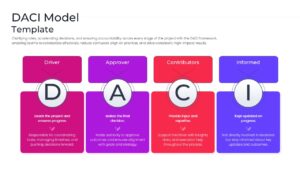
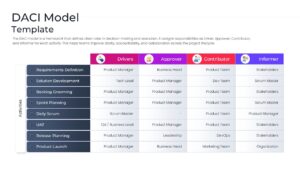
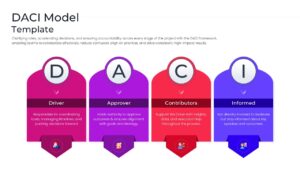
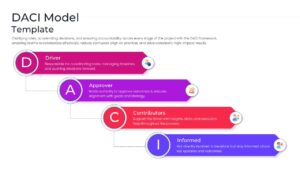
DACI Framework Presentation for Clear Decision-Making and Accountability
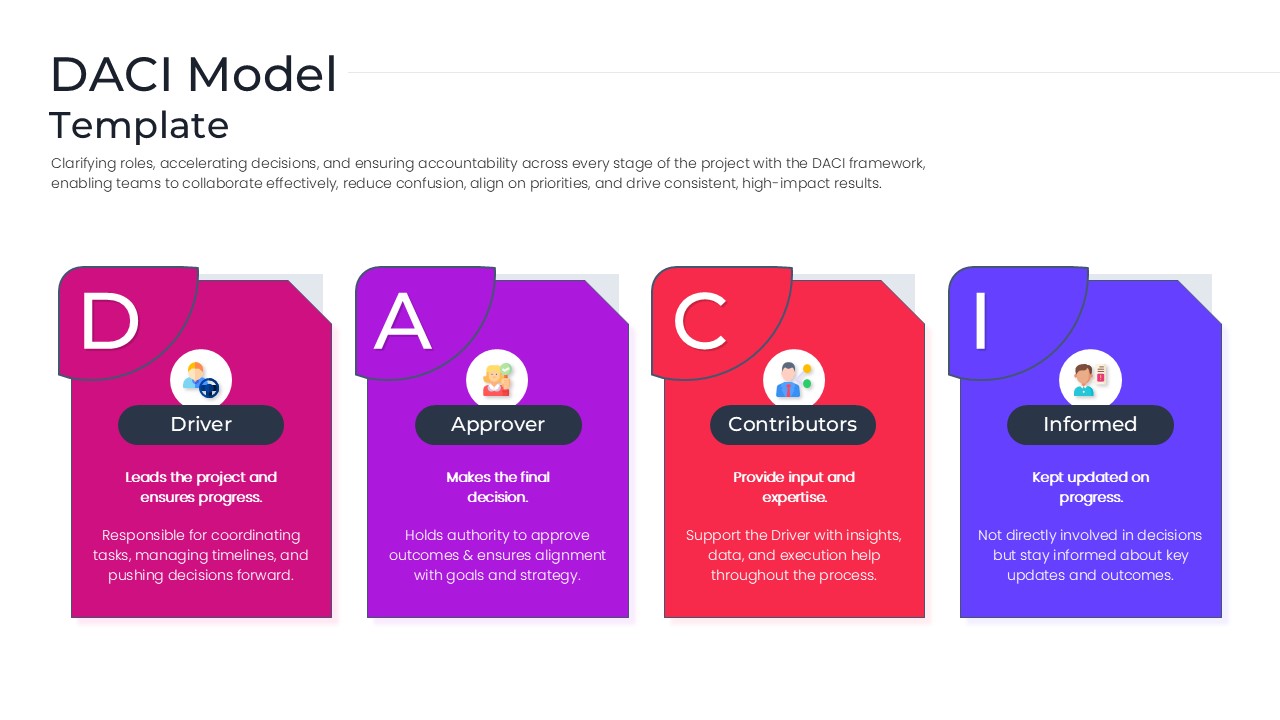
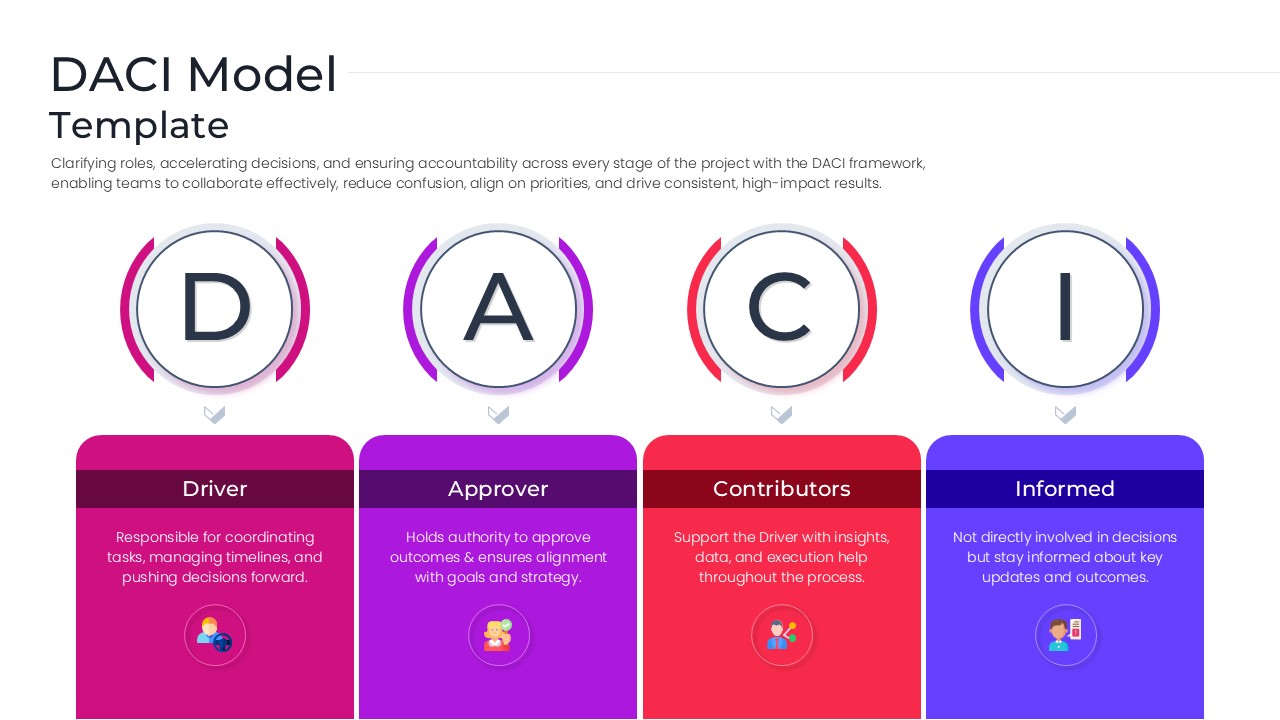
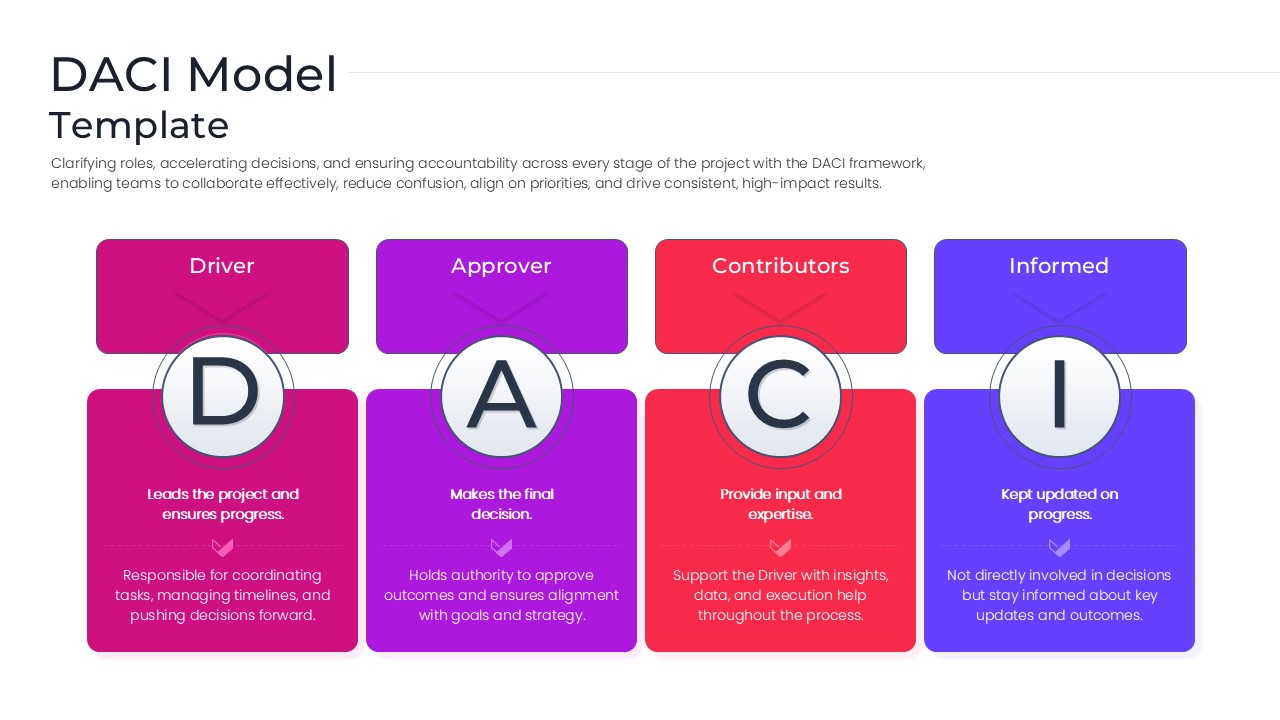
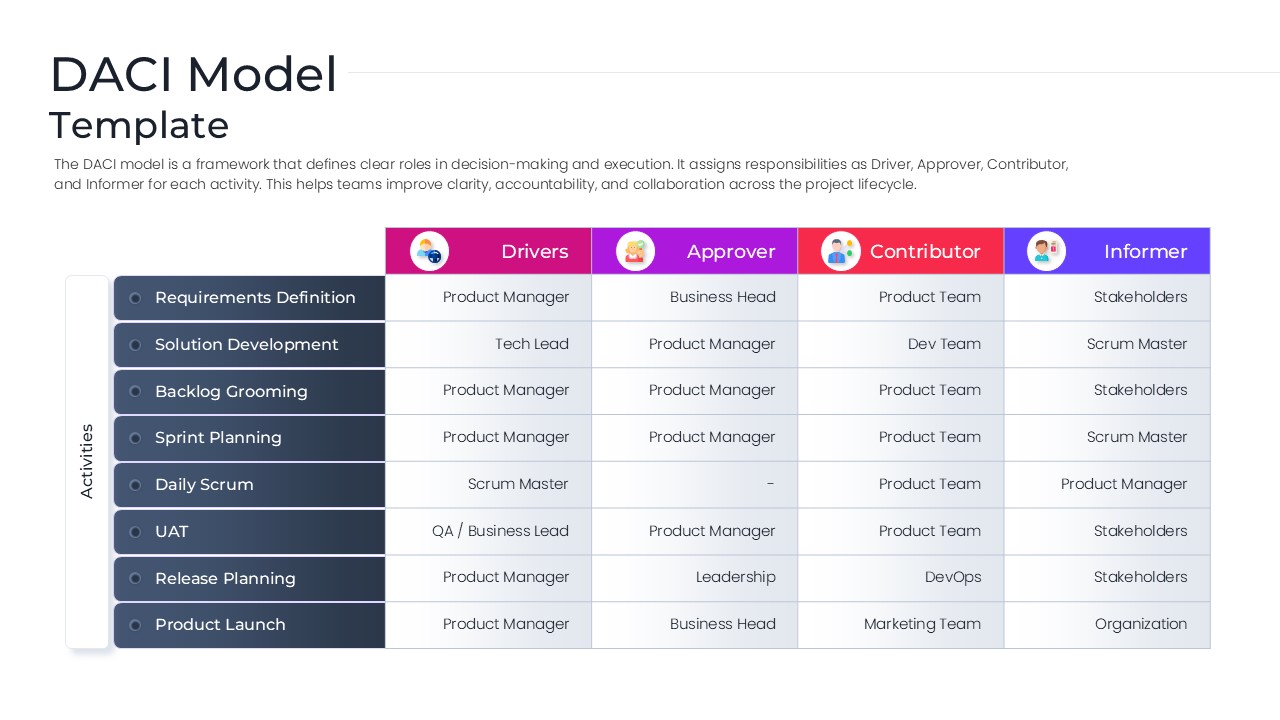
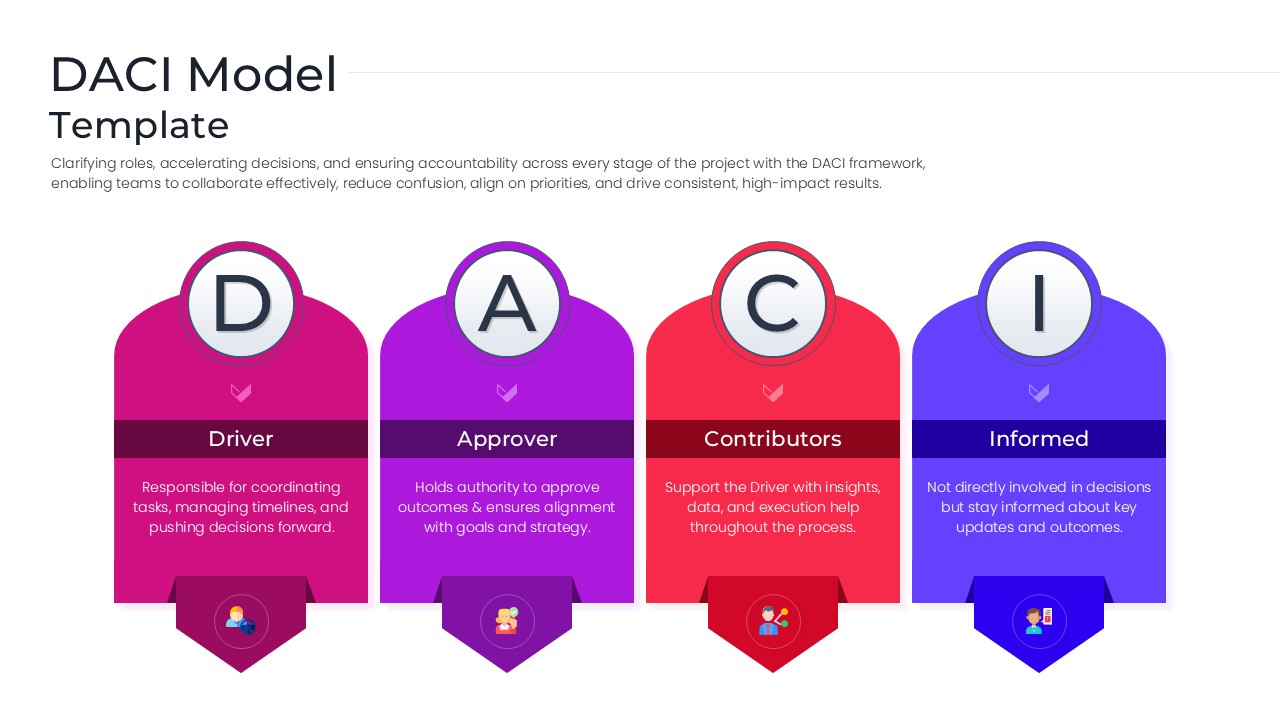
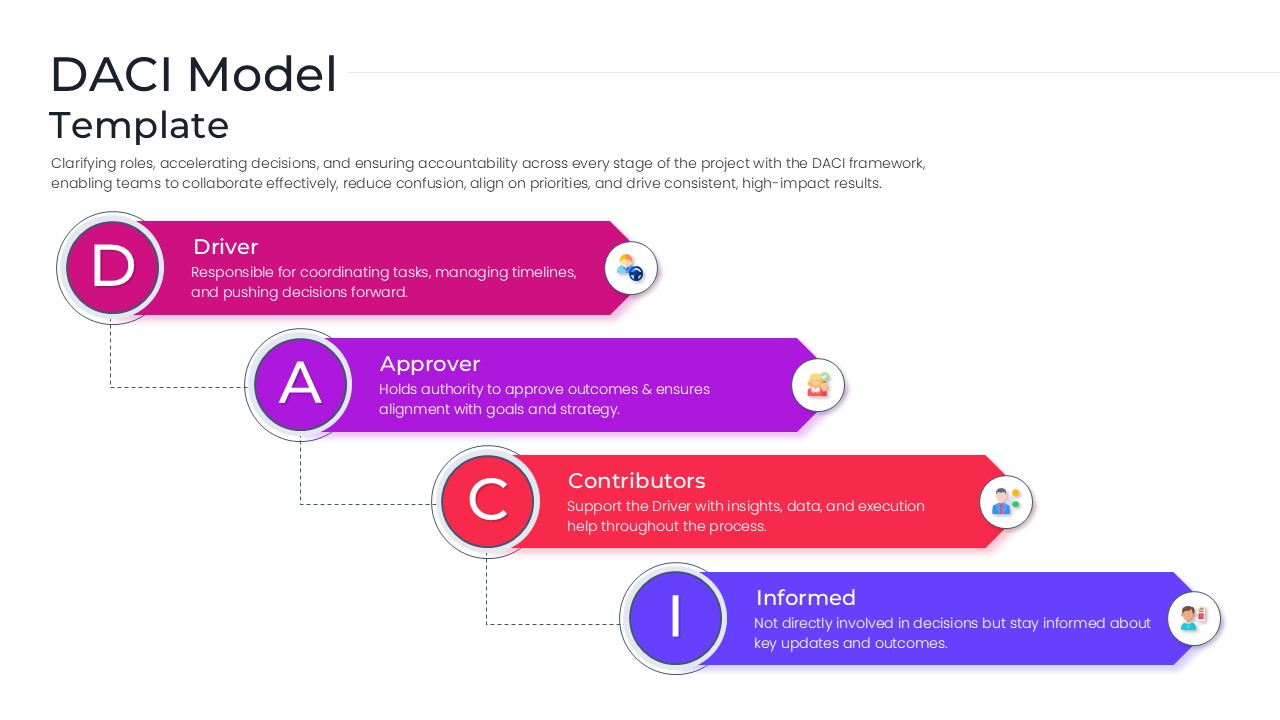
The Free DACI Model Template helps organizations define decision-making roles and responsibilities within projects and business initiatives. Based on the Driver, Approver, Contributor, and Informed framework, it provides a clear structure for assigning ownership, improving accountability, and streamlining communication across teams.
Whether you are managing a product launch, business transformation project, or operational initiative, these layouts help clarify stakeholder involvement at every stage. As a result, teams can reduce confusion, accelerate approvals, and make decisions more efficiently. The template also works well alongside project management presentation templates and business strategy presentation templates for broader planning and governance discussions.
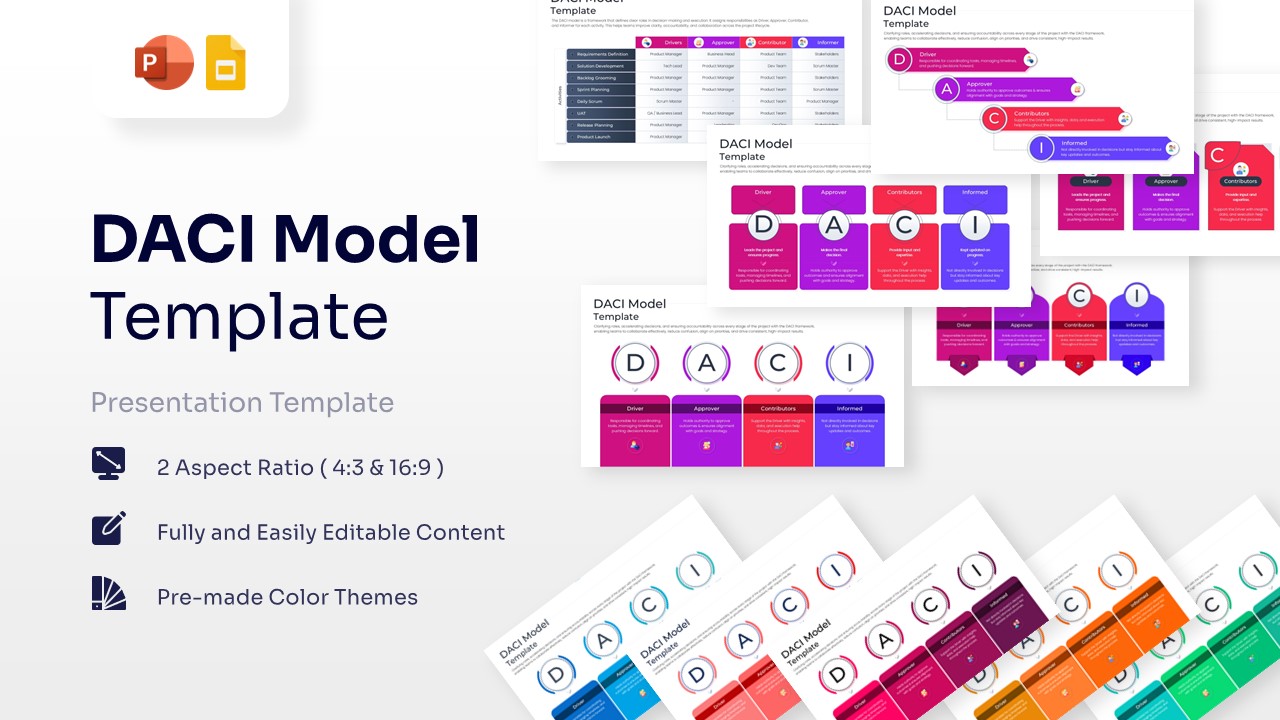
The presentation includes DACI matrices, responsibility mapping diagrams, decision-making workflows, governance frameworks, and role assignment models. In addition, these slides simplify complex team structures and improve communication between departments and stakeholders.
Organizations often use the DACI framework to strengthen project governance and improve cross-functional collaboration. Furthermore, the visual layouts make it easier to communicate roles, responsibilities, and reporting relationships during meetings, workshops, and executive reviews. These slides can also complement stakeholder management templates and organizational chart presentation templates when presenting team structures and decision frameworks.
Fully editable in PowerPoint and Google Slides, users can customize roles, departments, workflows, colors, icons, and content sections. The template is ideal for project managers, PMO teams, Agile practitioners, business leaders, consultants, and operations professionals who need a structured approach to decision-making and accountability.
Key Features
- 100% Vector-Based Graphics
- Fully Layered & Organized
- Multi-Platform Support
- Theme Color & Theme Font
- Editable Activity Tracking Matrix
- Multiple unique DACI layout variations
Frequently Asked Questions
- Can I edit the roles in this decision making framework?
- Yes, all text boxes and headers are fully editable, allowing you to customize the labels or descriptions to fit your specific organizational terminology.
- Is the project governance matrix compatible with Google Slides?
- Absolutely, the file is optimized for seamless performance on both Microsoft PowerPoint and Google Slides platforms.
- How do I change the colors of the DACI Model icons?
- Since all icons are vector-based, you can simply click on the element and use the \"Shape Fill\" tool to apply your preferred color scheme.
Related Templates
-
-
-
 Free
Free -