Free Escalation Matrix Template for PowerPoint & Google Slides
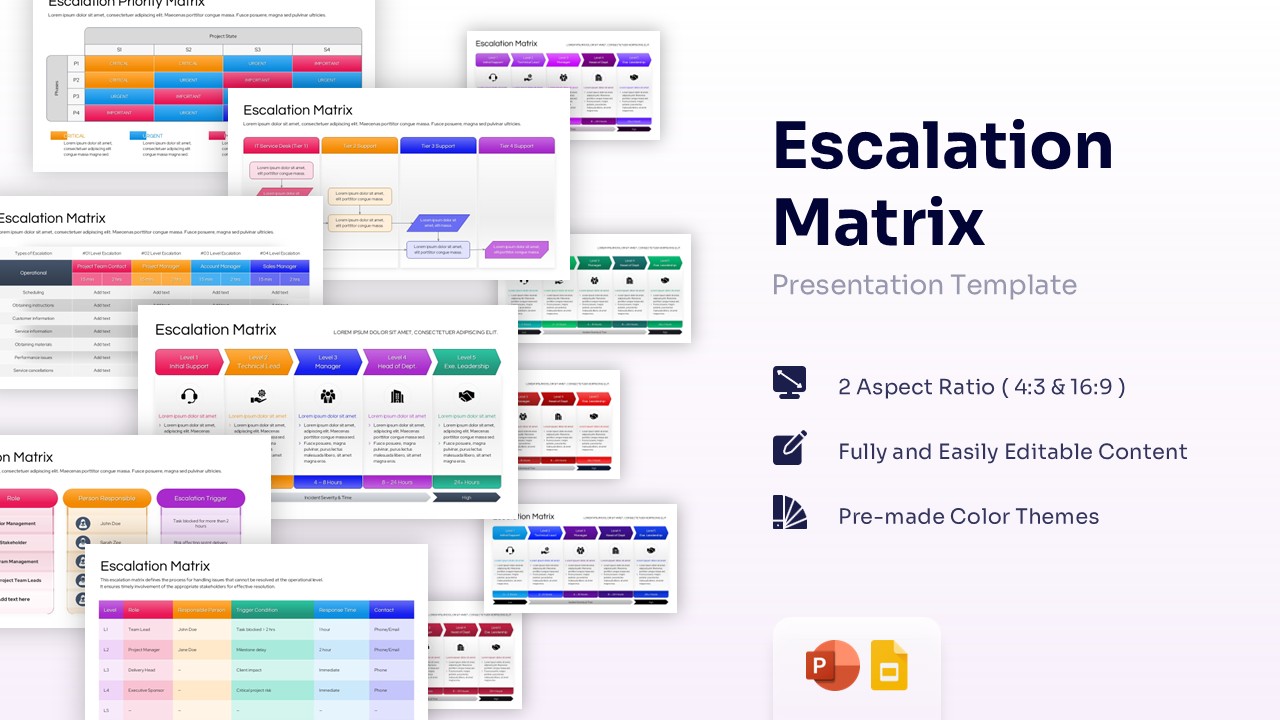
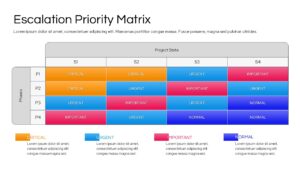
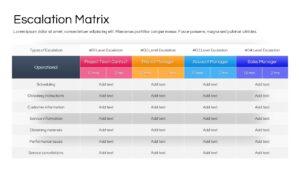
Incident Escalation Matrix Framework Template for PowerPoint & Google Slides
The Free Escalation Matrix Template helps organizations define clear escalation paths and improve issue resolution processes. It provides a structured way to assign responsibilities and ensure timely responses.
This template is useful for IT managers, project managers, service desk teams, operations leaders, and business stakeholders. It helps teams handle incidents efficiently and communicate escalation procedures clearly.
Designed for incident management, service desk operations, and support workflows, the slides simplify escalation tracking and accountability. The visual layouts make complex processes easier to understand and present.
To support different reporting and communication needs, we have created this fully editable presentation template with unique slides to present different aspects, including:
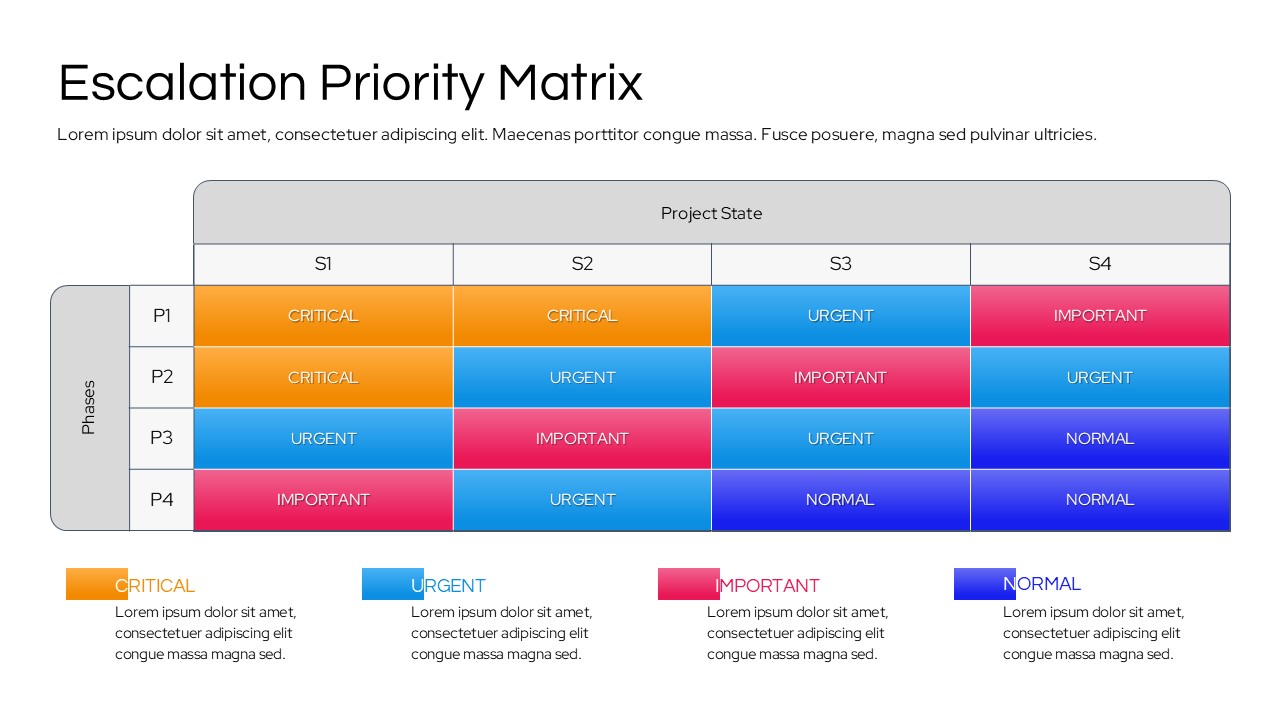
- Escalation priority matrix with critical, urgent, important, and normal classifications
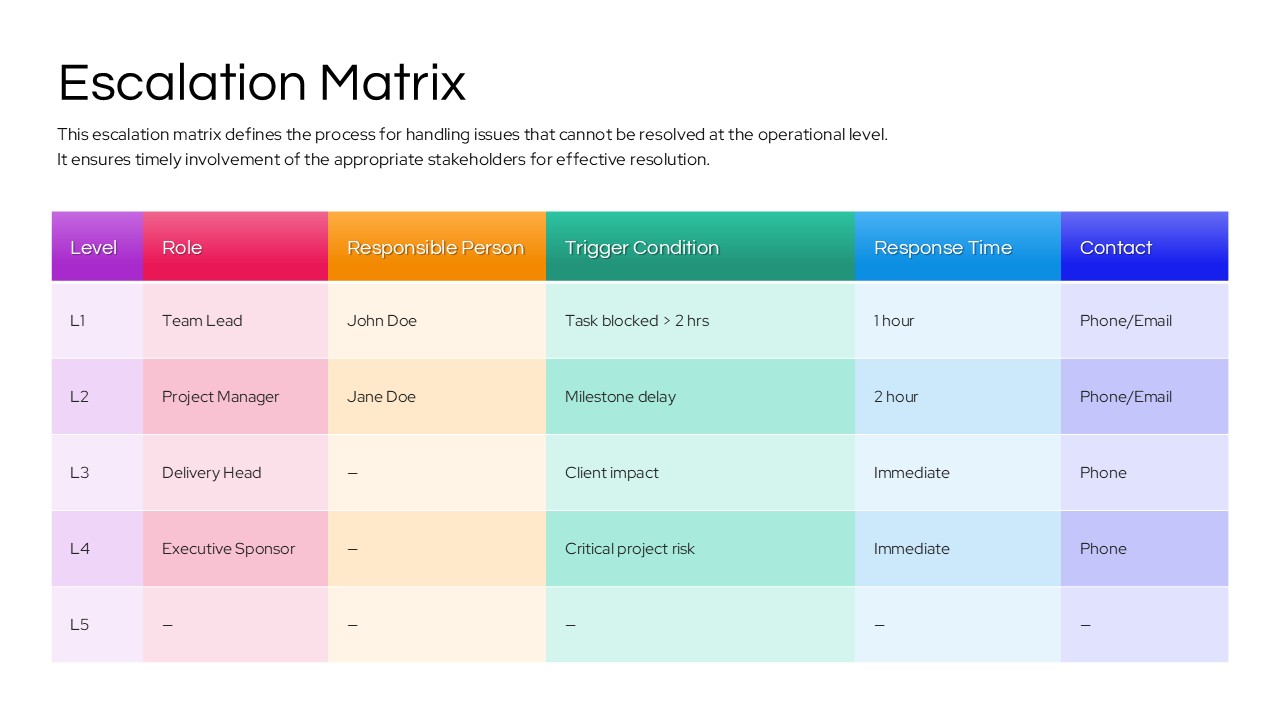
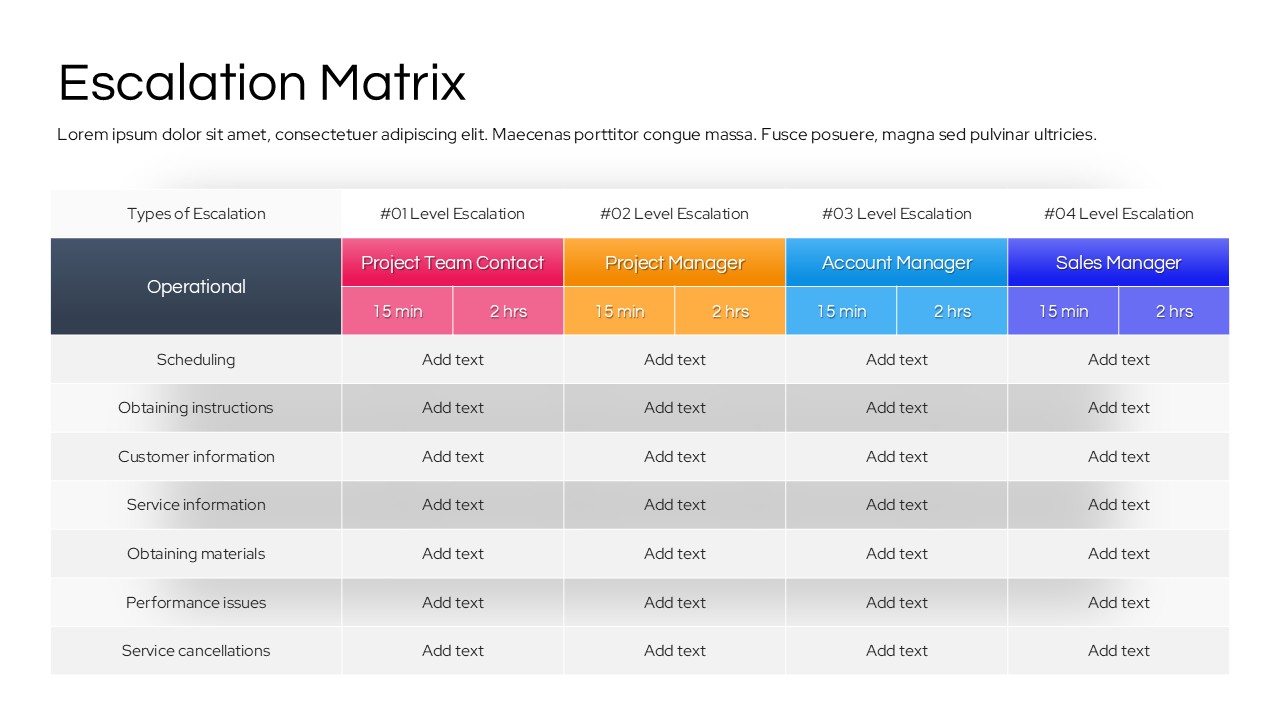
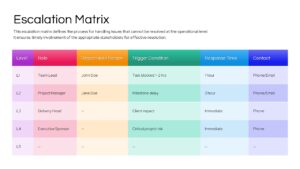
- Escalation level responsibility matrix with response times and contacts
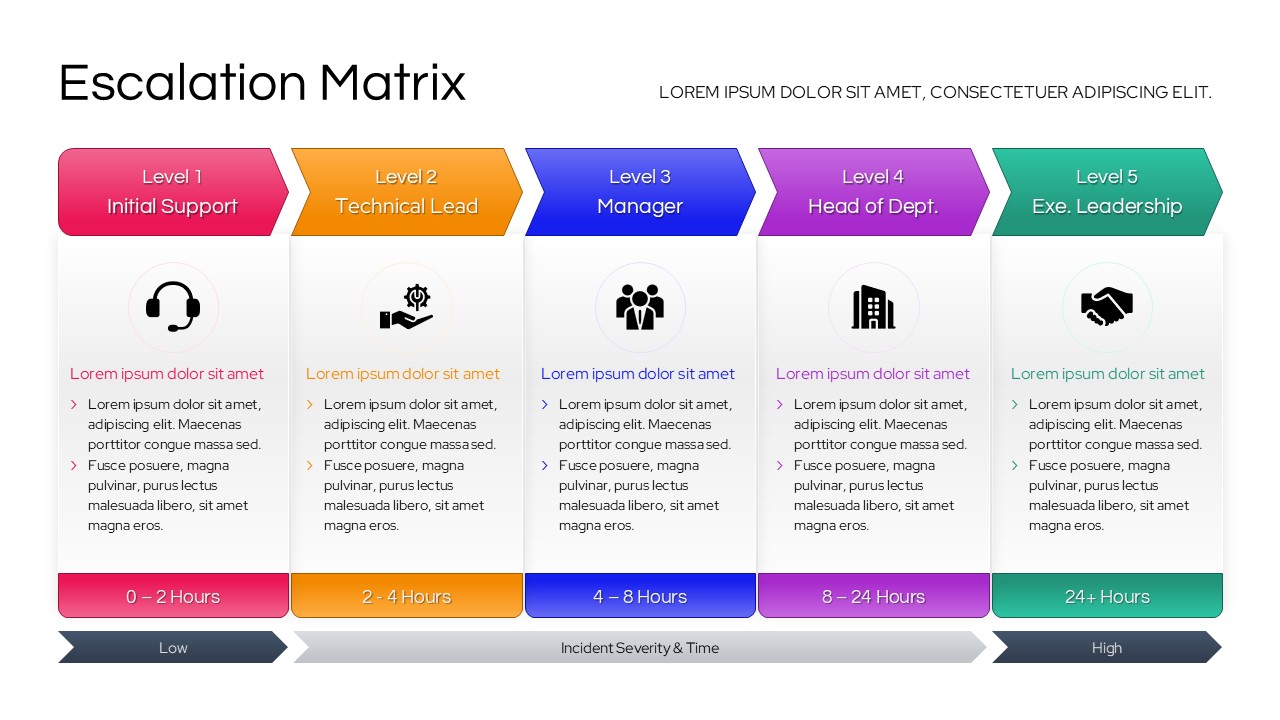
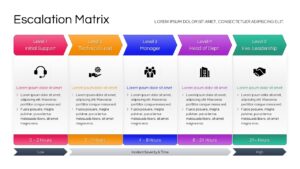
- Multi-level escalation hierarchy framework
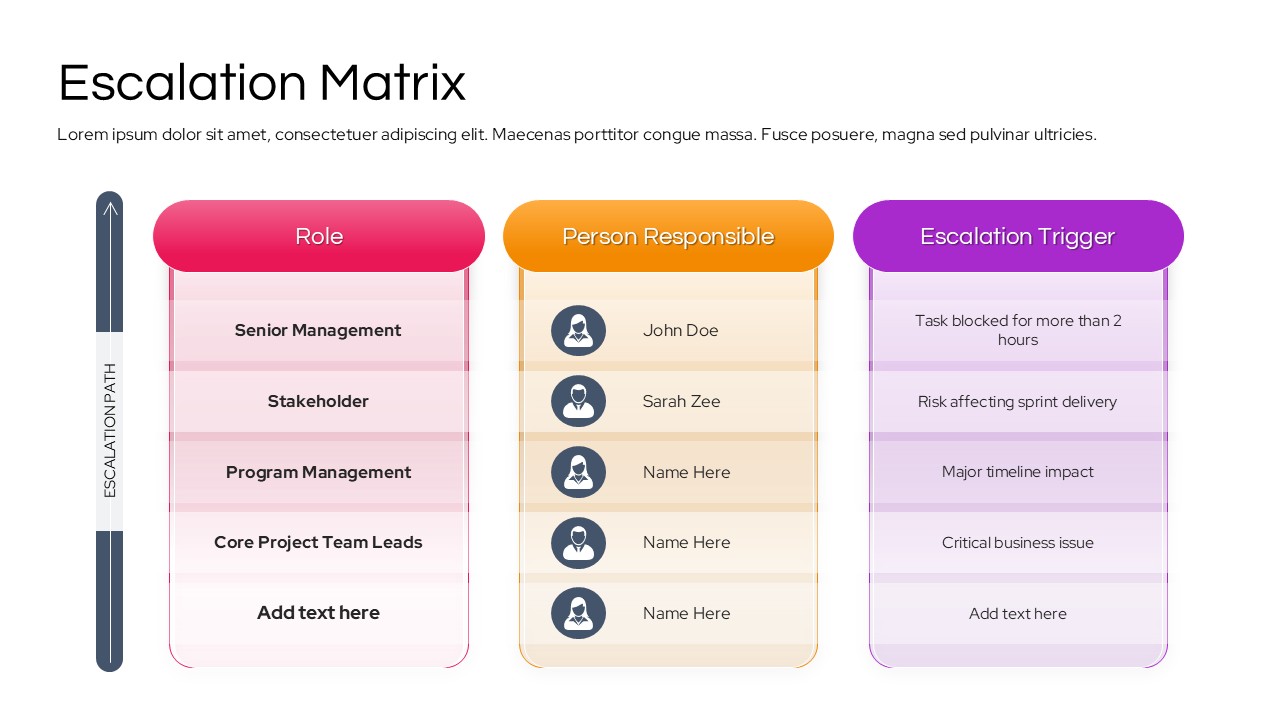
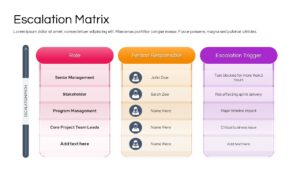
- Escalation path and stakeholder responsibility slide
- Escalation trigger and escalation ownership matrix
- Operational escalation response table
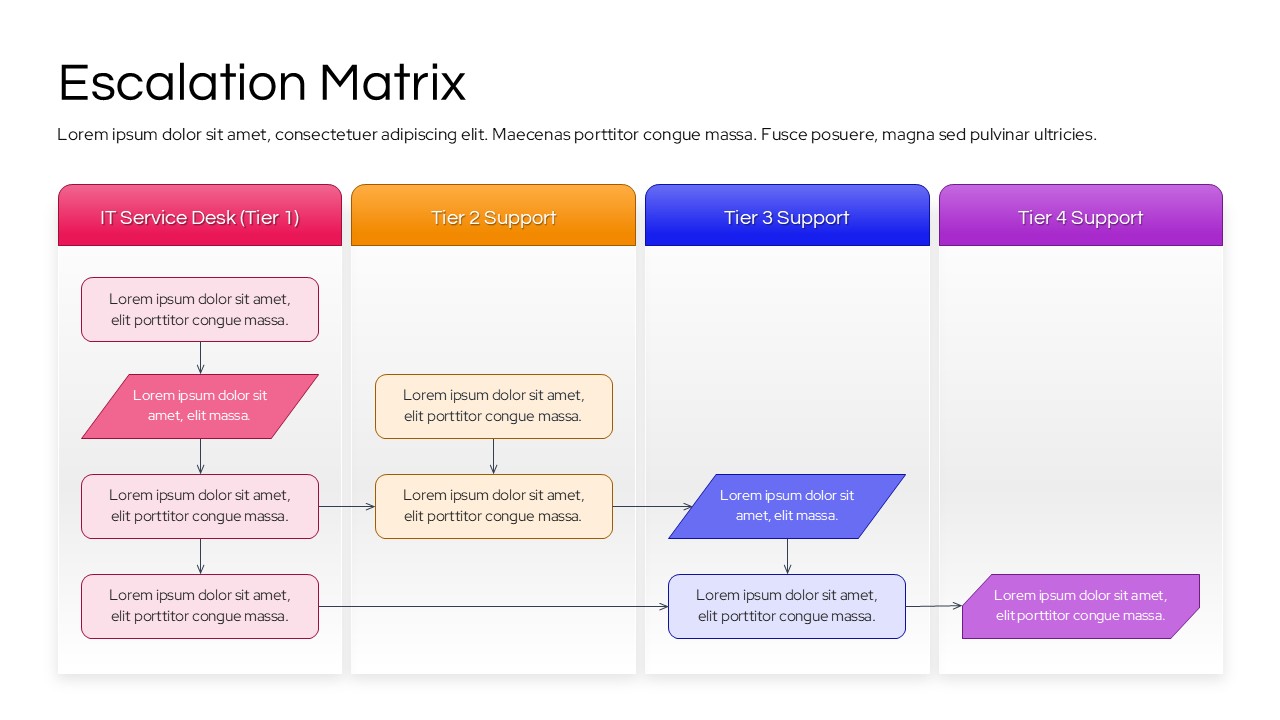
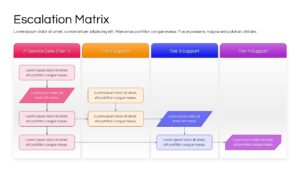
- IT support escalation workflow diagram
- Incident severity and response time framework
- Service desk escalation process visualization
- Management escalation and governance overview slide
The presentation features a professional business design with vibrant color-coded escalation levels, structured tables, workflow diagrams, support tiers, and responsibility matrices. Every slide is fully editable, allowing users to modify escalation levels, response timelines, stakeholder roles, contact information, support structures, and incident classifications according to organizational requirements. Compatible with both PowerPoint and Google Slides, the deck helps teams standardize escalation procedures and improve service management effectiveness. Alternatively, you can download other IT operations and workflow management presentation templates for presentations, or try one of our free PPT templates.
Find more professionally designed infographic layouts in our Free Infographics Template Library.
Key Features
- 100% Vector-Based Graphics
- Fully Layered & Organized
- Multi-Platform Support
- Theme Color & Theme Font
- Easy-to-Edit Data Tables and Flowcharts
Frequently Asked Questions
- What is an escalation matrix in project management?
- It is a visual guide that defines when and how a project issue should be moved up the chain of command to higher-level management for resolution.
- How do I customize the trigger conditions in these slides?
- Every text box is fully editable; simply click on the placeholder text to enter your specific time-based or risk-based triggers, such as \"Task blocked > 2 hours.\"
- Can I change the colors to match my company brand?
- Yes, the template uses theme colors, so you can change the entire palette with a few clicks in the \"Design\" tab of PowerPoint or by editing the \"Theme\" in Google Slides.
- Is this template suitable for ITIL frameworks?
- Absolutely. The tiered support slides (Level 1 to Level 5) are perfectly structured to represent ITIL-compliant service desk and technical support escalation paths.