
Free Org Chart Template for PowerPoint & Google Slides
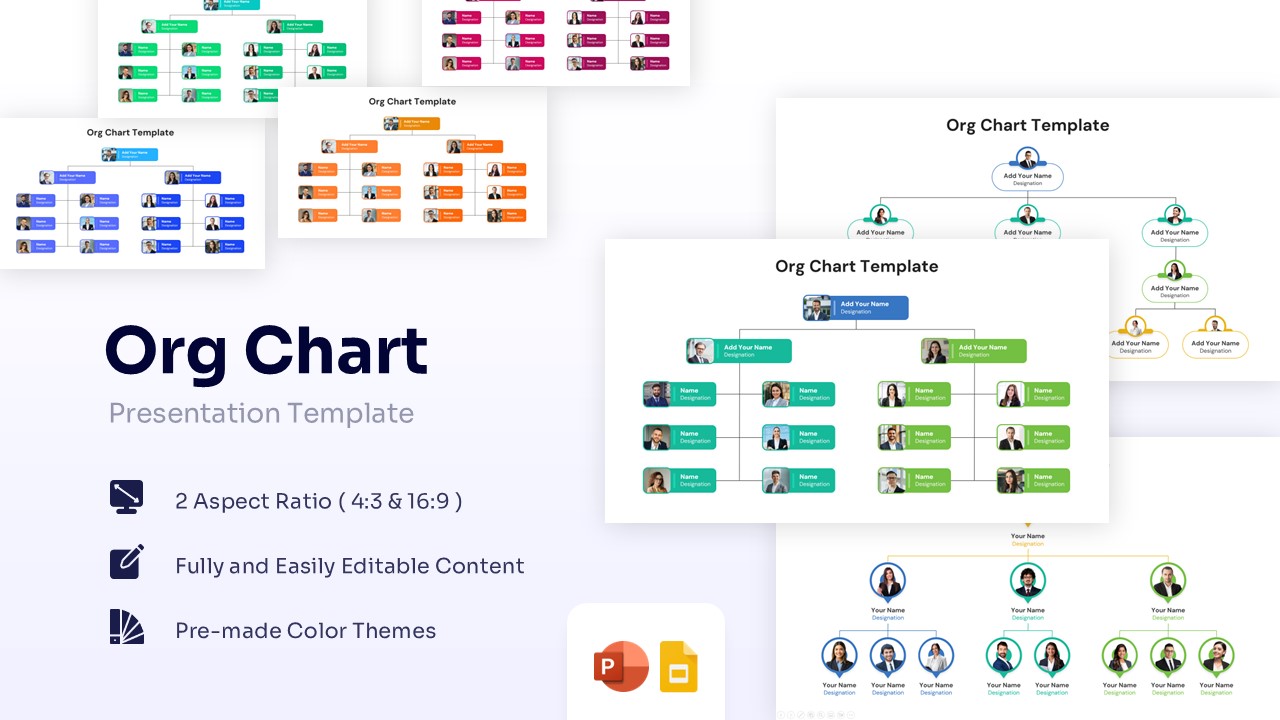
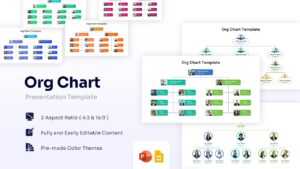
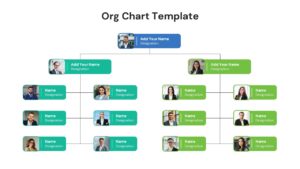
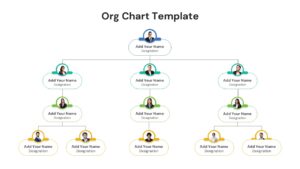
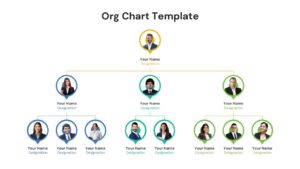
Employee Hierarchy and Management Structure Presentation Template
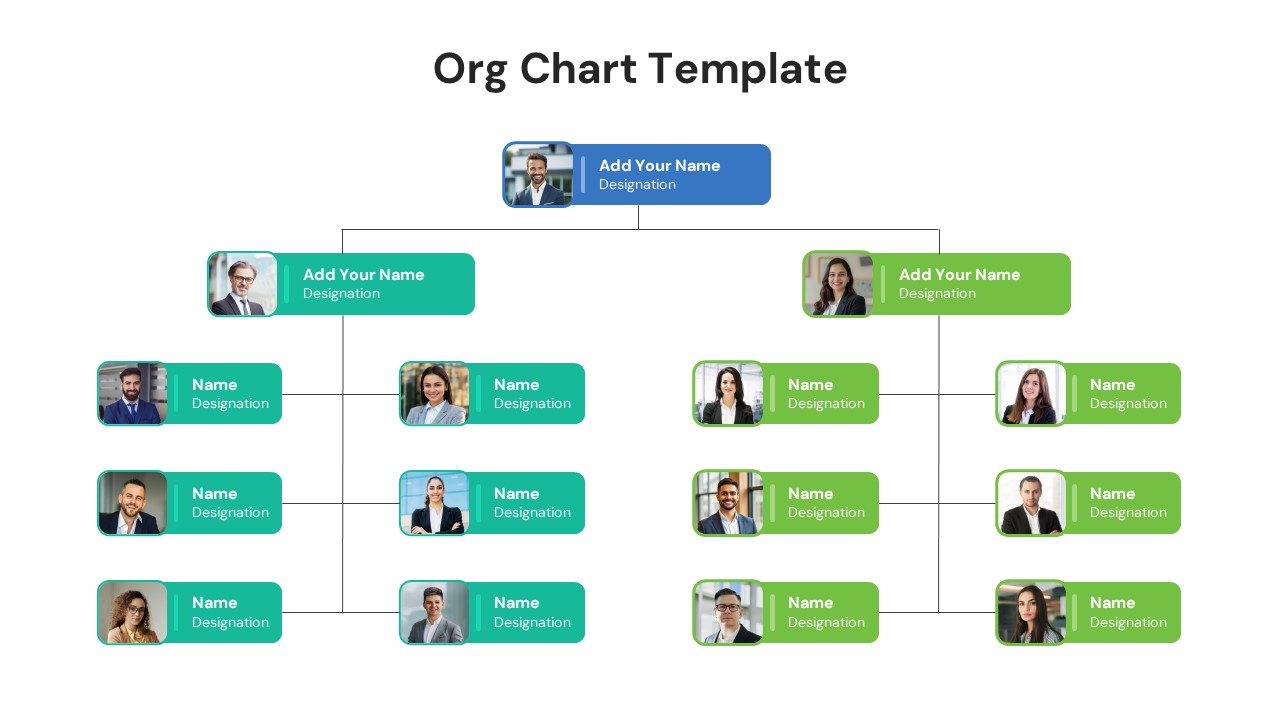
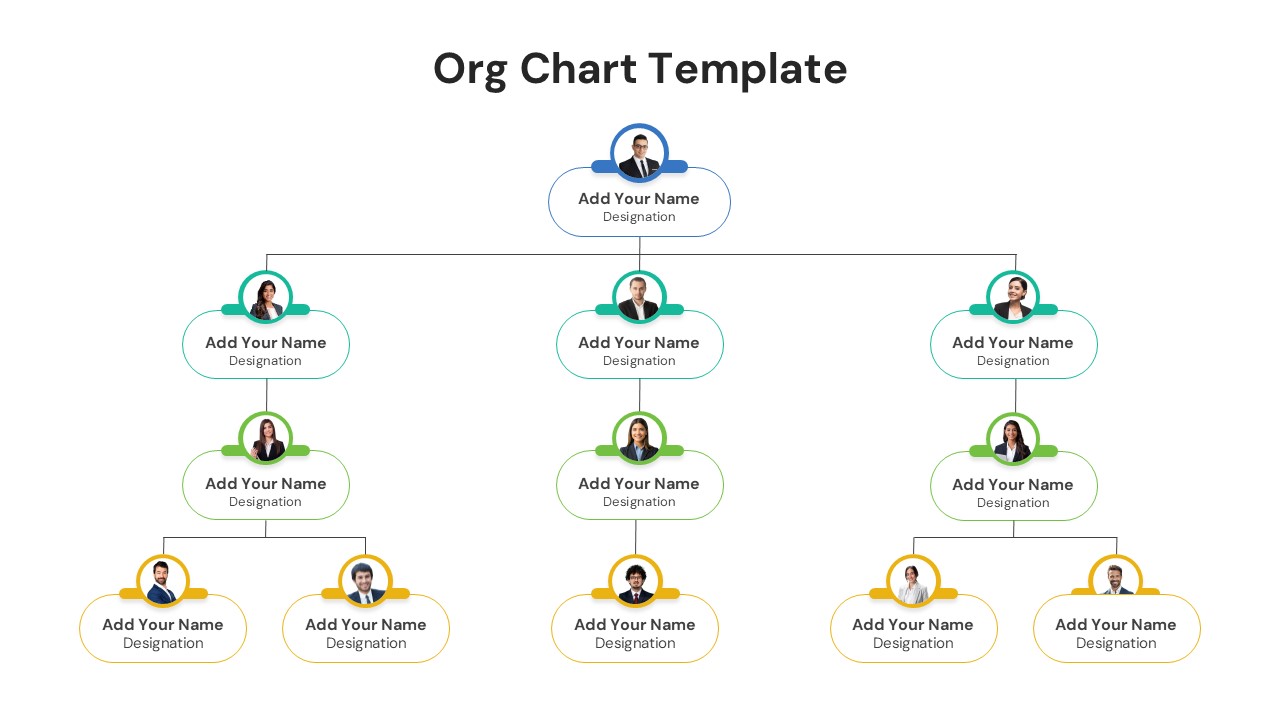
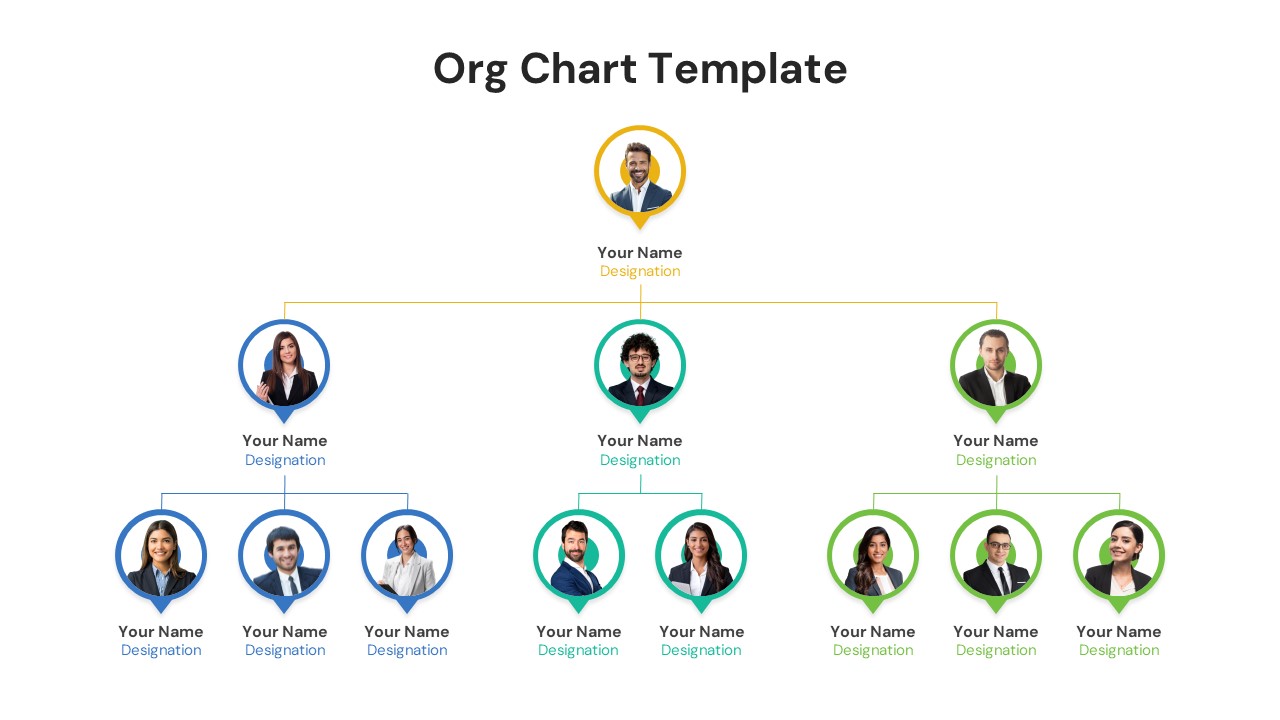
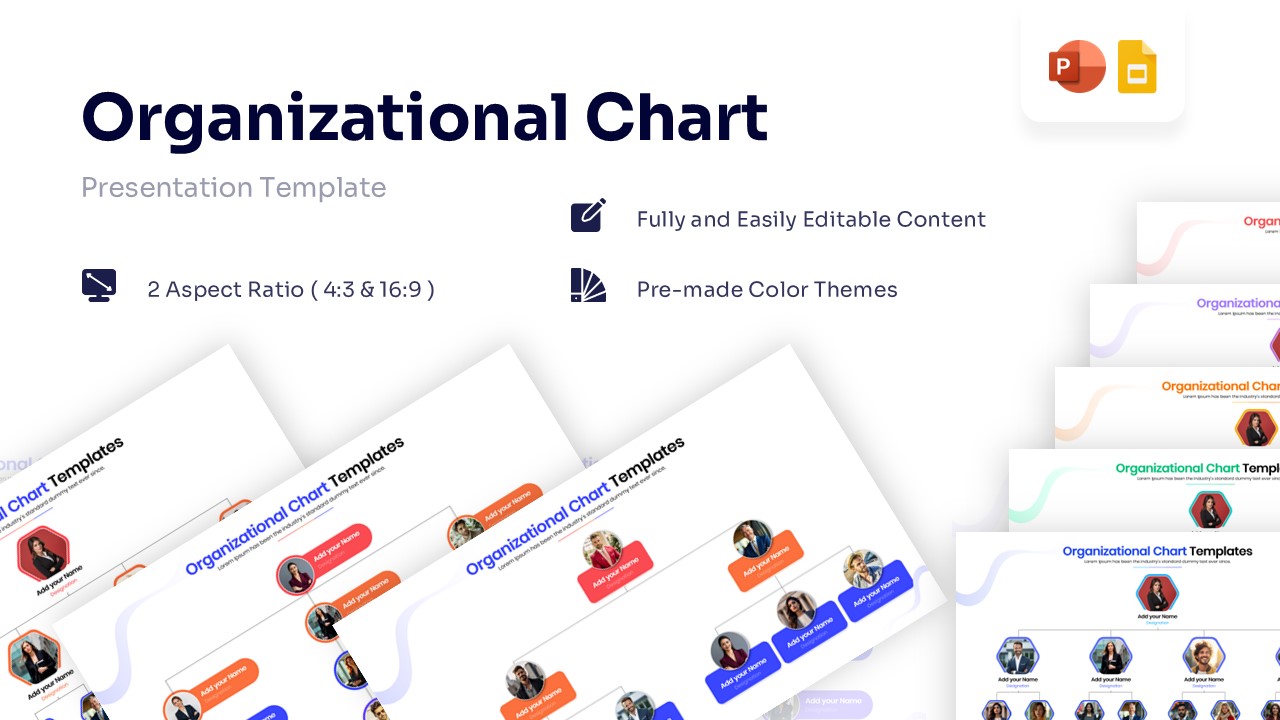
Get this Free Org Chart Template, a structured presentation design created to illustrate team hierarchy and reporting lines using a top-down structural framework. This hierarchical structure infographic maps executive leadership, middle management, and operational staff in a connected format. It includes labeled sections for names, designations, and employee headshots. The layout clearly shows how these components move through the chain of command to produce clear organizational accountability. The design supports corporate restructuring strategies, departmental onboarding briefings, and human resources compliance audits. Connecting lines and tiered profile nodes help present system relationships in a clear sequence.
What Is This Free Org Chart Template?
This Free Organization Chart Template is a ready-made slide built to present company hierarchy in a visual format. It organizes key components such as team leaders, supervisors, and direct reports into a logical flow. The template highlights how these inputs move into specific departmental functions. It visually represents role delegations through defined management tiers. The layout helps teams explain architecture in a structured way. It serves as a business presentation template for corporate governance and staff management.
When to Use This Template
Use this template when presenting new company structures, cross-functional team roles, or executive leadership profiles. It is suitable for company all-hands meetings, new hire onboarding sessions, and board of directors reviews. The layout supports clear explanation of reporting pathways and professional business company models to both technical and business audiences.
Customization and Editing Options
Users can edit all labels, headings, and descriptions in PowerPoint or Google Slides. Colors can be updated to match corporate branding. Diagram shapes and elements can be resized or repositioned to fit additional details. Profile pictures and designation text fields can be adjusted to reflect organization-specific terminology. Additional slides can be duplicated to expand the explanation.
PowerPoint and Google Slides Compatibility
This template works smoothly in Microsoft PowerPoint and Google Slides. The structure remains consistent across both platforms. It supports in-person technical reviews, virtual briefings, and internal presentations.
Key Features
- 100% Vector-Based Graphics
- Fully Layered & Organized
- Multi-Platform Support (PowerPoint & Google Slides)
- Theme Color & Theme Font
- 2 Aspect Ratio (4:3 & 16:9)
- Easy-to-edit photo placeholders
Frequently Asked Questions
- How do I replace the photos in the org chart?
- You can simply click on the image placeholder, right-click, and select \"Change Picture\" to upload your own team photos while maintaining the circular or rounded formatting.
- Can I add more levels to the hierarchy?
- Yes, the template is fully editable. You can copy and paste existing nodes (boxes/circles) and connectors to expand the chart vertically or horizontally to fit your organization\'s size.
- Is this compatible with Google Slides?
- Absolutely. This template is designed to work seamlessly in both Microsoft PowerPoint and Google Slides without losing formatting or quality.
- Can I change the colors to match my brand?
- Yes, all shapes, lines, and text are fully customizable. You can apply your specific brand colors using the theme color palette or custom color picker.
Related Templates
-
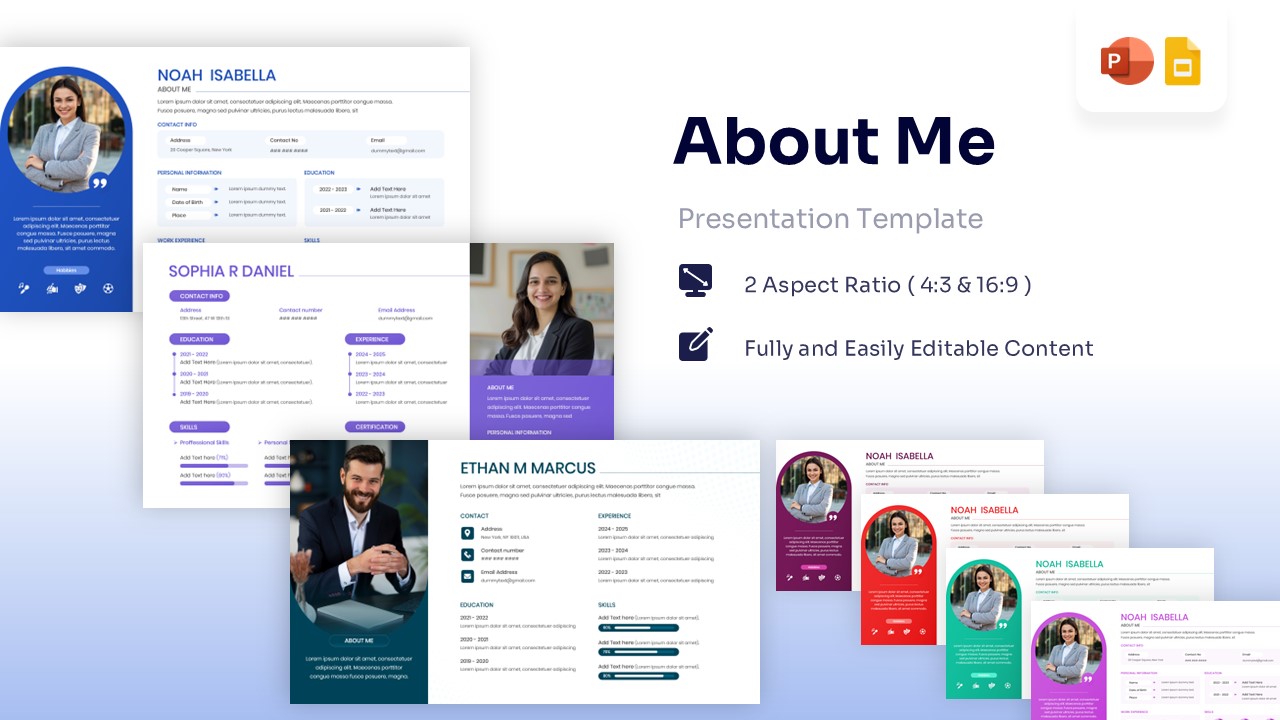
Free About Me Template – Self Introduction Presentation Template
Employee Profile
Free -
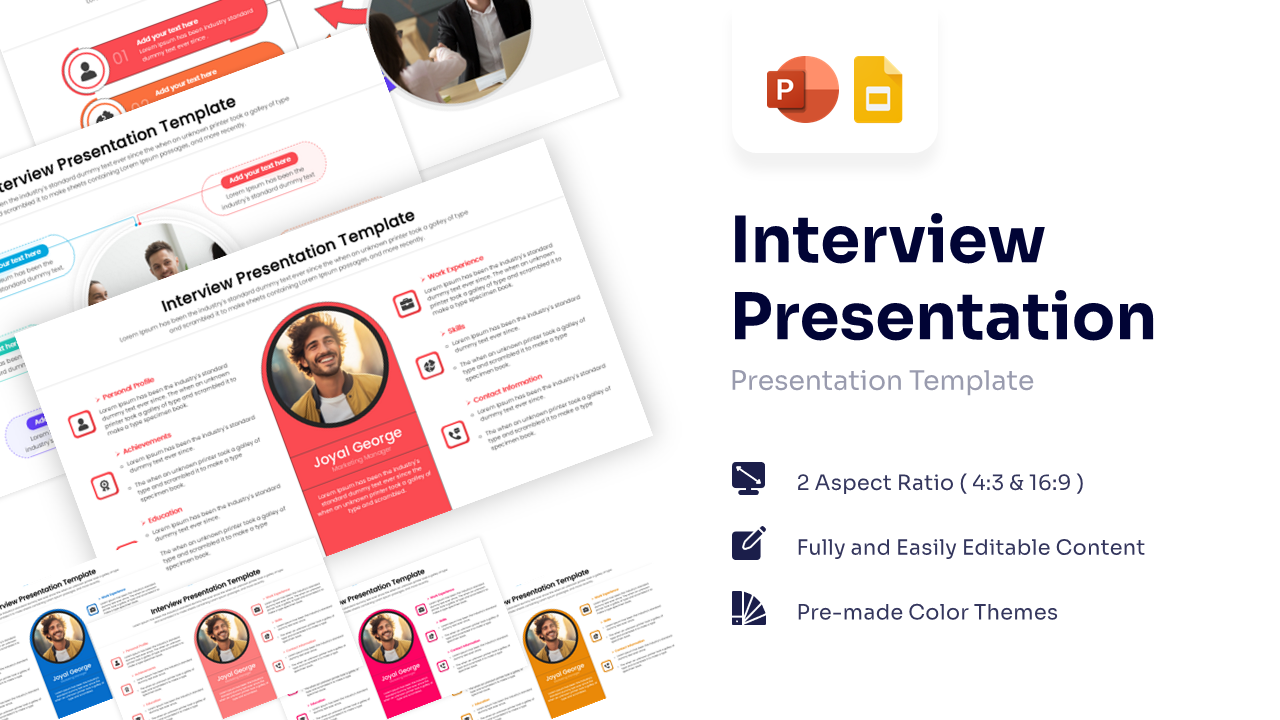
Interview Presentation Template for PowerPoint & Google Slides
Employee Profile
Free -
-
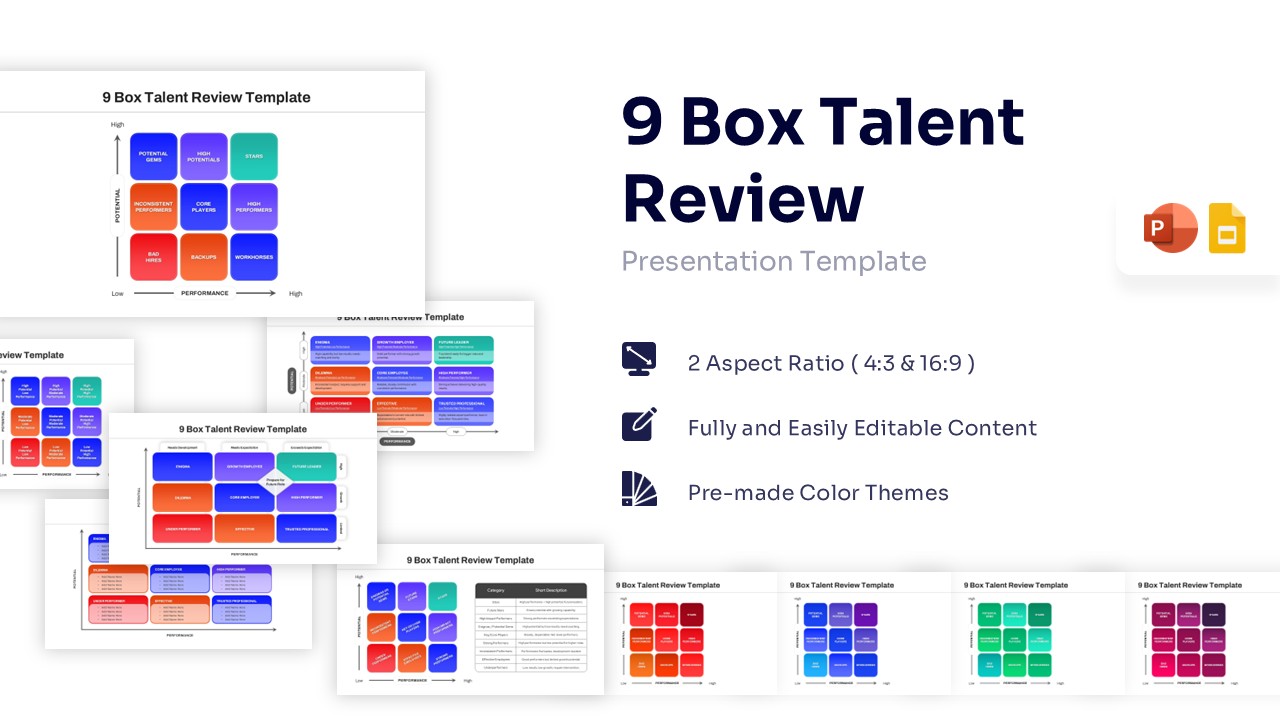
Free 9 Box Talent Review PowerPoint Template & Google Slides
Charts & Graphs
Free