Impact Effort Matrix Free Template for PowerPoint & Google Slides
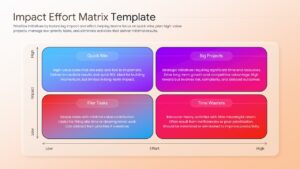
Project Prioritization Matrix for Strategic Decision-Making
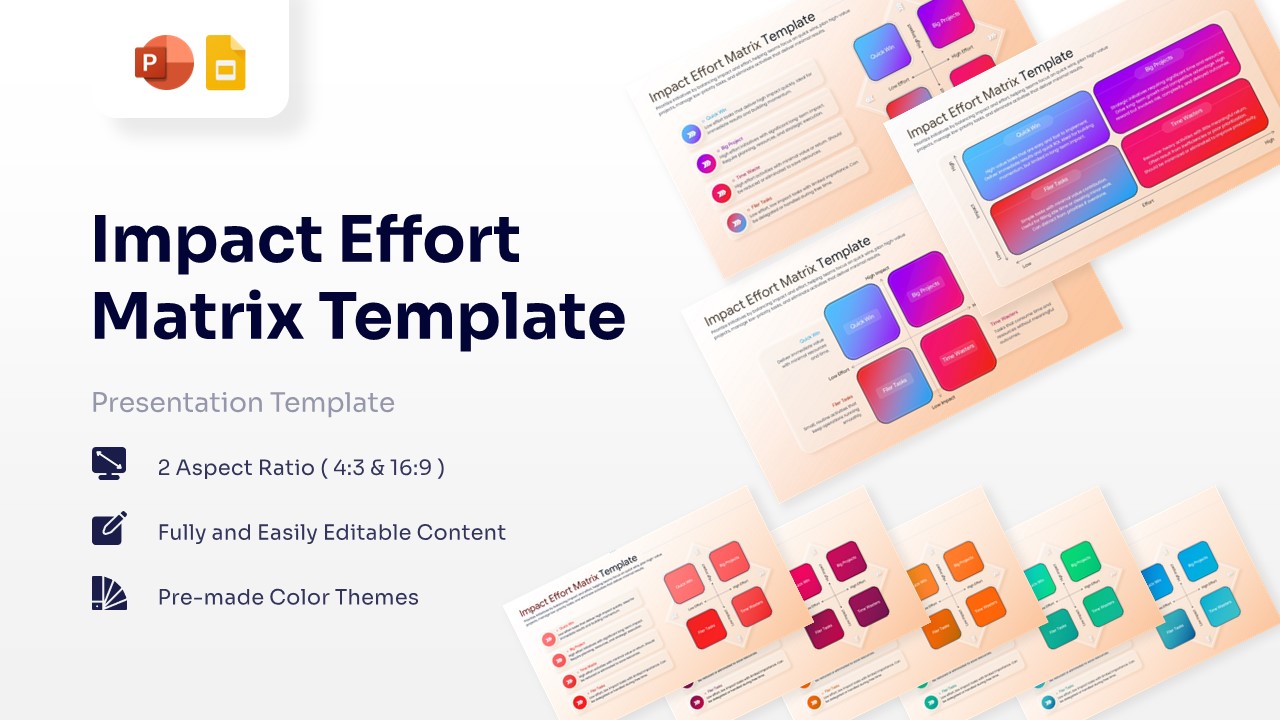
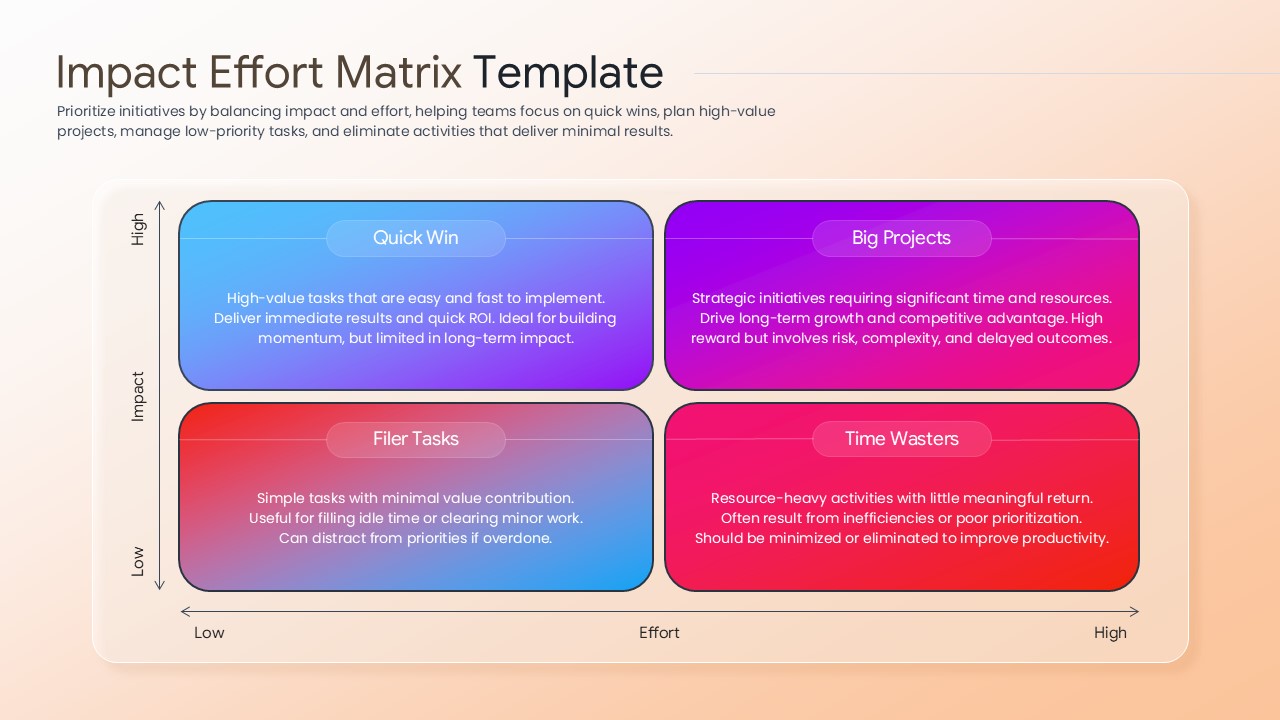
The Free Impact Effort Matrix Template helps teams prioritize tasks, projects, and initiatives using a simple visual framework. It makes it easier to focus on high-impact activities and allocate resources effectively. This template is useful for project managers, business analysts, consultants, product teams, and executives. It supports better planning, prioritization, and decision-making across projects and business initiatives.
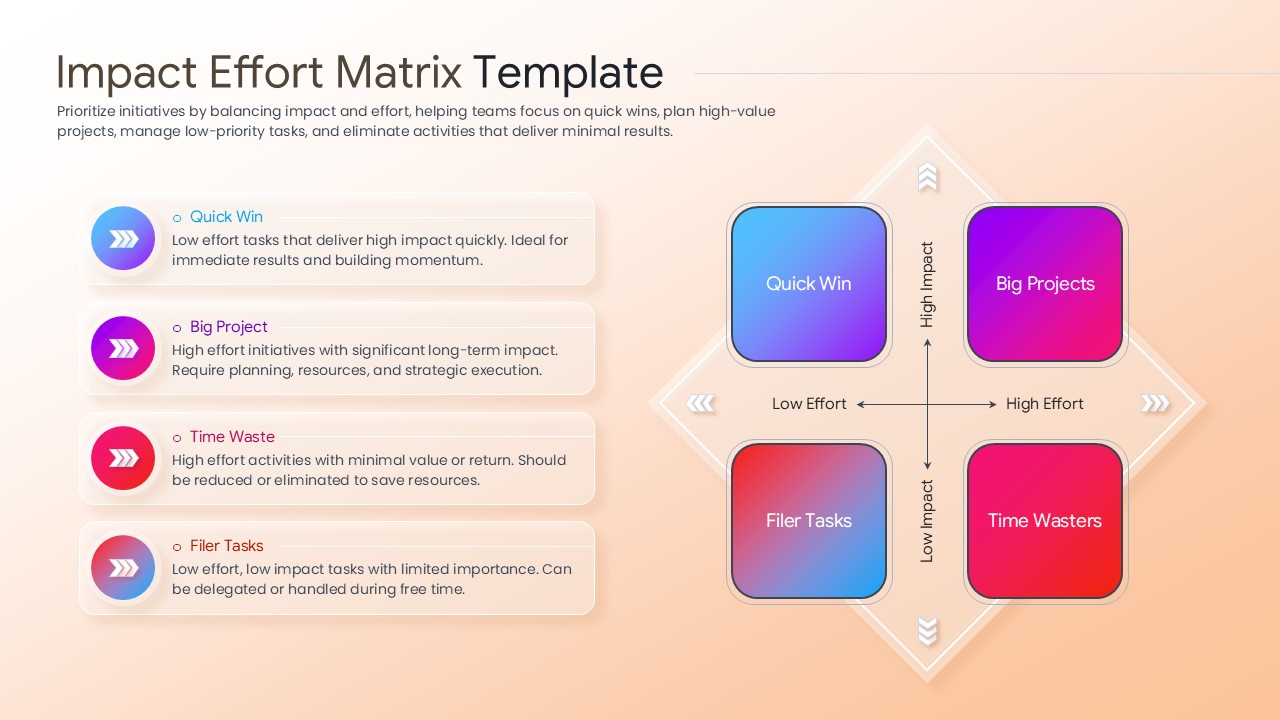
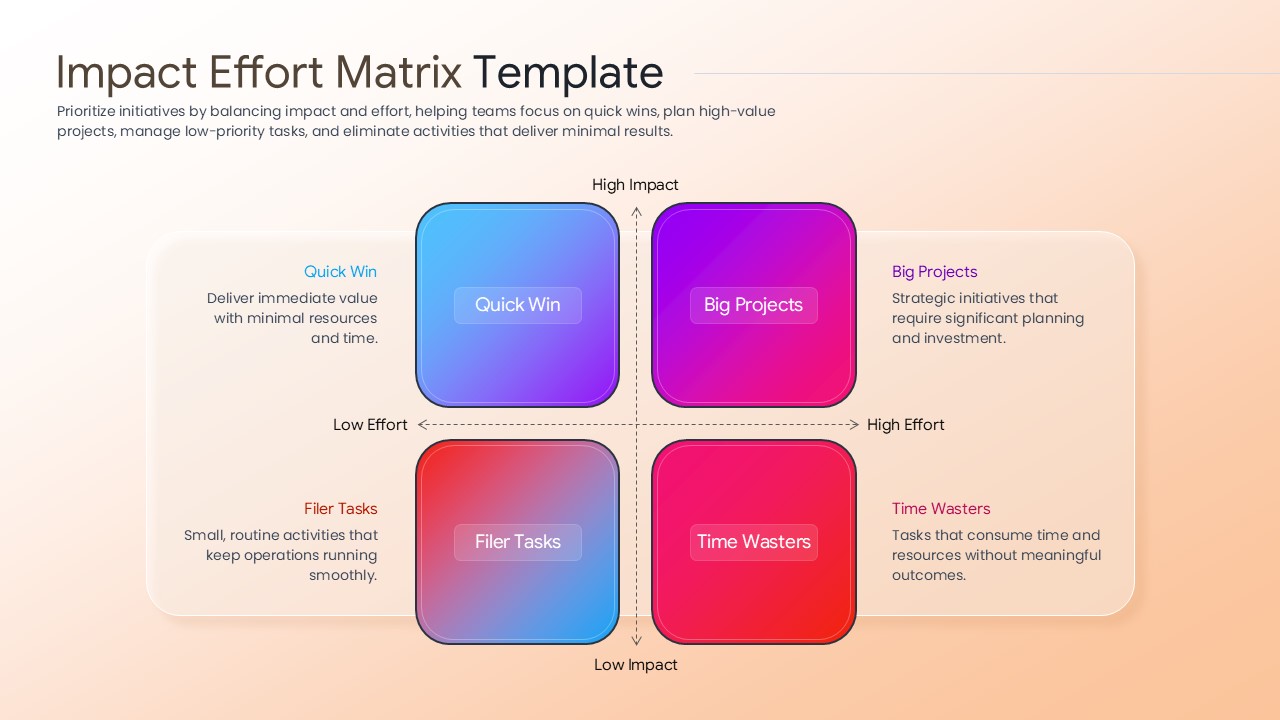
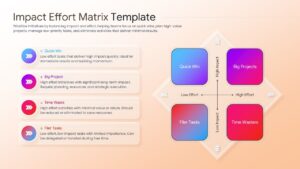
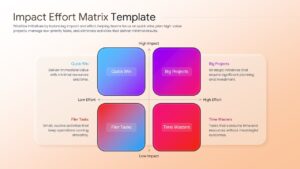
The presentation includes professionally designed matrix layouts that help compare opportunities based on impact and effort. As a result, teams can identify quick wins, evaluate strategic investments, and reduce low-value work.
Key slides include:
- Impact vs. effort matrix diagrams
- Quick Wins and Big Projects frameworks
- Task and initiative prioritization layouts
- Resource allocation and planning matrices
- Strategic evaluation dashboards
- Action prioritization and execution slides
- Opportunity assessment frameworks
The modern design features clear quadrant layouts, comparison visuals, and easy-to-follow planning frameworks. Furthermore, all elements are fully editable in PowerPoint and Google Slides. Users can customize labels, colors, categories, icons, and content to match their requirements.
Whether you are planning product features, evaluating business initiatives, or prioritizing project workloads, this template helps communicate priorities with clarity. In addition, it works well alongside business strategy and decision-making presentation templates for executive discussions and planning sessions.
Teams looking for editable project prioritization and strategic planning presentation templates can use these slides to support resource planning, portfolio management, and project evaluation. The structured layouts help simplify complex decisions and improve stakeholder alignment.
Key Features
- 100% Vector-Based Graphics
- Fully Layered & Organized
- Multi-Platform Support
- Theme Color & Theme Font
- Includes 4-quadrant labeled layouts
- Available in both Light and Dark theme variations
Frequently Asked Questions
- Is this prioritization framework slide compatible with Keynote?
- While optimized for PowerPoint and Google Slides, the 100% vector shapes allow for high compatibility when imported into other presentation software.
- Can I change the colors of the quadrants?
- Yes, you can select any individual shape and change the fill color or gradient to match your specific corporate branding or project theme.
Related Templates
-
-
 Free
Free -
 Free
Free -