Free Kaizen PICK Chart Template for PowerPoint & Google Slides
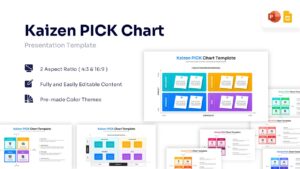
Solution Prioritization Matrix Diagram
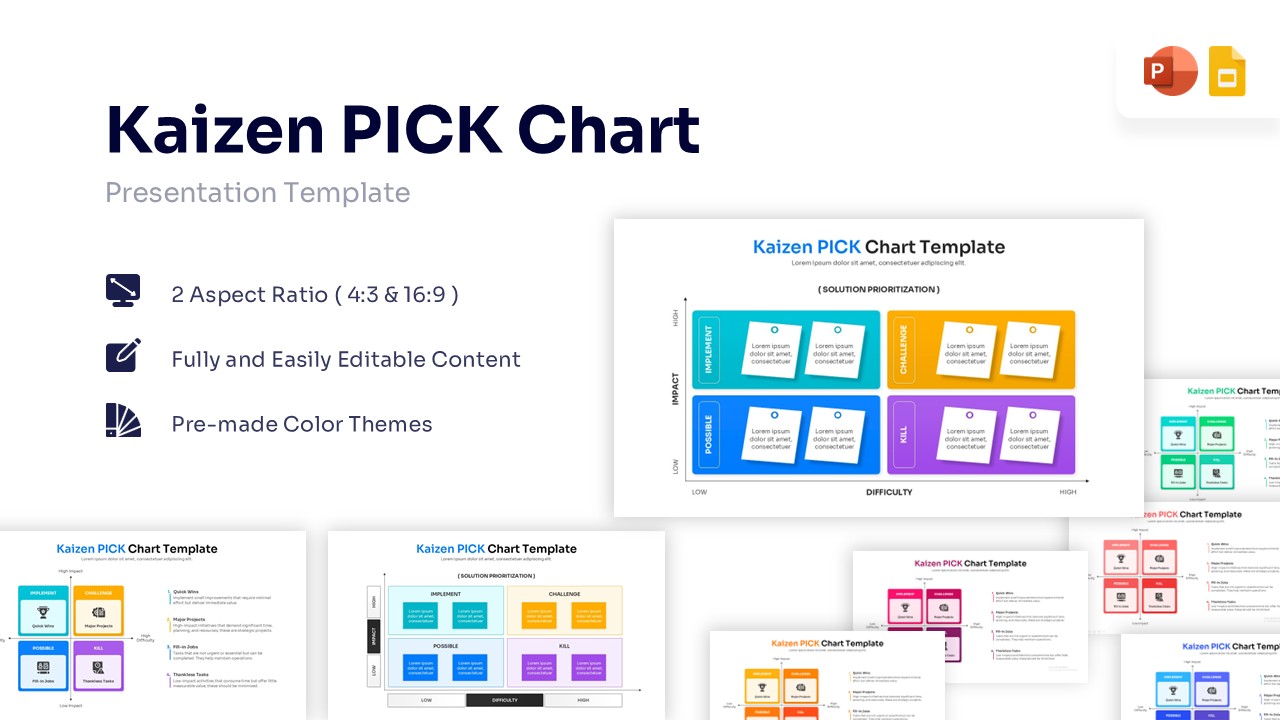
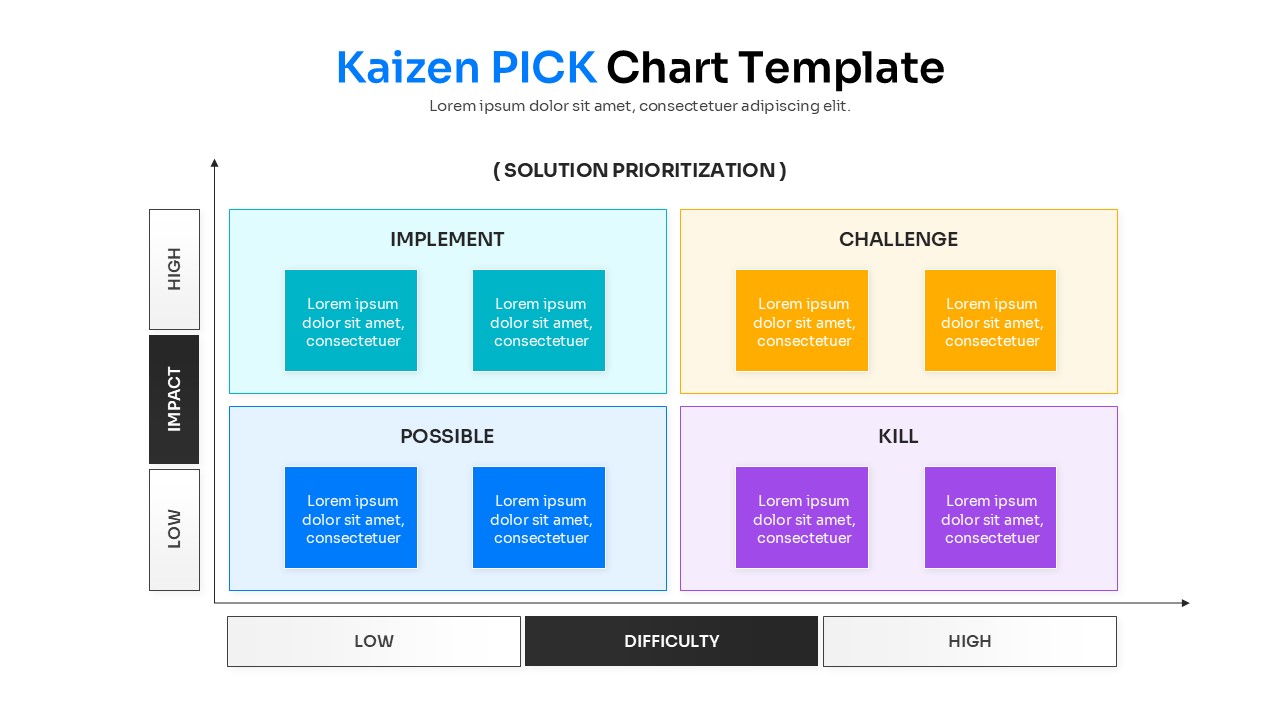
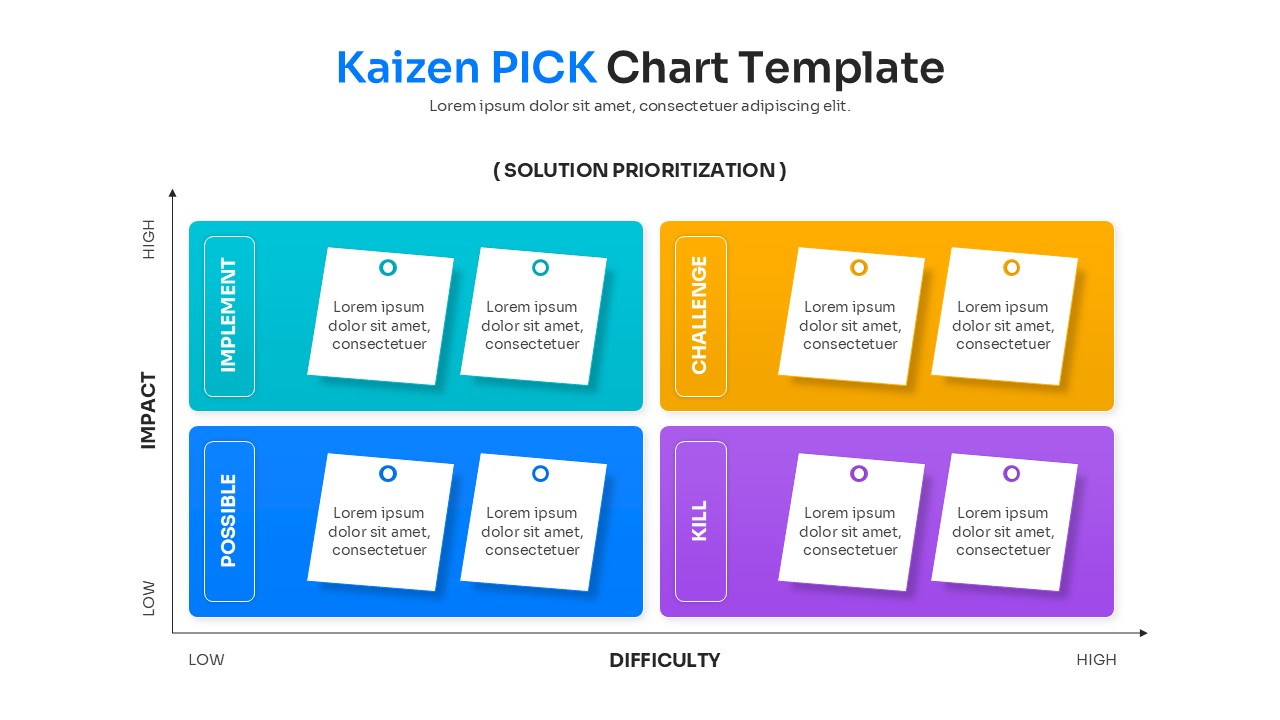
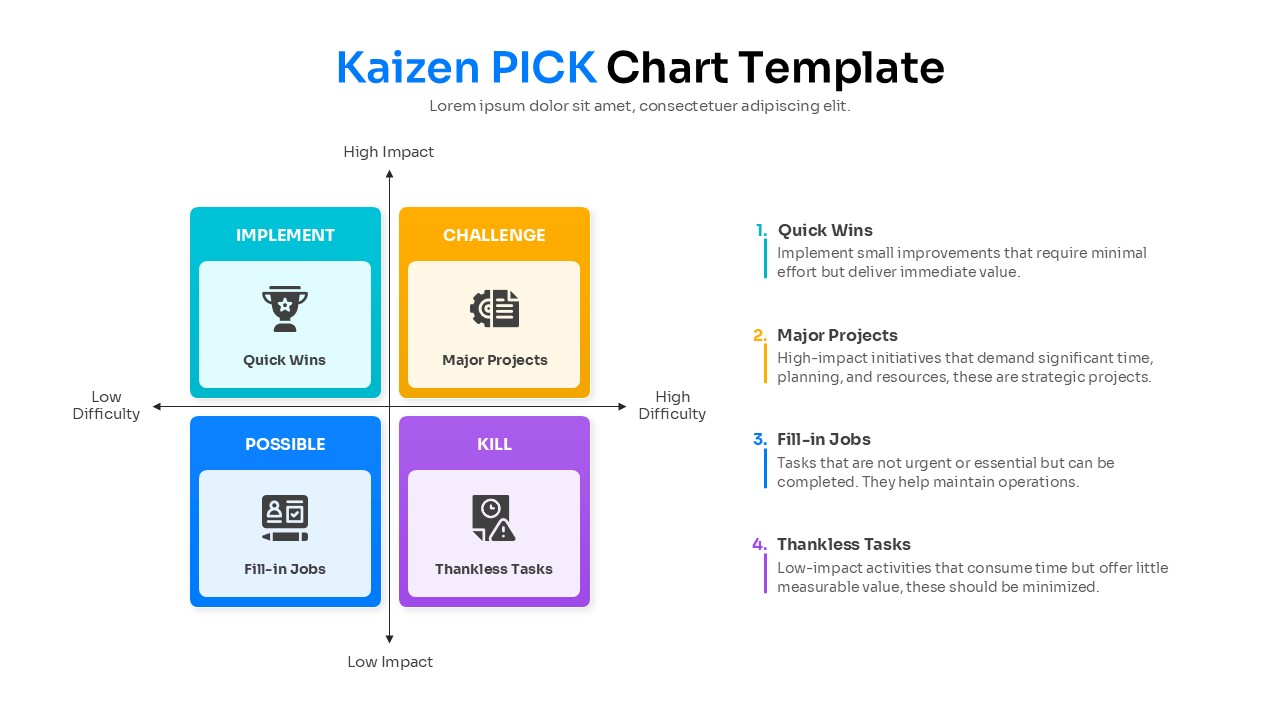
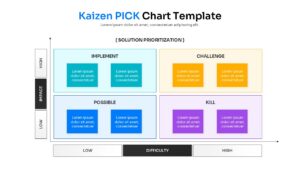
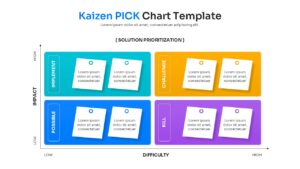
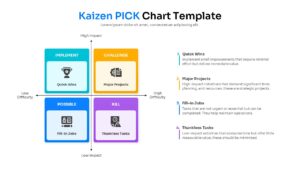
The Kaizen PICK Chart is a structured presentation design created to illustrate task prioritization using a 2×2 matrix flow. The template visually maps task impact, implementation difficulty, and project feasibility in a connected format. It includes labeled sections for Implement, Challenge, Possible, and Kill quadrants. The comparison chart and graph template shows how these components move through an evaluation process to produce actionable strategy outcomes. The design supports lean management reviews, continuous improvement brainstorming, and operational compliance tracking. Four distinct color-coded quadrants help present system relationships in a clear sequence. The slide keeps technical information organized without overcrowding the layout.
What Is This Kaizen PICK Chart Template?
This Pick Chart and Kaizen is a ready-made slide built to present task prioritization frameworks in a visual format. It organizes key components such as quick wins, major projects, and thankless tasks into a logical flow. The template highlights how these inputs move into a strategic decision engine. It visually represents task filtering through designated action quadrants. The layout helps teams explain architecture in a structured way. It serves as a business presentation template for lean six sigma methodologies.
When to Use This Template
Use this Kaizen PowerPoint template when presenting continuous improvement strategies, project backlogs, or resource allocation plans. It is suitable for weekly agile stand-ups, quarterly strategic planning sessions, and departmental performance reviews. The layout supports clear explanation of strategic business project proposal workflows to both technical and business audiences.
Customization and Editing Options
Users can edit all labels, headings, and descriptions in PowerPoint or Google Slides. Colors can be updated to match corporate branding. Diagram shapes and elements can be resized or repositioned to fit additional details. Text boxes and matrix axes can be adjusted to reflect organization-specific terminology. Additional slides can be duplicated to expand the explanation.
PowerPoint and Google Slides Compatibility
This template works smoothly in Microsoft PowerPoint and Google Slides. The structure remains consistent across both platforms. It supports in-person technical reviews, virtual briefings, and internal presentations.
Key Features
- Fully editable 2x2 matrix design
- Pre-defined quadrants
- Compatible with both PowerPoint and Google Slides formats.
- Clean, professional layout
Frequently Asked Questions
- What does PICK stand for?
- PICK stands for Possible, Implement, Challenge, and Kill. It is a method used to categorize process improvement ideas.
- Can I change the colors of the sticky notes?
- Yes, all shapes and colors in this template are fully editable, so you can match your company branding.
- Is this template suitable for Agile retrospectives?
- Absolutely. It is a great tool for teams to decide which action items to take into the next sprint.