Free Modern 6 Milestone Chart Timeline Template for PowerPoint & Google Slides
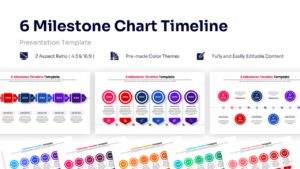
Six Phase Project Roadmap Presentation Template
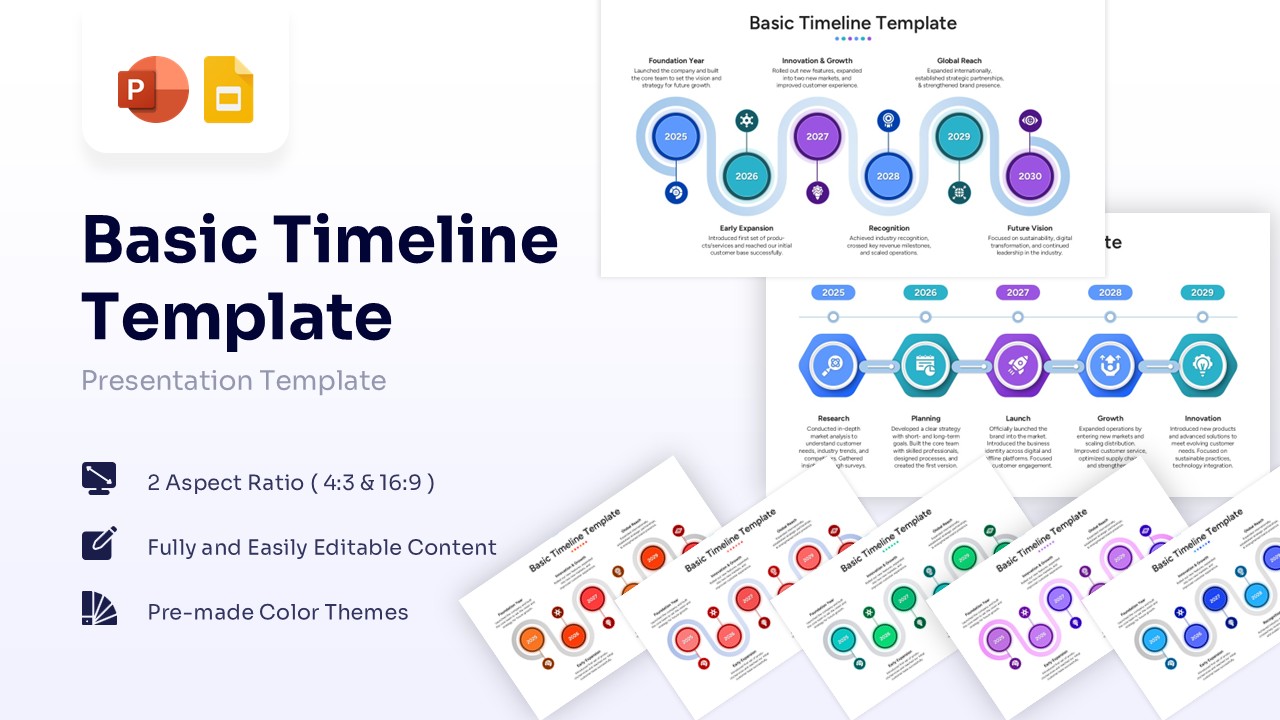
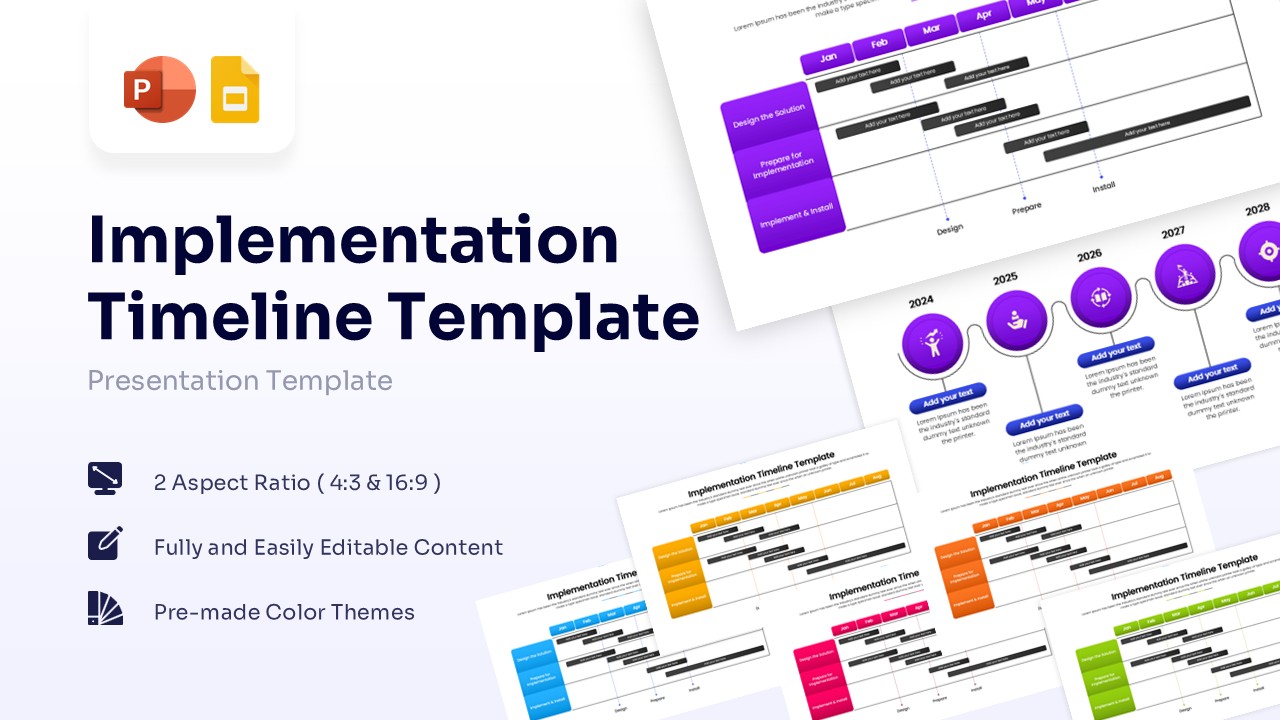
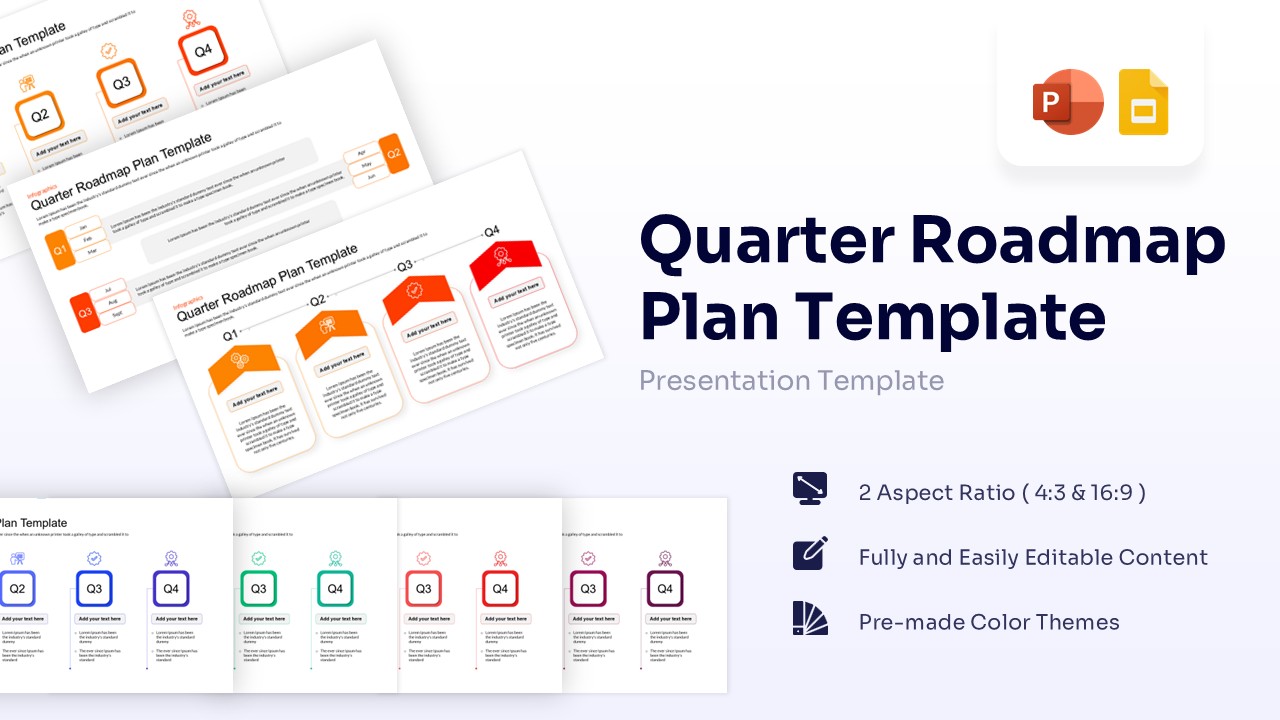
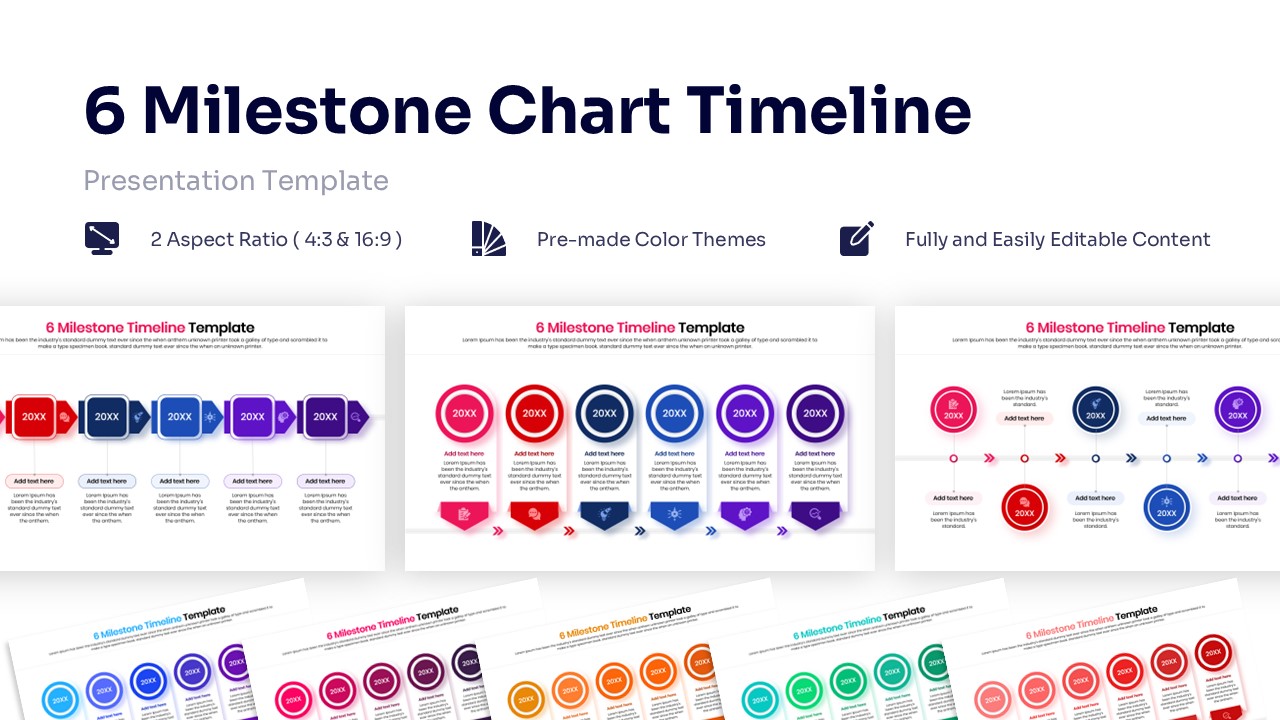
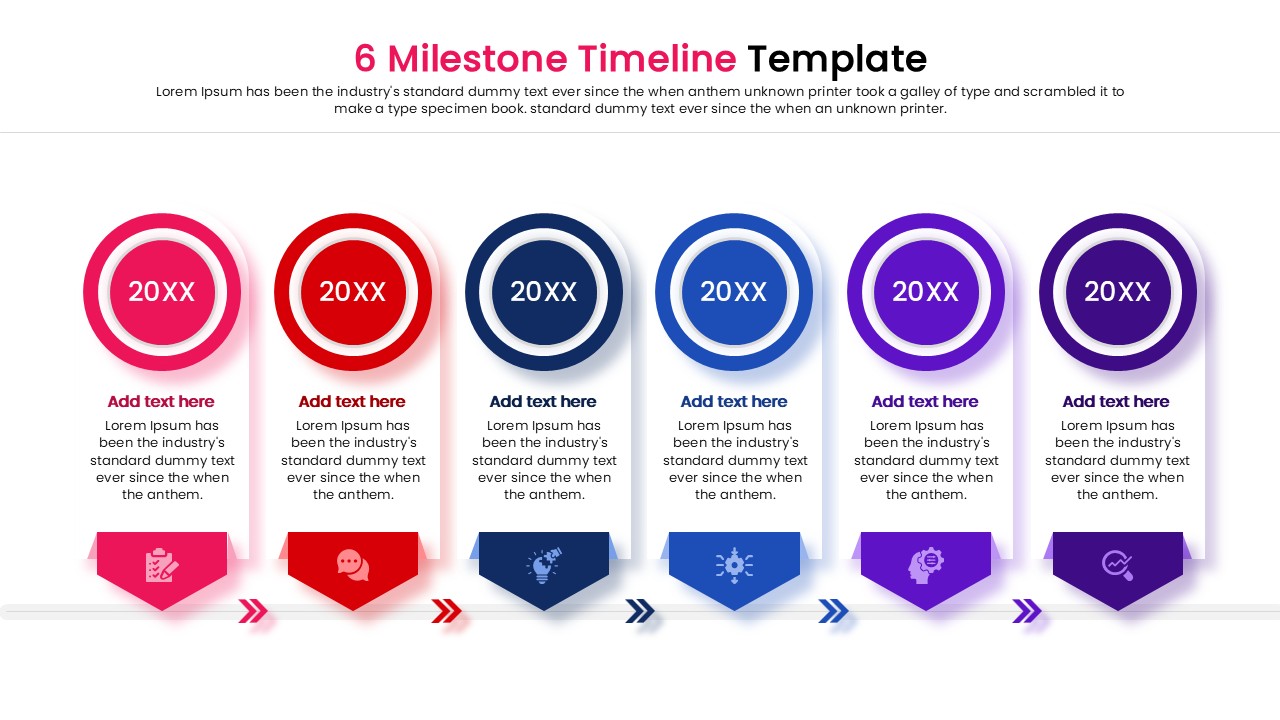
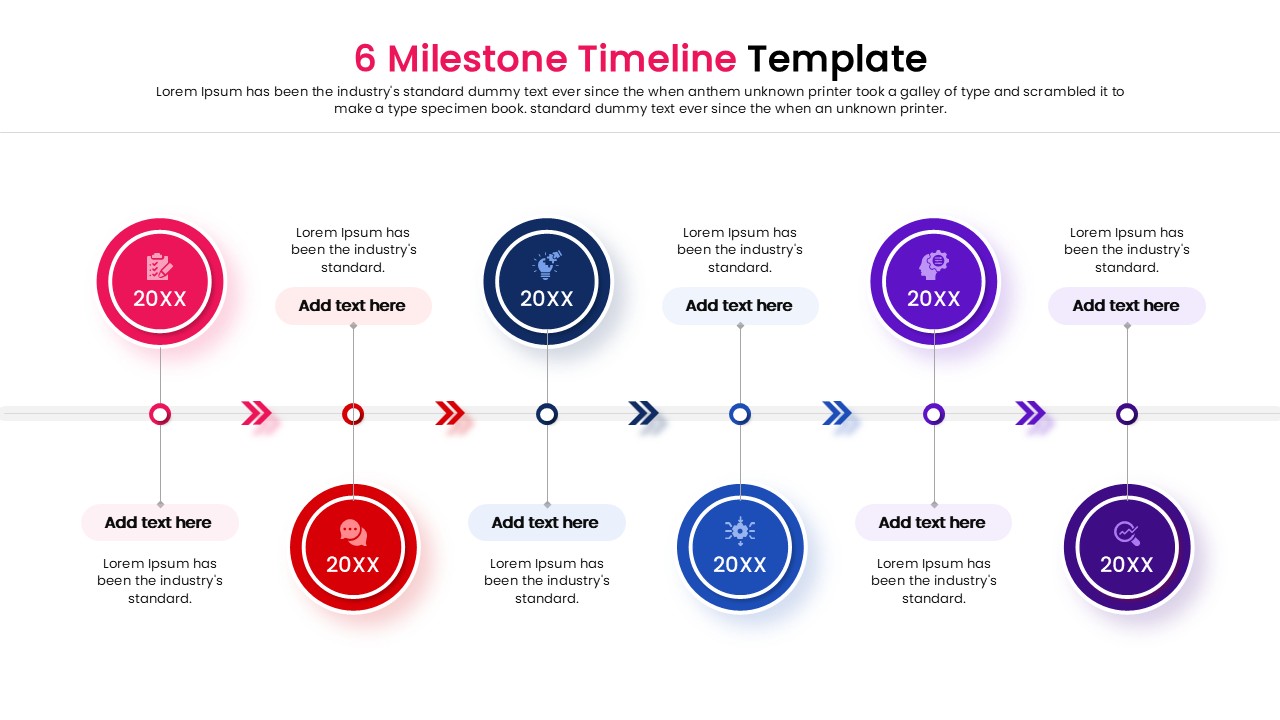
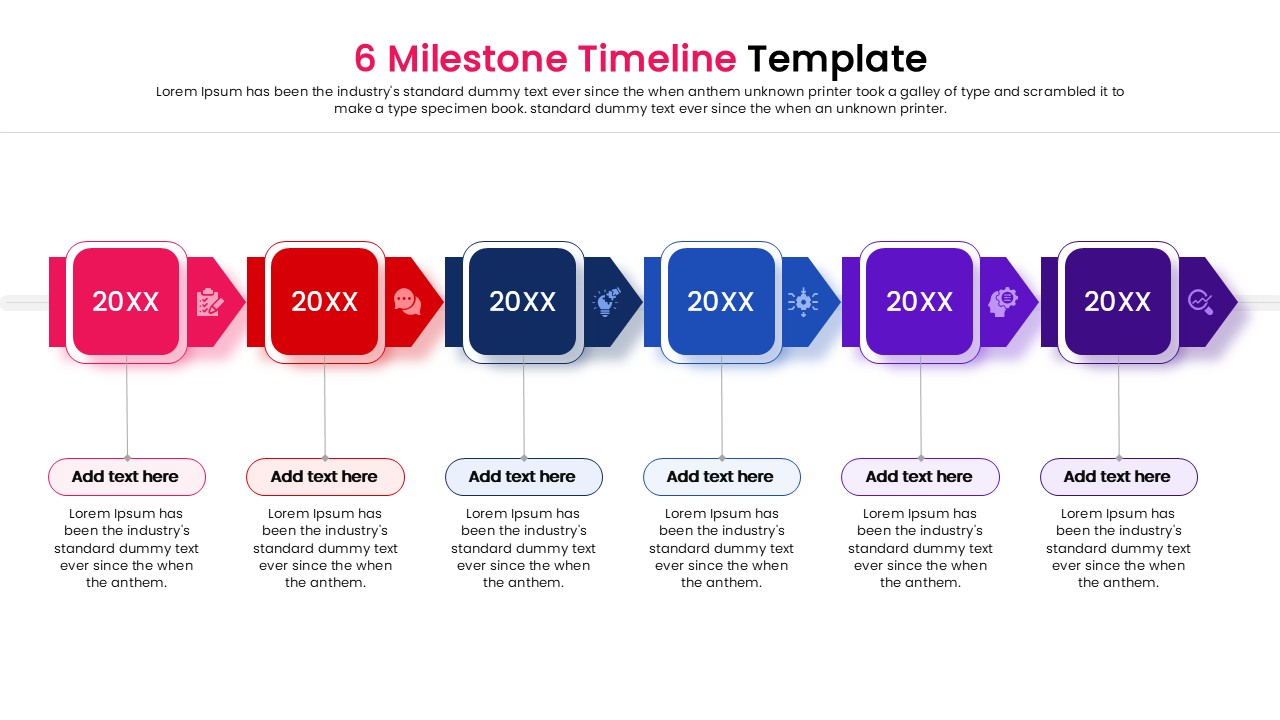
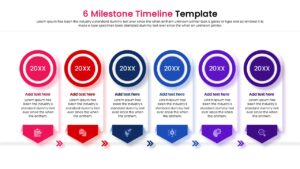
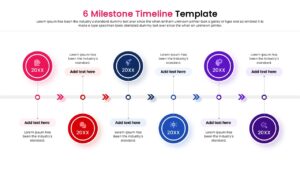
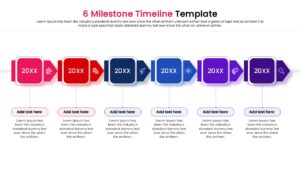
This free 6 Milestone Chart Timeline Template prioritizes clarity and a logical flow of information with a professional and structured design. This timeline infographic PPT includes a variety of layouts ranging from horizontal node paths to vertical pill structures, ensuring a cohesive narrative as stakeholders navigate through each phase of a project’s lifecycle. Utilizing a sophisticated multicolored palette anchored by deep blue and authoritative purple tones, the deck conveys a sense of stability and institutional trust essential for high-level executive reporting. High-impact infographics, such as circular progress markers, sequential arrow indicators, and detailed text columns, allow presenters to use project management timeline infographics
to transform complex data into digestible visual summaries.
By integrating these corporate strategy roadmap diagrams, users can effectively highlight key achievements and future objectives with mathematical precision. This versatile PresentoVerse free timeline diagram is perfect for formal business environments, particularly for project status updates, quarterly board reviews, and long-term strategic planning sessions.
Key Features
- 100% Vector-Based Graphics
- Fully Layered & Organized
- Multi-Platform Support
- Theme Color & Theme Font
Frequently Asked Questions
- Can I change the number of milestones?
- Yes, since the elements are vector-based, you can duplicate or remove shapes to adjust the number of steps, though the layout is optimized for six.
- Is this compatible with Google Slides?
- Absolutely, this template is fully compatible with both Microsoft PowerPoint and Google Slides.
- Do I need special fonts?
- No, the template uses standard theme fonts, but you can easily switch them to your corporate typography if needed.