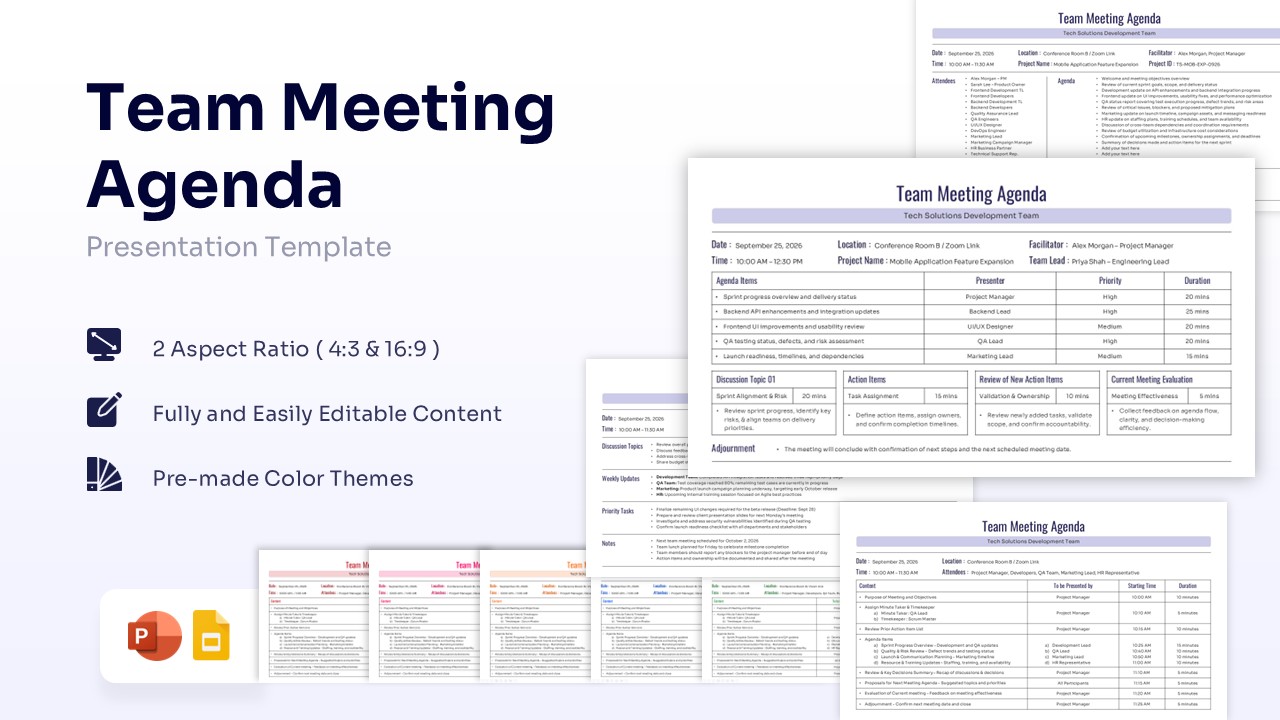
Minutes of Meeting Template Free PowerPoint & Google Slides
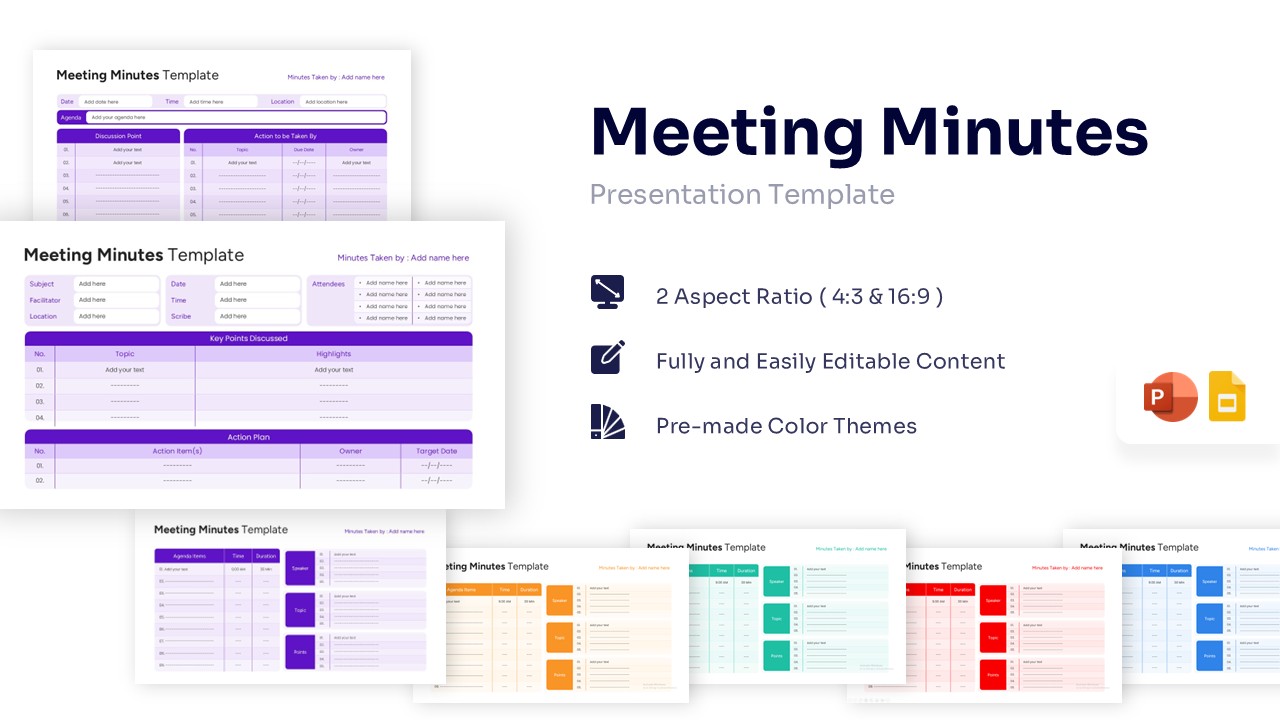
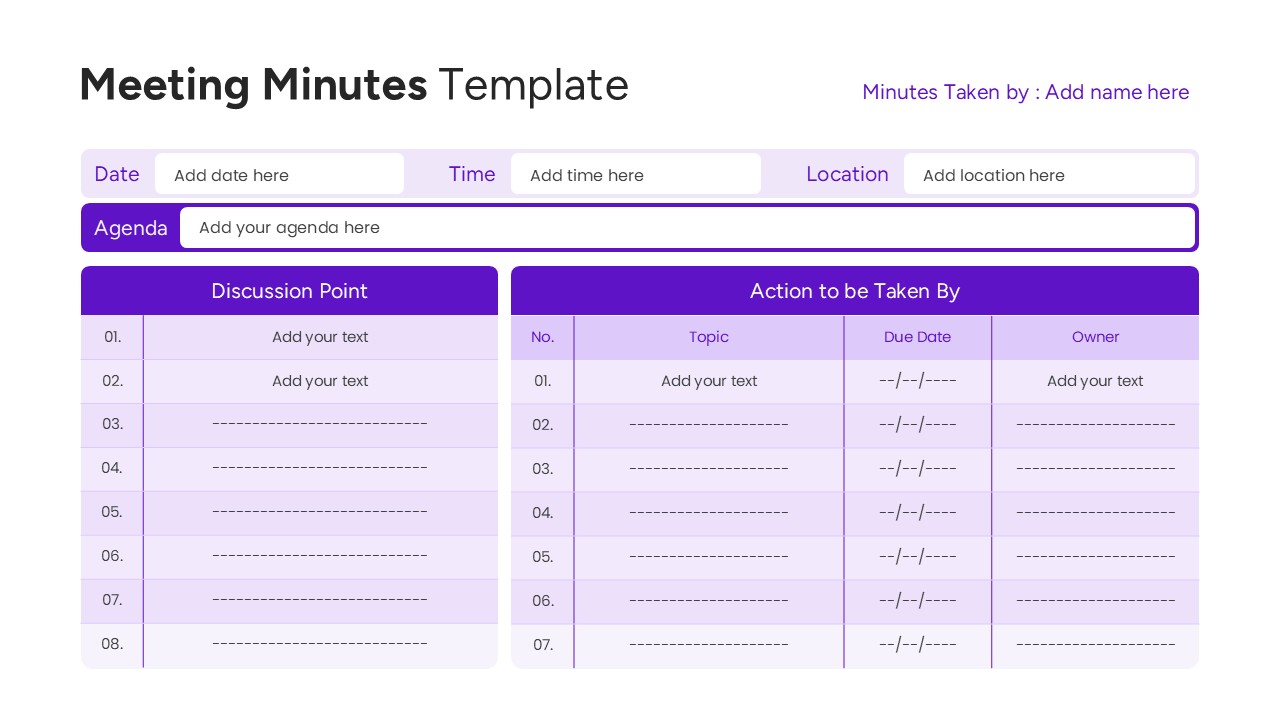
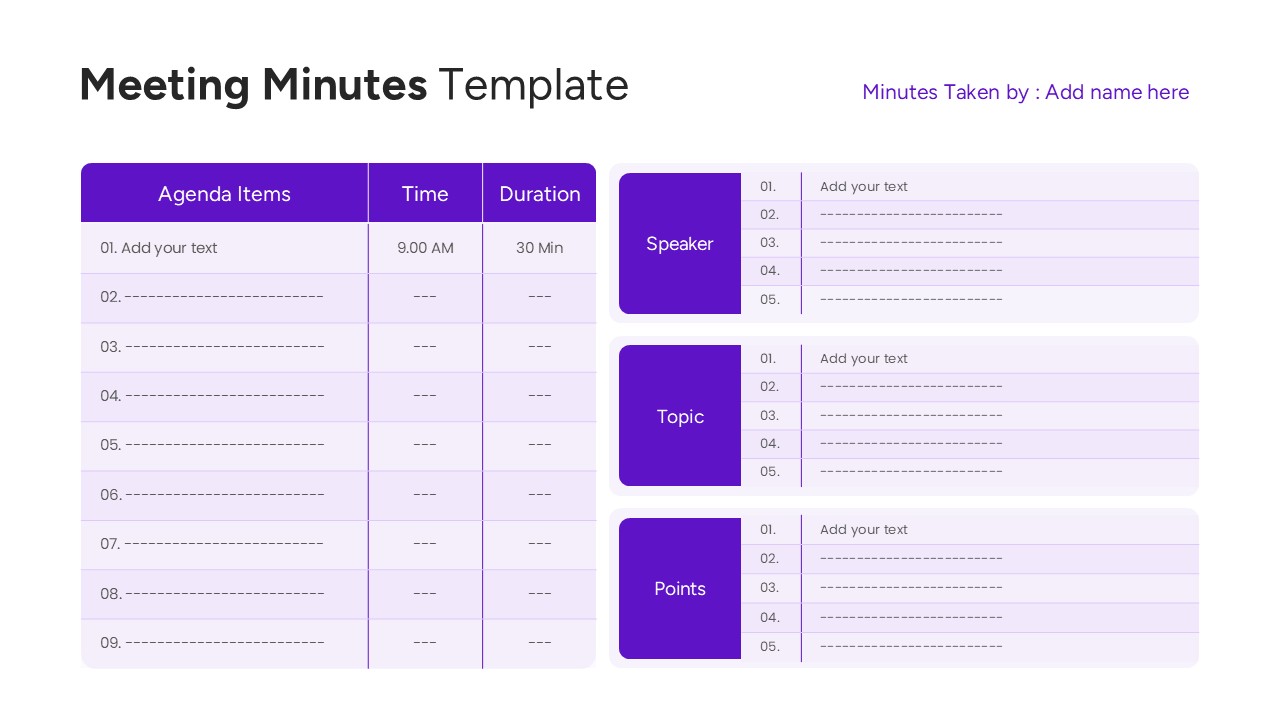
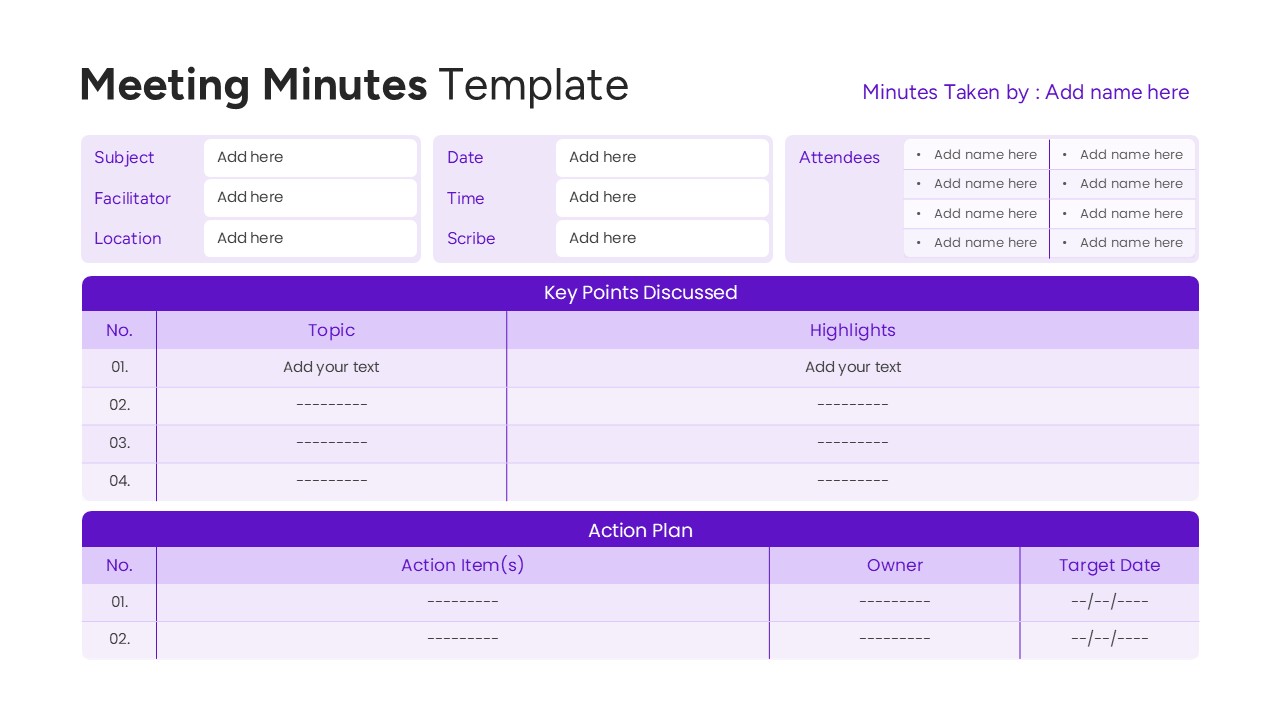
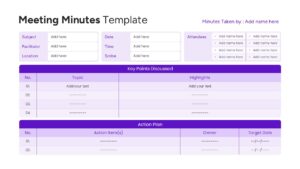
Log Team Next Steps with an Action Item Tables Slide
Streamline your post-session workflows by downloading our premium Minutes of Meeting Template for PowerPoint or Google Slides to witness how quick alignment can be. This highly structured minutes meeting table template provides clear sections for attendees, timelines, and open assignments, giving you the ability to showcase content more visually so your audience grasps critical decisions instantly.
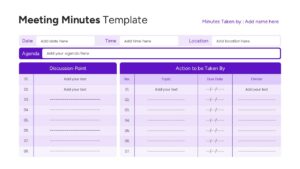
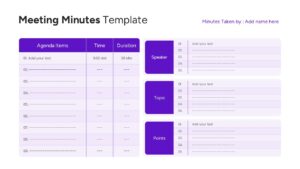
PresentoVerse corporate infographic Google Slides like this set are engineered to be remarkably straightforward to deploy. Simply grab the file, pick the exact tracking view that fits your session format, customize the text fields, and copy-paste them right into your main deck. Move towards clarity thanks to these crisp, well-structured slides that turn lengthy conversations into crisp, execution-ready roadmaps.
Key Features
- 100% editable and easy to modify
- Different Corporate Summary Slides to boost your presentations
- Includes vector icons and extensions for further customization
- Designed to be used in Google Slides and Microsoft PowerPoint
- Includes information about how to edit and customize your layout
Frequently Asked Questions
- Can I change the column headers in the tables?
- Yes, all text within the tables is fully editable. You can rename headers to fit your specific tracking needs, such as changing \"Owner\" to \"Department.\'\'
- Is this template suitable for print?
- Absolutely. The high-contrast design and white background make it very printer-friendly, perfect for handing out physical copies or filing hard documentation.
- Does the slide support data linking?
- These are standard PowerPoint tables. While they are not live-linked to Excel by default, you can easily copy and paste data from Excel or embed an Excel sheet if dynamic data is required.
Related Templates
-
-
-
 Free
Free -