Table of Contents Template for PowerPoint & Google Slides
Professional Presentation Agenda Slide
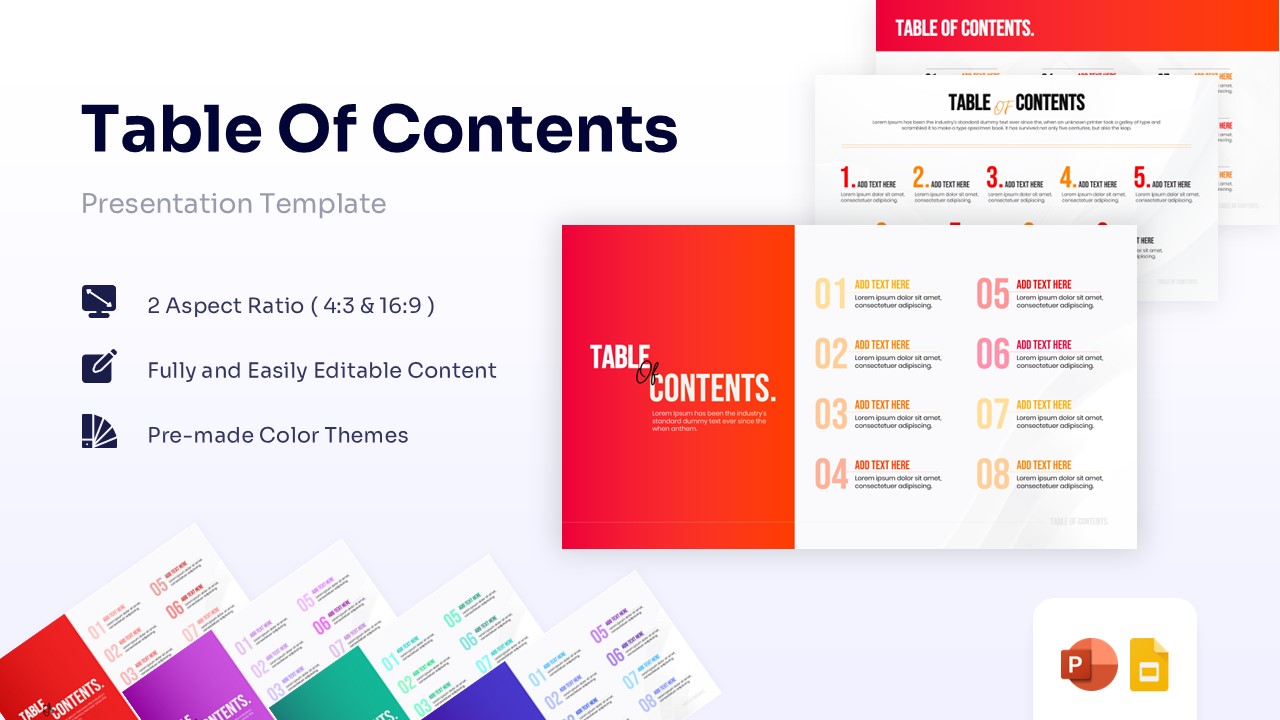
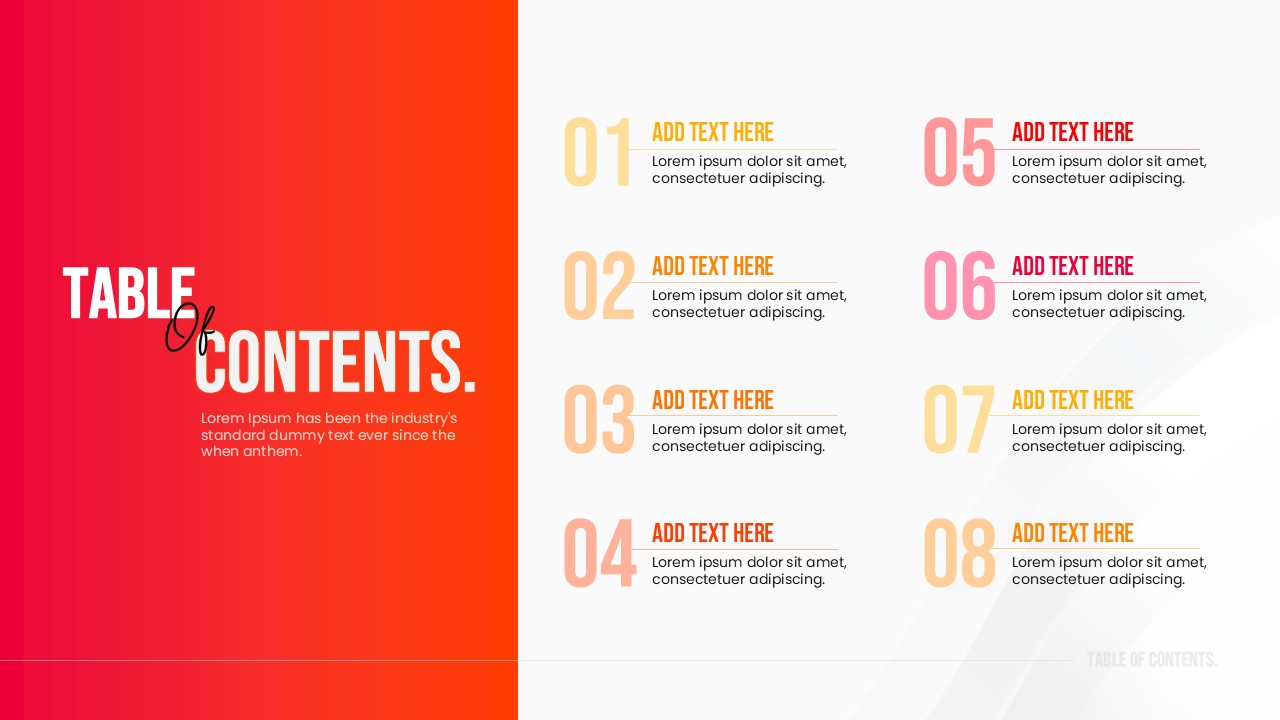
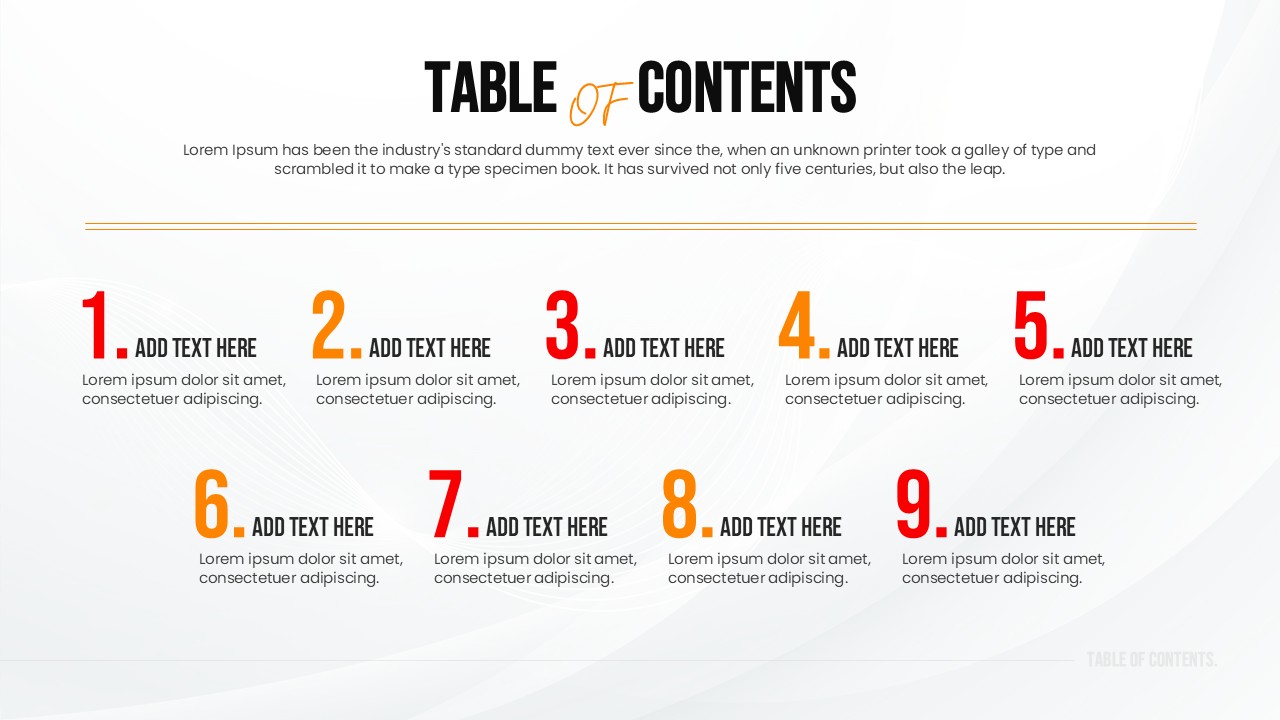
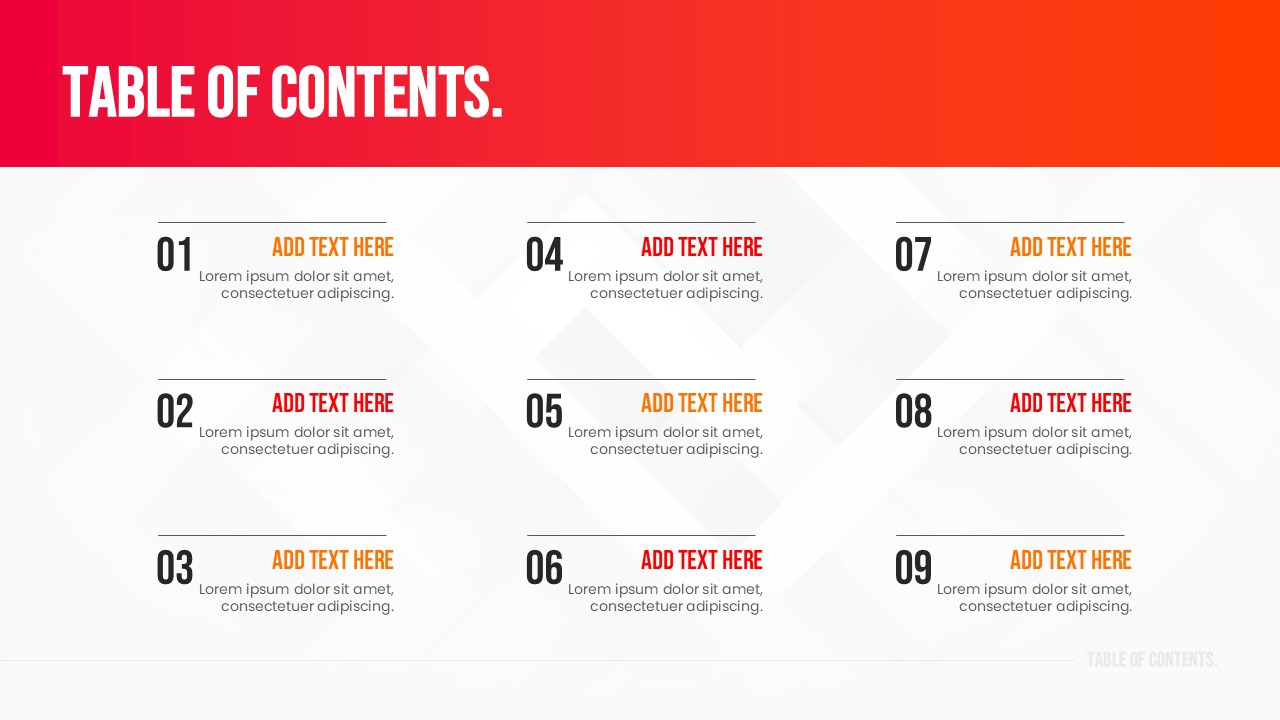
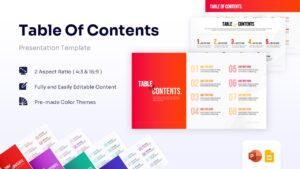
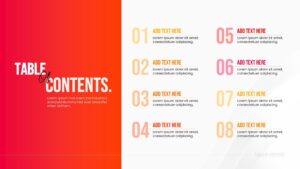
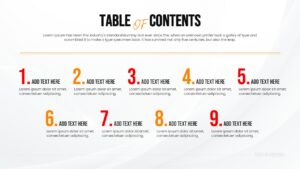
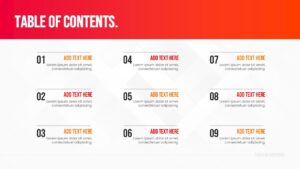
Download this Table of Contents Template, a sophisticated structural diagram featuring a modern, grid-based visual anatomy with vibrant red and orange color-blocked headers designed to clearly outline your core topics. This versatile PowerPoint list infographics template offers immense flexibility for various use cases, perfect for comprehensive business strategy profile outline for corporate meetings, educational lectures, and project proposals.
Why Use these Table of Contents Template PowerPoint
Enhances navigational clarity and structural flow for your entire audience. Streamlines complex informational outlines into easily digestible visual sections. Establishes a professional, organized tone right from the introduction. Saves vital design time with pre-formatted, perfectly aligned grid and list layouts.
Who Should Download this Table of Contents PowerPoint Diagram
- Executives delivering quarterly business reviews and extensive strategy updates.
- Educators outlining structured lesson plans, syllabus guidelines, and academic modules.
- Project Managers presenting detailed scopes of work, phase timelines, and milestones.
- Sales Professionals pitching structured business proposals and marketing funnels.
Key Features
- 100% Vector-Based Graphics
- Fully Layered & Organized
- Multi-Platform Support
- Theme Color & Theme Font
- Dual Aspect Ratios (4:3 & 16:9)
- Interchangeable Numeric and Bullet-Point Placeholders
Frequently Asked Questions
- Can I change the red color to match my brand?
- Yes, this template is fully editable. You can easily change the red color to your specific brand color using the theme settings.
- Is this compatible with Google Slides?
- Absolutely. This template is designed to work seamlessly on both Microsoft PowerPoint and Google Slides.
- How many items can I list on the slide?
- The template includes layouts that support different numbers of items, ranging from short lists of 4-5 points up to longer agendas with 8 items.