Free Multi-Step Linear Process Diagram Template for PowerPoint & Google Slides
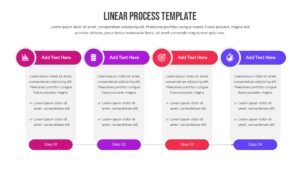
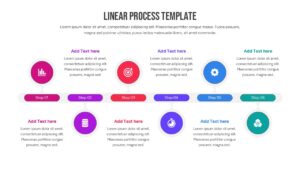
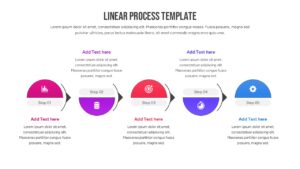
Streamline Your Sequential Business Timeline
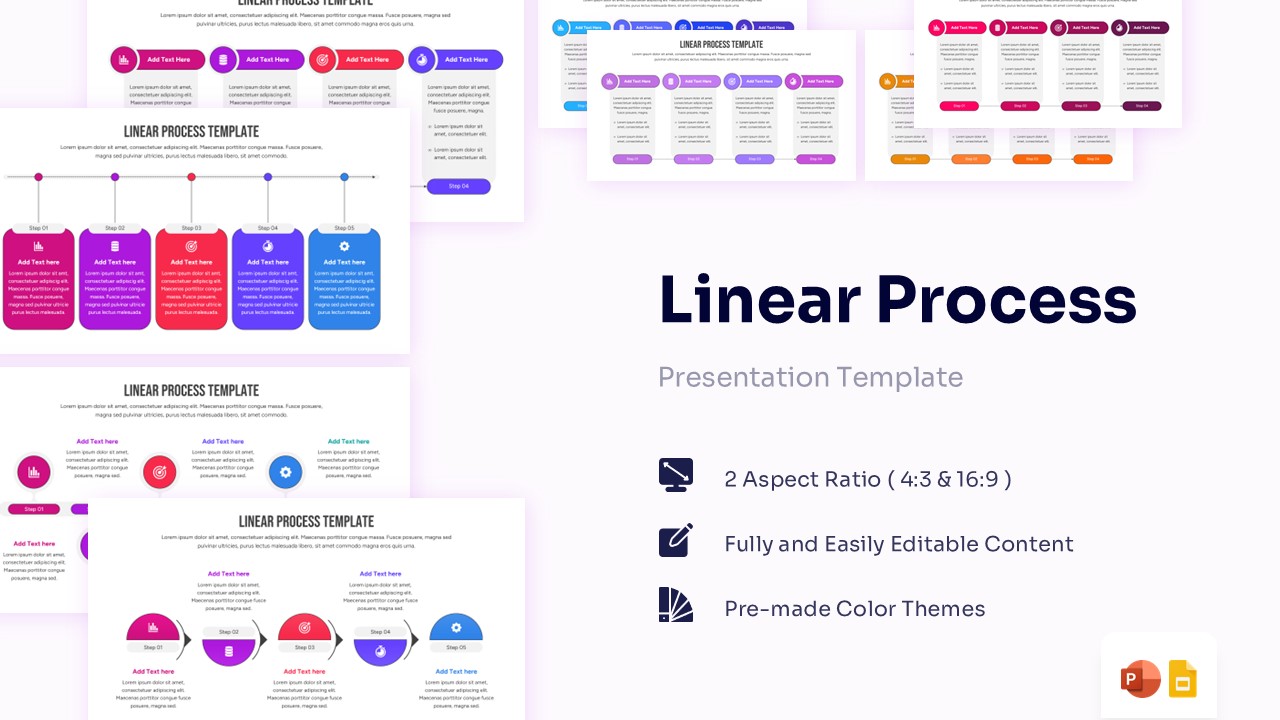
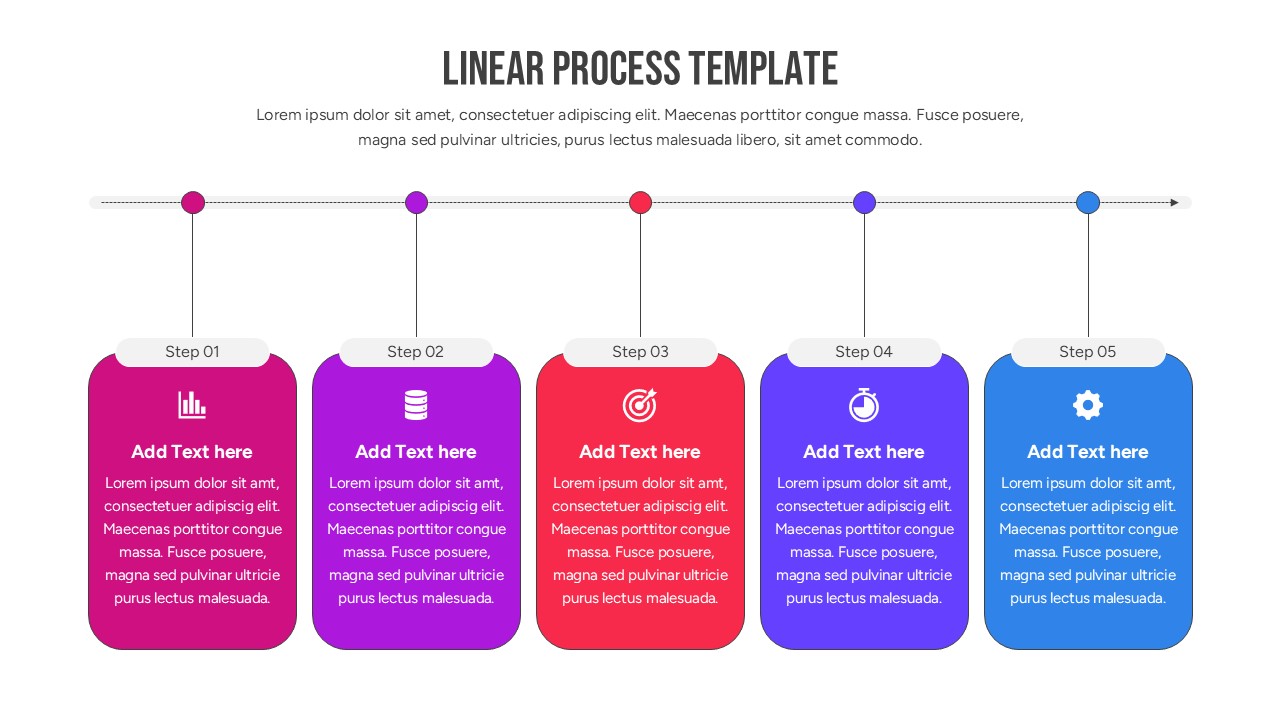
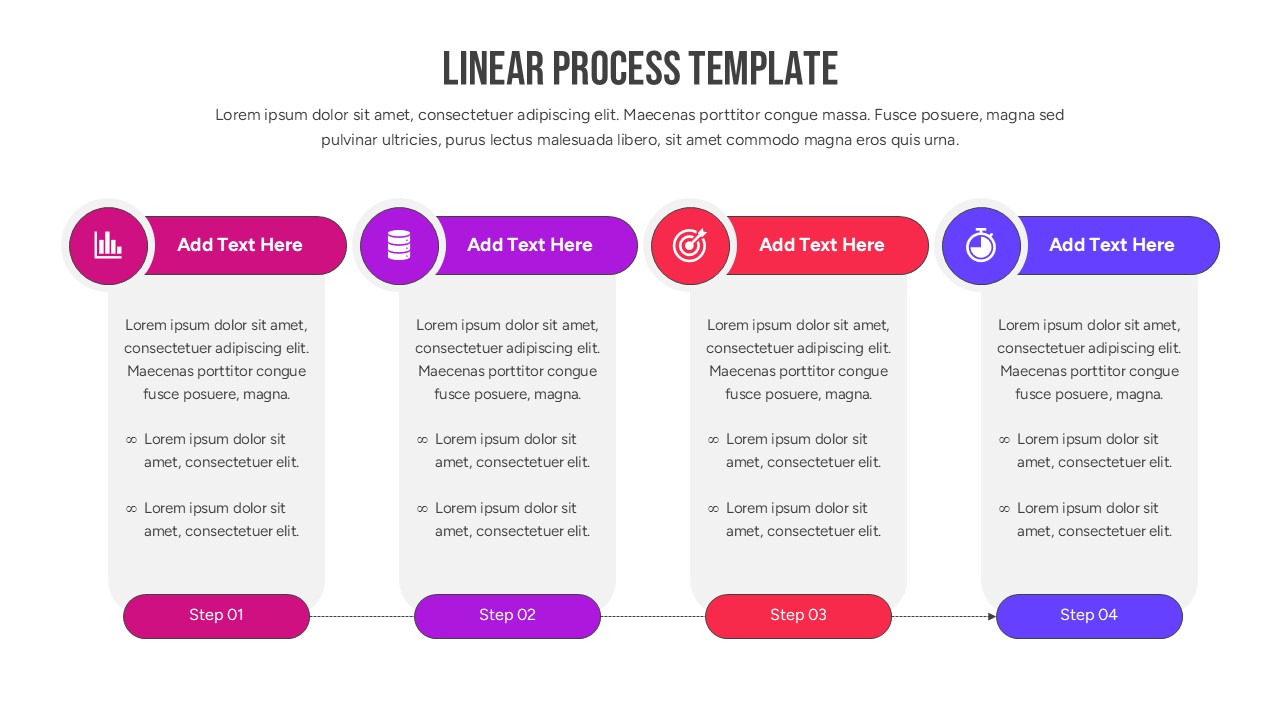
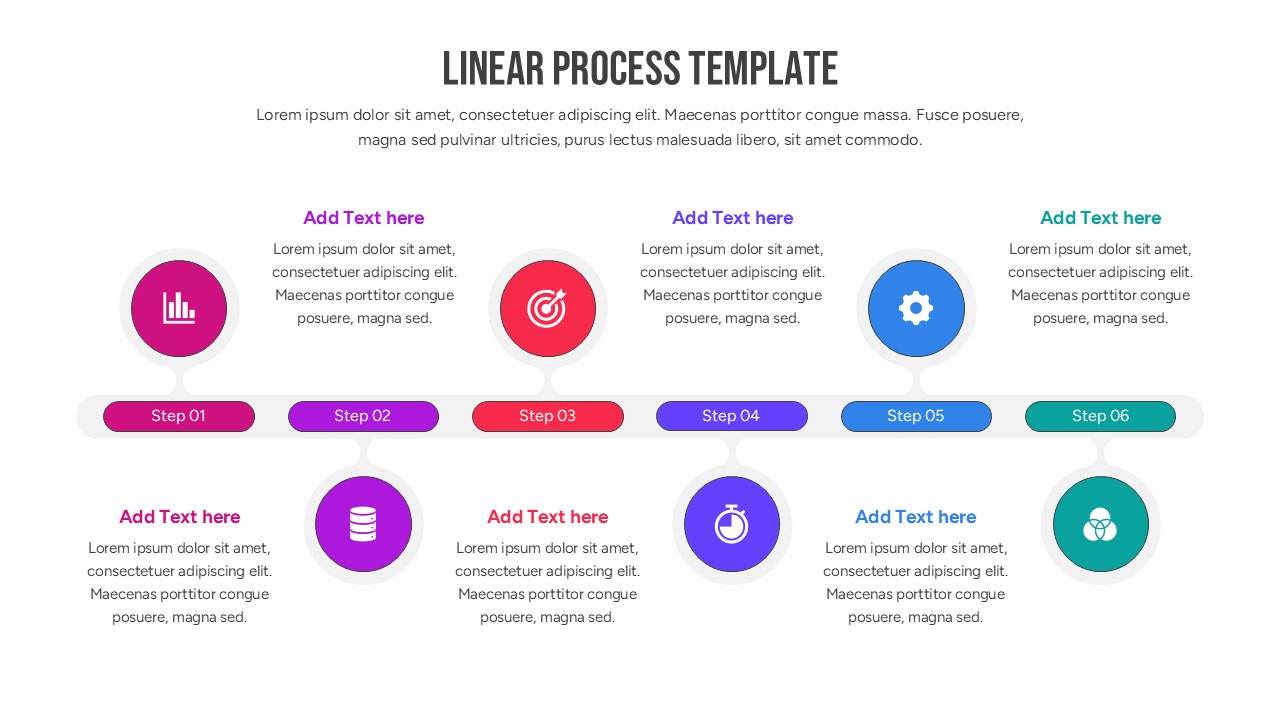
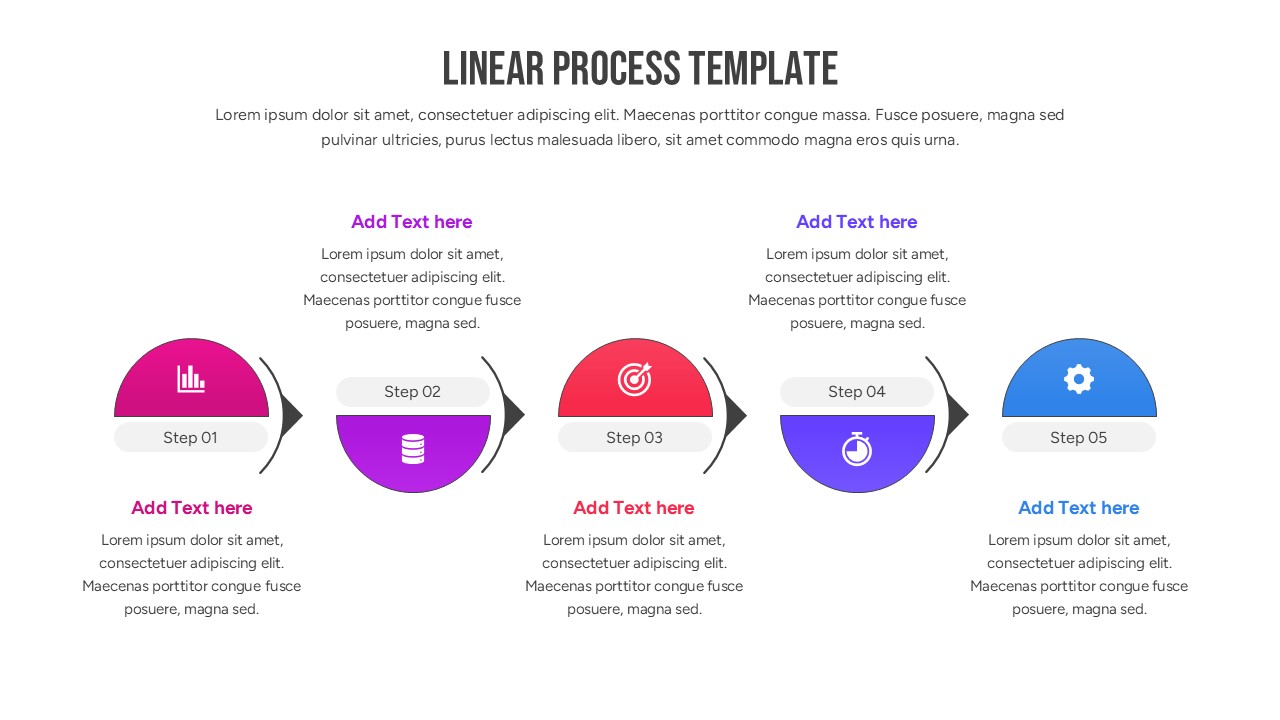
Accelerate your team’s comprehension with this Free Multi-Step Linear Process Diagram tailored to highlight progressive workflows. This process flow diagram radiates a crisp, modern aesthetic, utilizing a polished gradient of sapphire blues, emerald greens, and muted grays that establish a highly professional atmosphere. It is specifically crafted for high-stakes executive briefings or quarterly planning sessions where outlining a comprehensive step-by-step strategic roadmap is essential for alignment. This linear process flow diagram feature a series of interconnected hexagonal nodes, sleek horizontal chevrons, and bold numerical markers that seamlessly guide the viewer’s eye from initiation to completion, ensuring every phase is depicted with striking clarity.
Designed for individuals in the business world such as operations managers, product developers, and strategic consultants. These Multi-Step Linear Process Diagram serve to showcase critical project phases, developmental milestones, and chronological growth patterns. By utilizing these intuitive infographics, you can simplify dense, multifaceted operational plans into digestible segments, keeping your listeners engaged and perfectly synchronized with your overarching goals.
If you’re sketching out an elaborate software rollout schedule or delving into a structured employee onboarding protocol or even sharing feedback on a phased marketing campaign launch. This template equips you with the essential elements to articulate complex chronological thoughts effectively and convey your directional message effortlessly. Download it now. Enhance your presentations with these meticulously crafted slides! Find more such phased workflow layout graphics for engaging presentations. These templates are compatible with both PowerPoint and Google Slides.
Key Features
- 100% Vector-Based Graphics
- Fully Layered & Organized
- Multi-Platform Support
- Theme Color & Theme Font
Frequently Asked Questions
- How do I edit the text in the linear nodes?
- Simply click on the placeholder text within any shape and type your content. All text boxes are pre-formatted to maintain the template\'s professional aesthetic.
- Can I change the colors of the individual process steps?
- Yes, every element is fully editable. You can select an individual step and use the \"Shape Fill\" tool in PowerPoint or Google Slides to apply your brand colors.
- Does this template support widescreen format?
- Yes, the template is designed in a standard 16:9 aspect ratio, ensuring it looks great on modern projectors, monitors, and laptop screens.
Related Templates
-
-
 Free
Free -
-