Free Project Closure Template for PPT & Google Slides
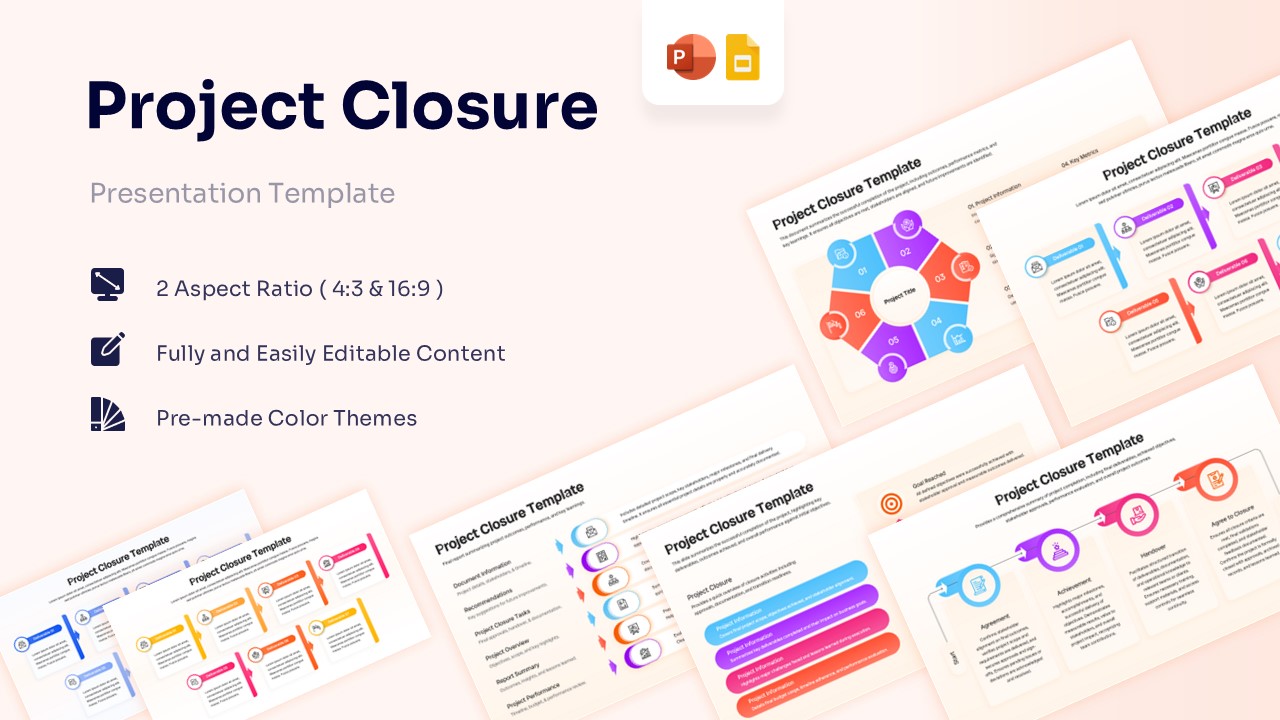
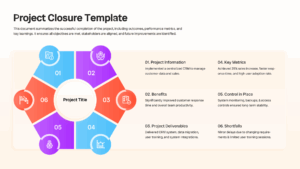
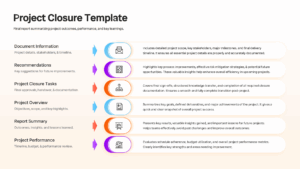
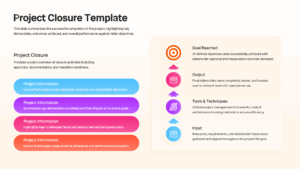
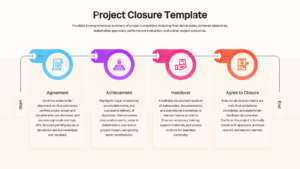
Project Completion Report Presentation Deck
The Free Project Closure Template is a practical presentation tool for documenting project outcomes, reviewing achievements, and communicating final results. Designed for PowerPoint and Google Slides, this template helps project managers, PMO teams, consultants, and business leaders present closure activities in a clear and professional format. With fully editable layouts, users can quickly customize content, colors, icons, and visuals to match project requirements and organizational branding.
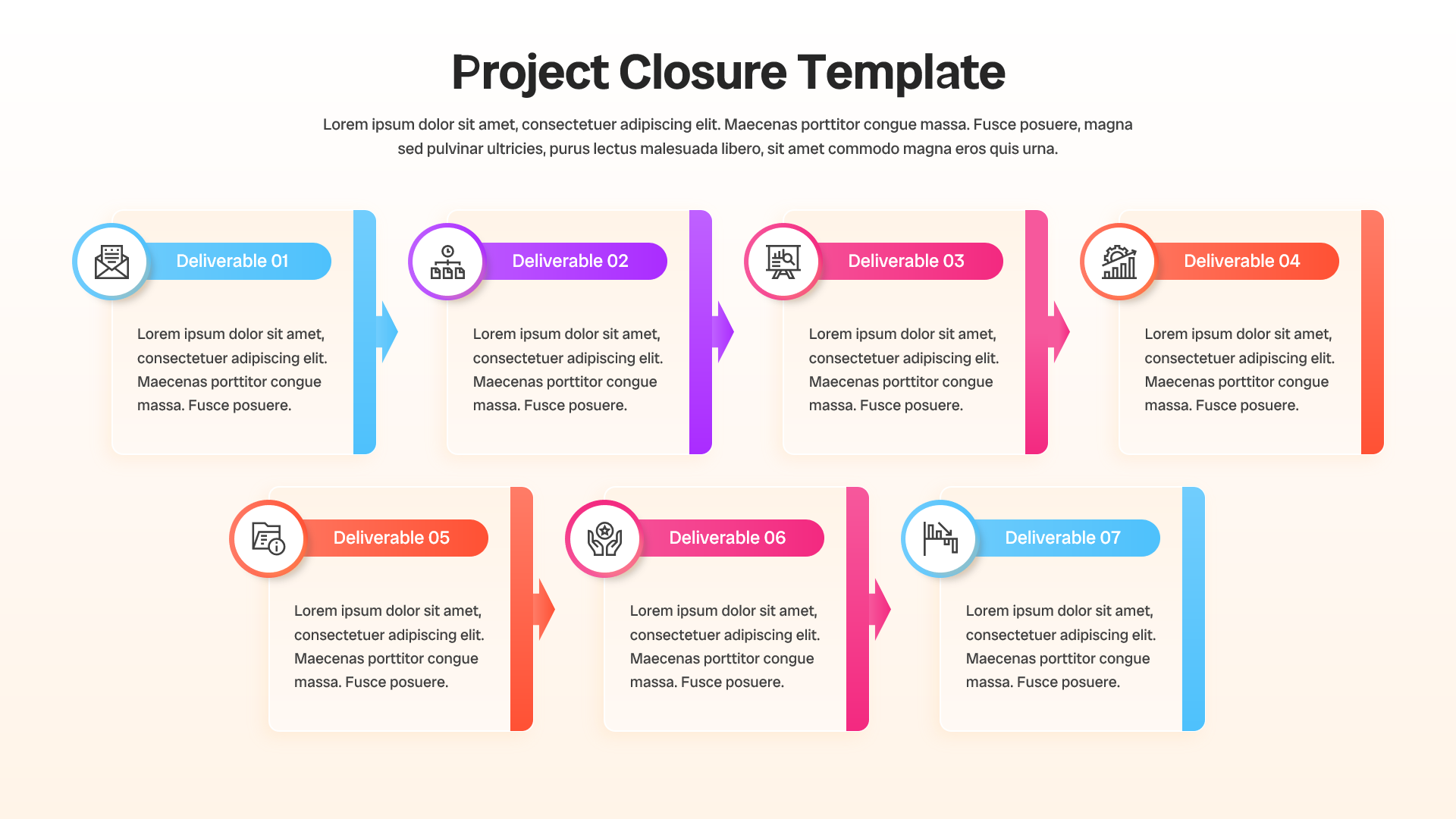
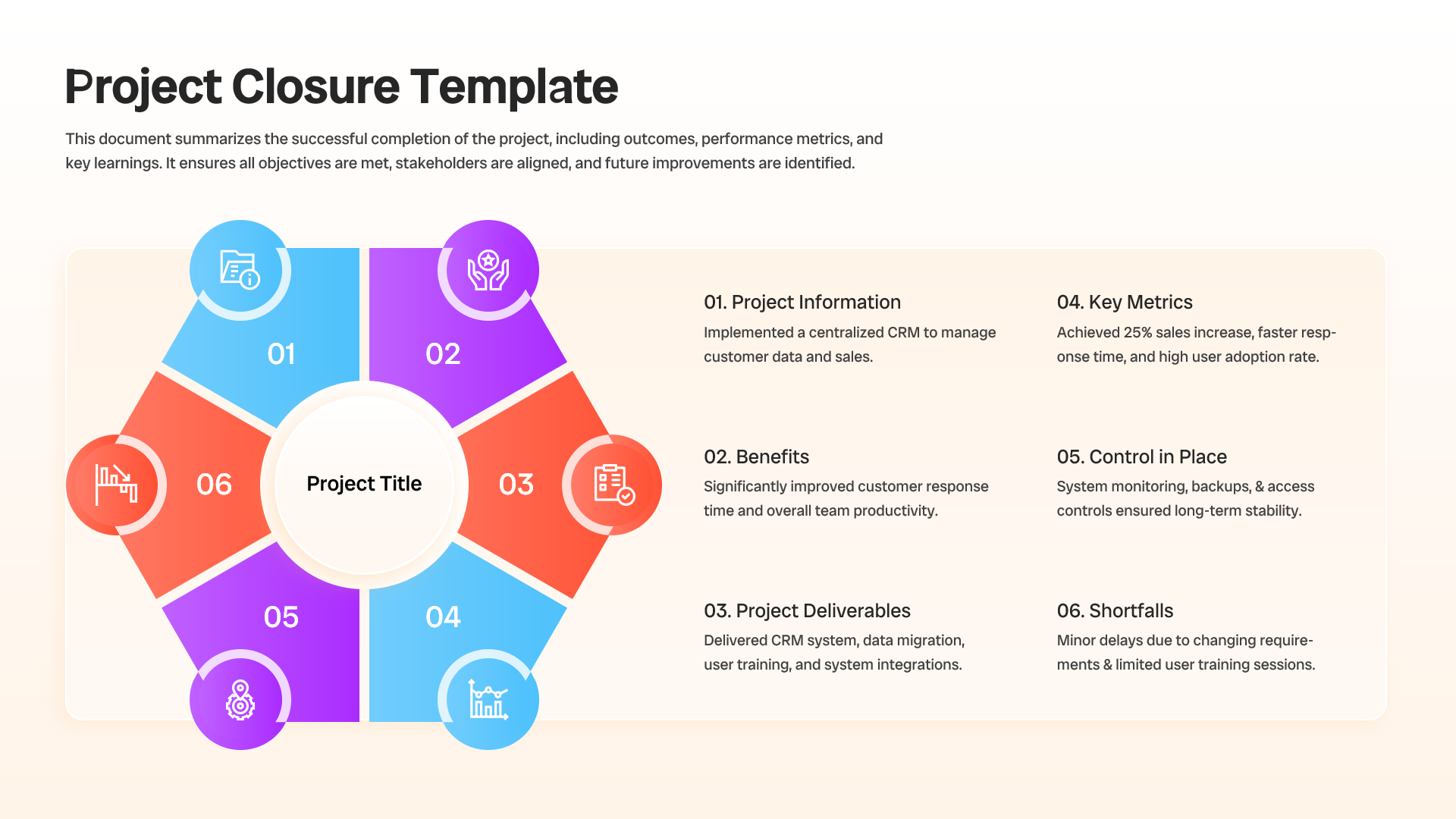
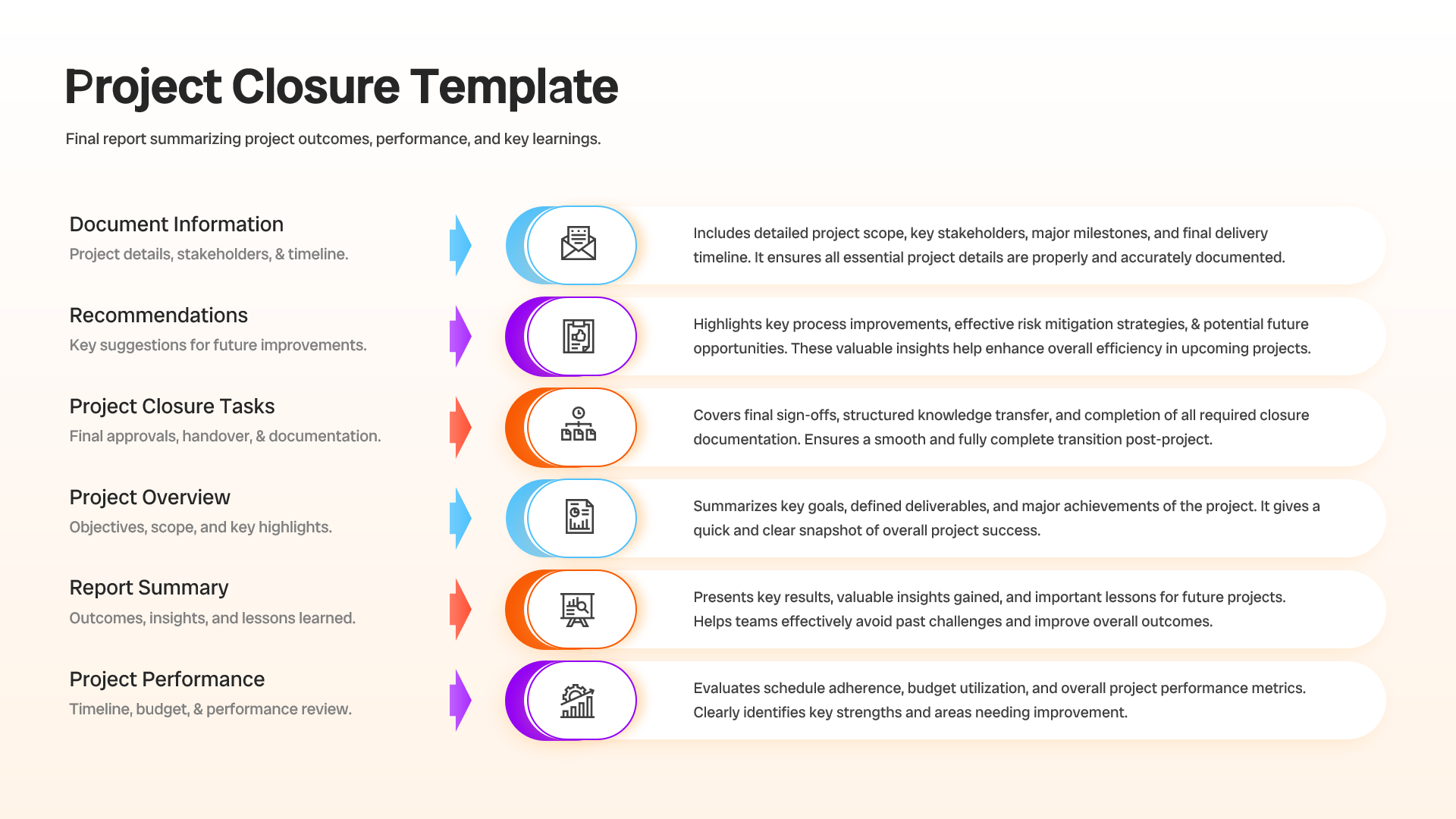
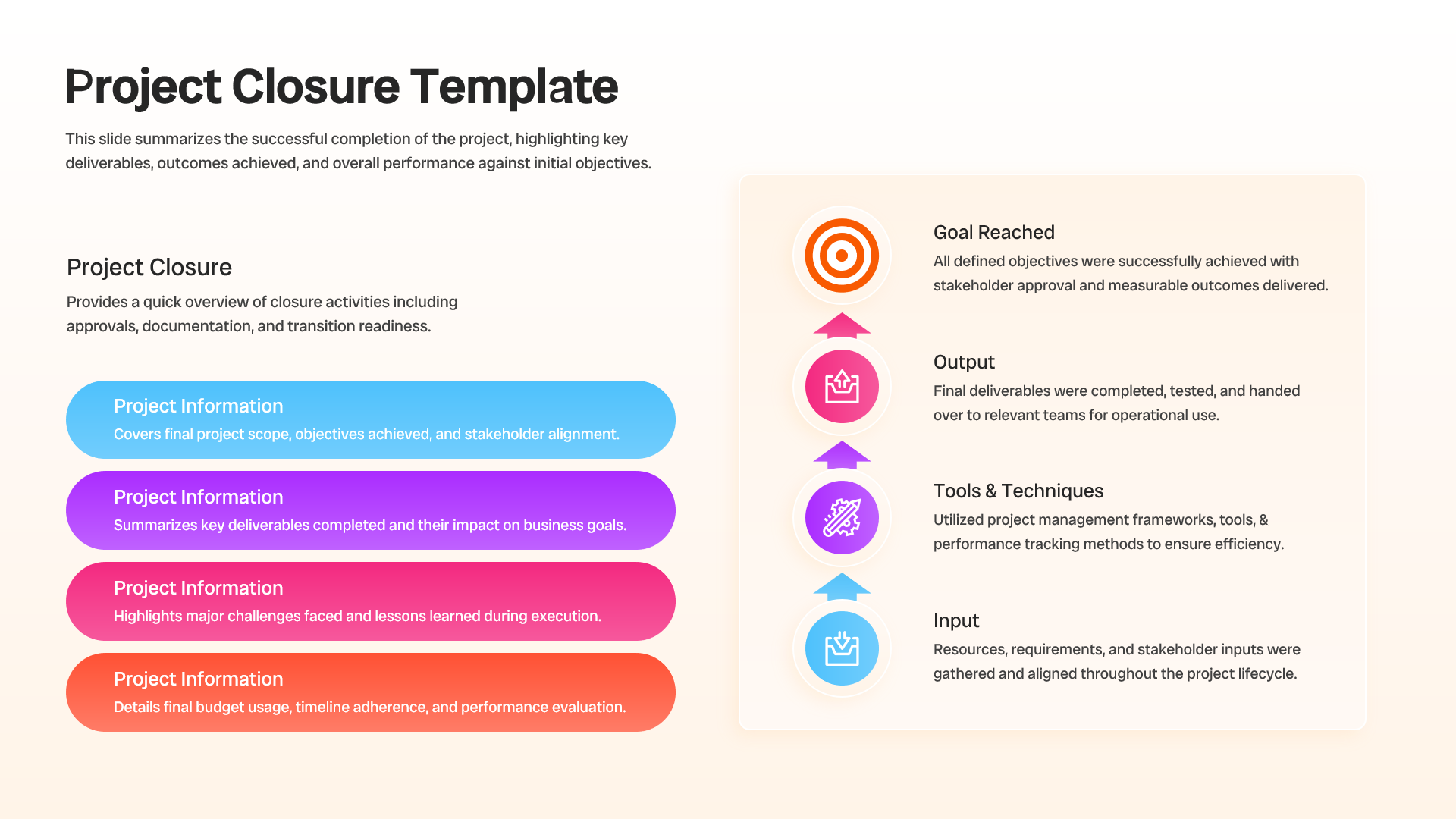
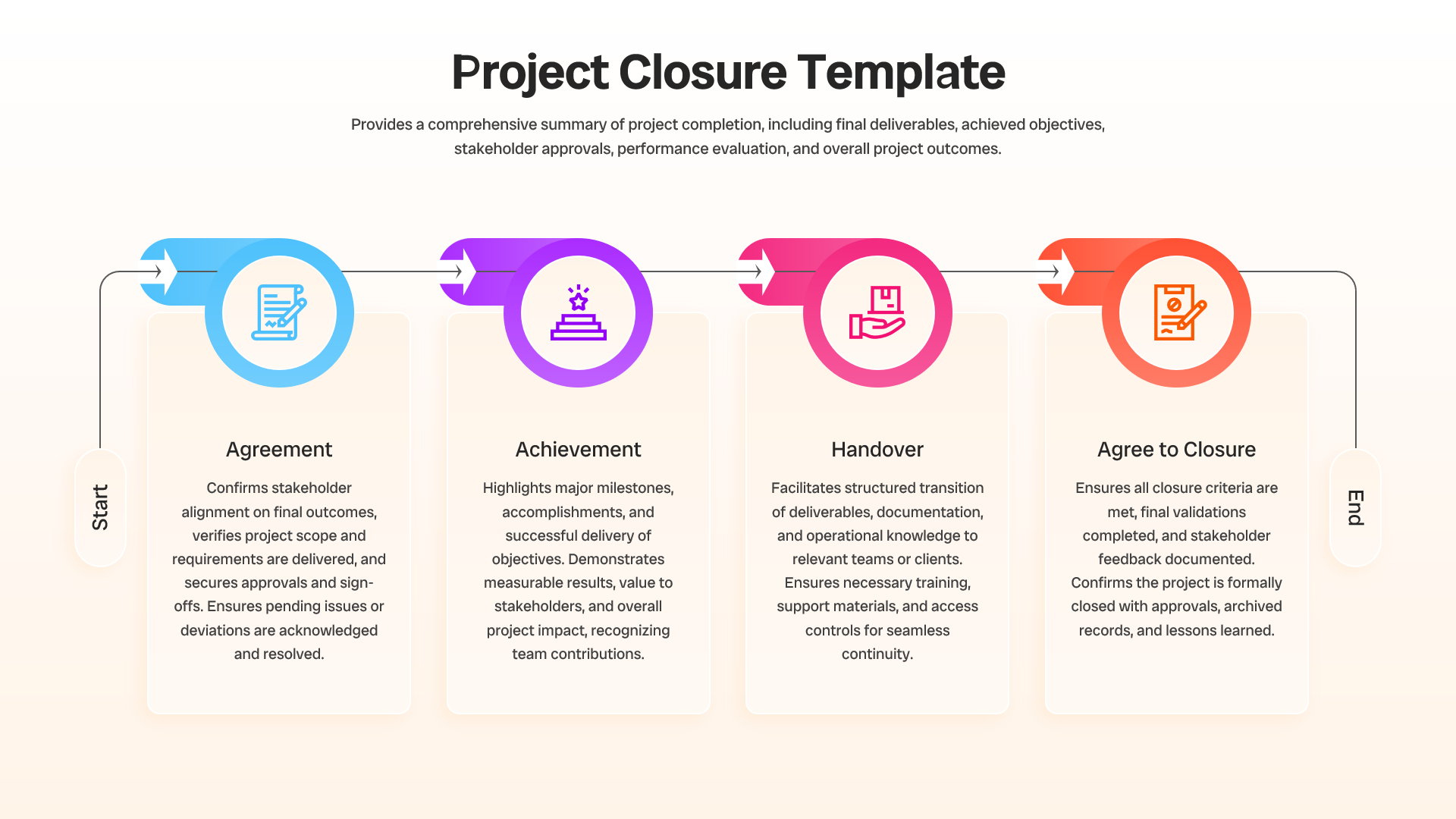
This Project Closure Template simplifies the process of summarizing project performance and capturing key takeaways. The layouts help teams present completed deliverables, project milestones, lessons learned, budget reviews, stakeholder feedback, risk assessments, and transition plans. By organizing information into structured visual sections, presenters can communicate project success while highlighting opportunities for future improvement. The clean design improves readability and keeps audiences focused on the most important outcomes.
The template offers several benefits for project reporting and review meetings:
• Clear project summary layouts for presenting final outcomes and achievements
• Professional visuals for lessons learned and post-project evaluations
• Easy-to-edit slides that save preparation time
• Structured formats for stakeholder communication and project sign-off
• Flexible designs suitable for different industries and project types
The Project Closure Template supports a logical presentation flow from project objectives to final results. Furthermore, the layouts help teams document project performance and ensure knowledge transfer across departments. The slides work well alongside project management templates and timeline presentations for comprehensive reporting. Whether conducting a project review, client handover, or executive briefing, this template helps deliver information with clarity and confidence while maintaining a polished professional appearance.
Key Features
- 100% Vector-Based Graphics
- Fully Layered & Organized
- Multi-Platform Support
- Theme Color & Theme Font
- Editable Project Closure Timelines & Process Flows
- Customizable Deliverable Tracking and Handover Infographics
Frequently Asked Questions
- Can this Project Closure Report presentation be used for stakeholder reviews?
- Yes. The deck includes structured layouts for project outcomes, approvals, deliverables, performance metrics, and lessons learned, making it ideal for stakeholder review meetings.
- How can I customize the Project Handover Process slides?
- All elements are fully editable, allowing users to modify colors, icons, text, timelines, and process diagrams to match specific project requirements and branding.
- Is this Project Completion Report deck compatible with PowerPoint and Google Slides?
- Yes. The presentation is designed for seamless editing and presentation in both Microsoft PowerPoint and Google Slides.