Free Project Gantt Chart Template for PowerPoint & Google Slides
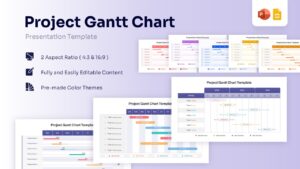
Project Timeline Management Presentation Template
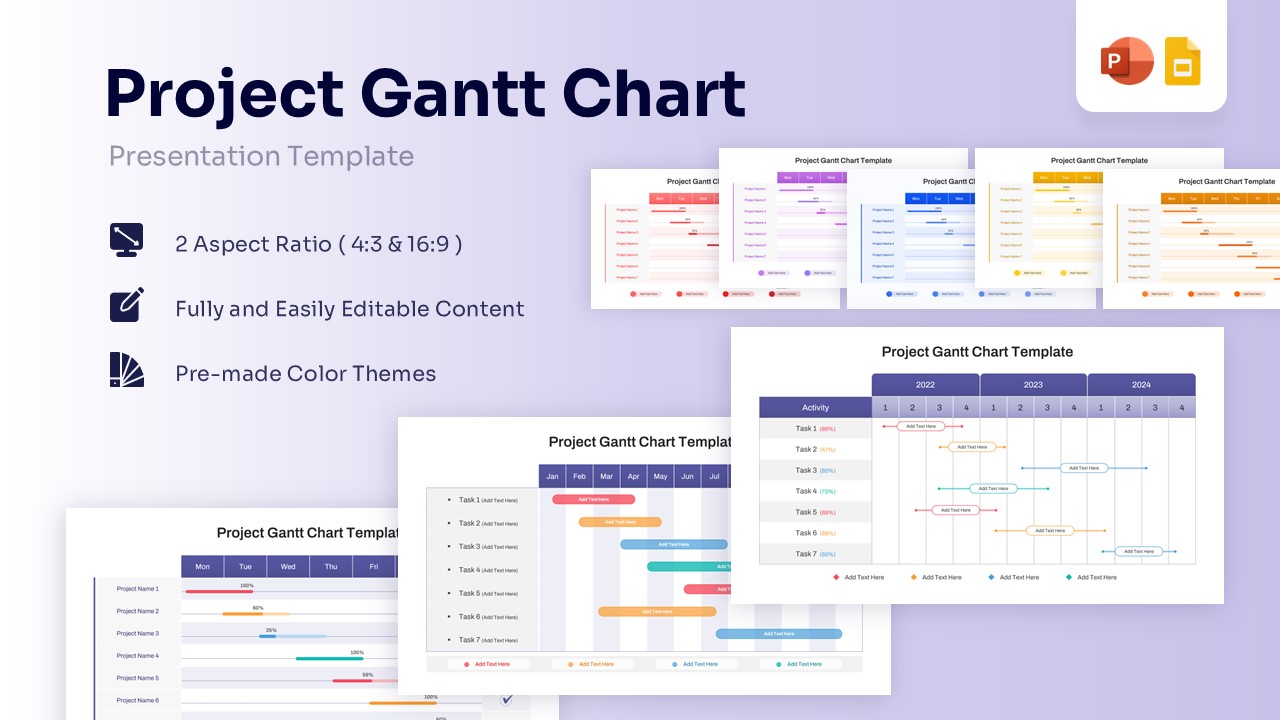
Template Details: This PresentoVerse Free Project Gantt Chart Template is available to download and use. Moreover, it can be seamlessly edited on Microsoft PowerPoint and Google Slides. Access our chart and graph diagrams for more options.
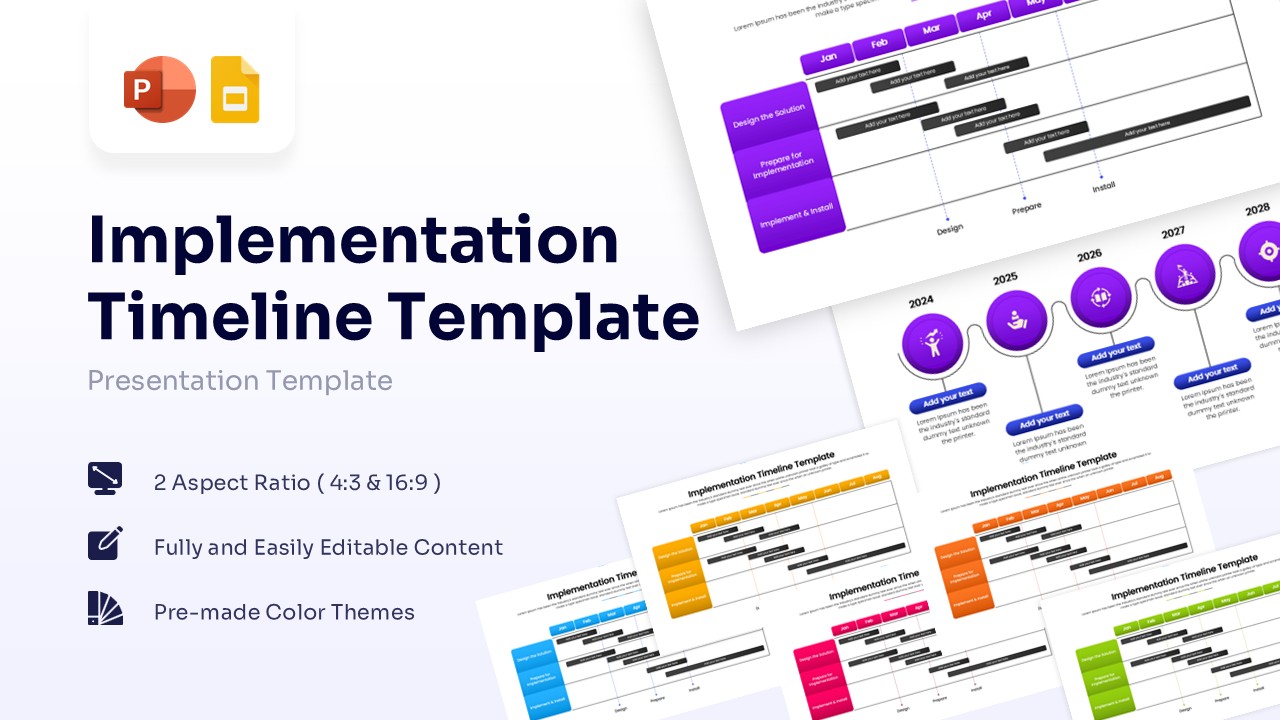
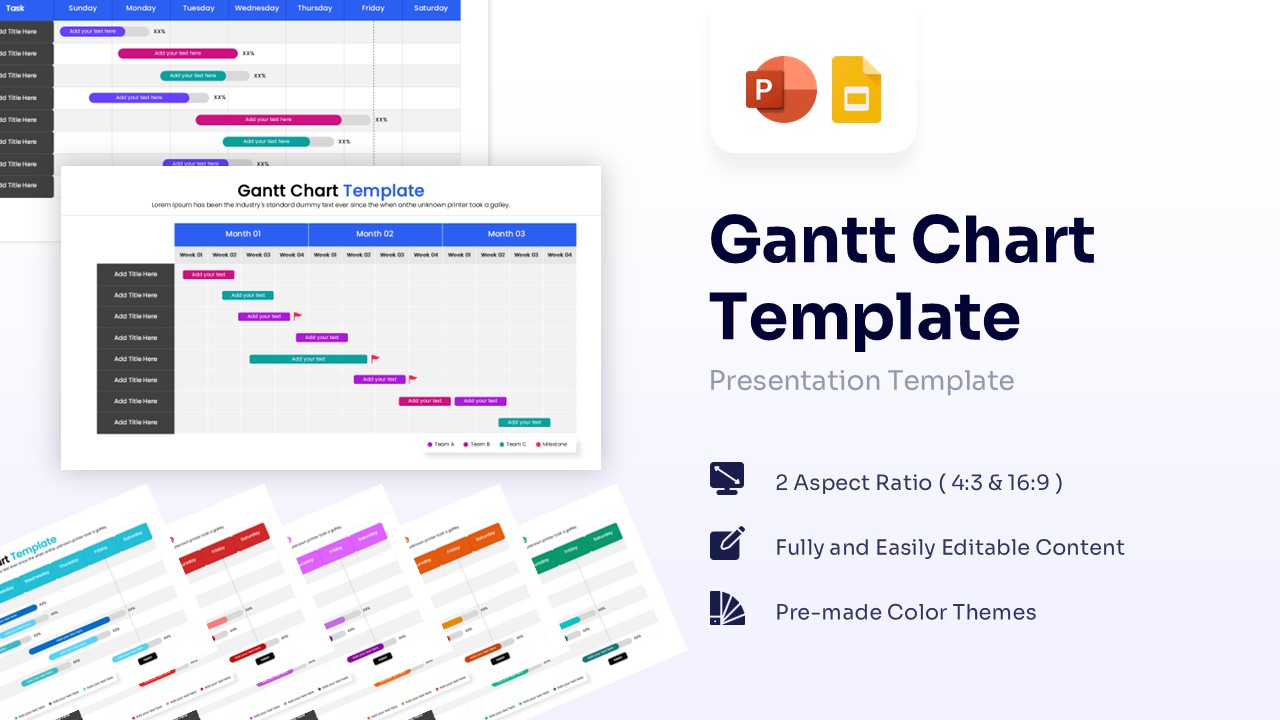
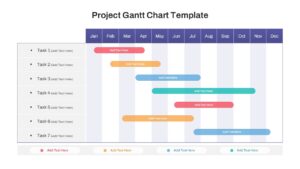
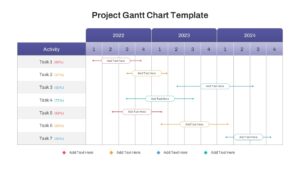
Design Strategy: This Gantt Chart template pmaps out critical project phases and deadlines. Presenters can effectively showcase task durations, dependencies, and overall progress milestones.
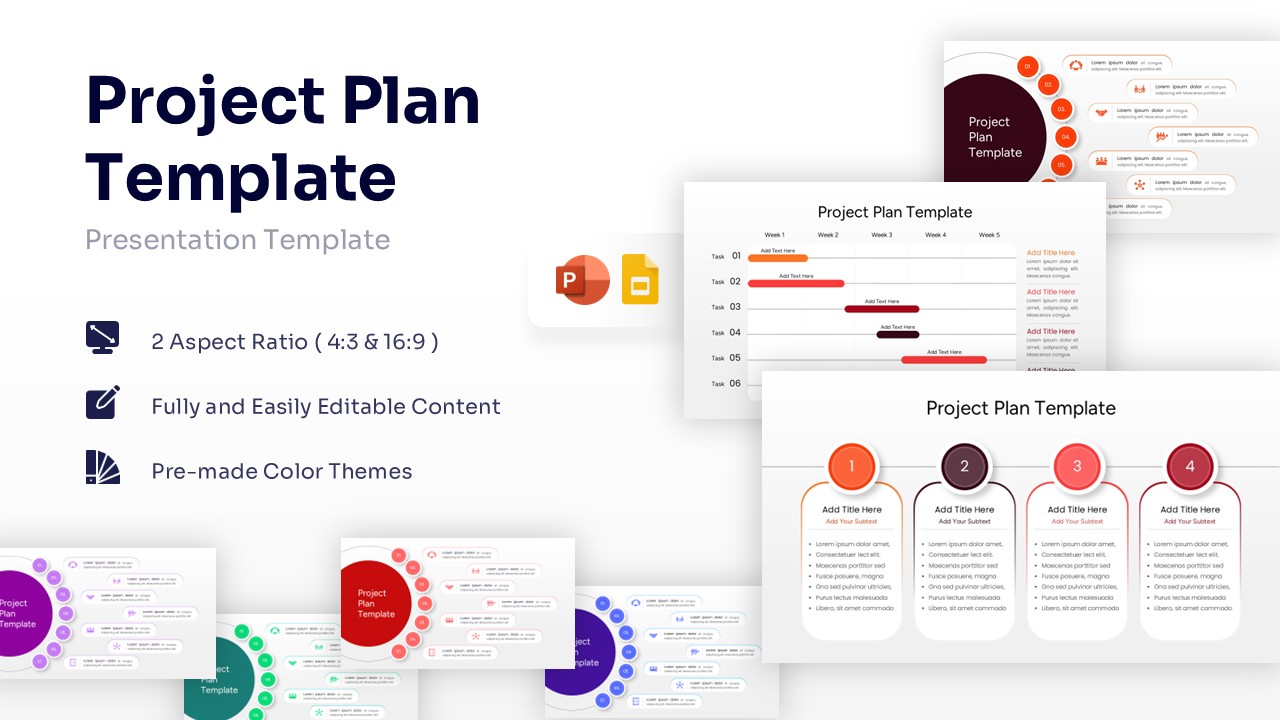
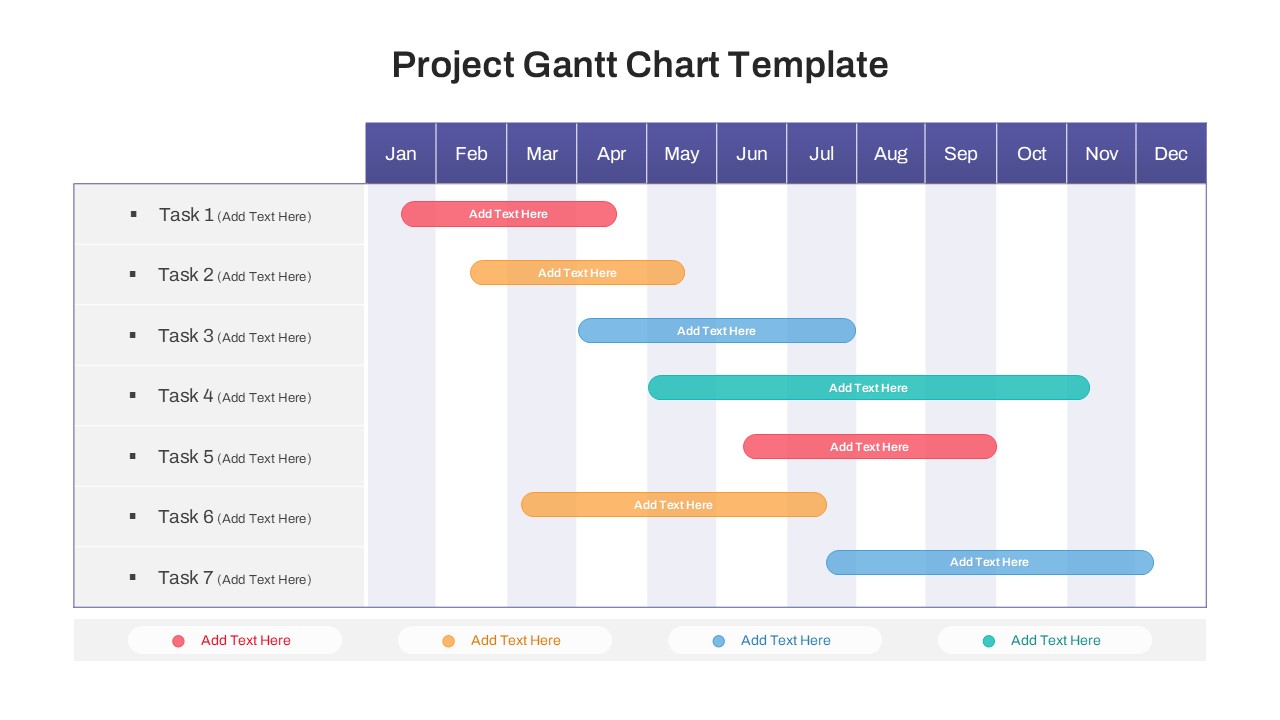
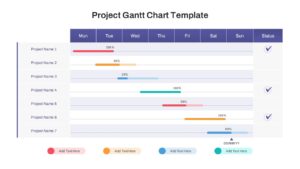
Visual Elements: The design utilizes a professional purple, blue, and orange color palette with clean sans-serif fonts. It features minimal icons and distinct horizontal timeline bars.
Recommended Usage: Project managers and business teams can use this to track monthly, quarterly, or weekly task progress. Explore similar business timeline chart slides for advanced tracking.
Key Features
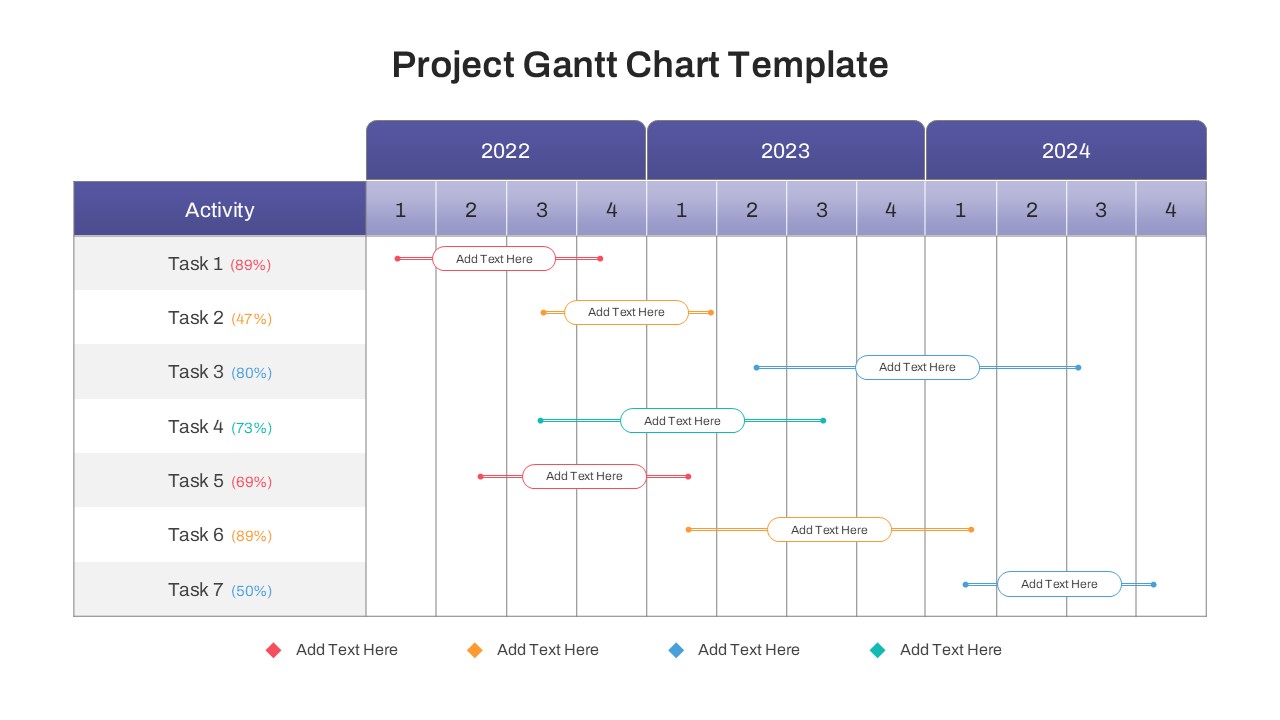
- Weekly, monthly, and yearly timeline views for flexible planning.
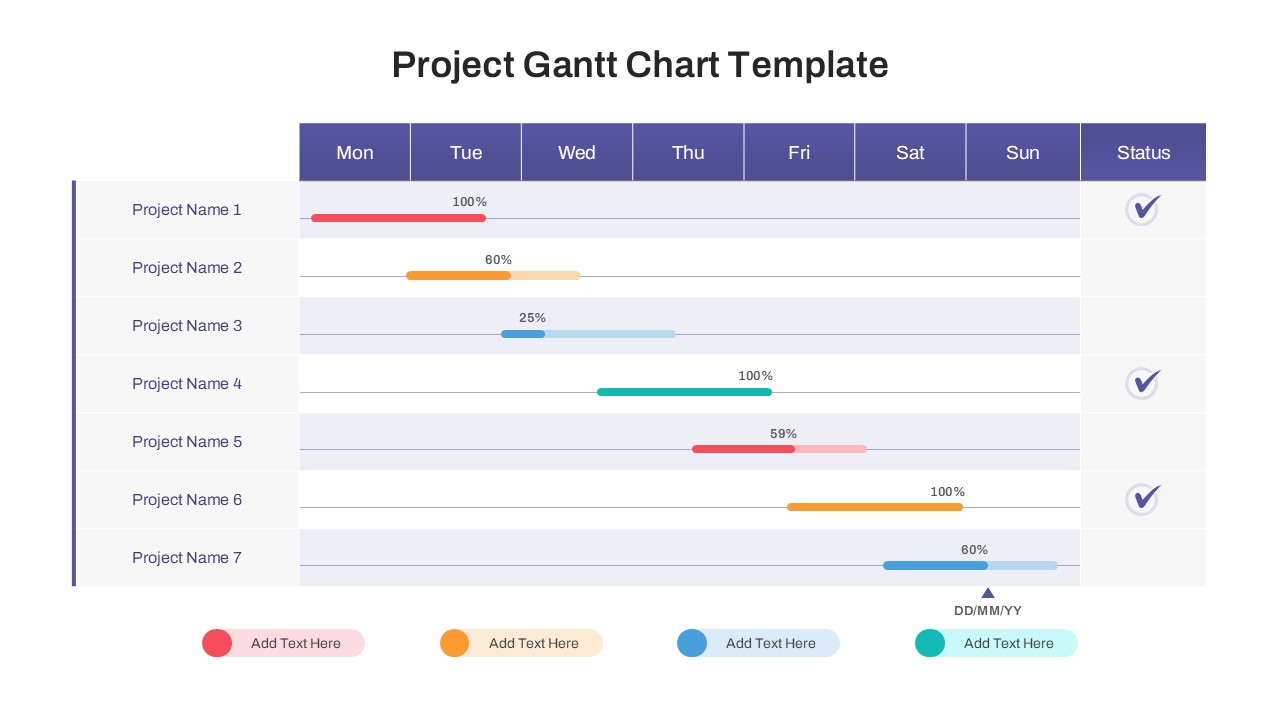
- Editable progress bars with percentage text to show accurate growth.
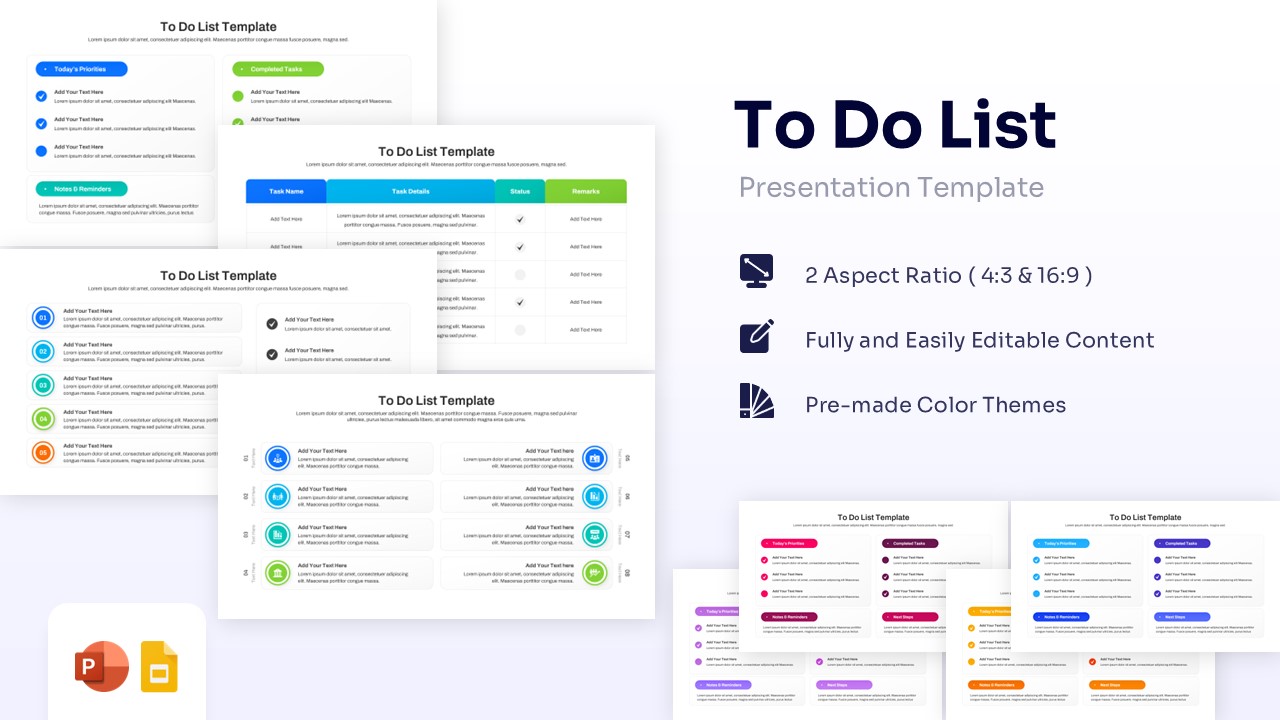
- Status indicators and checkmarks for quick visual updates.
- Clean, professional layout with ample space for task descriptions.
- 100% vector-based graphics for sharp scaling.
Frequently Asked Questions
- Can I change the dates and timeframes?
- Yes, all text and dates are fully editable so you can adjust the timeline to your specific project duration.
- Is this template compatible with Google Slides?
- Yes, this template is designed to work seamlessly in both PowerPoint and Google Slides.
- Can I change the colors of the progress bars?
- Absolutely. You can change the colors to match your company branding or to color-code specific tasks.