Free Start Stop Continue Retrospective Template
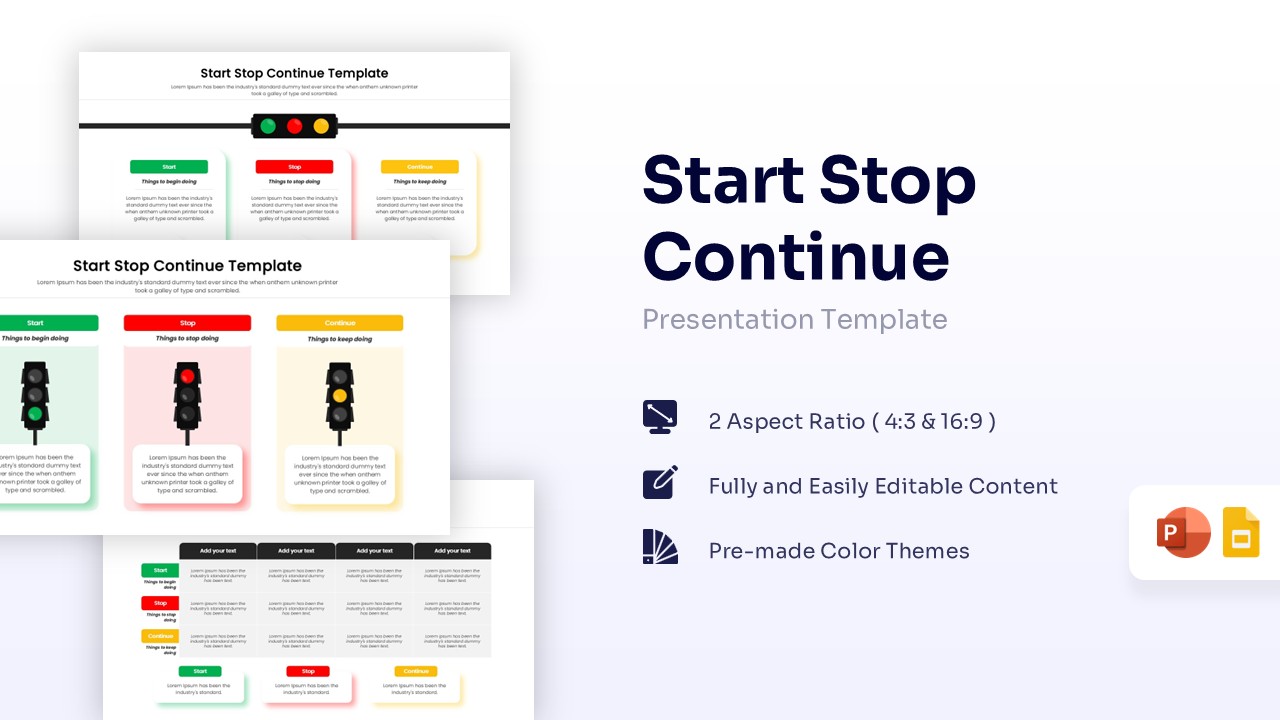
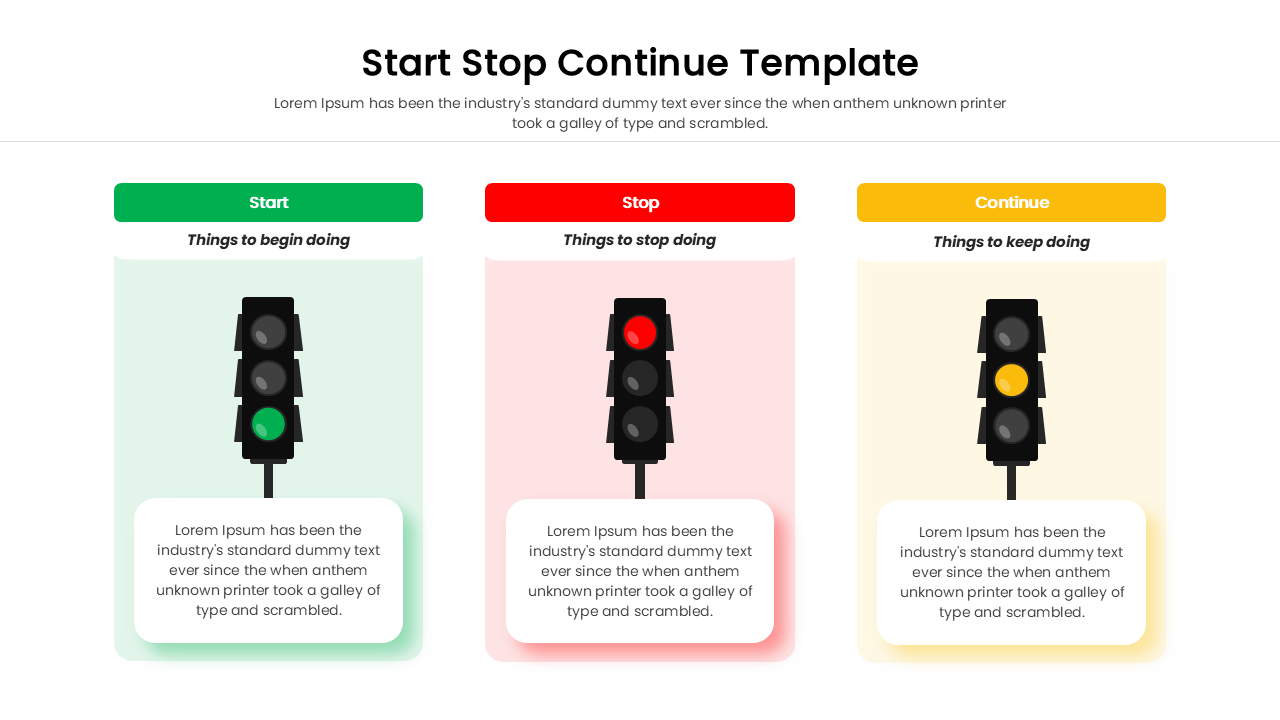
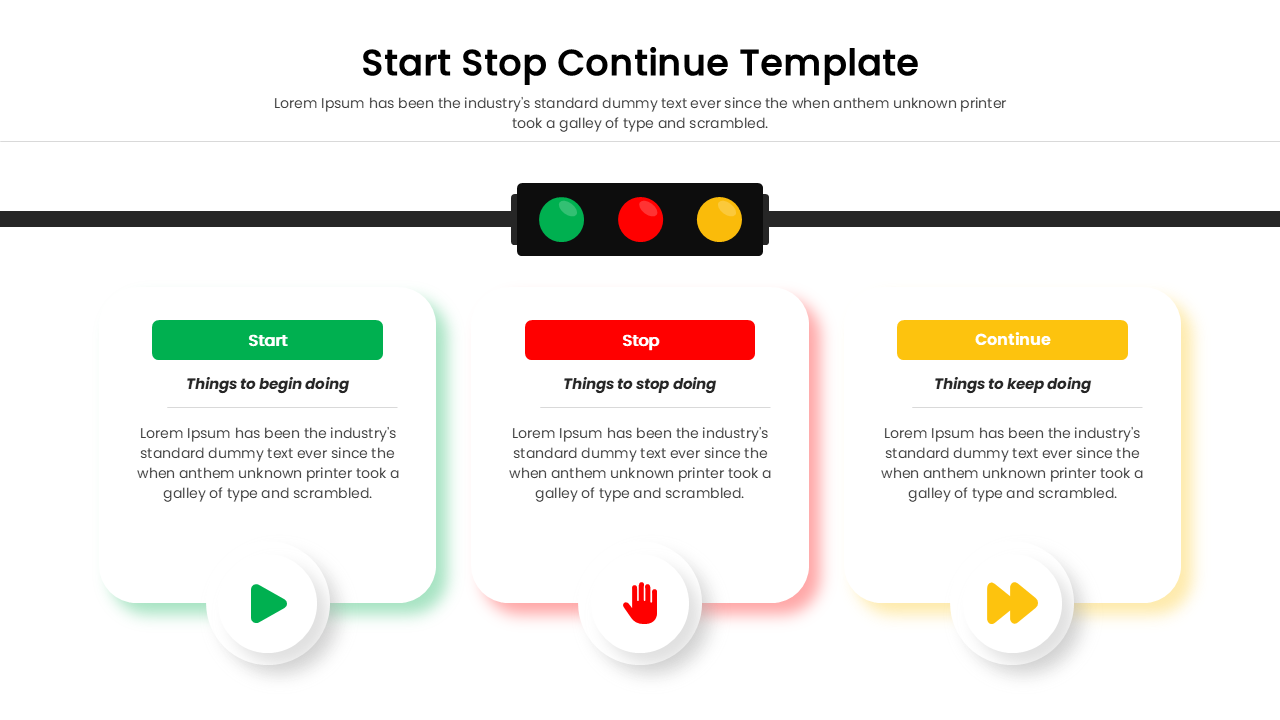
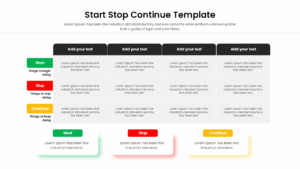
Traffic Light Retrospective Slide for PowerPoint and Google Slides
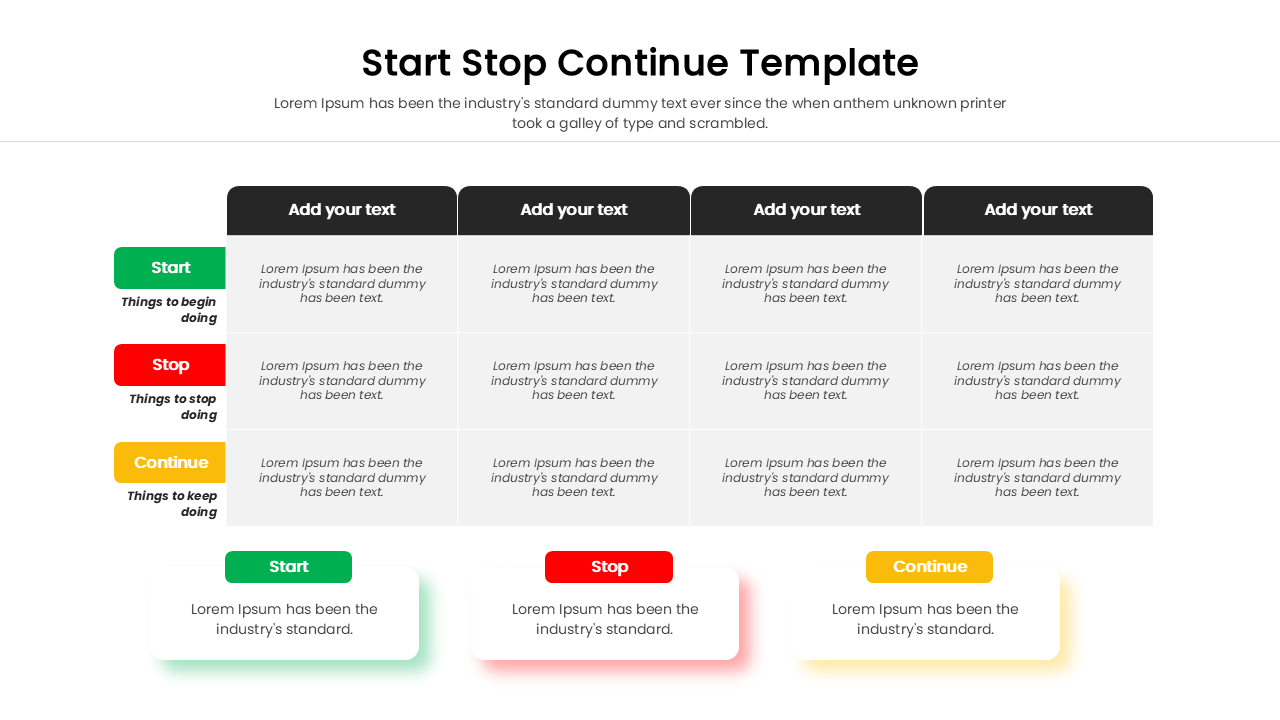
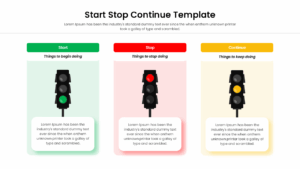
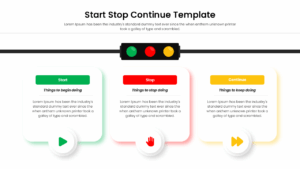
Get this Free Start Stop Continue Retrospective Template and showcase a clear, highly effective framework for team retrospectives, highlighting actionable steps through a familiar traffic light metaphor. The traffic light inspired process diagram is incredibly clean and modern, featuring multiple layout options ranging from detailed grid matrices to striking vertical columns. It leverages a universally recognized color palette of bright green, bold red, and cheerful yellow against crisp white backgrounds to visually categorize feedback. You can easily customize this infographic to fit your specific sprint review or quarterly assessment needs.
Use this professional Start Stop Continue Retrospective infographic to tell a compelling story about your project’s trajectory and guide your team toward continuous improvement. Every element is designed for rapid updates; simply click on the text boxes, headers, or icons to swap in your specific insights. Adding a personal touch is a breeze when you integrate your brand’s unique typography and adjust the structural borders to match your corporate identity.
Enhance your overall deck by browsing our agile project timeline slides for a cohesive narrative. Once your retrospective is perfectly polished, you can instantly download, share via email, or present it directly to your stakeholders using PresentoVerse. Are you ready to streamline your next team review? Let our dedicated support team know if you need any tips on crafting the ultimate feedback loop!
Key Features
- 100% Vector-Based Graphics
- Fully Layered & Organized
- Multi-Platform Support
- Theme Color & Theme Font
- Multiple Traffic Light Retrospective Slide Layouts
- Editable Start Stop Continue Model Grids
Frequently Asked Questions
- What is a Start Stop Continue retrospective?
- It is a simple framework used by teams to reflect on recent work by identifying new activities to begin, inefficient ones to end, and successful ones to keep.
- Can I change the colors of the traffic lights?
- Yes, all elements are 100% vector-based, allowing you to easily adjust colors and shapes to fit your specific presentation theme.
- Is this template compatible with Google Slides?
- Absolutely, the file is fully optimized for seamless performance in both Microsoft PowerPoint and Google Slides.
- When is the best time to use a feedback loop slide?
- Use it at the end of a project phase, during monthly team meetings, or during annual performance appraisals to foster continuous improvement.
Related Templates
-
-
Free Head Heart Hands Model Template
Business
Free -
-