
Free Strategic Business Target Presentation Template
Target Dart Arrow PowerPoint Template and Google Slides
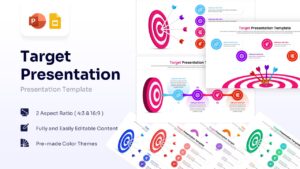
This Free Target Presentation Template is an editable slide deck for professionals looking to visualize their strategic objectives, sales goals, or project milestones with precision. In today’s competitive landscape, using professional business plan infographics is essential for aligning teams and impressing stakeholders during critical board meetings. This Infographic template simplifies complex data into digestible visual metaphors, ensuring your audience remains focused on the core mission. For that, PresentoVerse designers have crafted this 100% editable presentation template with unique slides to present different aspects, i.e.,
- Main Title Slide with High-Impact Bullseye Imagery
- Target Presentation Slide with Three Actionable Steps
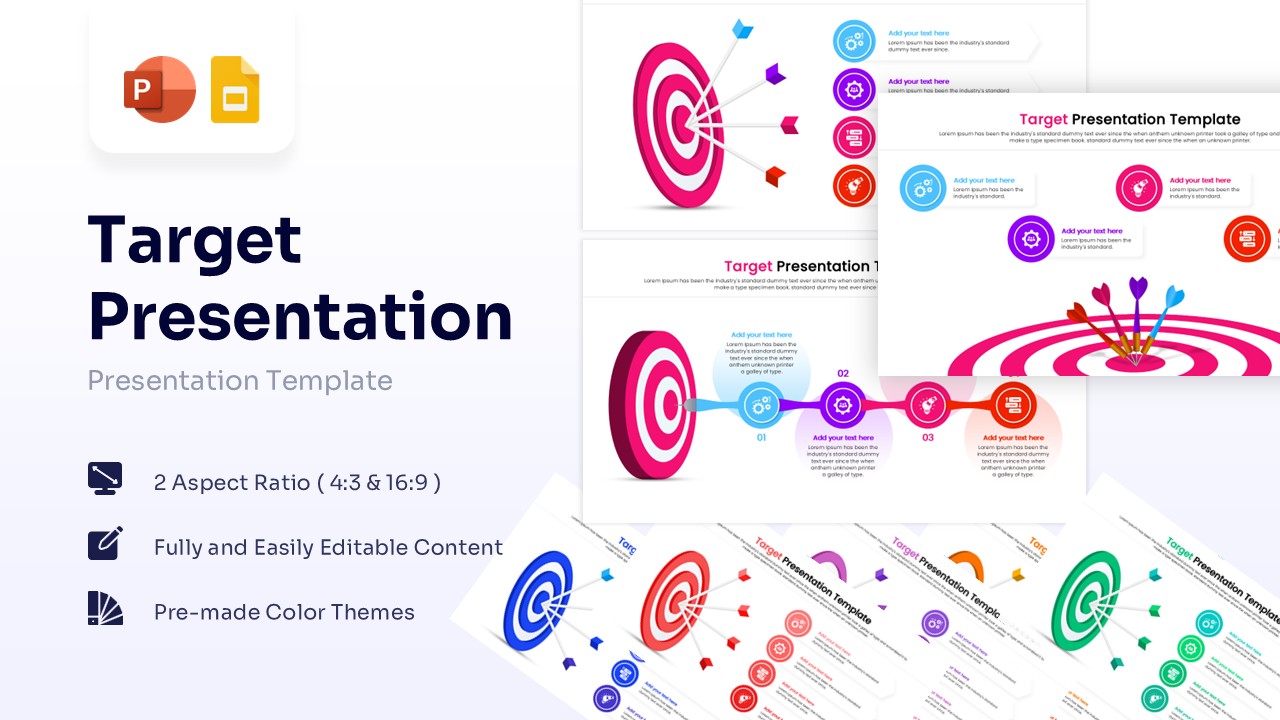
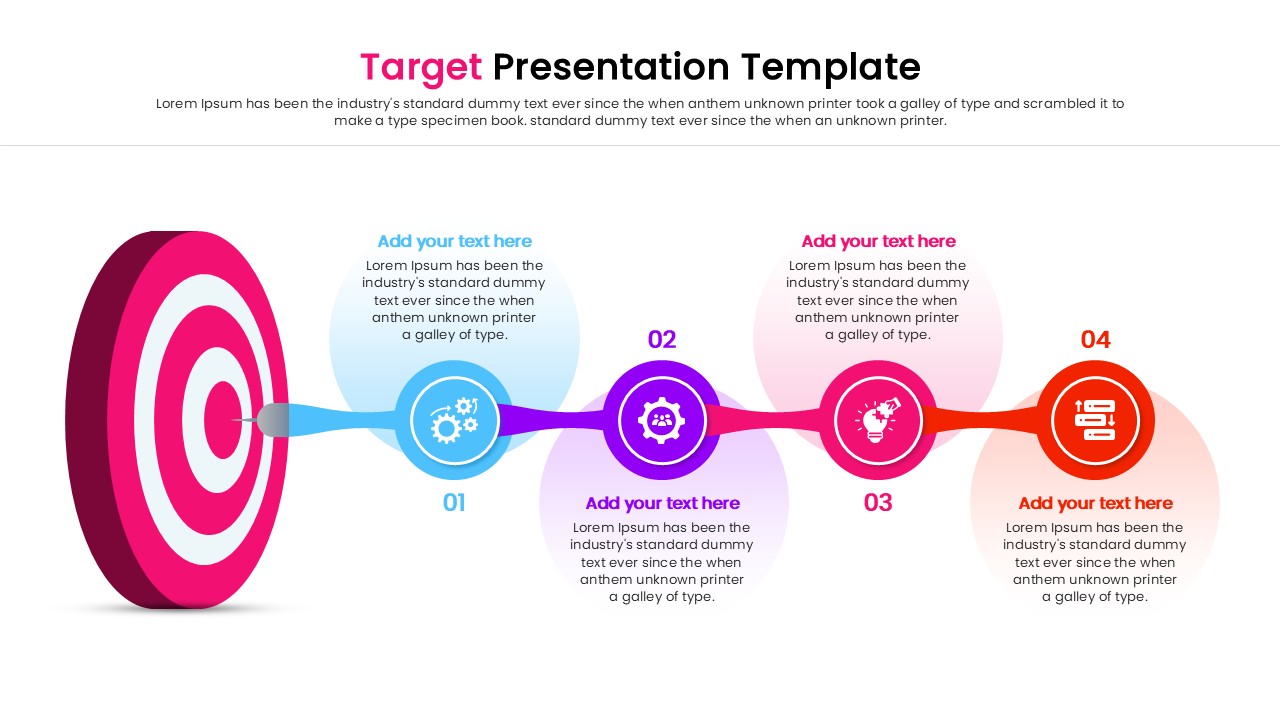
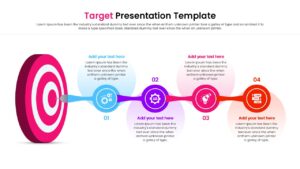
- Four-Step Linear Bullseye Infographic with Numbered Points
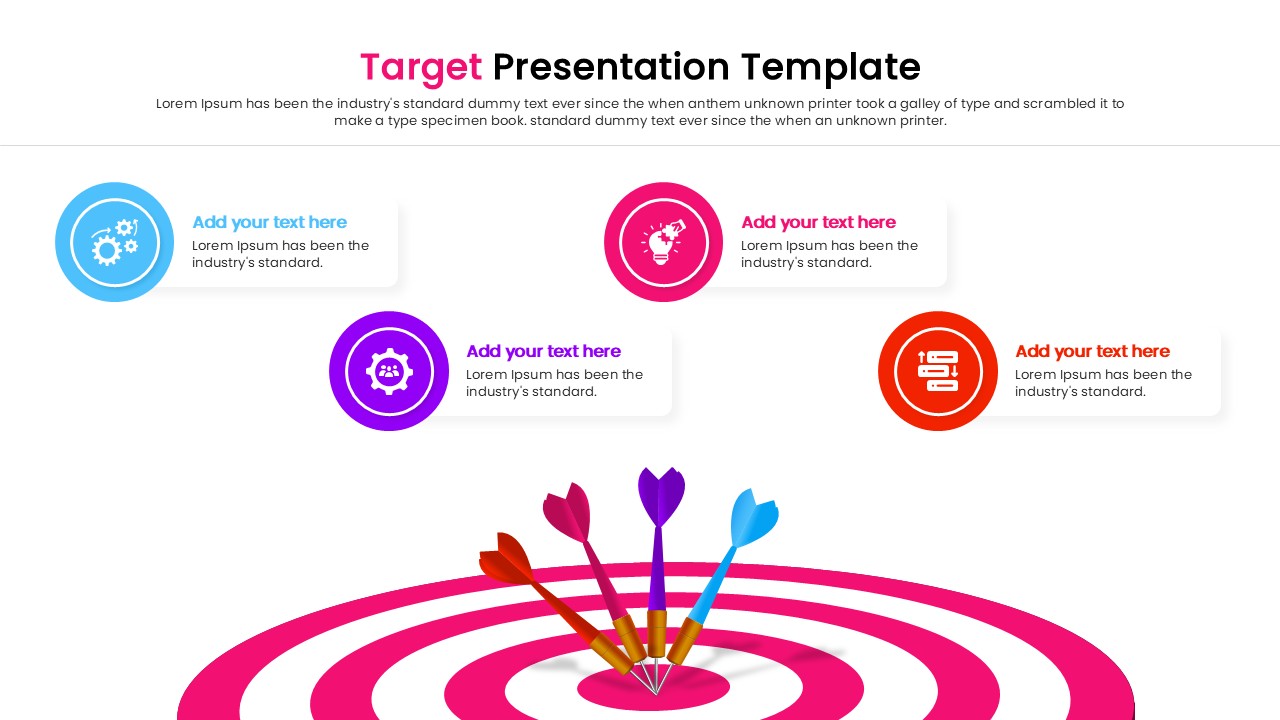
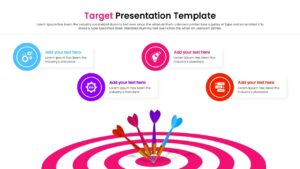
- Goal Achievement Layout with Centered Arrow Graphics
- Comprehensive TOWS Matrix for Strategic SWOT Analysis
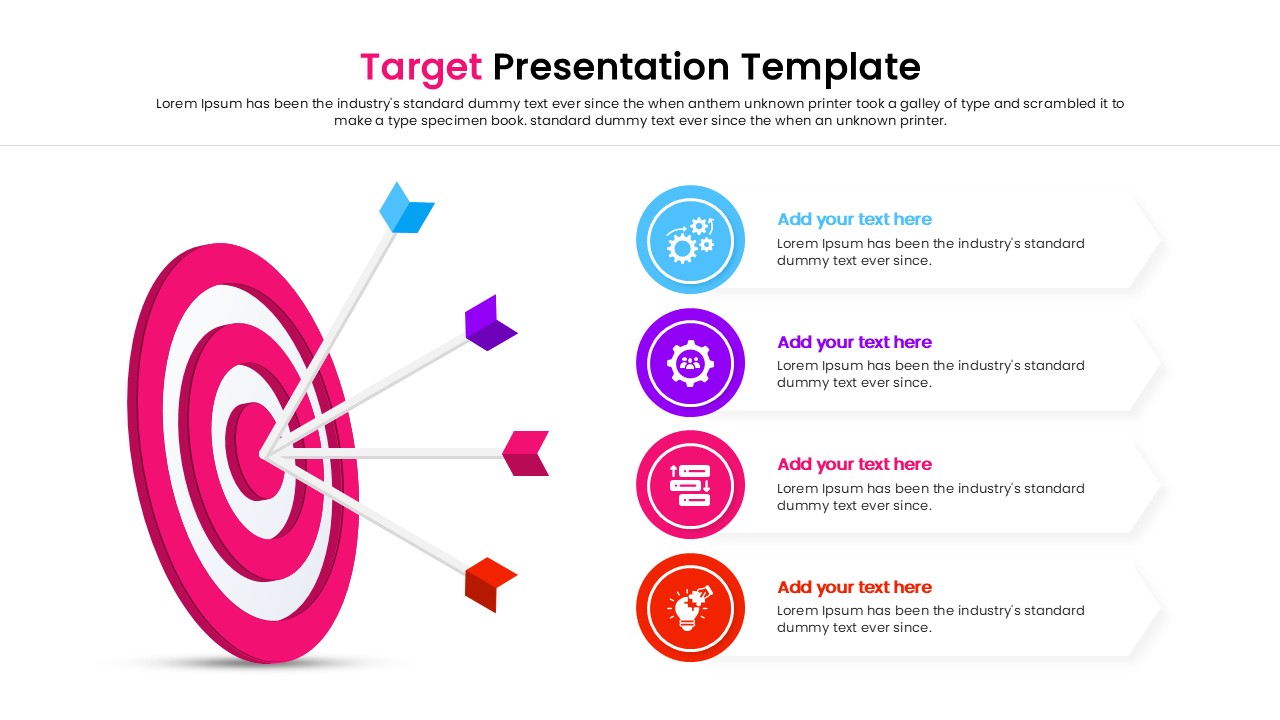
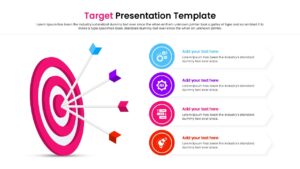
- Objective Breakdown Slide with Professional Icons
- Multilayered Target Diagram for Progress Tracking
- Project Milestone Timeline with Goal Markers
This Target PowerPoint Template visual theme features a clean, high-contrast design centered around vibrant bullseye graphics in a variety of pre-made color palettes. Each and every element – from the arrows and targets to the text boxes – is 100% customizable, allowing you to easily modify colors to match your brand identity. This template is compatible with Microsoft PowerPoint and Google Slides, providing a seamless editing experience for busy managers who need to deliver results quickly.
Key Features
- 100% Vector-Based Graphics for sharp scaling at any size.
- Fully Layered & Organized elements for easy editing.
- Multi-Platform Support (PowerPoint & Google Slides).
- Theme Color & Theme Font integration for quick branding updates.
Frequently Asked Questions
- Can I change the colors of the dartboards?
- Yes, all shapes and vector elements are fully editable. You can change the colors to match your company branding directly within PowerPoint or Google Slides.
- Is this template compatible with Keynote?
- While designed primarily for PowerPoint and Google Slides, the file can usually be imported into Keynote, though some minor formatting adjustments might be required.
- Can I animate the arrows hitting the target?
- Yes, since the elements are separate vectors, you can apply standard PowerPoint or Google Slides animations to the arrows to simulate them hitting the bullseye.
Related Templates
-
-
-
-
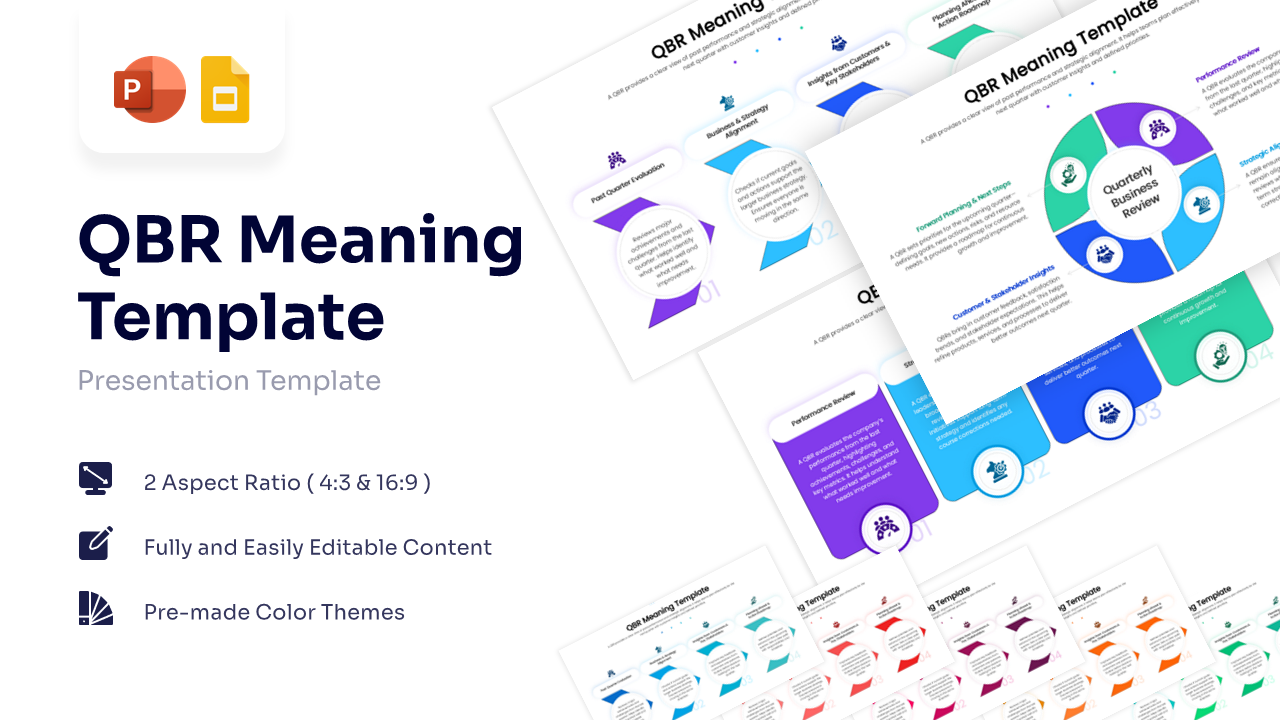
Quarterly Business Review Infographic
Annual Report
Free