
Free Strategic Roadmap Template for PowerPoint & Google Slides
Visualize Strategic Goals and Execution Plans with a Roadmap Template
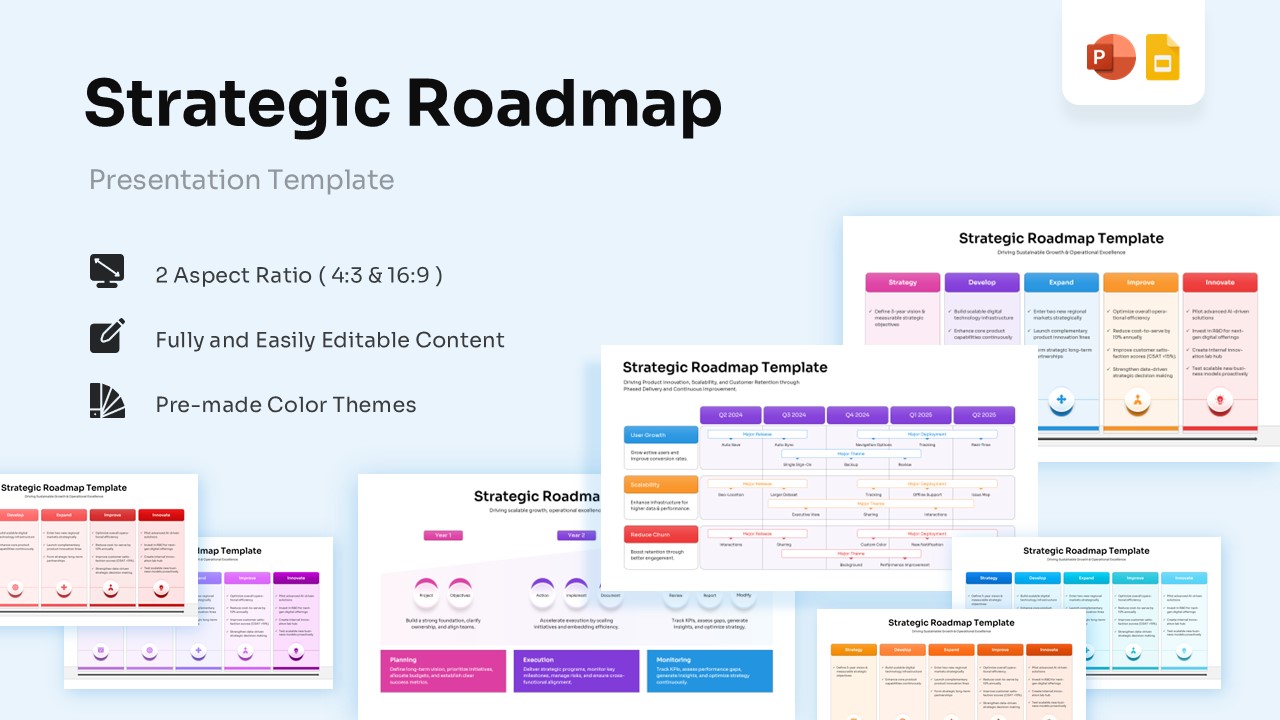
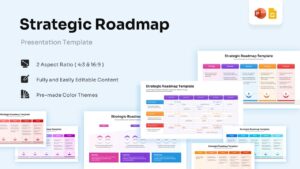
The free Strategic Roadmap PowerPoint and Google Slides Template helps organizations present long-term goals, strategic initiatives, project milestones, and business priorities in a clear visual format. Designed for business planning and executive communication, this template makes it easier to align teams around a shared vision and execution strategy.
Whether you are building a product roadmap, planning business growth, or managing organizational transformation, this Roadmap Template for PowerPoint and Google Slides helps communicate priorities and timelines effectively. As a result, stakeholders can better understand key initiatives, dependencies, and expected outcomes.
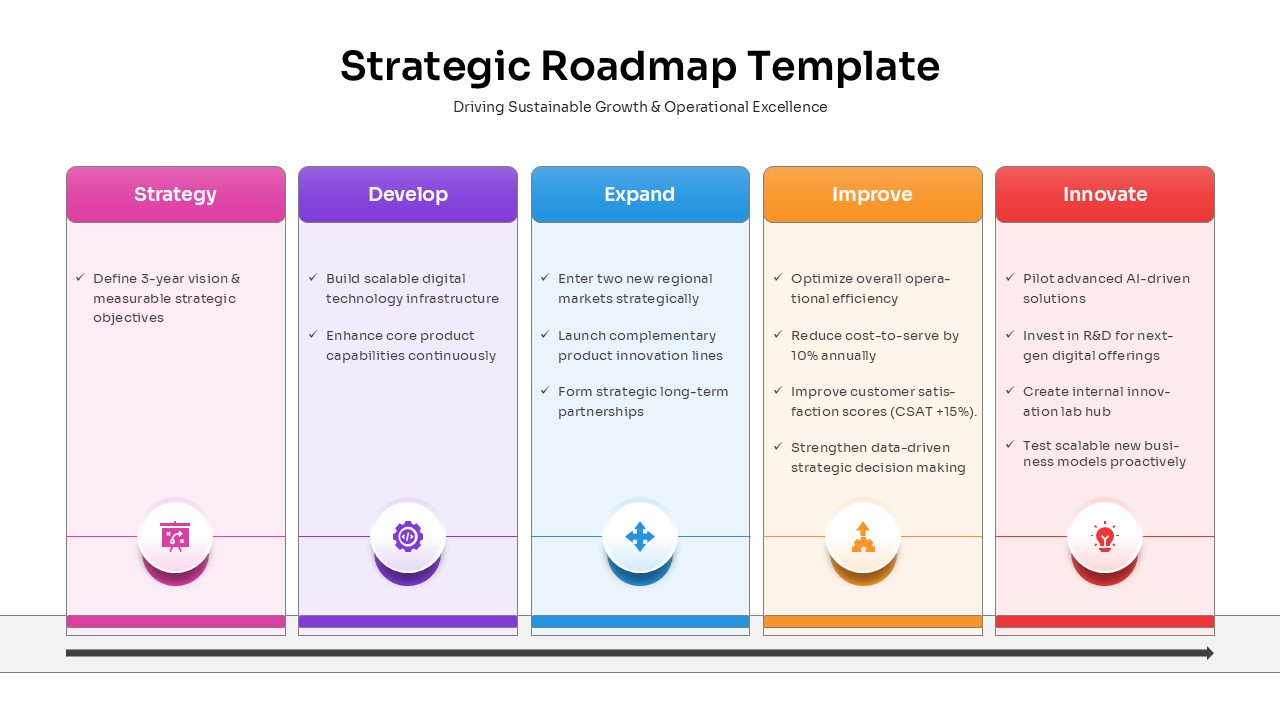
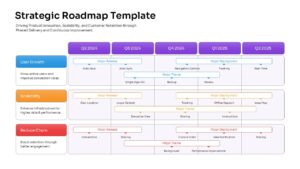
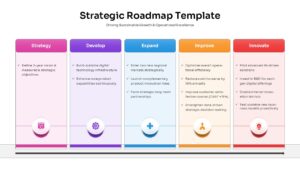
The presentation includes roadmap timelines, strategic planning frameworks, milestone trackers, execution roadmaps, and initiative management layouts. Furthermore, the visual structure simplifies complex planning discussions and helps organizations communicate strategy with greater clarity.
This PowerPoint and Google Slides template is ideal for executive presentations, strategic planning workshops, project reviews, and business transformation discussions. In addition, it works well alongside roadmap templates, project planning templates, and business strategy presentation templates to create more comprehensive planning presentations.
Fully editable slides allow users to customize milestones, timelines, colors, icons, and content sections with ease. Business leaders, consultants, project managers, and product teams can use this Strategic Roadmap PowerPoint Template to present growth plans, strategic objectives, and long-term business initiatives in a professional and engaging format. Also explore our collection of free infographic templates for more creative and professional presentation designs.
Key Features
- 100% Vector-Based Graphics
- Fully Layered & Organized
- Multi-Platform Support
- Theme Color & Theme Font
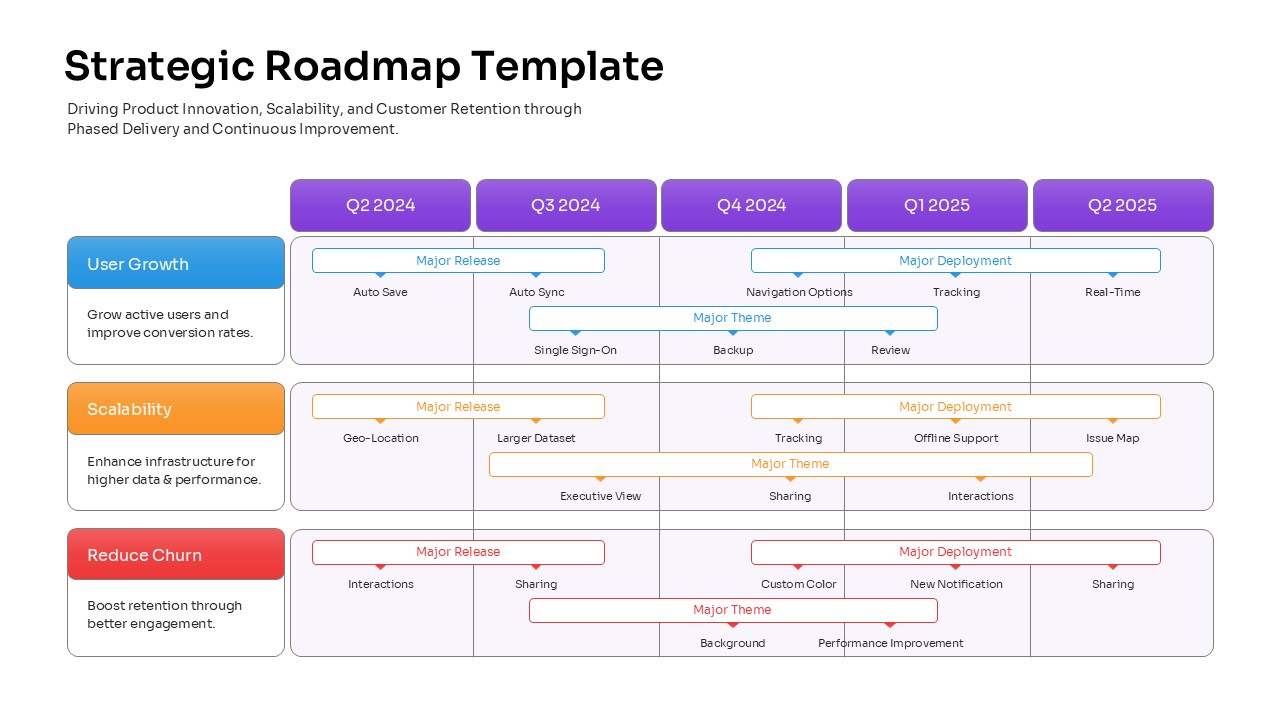
- Detailed Q2 2024 - Q2 2025 development timeline
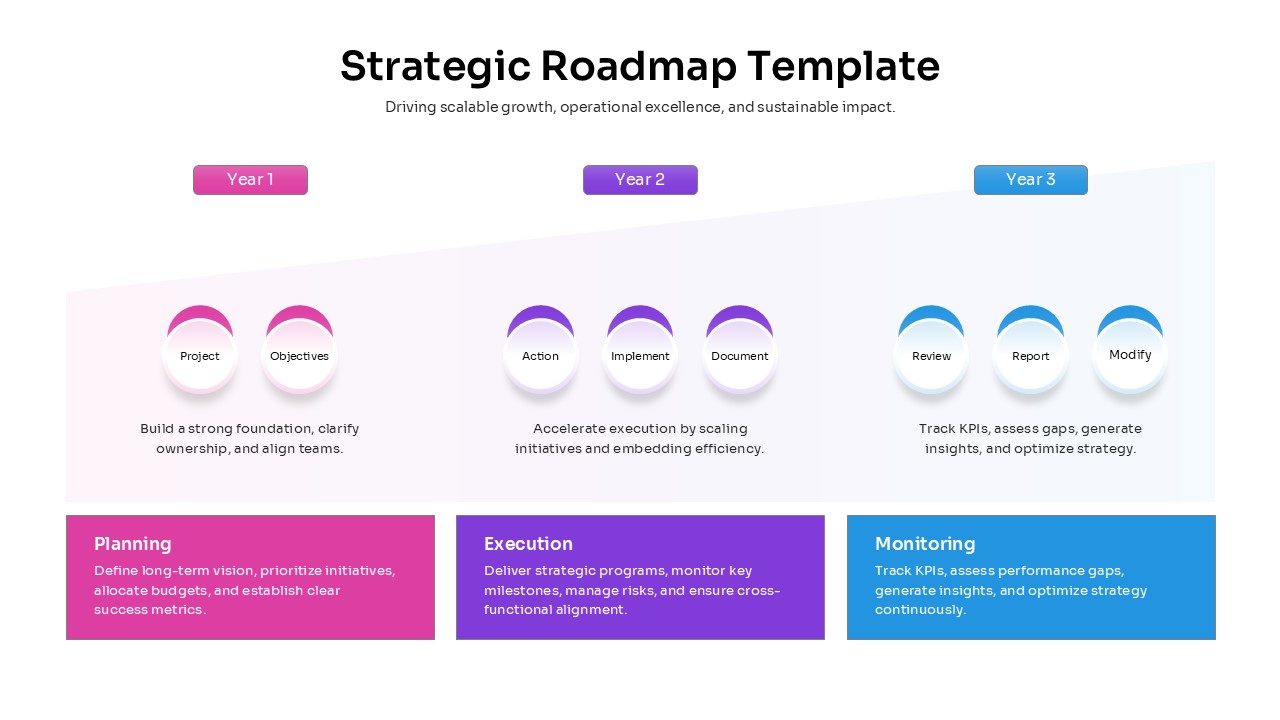
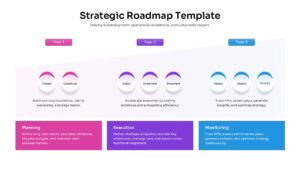
- Customizable 3-year planning phases (Planning, Execution, Monitoring)
Frequently Asked Questions
- How do I edit the phases in this business strategy plan?
- Simply click on any text box or shape to change the labels, colors, and icons using standard PowerPoint or Google Slides tools.
- Can I extend the strategic project timeline to cover five years?
- Yes, because all elements are vector-based, you can duplicate the slide sections or adjust the scale to fit a longer timeframe without losing quality.
- Is this executive vision slide available in different aspect ratios?
- Absolutely, the download includes both 4:3 and 16:9 formats to ensure compatibility with any modern projector or display.
Related Templates
-
-
-
-
 Free
Free