
One Pager Business Overview: Free Template for PowerPoint & Google Slides
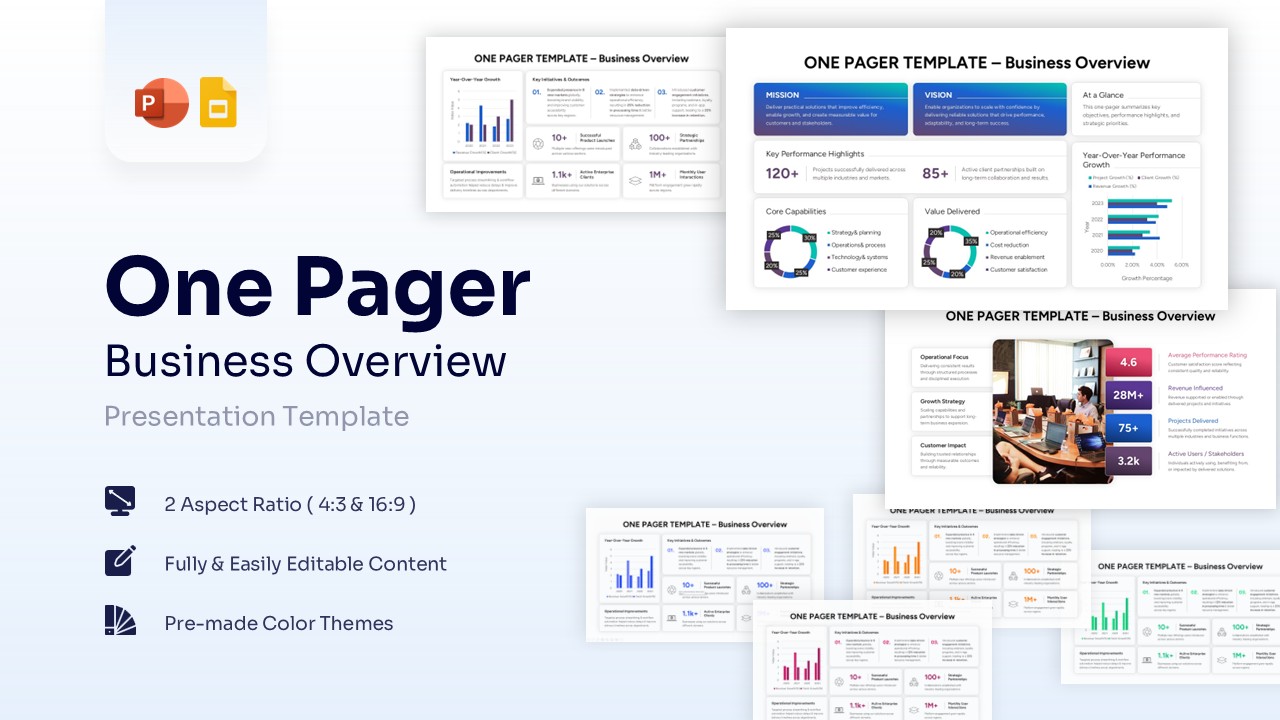
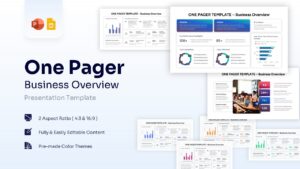
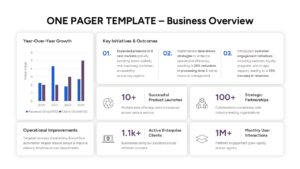
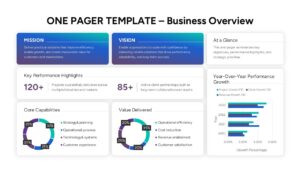
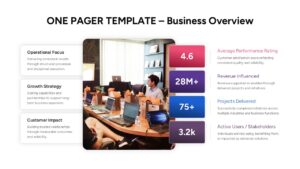
One Page Business Overview Presentation Slides
A clear and well-structured business overview helps stakeholders quickly understand company performance, achievements, and strategic direction. Whether you are presenting to executives, investors, or team members, a professional business overview presentation slides for corporate reporting can make your message more impactful and easier to understand.
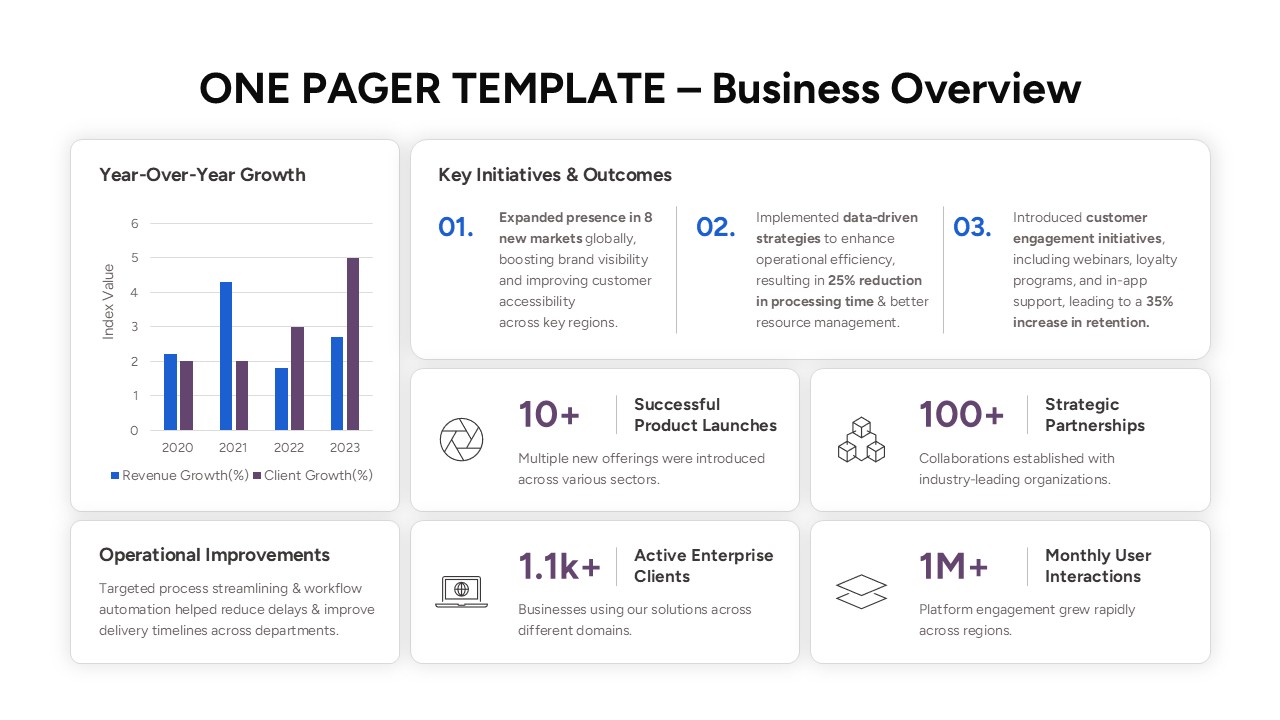
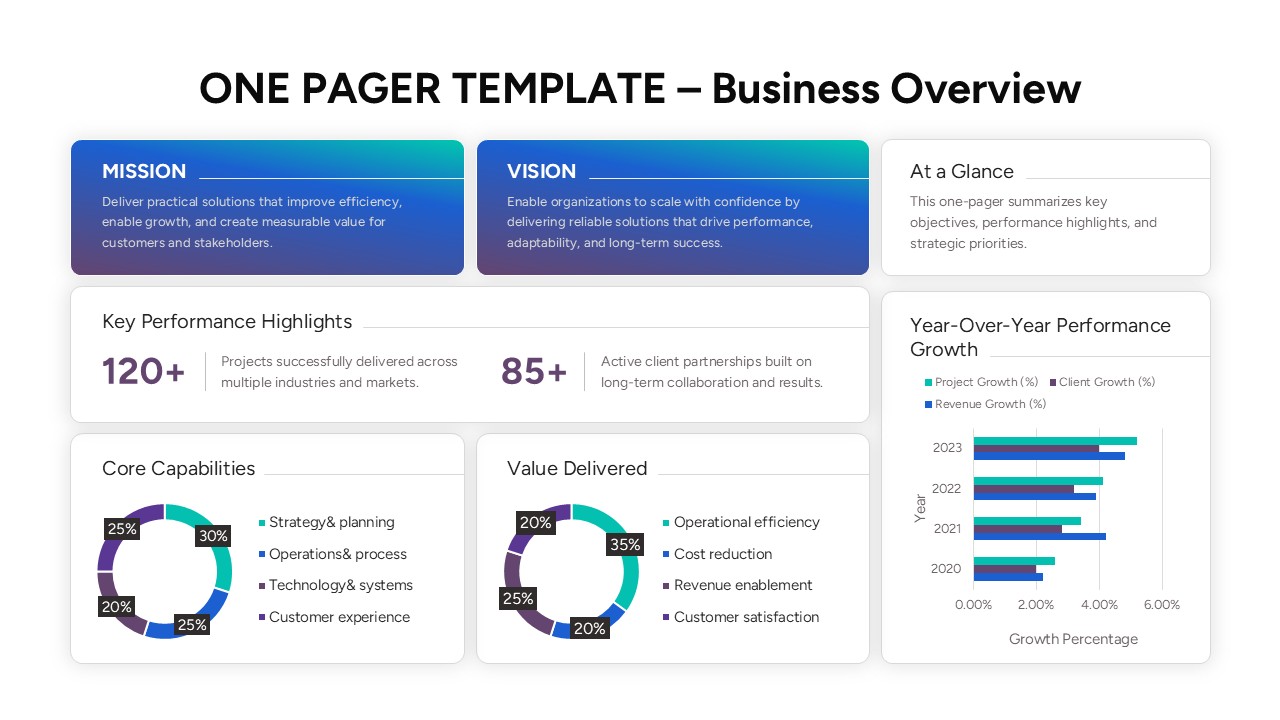
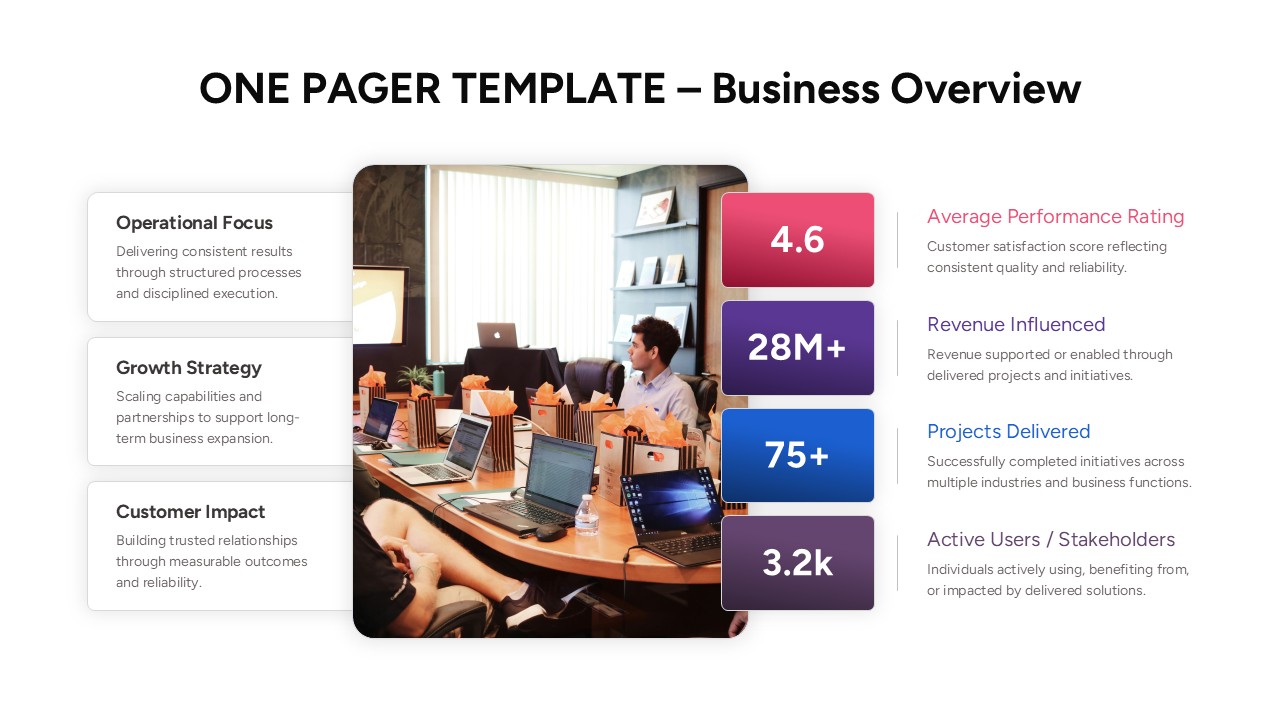
Now presenting company insights is easier than ever to create with this aesthetically pleasing Free One Pager Business Overview Template. This Business Overview Presentation helps individuals to showcase key metrics, achievements, performance charts, KPI dashboards, business summaries, and strategic highlights using easy-to-edit graphs, infographic cards, donut charts, business metrics, and data visualization layouts.
So, whether you are planning to present annual business performance or just want to make a professional executive summary report, this Company Overview One Pager will be perfect for you. So, release your inner designer and let your creativity soar with this amazing Business Performance Dashboard Template.
Don’t forget to checkout out our professional business strategy presentation templates for some amazing designs.
Key Features
- 100% Vector-Based Graphics
- Fully Layered & Organized
- Multi-Platform Support
- Theme Color & Theme Font
Frequently Asked Questions
- Can I customize the icons within the Business One Pager Overview Template?
- Yes, all icons are vector-based, allowing you to resize or change colors to match your brand.
- Is this template suitable for high-stakes investor meetings?
- Absolutely, it provides a polished and organized summary that investors prefer for quick reviews.
- Does this template work with my existing Google Slides theme?
- Yes, you can easily copy and paste the elements into your current deck while maintaining formatting.
- How do I update the percentages in the charts?
- Simply click on the chart element to edit the data values directly within PowerPoint or Google Slides.
Related Templates
-
-
 Free
Free -
-
 Free
Free