
Circular Timeline Template for PowerPoint & Google Slides
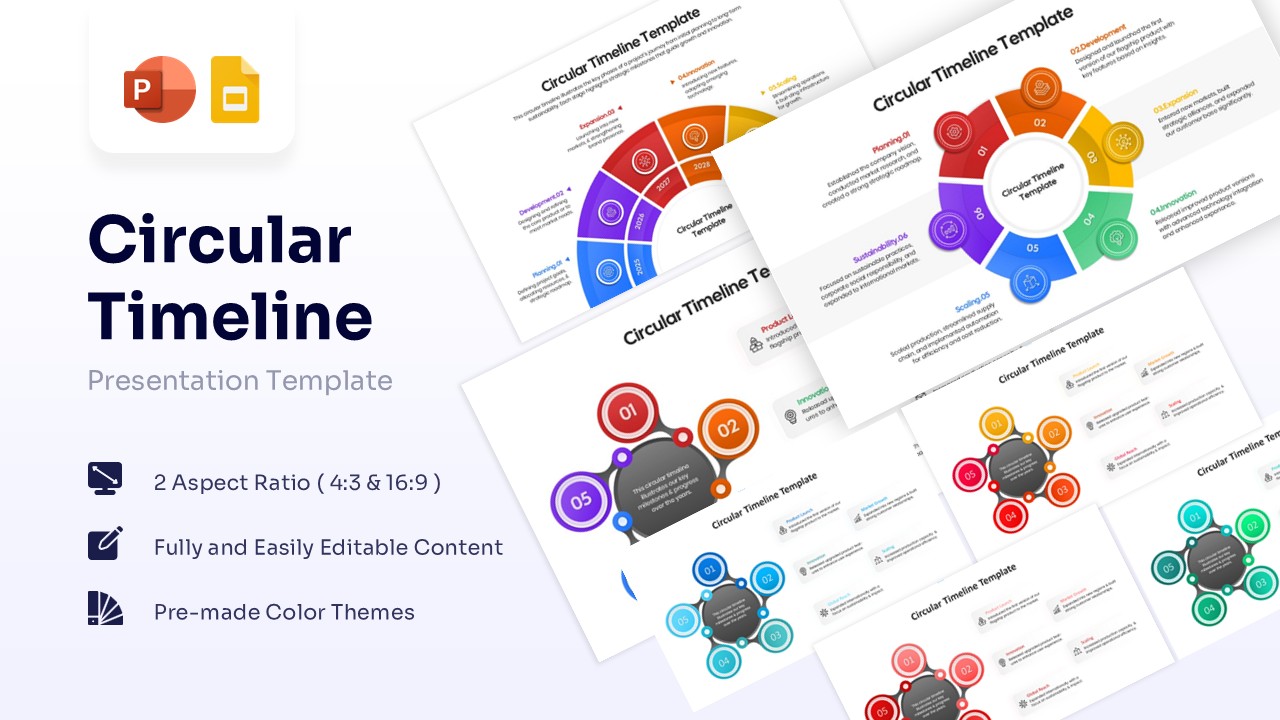
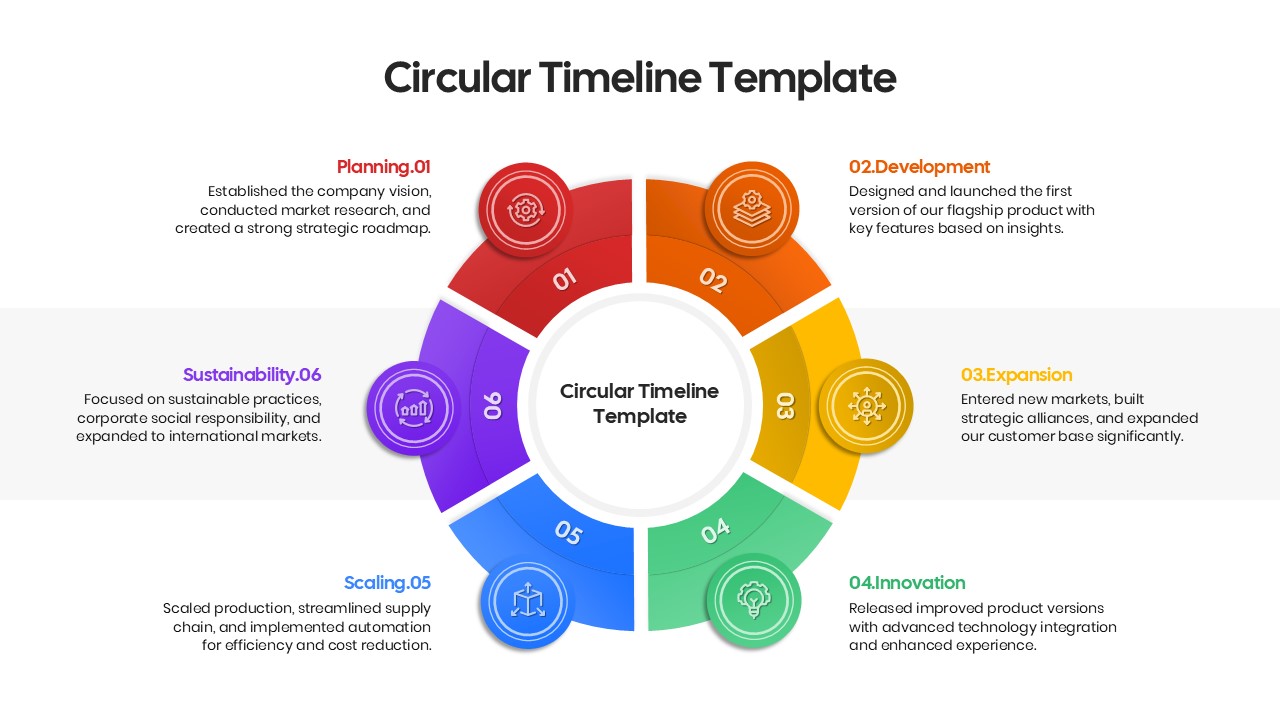
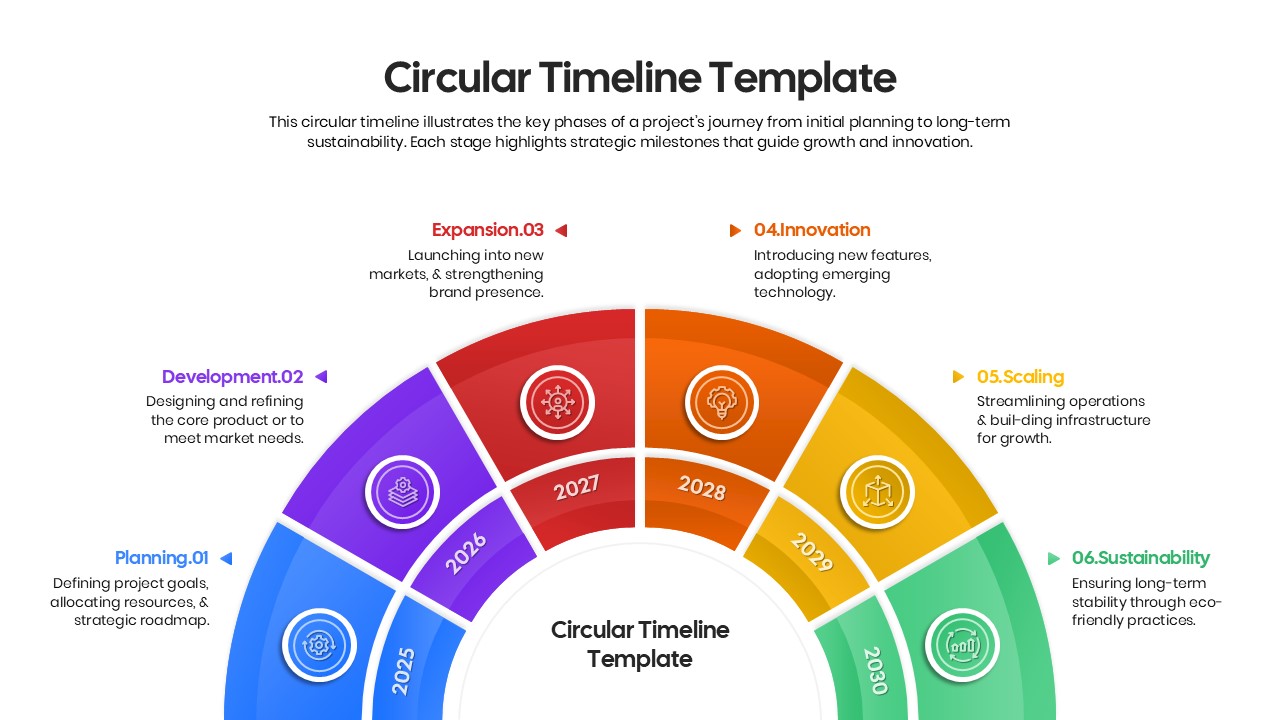
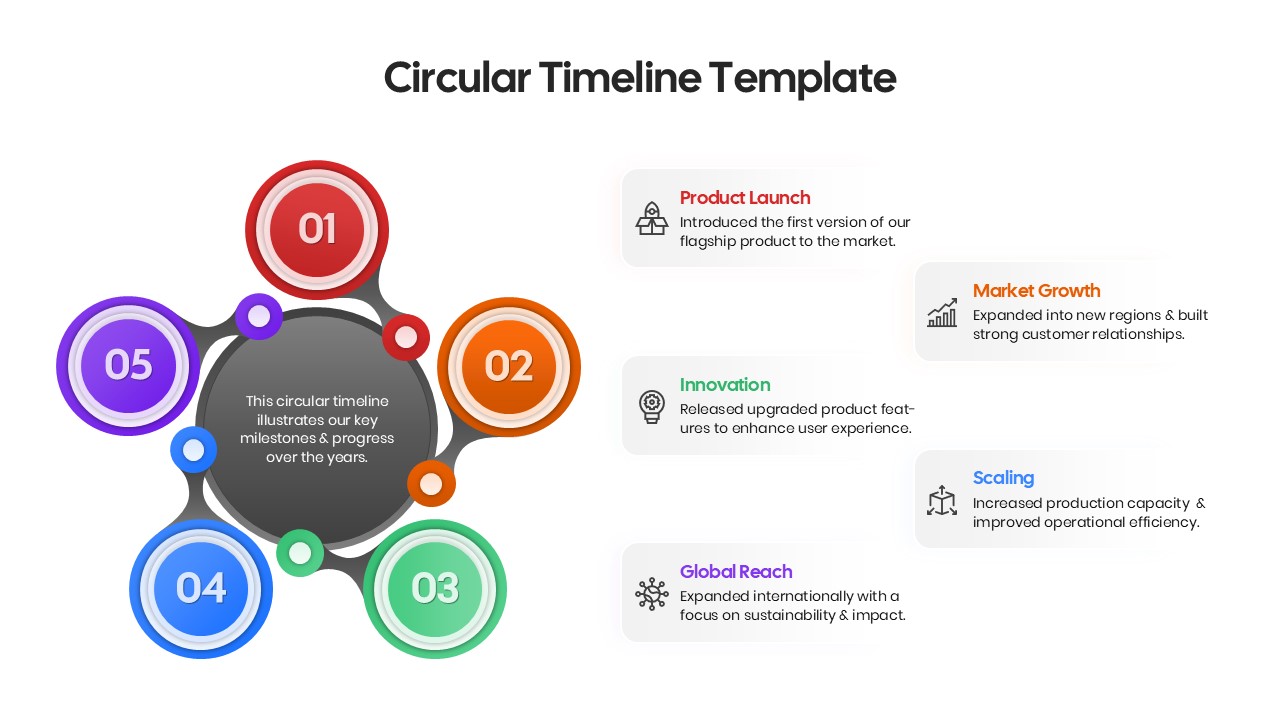
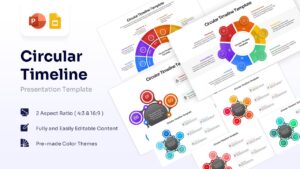
Present Milestones with a Circular Milestone Diagram
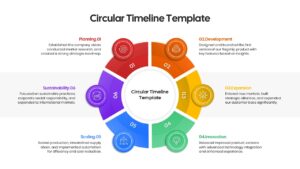
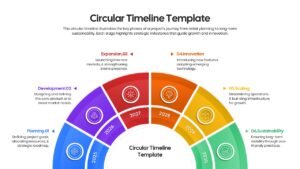
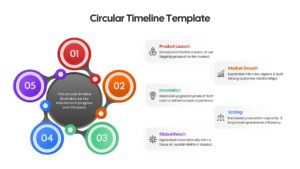
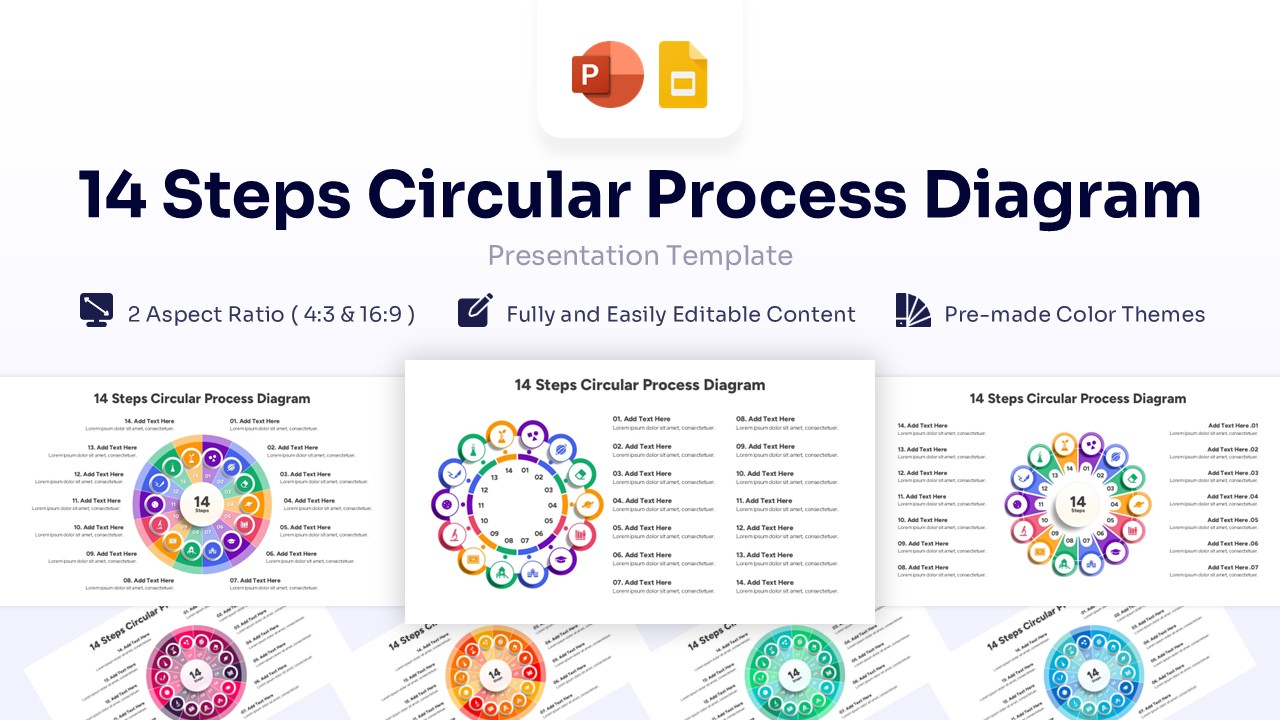
This modern circular timeline strategically visualizes project lifecycles and continuous business phases. Using this timeline process infographics users can effectively present yearly progress or strategic milestones in a continuous loop. The circular timeline design features a vibrant, multi-colored palette against a clean white background. It utilizes sans-serif typography, simple vector icons, and structured geometric circles.
This PresentoVerse Circular Timeline Diagram is available to download and use. Moreover, it can be seamlessly edited on Microsoft PowerPoint and Google Slides. Explore our project timeline infographics for more options. Project managers and business leaders can use this for tracking long-term strategic milestones.
Key Features
- 100% Vector-Based Graphics
- Fully Layered & Organized
- Multi-Platform Support
- Theme Color & Theme Font
- 2 Aspect Ratios (4:3 & 16:9)
Frequently Asked Questions
- Can I change the number of steps in the circle?
- Yes, the elements are vector-based, so you can ungroup them to add or remove steps, though using the pre-set variations included is faster.
- Is this template compatible with Keynote?
- While designed for PowerPoint and Google Slides, the file can usually be imported into Keynote with minor adjustments.
Related Templates
-
-
-
 $2.99
$2.99 -
 $2.99
$2.99