Free Circle Diagram PowerPoint Template & Google Slides
6 Step Circular Process Presentation Slides
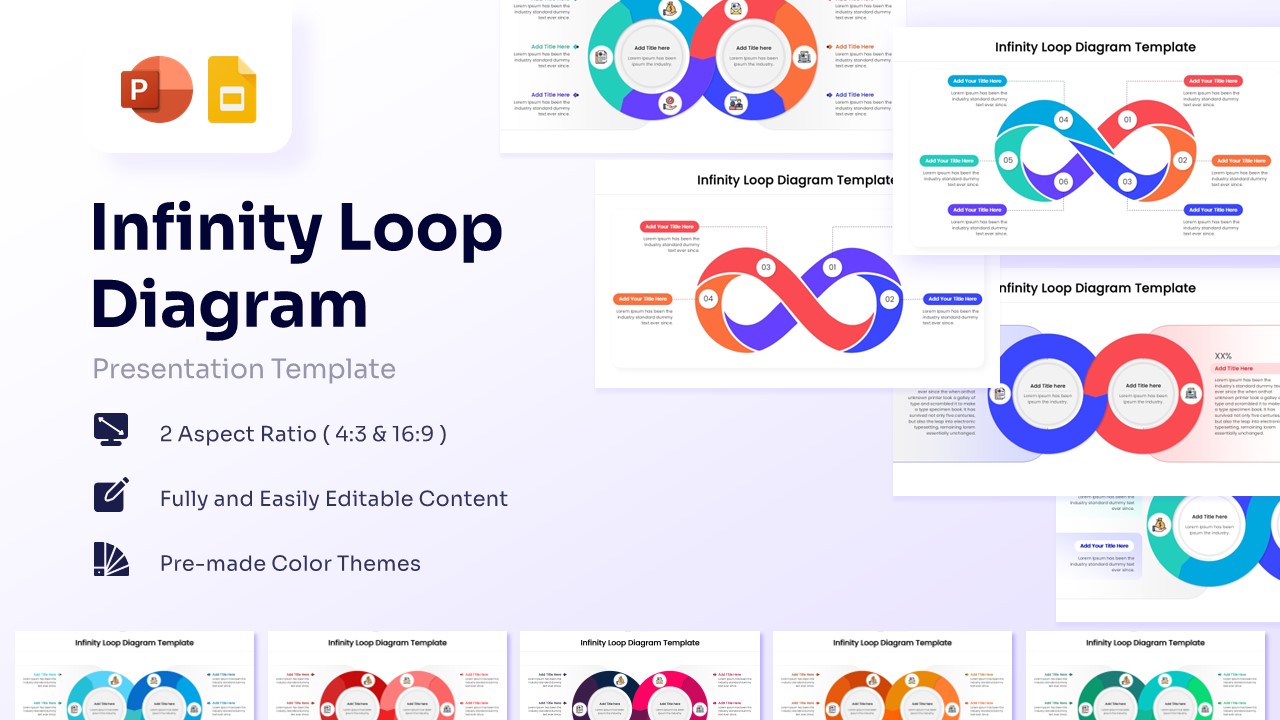
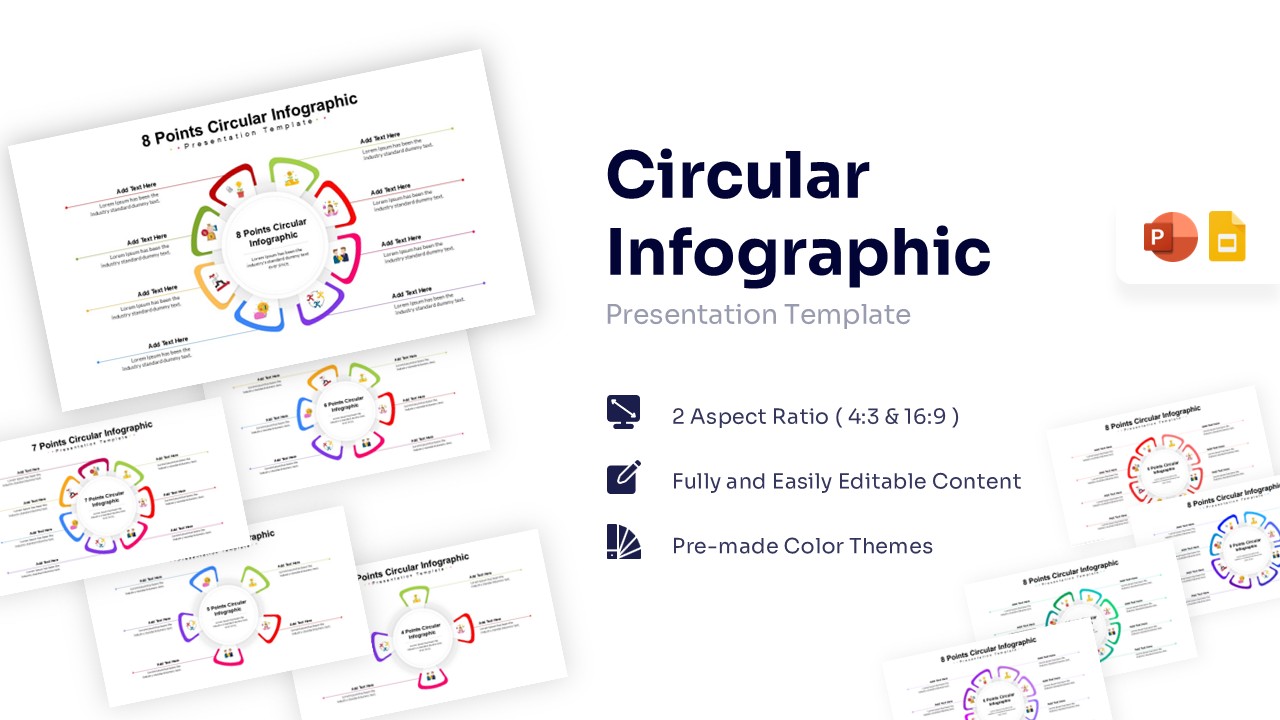
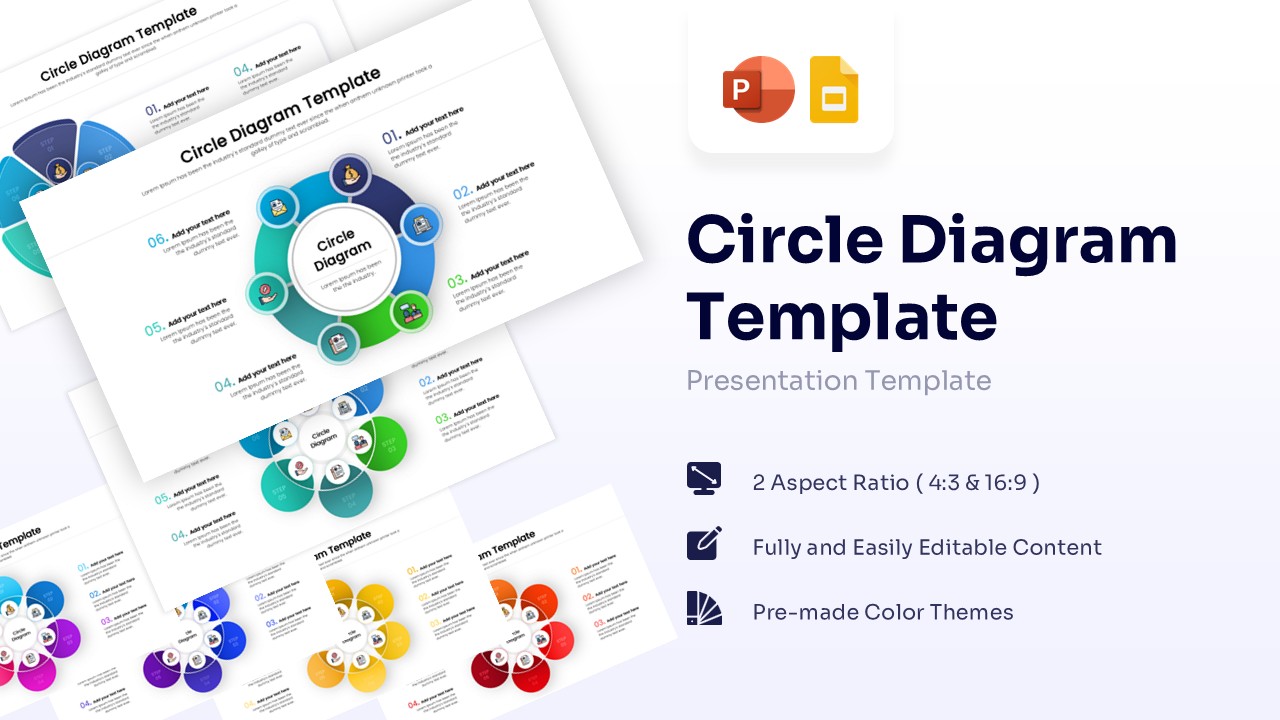
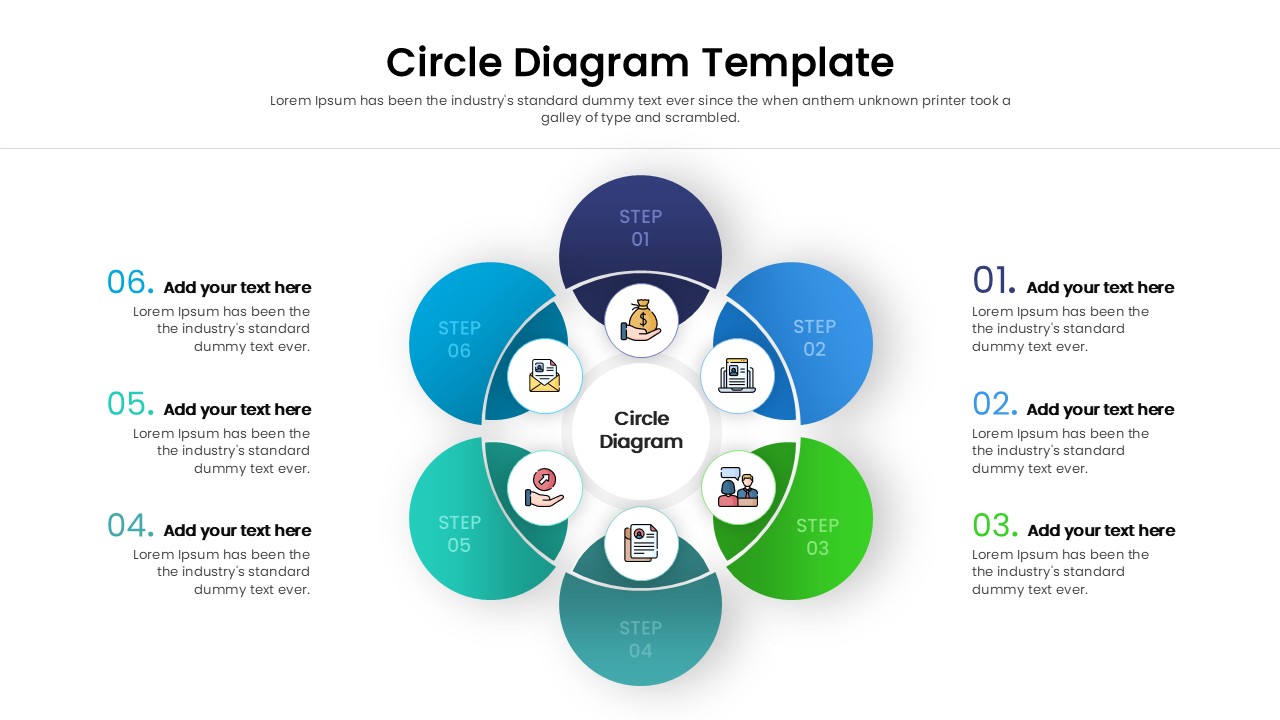
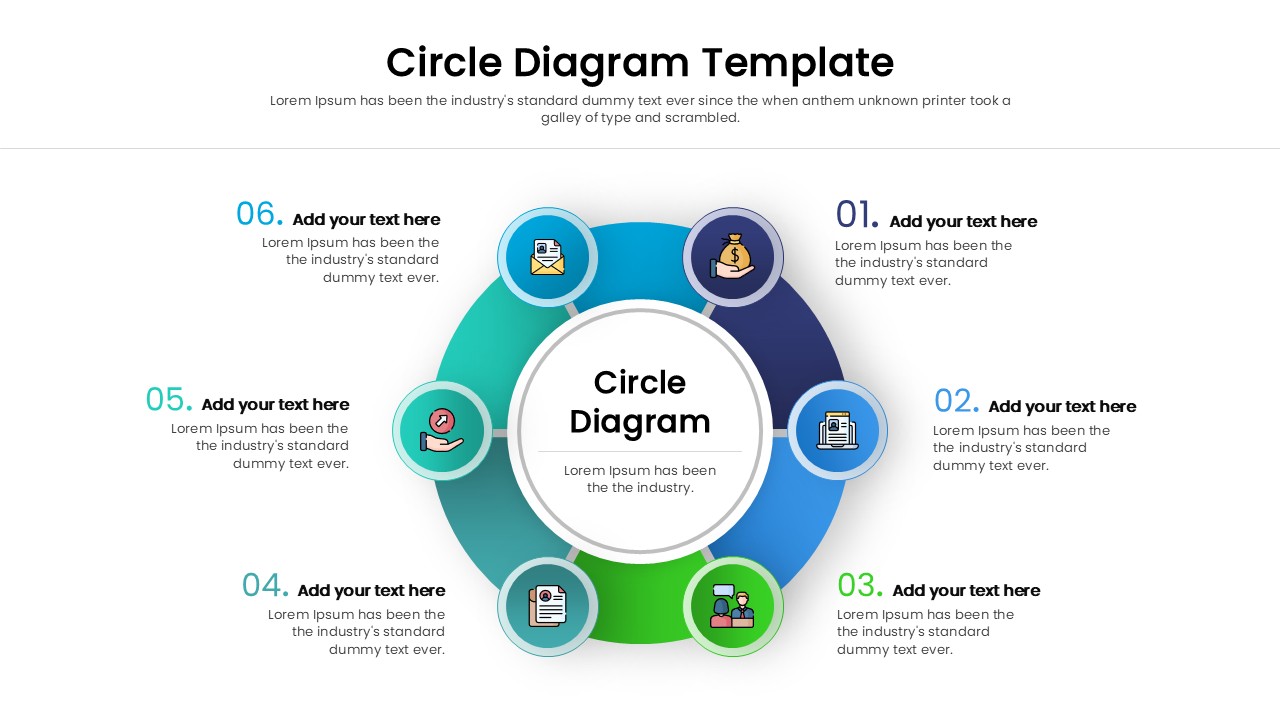
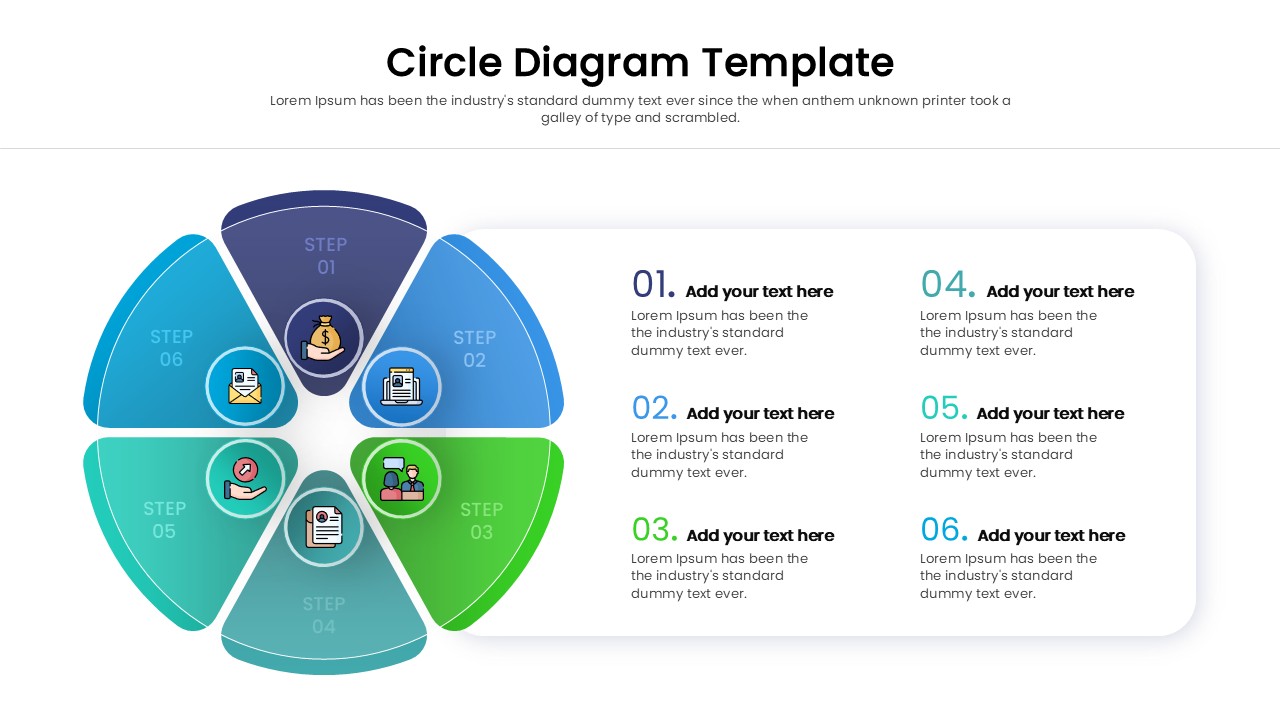
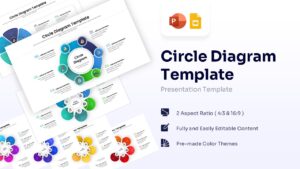
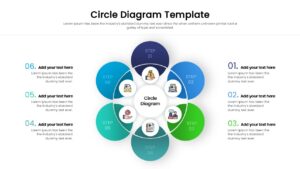
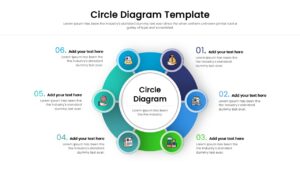
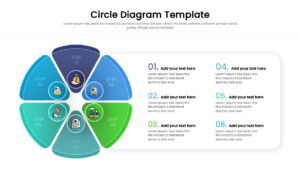
Get this PresentoVerse free Circle Diagram Template for PowerPoint and Google Slides, a sophisticated 6-step circular layout designed to illustrate continuous flows, recurring processes, and cyclic relationships. This circular diagram template features a central core divided into distinct, color-coded segments, each accompanied by customizable text blocks and intuitive icons to represent individual stages of a sequence. Its flexible anatomy allows presenters to easily modify these fully editable PowerPoint objects, adapting the nodes, colors, and shapes to fit both light and dark backgrounds perfectly. This makes it an ideal visual framework for showcasing complex business workflows and continuous life cycles.
Our design experts suggest complementing this circular flow framework with other structural elements like a detailed process timeline or linear step flow diagram to provide a comprehensive overview of your project phases. Create appealing Circle Diagram Template presentations that engage global audiences with our top of the line 3D PowerPoint Templates to make professional PowerPoint designs.
Key Features
- 6-step circular layout
- Fully editable icons and text placeholders
- 4:3 and 16:9 aspect ratios
- Pre-made multi-color themes
- Vector-based graphics
Frequently Asked Questions
- Can I change the icons in the circles?
- Yes, all icons are fully editable. You can replace them with your own or choose from a library of vector icons within PowerPoint or Google Slides.
- Is this template compatible with Google Slides?
- Absolutely. This template is optimized for both Microsoft PowerPoint and Google Slides, ensuring a smooth experience on either platform.
- How do I change the colors to match my brand?
- You can easily change the fill color of the shapes using the standard formatting tools in your presentation software. The elements are grouped for easy editing.