Project Management Gantt Chart Presentation Template
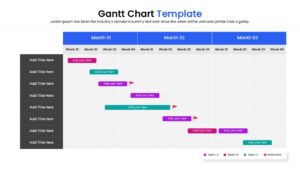
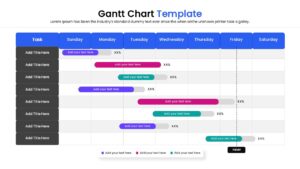
Professional Gantt Chart Presentation Template
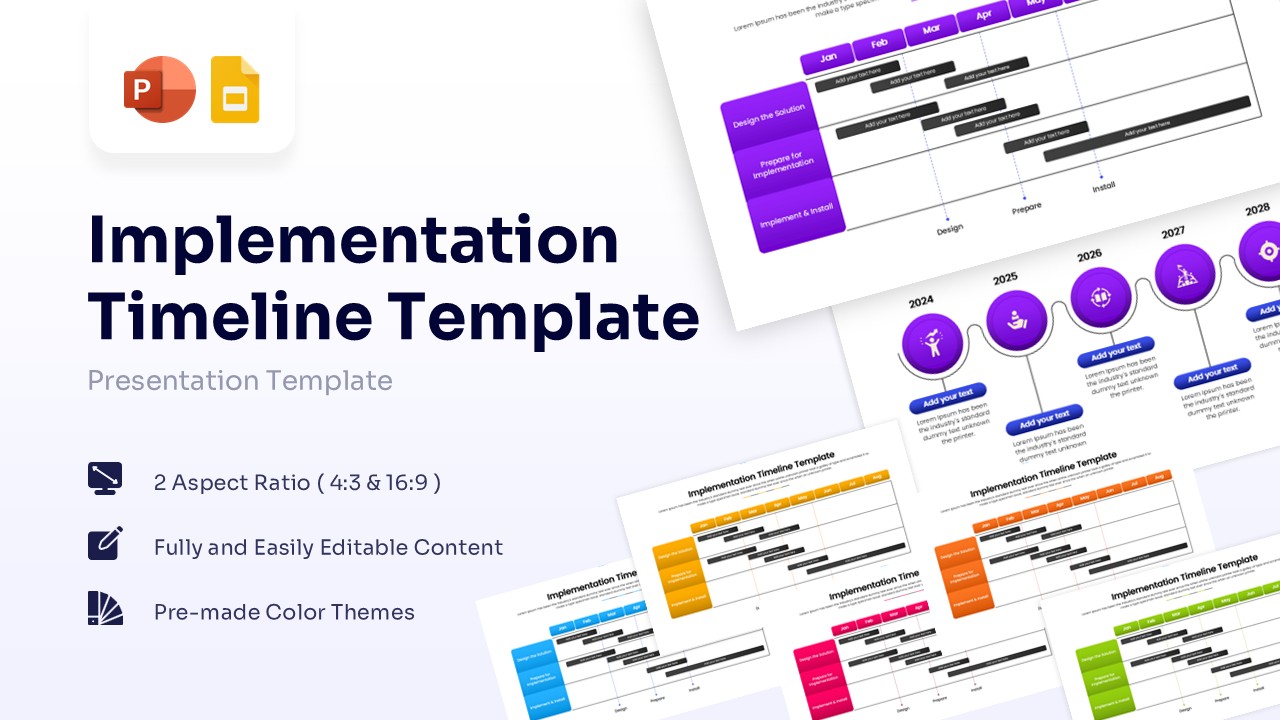
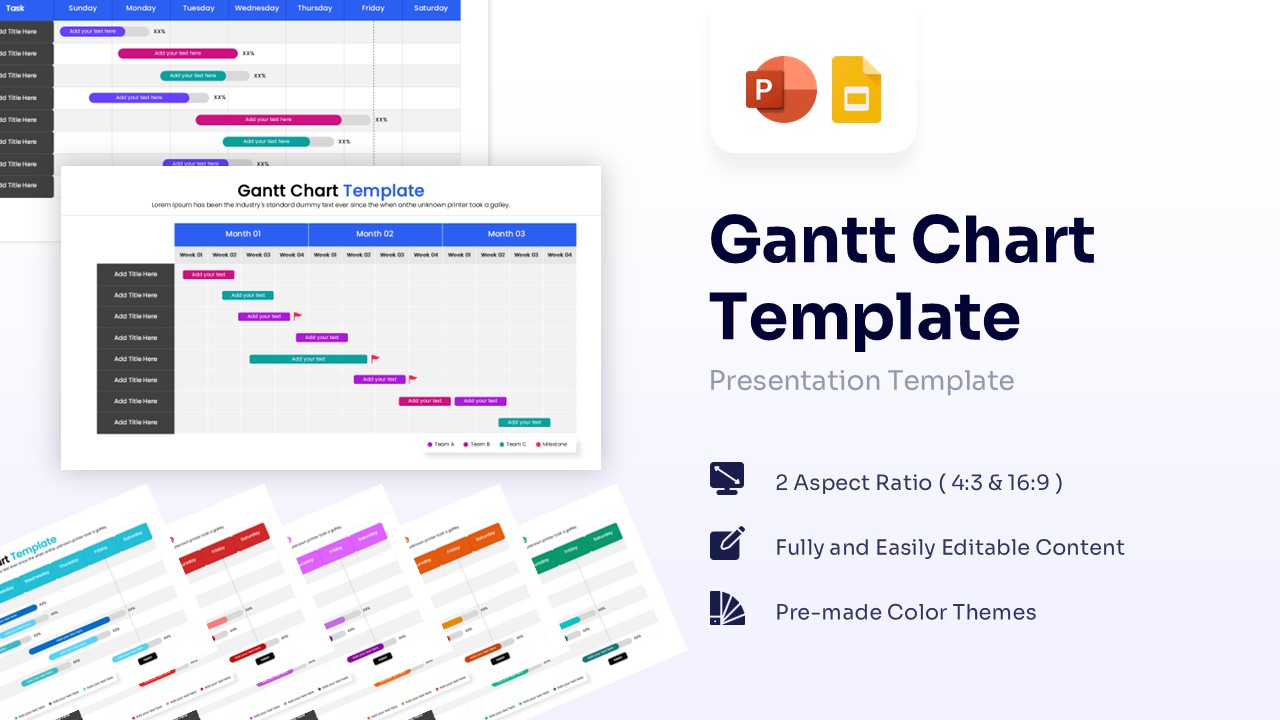
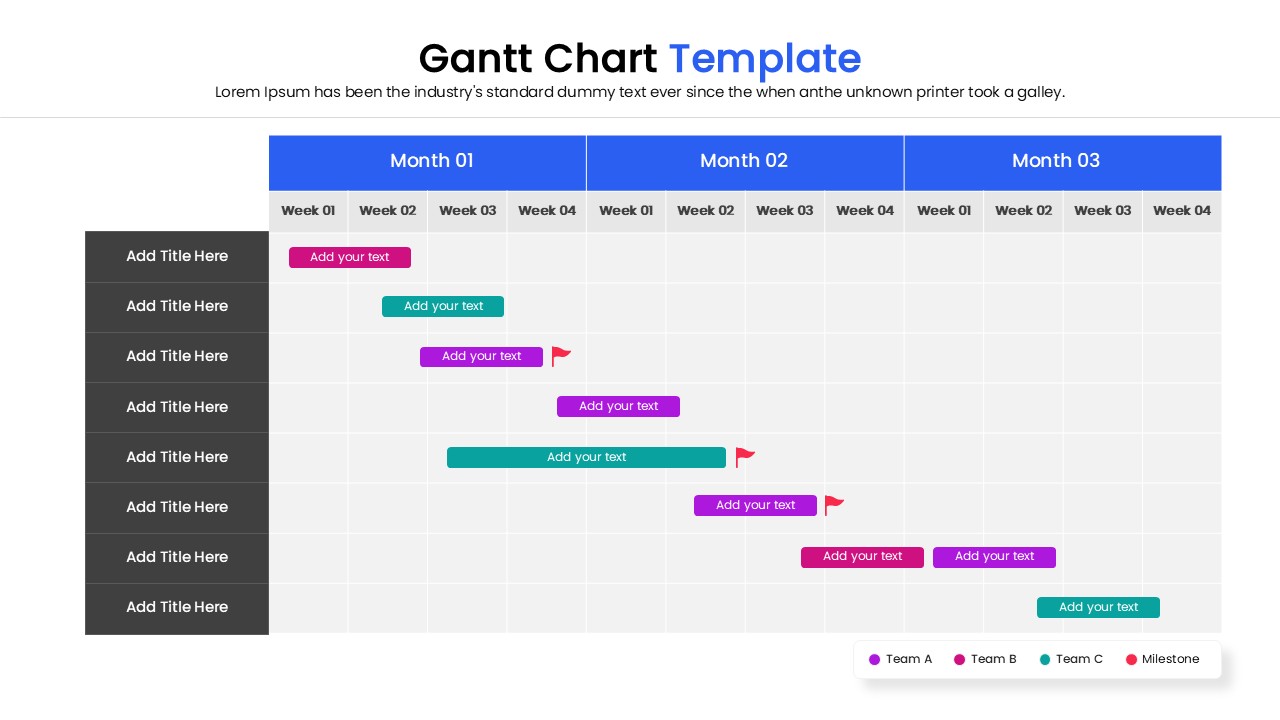
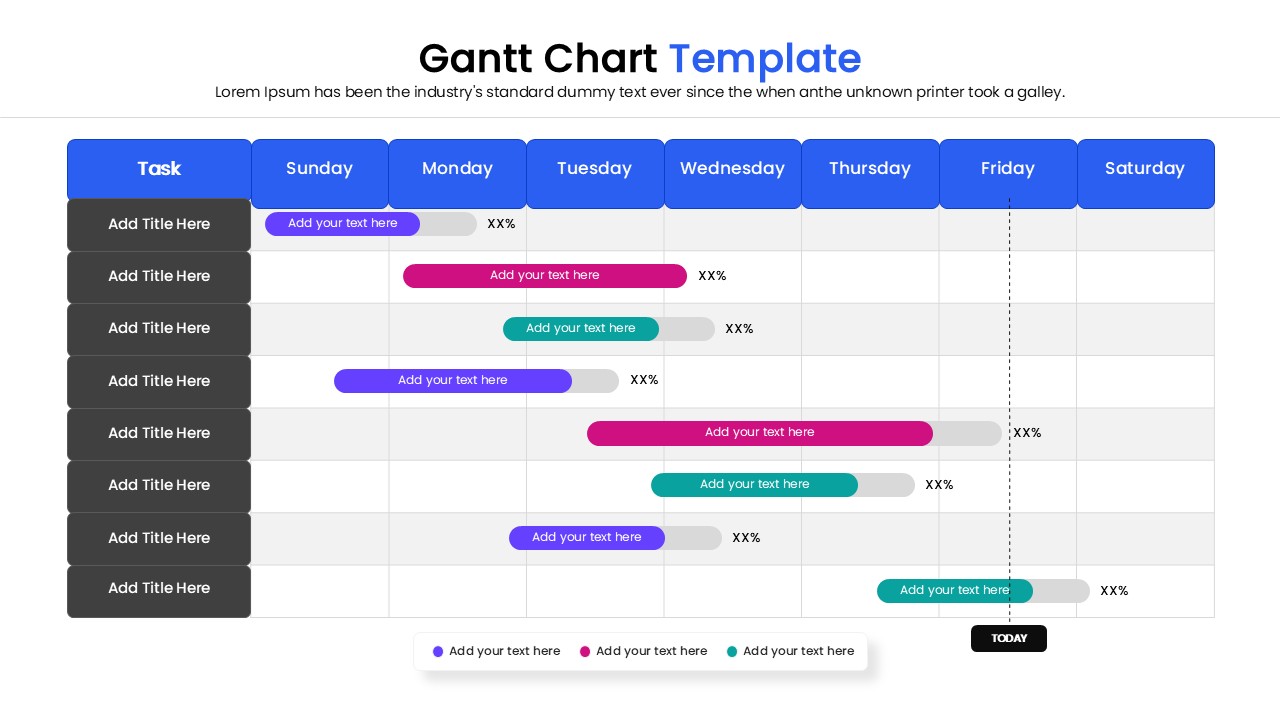
Get this project management Gannt chart and give a clear visual breakdown of project phases and target deadlines. Presenters can effectively highlight task dependencies, team assignments, and weekly milestones to ensure total project alignment. This creative Gantt chart features a vibrant blue, pink, and teal color palette utilizing clean sans-serif typography. It includes scalable horizontal progress bars, milestone flag icons, and clear tabular grids for structured data presentation.
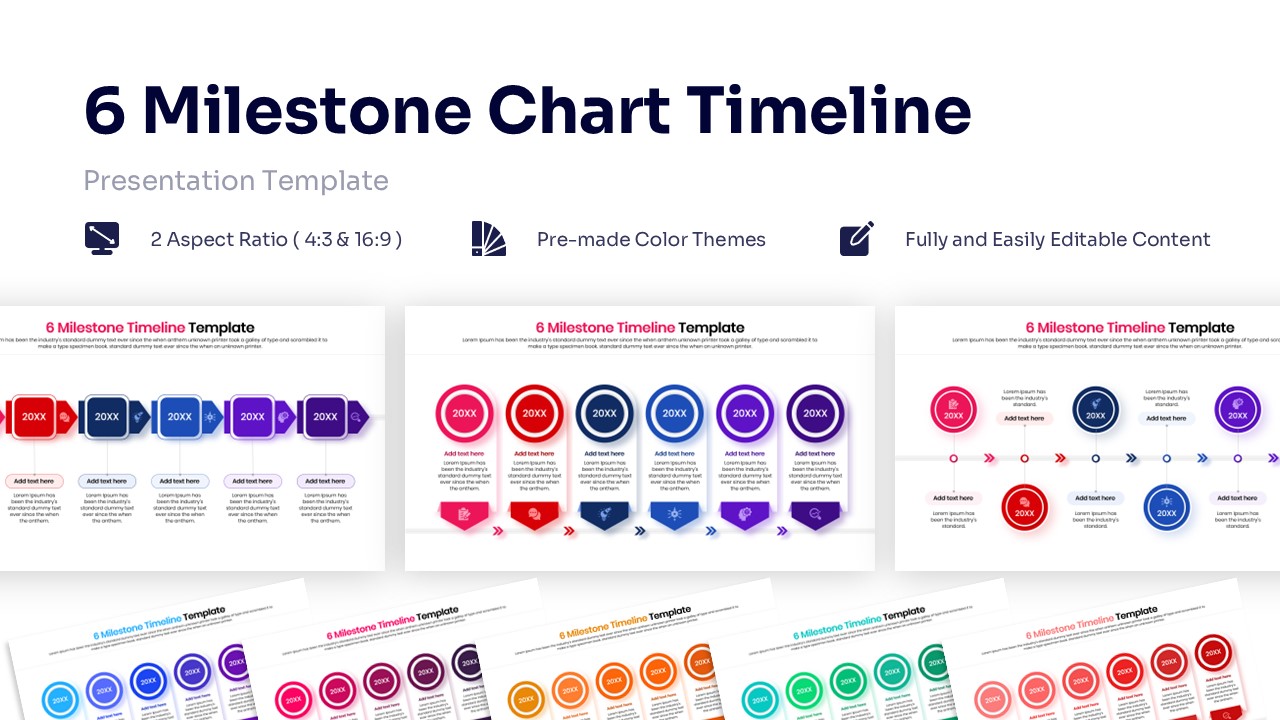
Project managers and business teams can efficiently track software developments or targeted marketing campaigns. Use this alongside a comprehensive milestone tracking diagram for detailed quarterly reviews.
PresentoVerse professional Gantt chart is available to download and use. Moreover, it can be seamlessly edited on Microsoft PowerPoint and Google Slides. Explore our professional business plan presentation layouts to enhance your next strategic meeting.
Key Features
- 100% Vector-Based Graphics
- Fully Layered & Organized
- Multi-Platform Support (PowerPoint & Google Slides)
- 2 Aspect Ratios (4:3 & 16:9)
- Pre-made Color Themes
Frequently Asked Questions
- Can I change the time intervals on the chart?
- Yes, all text fields, including months and dates, are fully editable. You can customize the headers to show days, weeks, quarters, or years depending on your project scope.
- Is this template compatible with Google Slides?
- Absolutely. This template is designed to work seamlessly in both Microsoft PowerPoint and Google Slides.
- How do I adjust the length of the Gantt bars?
- The bars are vector shapes. You can simply click and drag the edges to shorten or lengthen them to represent the correct duration of each task.