
Free Next Steps Presentation Template for PowerPoint & Google Slides
Visualize Growth with a Dynamic Project Next Steps Slide
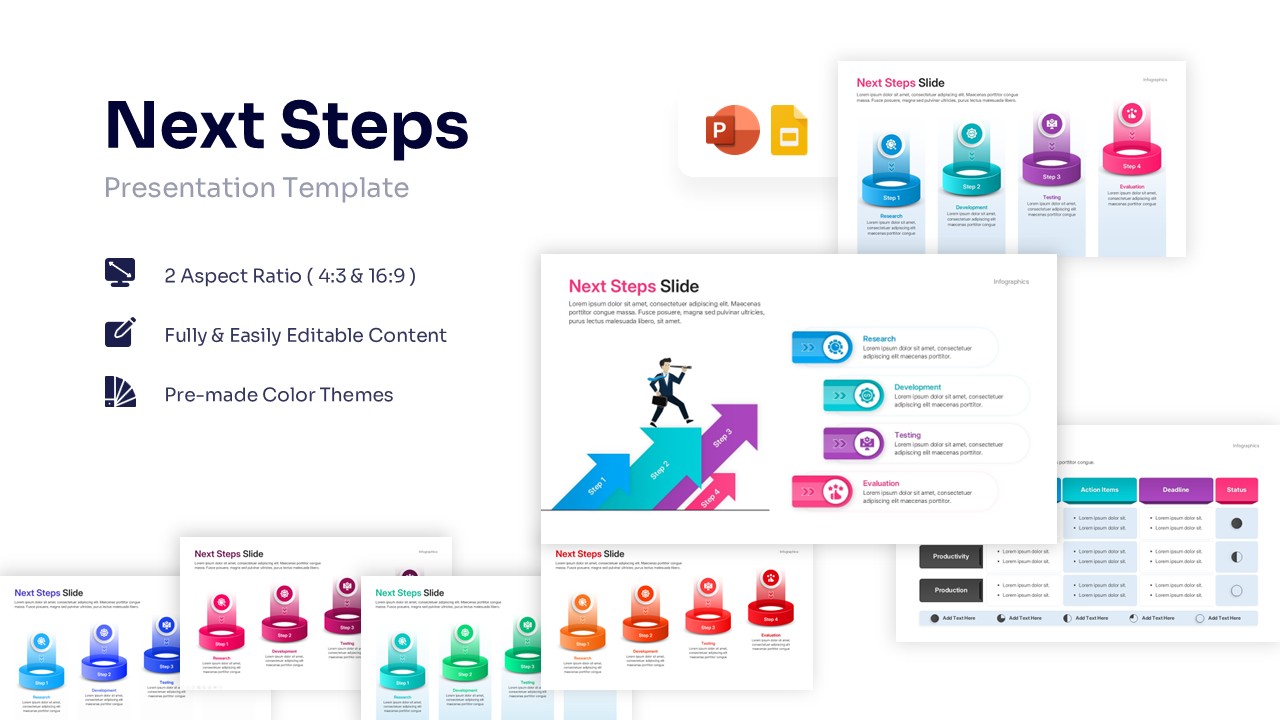
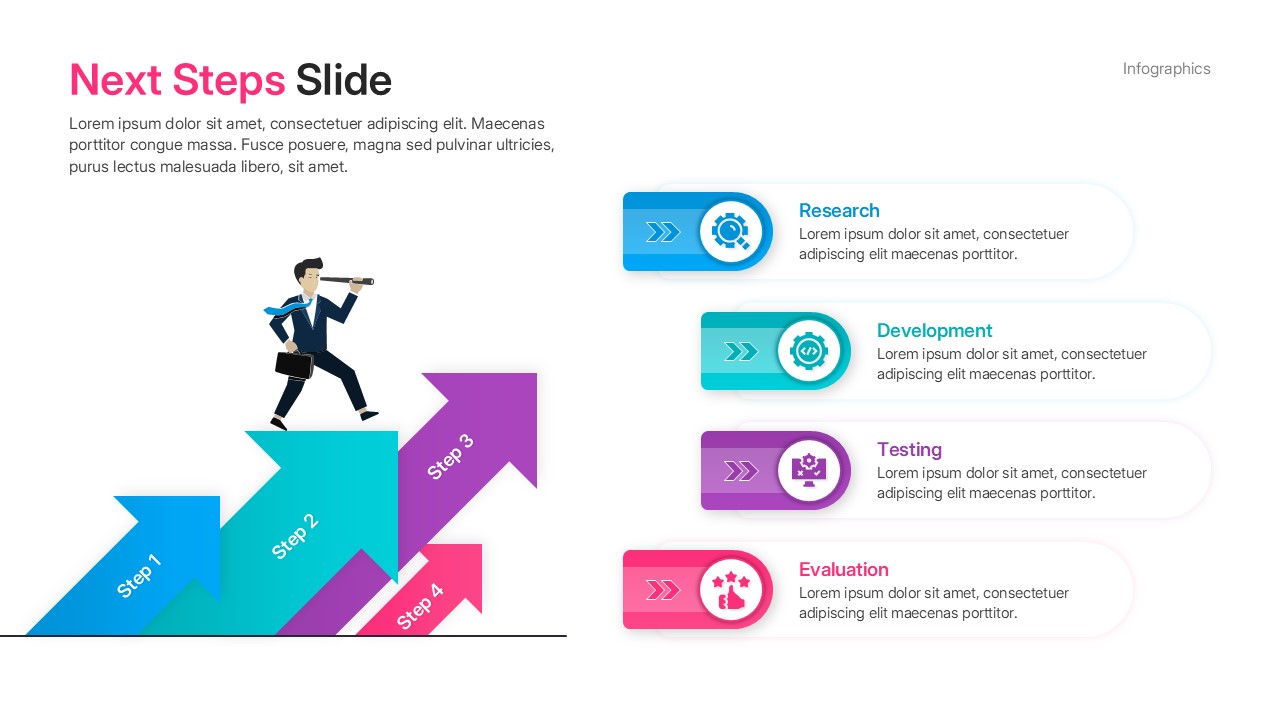
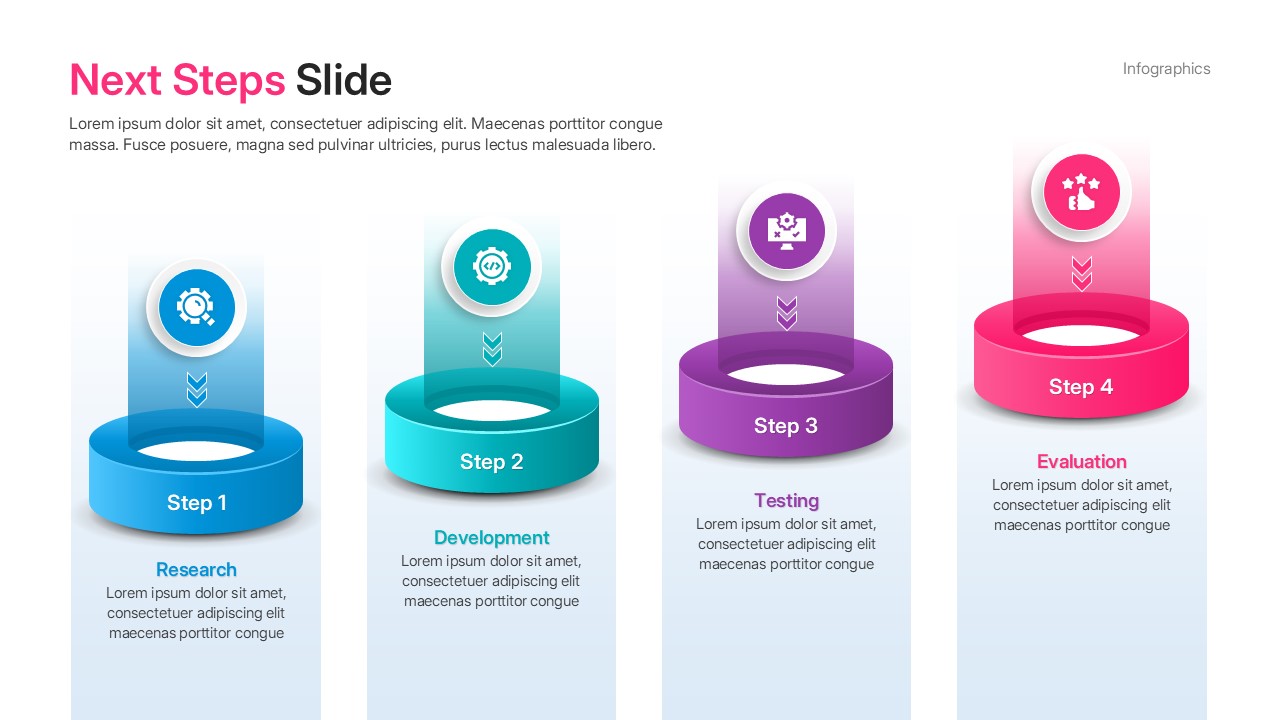
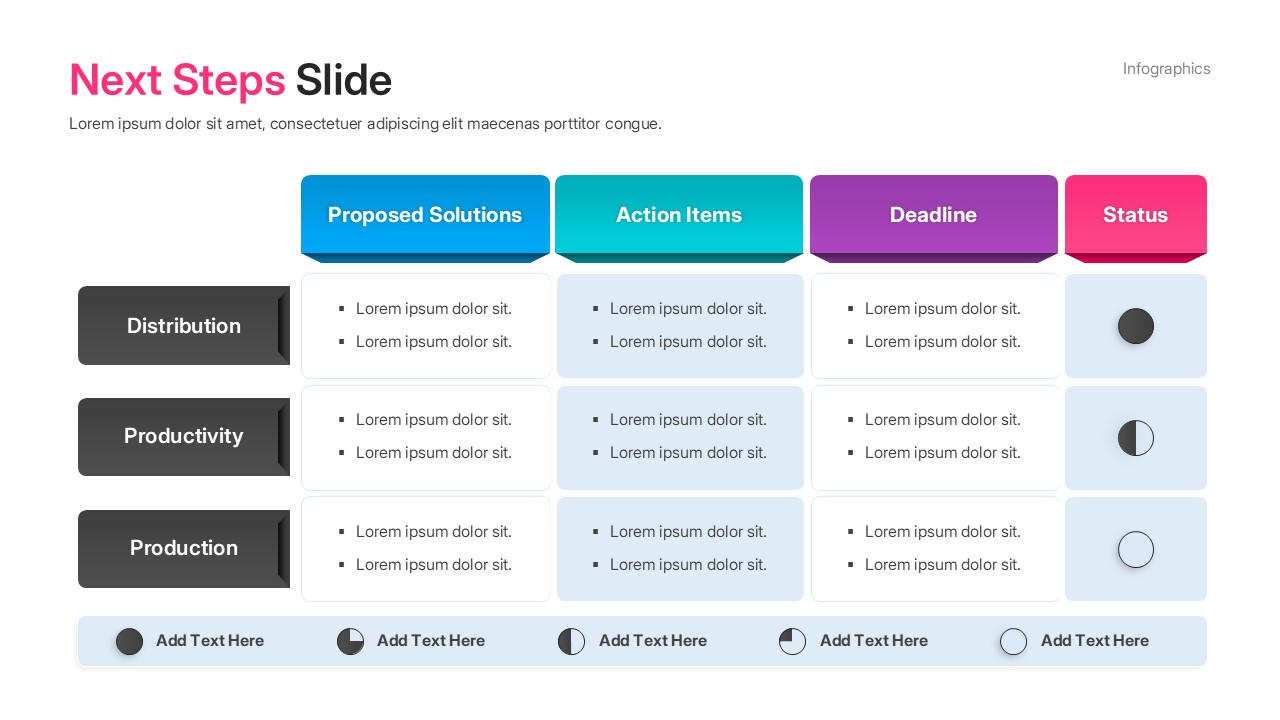
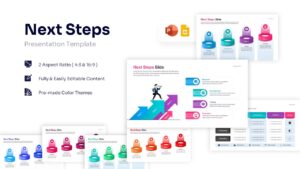
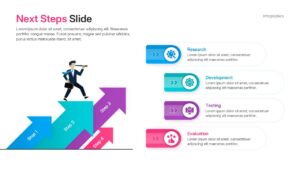
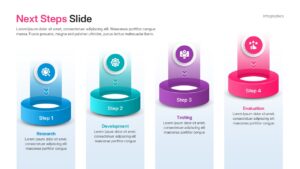
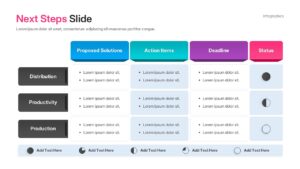
This vibrant Next Steps Presentation Template showcases a comprehensive suite of layouts designed to highlight your project’s future strategy and historical timelines. The design is notably clean yet striking, featuring a modern color palette of bold cyans, deep purples, and energetic pinks across various engaging diagrams. From glowing 3D cylindrical platforms and ascending directional arrows to detailed tabular lists and linear date markers, the visual elements are crafted to keep your audience focused on your message. It is incredibly simple to create a customized version tailored precisely to your brand’s unique needs. To explore similar dynamic formats, check out our business timeline designs for more inspiration on tracking progress.
Make a lasting impact and tell a memorable story about where your project is heading next using these highly professional layouts. Editing the text boxes, updating table headers, and adjusting the step-by-step content is straightforward, requiring just a few clicks to populate your specific data. You can easily apply a personal touch by modifying the bold fonts and adjusting the color palettes to align perfectly with your corporate identity. Whether you are mapping out an intricate action plan or tracking team progress with visual Harvey balls, the flexibility of this deck is unmatched. For further visual enhancement, consider pairing this with an project management flow infographic to build out a fully cohesive strategy deck.
Key Features
- 100% Vector-Based Graphics
- Fully Layered & Organized
- Multi-Platform Support
- Theme Color & Theme Font
Frequently Asked Questions
- Can I change the colors of the process arrows?
- Yes, every element in this template is fully editable, allowing you to change colors to match your brand.
- Are the icons resizable?
- Absolutely. All icons are vector-based, so you can scale them up or down without losing any quality.
- Does this work with Google Slides?
- Yes, this template is fully compatible with both PowerPoint and Google Slides for seamless editing.
- Can I add more steps to the diagrams?
- Yes, you can easily duplicate or remove steps in the process diagrams to fit your specific project length.
Related Templates
-
-
-
-
 Free
Free