Free Ladder Template for PowerPoint & Google Slides
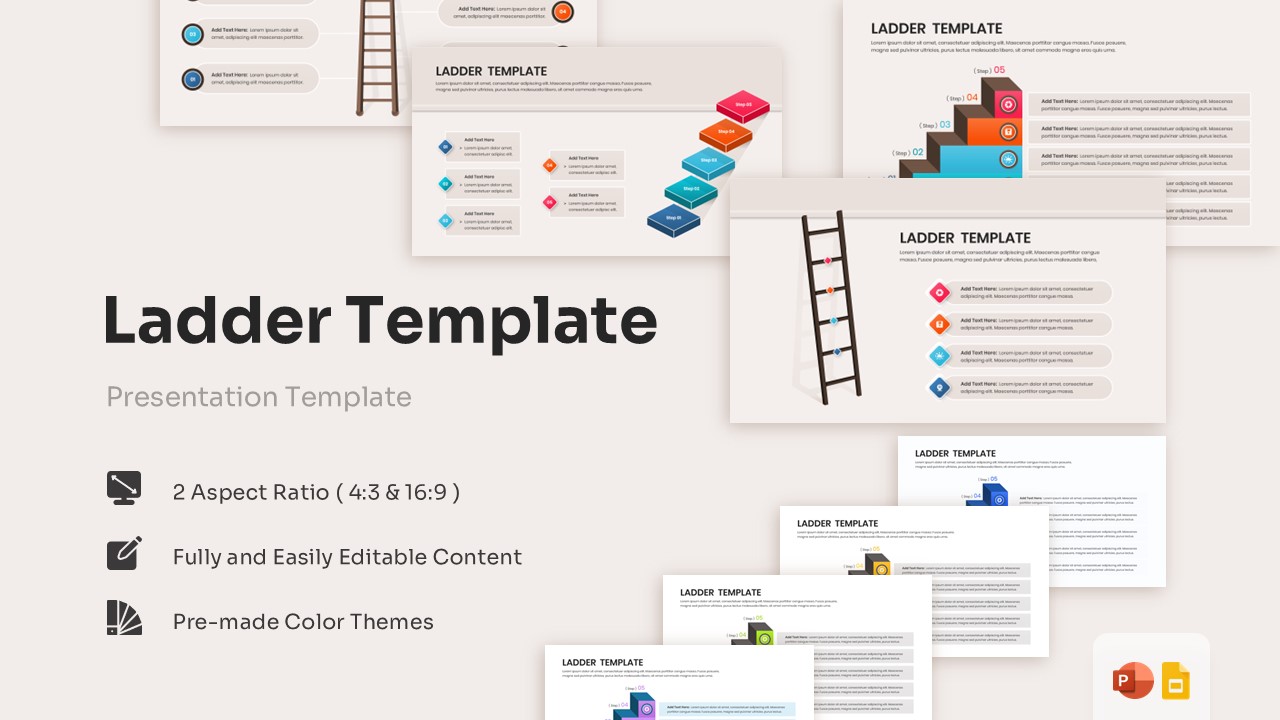
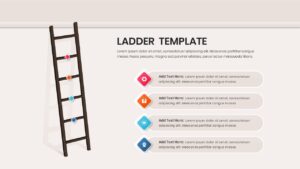
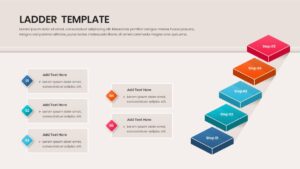
Versatile Step Diagram Infographic for Growth
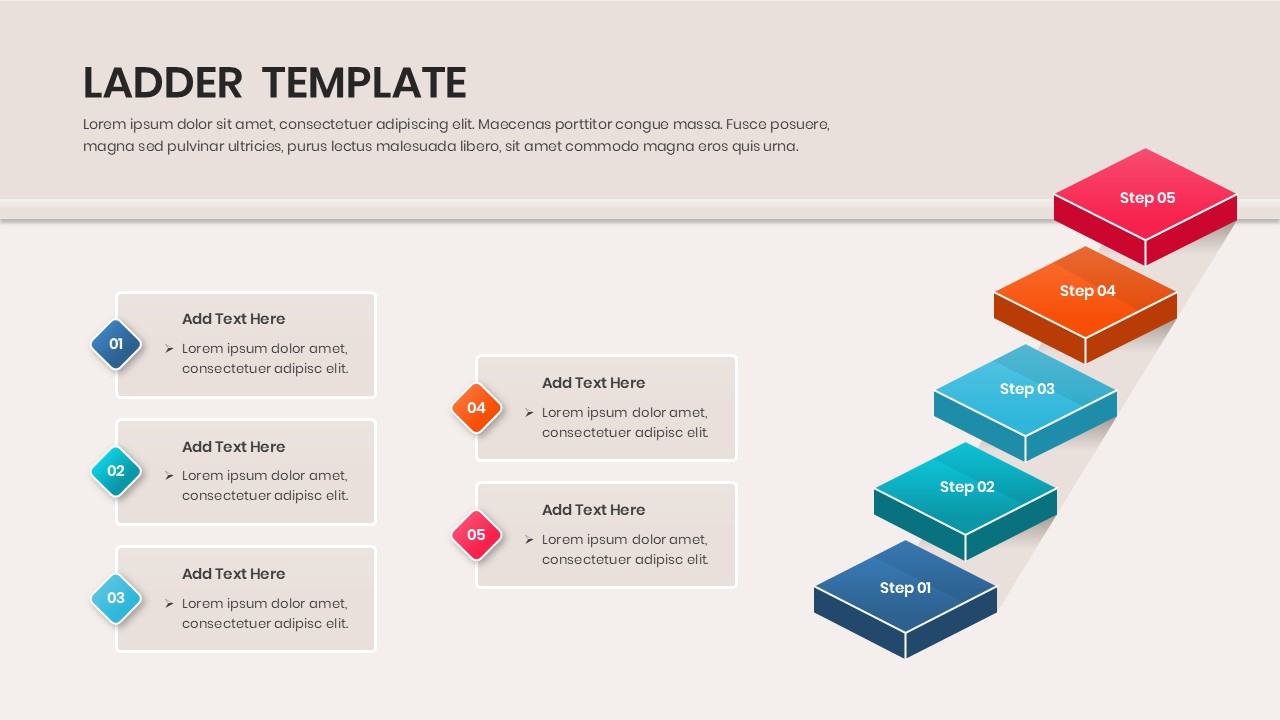
The Free Ladder Template helps present growth, progress, and achievement in a clear visual format. Instead of showing information in complex charts, it breaks ideas into easy-to-follow stages. As a result, audiences can quickly understand the path from one milestone to the next.
Content & Applications
Organizations use ladder diagrams to explain career progression, business growth, project phases, learning journeys, and strategic roadmaps. In addition, the template includes process infographic slides that make sequential information easier to communicate. Whether you are tracking development goals or presenting a long-term strategy, these layouts help keep discussions focused and organized. Furthermore, you can combine them with comprehensive process flow infographics to build more detailed presentations.
Design & Visual Elements
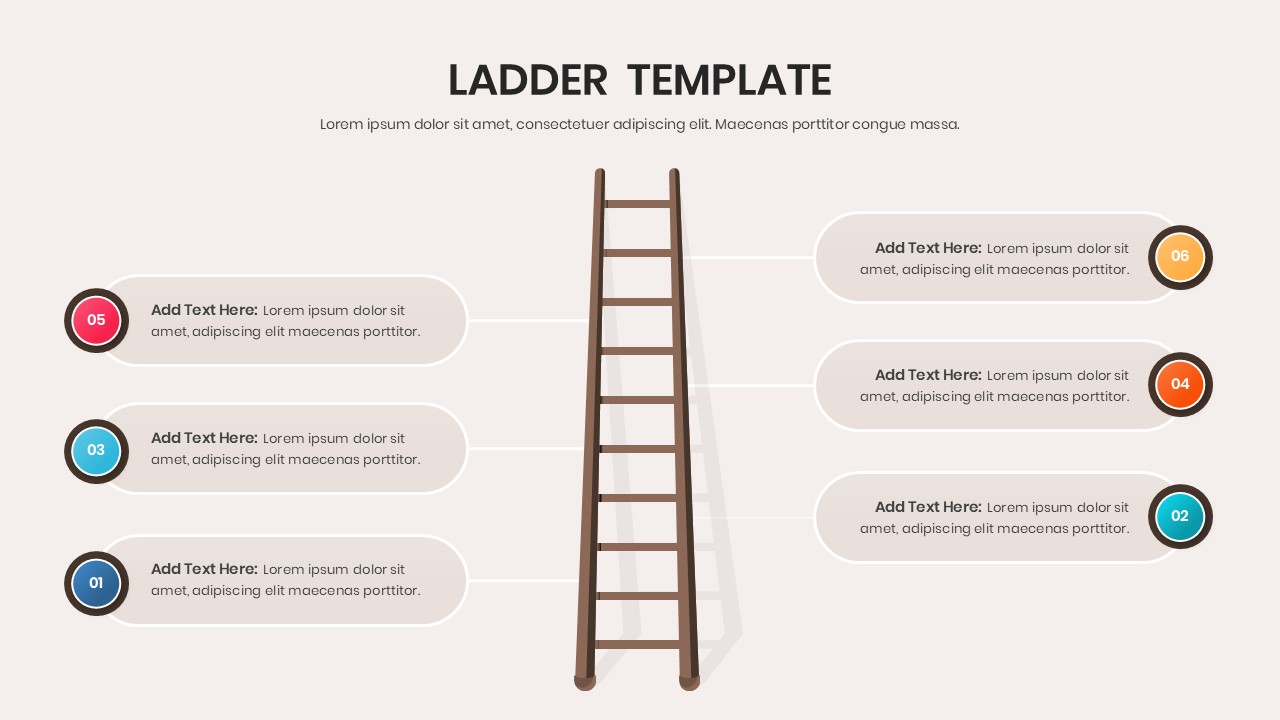
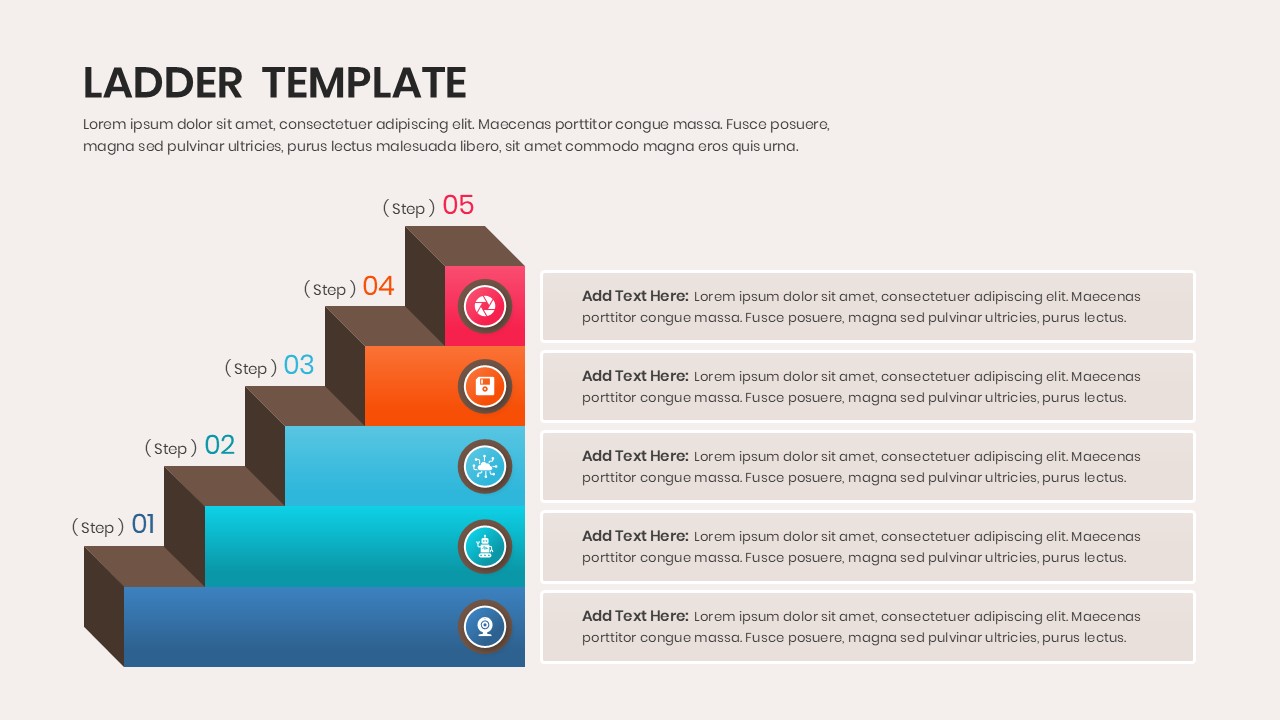
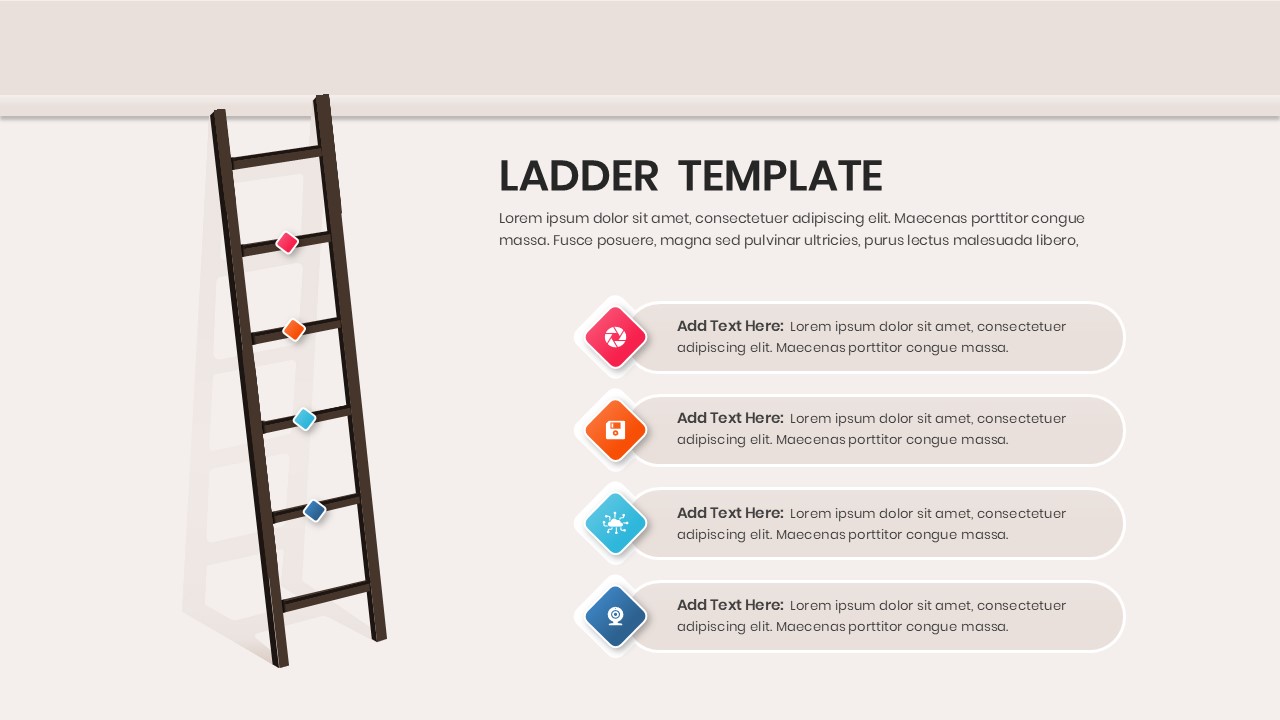
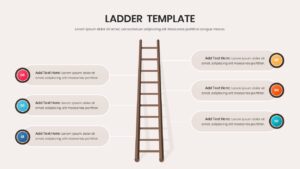
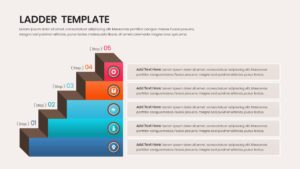
The template features realistic ladder graphics, milestone indicators, colorful step layouts, and modern infographic designs. Together, these elements create a strong visual hierarchy and improve audience engagement. Users can easily customize colors, icons, labels, and step structures to match their branding. Moreover, the flexible layouts work seamlessly alongside professional business strategy profiles and business planning presentations.
Recommended Usage
HR professionals can use these slides to present promotion pathways and employee development plans. Likewise, project managers can illustrate project phases, milestones, and implementation roadmaps. Educators and trainers can explain learning frameworks and skill development journeys. Meanwhile, business leaders and consultants can present growth strategies, transformation initiatives, and long-term objectives with greater clarity and impact.
Key Features
- 100% Vector-Based Graphics
- Fully Layered & Organized
- Multi-Platform Support
- Theme Color & Theme Font
- Includes both 2D and 3D isometric ladder styles
- Available in 4:3 and 16:9 aspect ratios
Frequently Asked Questions
- Can I add more rungs to the Career Growth Slide?
- Yes, since all elements are vector-based, you can easily copy and paste existing rungs to extend the ladder while maintaining perfect alignment.
- Is it possible to change the icons in the Step Diagram Infographic?
- Absolutely. Each icon is a separate layer that can be replaced with any standard icon from the PowerPoint or Google Slides library to fit your specific topic.
- Does this Ladder Template support dark mode?
- Yes, the colors are theme-dependent, meaning they will automatically adjust if you apply a dark background or a different global theme to your presentation.