
Chevron Process Template for PowerPoint & Google Slides
Dynamic Step-by-Step Business Process Layouts
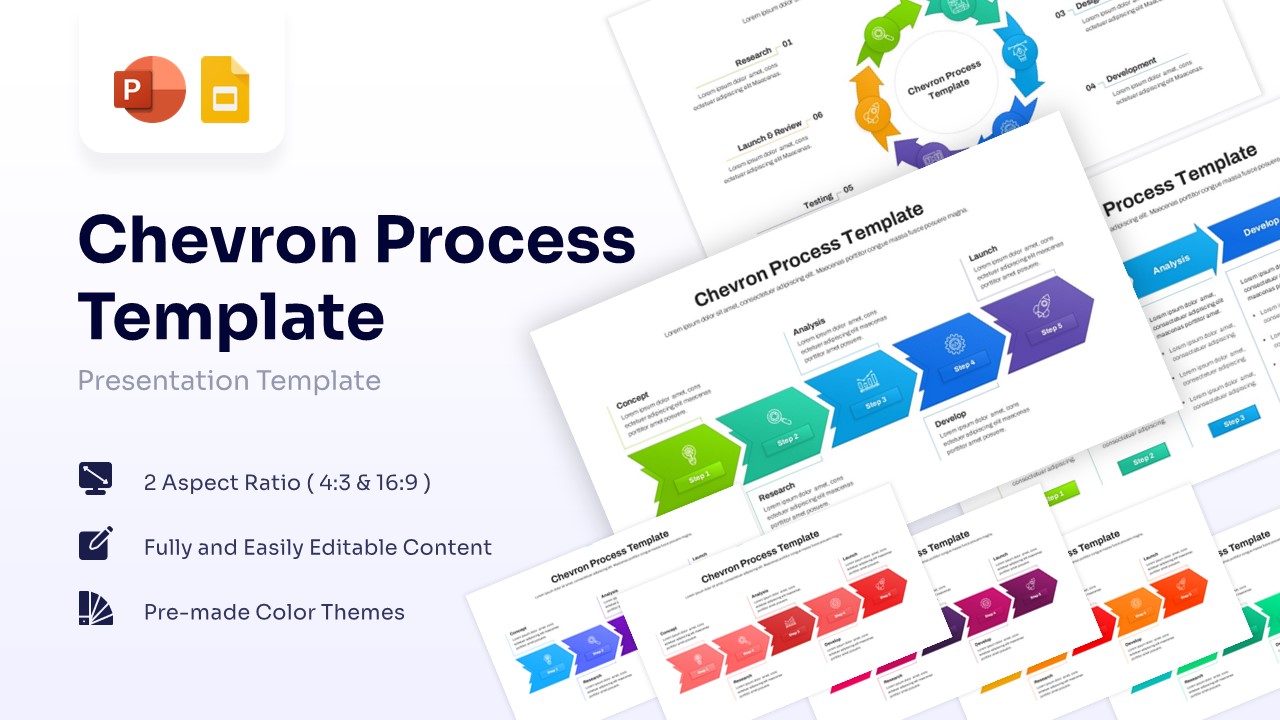
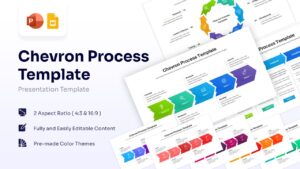
Template Details: This PresentoVerse Free Multi-Step Chevron Process Template is available to download and use. Moreover, it can be seamlessly edited on Microsoft PowerPoint and Google Slides. Explore our business process workflow diagrams for more versatile operational planning options.
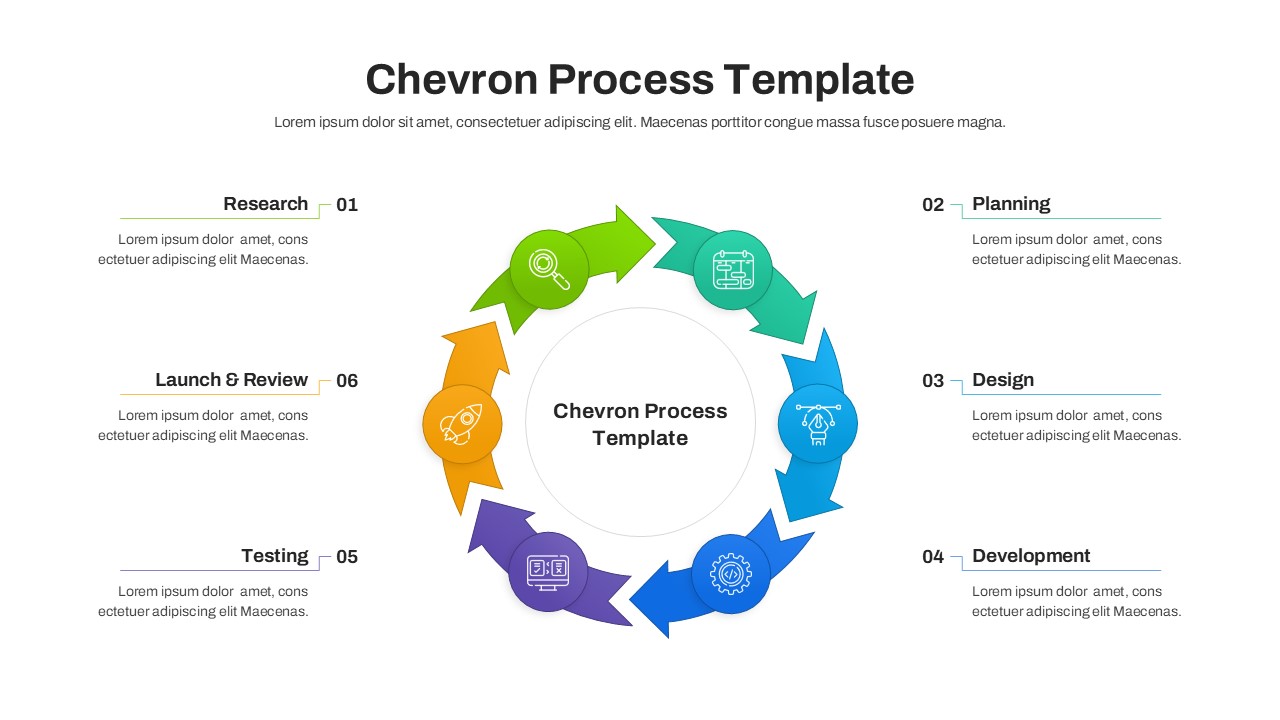
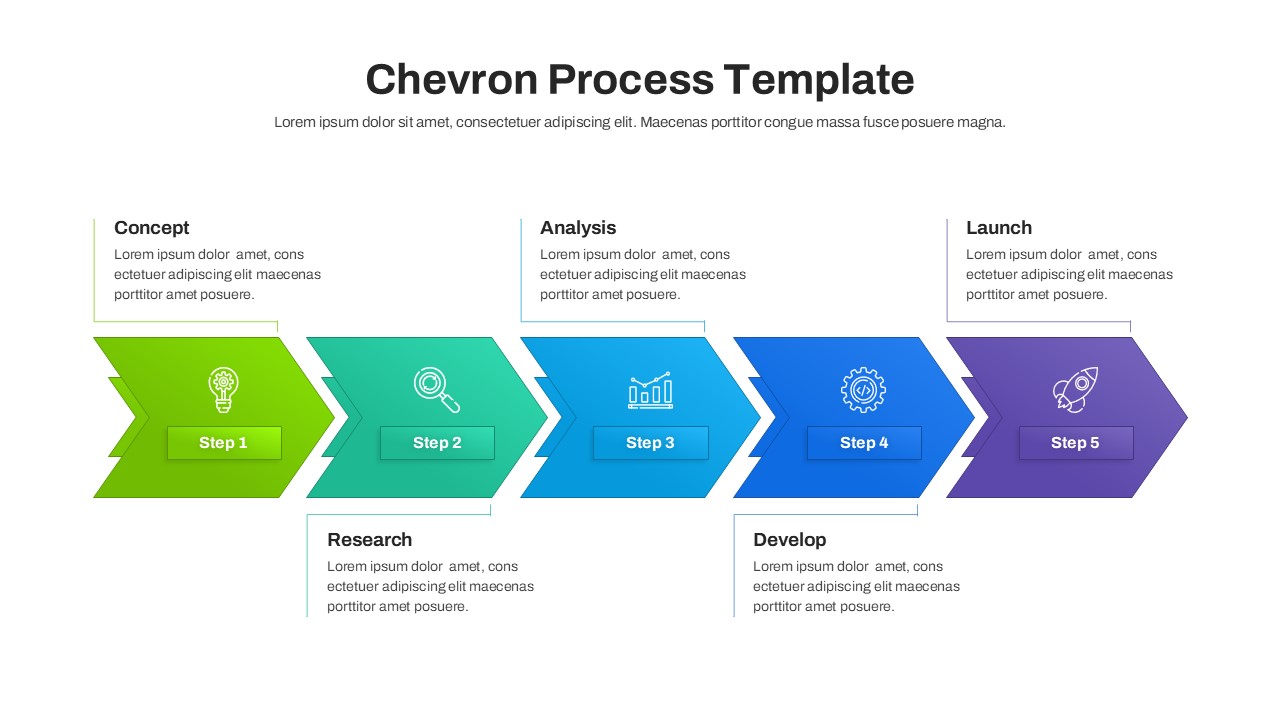
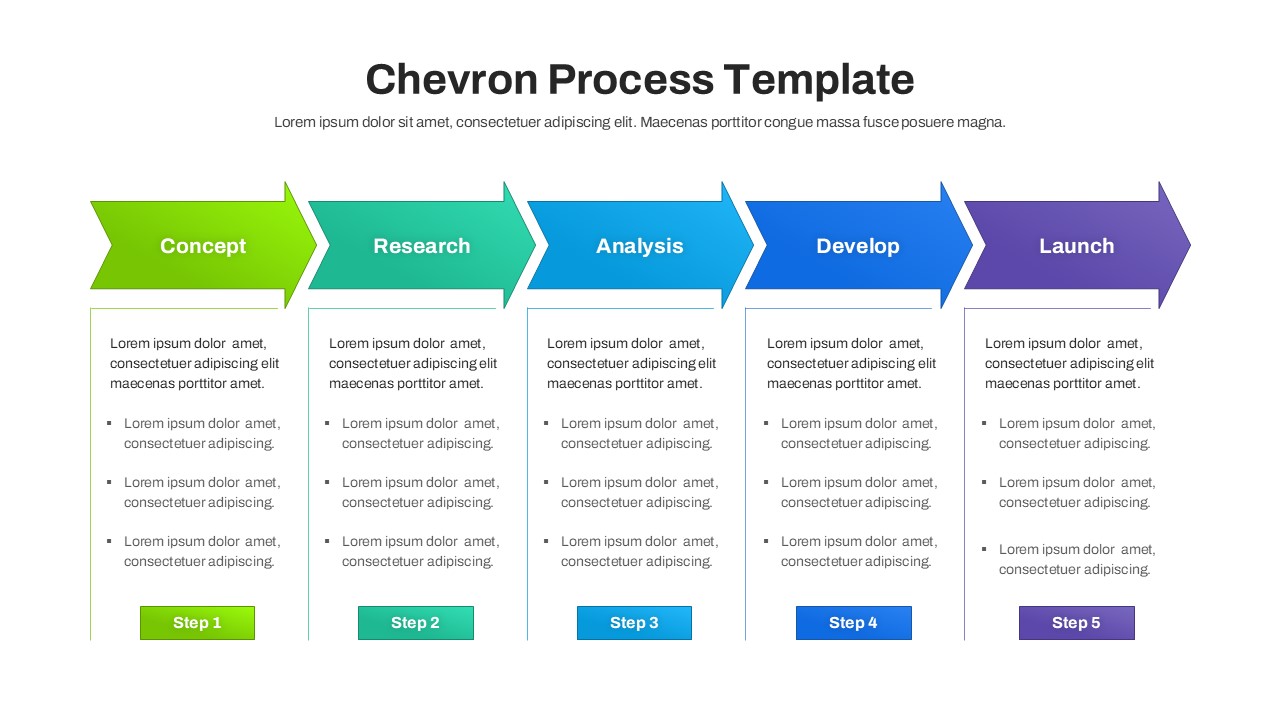
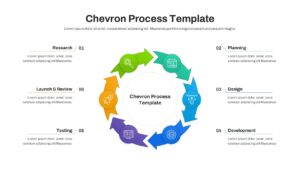
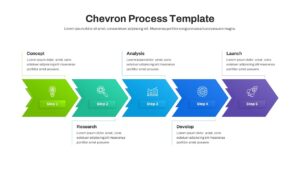
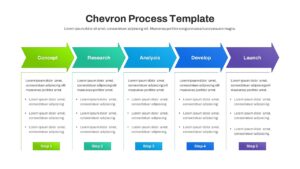
Design Strategy: This free arrow diagram template visually organizes complex workflows into clear, sequential stages. Users can easily present project timelines, continuous loops, and developmental phases using structured linear and circular flow arrangements.
Visual Elements: The design features bold sans-serif fonts, directional chevron arrows, and clean vector icons. A vibrant palette of green, teal, blue, and purple ensures distinct visual separation of individual steps.
Recommended Usage: Project managers and business teams can track operational milestones and agile development cycles. Enhance your strategic presentations further with our comprehensive project timeline layouts.
Key Features
- 100% Vector-Based Graphics
- Fully Layered & Organized
- Multi-Platform Support
- Theme Color & Theme Font
- Includes Both Linear and Circular Chevron Layouts
- 5-Step and 6-Step Directional Arrow Graphics
Frequently Asked Questions
- How do I change the number of steps in the chevron flow?
- You can simply copy and paste an existing chevron arrow or delete one to adjust the flow. The vectors are fully editable to maintain alignment.
- Can I use these slides in a commercial business presentation?
- Yes, these templates are designed specifically for professional and commercial use in boardrooms, meetings, and conferences.
- Are the icons included in the template fully resizable?
- Absolutely. All icons are vector-based, meaning you can scale them to any size without any pixelation or loss of quality.
- Does this template support widescreen 16:9 and standard 4:3 formats?
- Yes, the download includes versions for both aspect ratios to ensure compatibility with all types of display screens.
Related Templates
-
-
 Free
Free -
-
Career Journey Template for PowerPoint & Google Slides
Free Templates
Free