Free Circular Infographic Template PowerPoint & Google Slides
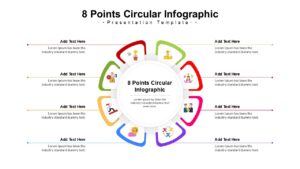
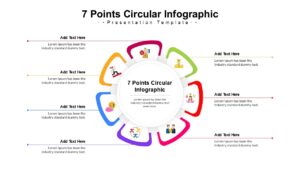
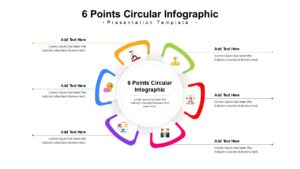
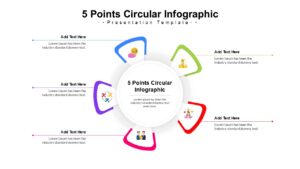
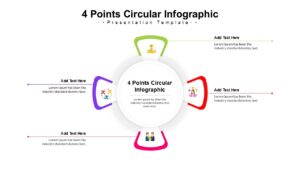
Multi Step Cycle Diagram Template
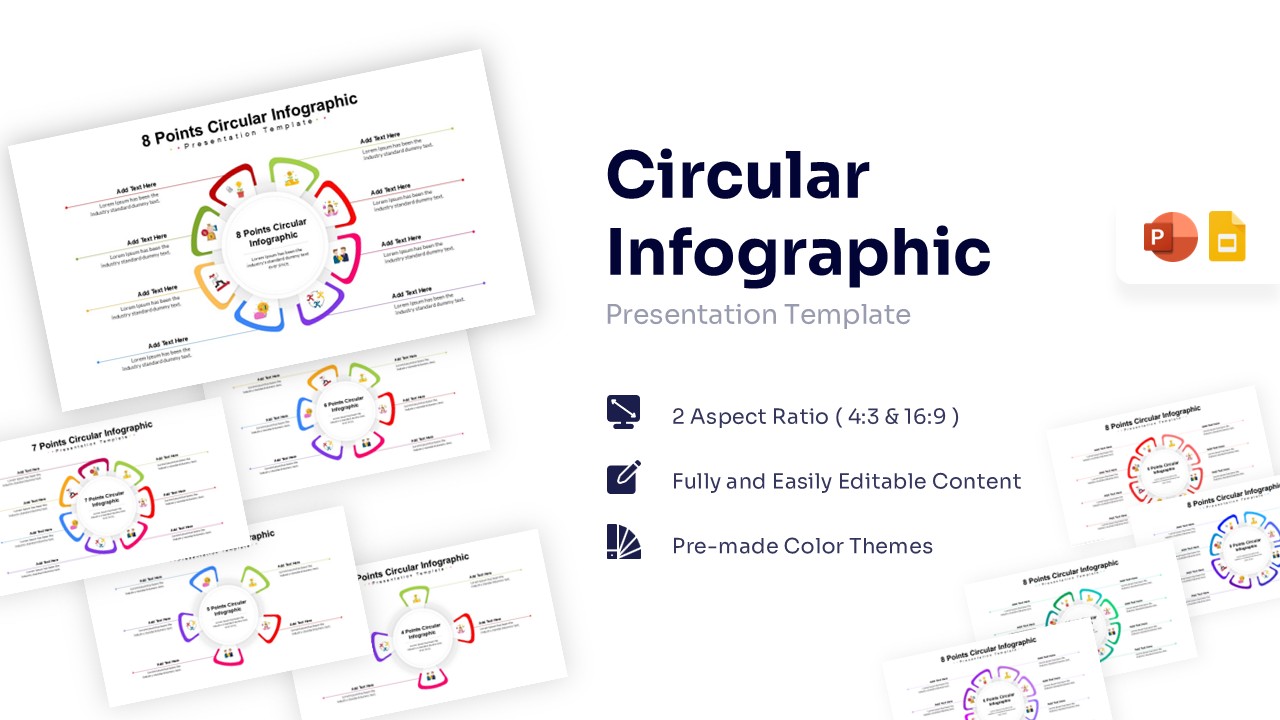
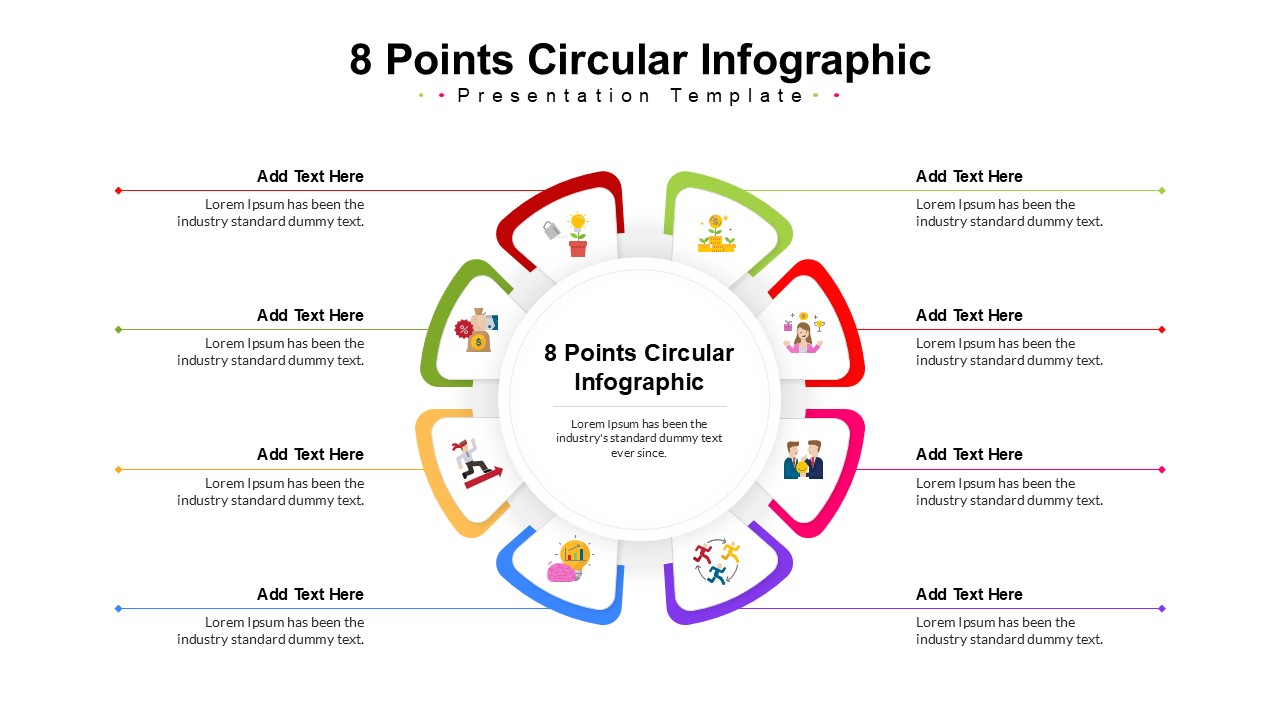
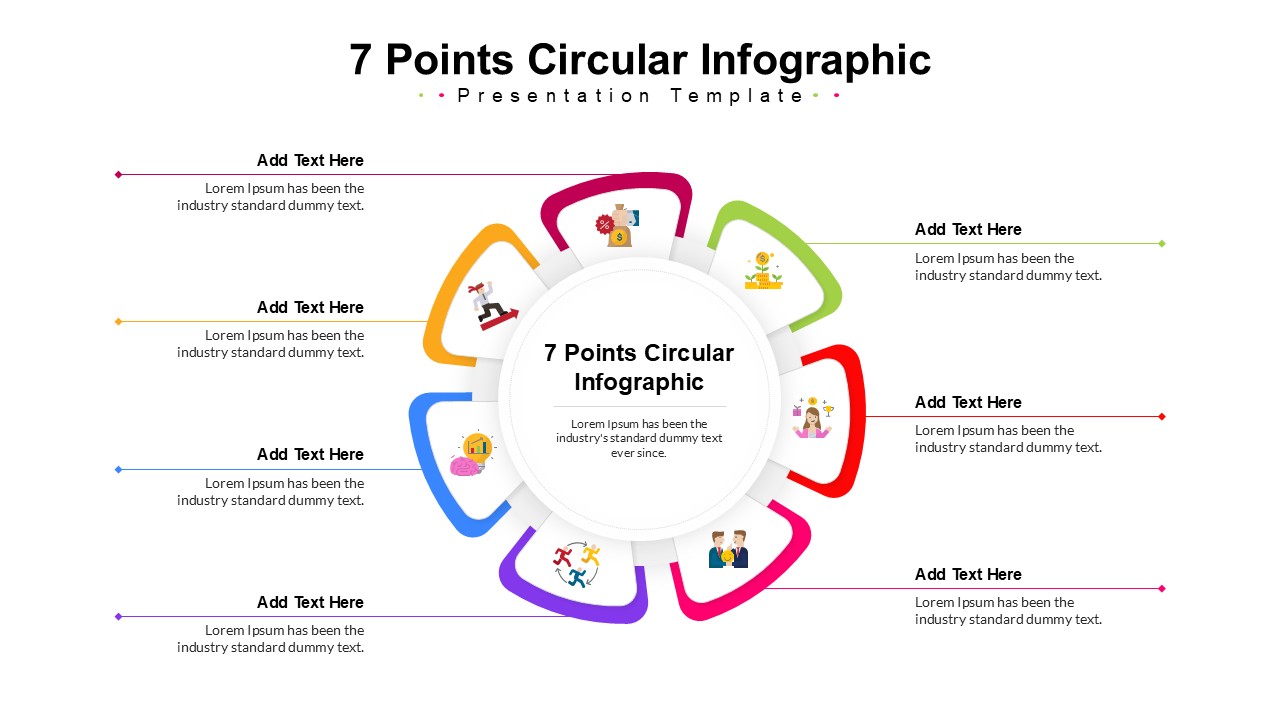
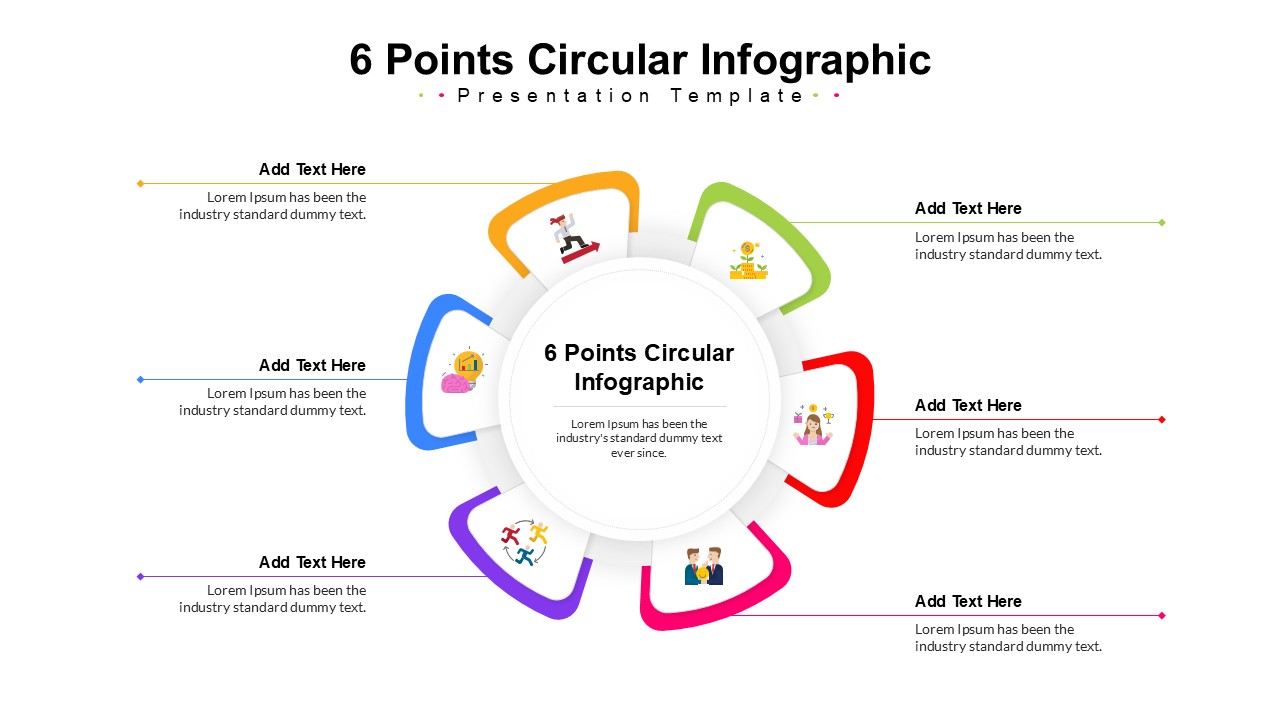
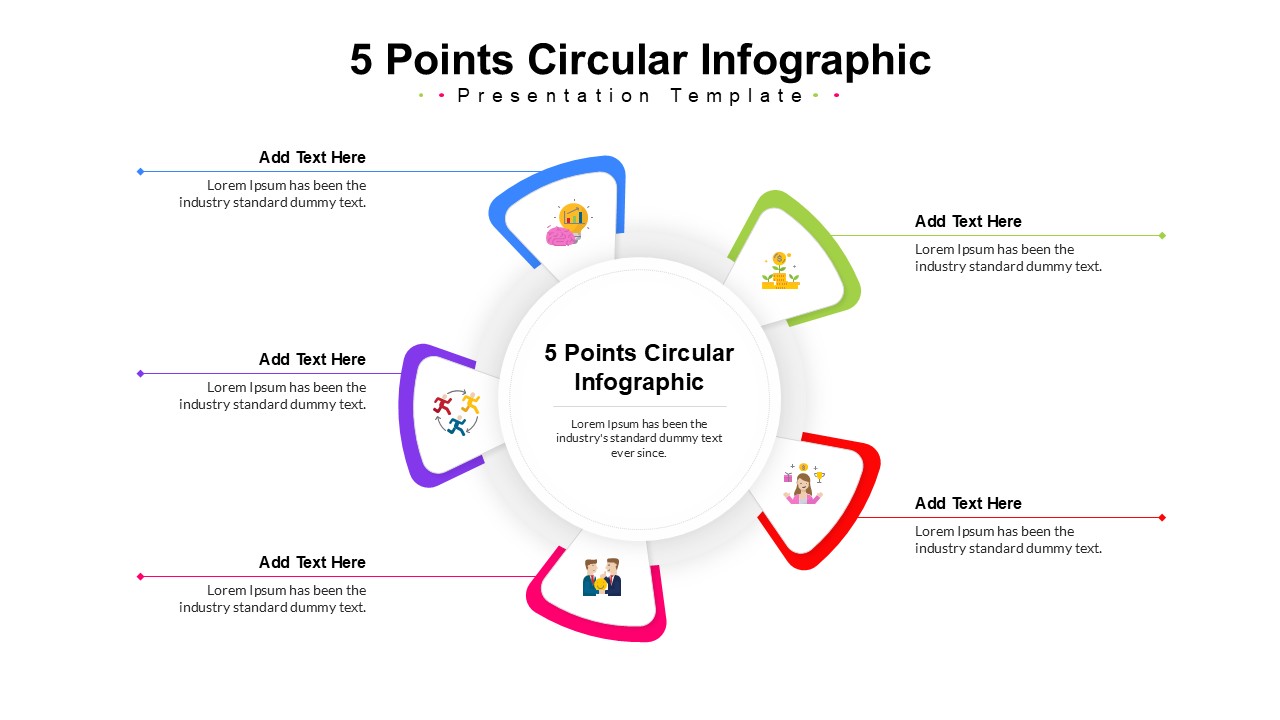
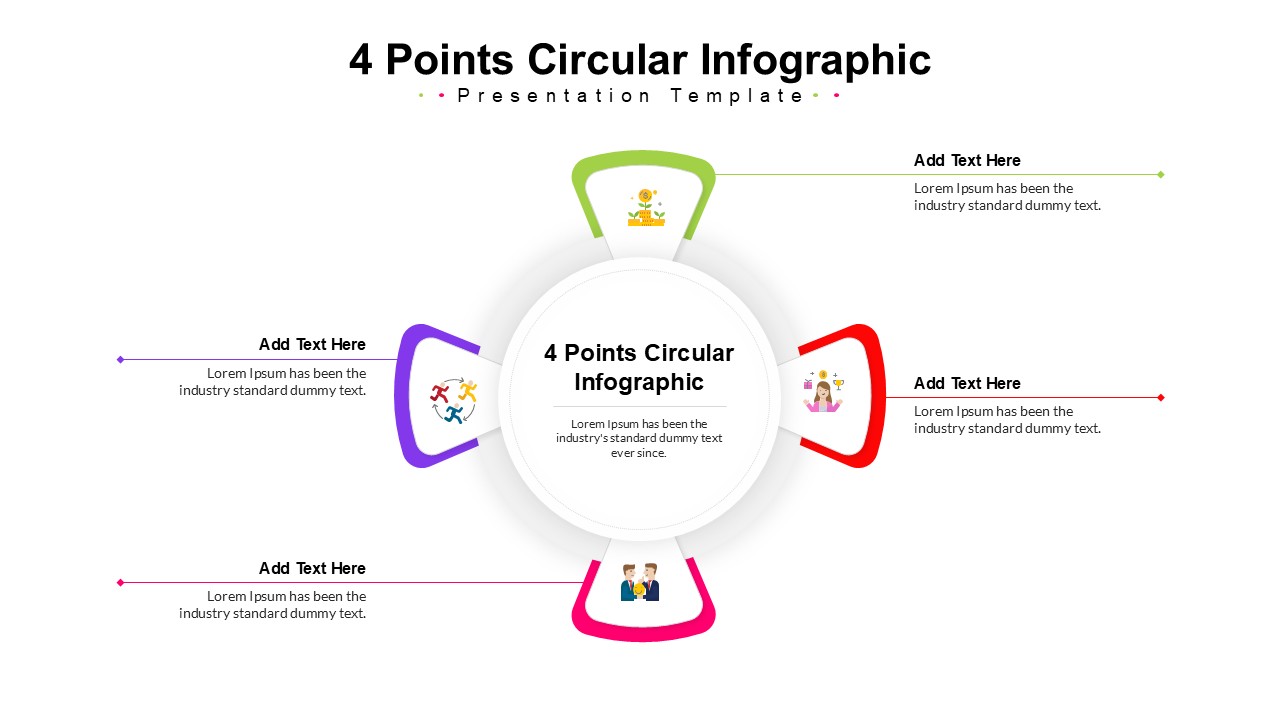
Transform your complex cyclical data into a visually compelling narrative with this vibrant circular infographic template. This versatile multi-step infographic template neatly organizes continuous processes, feedback loops, and core strategies around a central hub to maximize audience retention. It is highly effective for business managers, educators, and marketers who need to map out operational phases, making it an ideal addition to your strategic business diagrams. Fully customizable and perfectly compatible with PowerPoint and Google Slides for effortless integration into your existing presentations.
Key Features
- Includes layouts for 4, 5, 6, 7, and 8-step circular diagrams
- 100% editable vector graphics and text
- Pre-made multi-color themes
- 4:3 and 16:9 screen aspect ratios
Frequently Asked Questions
- Can I change the number of steps in the diagram?
- Yes, this template includes separate slides for 4, 5, 6, 7, and 8 points, so you can select the exact layout that matches your content.
- Is this template compatible with Google Slides?
- Absolutely. This template is designed to work seamlessly in both Microsoft PowerPoint and Google Slides.
- Are the colors customizable?
- Yes, all shapes and lines are fully editable, allowing you to apply your own brand colors or theme preferences easily.
Related Templates
-
 Free
Free -
-
-