
Table of Contents
How to Identify Your Target Audience in Presentations




Quick Guide to Know Your Target Audience
Imagine delivering a flawlessly designed, perfectly rehearsed presentation, only to be met with a room full of blank stares and glowing smartphone screens. When a pitch falls flat, we often blame our public speaking skills or wish our slides had flashier graphics. In reality, the missing link is rarely your delivery—it is a failure to deeply understand your target audience. Even the most brilliant message will fail to land if it isn’t laser-focused on the specific needs, pain points, and expectations of the people in the room. In this guide, we will explore how to pinpoint exactly who you are speaking to and how they differ from your broader market. Finally, we will show you how to easily structure your entire deck using pre-built templates so your message resonates powerfully from the very first slide.
What is Target Audience? Define Your Target Audience
A target audience is the specific group of people you intend to reach, engage, and influence with your presentation. These individuals share distinct demographic traits, professional backgrounds, and common pain points that align directly with the core message and purpose of your slide deck.
To truly connect with this group, you must conduct a target audience analysis. This is the strategic process of researching and defining exactly who will be in the room, understanding their baseline knowledge, and identifying what they hope to gain from your talk.
This analysis is the absolute foundation of any successful pitch, training session, or lecture. It dictates every single design and delivery decision you make. From the tone of your voice to the complexity of your data and the visual style of your templates, tailoring your content to your target audience ensures your message cuts through the noise, keeps them actively engaged, and ultimately drives them to take your desired action.
Target Audience vs. Target Market vs. Buyer Persona
Target Market (The “Who Could Buy”)
A target market refers to the broad, overarching pool of potential customers that a business aims to serve. It encompasses everyone who might eventually buy your product or service. This concept is driven by general commerce and high-level business goals rather than a specific communication objective. For example, your company’s target market might be “small business owners.”
Target Audience (The “Who is Listening”)
Your target audience is a highly specific subset of that broader market. For a presenter, this is the exact group of people sitting in the room, attending your conference, or watching your webinar. You must tailor your current message, slide graphics, and speaking tone specifically for the people in front of you, not the entire market. For instance, your target audience might be “small business owners attending a local tech summit who want to learn about automation.”
Buyer Persona (The “Who Personified”)
A buyer persona zooms in even further. It is a detailed, semi-fictional individual profile built from the traits of your target audience. Personas include personal quirks, daily habits, specific motivations, and names. This makes them the ultimate storytelling tool. A persona helps you craft relatable, highly specific examples during your pitch that feel tailor-made for an individual, humanizing your entire presentation.
Step-by-Step: How to Find Your Target Audience
- Step 1: Define the Core Purpose Before you can analyze your audience, you must define your exact goal. Are you there to inform, persuade, sell, or train? A step-by-step training session for new hires requires a completely different approach, tone, and visual strategy than a high-stakes sales pitch to C-suite executives.
- Step 2: Analyze Demographics & Psychographics Break down the specific characteristics of your attendees. First, look at demographics like average age, industry, and job titles. Then, dig deeper into psychographics—what are their daily pain points, career goals, underlying fears, and core motivations?
- Step 3: Gauge Their Baseline Knowledge Understand how much your audience already knows about your topic. If you are speaking to seasoned industry veterans, over-explaining the basics will quickly bore them. Conversely, if you are presenting to beginners, using heavy industry jargon will only alienate and confuse them.
- Step 4: Conduct Pre-Presentation Research Don’t rely on assumptions—gather real data. Send out a quick pre-event survey to attendees to ask what they hope to learn, research key stakeholders on LinkedIn, or ask the event organizer for a breakdown of the attendee list. Knowing their specific challenges beforehand allows you to tailor your slides and examples perfectly.
How to Structure Your Presentation to Reach Your Target Audience
Once you have identified exactly who is in the room, it is time to build a narrative that speaks directly to them. A generic, one-size-fits-all deck will quickly lose their interest. Instead, you need to deliberately structure your presentation to guide them through a compelling, audience-centric journey.
To save you hours of design time and ensure your deck looks agency-level professional, we have paired this proven four-step structure with the perfect PresentoVerse template categories to bring your message to life.
1. The Hook (Grab Attention Immediately)
You only have a few seconds to convince your target audience that your presentation is worth their time. Instead of starting with a boring agenda slide, lead with a startling statistic, a bold statement, or a massive pain point that is highly relevant to their specific industry.
2. The Problem (Validate Their Pain)
Before you can sell them on a solution, you must prove that you deeply understand the friction in their daily workflows. Paint a vivid picture of the challenges they face—whether it is shrinking budgets, inefficient software, or misaligned teams. Validating their pain builds immediate trust.
3. The Insight & Solution (Deliver Value)
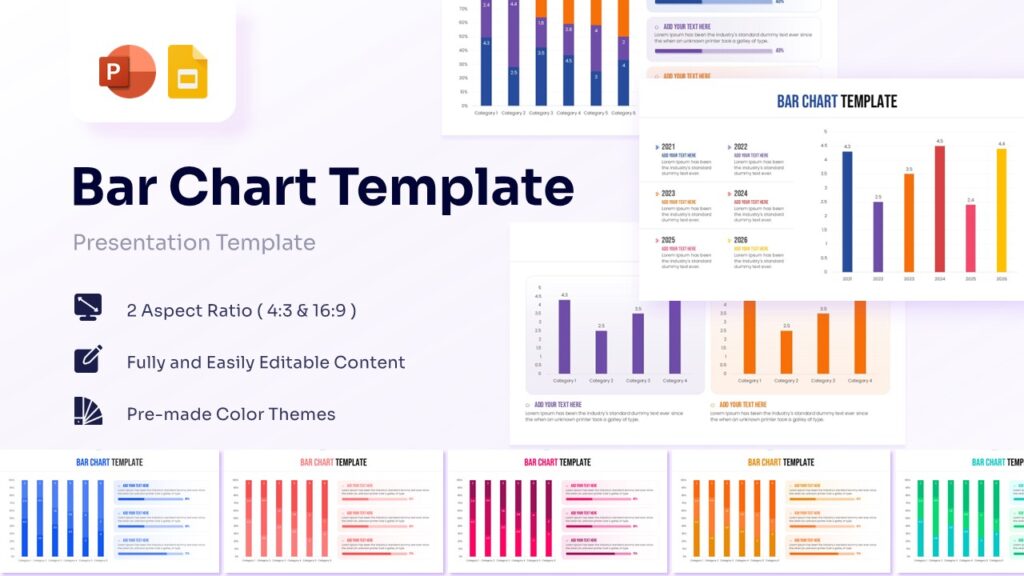
Now that you have them hooked and have validated their struggles, it is time to introduce your core message. Deliver the ultimate insight or product that solves their problem, and break it down into clear, actionable steps they can actually execute. Complex solutions require clear visuals. Leverage our Data-Driven Bar Charts to prove your ROI, or use our sleek Roadmap Infographics to visually guide them through the exact steps they need to take to achieve success.
4. The Close (Drive the Call to Action)
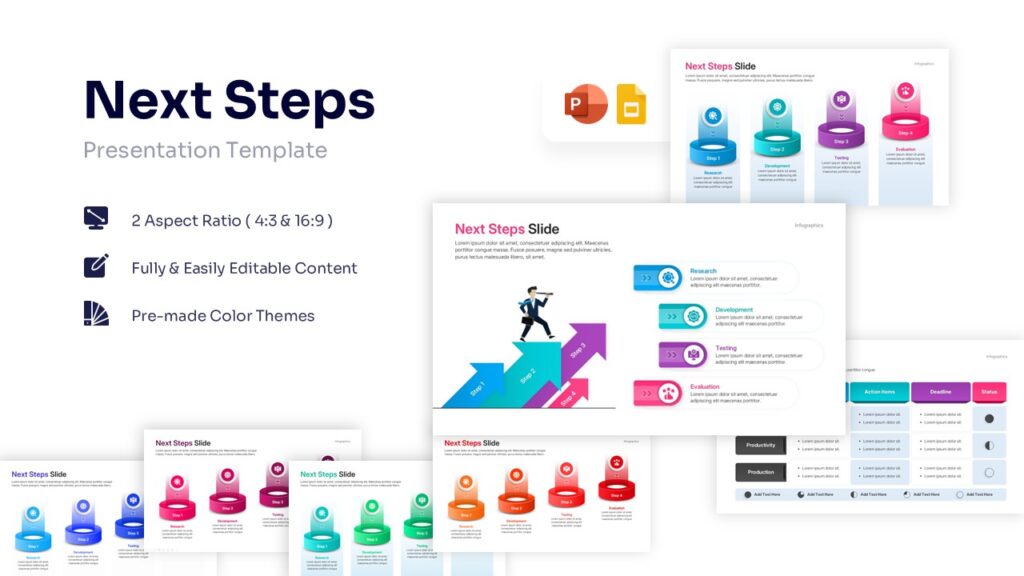
Never end a presentation with a weak “Any questions?” slide. Your target audience should leave the room knowing exactly what they need to do next. Whether you want them to sign up for a software trial, approve a budget, or implement a new strategy, your close must be a definitive call to action. Make taking action frictionless by using our Next Steps Checklists or dedicated QR Code Slides. A clean, vibrant closing slide gives them a tangible takeaway and perfectly bridges your presentation into real-world results.
Stop Guessing, Start Connecting
A presentation tailored to a specific audience is infinitely more powerful than a generic, one-size-fits-all deck. When you stop guessing what your listeners want to hear and start connecting with their actual needs, pain points, and goals, your message transforms from background noise into a compelling, unforgettable narrative. Defining your target audience is not just a preliminary checkbox on your to-do list; it is the ultimate lens that sharpens every single content and design choice you make.
However, conducting deep audience research and crafting the perfect message takes valuable time—time you shouldn’t have to spend fighting with slide layouts, shapes, and alignment tools.
Skip the tedious design phase and focus your energy entirely on your audience. Download a complete, fully customizable, and professionally designed presentation from the PresentoVerse library today. Equip yourself with agency-level visuals in minutes, and step into your next meeting ready to command the room with absolute confidence.
-
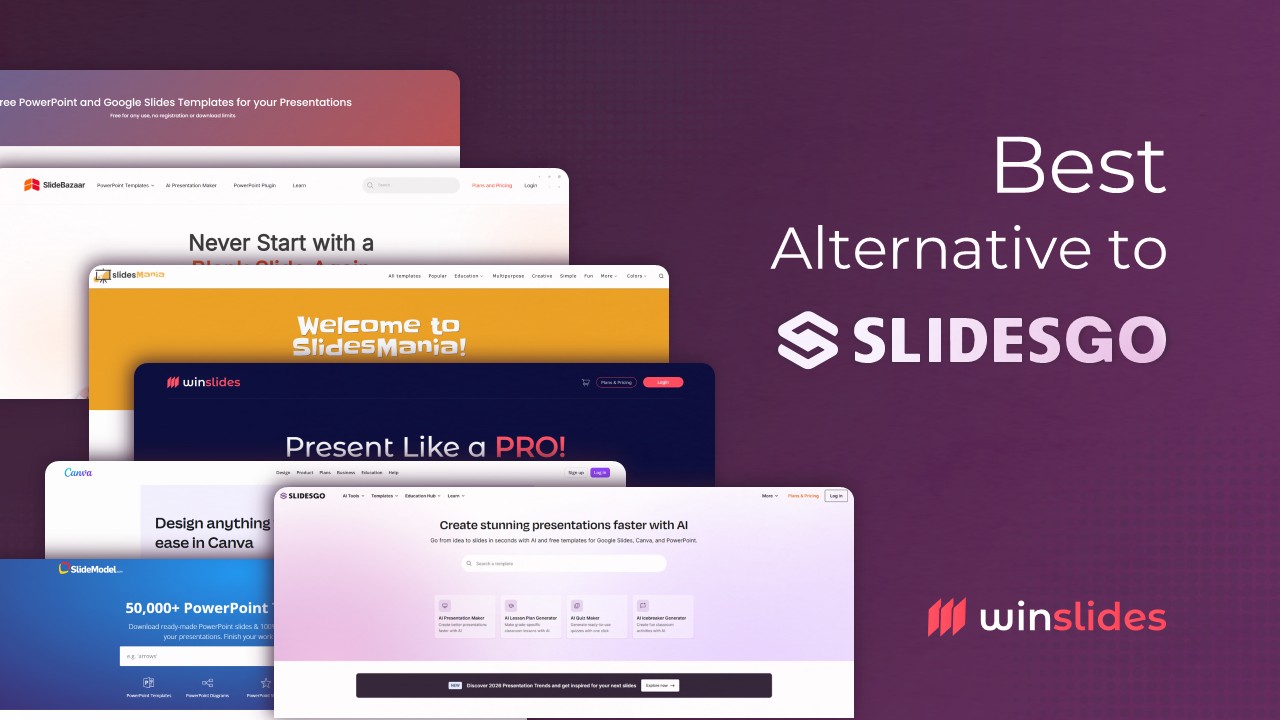
11 Best Alternative to Slidesgo for PowerPoint and Google Slides Templates
Slidesgo Alternative You Shouldn’t Miss in 2026 For most presenters, when searching for the best free presentation templates, one name instantly strikes the mind: ”Slidesgo.” Today Slidesgo has firmly established itself as a crowd favorite—the absolute go-to for students, teachers, and creatives hunting for fun, illustrated Google Slides themes. Their platform is practically synonymous with…
-
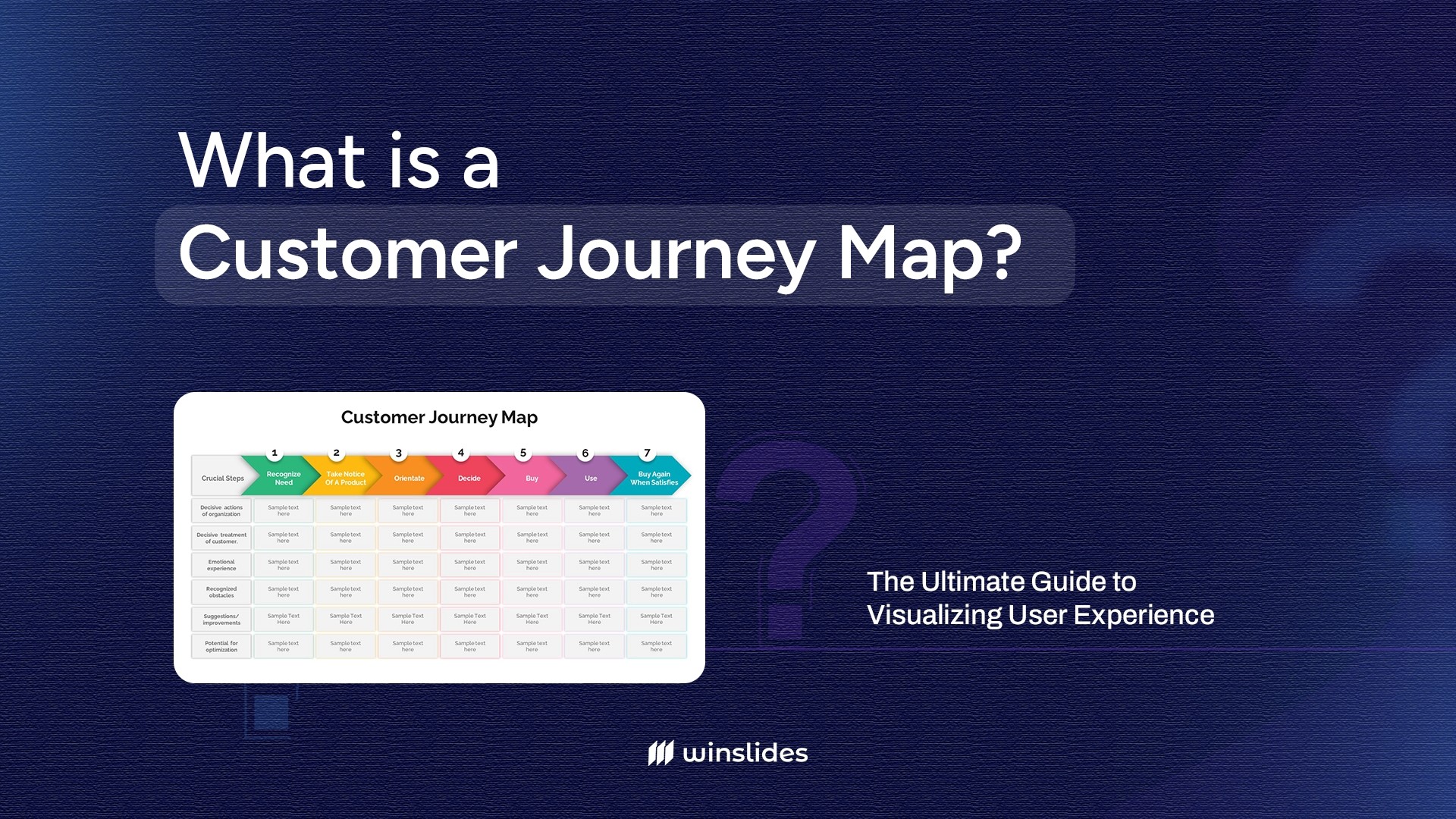
What is a Customer Journey Map? The Ultimate Guide to Visualizing User Experience
Defining the Customer Journey Map: The “Visual Story” of Your User In today’s experience-driven economy, 80% of customers consider the experience a company provides to be just as important as its products. If your checkout process is clunky, or your support email goes into a black hole, you lose business. But spotting these friction points…
-
How to Start a PowerPoint Presentation: 7 Strong Opening Strategies for Success
Stop Boring Your Listeners: Dynamic Ways to Begin Your Next PowerPoint Presentation There is nothing more intimidating than a blinking cursor on a blank white slide. You know your topic inside and out. You have done the research. Yet, when it comes time to design that first slide and plan your opening remarks, you freeze….
-
How to Write an Executive Summary (With Professional Executive Summary Templates)
Guide to Writing a Powerful Executive Summary Let’s be honest: busy executives, angel investors, and key stakeholders rarely have the time—or the patience—to read a dense, 50-page business plan or project proposal. In the fast-paced corporate world, decisions are often made based entirely on the very first page they read. If you don’t capture their…
Related Blogs
-
11 Best Alternative to Slidesgo for PowerPoint and Google Slides Templates
Slidesgo Alternative You Shouldn’t Miss in 2026 For most presenters, when searching for the best free presentation templates, one name instantly strikes the mind: ”Slidesgo.” Today Slidesgo has firmly established itself as a crowd favorite—the absolute go-to for students, teachers, and creatives hunting for fun, illustrated Google Slides themes. Their platform is practically synonymous with…
-
What is a Customer Journey Map? The Ultimate Guide to Visualizing User Experience
Defining the Customer Journey Map: The “Visual Story” of Your User In today’s experience-driven economy, 80% of customers consider the experience a company provides to be just as important as its products. If your checkout process is clunky, or your support email goes into a black hole, you lose business. But spotting these friction points…