Free Blank Bar Chart Template for PowerPoint & Google Slides
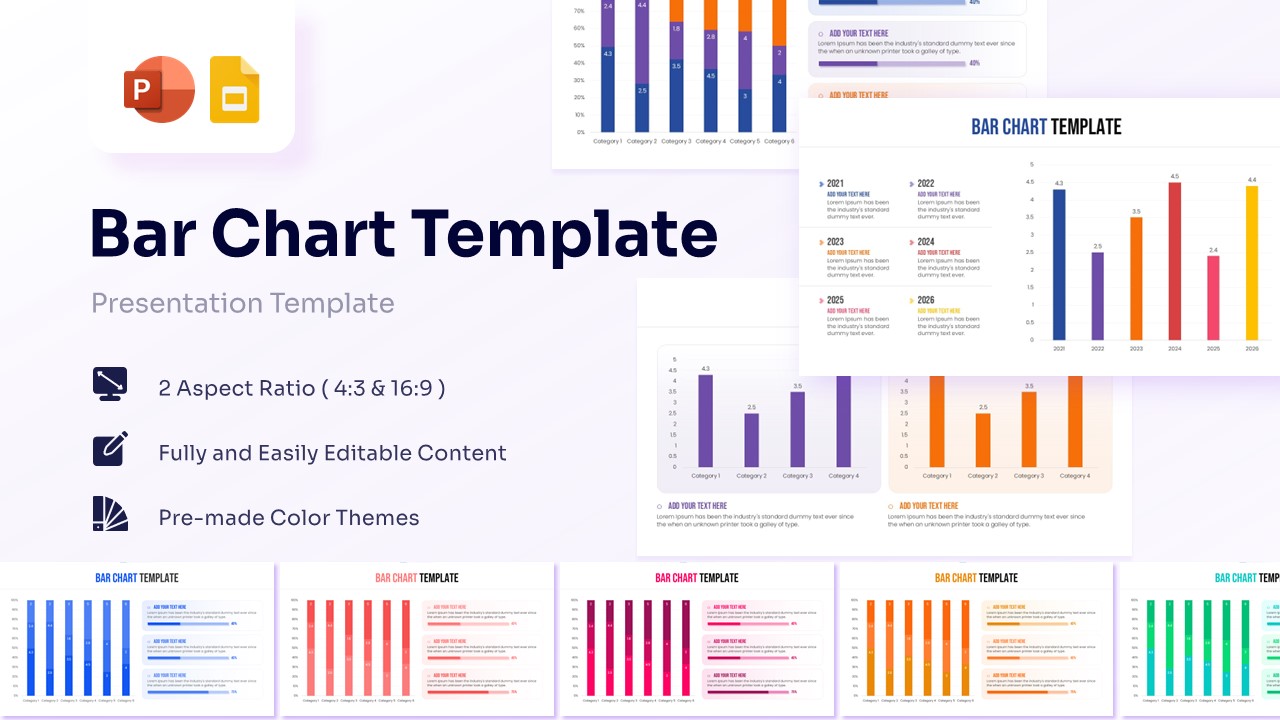
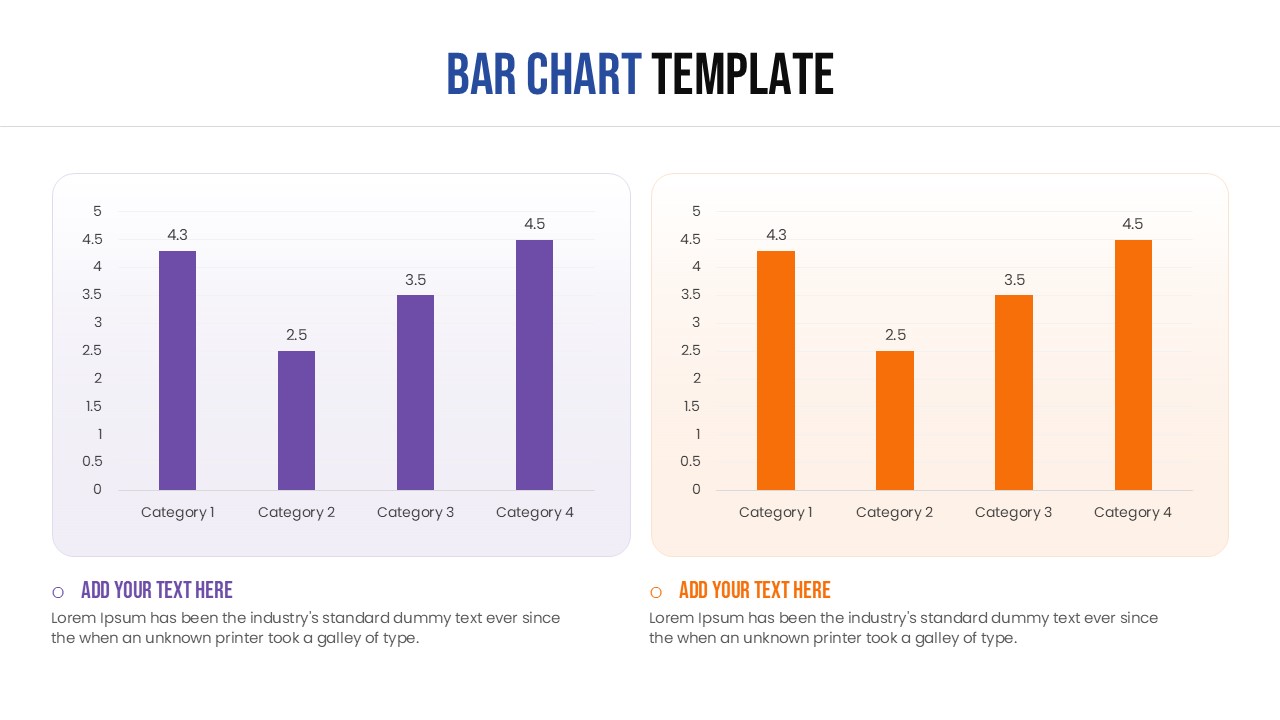
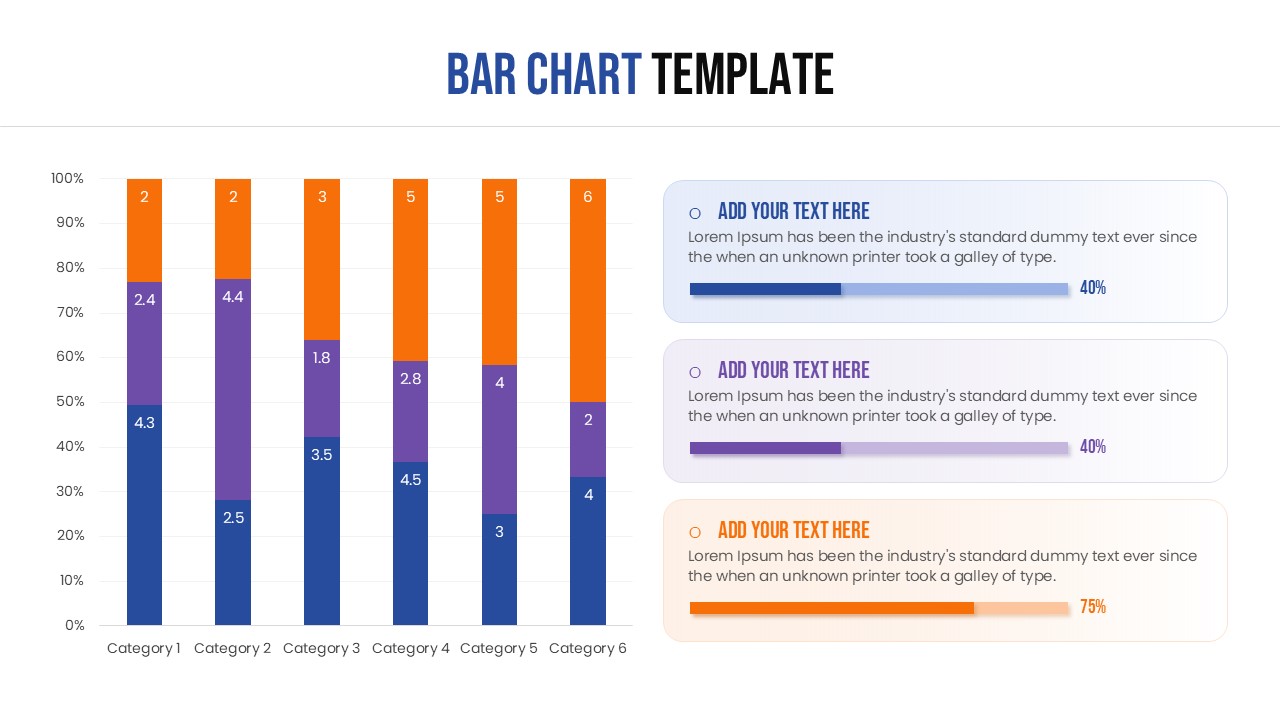
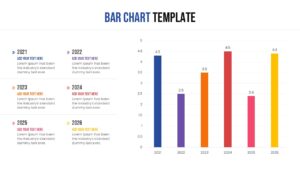
Bar Chart Comparison Diagram
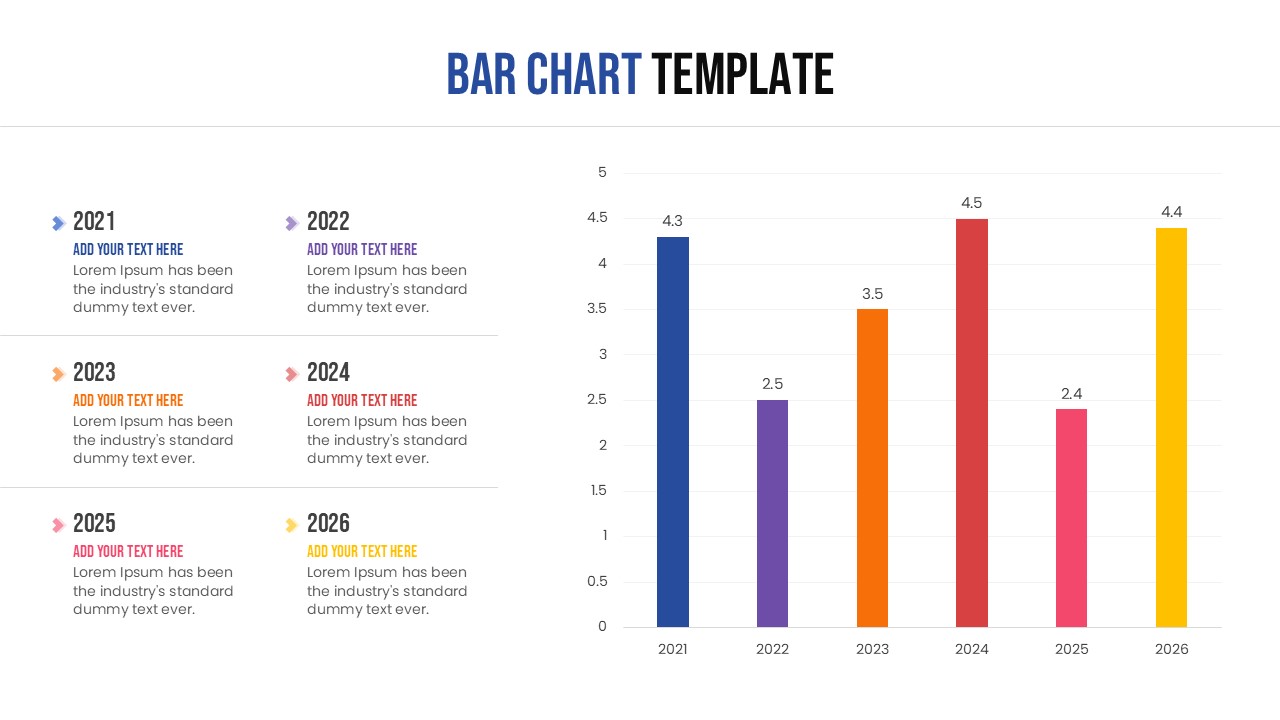
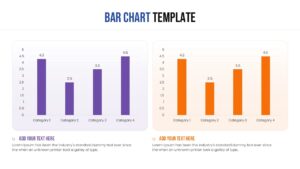
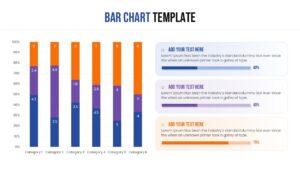
Organizes complex statistical datasets through clean vertical columns, comparative side-by-side structures, and multi-layered stacked percentage bar layouts. This free blank bar chart template helps presenters breakdown financial performances, year-over-year operational growth, or proportional market shares into instantly comprehensible visual chunks. Leveraging high-contrast professional color palettes, crisp grid lines, and dedicated bulleted text areas, this column chart template ensure numeric variables remain front and center without cluttering the visual field. Engineered completely with editable vectors, this layout serves as an ideal framework for quarterly board reviews, sales strategy breakdowns, and comprehensive business reports data visualization templates where accuracy is non-negotiable.
Beyond corporate settings, educators and students can utilize these free blank bar chart template to clean axes to illustrate research findings, survey outcomes, or demographic breakdowns in clear academic infographic presentation layouts. The resulting professional format fits seamlessly into corporate pitches, analytical business decks, and educational training modules alike.
Key Features
- 100% Vector-Based Graphics
- Fully Layered & Organized
- Multi-Platform Support
- Theme Color & Theme Font
- Easily editable data points and labels
Frequently Asked Questions
- How do I edit the data in these bar charts?
- You can easily edit the data by clicking on the chart element; since these are vector-based and built within the presentation software, you can adjust the bar heights and labels directly without needing external tools.
- Can I change the colors to match my brand?
- Yes, the template supports theme colors, allowing you to change the entire color scheme with just a few clicks to align with your company’s identity.
- Are these charts compatible with both 4:3 and 16:9 formats?
- Absolutely, the template is designed to maintain its layout and clarity across both standard and widescreen aspect ratios.
Related Templates
-
 Free
Free -
-
 Free
Free -