Free Before and After Comparison Infographic
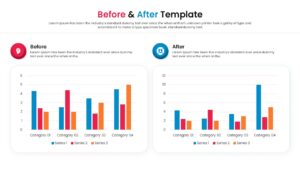
Comparison Slide Infographic Diagram for PowerPoint and Google Slides
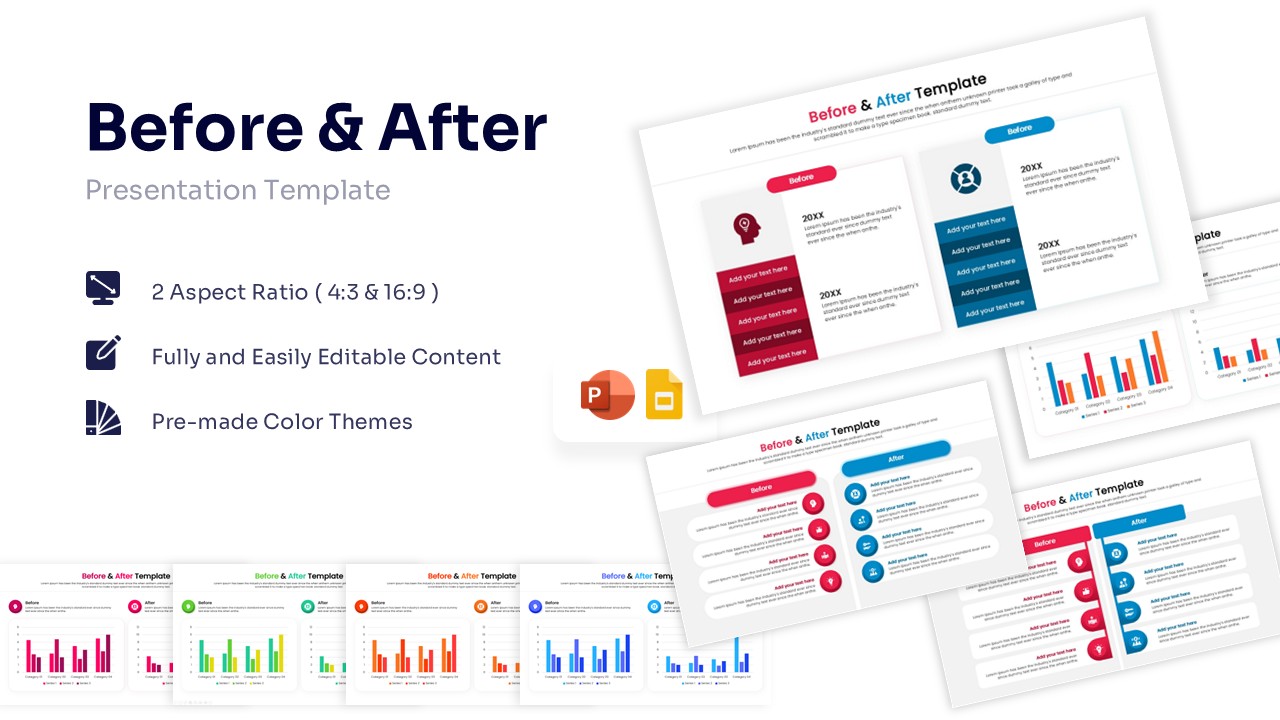
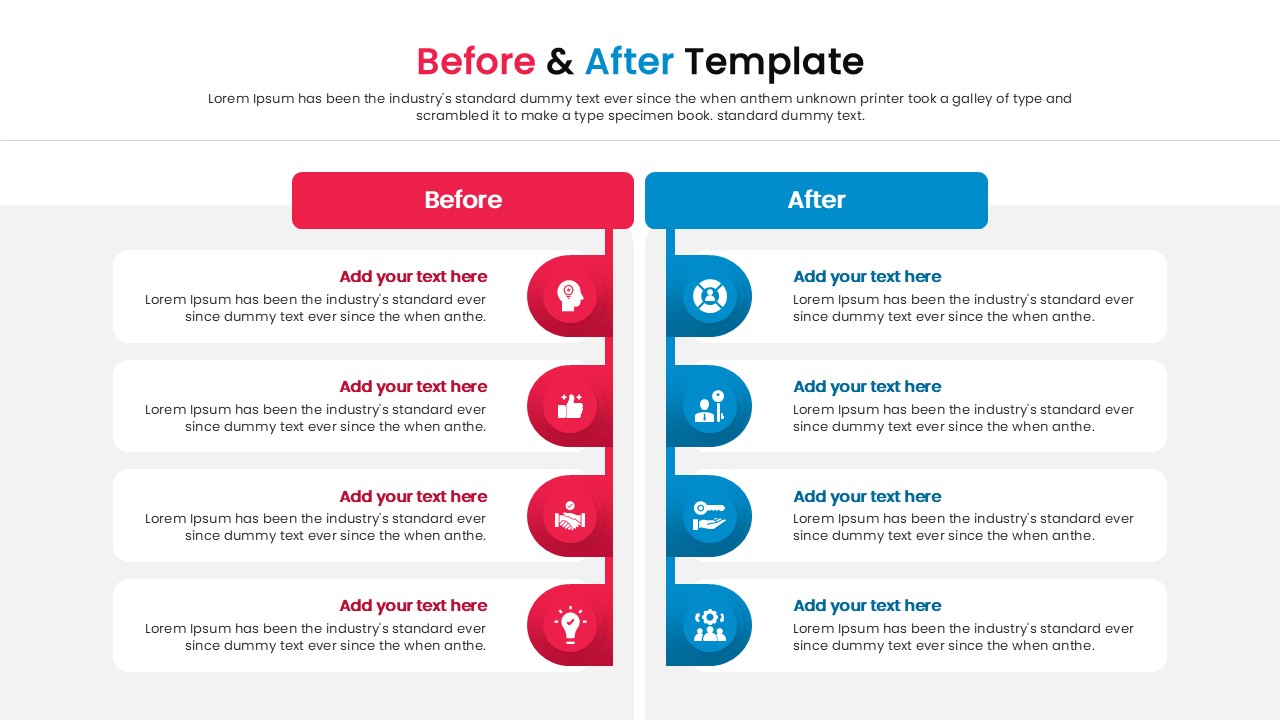
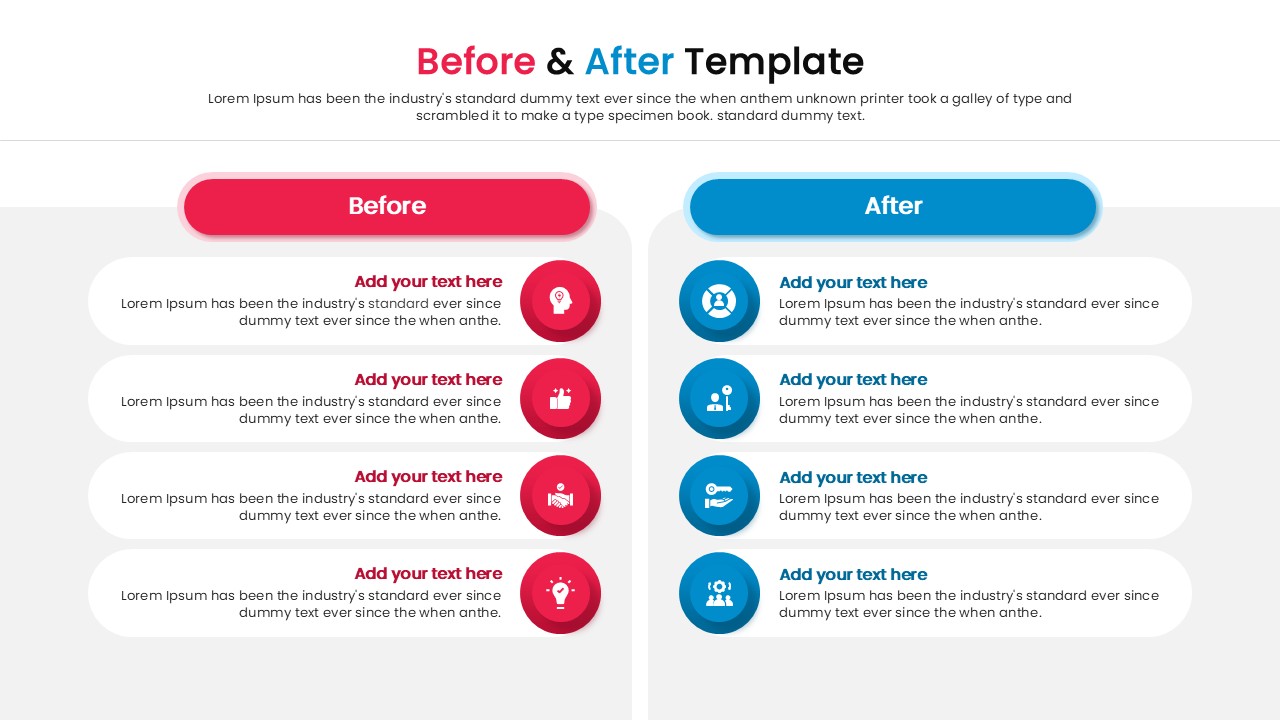
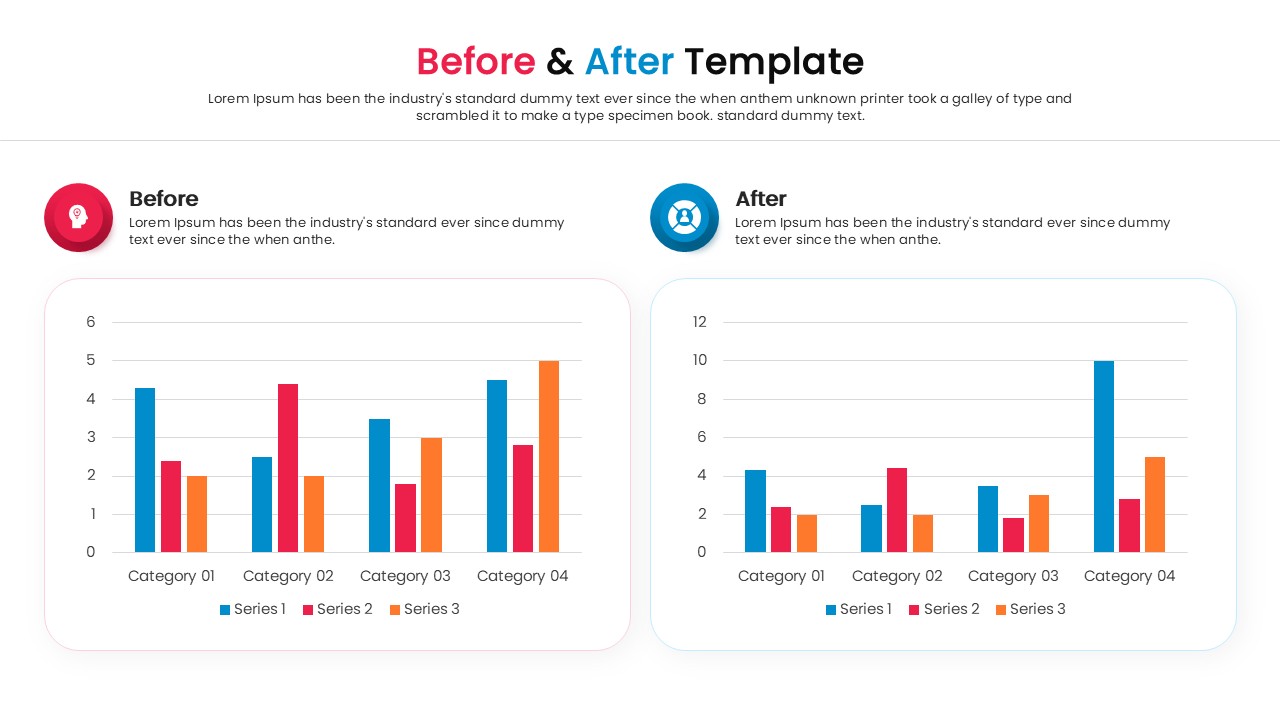
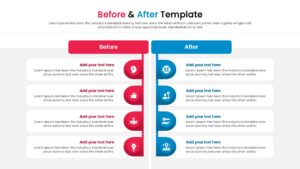
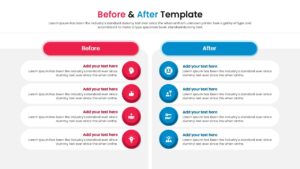
Download this Free Before and After Comparison Infographic a sophisticated comparison diagram structured around a split-layout visual framework designed to contrast dual states, such as past performance versus future projections or problem-solution scenarios.
This side by side comparison infographic is highly flexible Before and After PowerPoint asset provides users with fully customizable PowerPoint objects, including text blocks, segmented lists, and parallel bar charts, all easily adaptable to match both light and dark themes. Ideal for project evaluations, operational shifts, and strategic pivots. You can fully customize every shape, icon, and data metric to reflect accurate comparisons.
Create appealing Before and After Template presentations that engage global audiences with our top of the line PowerPoint Infographics Templates.
Key Features
- 100% Fully Customizable Layouts
- Includes Data-Driven Bar Charts
- Pre-made Color Themes
- Both 4:3 & 16:9 Aspect Ratios
Frequently Asked Questions
- Can I change the colors to match my company branding?
- Yes, all elements in this template are fully editable, allowing you to easily apply your specific brand colors.
- Does this template work with Google Slides?
- Absolutely. This template is optimized for both Microsoft PowerPoint and Google Slides.
- Is this suitable for printing?
- Yes, the high-quality vector graphics ensure the slides look sharp whether projected on a screen or printed for handouts.
Related Templates
-
 Free
Free -
-
 Free
Free -