
Free Blank Decision Tree Flowchart Template for PowerPoint & Google Slides
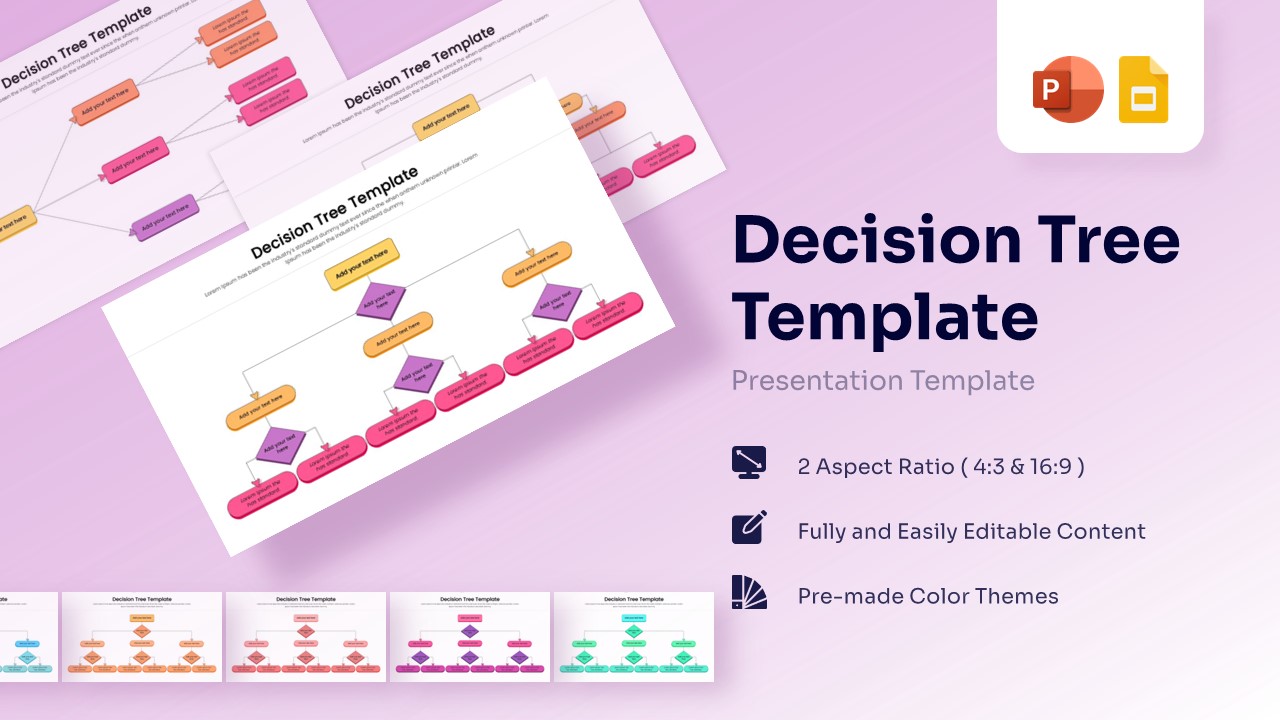
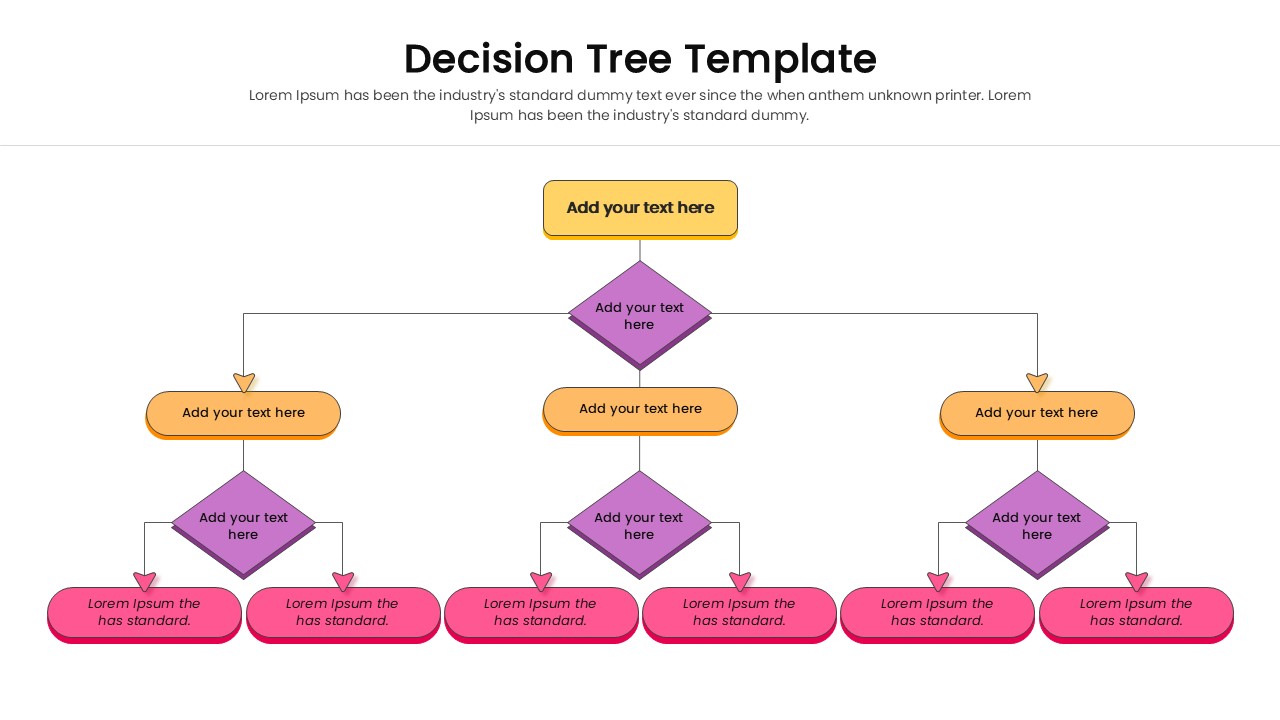
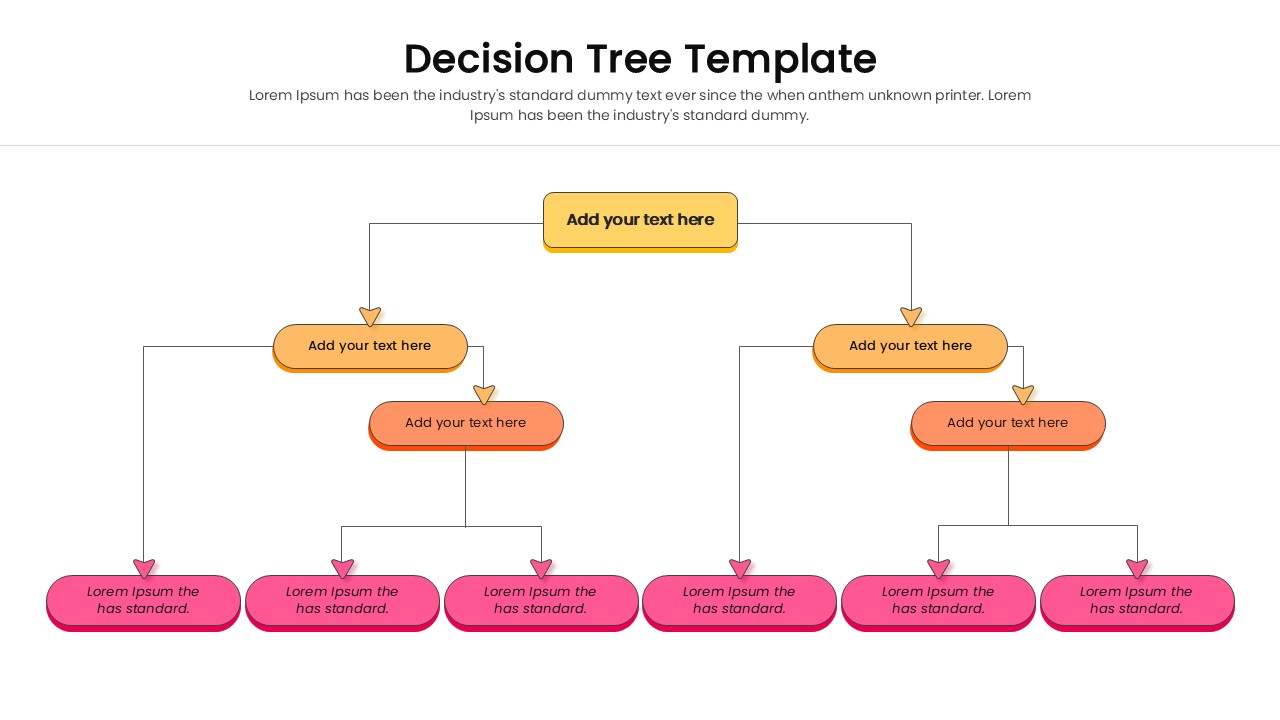
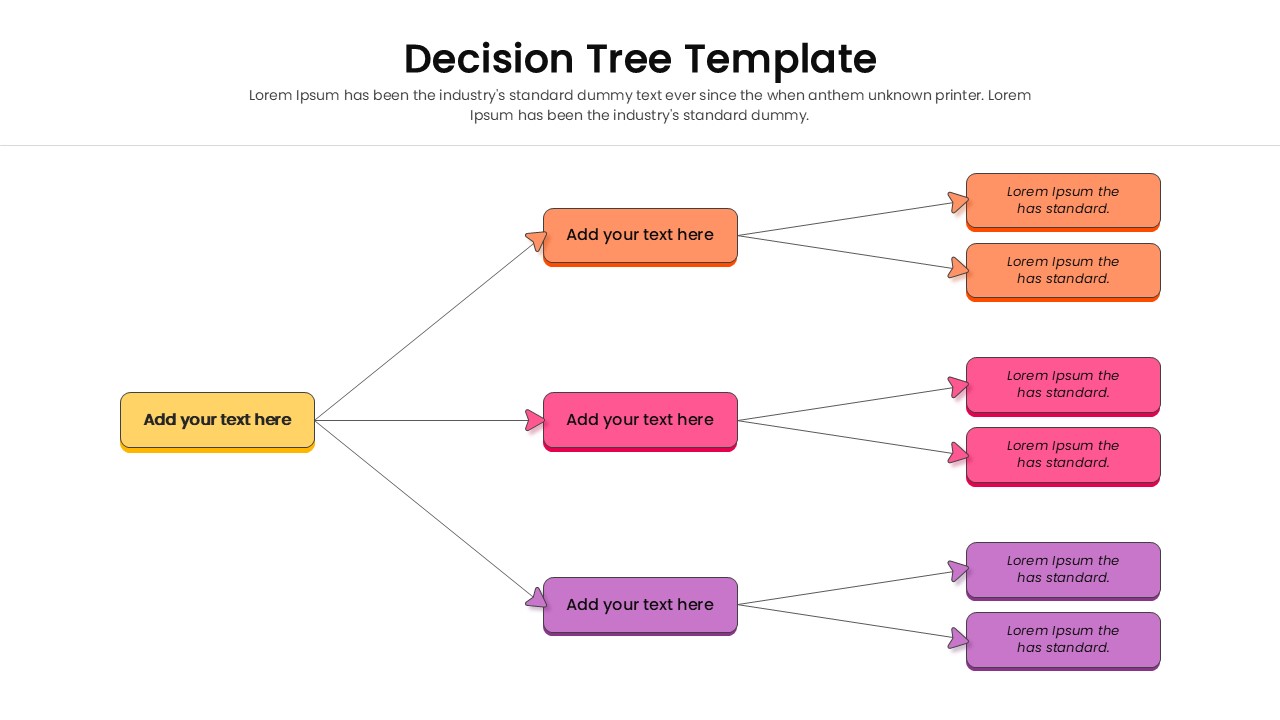
Editable Decision Tree Diagram
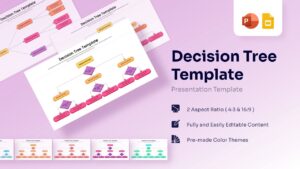
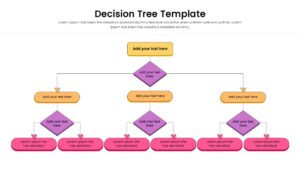
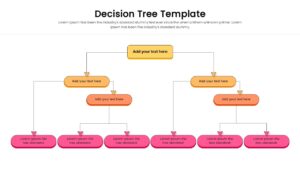
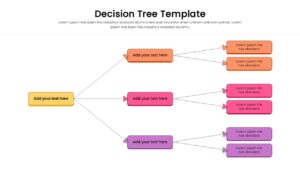
Structure your strategic alternatives with this free blank decision tree flowchart template, comprehensive set of aids tailored to highlight complex choices. Featuring an energetic palette of warm oranges, deep purples, and vibrant pinks, it exudes a modern, engaging, and professional vibe. It is specifically ideal for high-stakes strategic planning sessions, brainstorming workshops, and operational reviews where mapping outcomes is critical, making this blank decision tree infographic a powerful asset for any presenter. This hierarchical chart cleverly incorporate dynamic directional arrows, geometric diamonds for conditional splits, and cleanly grouped rectangular nodes to depict branching ideas with absolute clarity.
Designed for individuals in the business world such as project managers, strategy consultants, and business analysts. These decision flowchart serve to showcase operational workflows, risk assessment protocols, and outcome probabilities in a step-by-step format. Utilizing these appealing infographics simplifies complex, multi-layered information while keeping your listeners engaged, aligned, and well-informed throughout the decision-making process.
If you’re sketching out a new product launch strategy, or delving into root cause analysis for software troubleshooting, or even sharing feedback on departmental restructuring options. This template equips you with the essential structural elements to articulate conditional thoughts effectively and convey your logical message effortlessly.
Download it now. Enhance your presentations with these crafted slides! Find more such customizable flowchart graphics for engaging presentations. These templates are compatible with both PowerPoint and Google Slides.
Key Features
- 100% Vector-Based Graphics for sharp scaling.
- Fully Layered & Organized elements for easy editing.
- Two Aspect Ratios (4:3 & 16:9) included.
- Pre-made Theme Color & Theme Font support.
Frequently Asked Questions
- Can I change the colors of the shapes?
- Yes, all shapes and lines are fully editable. You can match them to your brand colors using the theme settings or manual adjustments.
- Does this work for organizational charts?
- Absolutely. The hierarchical structure is perfect for showing reporting lines and team structures.
Related Templates
-
-
 Free
Free -
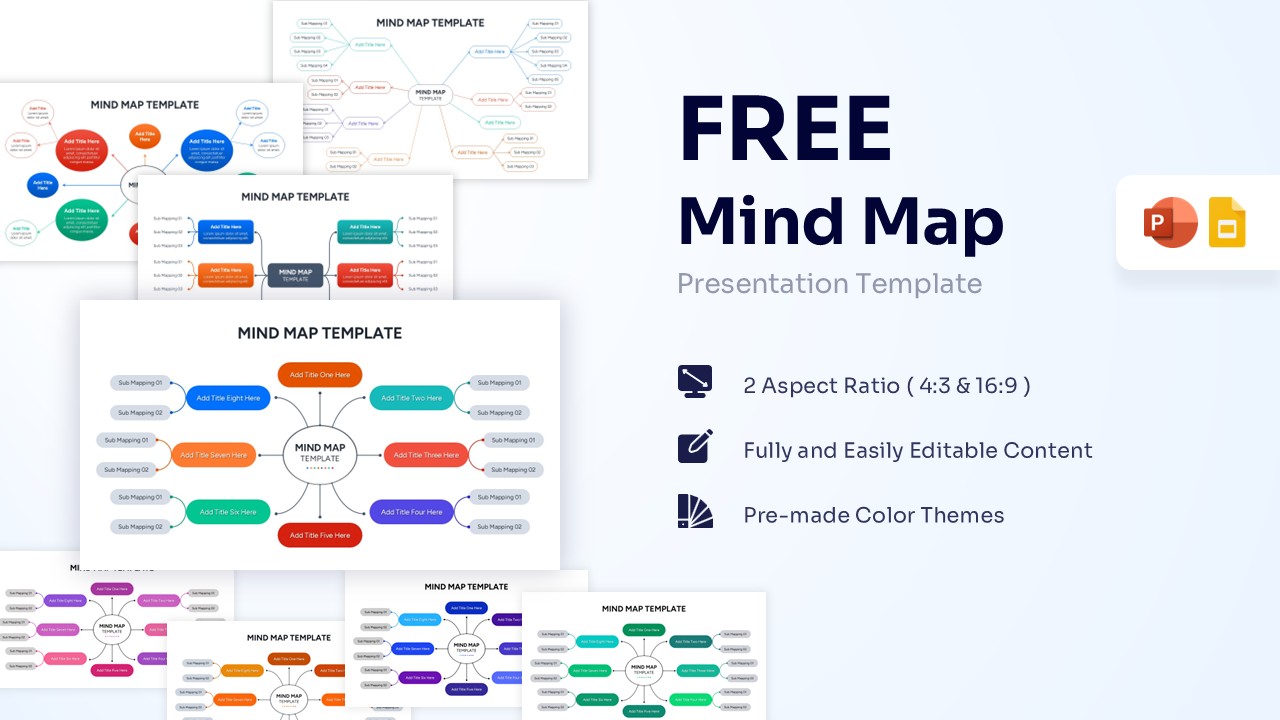
Mind Map Template for PowerPoint & Google Slides
Free Templates
Free -
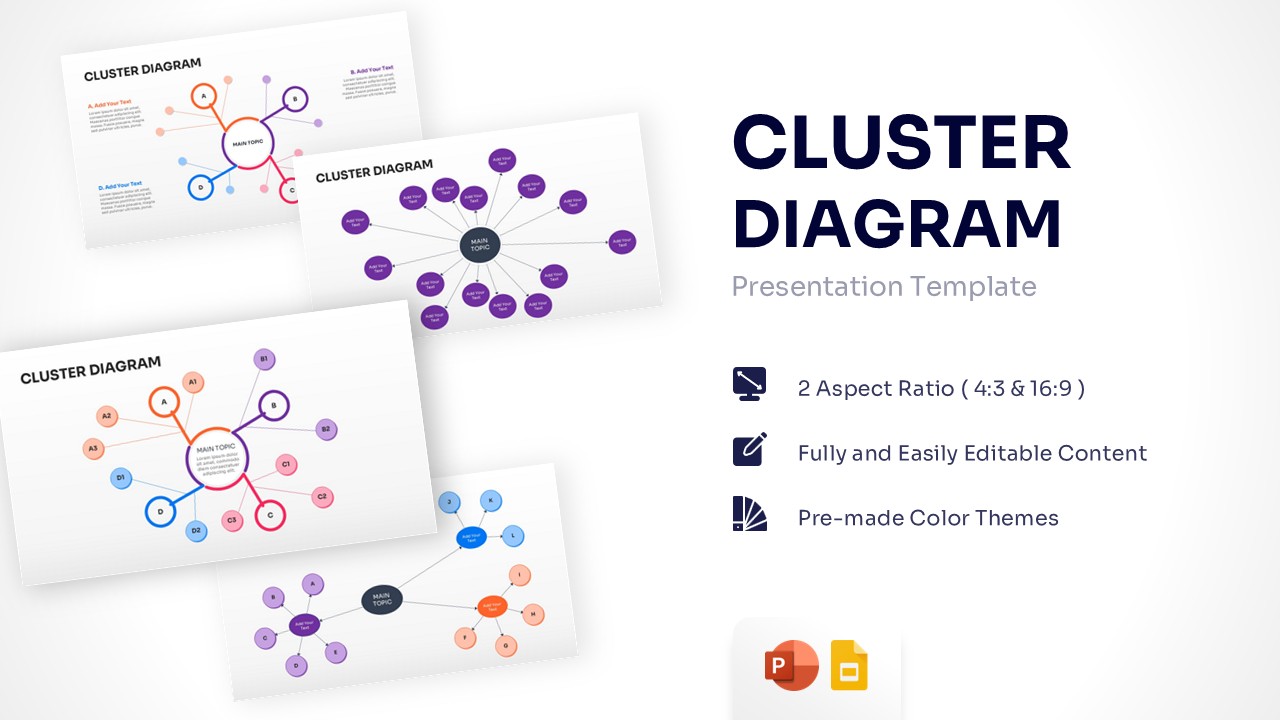
Free Cluster Diagram Template for PowerPoint & Google Slides
Free Templates
Free