Free Spoke Diagram Template for PowerPoint & Google Slides
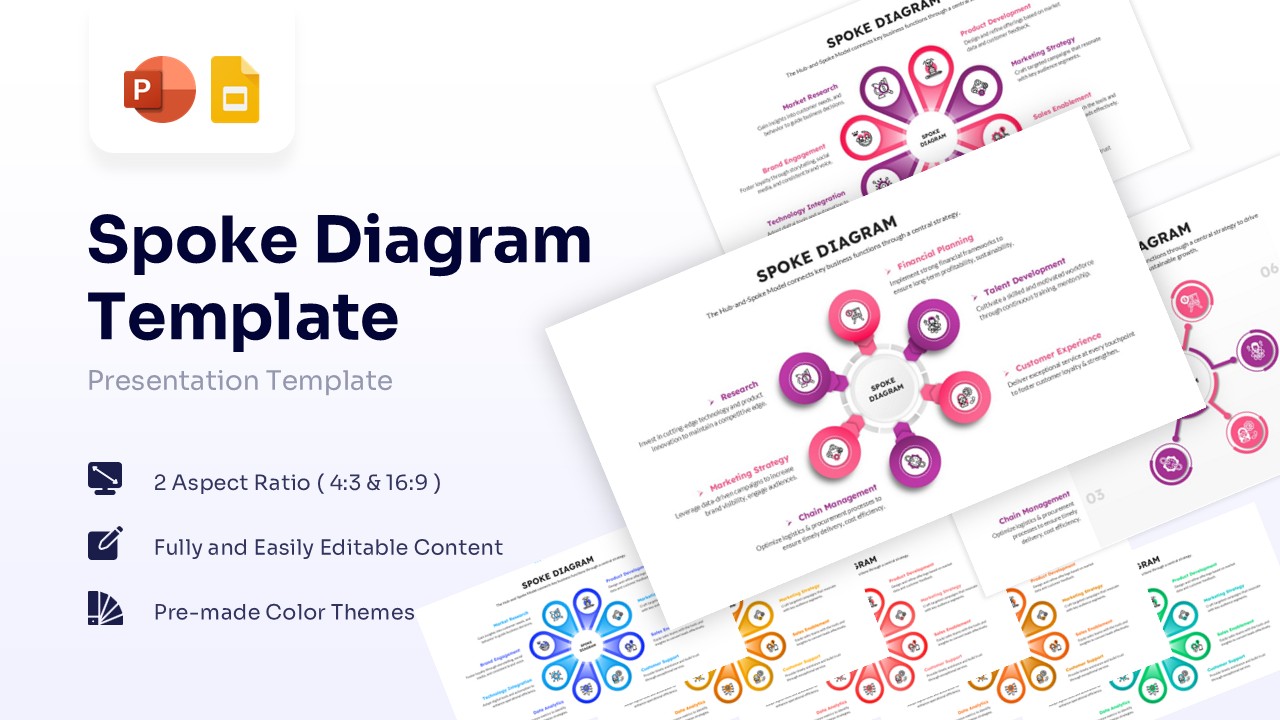

Hub and Spoke Model Slides for Central Strategy
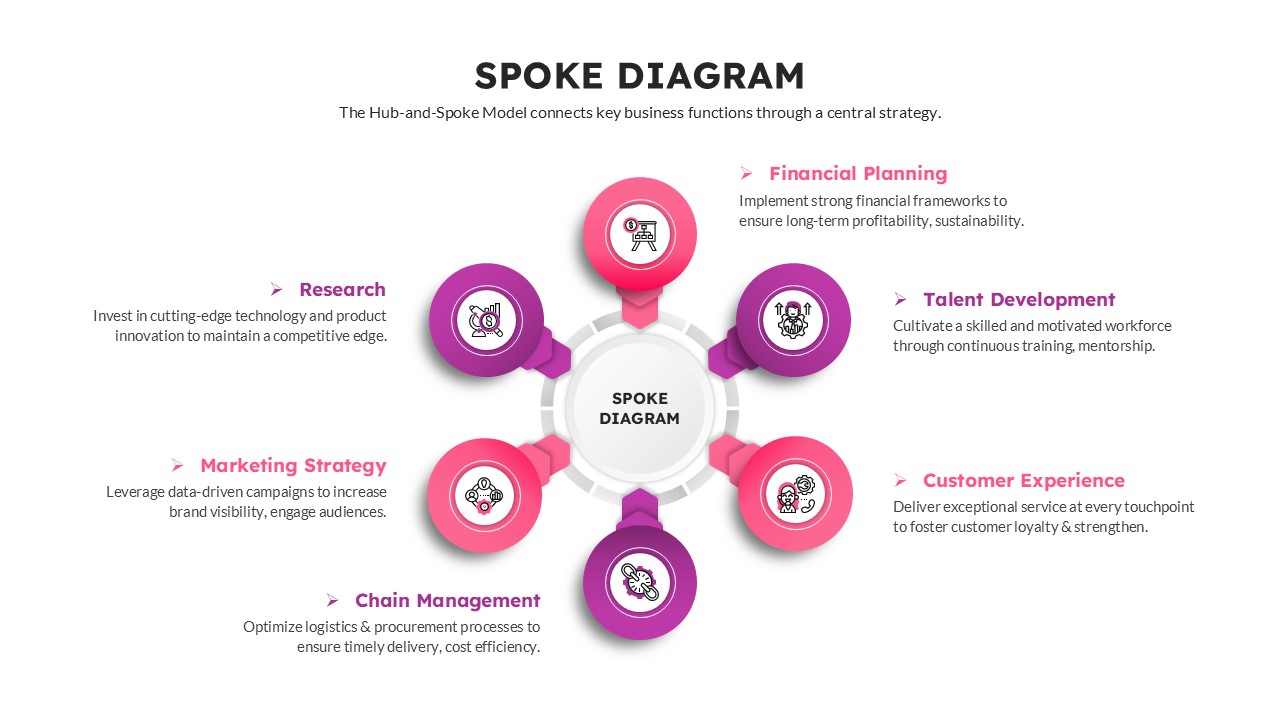
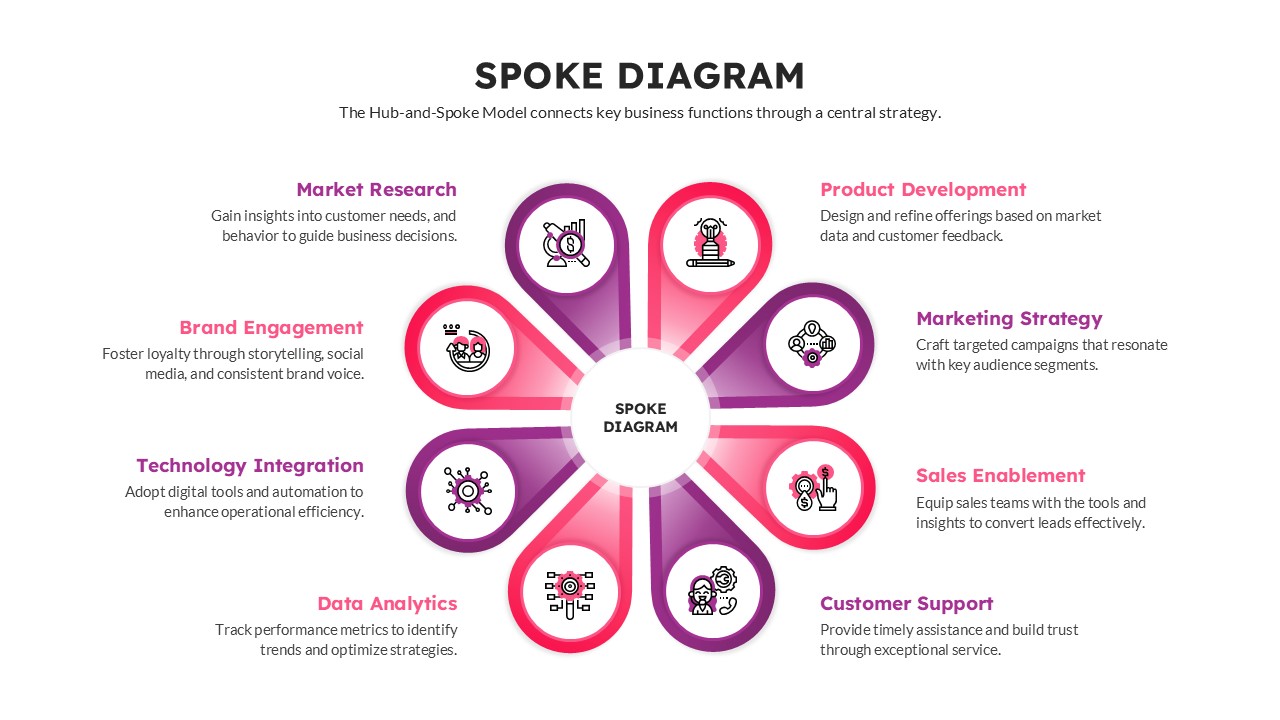
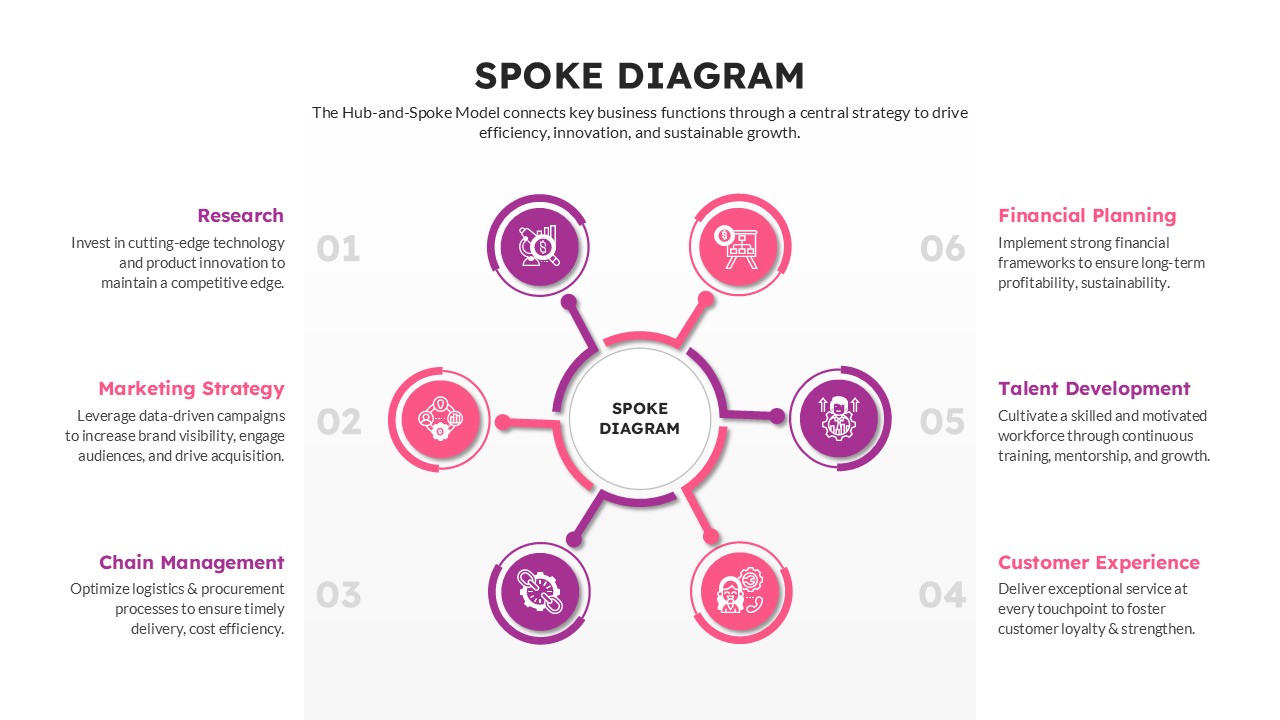
Template Details: Get this Spoke Diagram Template and visualize a central strategy connecting to various decentralized business functions. Users can present interconnected concepts like market research, talent development, and financial planning branching from a core idea.
Visual Elements: The mind map design features a vibrant pink and purple gradient palette paired with clean sans-serif typography. It utilizes minimalist vector icons enclosed in circular and petal-shaped nodes to clearly illustrate each branching category.
Technical Details: This PresentoVerse Spoke Diagram Template is available to download and use. Moreover, it can be seamlessly edited on Microsoft PowerPoint and Google Slides. You can effortlessly integrate this layout into any strategic business plan presentation.
Recommended Usage: Business professionals and project managers can use this for displaying organizational structures or strategy alignment. Enhance your workflow meetings with this free hub and spoke infographic template.
Key Features
- 100% Vector-Based Graphics
- Fully Layered & Organized
- Multi-Platform Support
- Theme Color & Theme Font
- 2 Aspect Ratio (4:3 & 16:9)
Frequently Asked Questions
- Is this template compatible with Keynote?
- Yes, while designed for PowerPoint and Google Slides, it can usually be imported into Keynote with minimal adjustments.
- Can I change the icons on the spokes?
- Absolutely. All icons are fully editable vectors, allowing you to swap them out to better match your specific topic.
- How do I change the number of spokes?
- The elements are grouped but independent. You can ungroup the diagram and delete or duplicate spokes to adjust the count, though some realignment may be required.
Related Templates
-
-
 Free
Free -
 Free
Free -