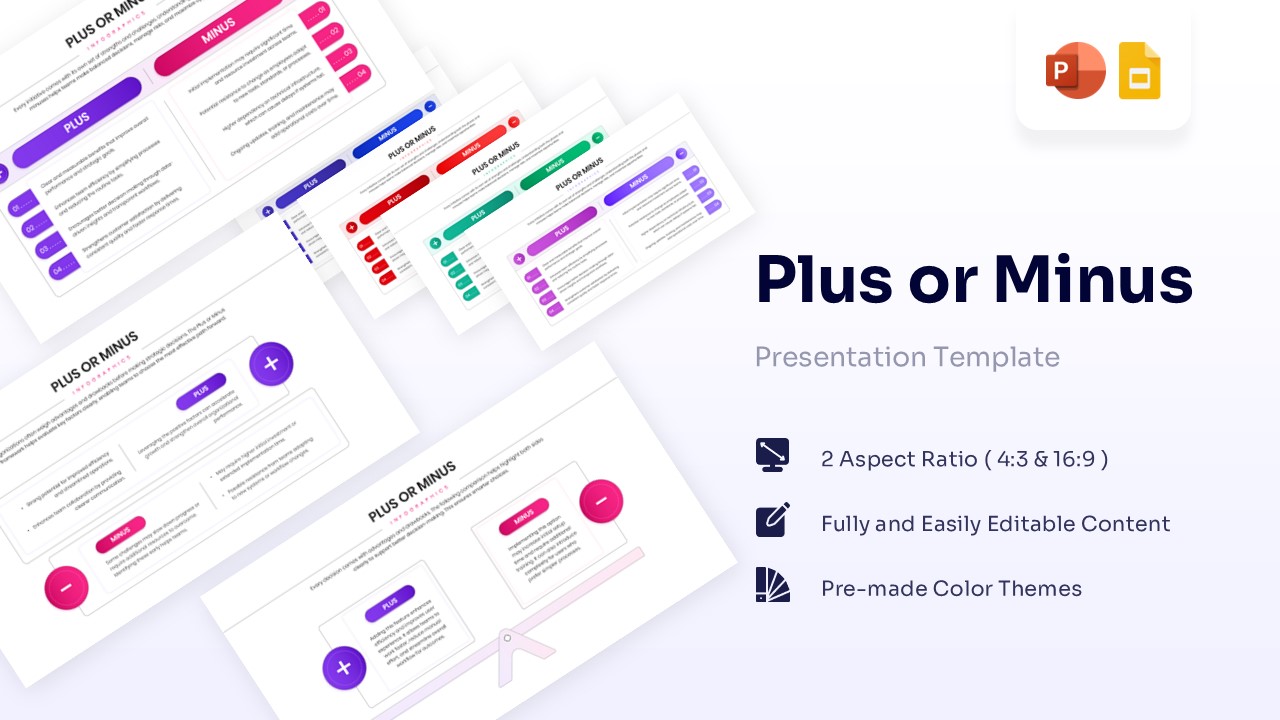
Free Plus & Minus Comparison Template for PowerPoint & Google Slides
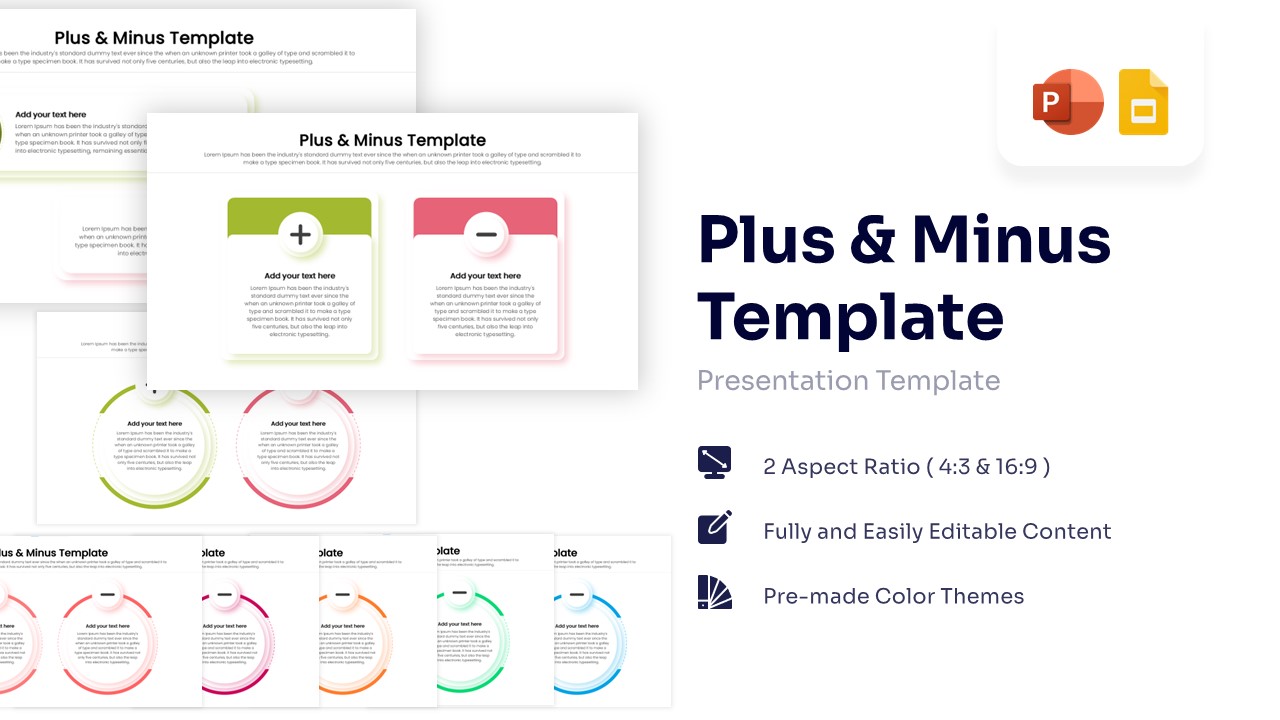
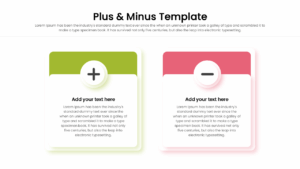
Plus and Minus Infographic Presentation Template
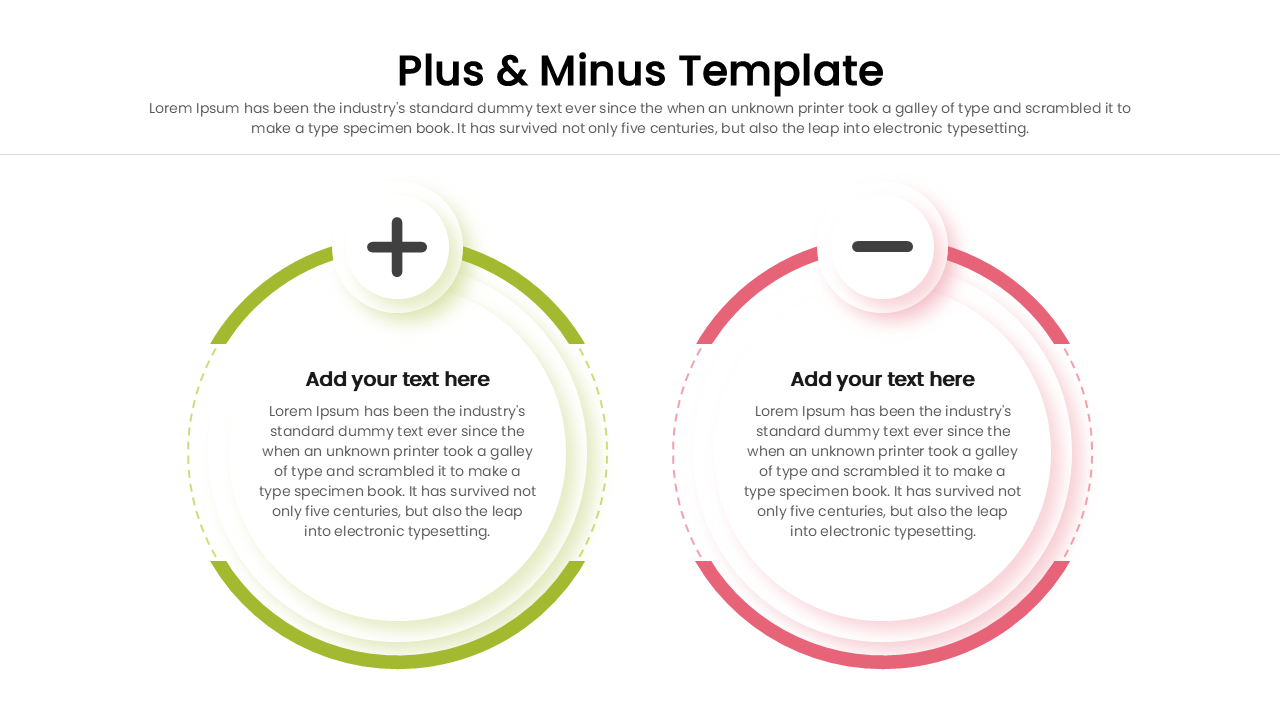
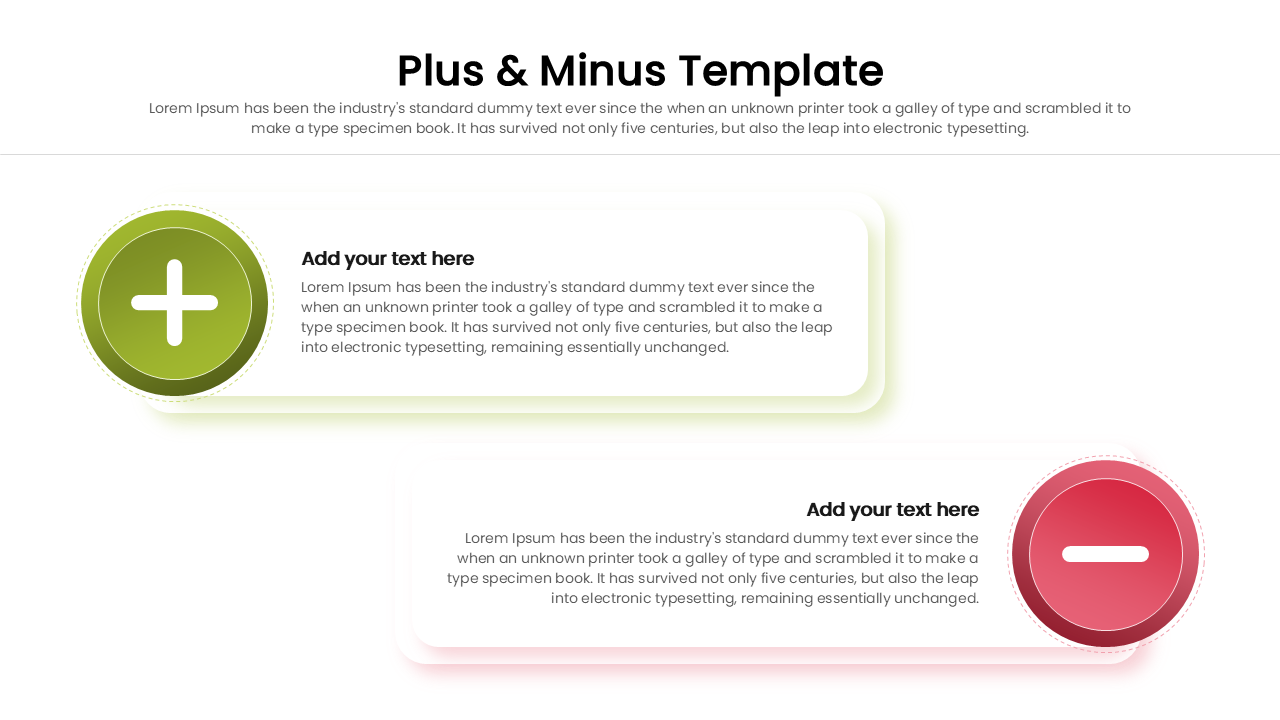
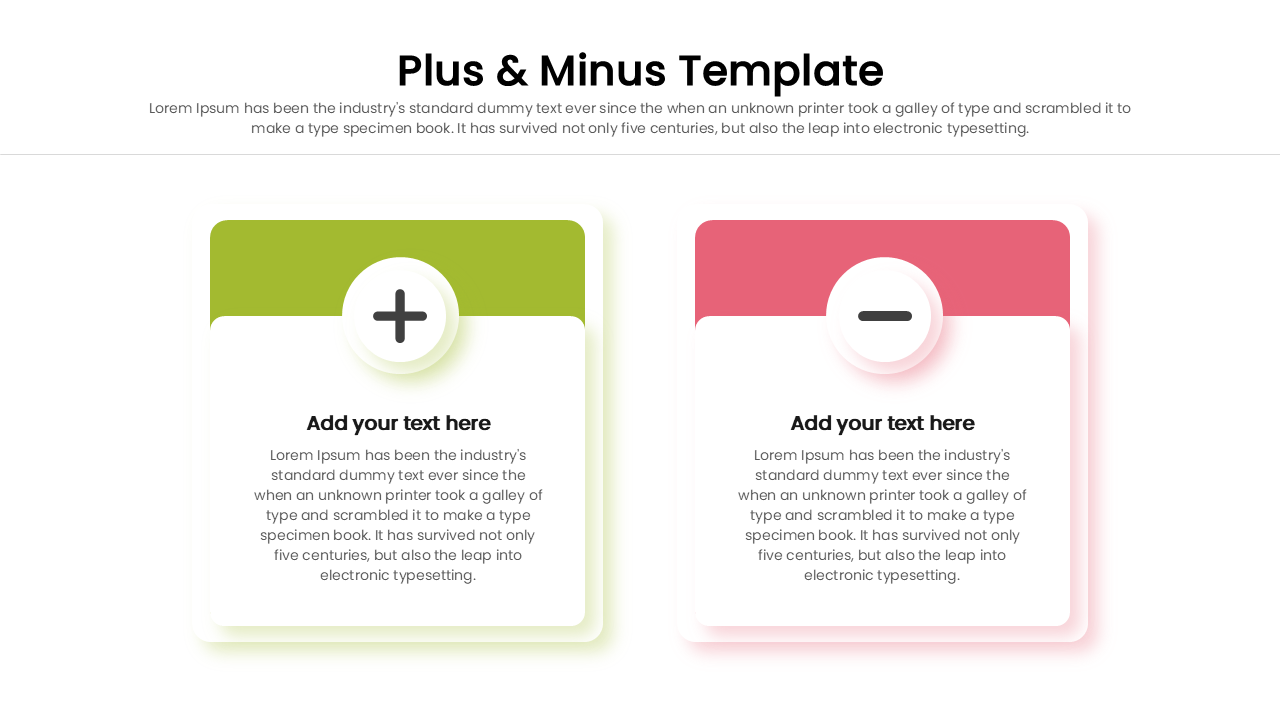
This vibrant Free Blank Plus Minus Infographic showcases a clear, side-by-side comparison layout, perfectly highlighting opposing concepts like pros and cons. This simple comparison infographic is remarkably clean and modern, featuring rounded rectangles and crisp circular nodes in a striking high-contrast green and red color palette. Smooth drop shadows and neatly aligned text boxes give the slide a polished, professional aesthetic.
Make a lasting impact on your audience by framing your strategic decisions using this Pros and cons template. Updating the content is incredibly straightforward; simply click on the placeholder text boxes to insert your own bullet points, headers, or detailed paragraphs. You can also resize or reposition the plus and minus shapes to better fit the volume of your information. Don’t forget to add a personal touch by adjusting the theme colors and fonts to perfectly align with your brand guidelines. You might also want to incorporate icons from our editable business process diagrams to enhance the visual storytelling.
Key Features
- 100% Vector-Based Graphics
- Fully Layered & Organized
- Multi-Platform Support
- Theme Color & Theme Font
- Dual Aspect Ratios (16:9 & 4:3)
- Pre-Made High-Contrast Color Themes
Frequently Asked Questions
- Can I change the colors of the plus and minus signs?
- Yes, all elements are fully editable, so you can change the green and red to match your brand colors.
- Is this compatible with Keynote?
- While designed for PowerPoint and Google Slides, the elements can generally be imported into Keynote, though native features work best in the intended platforms.
Related Templates
-
 Free
Free -
 Free
Free -
-