Blank Pyramid Template with Multiple Levels Infographic Free Template
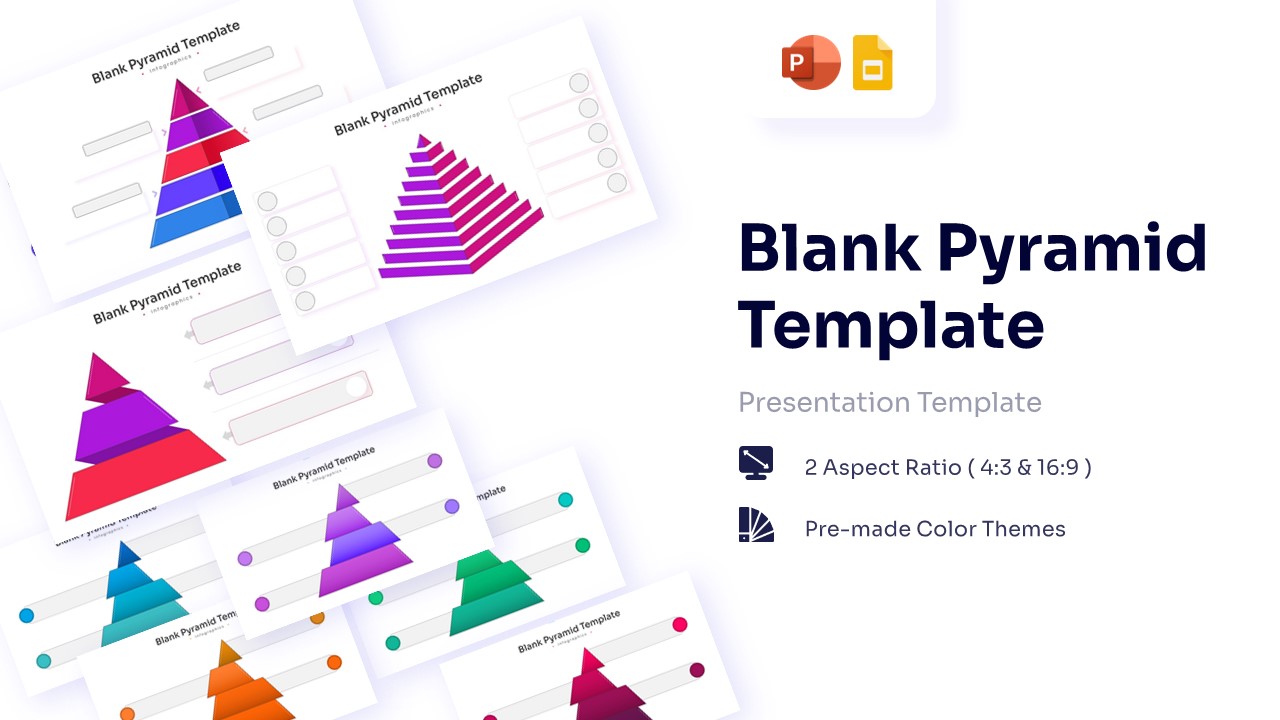
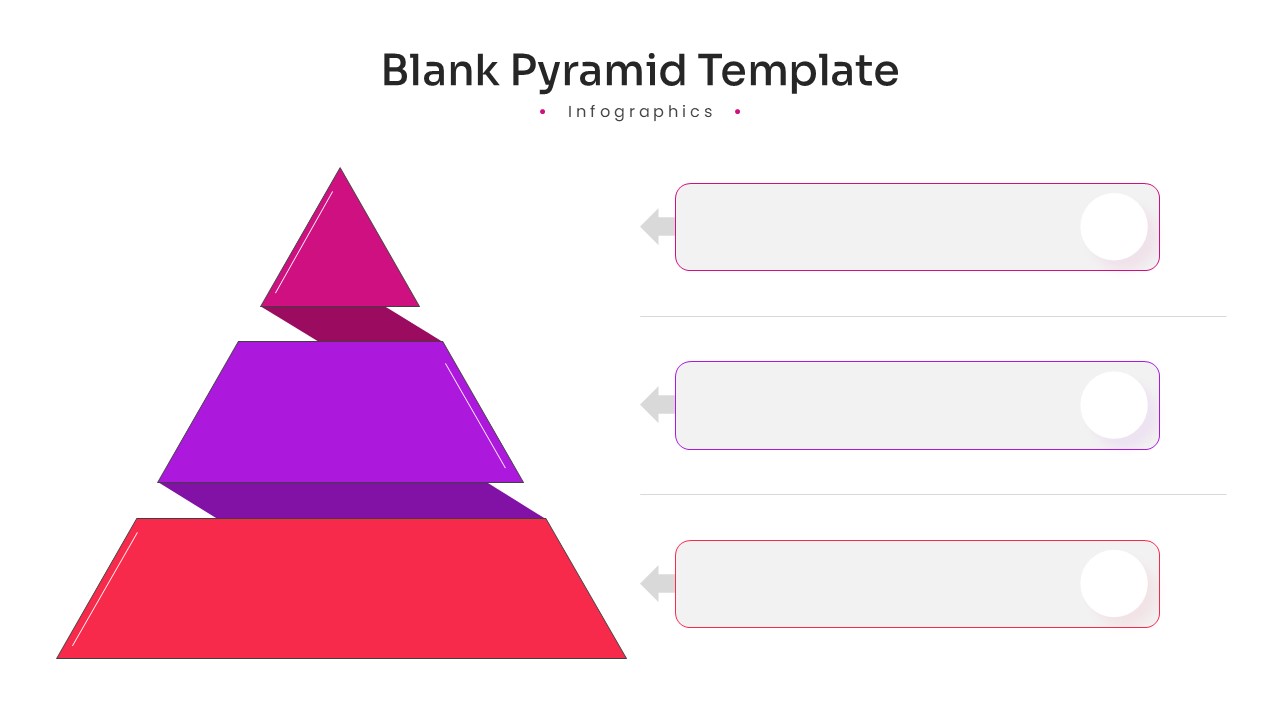
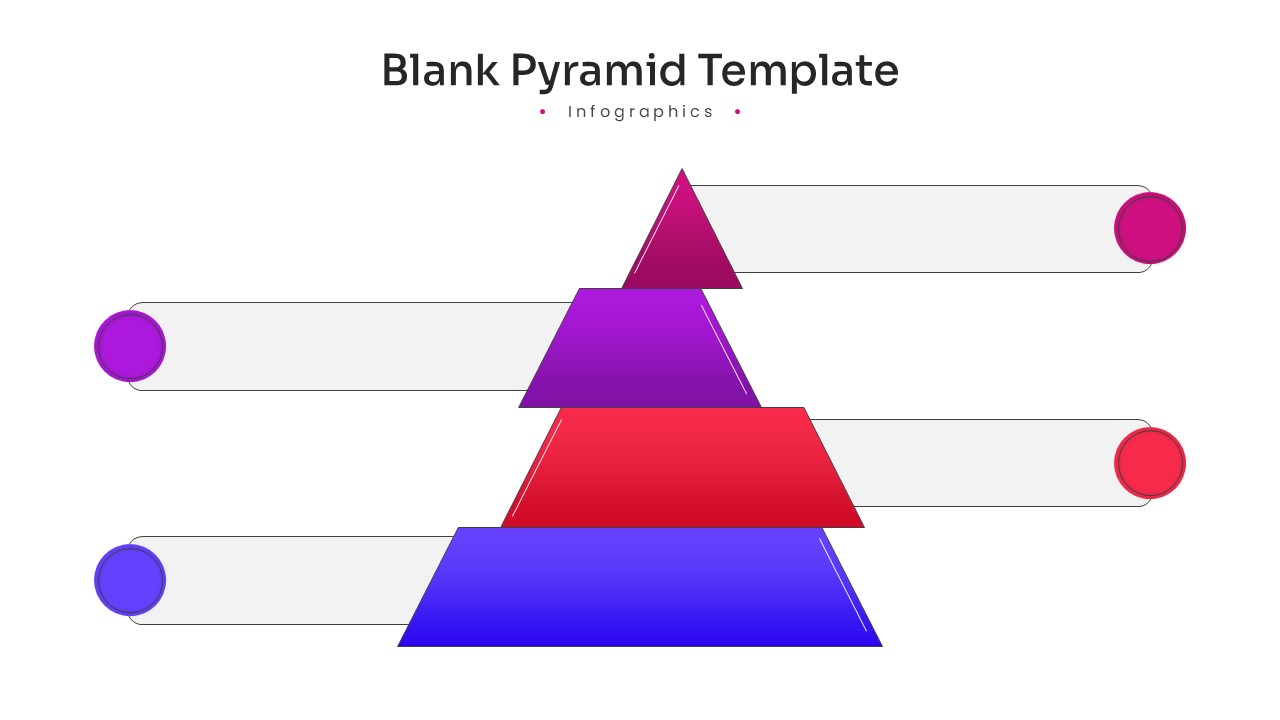
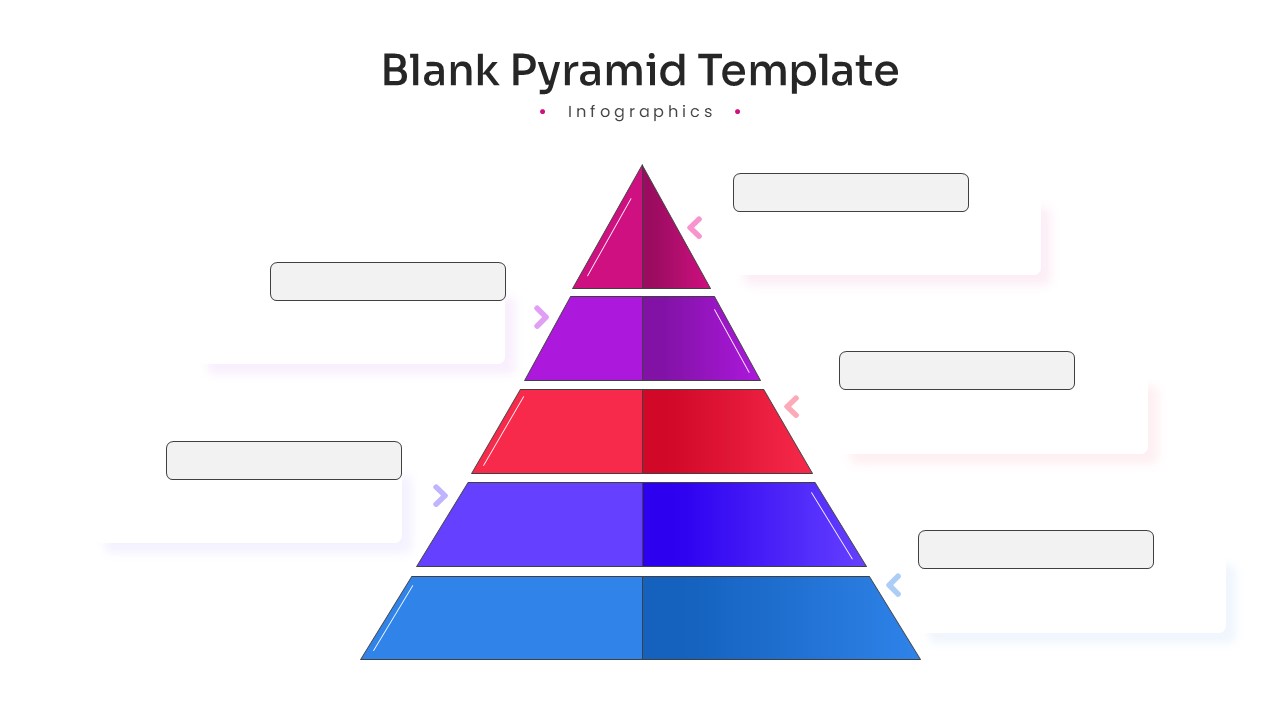
Blank Pyramid Infographic PowerPoint Template and Google Slides
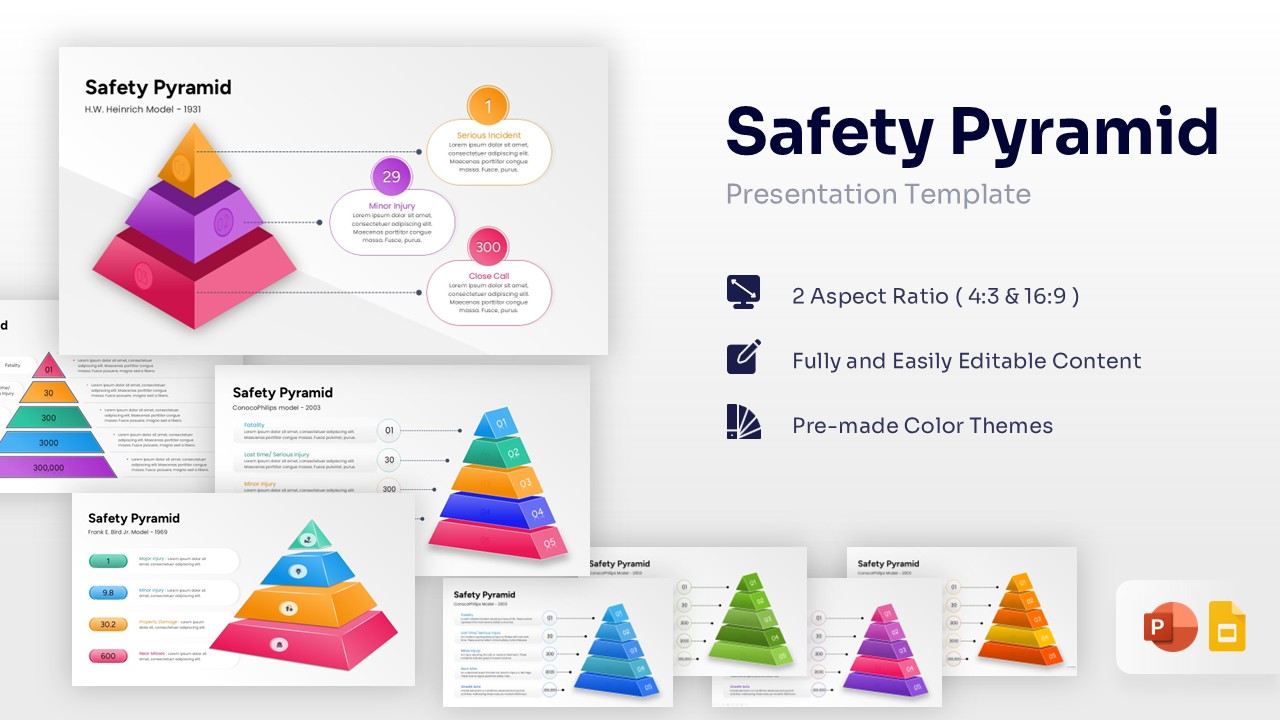
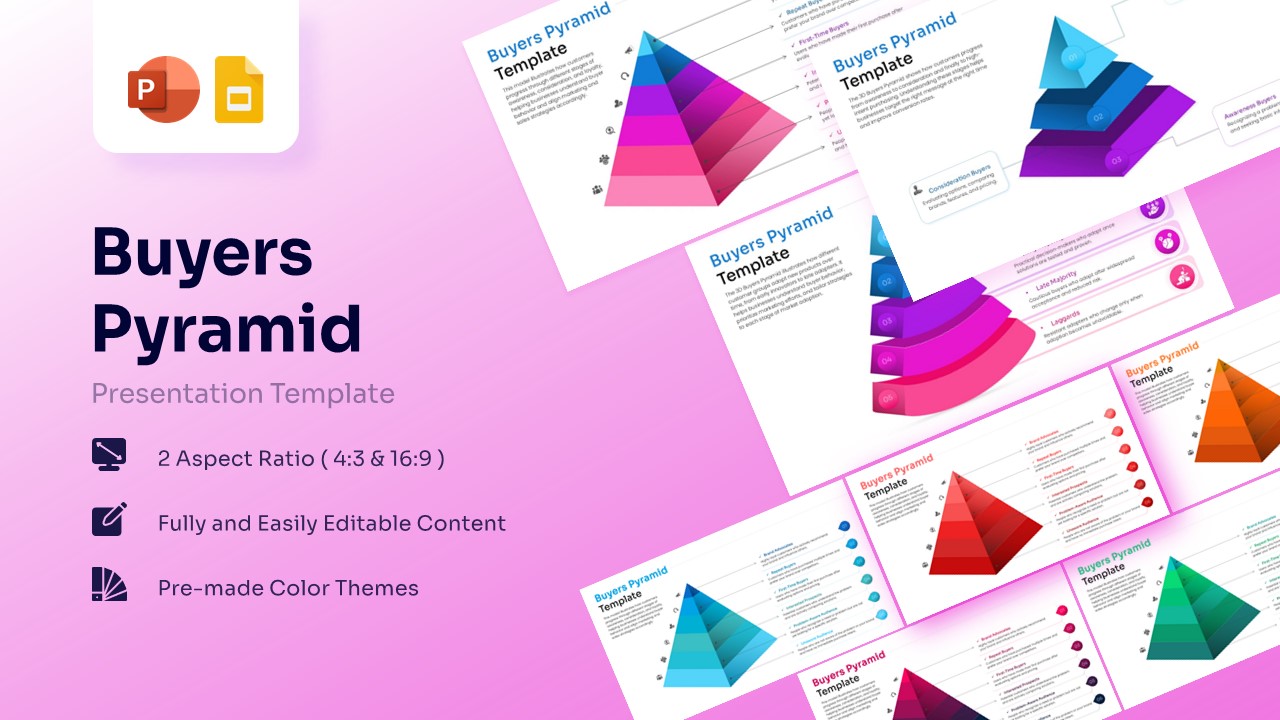
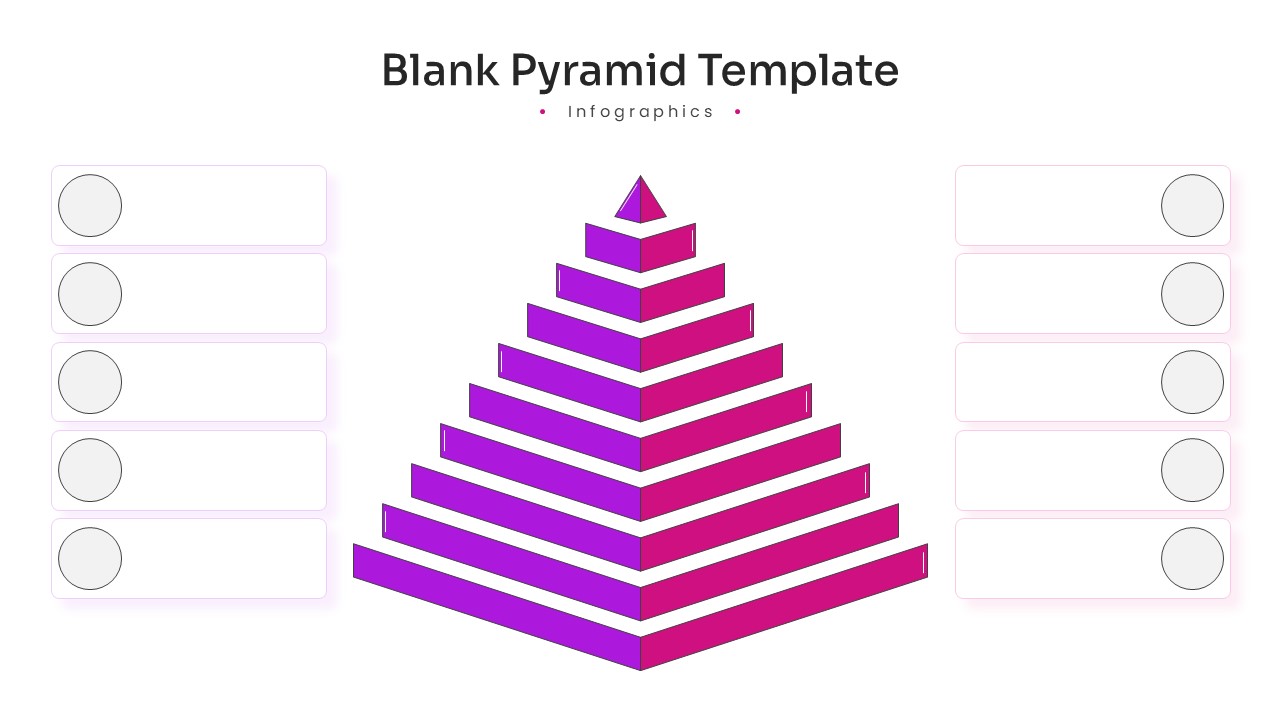
Organize your ideas and establish a clear visual hierarchy using this professionally designed Free Blank Pyramid Template with Multiple Levels. Tailored specifically for corporate strategists, marketing directors, educators, and operations managers, this premium infographic toolkit turns unorganized data sets into beautifully structured, easy-to-digest concepts. Whether you are mapping out Maslow’s hierarchy of needs, outlining corporate management tiers, detailing market segmentation, or showcasing data filtering processes, this pyramid diagram template provides a clean canvas that captures your audience’s attention. Instead of losing critical preparation hours fighting with manual shape alignment or uneven color gradients from scratch, this ready-to-use resource offers an organized, completely customizable foundation so you can invest your energy entirely into your strategic narrative.
Crafting a standout slide deck is entirely stress-free since these PresentoVerse Blank Pyramid Template are highly intuitive and completely customizable to save you precious time. Simply browse the selection, locate the precise multi-tiered graphic that perfectly fits your workflow requirements, inject your specific text inside the clean layout nodes and seamlessly copy the graphic directly over to your primary project slides.
Key Features
- 100% Vector-Based Graphics
- Fully Layered & Organized
- Multi-Platform Support
- Theme Color & Theme Font
Frequently Asked Questions
- How do I change the number of layers in the pyramid?
- The layers are fully editable vector shapes; you can easily duplicate or delete sections to match your specific data requirements.
- Can I customize the colors to match my brand?
- Yes, the template uses theme colors, meaning you can change the entire palette in one click through the master slide settings.
- Is this template compatible with Keynote?
- While designed for PowerPoint and Google Slides, the .pptx file can be imported into Keynote with high compatibility.