Free Attractive Onion Diagram Template for PPT & Google Slides
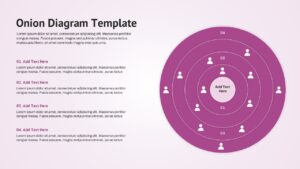
Layered Onion Diagram for Business, Strategy & Process Visualization
The Onion Diagram Template is an editable slide deck for presenting layered structures, hierarchical relationships, stakeholder segmentation, process levels, and strategic frameworks in a visually engaging format. It helps consultants, project managers, educators, business analysts, and corporate teams explain complex concepts through clearly defined concentric layers. If you need a professional presentation for layered business models, explore our editable process infographic slides to strengthen communication and decision-making. Whether you are mapping organizational structures, customer segments, market layers, or operational frameworks, this presentation simplifies information for clients, executives, and stakeholders. For that, we have crafted this 100% editable presentation template with unique slides to present different aspects, i.e.,
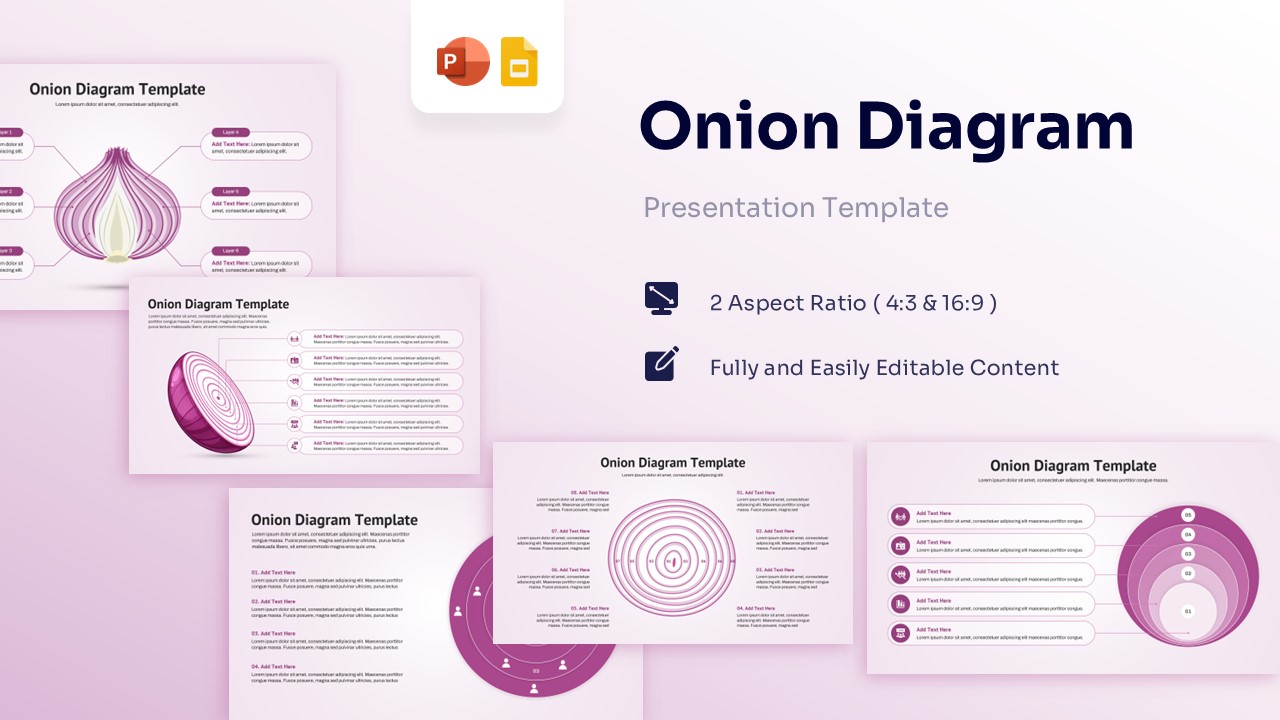
- Cover slide with Onion Diagram presentation overview
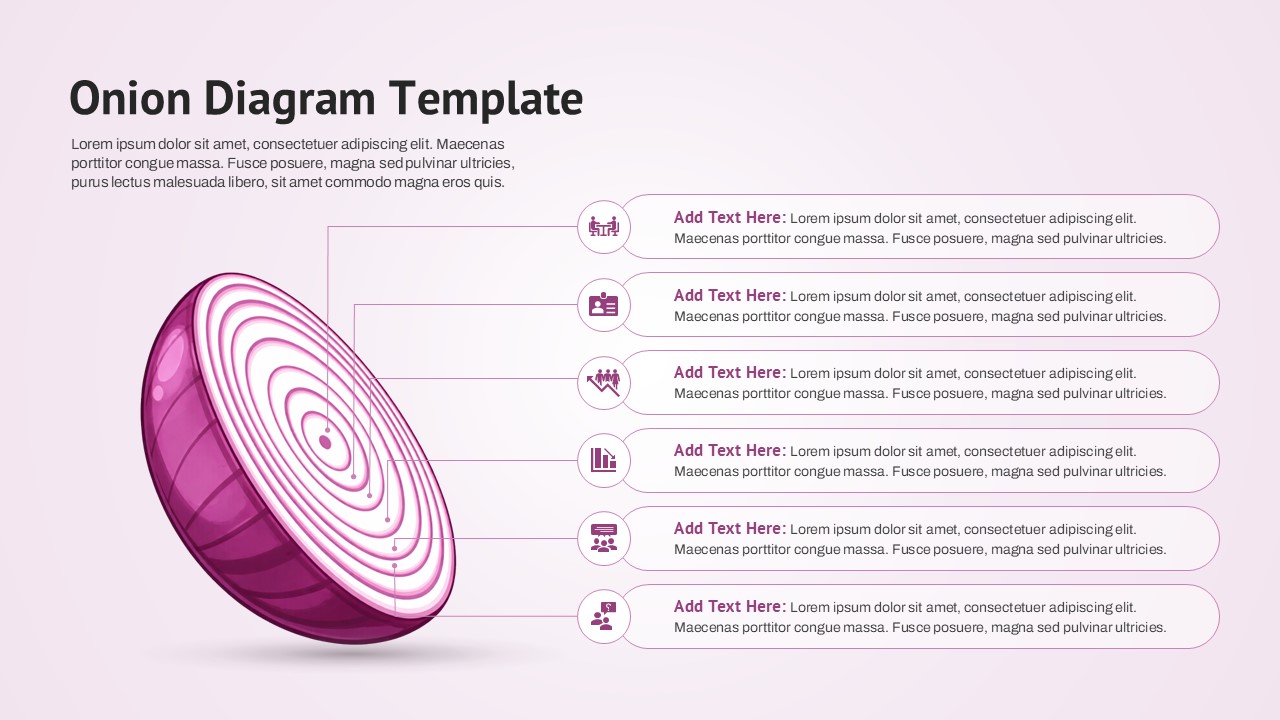
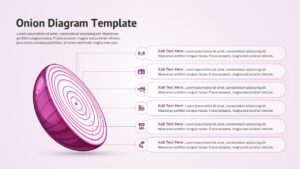
- 3D sliced onion infographic showing multiple organizational layers
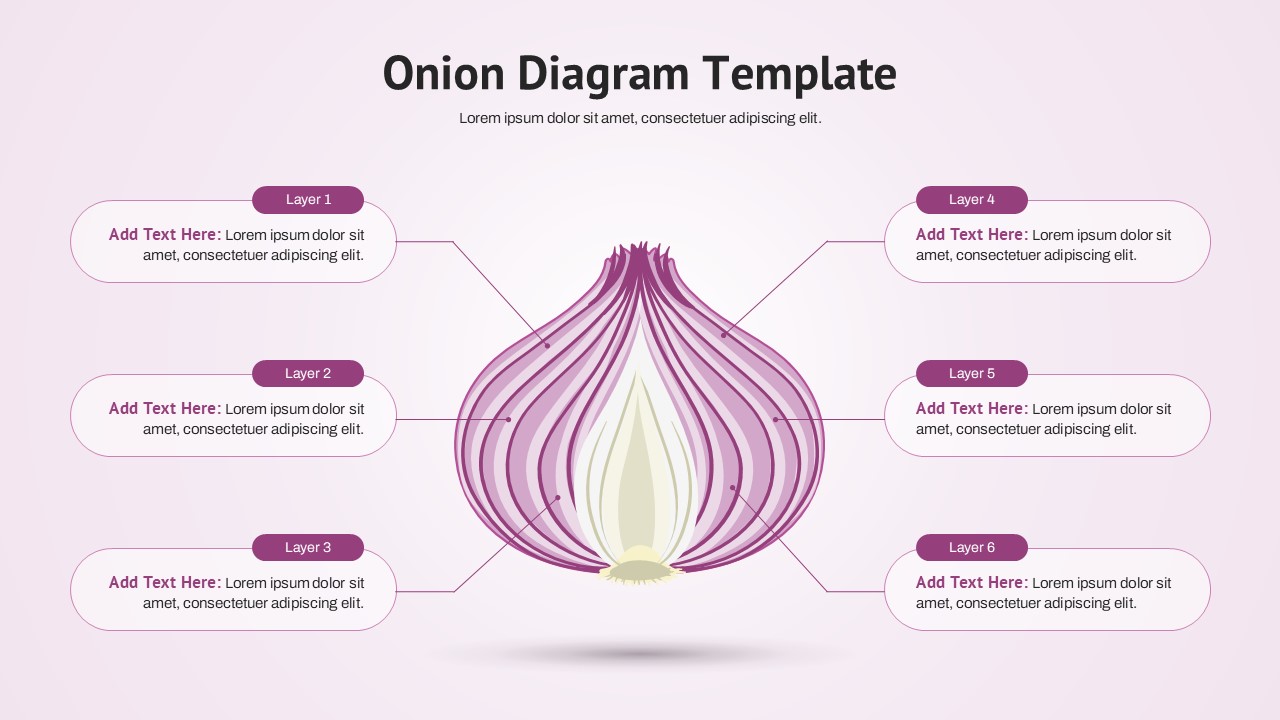
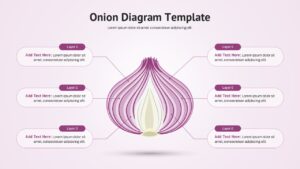
- Onion structure diagram with six labeled layers and callout descriptions
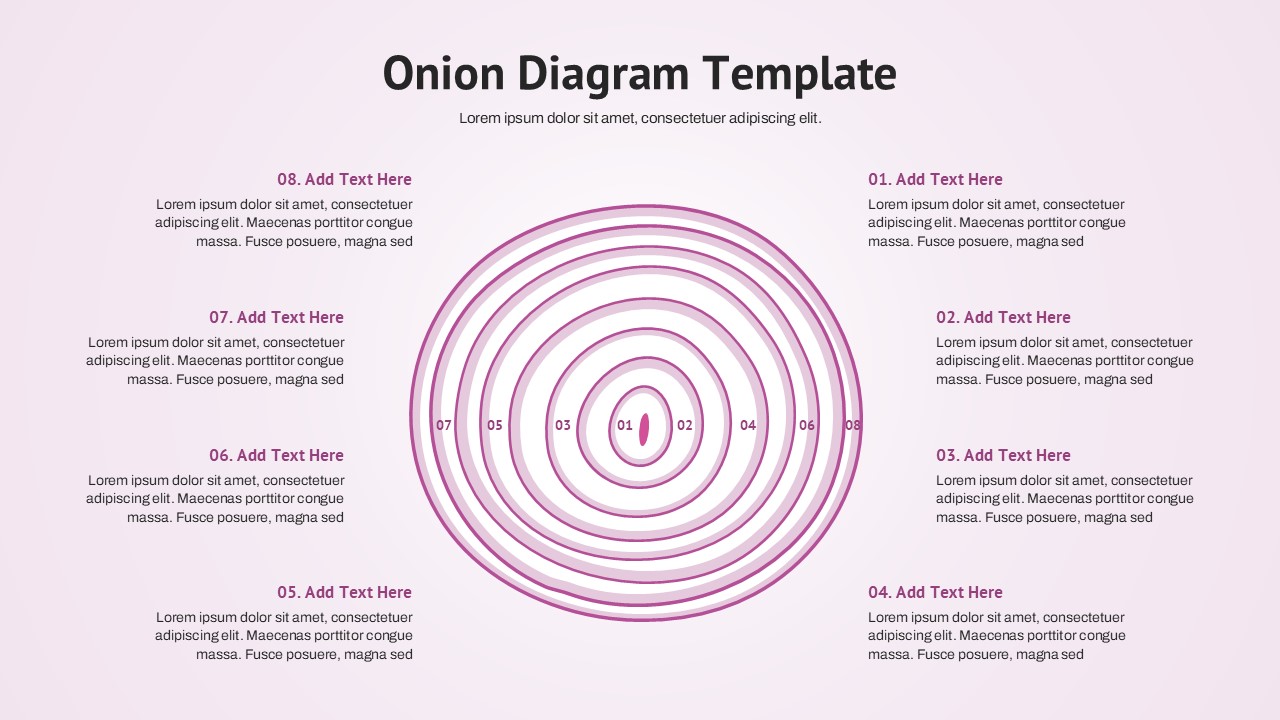
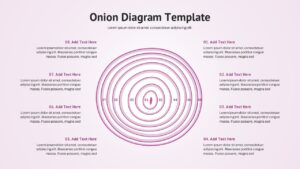
- Concentric circle onion model with eight hierarchical levels
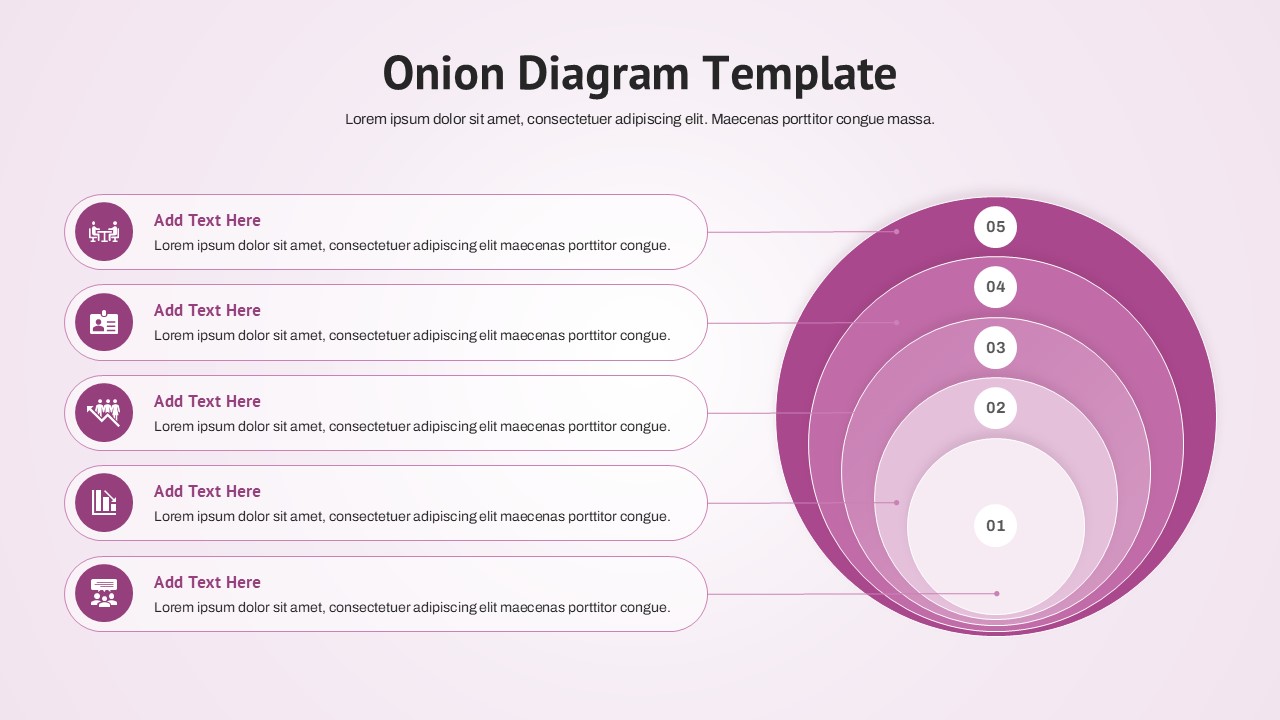
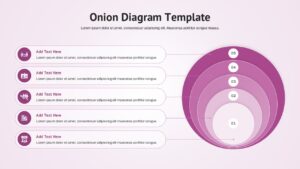
- Layered onion infographic with numbered segments and feature explanations
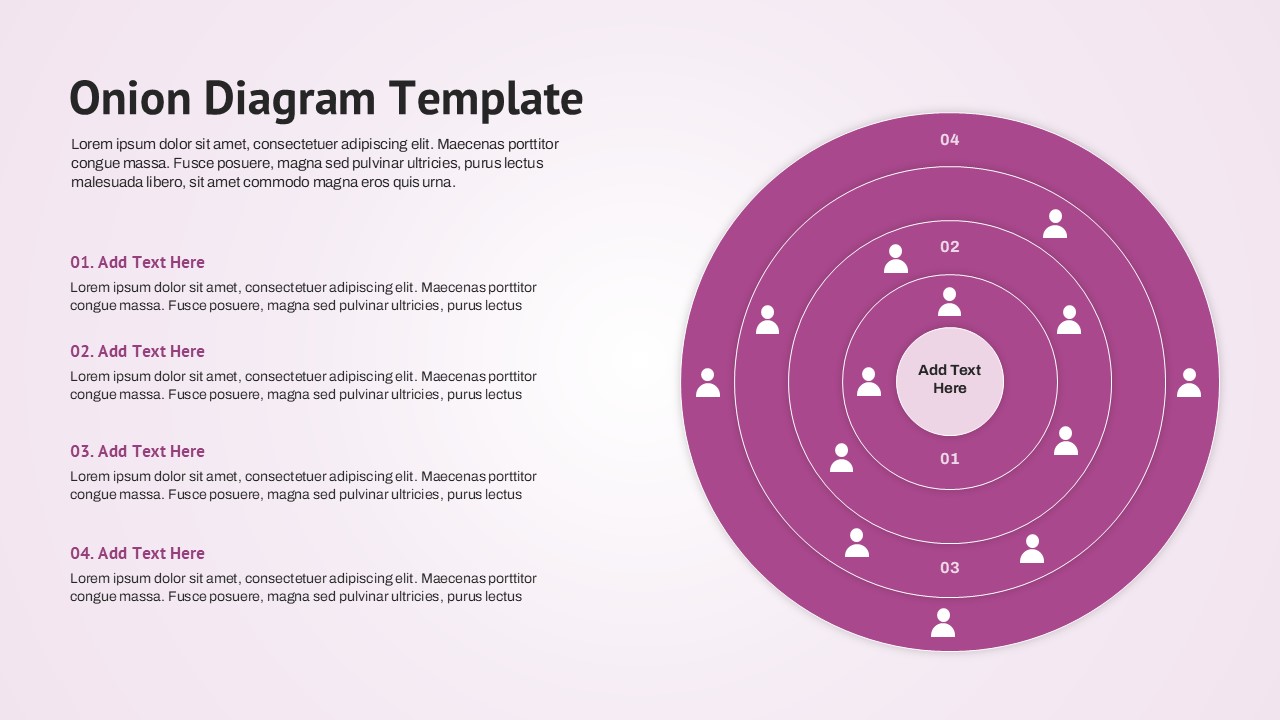
- Stakeholder segmentation onion diagram with nested audience levels
- Business framework visualization using concentric circles
- Process hierarchy and relationship mapping slide
- Editable infographic layouts for strategic planning and analysis
The presentation follows a clean and professional design with soft pastel pink and purple color combinations, modern typography, and easy-to-read layouts. Each slide contains fully editable vector graphics, text placeholders, icons, labels, colors, and layer segments that can be customized to match your brand identity. Users can replace content, adjust layer counts, modify colors, and insert company logos without affecting the overall design quality. The deck works seamlessly in both PowerPoint and Google Slides, making it suitable for business meetings, training sessions, workshops, and academic presentations. Alternatively, you can download other professional circle infographic presentations for presentations, or try one of our free PPT templates.
Key Features
- 100% Vector-Based Graphics
- Fully Layered & Organized
- Multi-Platform Support
- Theme Color & Theme Font
- Editable Onion Layers and Concentric Circles
- Professional Icons, Callouts, and Infographic Elements
Frequently Asked Questions
- What is an Onion Diagram PowerPoint used for?
- An Onion Diagram PowerPoint is commonly used to visualize hierarchical structures, stakeholder groups, process layers, customer segments, and strategic frameworks using concentric circles.
- Can I edit the layers in this Onion Diagram Template?
- Yes. All layers, colors, icons, labels, and text placeholders are fully editable in both PowerPoint and Google Slides.
- Is this Layered Onion Diagram suitable for business presentations?
- Absolutely. It is ideal for strategy presentations, stakeholder analysis, organizational mapping, process visualization, and educational discussions.
Related Templates
-
 Free
Free -
-
 Free
Free -