Free Blue Ocean Strategy Presentation Template for PowerPoint & Google Slides
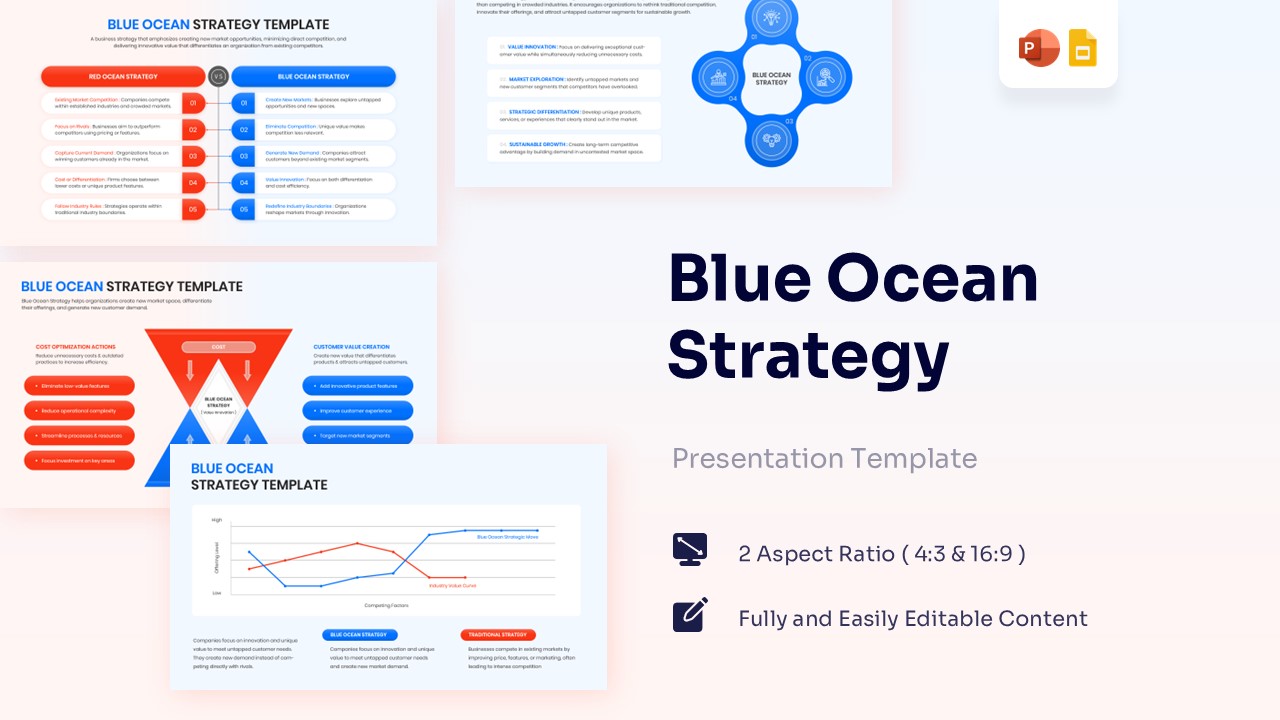
Blue Ocean Strategy Framework for Strategic Innovation
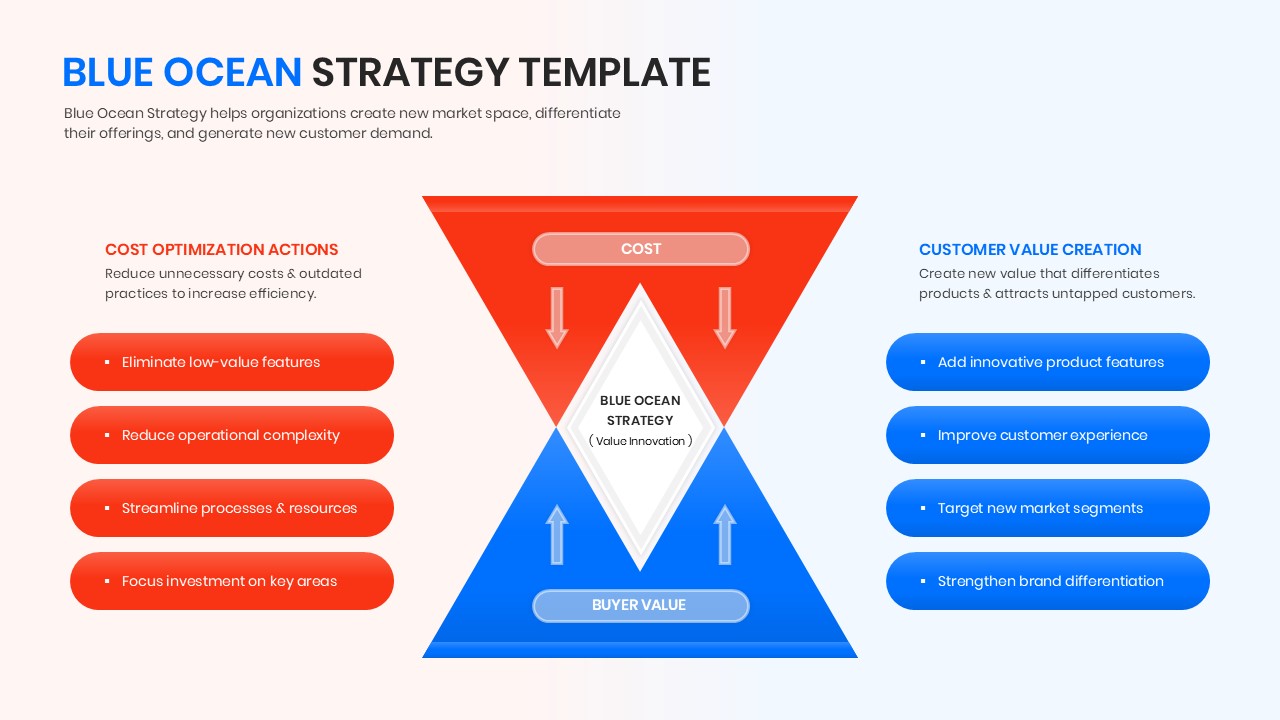
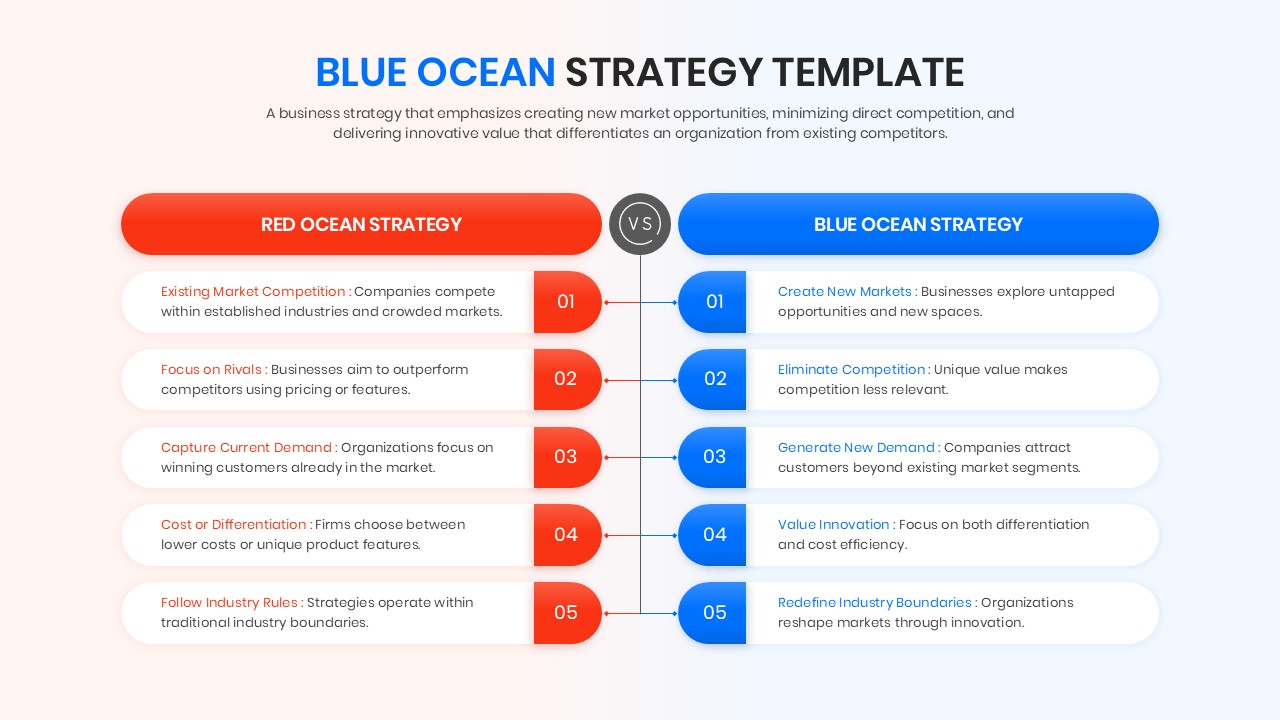
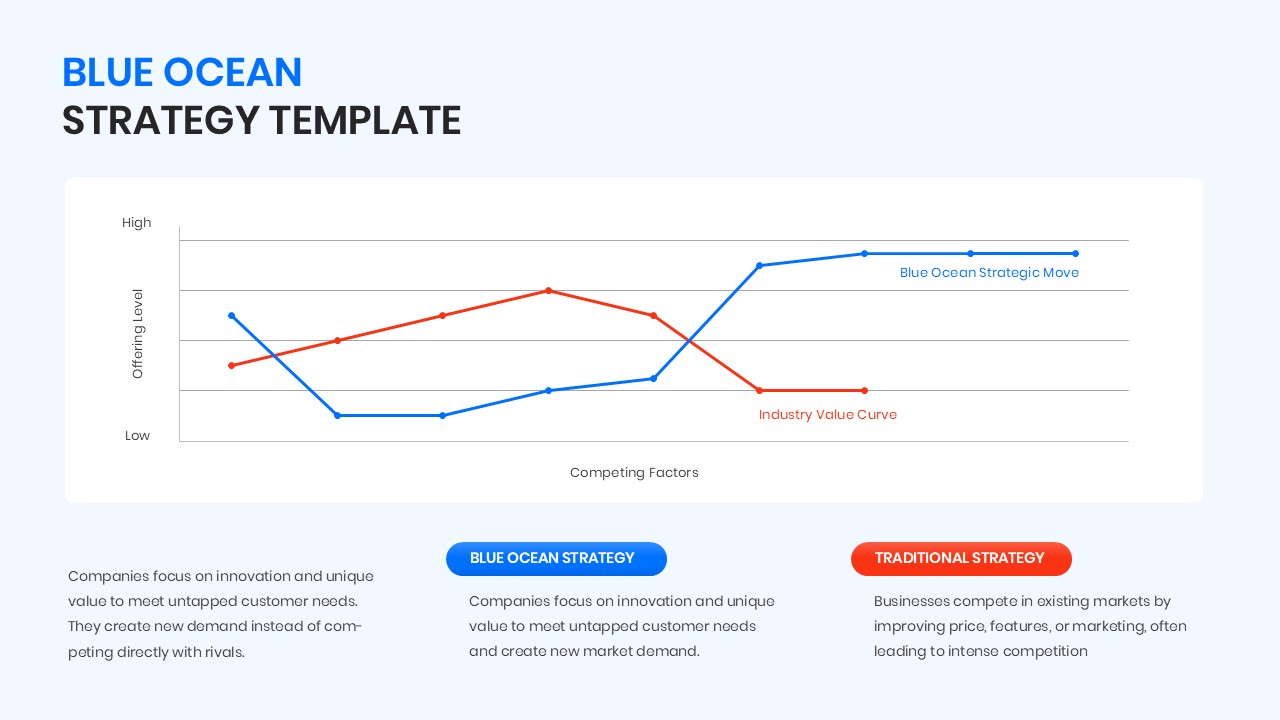
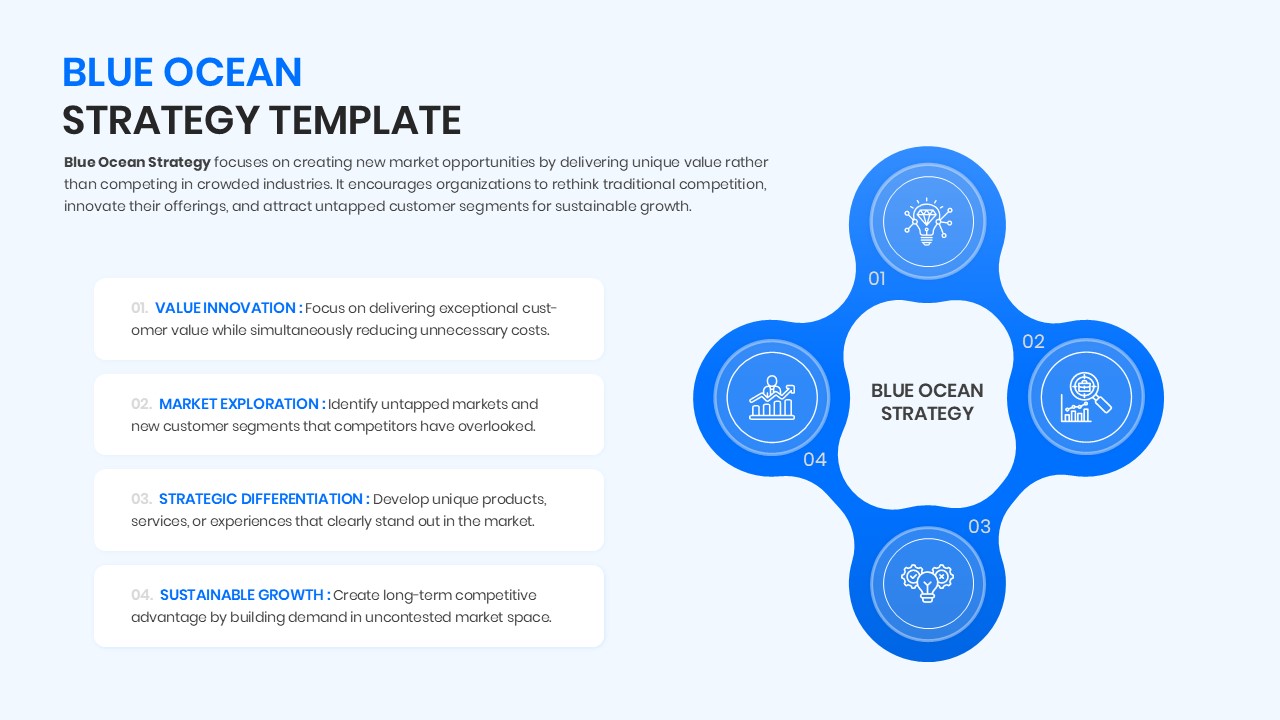
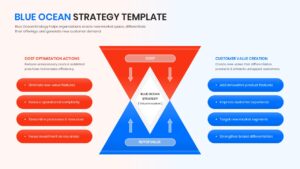
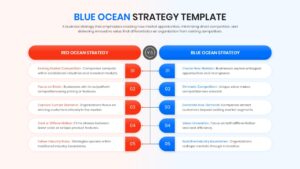
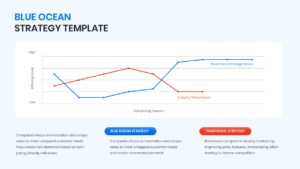
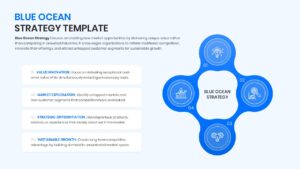
The Free Blue Ocean Strategy PowerPoint Template helps businesses explain growth opportunities and value innovation in a simple way. It includes strategy canvases, value curve charts, and competitive comparison diagrams that make strategic planning easier to present.
These slides are useful for business strategy meetings, startup pitches, innovation workshops, and consulting presentations. For innovation-focused business presentations, these slides work effectively alongside strategic business model presentation slides. They can also support competitive analysis and market expansion discussions.
The layouts work seamlessly in PowerPoint and Google Slides. They help simplify complex business ideas and present growth strategies with greater clarity. The visual design keeps audiences engaged and focused on key insights.
All elements are created as high-quality vector graphics for a professional appearance. You can easily modify the fully editable comparison infographics to match your branding. The slides also help highlight important data points and market opportunities in a clear visual format.
This template is ideal for business executives, startup founders, management consultants, and innovation teams. It helps organizations identify new market opportunities, develop growth strategies, and create competitive advantages. The slides are useful for strategic planning, business transformation initiatives, market expansion discussions, and value innovation presentations.
Discover more visual presentation designs in our extensive Free Infographics Template collection.
Key Features
- 100% Vector-Based Graphics
- Fully Layered & Organized
- Multi-Platform Support
- Theme Color & Theme Font
- Interactive Strategy Canvas Chart
- Comparison-ready Red vs. Blue Ocean layouts
Frequently Asked Questions
- Is the Value Innovation Framework compatible with Keynote?
- While optimized for PowerPoint and Google Slides, the PPTX file can be imported into Keynote with high layout fidelity.
- Do I need advanced design skills to use this slide deck?
- Not at all; the design is intuitive, allowing you to change text and colors using standard built-in tools.