Free BOOST Feedback Model Template for PowerPoint & Google Slides
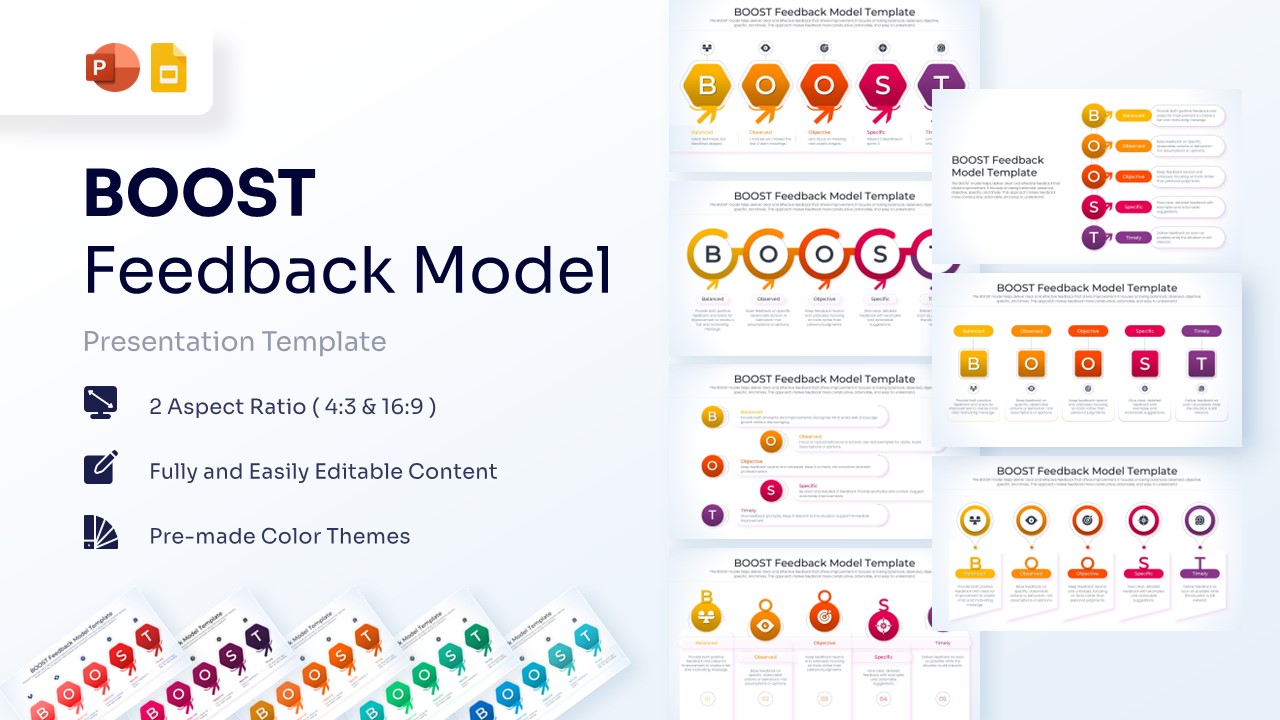
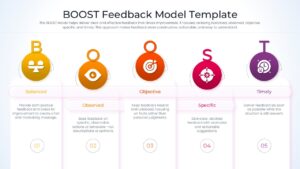
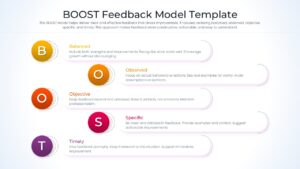
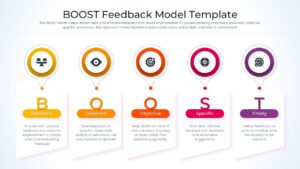
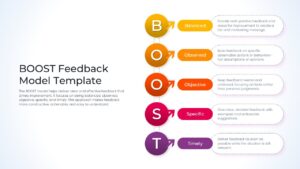
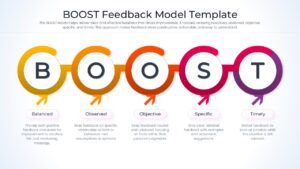
Professional BOOST Feedback Framework Presentation Template
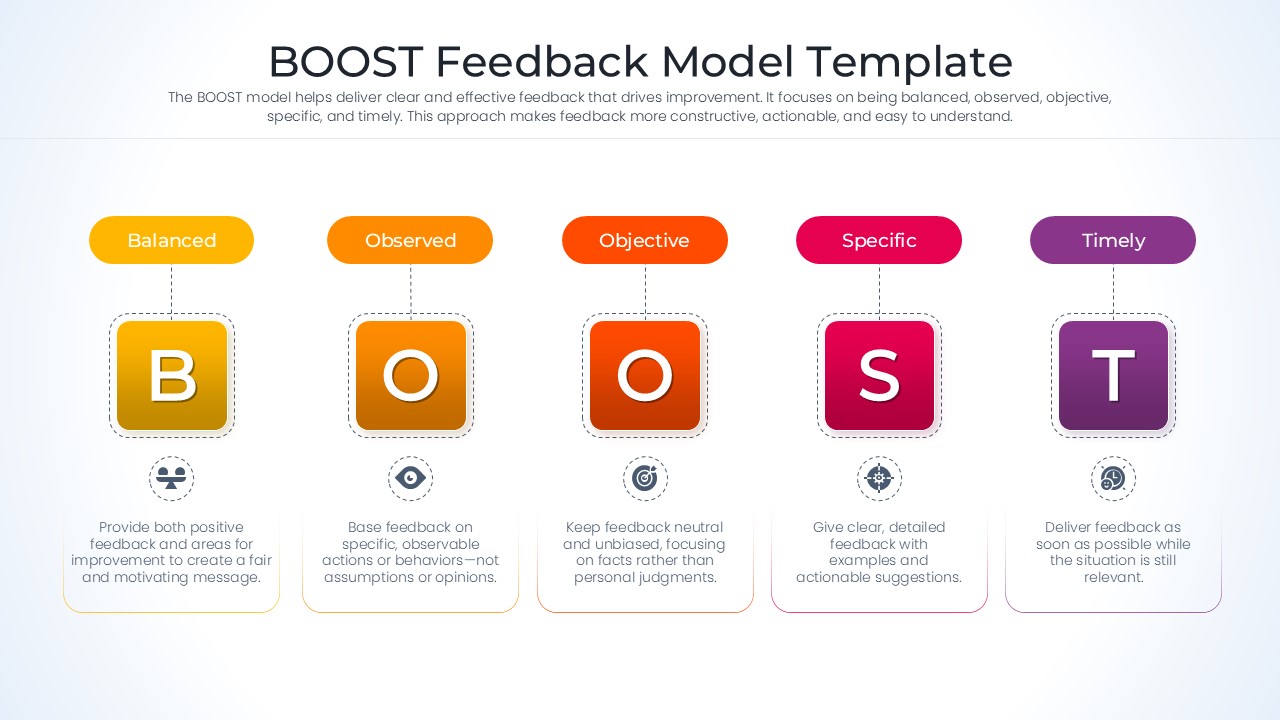
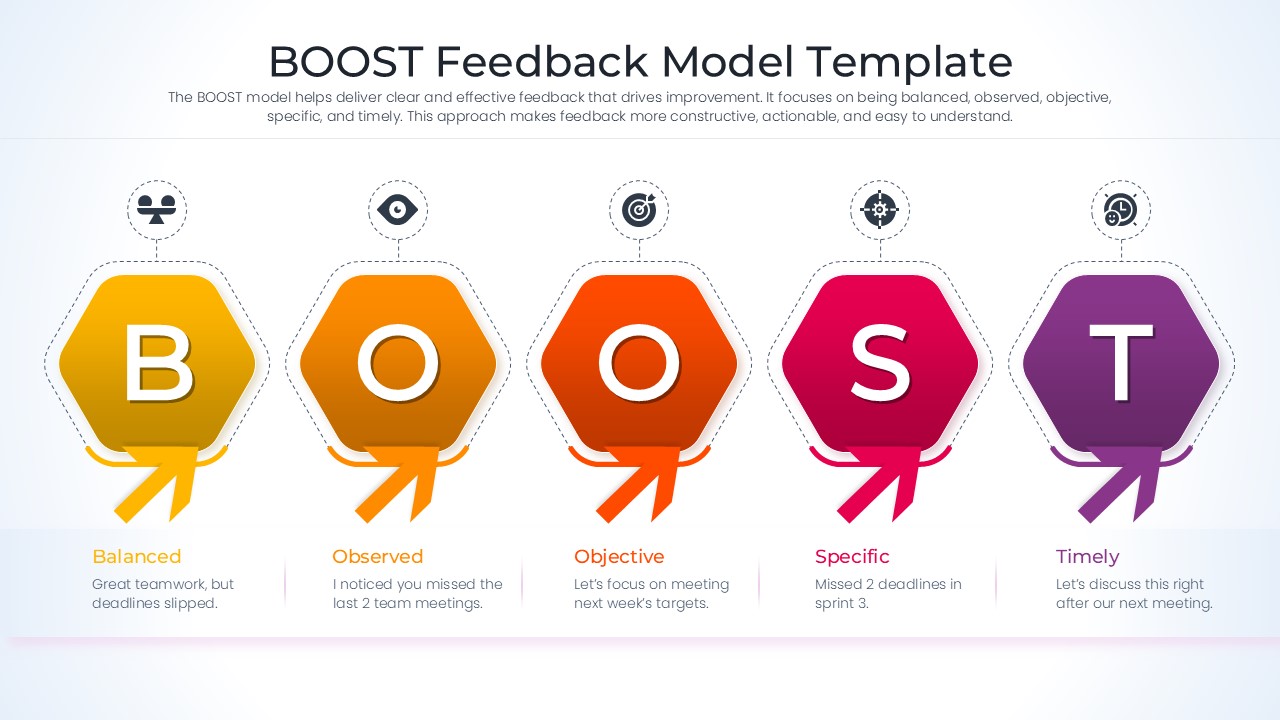
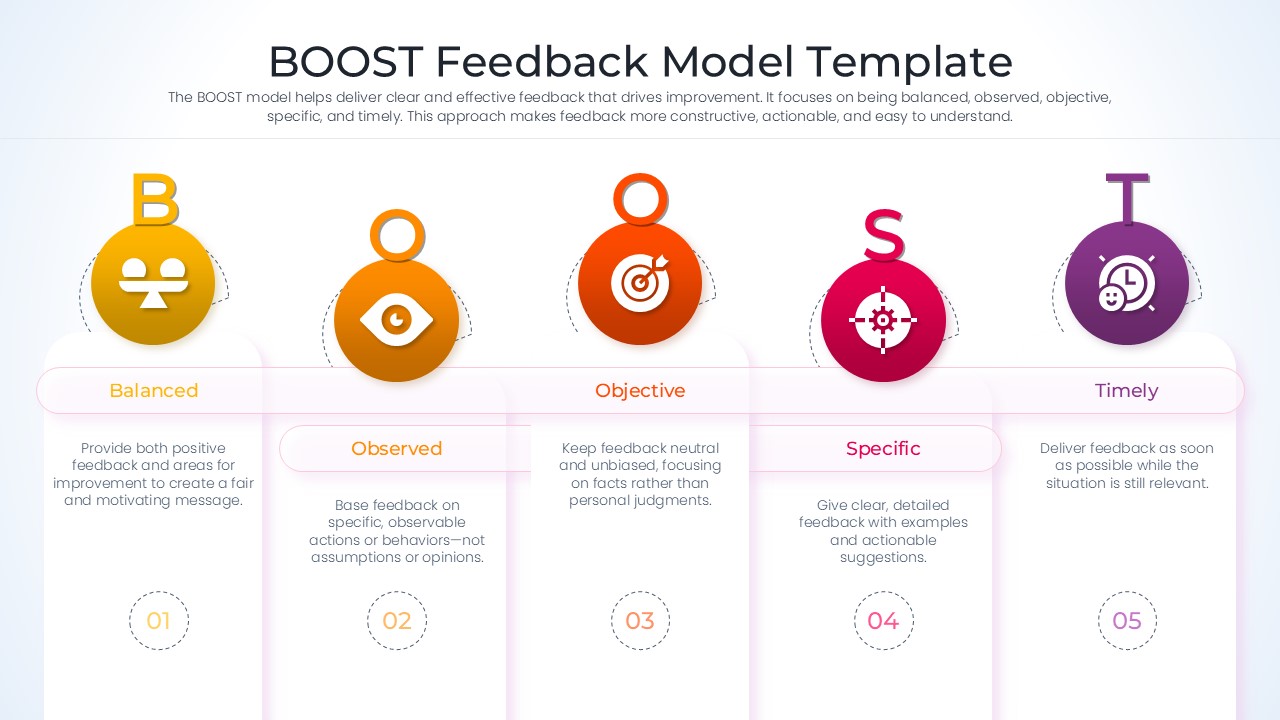
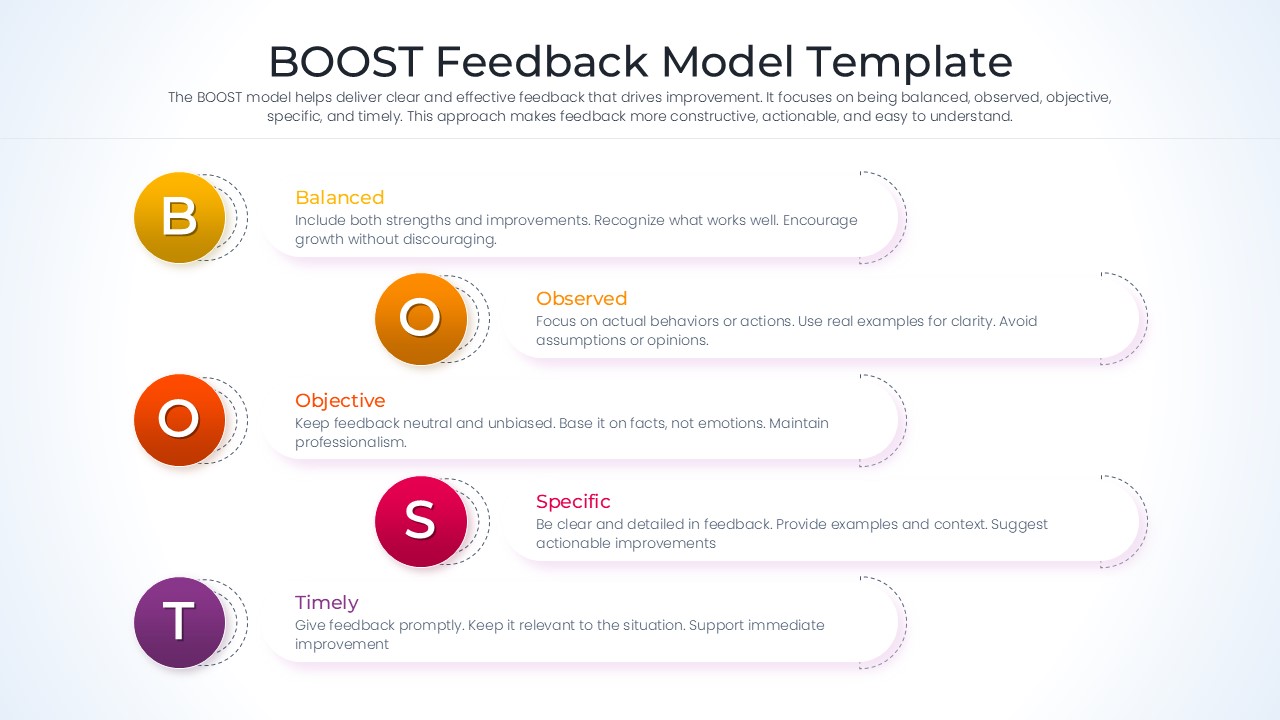
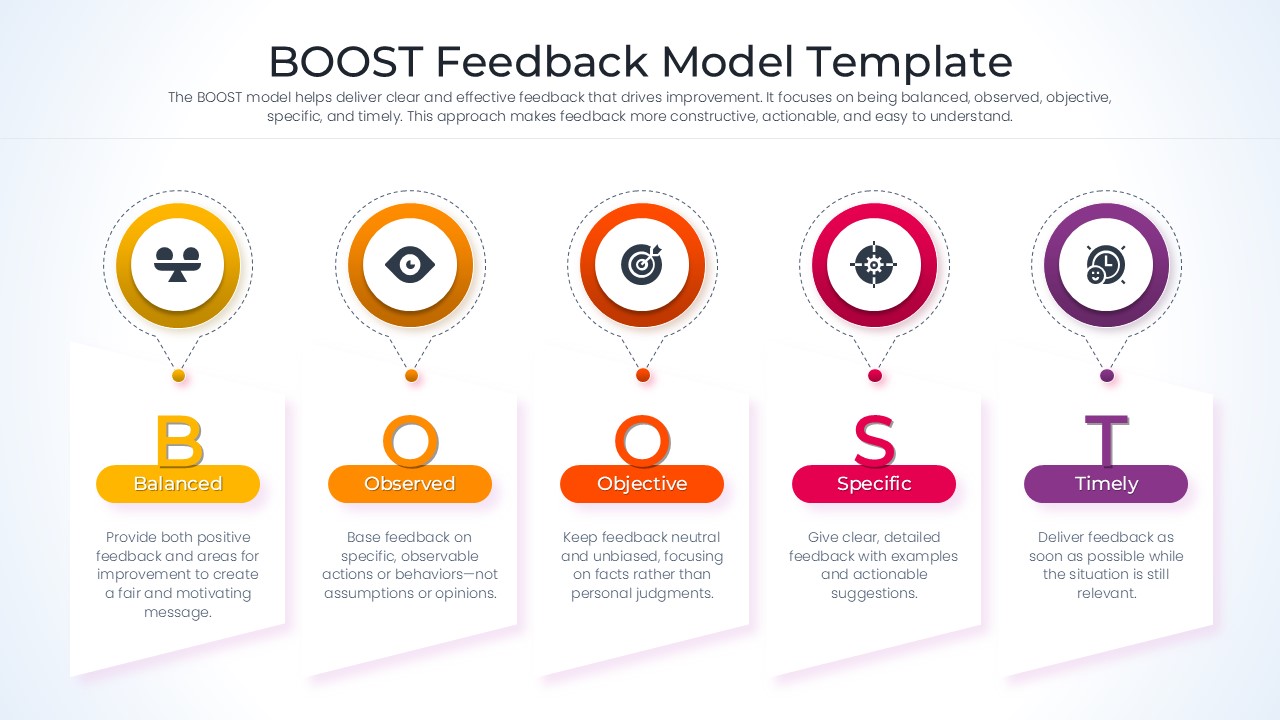
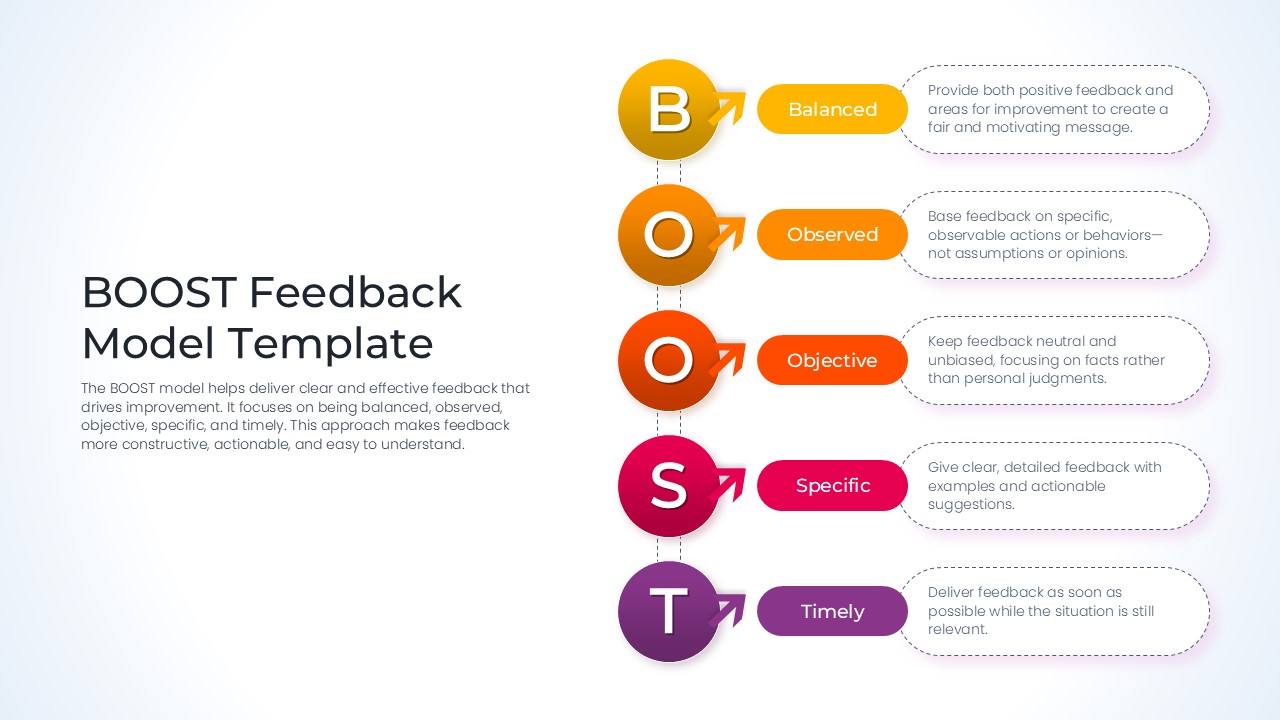
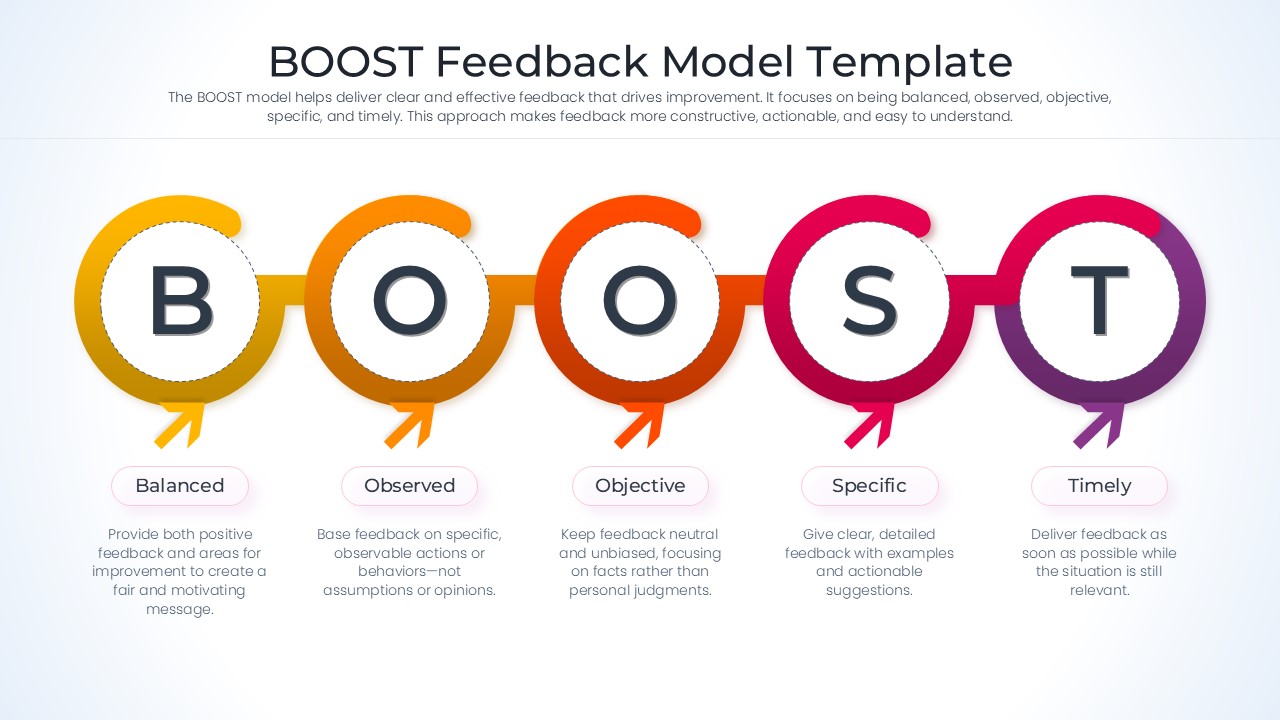
The Free BOOST Feedback Model Template helps organizations deliver constructive, balanced, and actionable feedback in a clear and structured way. Based on the principles of Balanced, Observed, Objective, Specific, and Timely feedback, this framework supports effective communication, employee development, and performance improvement. Whether you are conducting performance reviews, coaching sessions, or workplace training programs, these slides help create meaningful feedback conversations that drive growth and accountability.
Designed for managers, HR professionals, team leaders, trainers, and coaches, the template simplifies the feedback process through visual frameworks, process flows, and step-by-step diagrams. Furthermore, the layouts help explain feedback principles in an easy-to-understand format while promoting consistency across teams and departments. The slides can also be used alongside process infographic templates and business framework templates to create more engaging training, coaching, and performance management presentations.
Fully editable in PowerPoint and Google Slides, the BOOST Feedback Model Template allows users to customize examples, discussion points, coaching scenarios, and development plans according to their needs. Moreover, the framework works seamlessly with process diagram templates and professional infographic templates when presenting employee feedback strategies, leadership development initiatives, and workplace communication programs. As a result, organizations can strengthen collaboration, improve performance discussions, and build a culture of continuous learning and improvement.
Enhance your presentations with more editable designs from our Free Infographics Template collection.
Key Features
- 100-percent Vector-Based Graphics
- Fully Layered & Organized
- Multi-Platform Support
- Theme Color & Theme Font
- Editable BOOST Acronym Icons
- Dual Aspect Ratio (4:3 & 16:9)
Frequently Asked Questions
- How can I use the BOOST Feedback Model in a team meeting?
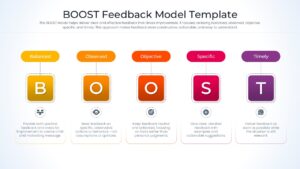
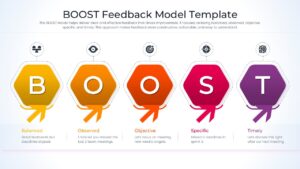
- The BOOST model is best used by walking through each letter—Balanced, Observed, Objective, Specific, and Timely—to ensure your feedback is well-rounded and actionable for the recipient.
- Is the employee performance feedback content editable?
- Yes, all text boxes, colors, and icons are fully editable within PowerPoint and Google Slides, allowing you to tailor the content to your specific team\'s needs.
- Does this presentation layout support different screen sizes?
- Absolutely, the deck is provided in both 4:3 standard and 16:9 widescreen aspect ratios to ensure it looks professional on any projector or monitor.
Related Templates
-
-
 Free
Free -
-