Free Circular Cycle Diagram Template for PowerPoint & Google Slides
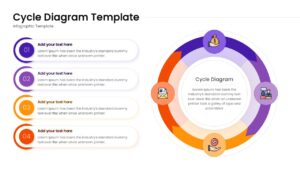
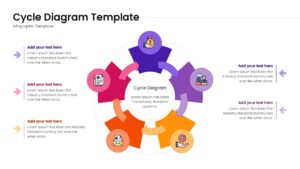
Cyclical Loop Slides for Continuous Workflows
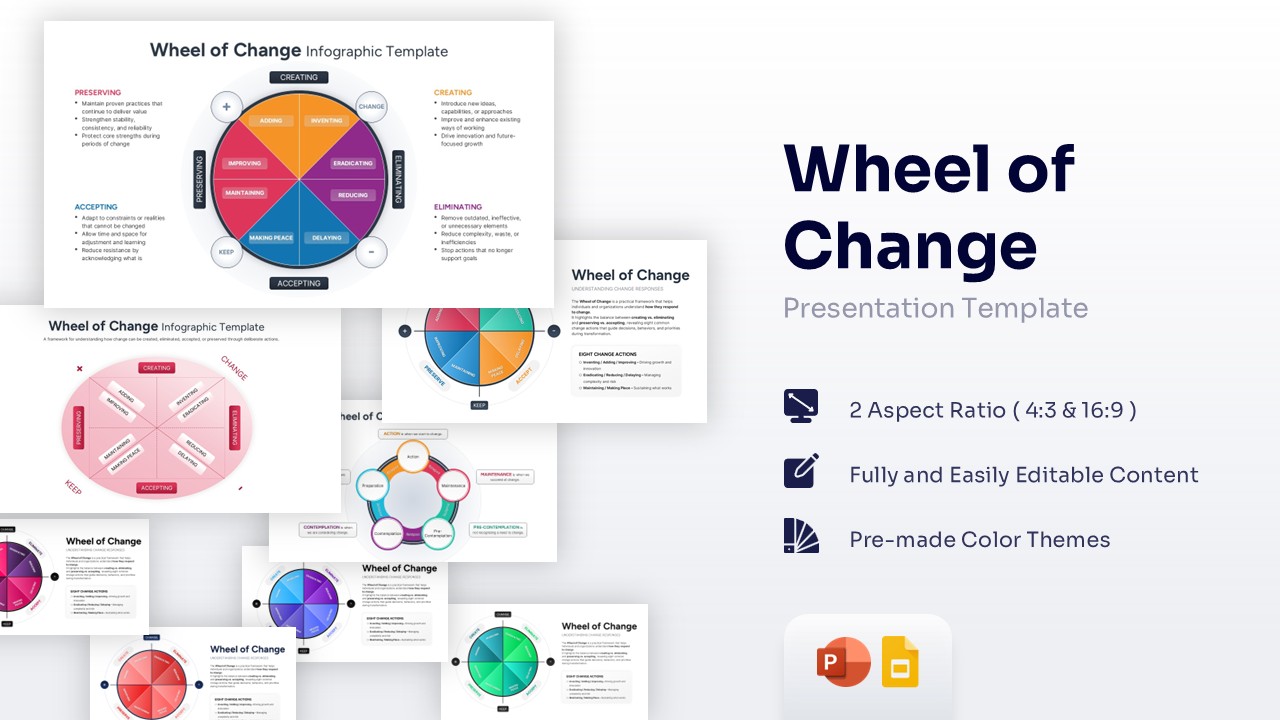
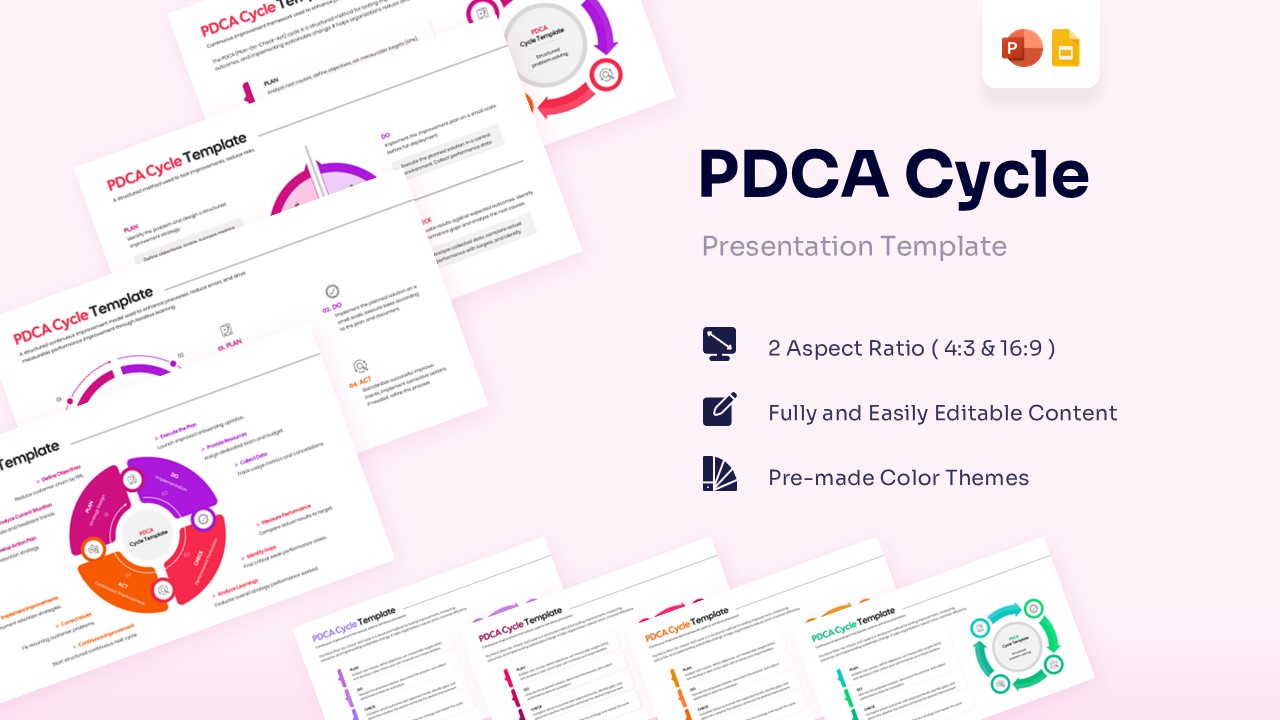
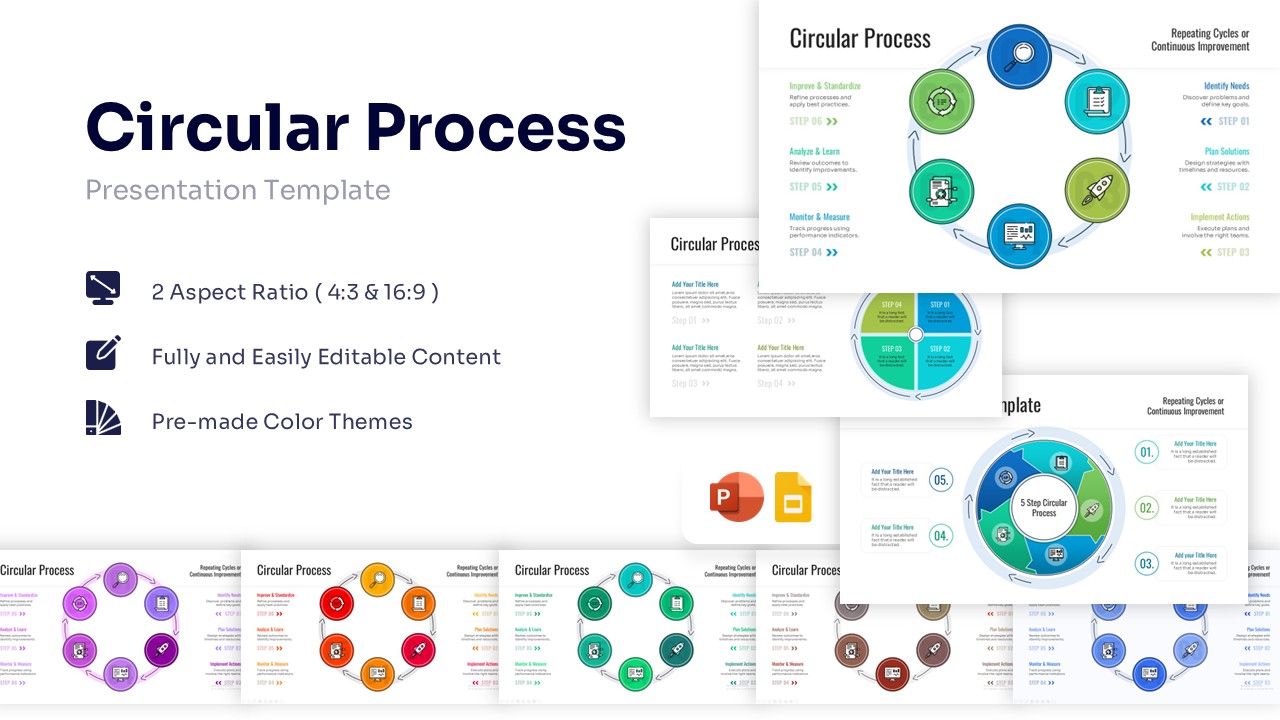
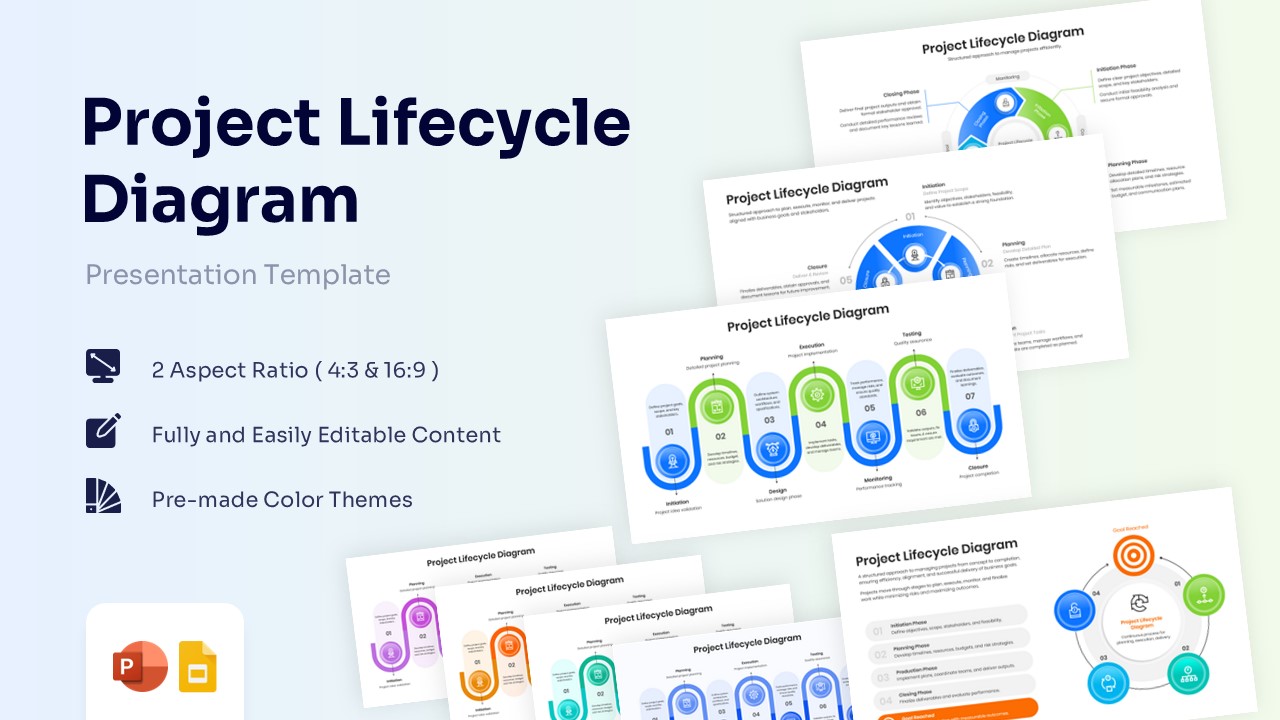
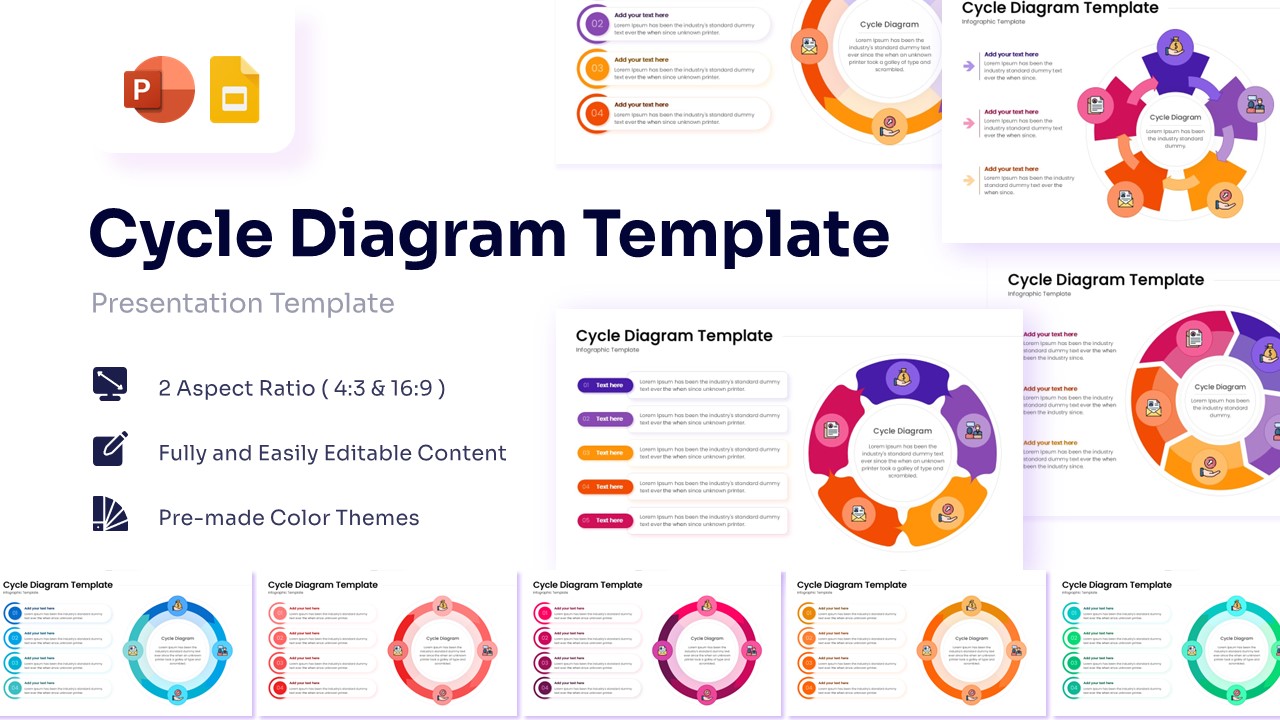
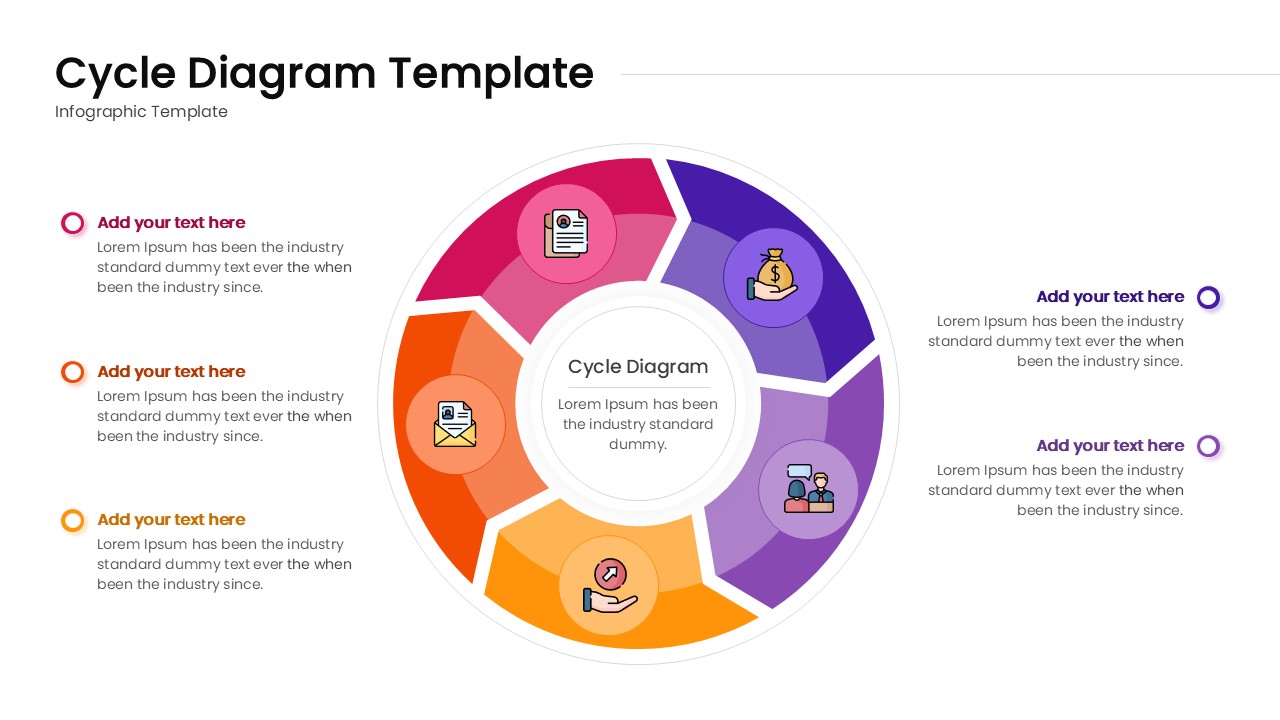
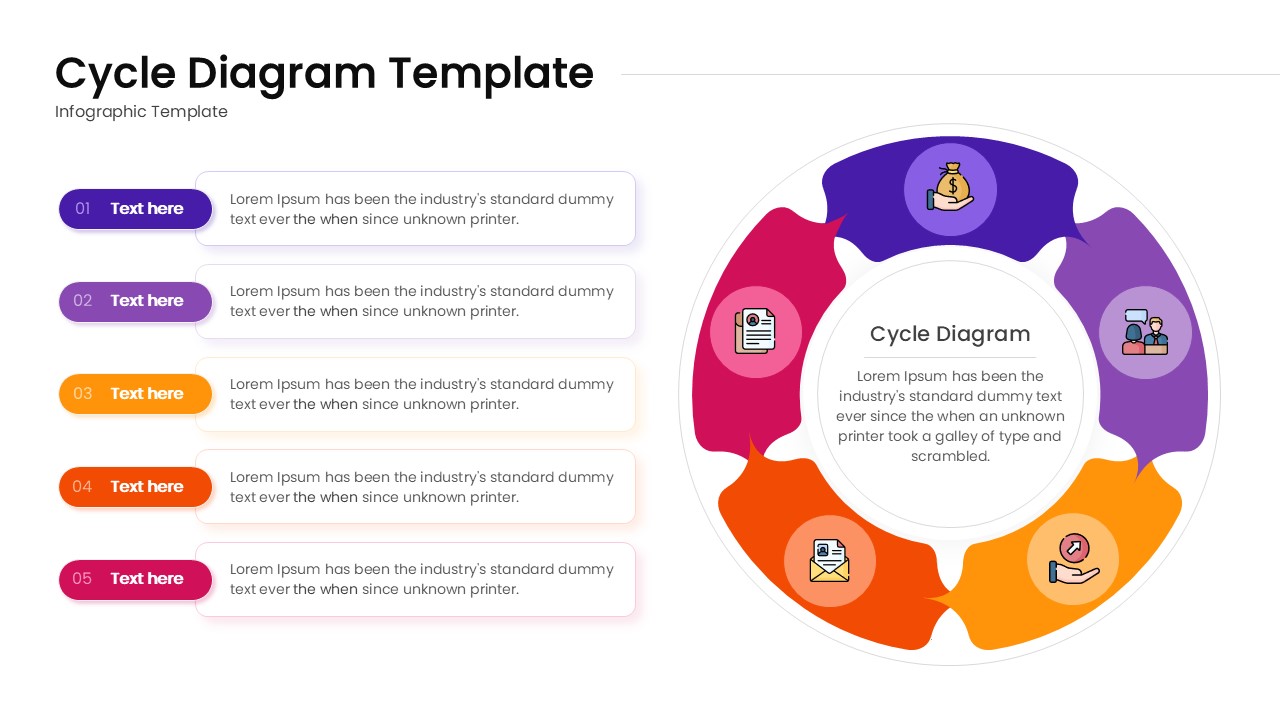
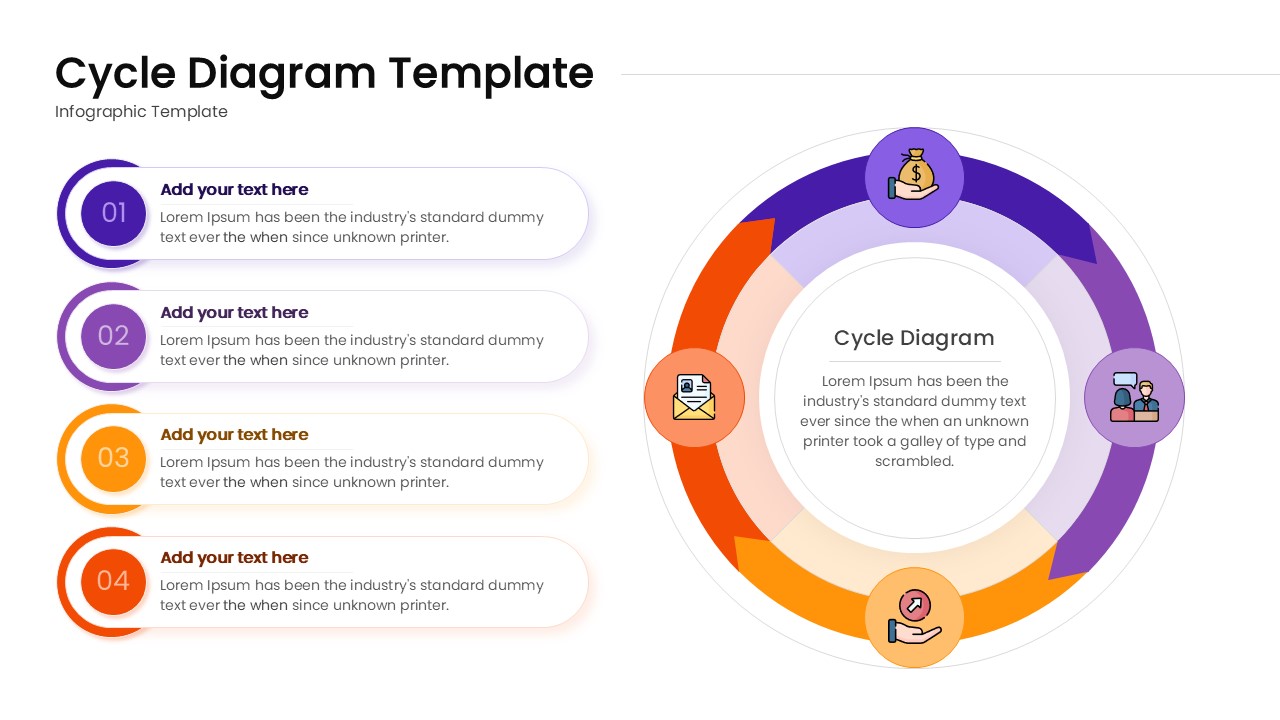
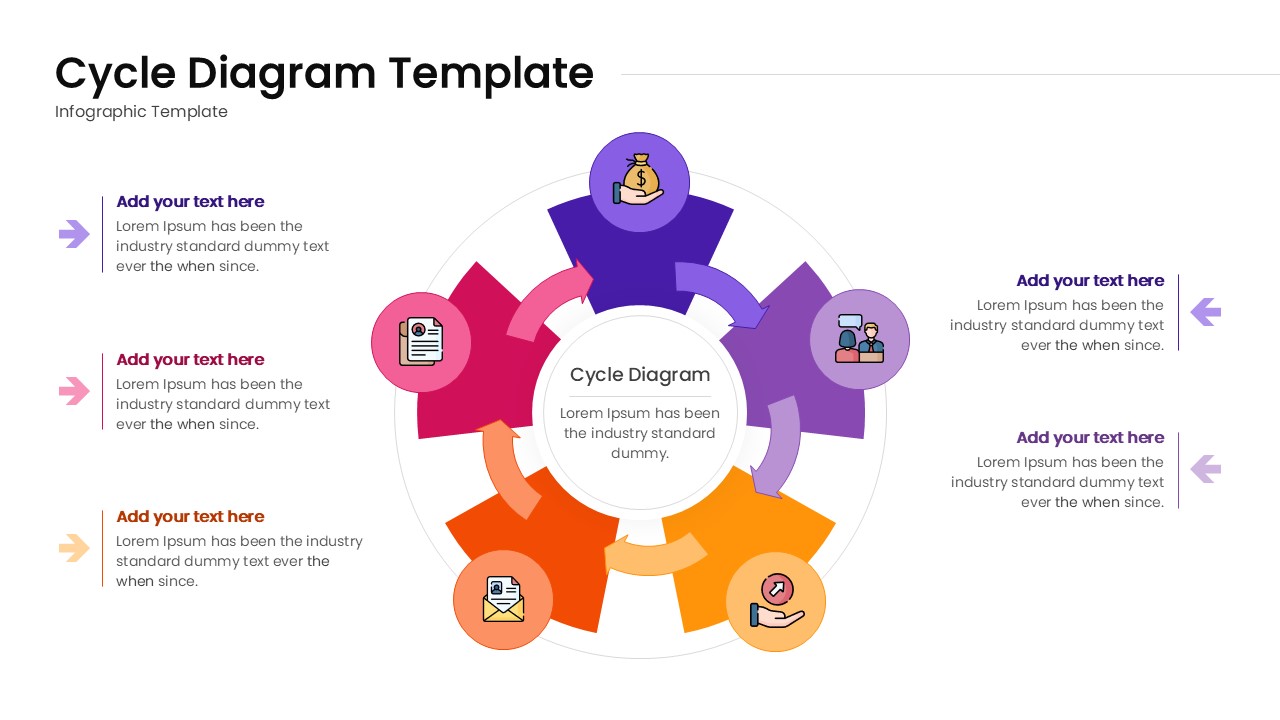
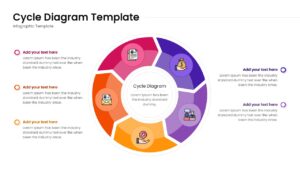
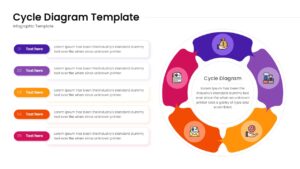
Elevate your process discussions with this free circular cycle diagram template designed to spotlight continuous workflows and cyclical stages. Boasting a striking, multi-colored palette of rich purples, energetic oranges, and crisp pinks set against a clean white backdrop, the design radiates a modern, highly organized aesthetic. It is an exceptional choice for strategic planning sessions, operational reviews, and any corporate environment where you need a robust continuous process PowerPoint layout to illustrate recurring phases. The layouts meticulously integrate thick directional arrows, smoothly segmented circular graphics, and thoughtfully placed minimalist icons to depict ideas with absolute clarity, ensuring each step of the loop flows seamlessly into the next.
Designed specifically for project managers, business strategists, and marketing directors looking to visually connect multi-stage operations. These free circular process flow diagram are tailored to showcase crucial recurring sequences such as product life cycles, continuous improvement models, and annual performance feedback loops. By utilizing these visually appealing infographics, you can simplify complex, repeating information, keeping your listeners fully engaged and well-informed from the first step through to the cycle’s completion.
If you’re sketching out a five-step customer retention strategy, delving into an iterative software development loop, or even sharing feedback on a quarterly supply chain cycle, these graphics adapt perfectly to your narrative. This circular cycle diagram template equips you with the essential structural elements to articulate your strategic thoughts effectively and convey your message effortlessly to stakeholders. Download it now. Enhance your presentations with these crafted slides!
Key Features
- 100% Vector-Based Graphics
- Fully Layered & Organized
- Multi-Platform Support
- Theme Color & Theme Font
- Easily customizable segmented arrows and central text hubs
- Includes versatile 4-step and 5-step cyclical variations
Frequently Asked Questions
- Can I change the icons in the diagram?
- Yes, all icons are fully editable. You can replace them with your own or use the built-in library to match your specific industry needs.
- Will the colors automatically match my brand?
- Absolutely. The template uses theme colors, so when you paste it into your existing deck, it will adapt to your brand’s color palette instantly.
- Are there different step options available?
- The pack includes various layouts, such as 4-step and 5-step circular diagrams, to accommodate different levels of detail.