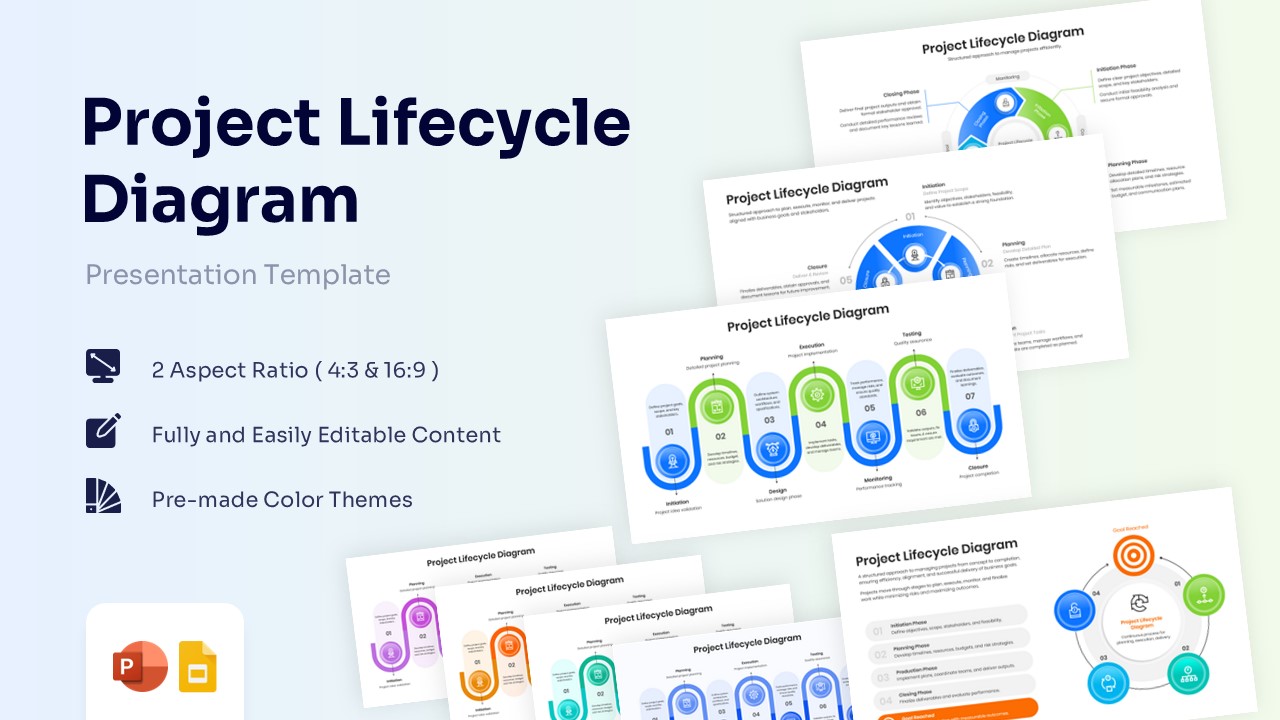
Free Circular Process Template for PowerPoint & Google Slides
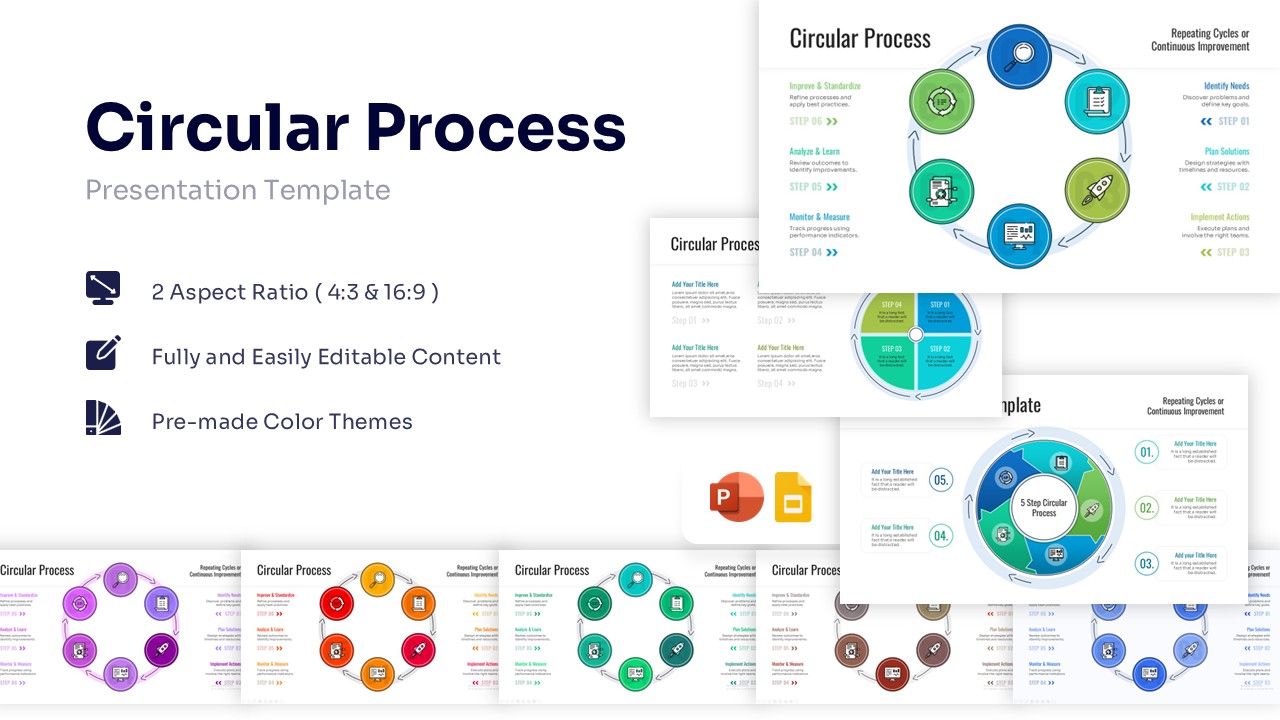
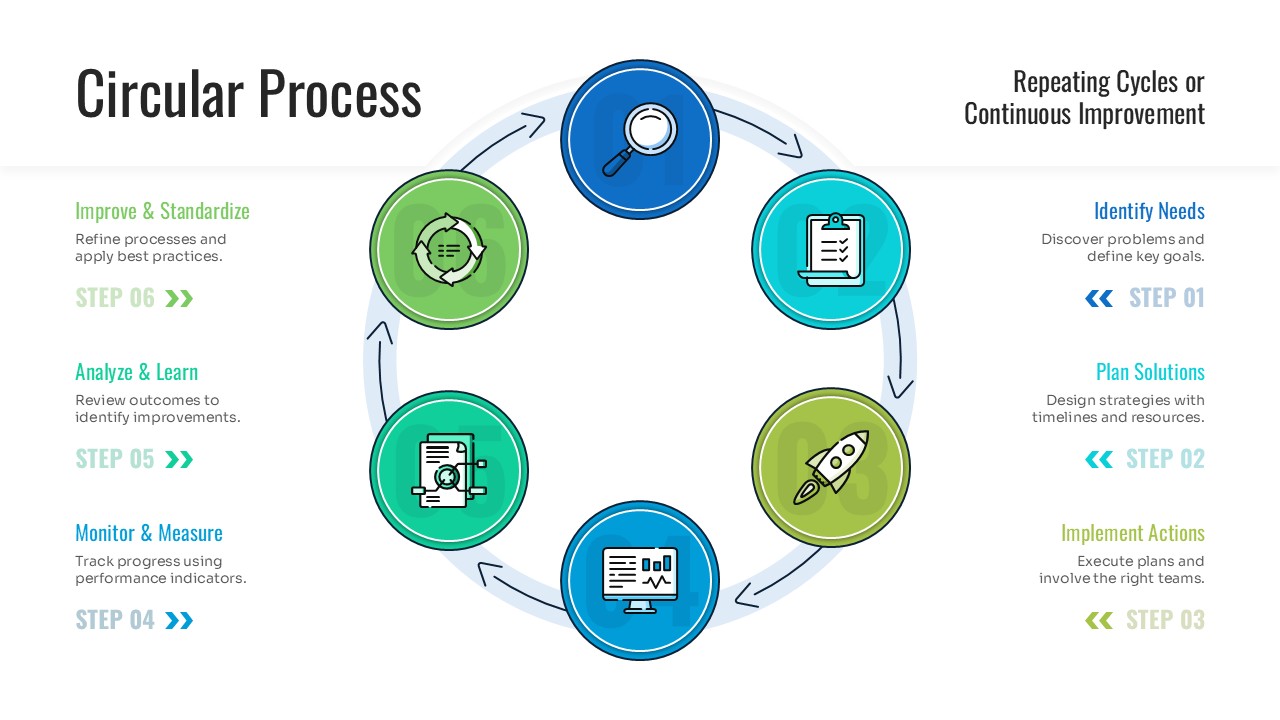
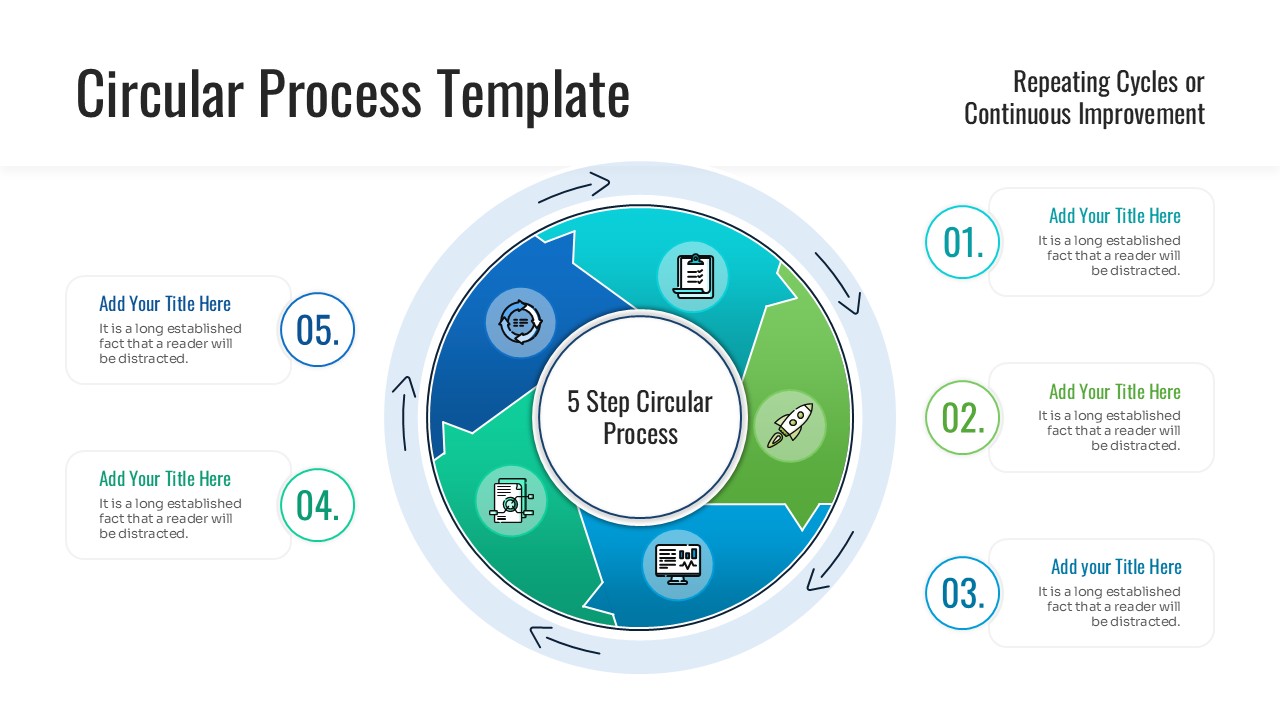
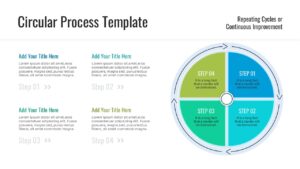
Visualize Continuous Improvement with these Cycle Diagram
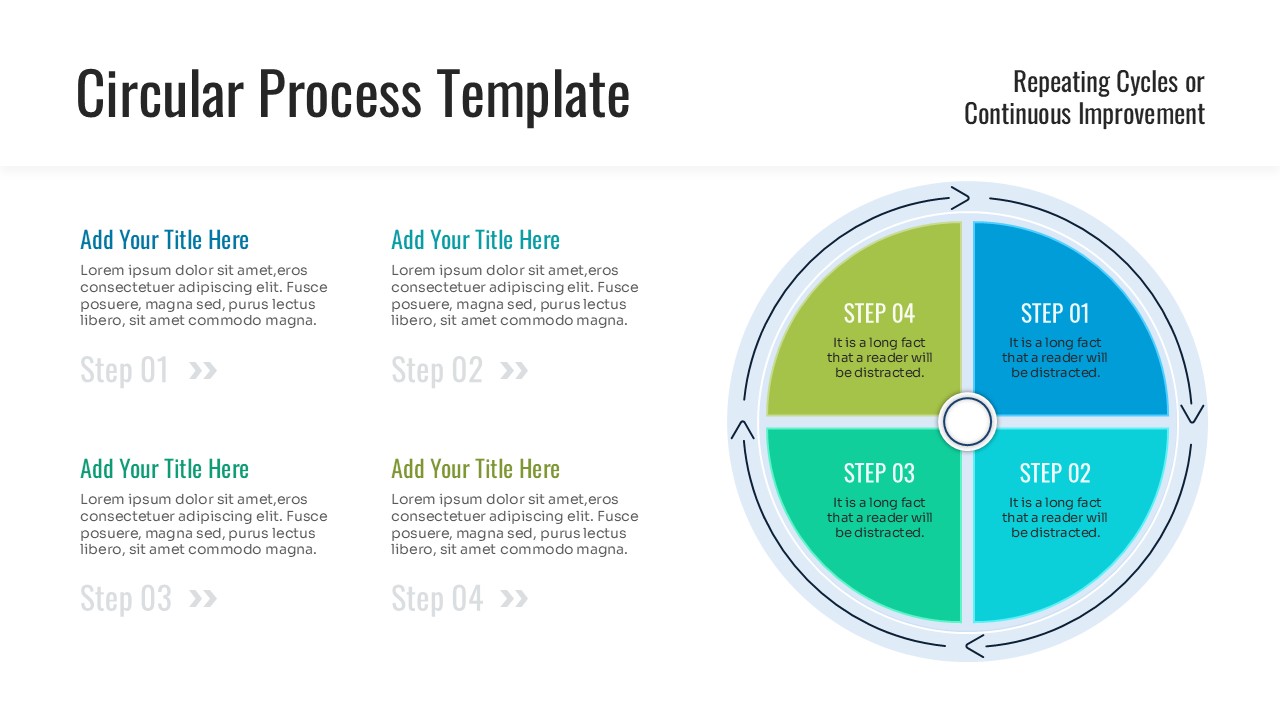
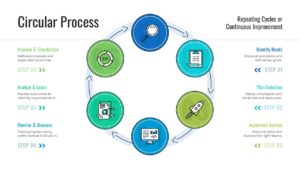
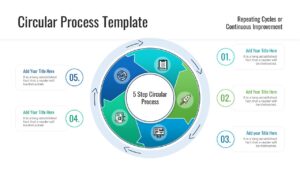
Ready to map out your repeating workflows and ongoing strategies? Dive in and download this free Circular Process Diagram for PowerPoint & Google Slides to experience the visual impact of clearly defined, continuous phases. This specific visual asset empowers you to present cyclical models—like continuous improvement cycles or recurring business workflows—in a clean, structured format, making complex repeating logic instantly understandable for your stakeholders.
PresentoVerse designs are built for absolute convenience, meaning these circular flow diagram graphics are completely effortless to adapt to your brand. Simply download the file, pick the specific loop layout that fits your data, customize the text and icons, and drop it straight into your slide deck. Step confidently into your next meeting and drive absolute clarity thanks to these professionally crafted loop diagrams.
Key Features
- 100% editable and easy to modify
- Different Loop Process Graphics to boost your presentations
- Includes vector icons and extensions for further customization
- Designed to be used in Google Slides and Microsoft PowerPoint
- Includes information about how to edit and customize your layout
Frequently Asked Questions
- Can I change the number of steps in the circle?
- Yes, you can ungroup the elements to add or remove steps, though using the pre-made 4, 5, or 6-step variations provided is faster.
- Do the icons come with the template?
- Yes, the template includes the icons shown, and they are fully editable so you can resize or recolor them.
- Will the colors change if I apply my own PowerPoint theme?
- Yes, this template is built with theme colors, so it will automatically adapt to your company’s color palette when you copy it into your deck.
Related Templates
-
-
 Free
Free -
 Free
Free -