Employee Meeting Agenda Free Template for PowerPoint & Google Slides
Effective Meeting Agenda Template
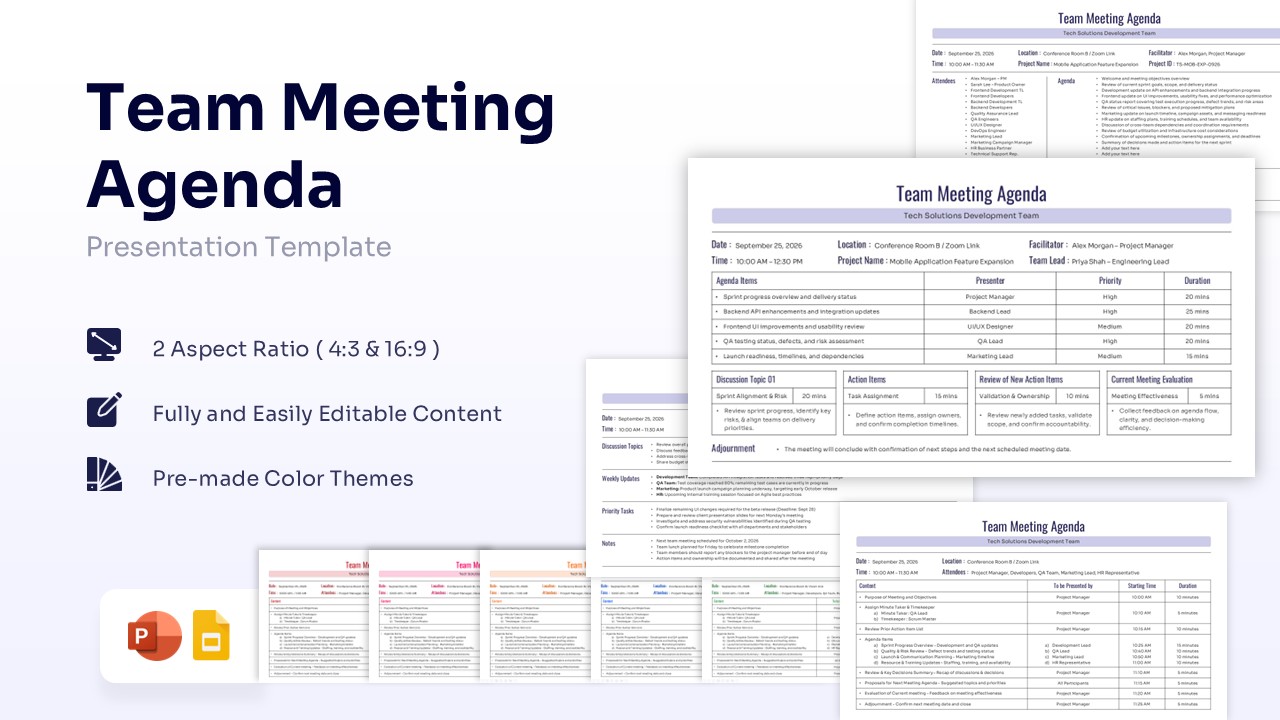
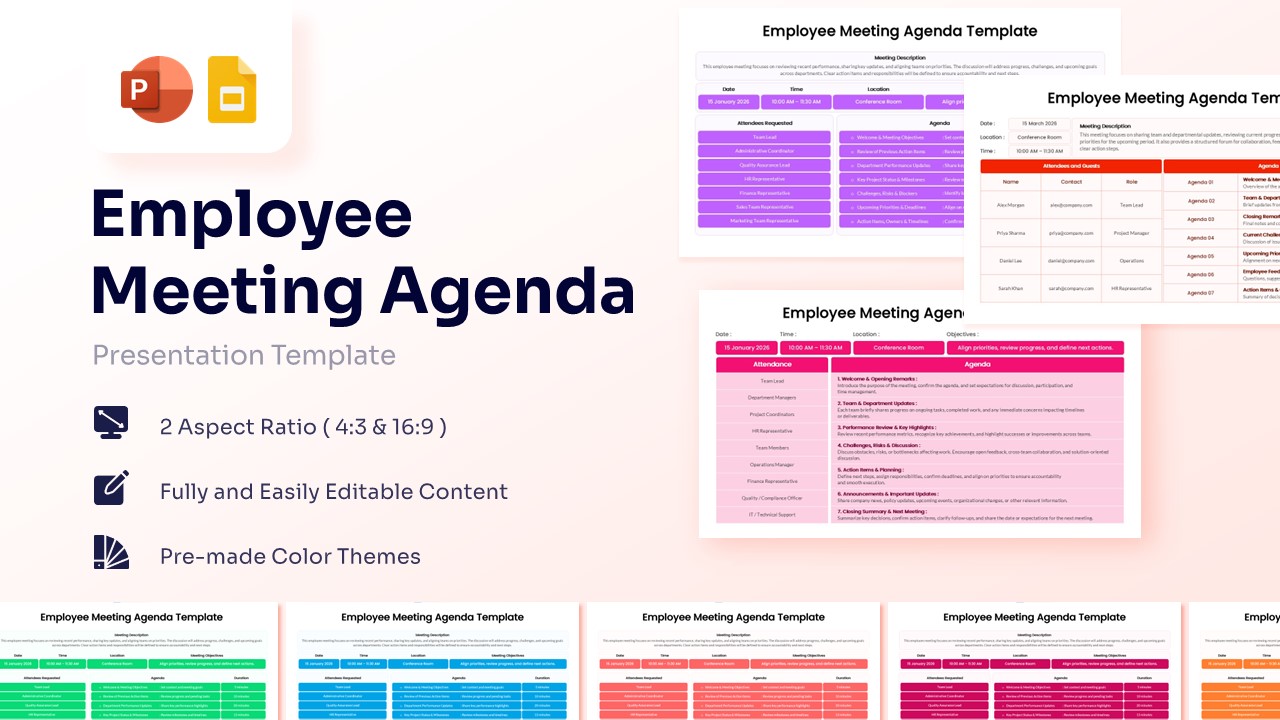
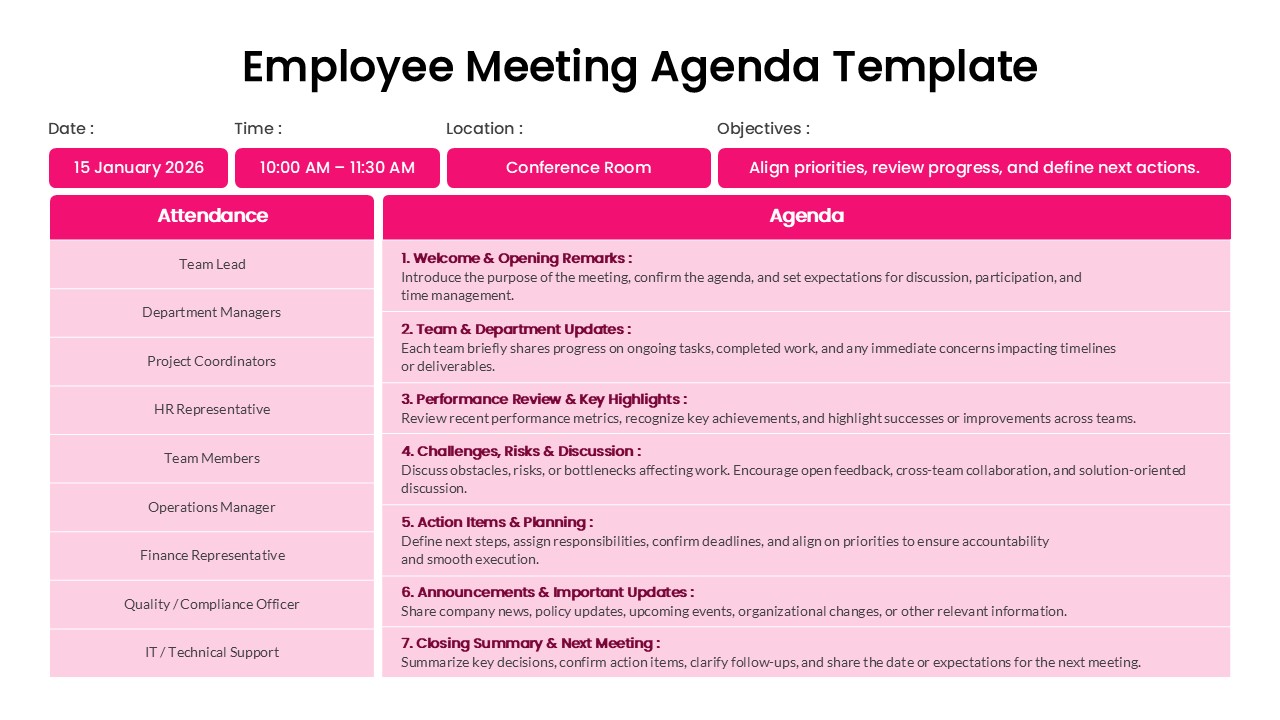
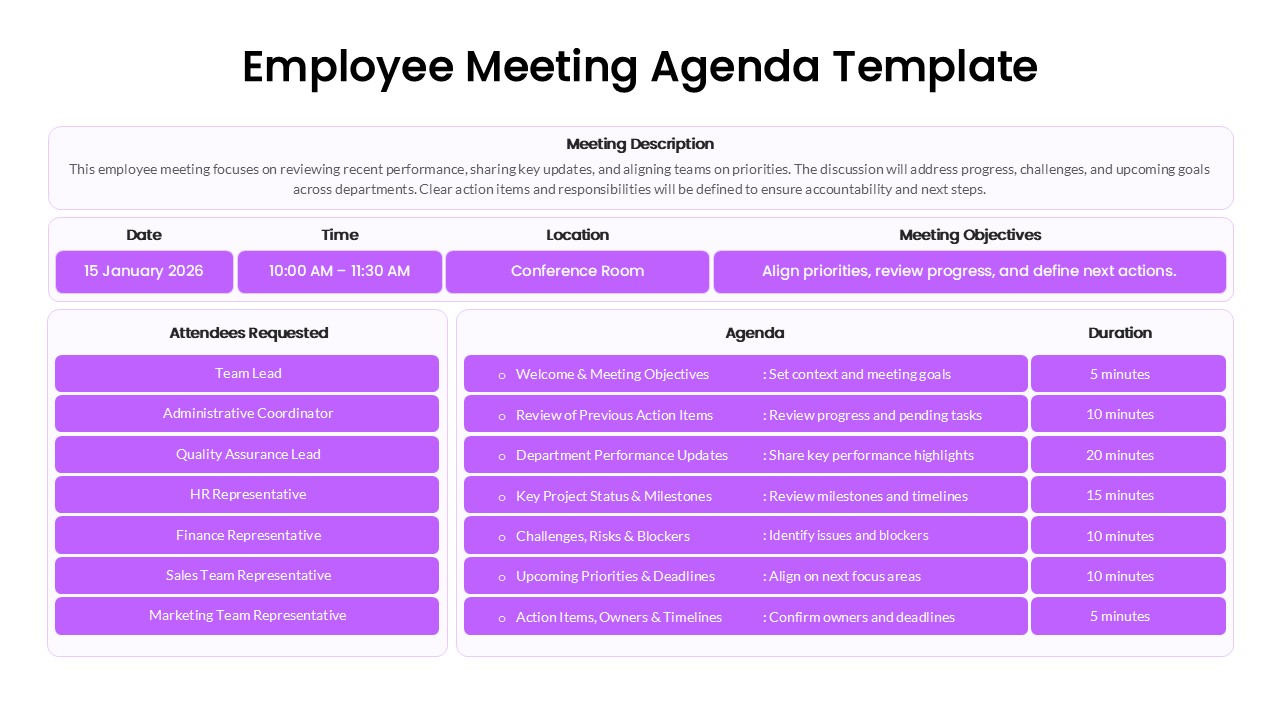
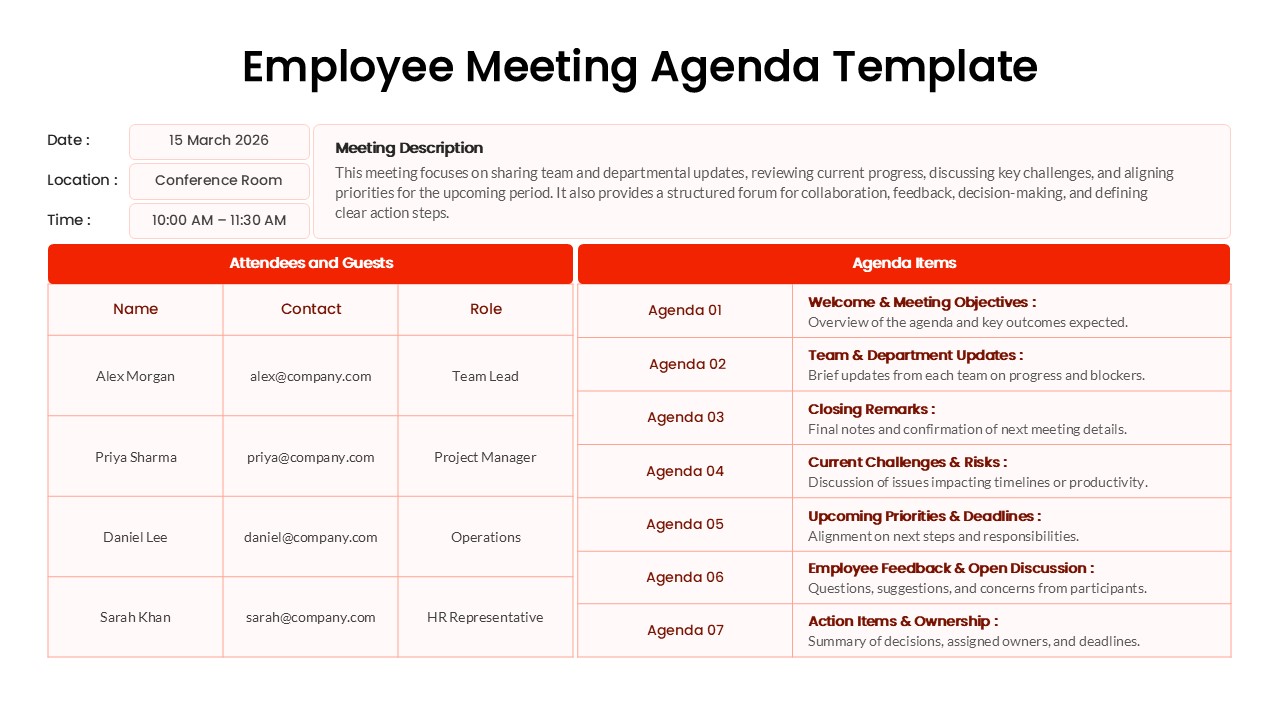
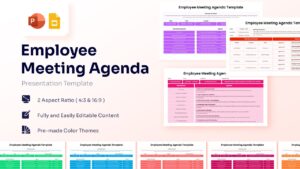
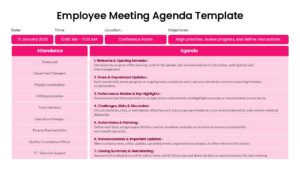
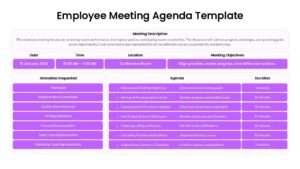
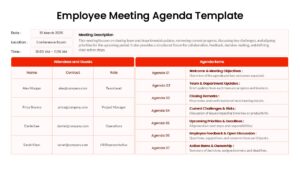
Every successful corporate initiative relies on structured communication, where routine check-ins bridge the gap between high-level strategy and daily operational execution. However, organizational leaders consistently struggle to maintain focus during these gatherings, often watching valuable time evaporate into ambiguous tangents or unstructured debates. The ultimate goal is to convert these passive status updates into driven, action-oriented workshops that yield tangible results. Facilitating this level of rigorous efficiency requires a Free Employee Meeting Agenda Template that systematically addresses everything from meticulous attendance tracking and performance reviews to real-time troubleshooting and the strict allocation of departmental responsibilities.
Download our Employee Meeting Agenda Template for PowerPoint and Google Slides to fundamentally transform how you orchestrate departmental syncs and executive briefings. By utilizing these meticulously organized tabular layouts and visually crisp aesthetics, you can keep your entire audience actively anchored to the current discussion topic without succumbing to meeting fatigue. Seamlessly integrating our comprehensive HR management layouts into your routine ensures that every participant remains engaged, highly accountable, and completely aligned on their upcoming deliverables.
Key Features
- 100% Vector-Based Graphics
- Fully Layered & Organized
- Multi-Platform Support
- Theme Color & Theme Font
- Easily Editable Text and Layouts
Frequently Asked Questions
- How do I edit the meeting duration in the table?
- Simply click on the text box within the \"Duration\" column and type in your specific time. The layout is fully flexible to accommodate short huddles or long workshops.
- Can I change the color theme to match my company branding?
- Yes, the template uses theme colors, allowing you to change the entire color palette with a few clicks through the Slide Master or Theme settings.
- Is this template compatible with mobile devices?
- Absolutely. Since it supports Google Slides and PowerPoint, you can easily view or present your agenda from a tablet or smartphone during a meeting.