FAQ Templates for PowerPoint & Google Slides
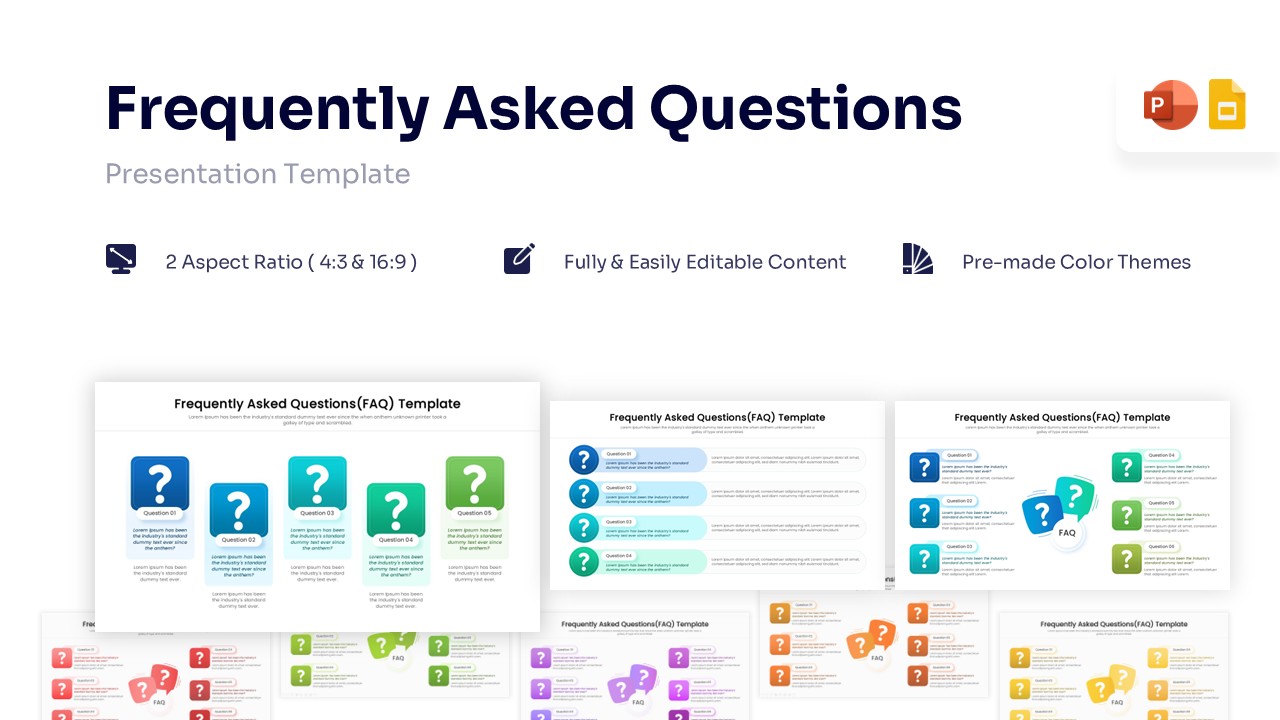
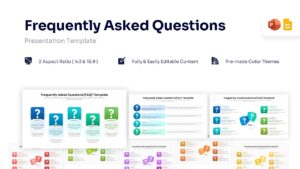
Frequently Asked Questions Template for Presentation
Wrapping up a complex product launch or addressing stakeholder concerns often requires a dedicated, structured Q&A session. When finalizing technical details with corporate clients or onboarding new teammates, clarity is absolutely paramount. How can you organize these crucial answers so they captivate your team, much like a well-structured FAQ infographic does? This FAQ Template is the ideal solution, offering a clean, highly visual approach to handle all your common inquiries without overwhelming the viewer.
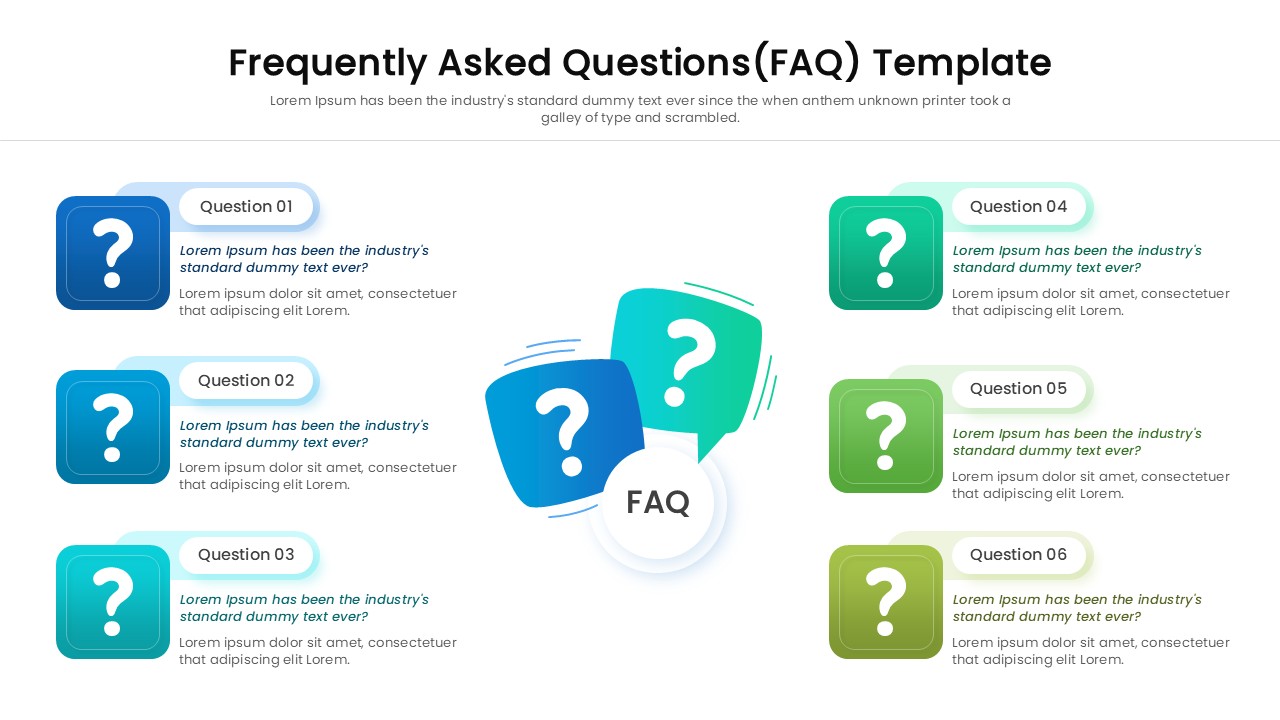
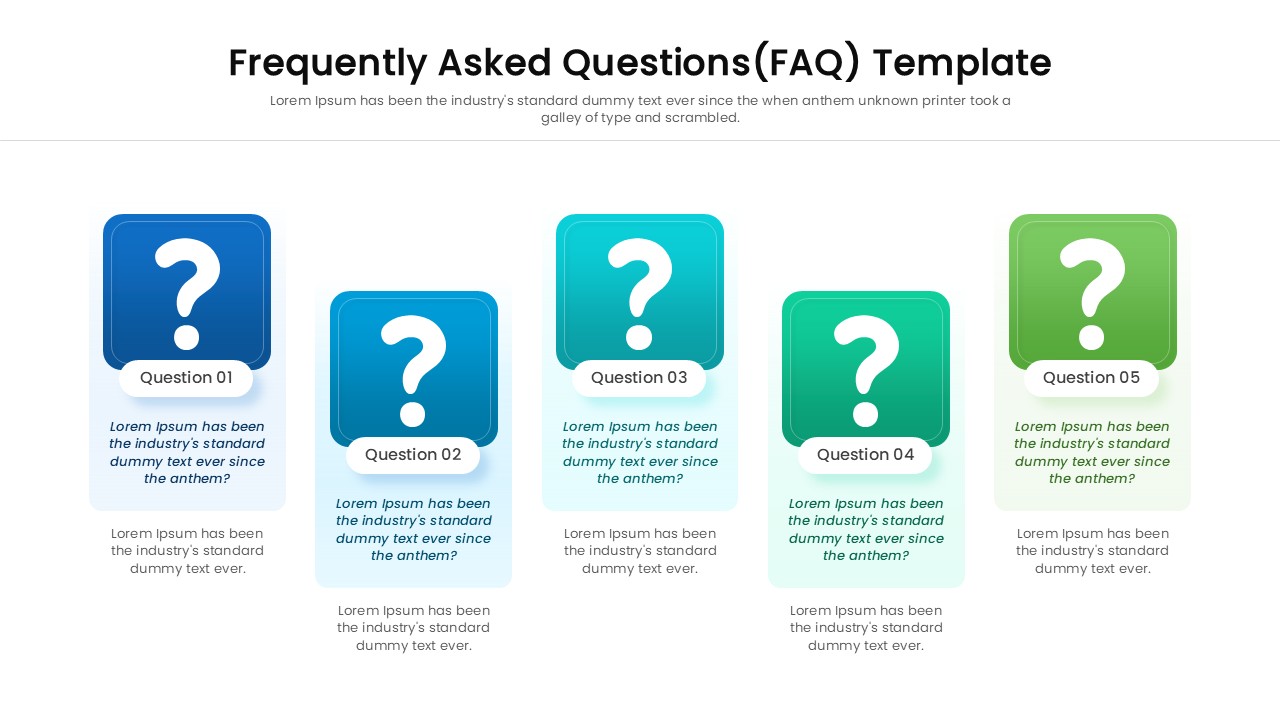
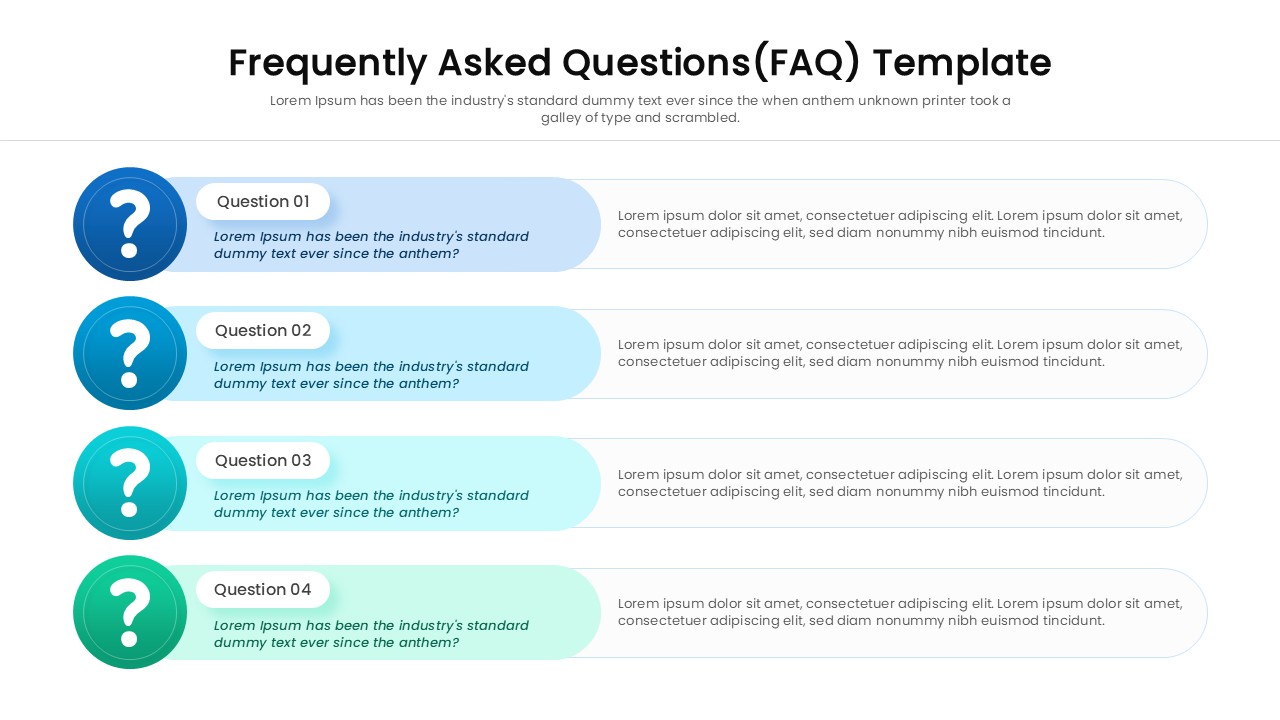
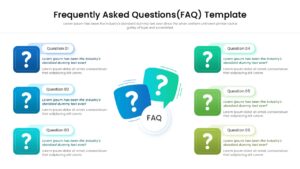
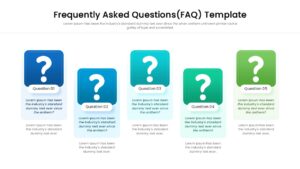
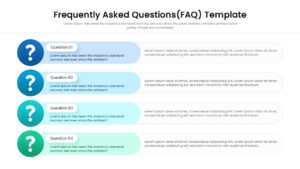
The Frequently Asked Questions infographics feature bold, prominent question mark icons housed within vibrant, color-coded shapes, ranging from solid squares to dynamic speech bubbles. Each layout pairs these striking visual anchors with fully editable text blocks, allowing you to quickly insert specific queries and detailed responses while adjusting the theme colors to match your brand identity.
You can easily select from versatile horizontal timelines, structured vertical lists, or a centralized speech bubble format to best fit the volume of your content. If your session requires breaking down broader organizational procedures instead of specific questions, presenters can seamlessly transition to our hierarchical infographic template for a different perspective. Empower your communication strategy and resolve doubts effortlessly by fully customizing this engaging asset today!
Key Features
- 100% Vector-Based Graphics
- Fully Layered & Organized
- Multi-Platform Support
- Theme Color & Theme Font
- Includes 3 Unique FAQ Slide Variations
- Versatile Q&A Speech Bubble Layouts
Frequently Asked Questions
- Can I change the colors of the question mark icons?
- Yes, every element in this template is 100% editable. You can change the fill colors of the icons, shapes, and backgrounds to align with your brand guidelines using the standard color tools in PowerPoint or Google Slides.
- Is this template suitable for a printed handbook?
- Absolutely. The high-resolution vector graphics ensure that the slide remains crisp and clear even when printed. It works perfectly for handouts, training manuals, or printed reports.
- Do I need special fonts to use this slide?
- No, this template uses standard theme fonts. However, you can easily switch them to your preferred corporate typography if needed.
- How many questions can I fit on one slide?
- The template comes with variations that support different numbers of questions. You can also duplicate the elements to add more items or duplicate the slide itself to spread questions across multiple pages.