Flywheel Diagram Free Template for PowerPoint & Google Slides
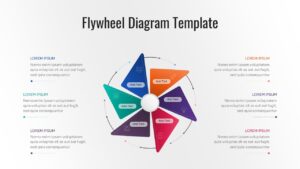
Circular Process Diagram for Business Growth Cycles
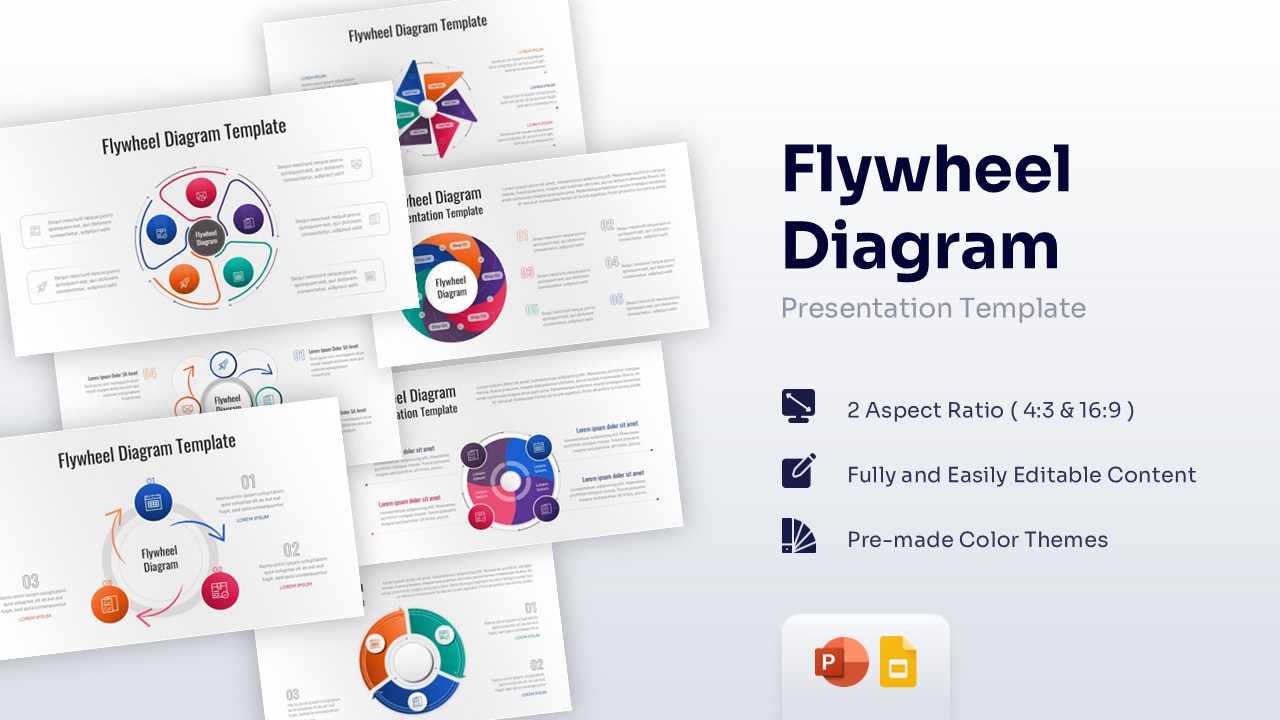
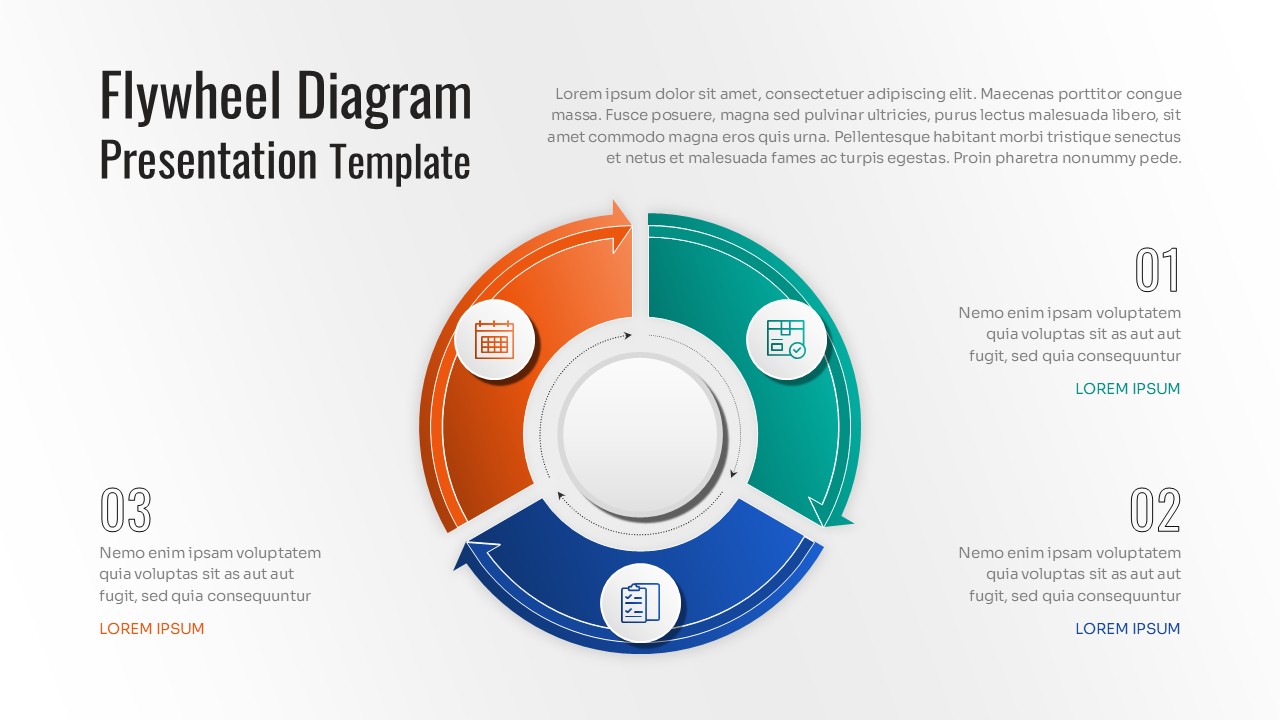
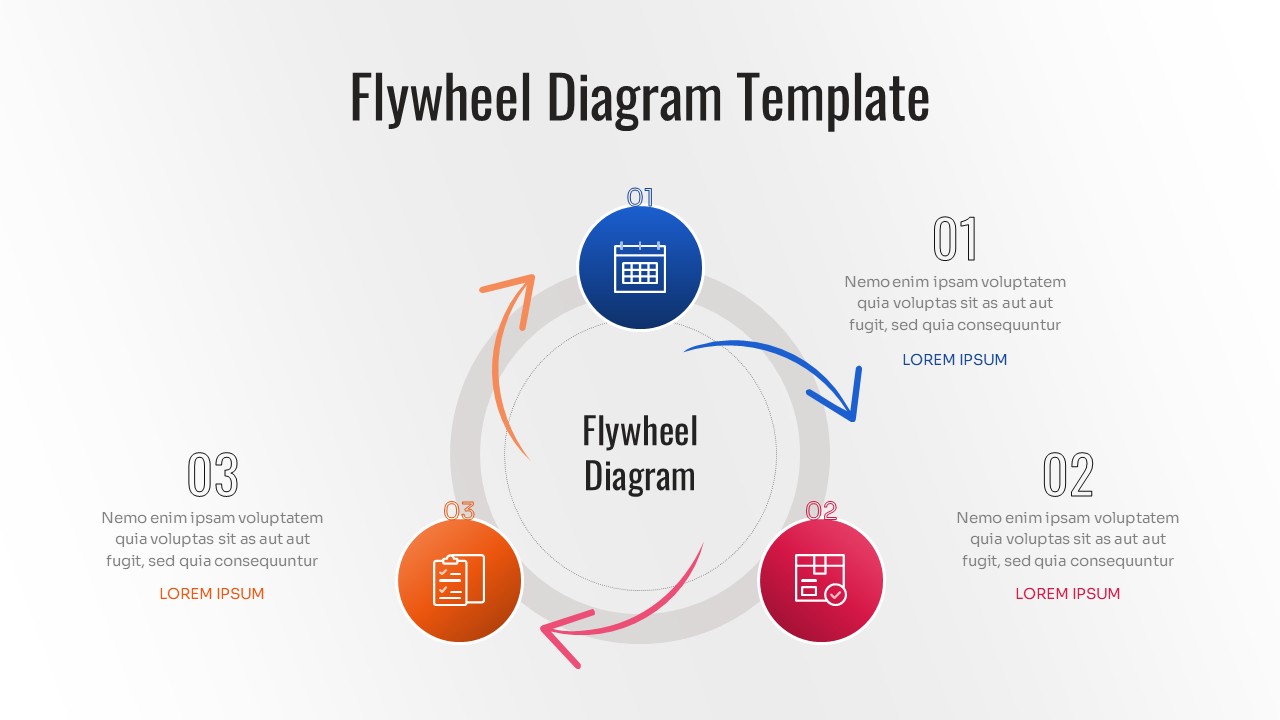
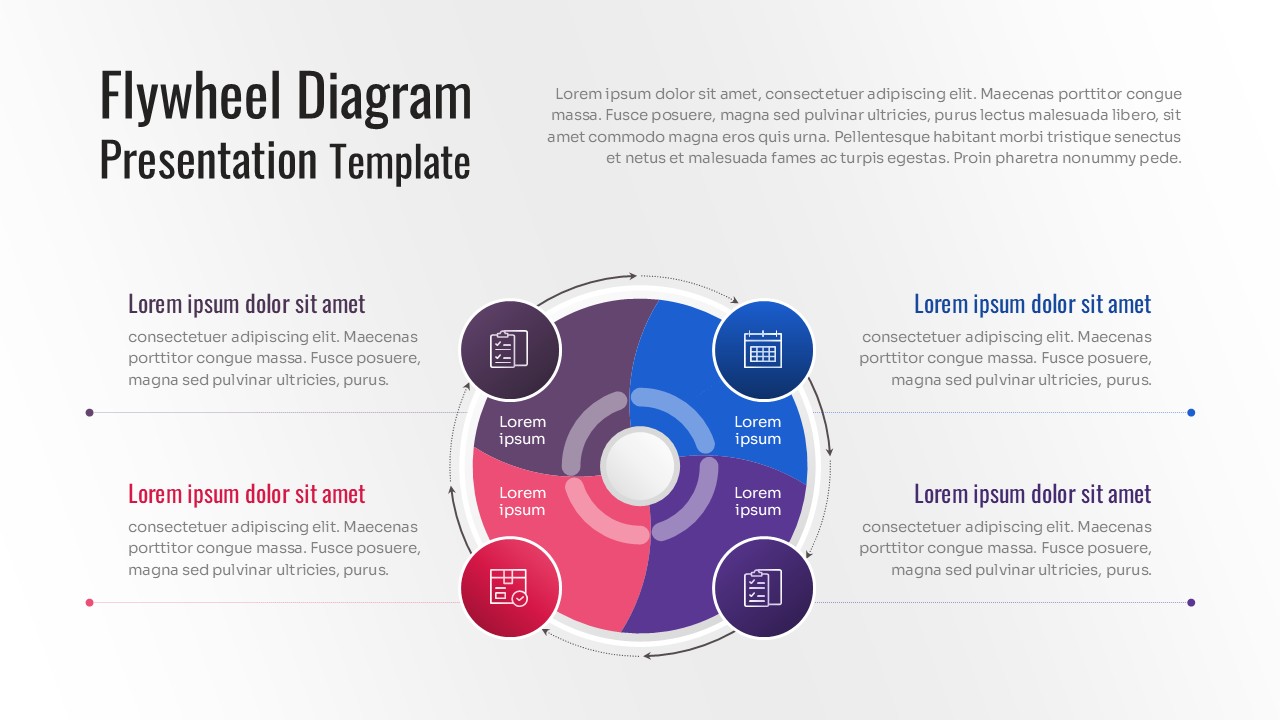
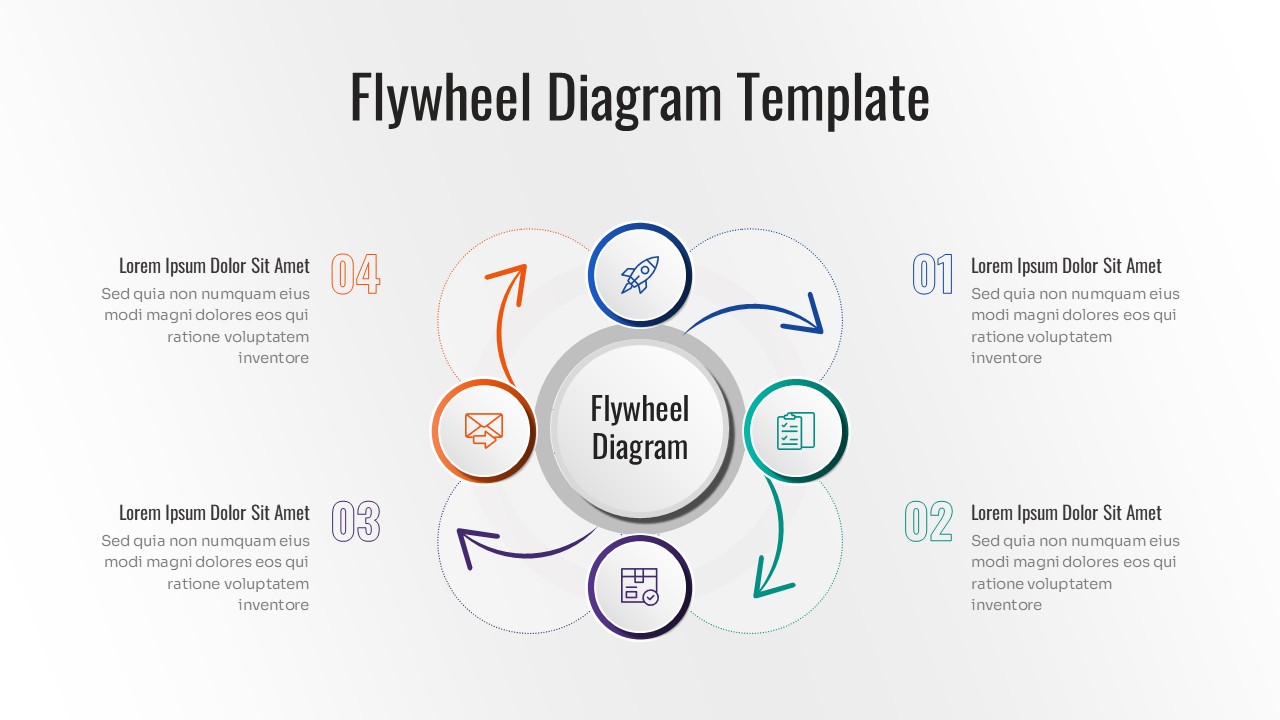
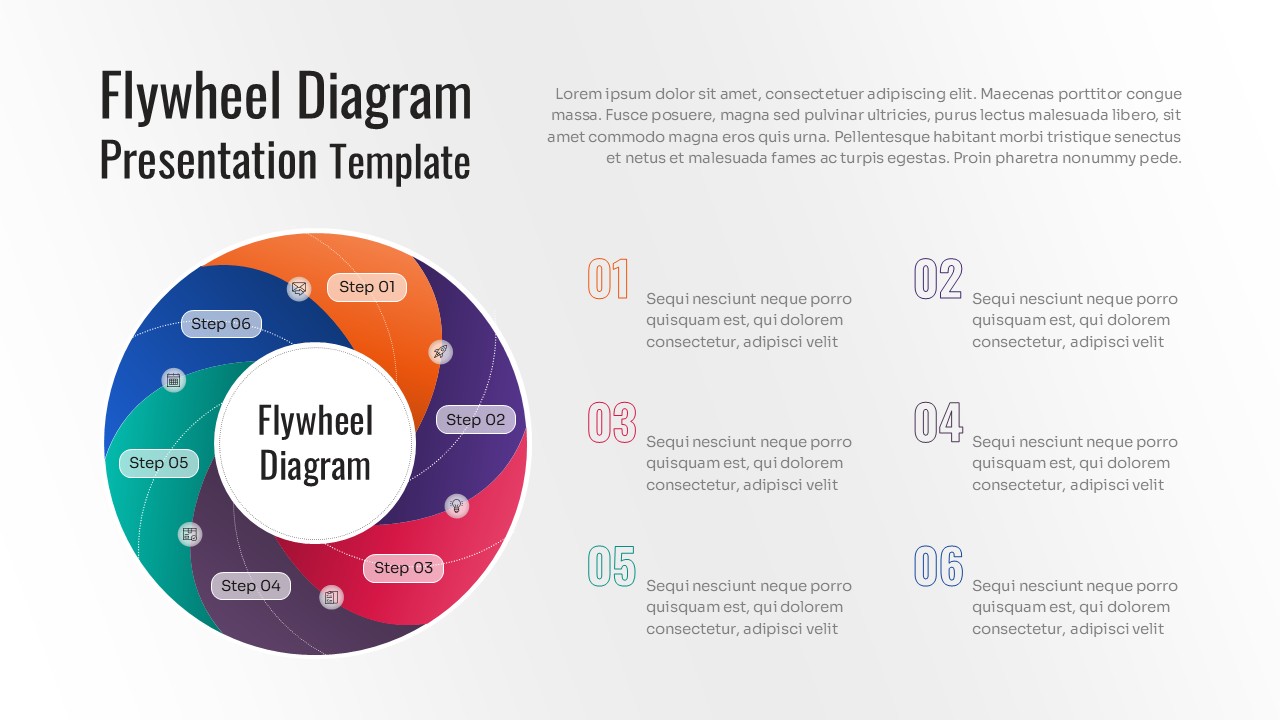
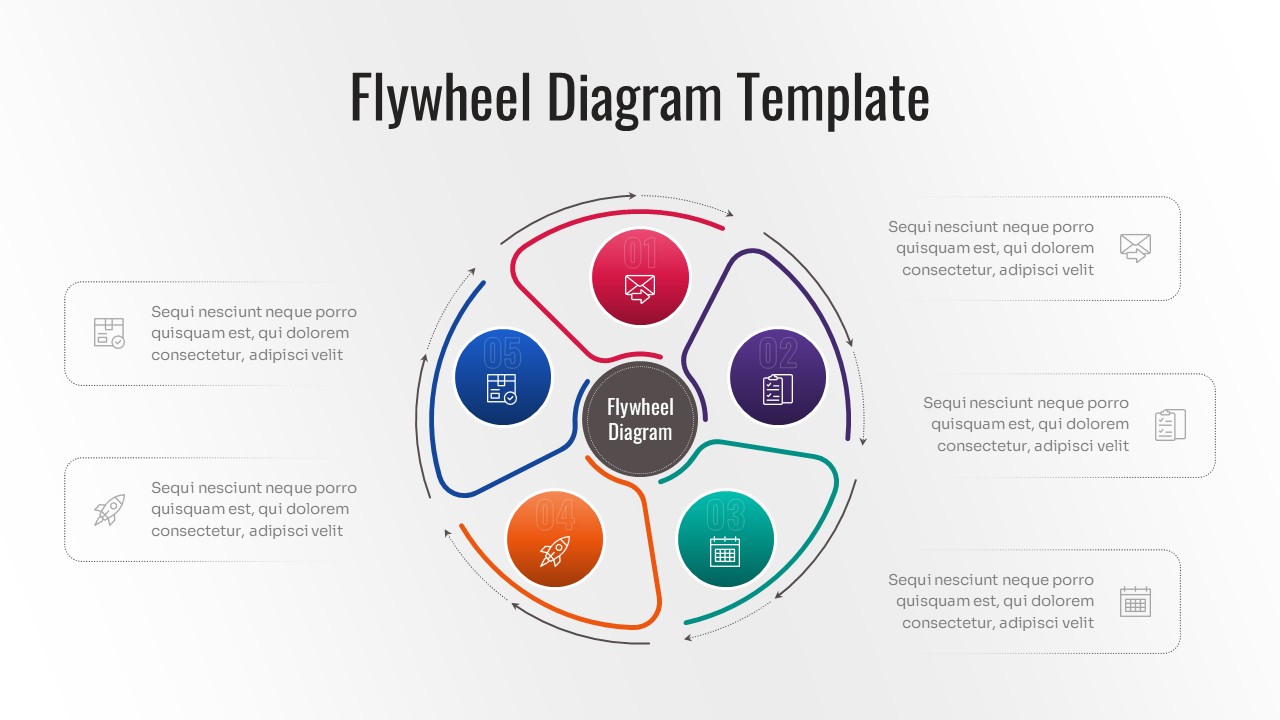
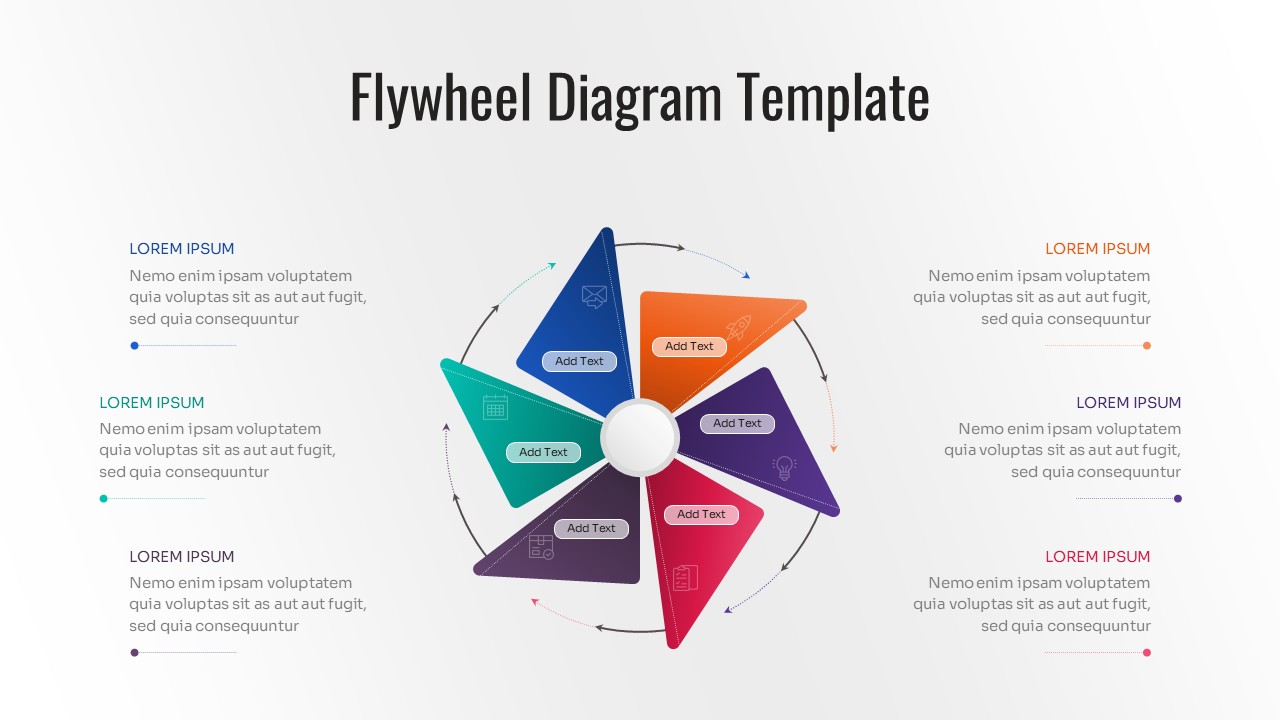
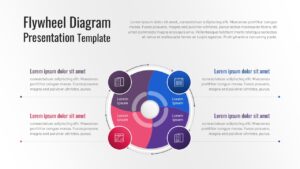
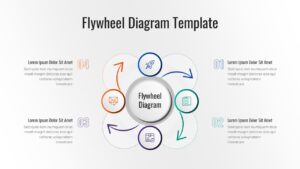
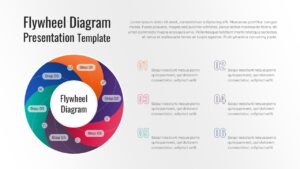
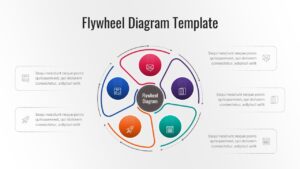
Flywheel Diagram PowerPoint is a sophisticated visual framework featuring interconnected circular segments, rotating process flows, feedback loop structures, and cycle-based PowerPoint diagrams designed to illustrate continuous improvement, business growth, strategic processes, and recurring workflows. Download this Free Flywheel Diagram for PowerPoint and Google Slides and use case as a powerful tool to illustrate continuous momentum and self-sustaining business growth. This versatile circular diagram template helps you visualize how different forces within your organization—like marketing, sales, and customer service—interact to create a compounding effect that drives your company forward. Whether you are explaining the Amazon flywheel effect or a custom internal process, these layouts ensure your audience understands the cyclical nature of your strategy.
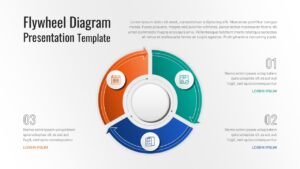
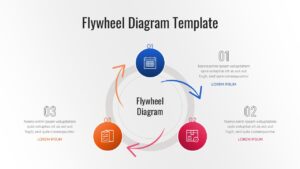
This Flywheel Diagram presentation set includes multiple Flywheel Diagram Template layouts with segmented wheels, circular process diagrams, feedback loop diagrams, radial cycles, and step-by-step cycle diagram PowerPoint designs that help present operational systems, marketing funnels, customer journeys, innovation cycles, and performance optimization models. Ideal for business strategy presentations, project planning, process improvement initiatives, and corporate reports, these slides function as fully editable PowerPoint objects, allowing users to customize colors, icons, shapes, labels, arrows, and content placeholders while maintaining visual consistency across presentations.
Available in professional color themes and adaptable for both light and dark presentation environments, the layouts support clear communication of recurring activities and connected processes. For strategic workflow presentations, these slides work effectively alongside business process workflow infographic slides and can be complemented with circular cycle and loop diagram presentations to create comprehensive visual storytelling. Create appealing Flywheel Diagram PowerPoint presentations that engage global audiences with our top of the line PowerPoint Templates to make professional PowerPoint designs. Browse our Free Infographics Template Library for additional editable infographic layouts and presentation resources.
Key Features
- 100% Vector-Based Graphics
- Fully Layered & Organized
- Multi-Platform Support
- Theme Color & Theme Font
Frequently Asked Questions
- What is the core benefit of using a flywheel diagram over a traditional funnel?
- While a funnel sees the customer as an \"end result,\" the flywheel places them at the center, showing how happy customers drive energy back into the business to fuel further growth.
- Are the icons in this template customizable?
- Yes, all icons are vector-based. You can easily resize them, change their colors, or replace them with your own brand-specific icons without losing quality.
- Can I use these slides for a 4-step process even if the image shows 6?
- Absolutely. These templates are fully editable, so you can add or remove segments to perfectly match the number of steps in your specific business process.
Related Templates
-
 Free
Free -
-
-