
Free Blank Flowchart Template for PowerPoint & Google Slides
Editable Decision Tree Diagram for Your Business Processes
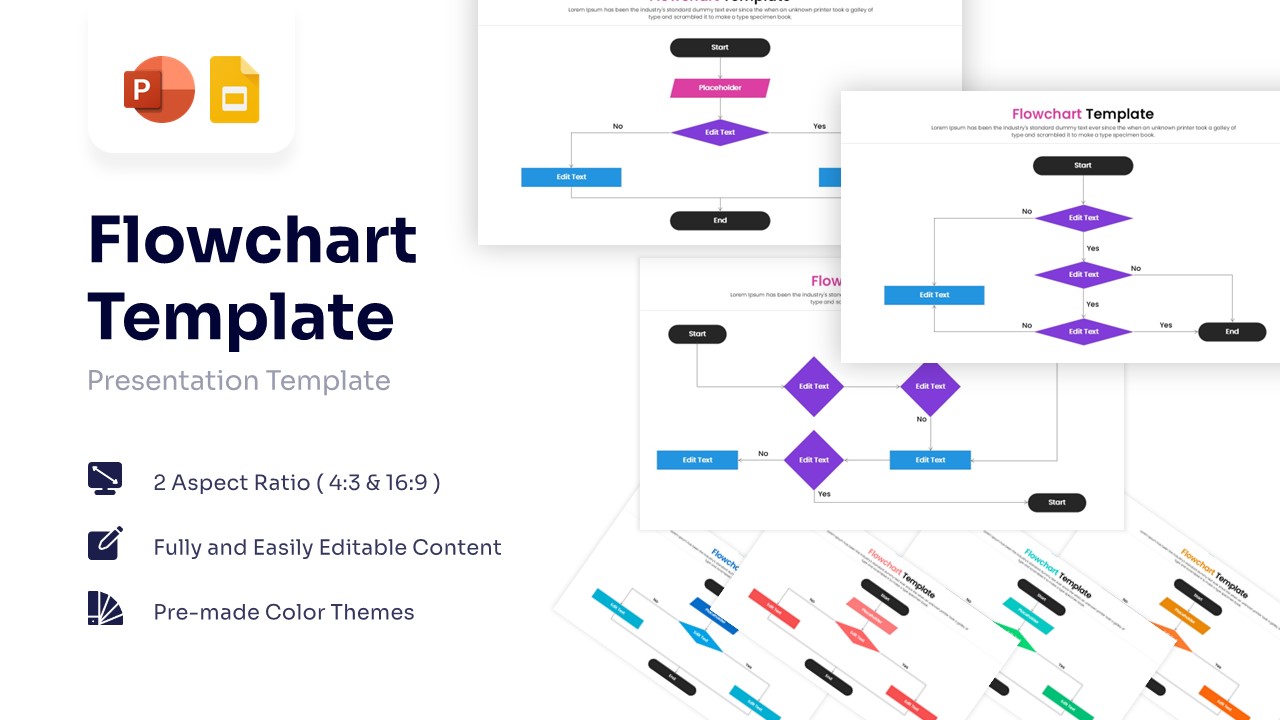
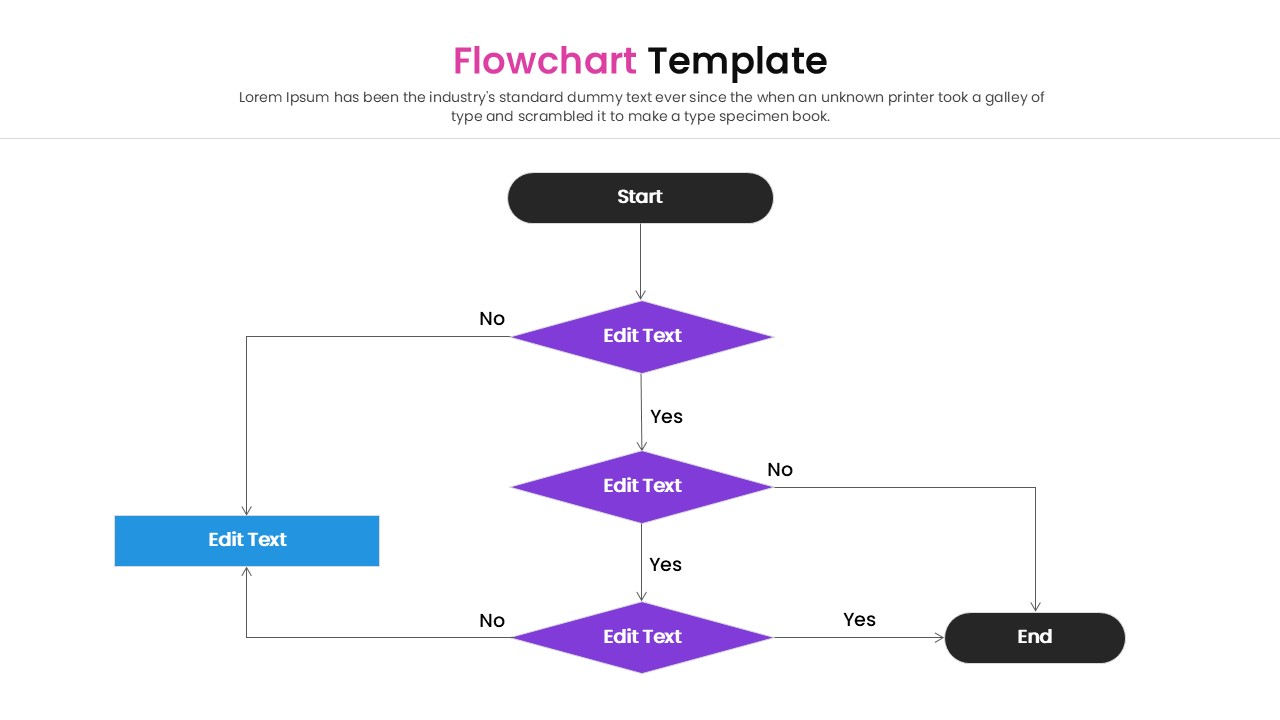
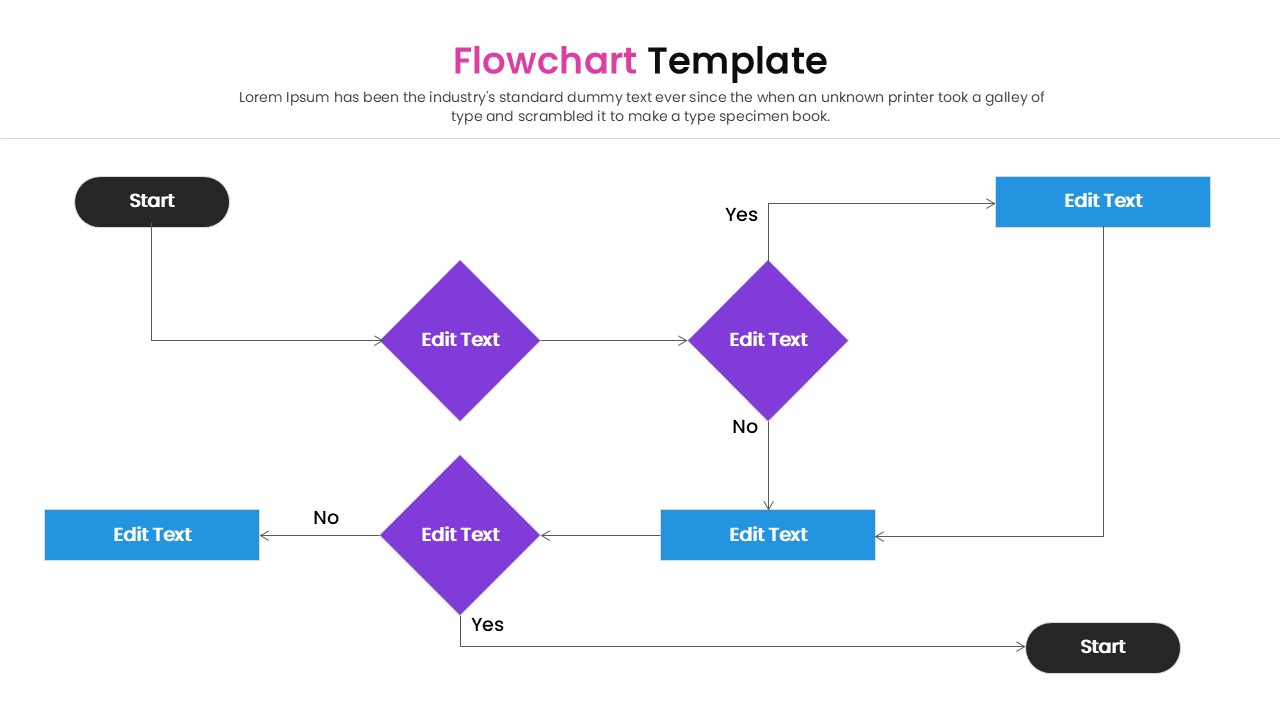
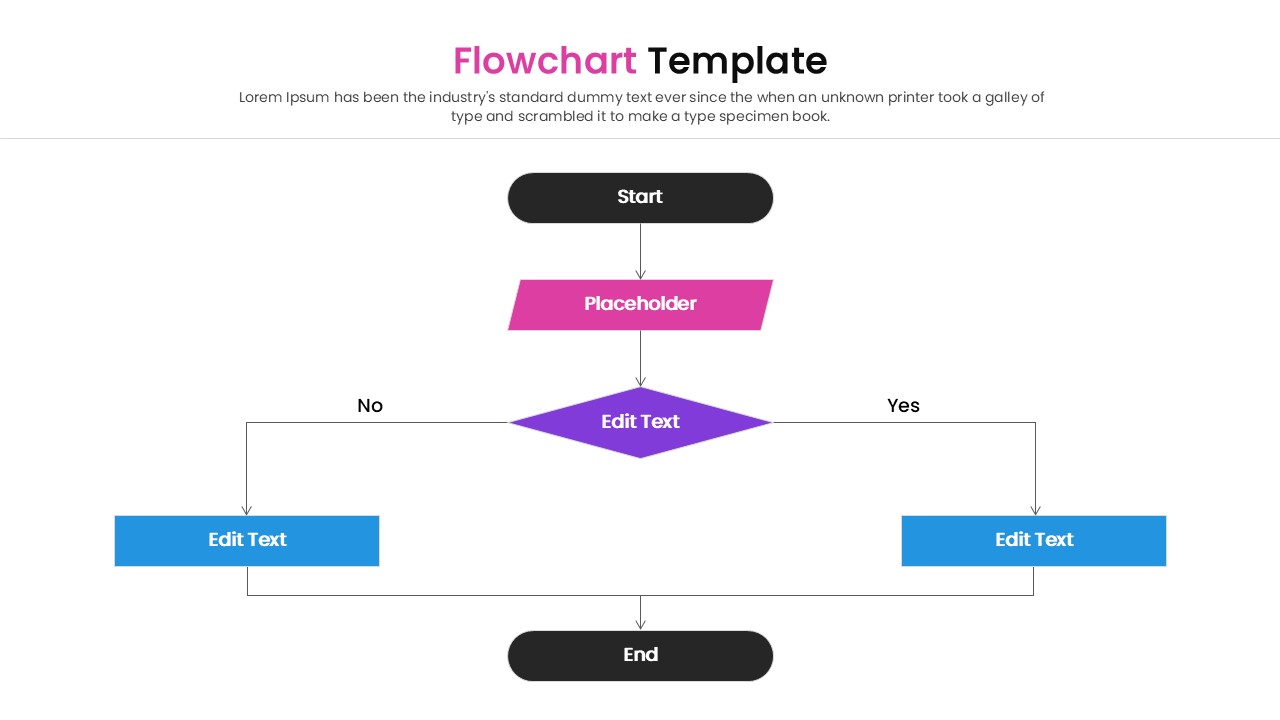
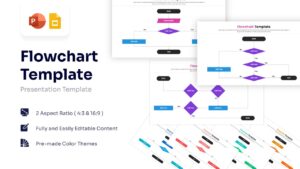
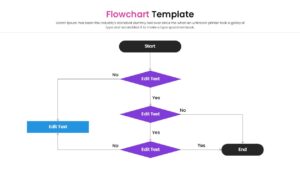
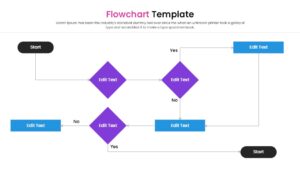
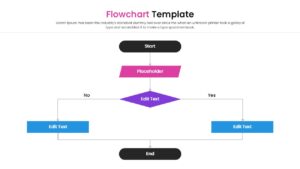
This free blank flowchart template showcases collection of structured flowchart elements and a detailed social media history timeline, highlighting operational steps, sequential logic, and corporate milestones seamlessly. This free business process flow diagram is exceptionally clean and modern, featuring crisp vector shapes like diamonds, rectangles, and parallelograms alongside a beautifully organized linear timeline framework. It utilizes a striking color palette of vivid purple, bright sky blue, deep charcoal black, and a rainbow of pastel accent blocks for the secondary tracking slides. .
Bring clarity to complex operational procedures and tell a highly memorable corporate story with this dynamic and highly professional flow chart template. Editing the predefined text boxes, updating block headers, and restructuring the data blocks takes nothing more than a simple click within your favorite presentation software. You can seamlessly apply a distinct personal touch by modifying the embedded font styles or switching between the pre-made blue, red, green, and orange color themes.
Key Features
- 100% Vector-Based Graphics
- Fully Layered & Organized
- Multi-Platform Support
- Theme Color & Theme Font
- Includes 4 Pre-made Color Themes
- Bonus Social Media History Slide
Frequently Asked Questions
- Can I add more steps to the flowchart?
- Yes, you can duplicate the shapes and connectors to extend the flow as needed.
- Do the connectors move with the shapes?
- In PowerPoint and Google Slides, you can snap connectors to shapes so they stay attached when you move them.
- Is this suitable for print?
- Yes, the high-quality vector graphics ensure it remains sharp when printed for handouts or manuals.
Related Templates
-
-

-
-
 Free
Free