Free Employee Task List Template for PowerPoint & Google Slides
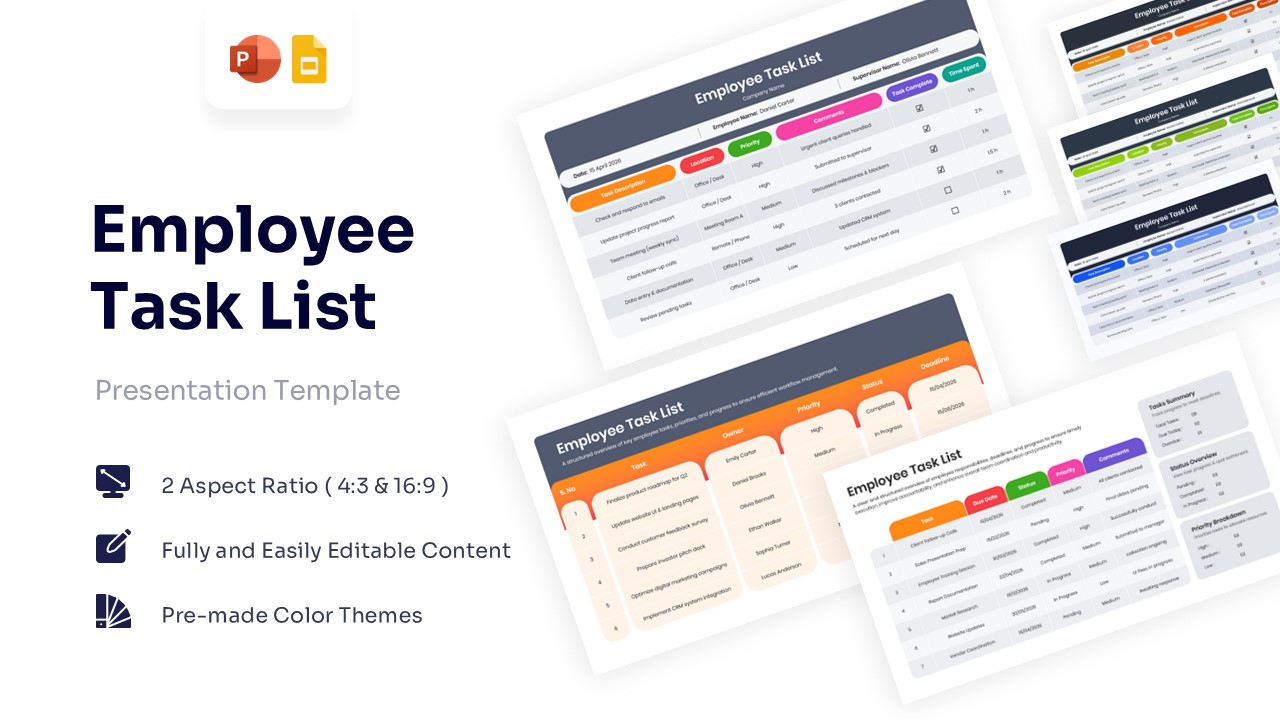
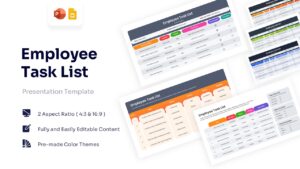
Streamline Operations with a Professional Employee Task Tracker
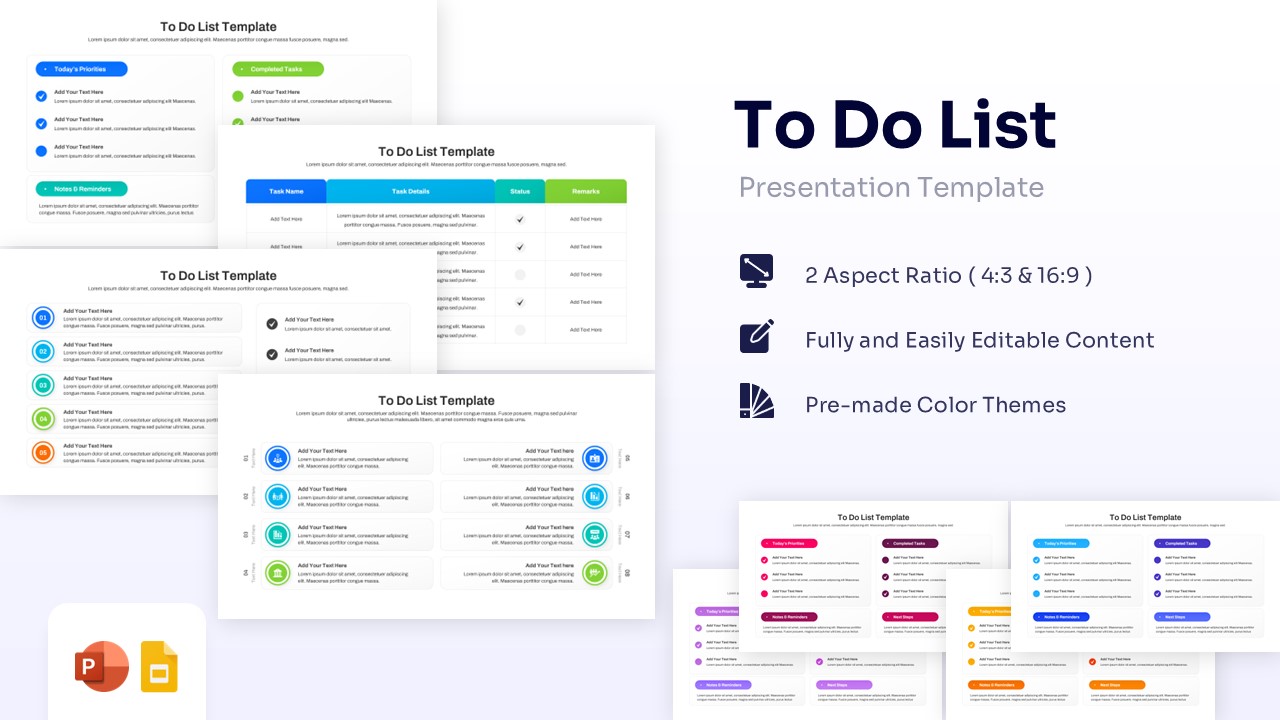
Keeping track of daily responsibilities and project deadlines is essential for maintaining high productivity in any fast-paced workplace. This Employee Task List Template allows managers and team members to stay aligned without wasting valuable hours on miscommunication.
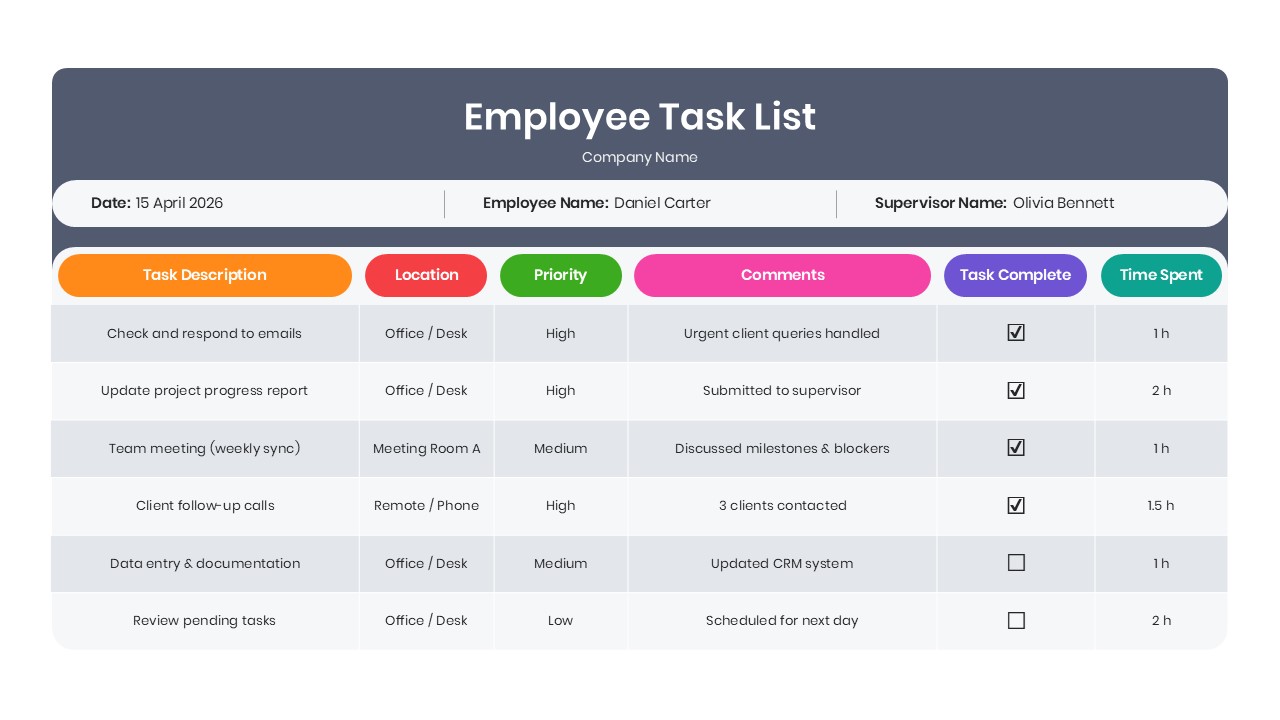
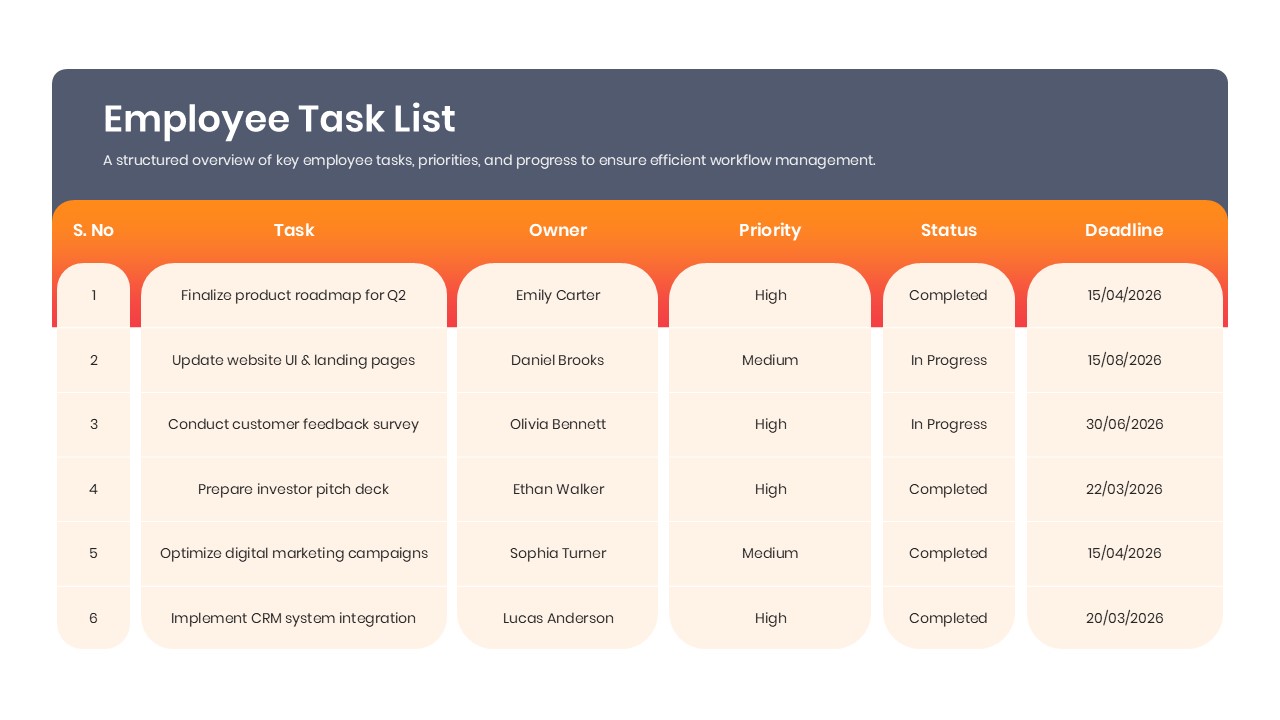
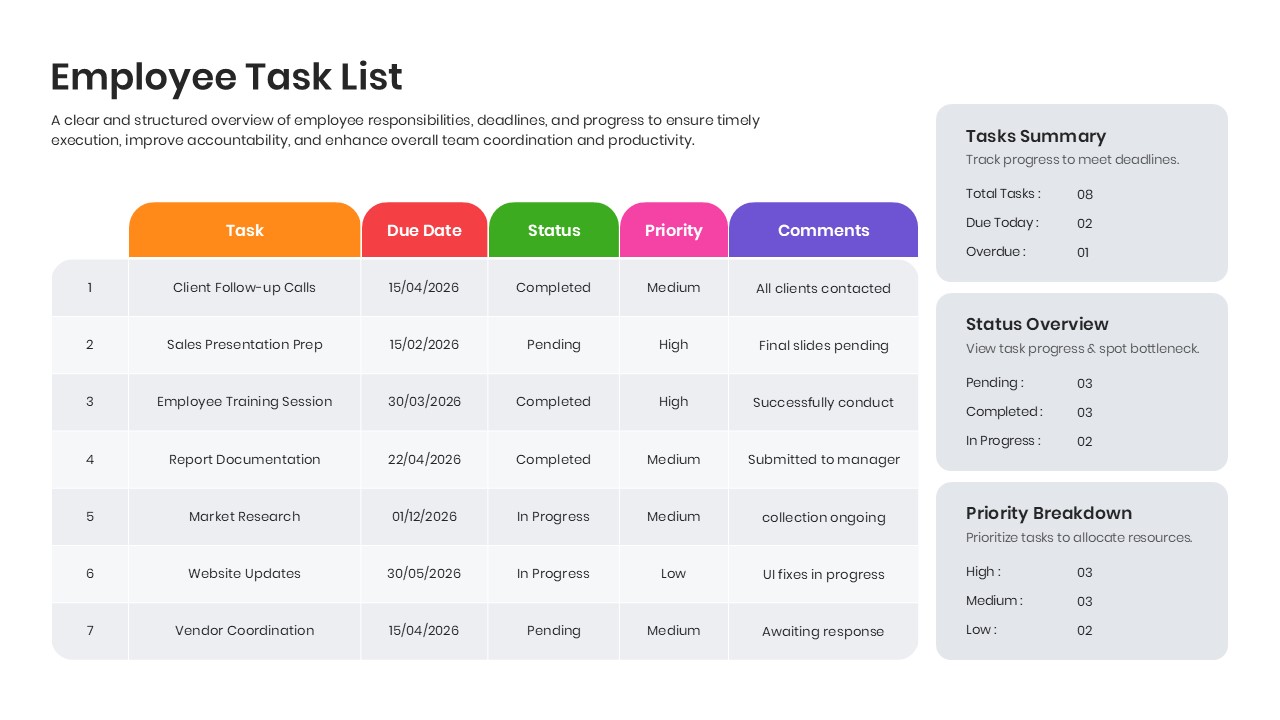
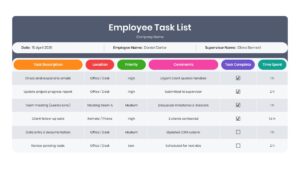
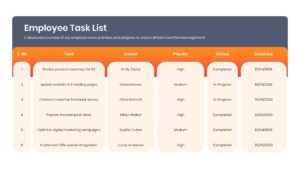
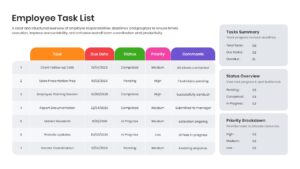
Now managing daily workloads is easier than ever to create with this aesthetically pleasing Free Task List Template. This employee task tracker helps individuals to organize team workflows using easy-to-edit status breakdown cards, project deadline trackers, task priority checkmarks, and clean data tables.
So, whether you are planning to monitor individual performance or just want to make a weekly operations report, this employee task tracker will be perfect for you. So, release your inner designer and let your creativity soar with this amazing project task management template.
Don’t forget to checkout out our infographics list templates for some amazing designs.
Key Features
- 100% Vector-Based Graphics
- Fully Layered & Organized
- Multi-Platform Support
- Theme Color & Theme Font
- Data Summary Cards & Checkbox Layouts
- Customizable Priority Highlights
- Free to Use
Frequently Asked Questions
- How can an employee task tracker improve team productivity?
- An employee task tracker helps clarify daily responsibilities, highlights urgent priorities, and prevents missed deadlines by providing a transparent visual overview of everyone\'s current workload.
- Can I edit the column headers in this daily task checklist slide?
- Yes, every table, text box, and column title is fully editable, allowing you to easily customize the layout to fit your specific workflow metrics or department needs.
- Is the project task management template compatible with Google Slides?
- Absolutely, the template offers multi-platform support, meaning it functions perfectly in both Microsoft PowerPoint and Google Slides without losing formatting.