
Free Editable How Now Wow Matrix Template PPT and Google Slides
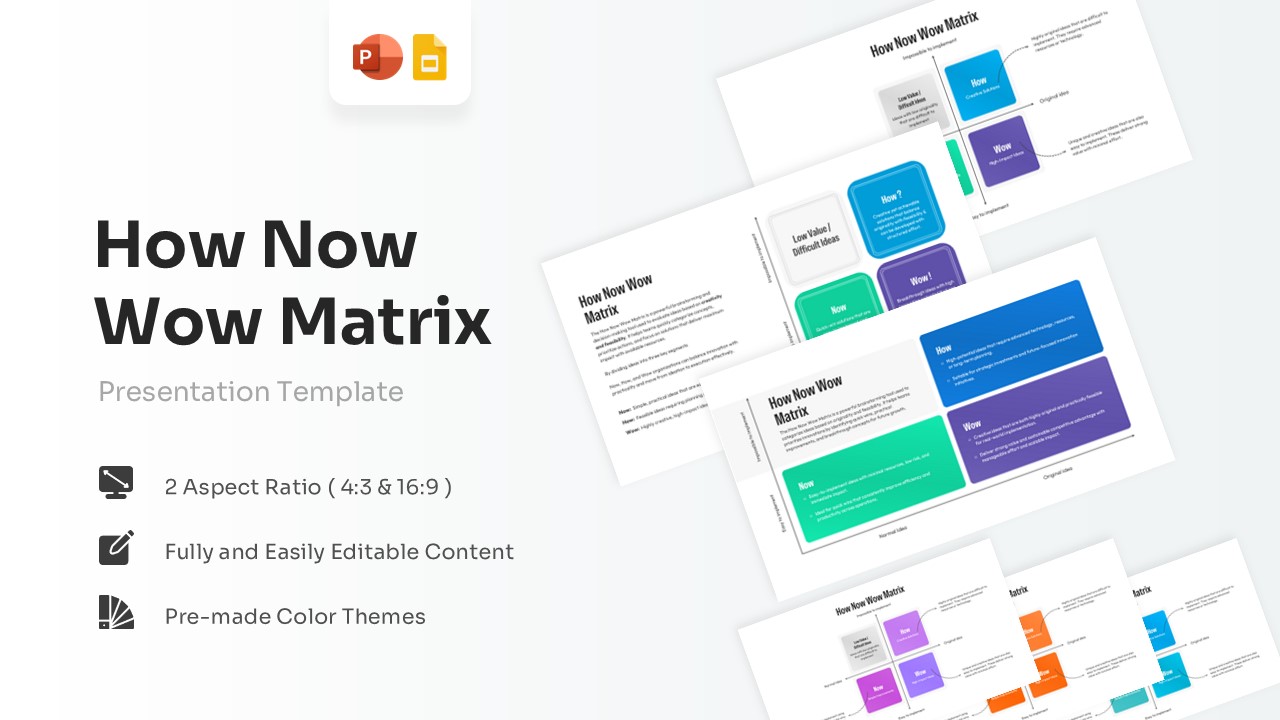
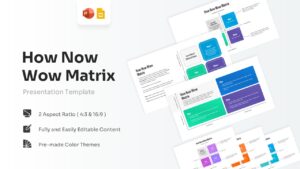
Idea Prioritization Matrix Presentation Slides
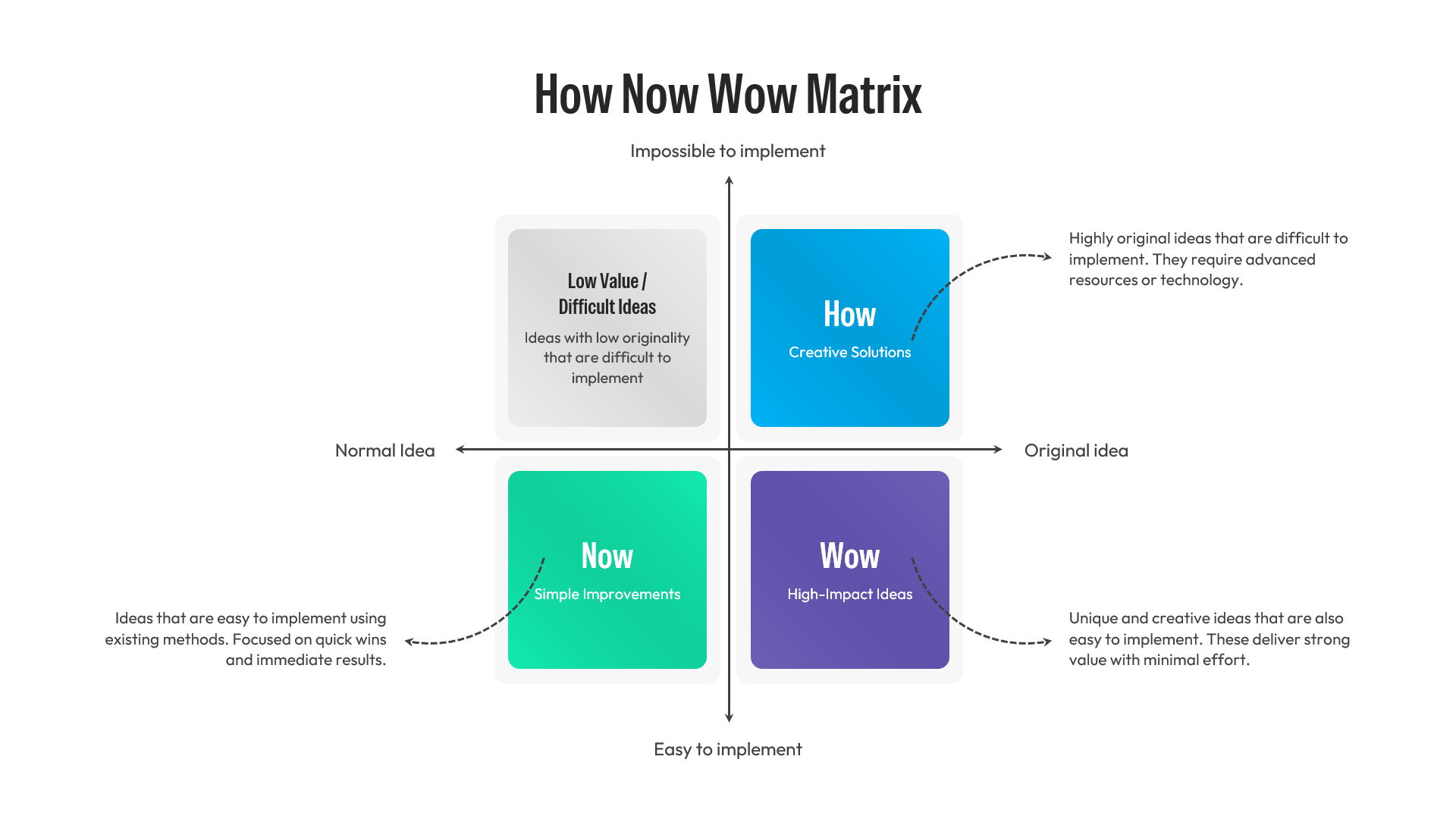
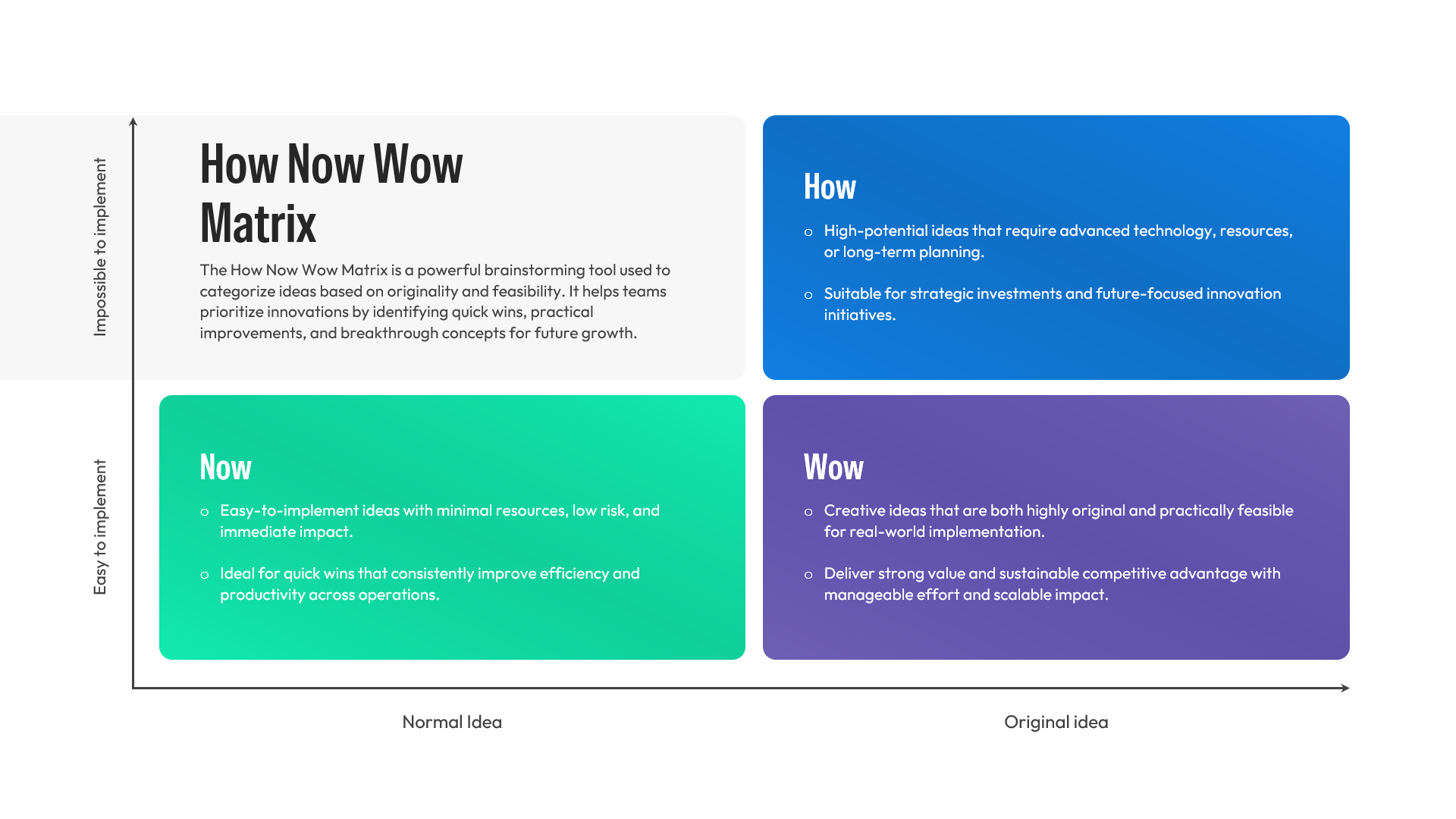
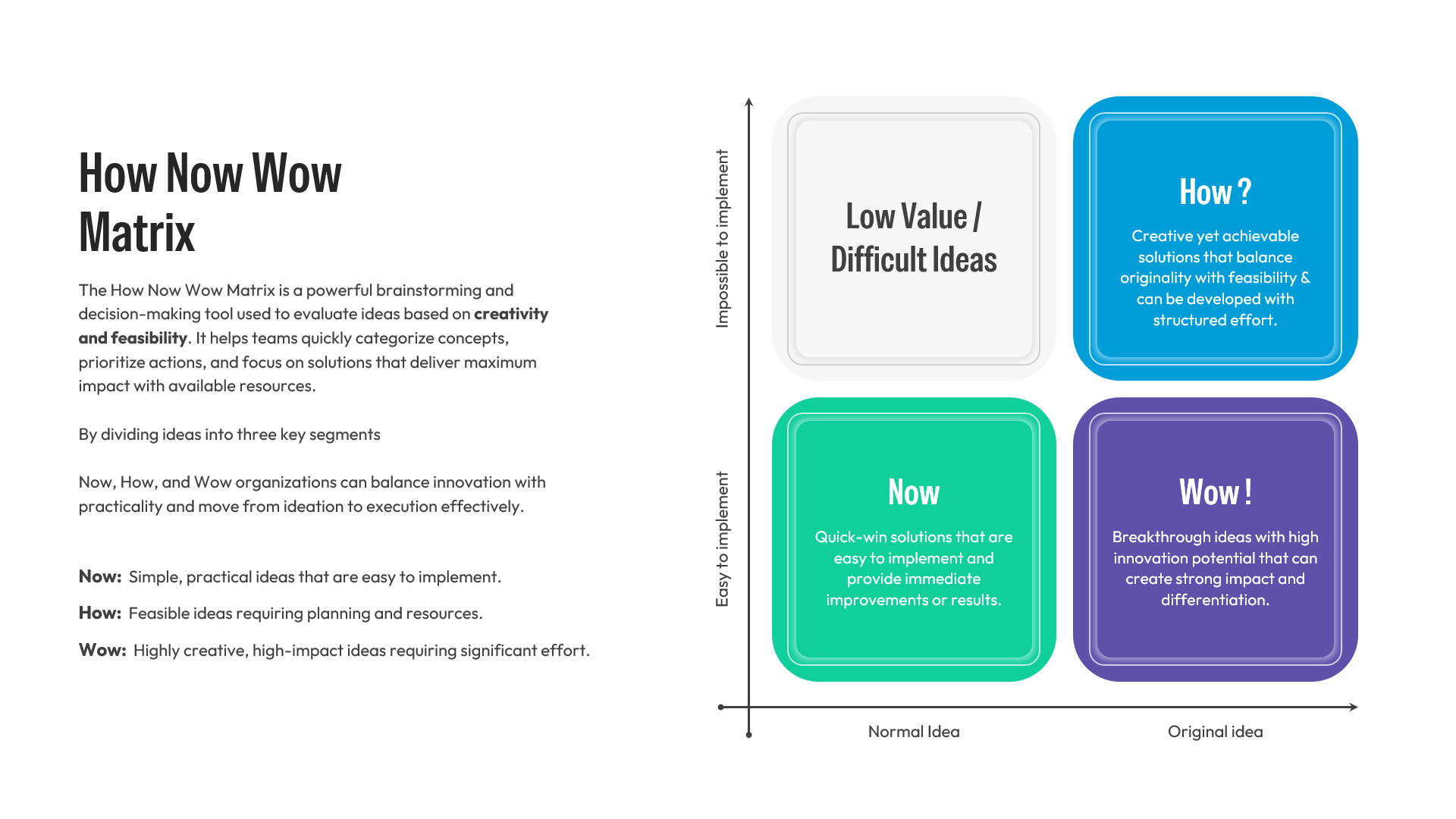
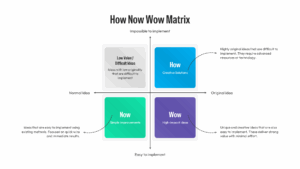
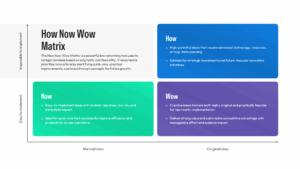
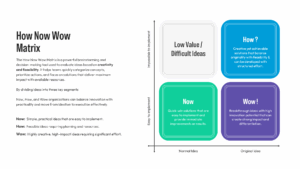
Sifting through a massive dump of creative ideas requires an intuitive visual filter to separate immediate wins from future long-term goals. The How Now Wow Matrix Template leverages a two-by-two grid system structured entirely around implementation ease and originality. By plotting conceptual coordinates across these distinct vertical and horizontal axes, thoughts naturally fall into highly identifiable color-coded sectors. Teams can map out what is simple to achieve versus what demands advanced technical resources or innovative planning.
Corporate innovation hubs, product design sprints, and agile marketing departments rely on this framework to structure complex feature backlogs or campaign themes without hitting analysis paralysis. It turns messy raw brainstorm notes into a crisp visual roadmap that stakeholders can absorb instantly during alignment meetings. This how now wow matrix remains incredibly popular because it strips away complexity, letting project managers prioritize high-impact solutions with minimal operational friction. To expand your corporate presentation toolkit, explore our versatile collection of comparison infographics templates to evaluate multiple performance metrics smoothly. You can easily impress your audience with this sleek template, delivering an informative presentation.
Key Features
- 100% customizable template and easy to download.
- Template is available in different nodes & colors.
- The template is contained in 16:9 and 4:3 format.
- Easy to change the template colors quickly.
- Highly compatible with PowerPoint and Google Slides.
- Fast-track your conceptual breakthrough ideas with our dynamic innovation matrix quadrants.
- Free to Use
Frequently Asked Questions
- How do you implement a how now wow matrix ppt in agile workflows?
- Teams plot user stories or feature requests across four distinct quadrants to separate low-hanging fruit from complex long-term innovations, ensuring immediate implementation of the highest value items.
- Can I adjust the color themes within this idea prioritization matrix slide?
- Yes, all graphic elements are fully editable vector shapes inside PowerPoint and Google Slides, enabling seamless color adjustments to match your specific corporate brand aesthetic perfectly.
- Is this framework fully compatible with innovation matrix google slides?
- Absolutely, the template deck opens flawlessly in both Google Slides and Microsoft PowerPoint, allowing multiple team members to collaborate and edit the files simultaneously.
Related Templates
-
-
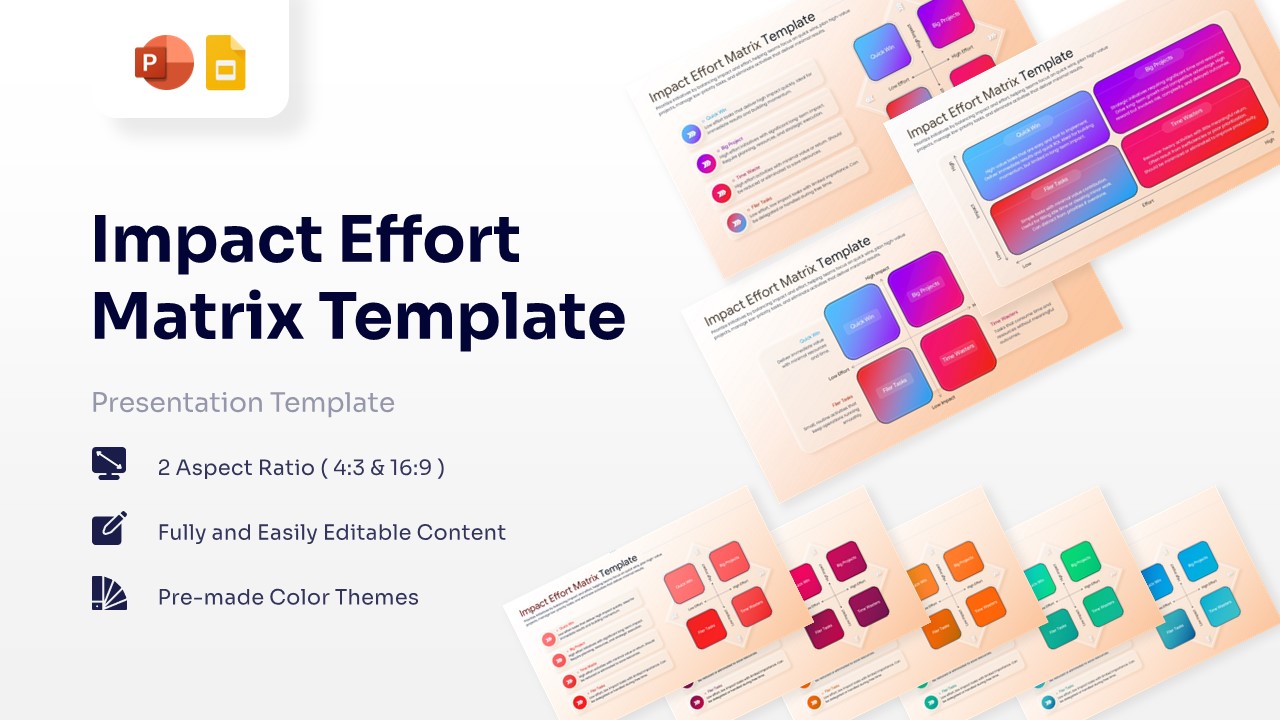
Impact Effort Matrix Free Template for PowerPoint & Google Slides
Business Strategy
Free -
-
 Free
Free