Free Recap Slide Template for PowerPoint & Google Slides
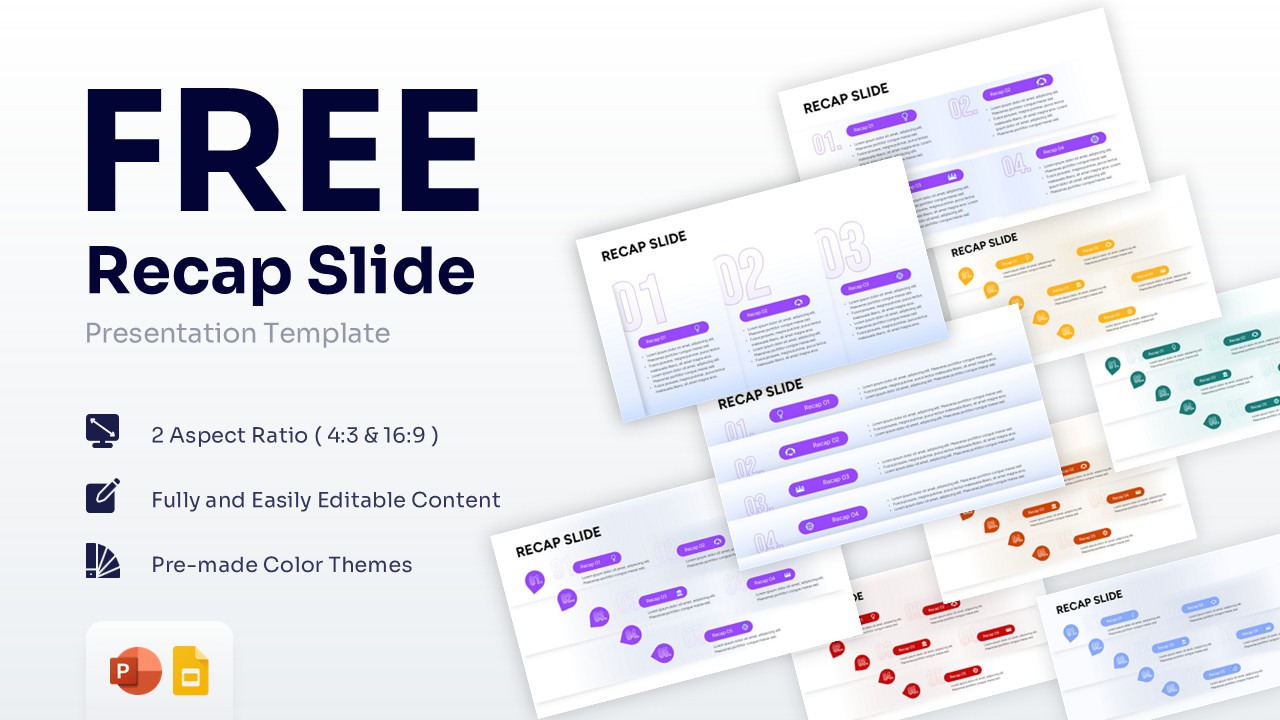
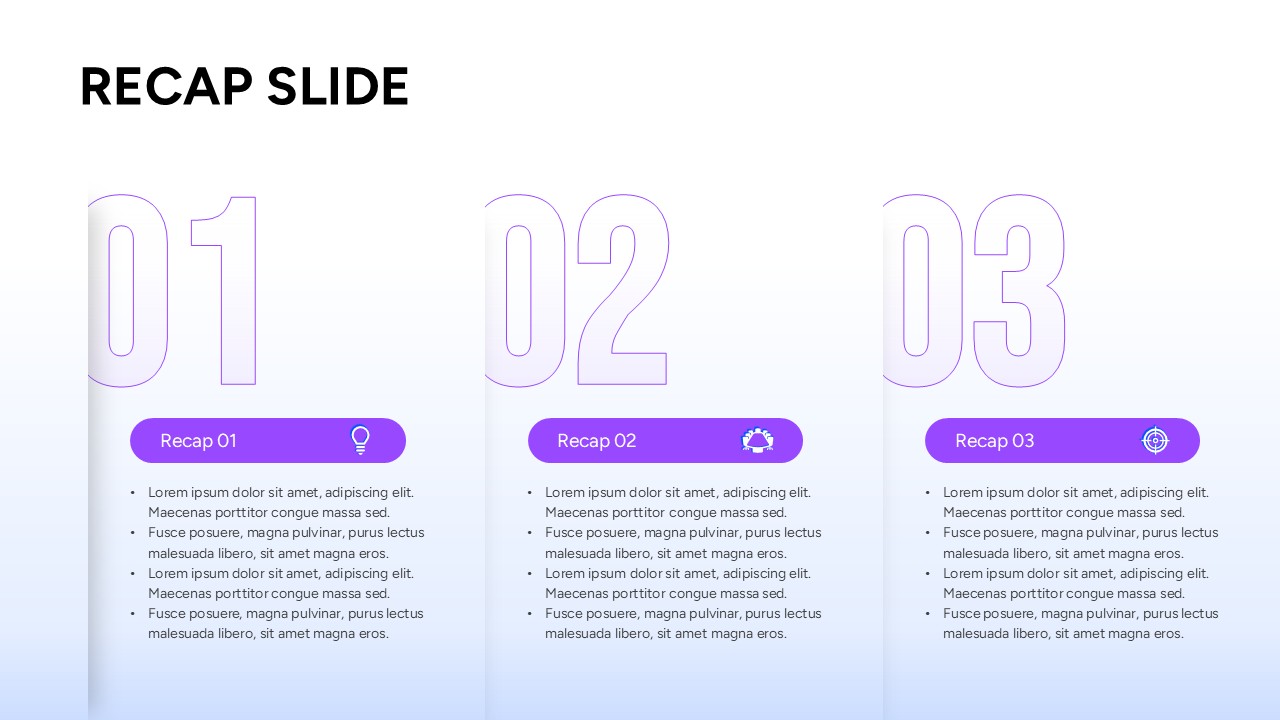
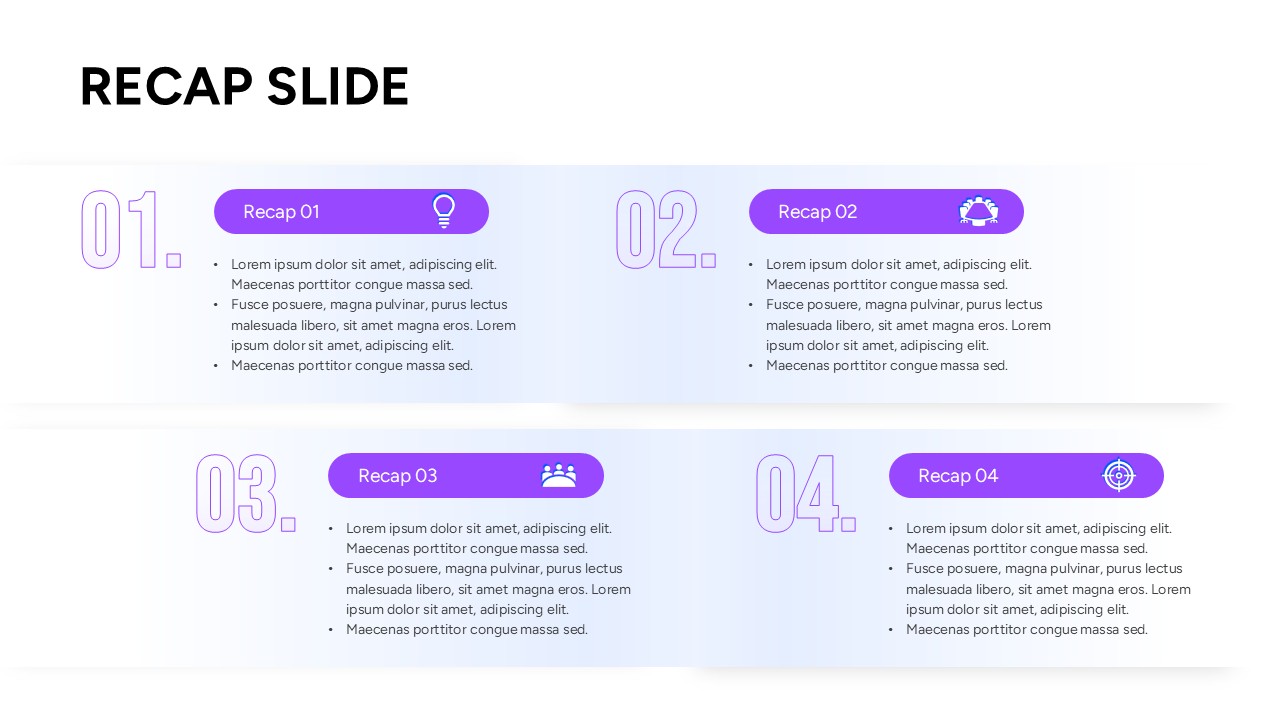
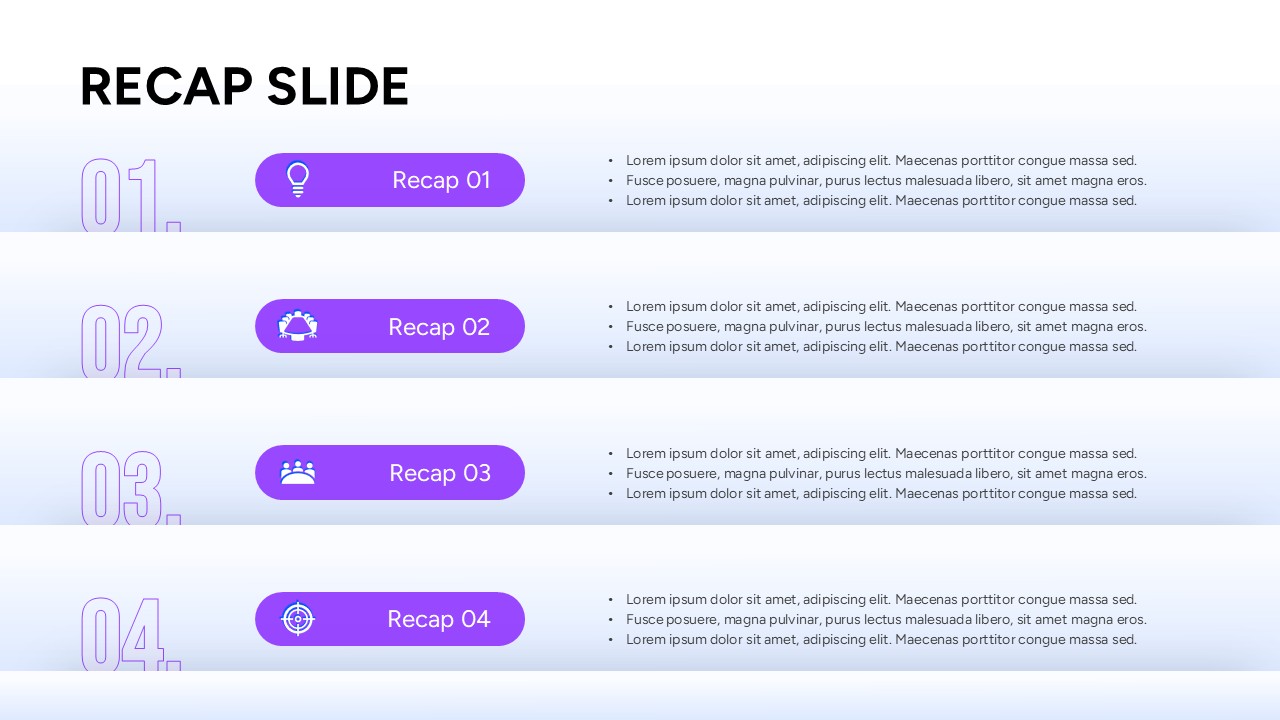
Professional Meeting Summary Slide Deck
This Recap Slide Template helps presenters summarize key points and reinforce important messages. It provides a clear way to conclude meetings, reports, training sessions, and presentations.
Whether you are sharing project updates, reviewing performance, or closing a workshop, these slides keep audiences focused on the main takeaways. As a result, teams can improve understanding and align on next steps more effectively.
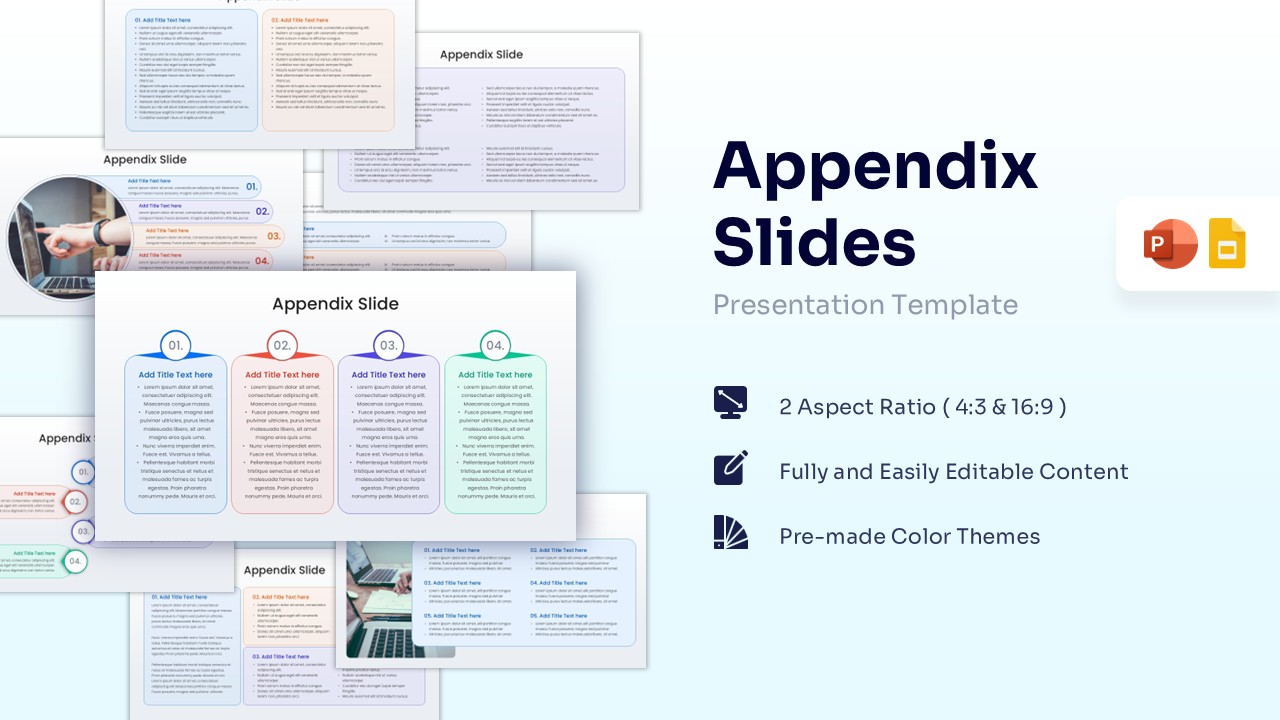
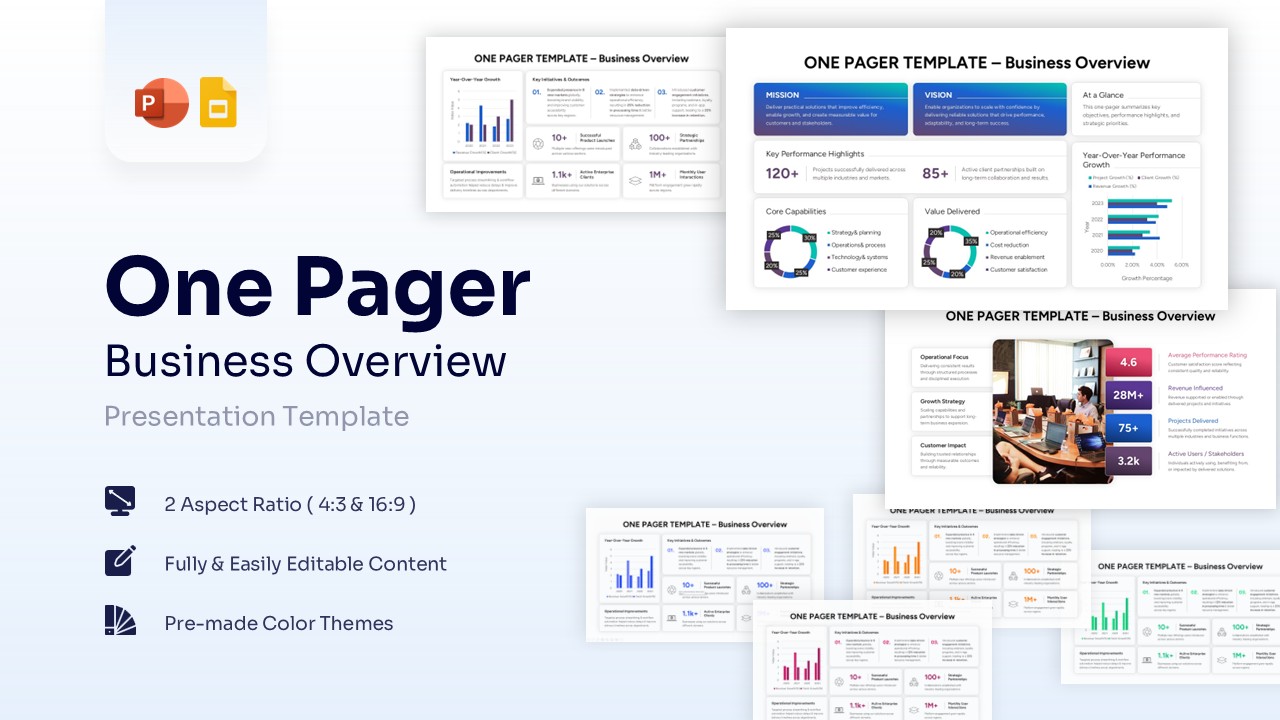
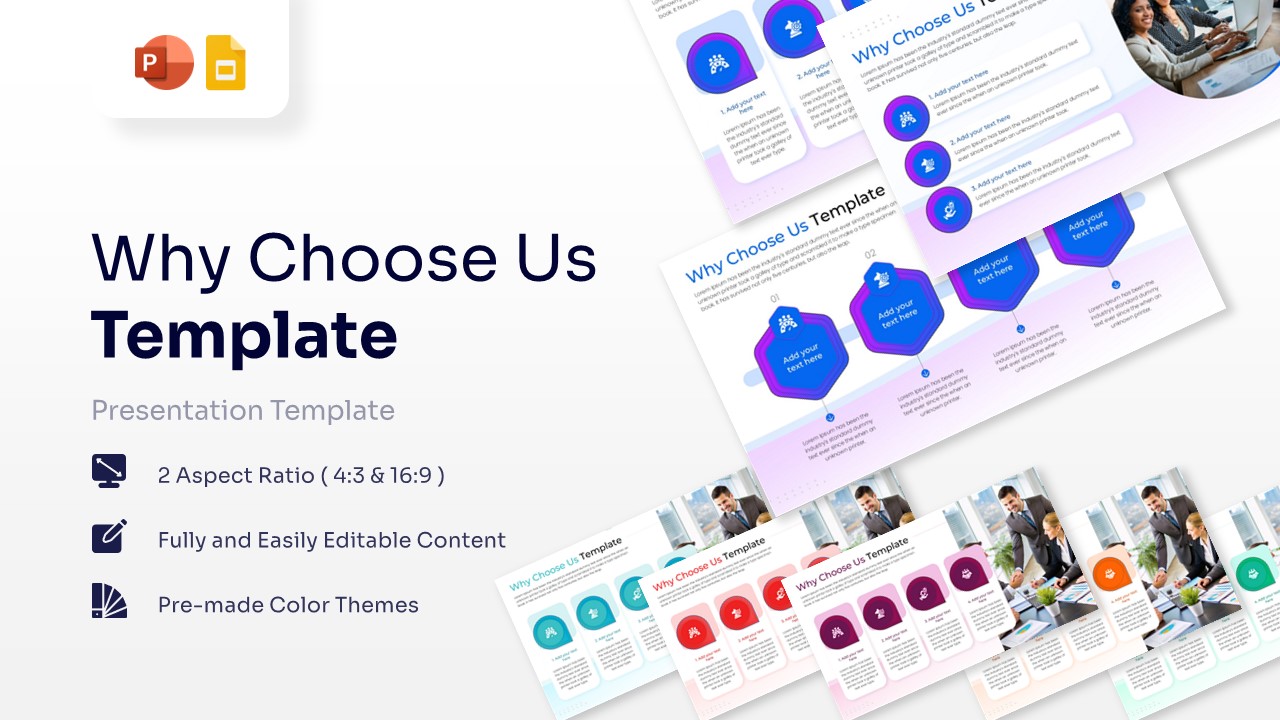
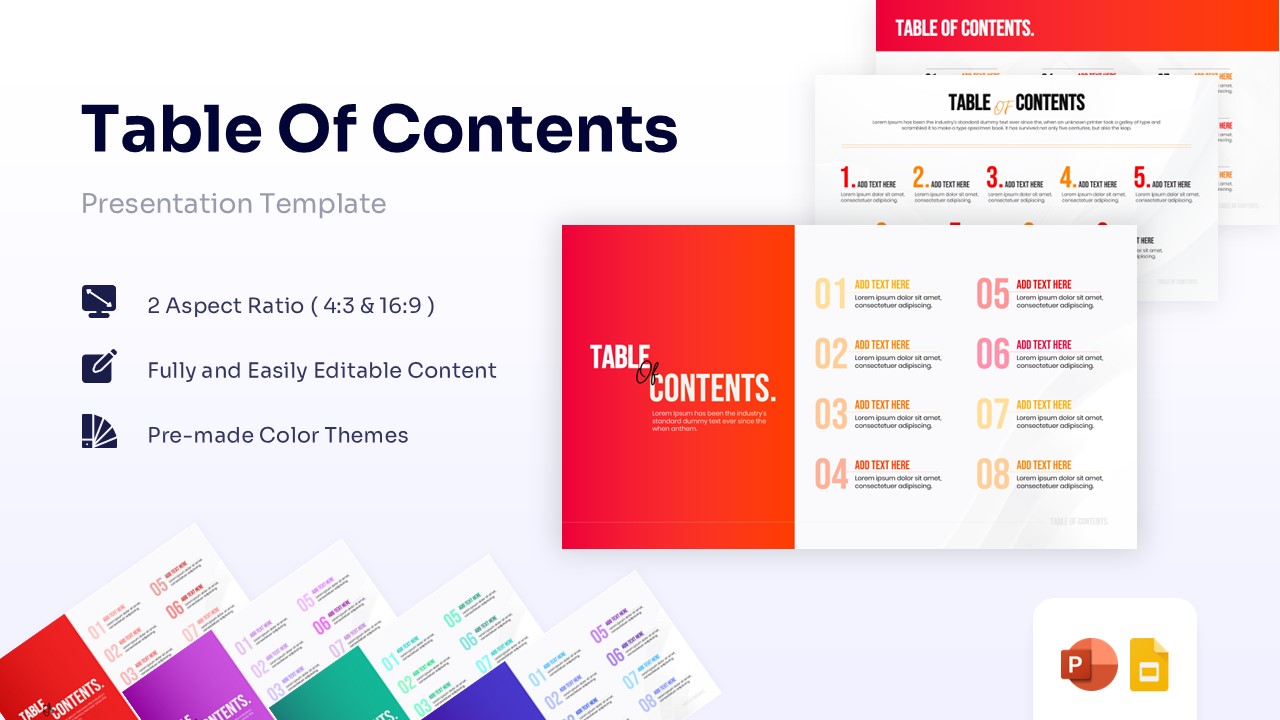
The business presentation template includes numbered recap sections, key takeaway layouts, milestone summaries, executive overview slides, and action item formats. In addition, the structured layouts help simplify complex discussions and present conclusions with clarity.
All slides are fully editable in PowerPoint and Google Slides. Users can easily customize icons, colors, numbering, shapes, and content placeholders to match their branding. Furthermore, the flexible layouts work well for business reporting, project reviews, executive briefings, and educational presentations.
This template is useful for summarizing presentation highlights, reviewing achievements, documenting lessons learned, and communicating future actions. It helps presenters deliver a strong conclusion while ensuring important information remains easy to remember.
Ideal for executives, project managers, team leaders, educators, trainers, and marketing professionals, the template supports business reviews, project updates, workshops, training sessions, and presentation summaries. Its clean design and structured format make it suitable for both corporate and educational environments.
Key Features
- 100% Vector-Based Graphics
- Fully Layered & Organized
- Multi-Platform Support
- Theme Color & Theme Font
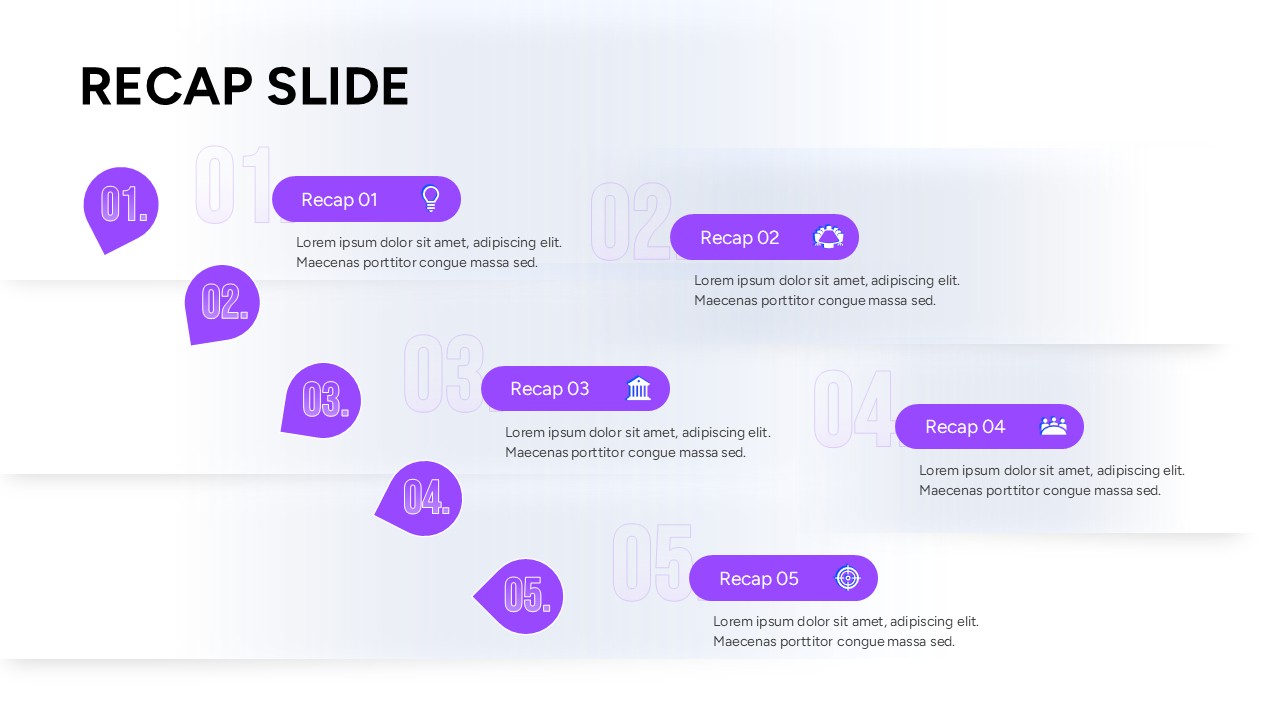
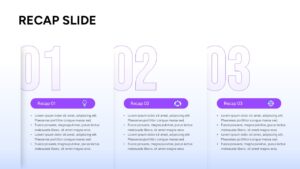
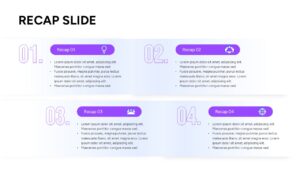
- Multiple numbered list layouts (3, 4, and 5-point summaries)
- Available in standard 4:3 and widescreen 16:9 aspect ratios
Frequently Asked Questions
- Can I change the colors of this meeting summary slide deck?
- Yes, all shapes, icons, and text boxes are fully customizable. You can easily apply your brand\'s specific color palette using standard formatting tools in PowerPoint or Google Slides.
- Does this presentation recap layout work on both Mac and PC?
- Absolutely. The design is compatible with standard presentation software across all major operating systems, ensuring smooth editing and viewing regardless of your device.
- How many points can I highlight using these key takeaways infographic slides?
- The deck includes multiple design variations, allowing you to seamlessly display three, four, or five key points depending on the depth and length of your required summary.