Free Gear Diagram Slide Template for PowerPoint & Google Slides
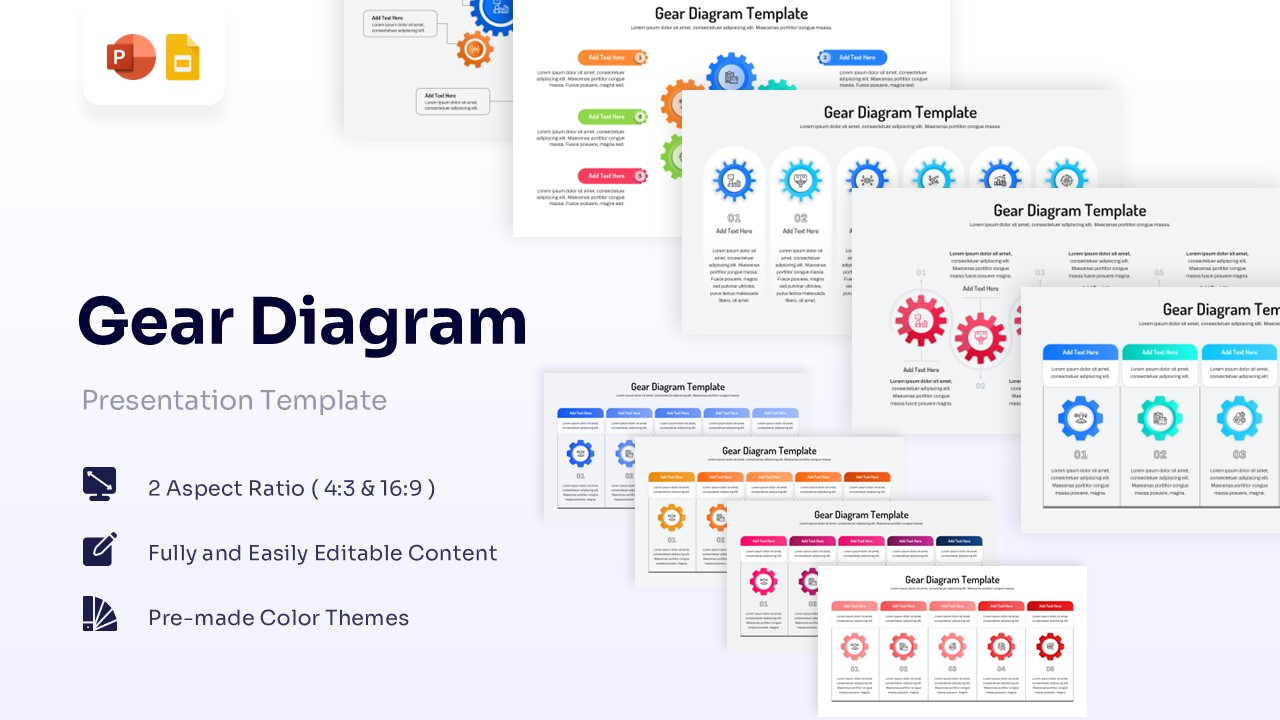
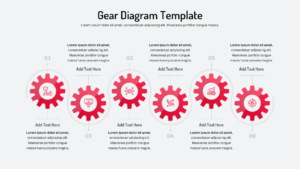
Visualize Connected Processes with Professional Gear Diagrams
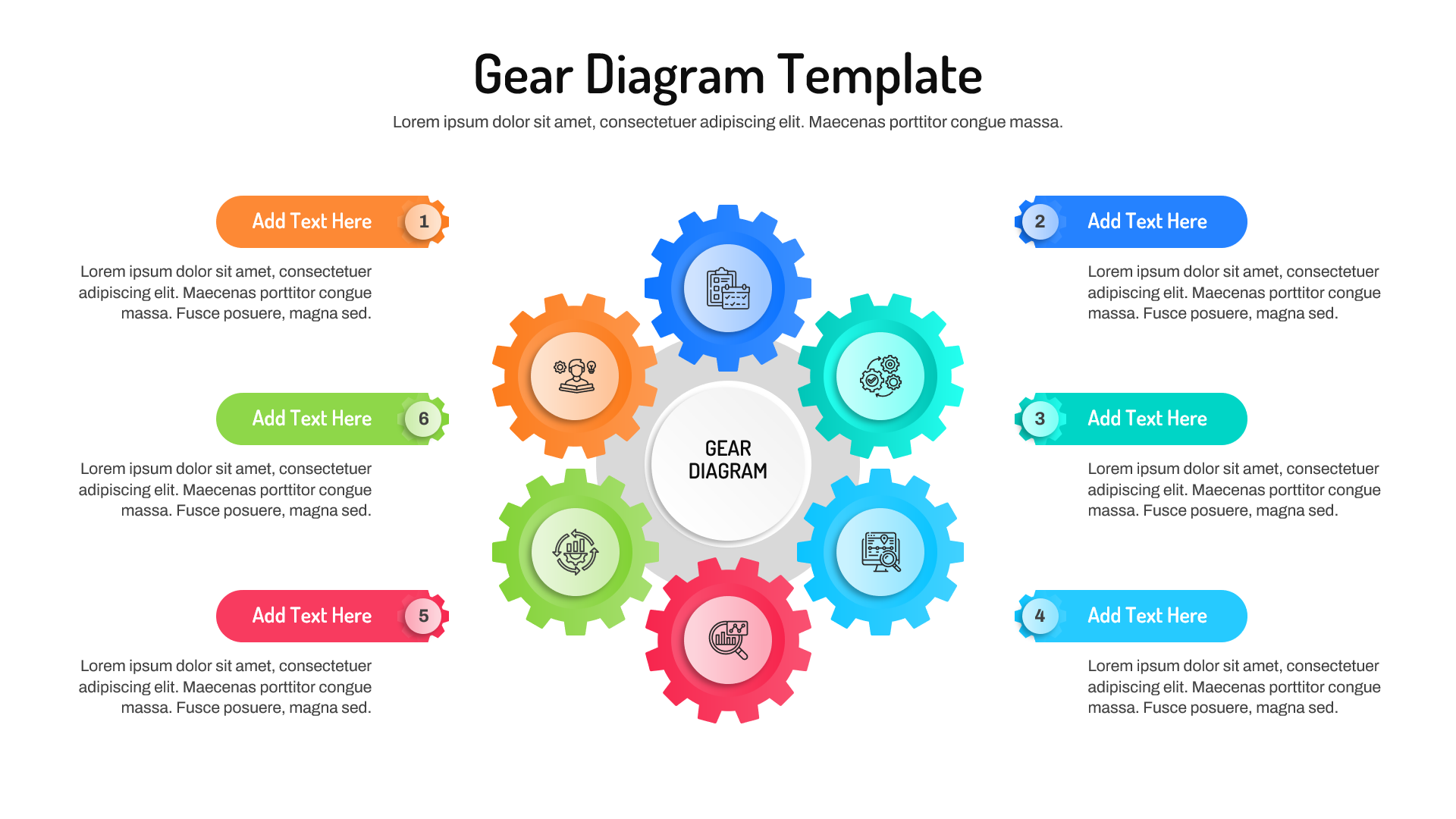
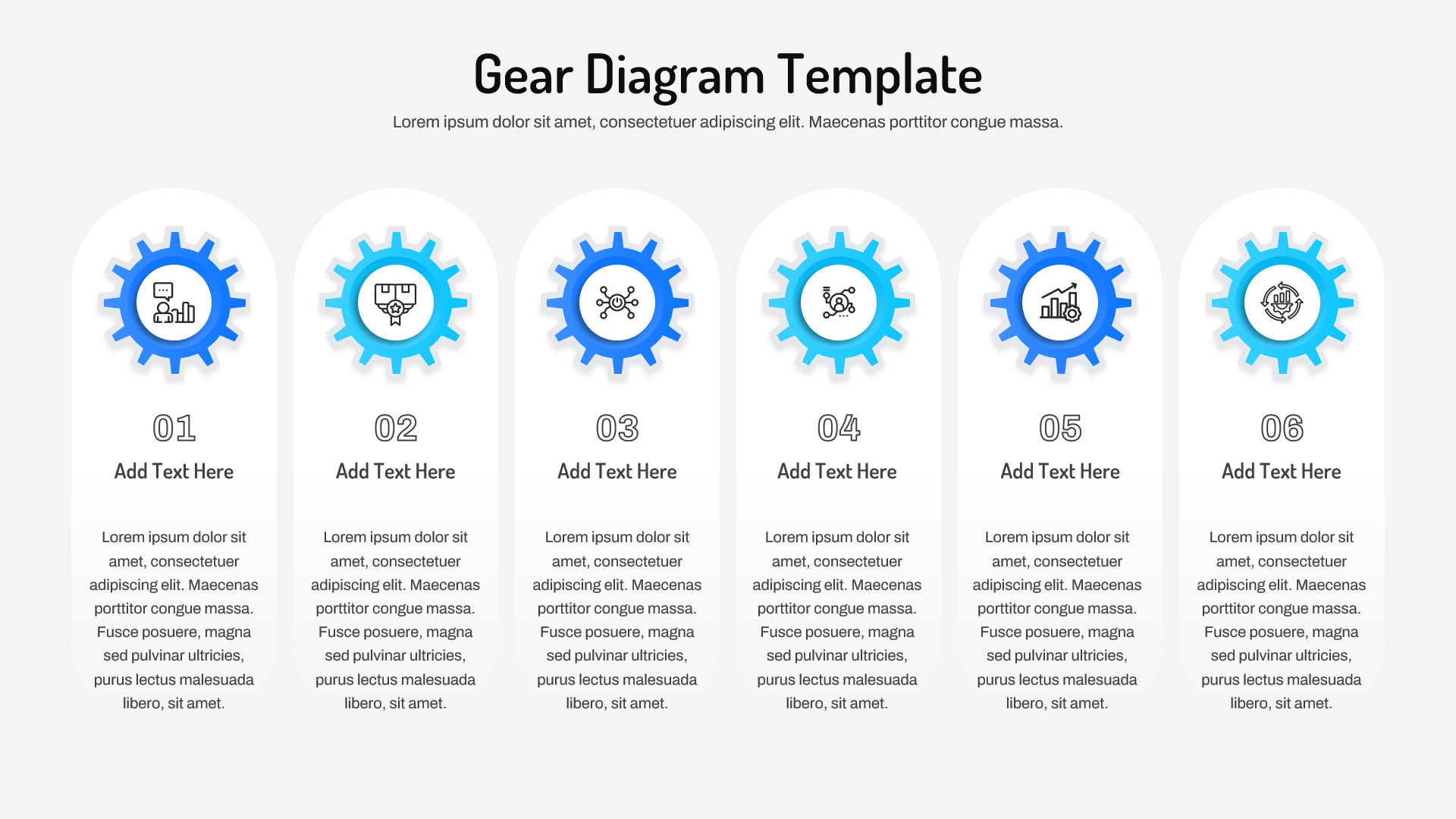
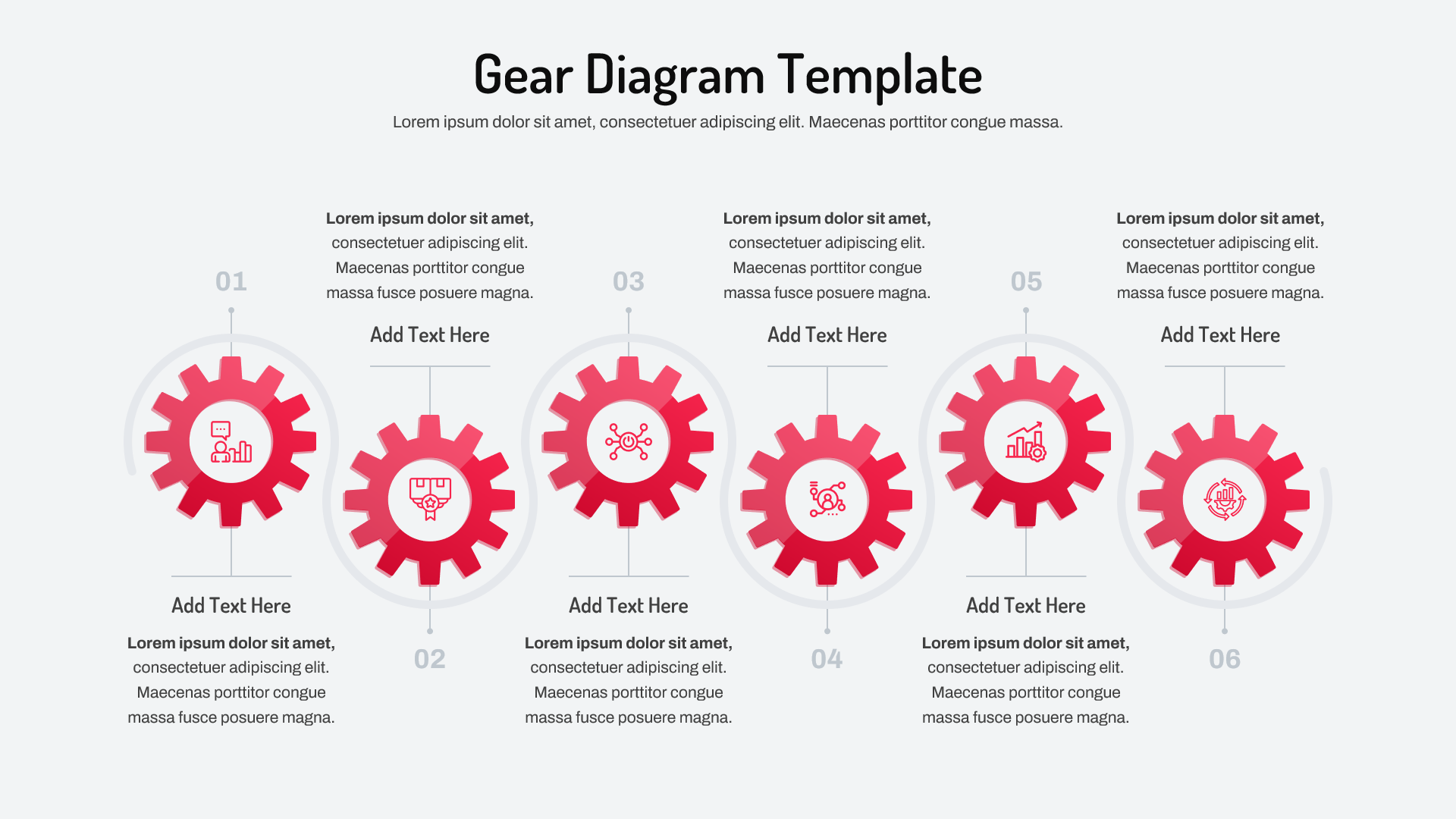
Technical Details: This PresentoVerse Free Gear Diagram Template is fully editable and designed for Microsoft PowerPoint and Google Slides. The presentation includes multiple gear-based infographic layouts that help illustrate relationships, dependencies, workflows, and operational processes. Browse additional options in our process diagram templates. Users can easily customize colors, icons, labels, and text to match specific business requirements. The flexible layouts support both simple process explanations and complex operational frameworks.
Content Strategy: Gear diagrams are widely used to represent interconnected systems where multiple components work together to achieve a common objective. Whether explaining business operations, project management workflows, organizational functions, strategic initiatives, or continuous improvement processes, gear visuals make complex relationships easy to understand. As a result, teams can communicate process dependencies, operational efficiency, and workflow connections more effectively. Furthermore, gear models help audiences visualize how individual functions contribute to overall business performance.
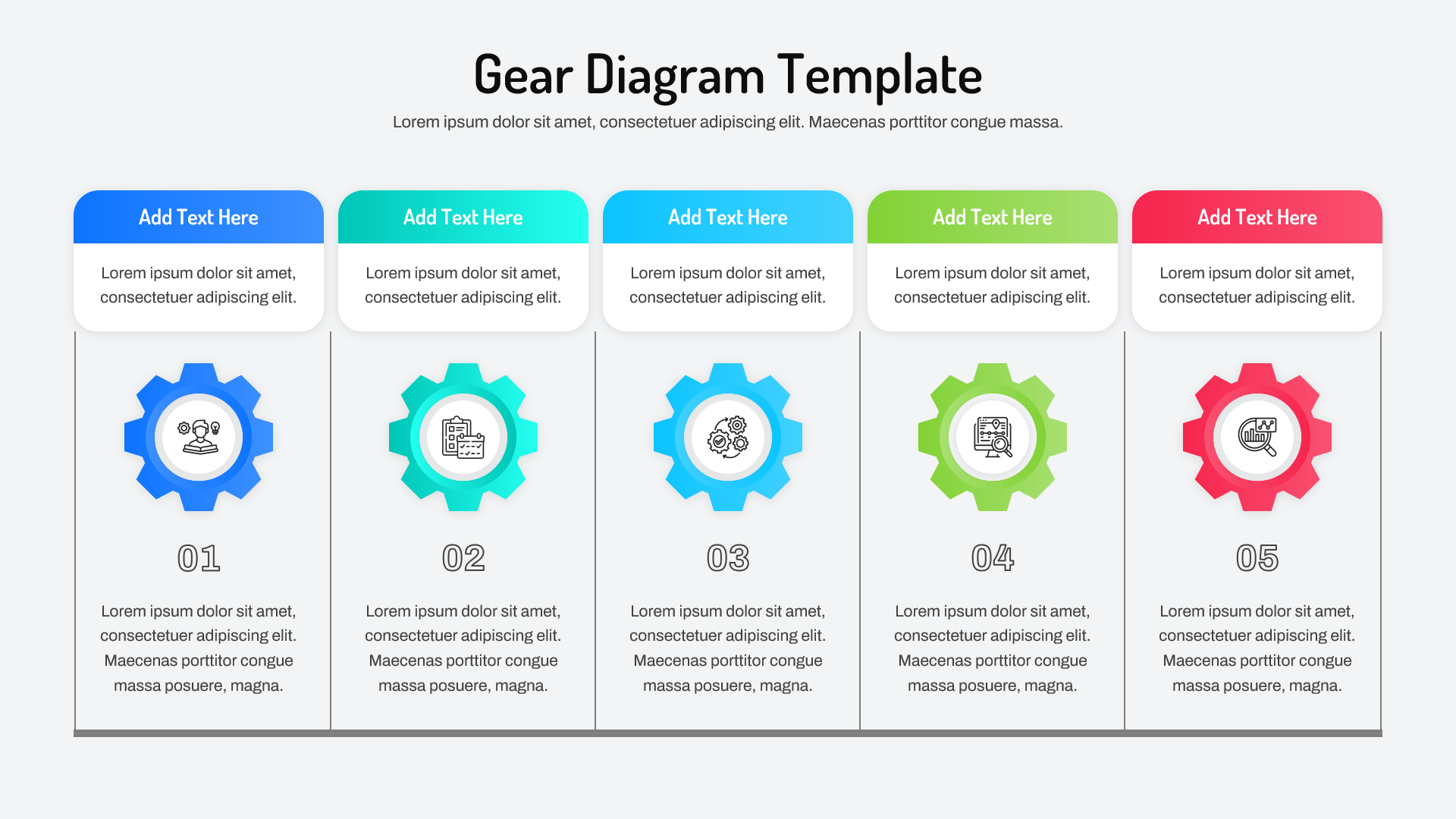
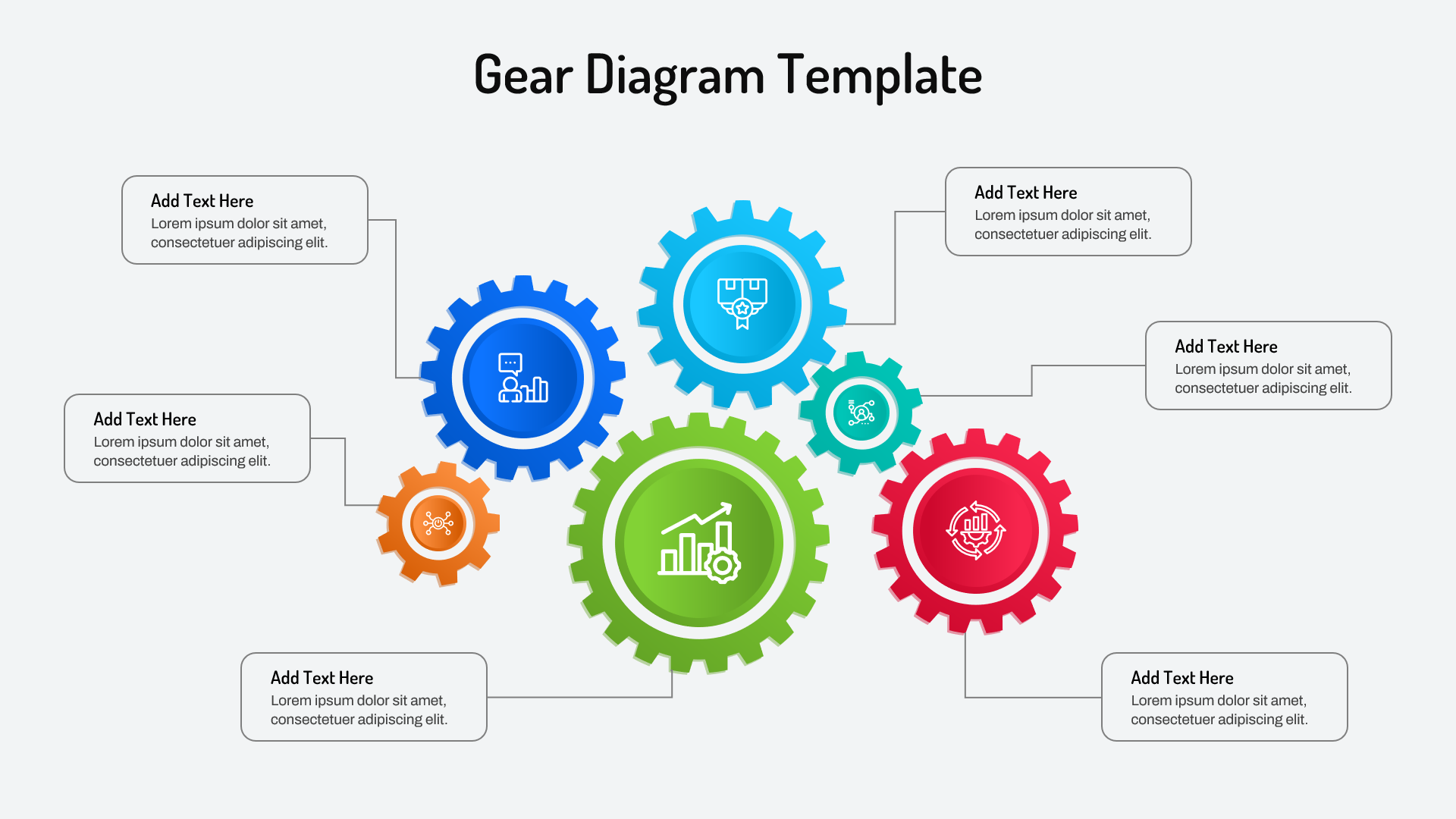
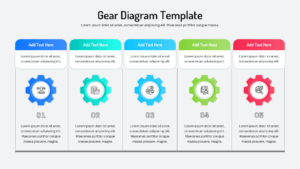
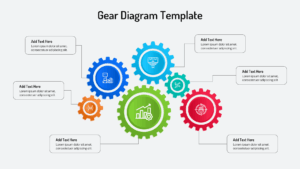
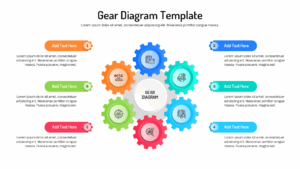
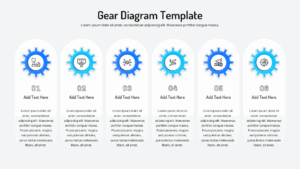
Visual Elements: This template features circular gear diagrams, connected workflow gears, process relationship layouts, multi-step gear infographics, operational framework slides, and sequential process visualizations. Color-coded gears and modern icons help presenters communicate interactions between teams, departments, functions, and business processes. In addition, the structured layouts improve information flow and make presentations more engaging. The visual design helps simplify complex concepts while maintaining a professional appearance.
Recommended Usage: Perfect for business process mapping, operational planning, workflow analysis, manufacturing presentations, project management, digital transformation initiatives, process optimization discussions, organizational frameworks, and strategic planning sessions. Combine it with our business process templates for complete workflow presentations. These slides also work well alongside process flow templates and professional infographic templates for more comprehensive business presentations. Whether presenting operational improvements or strategic initiatives, the layouts help communicate ideas with greater clarity and impact.
Discover more visual presentation designs in our extensive Free Infographics Template collection.
Key Features
- Fully Editable PowerPoint & Google Slides Slides
- Interconnected Gear Process Diagrams
- Workflow and Operational Framework Layouts
- Multi-Step Process Visualization Slides
- Modern Business Infographic Designs
- Customizable Colors, Icons, and Text Elements
- Professional Corporate Presentation Style
Frequently Asked Questions
- What is a gear diagram used for?
- A gear diagram is commonly used to visualize interconnected processes, workflows, departments, systems, or activities that work together toward a common objective.
- Who can use this Gear Diagram Template?
- Business professionals, project managers, consultants, operations teams, engineers, analysts, educators, and executives can use this template to present complex processes in a visually engaging format.
- Can I customize the gears and icons?
- Yes. Every gear shape, color, icon, label, and text placeholder is fully editable, allowing you to adapt the template to your branding and presentation needs.
Related Templates
-
-
 Free
Free -
-